#Overview
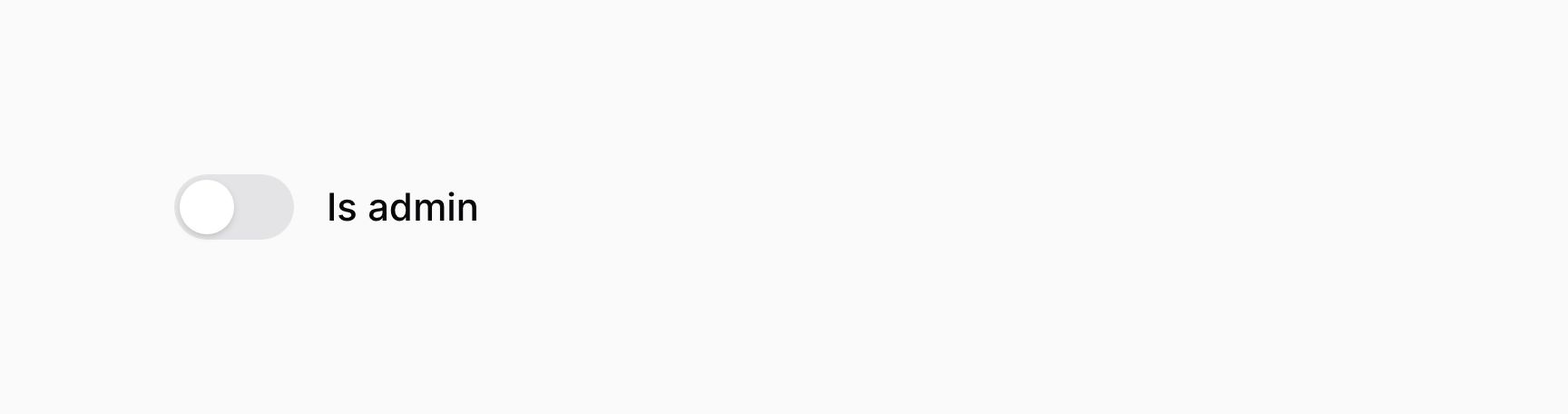
The toggle component, similar to a checkbox, allows you to interact a boolean value.
use Filament\Forms\Components\Toggle;

Toggle::make('is_admin')
If you're saving the boolean value using Eloquent, you should be sure to add a boolean cast to the model property:
use Illuminate\Database\Eloquent\Model;

class User extends Model
{
    protected $casts = [
        'is_admin' => 'boolean',
    ];

    // ...
}
#Adding icons to the toggle button
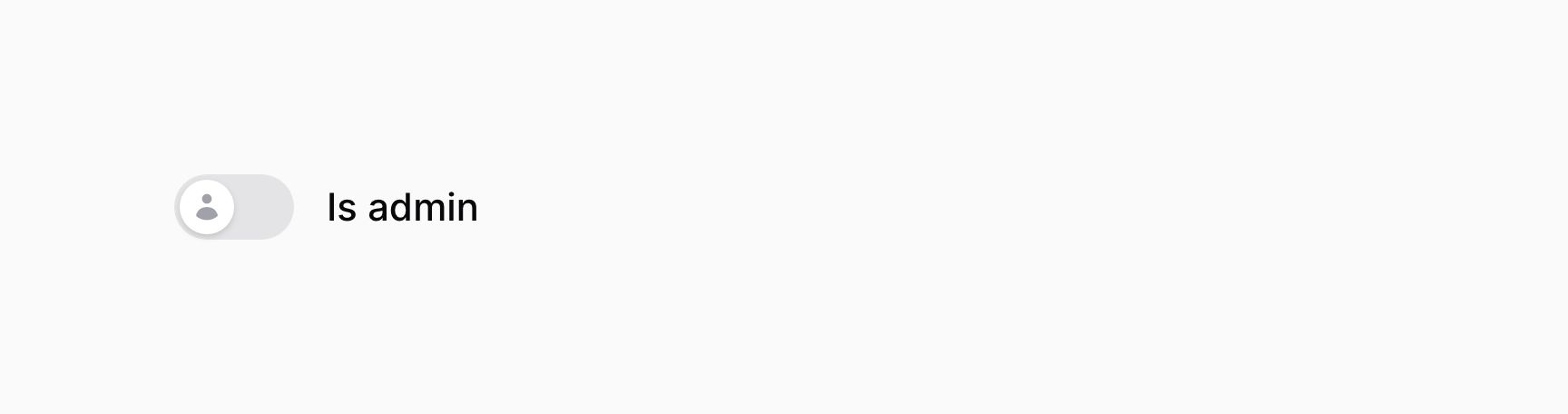
Toggles may also use an icon to represent the "on" and "off" state of the button. To add an icon to the "on" state, use the onIcon() method. To add an icon to the "off" state, use the offIcon() method:
use Filament\Forms\Components\Toggle;

Toggle::make('is_admin')
    ->onIcon('heroicon-m-bolt')
    ->offIcon('heroicon-m-user')
#Customizing the color of the toggle button
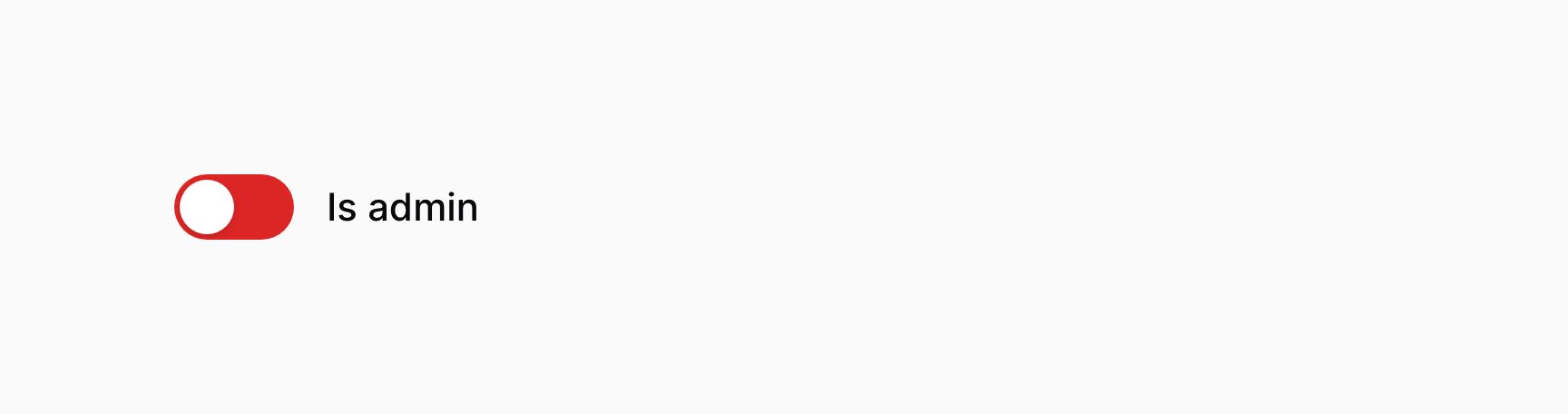
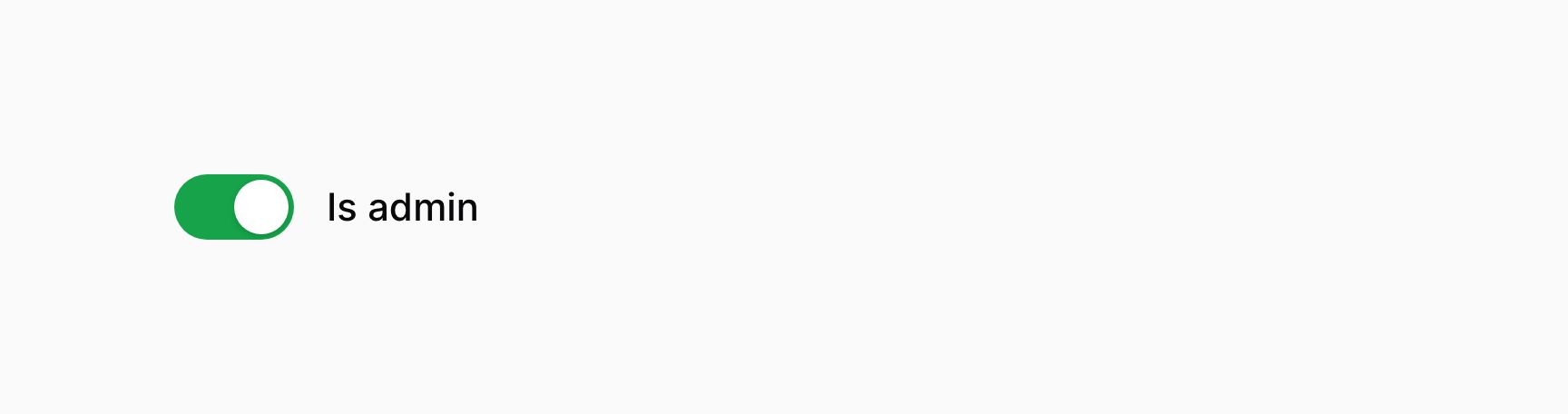
You may also customize the color representing the "on" or "off" state of the toggle. These may be either danger, gray, info, primary, success or warning. To add a color to the "on" state, use the onColor() method. To add a color to the "off" state, use the offColor() method:
use Filament\Forms\Components\Toggle;

Toggle::make('is_admin')
    ->onColor('success')
    ->offColor('danger')
#Positioning the label above
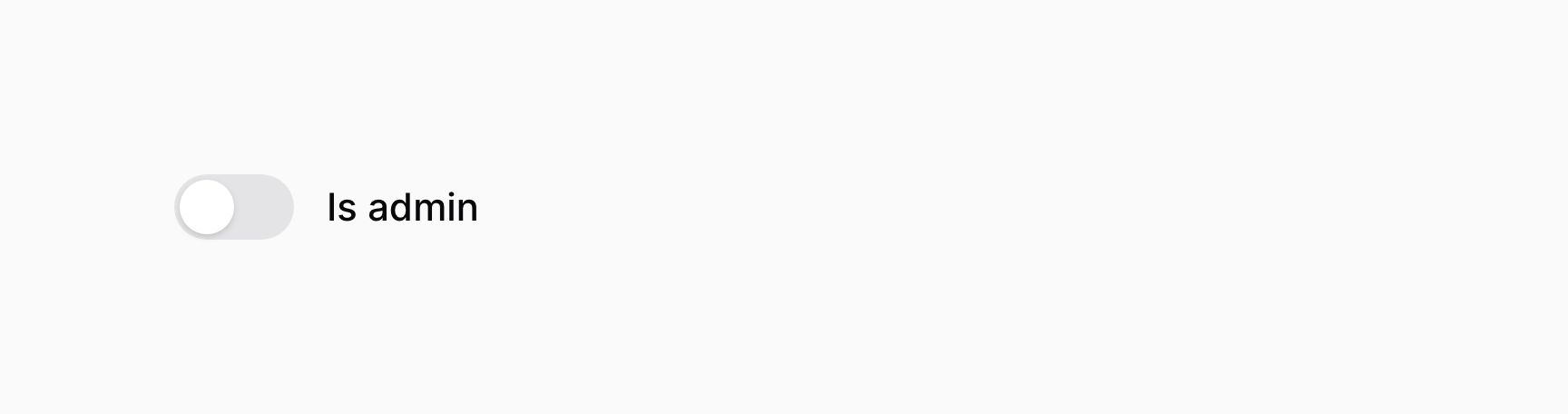
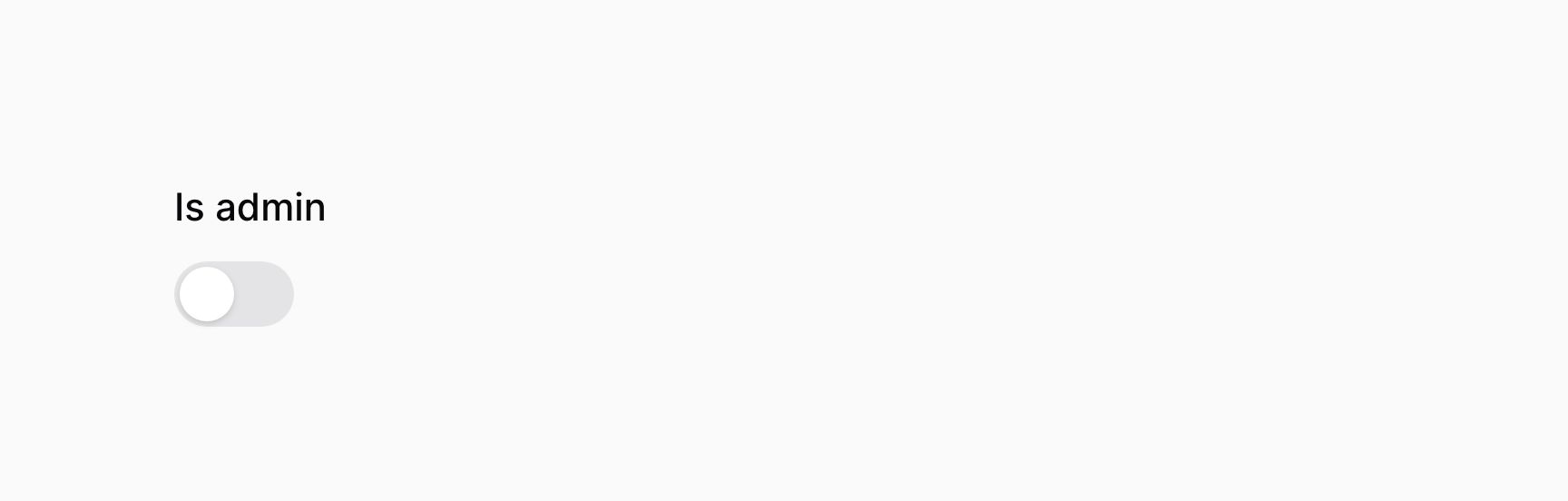
Toggle fields have two layout modes, inline and stacked. By default, they are inline.
When the toggle is inline, its label is adjacent to it:
use Filament\Forms\Components\Toggle;

Toggle::make('is_admin')
    ->inline()
When the toggle is stacked, its label is above it:
use Filament\Forms\Components\Toggle;

Toggle::make('is_admin')
    ->inline(false)
#Toggle validation
As well as all rules listed on the validation page, there are additional rules that are specific to toggles.
#Accepted validation
You may ensure that the toggle is "on" using the accepted() method:
use Filament\Forms\Components\Toggle;

Toggle::make('terms_of_service')
    ->accepted()
#Declined validation
You may ensure that the toggle is "off" using the declined() method:
use Filament\Forms\Components\Toggle;

Toggle::make('is_under_18')
    ->declined()