#Overview
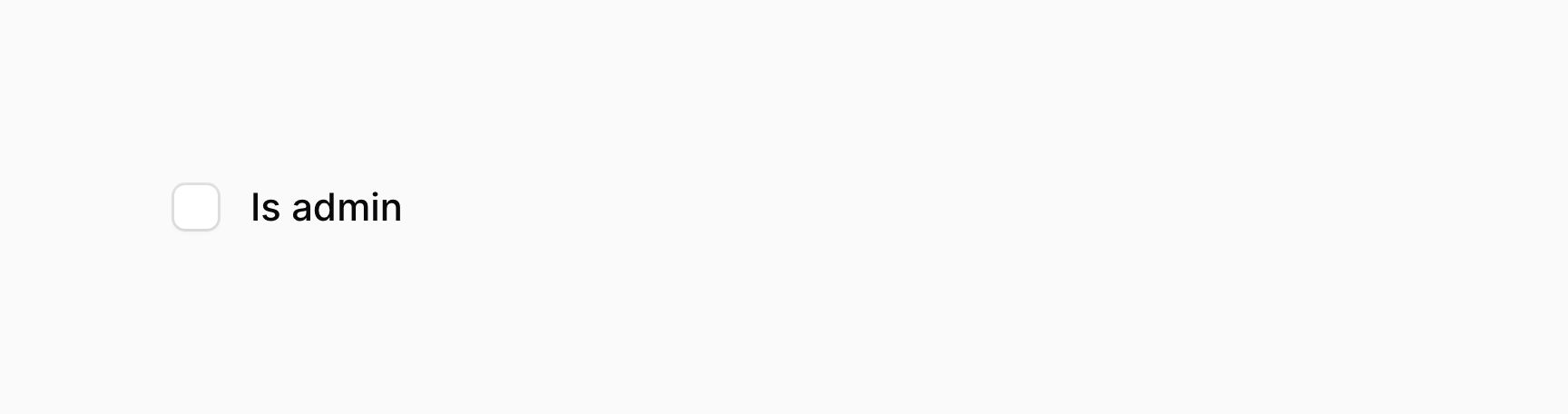
The checkbox component, similar to a toggle, allows you to interact a boolean value.
use Filament\Forms\Components\Checkbox;

Checkbox::make('is_admin')
If you're saving the boolean value using Eloquent, you should be sure to add a boolean cast to the model property:
use Illuminate\Database\Eloquent\Model;

class User extends Model
{
    protected $casts = [
        'is_admin' => 'boolean',
    ];

    // ...
}
#Positioning the label above
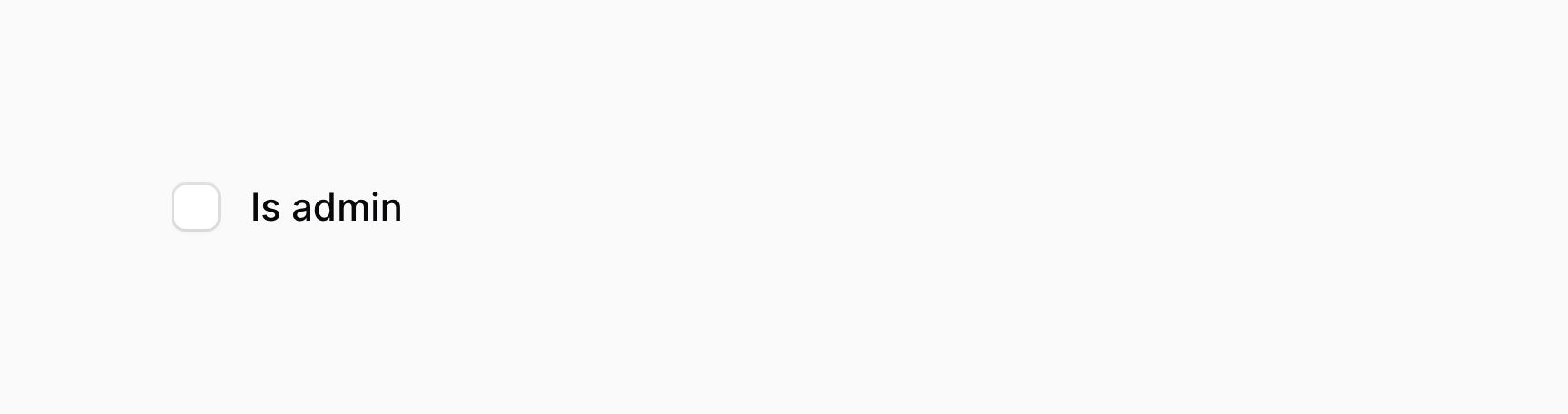
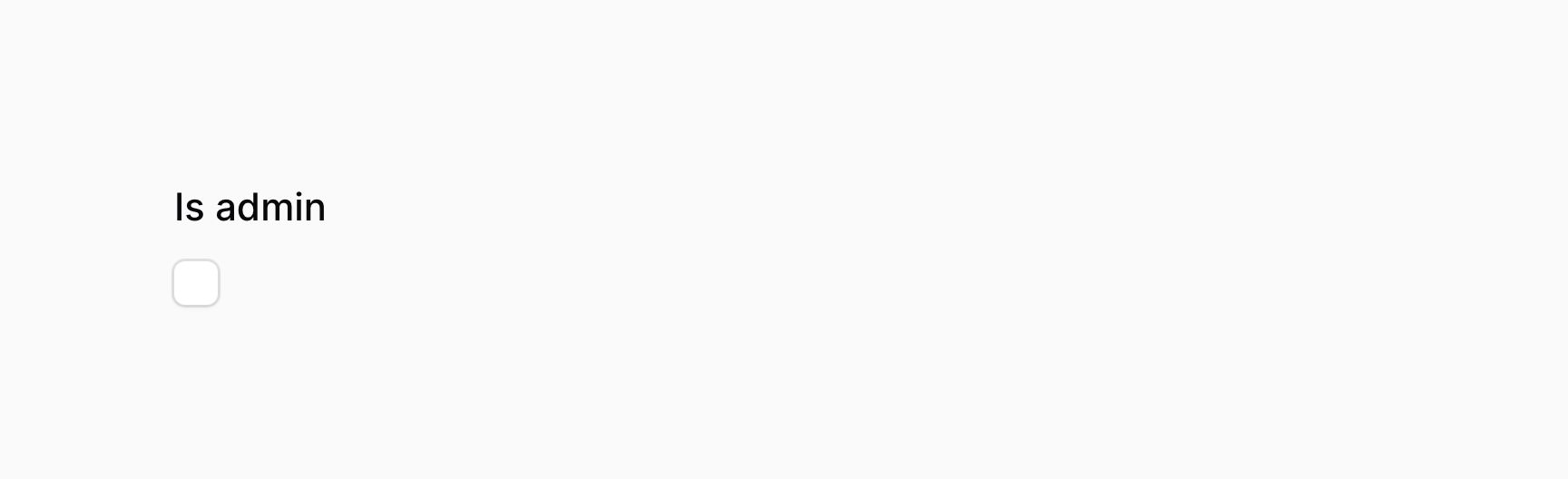
Checkbox fields have two layout modes, inline and stacked. By default, they are inline.
When the checkbox is inline, its label is adjacent to it:
use Filament\Forms\Components\Checkbox;

Checkbox::make('is_admin')->inline()
When the checkbox is stacked, its label is above it:
use Filament\Forms\Components\Checkbox;

Checkbox::make('is_admin')->inline(false)
#Checkbox validation
As well as all rules listed on the validation page, there are additional rules that are specific to checkboxes.
#Accepted validation
You may ensure that the checkbox is checked using the accepted() method:
use Filament\Forms\Components\Checkbox;

Checkbox::make('terms_of_service')
    ->accepted()
#Declined validation
You may ensure that the checkbox is not checked using the declined() method:
use Filament\Forms\Components\Checkbox;

Checkbox::make('is_under_18')
    ->declined()