#Overview
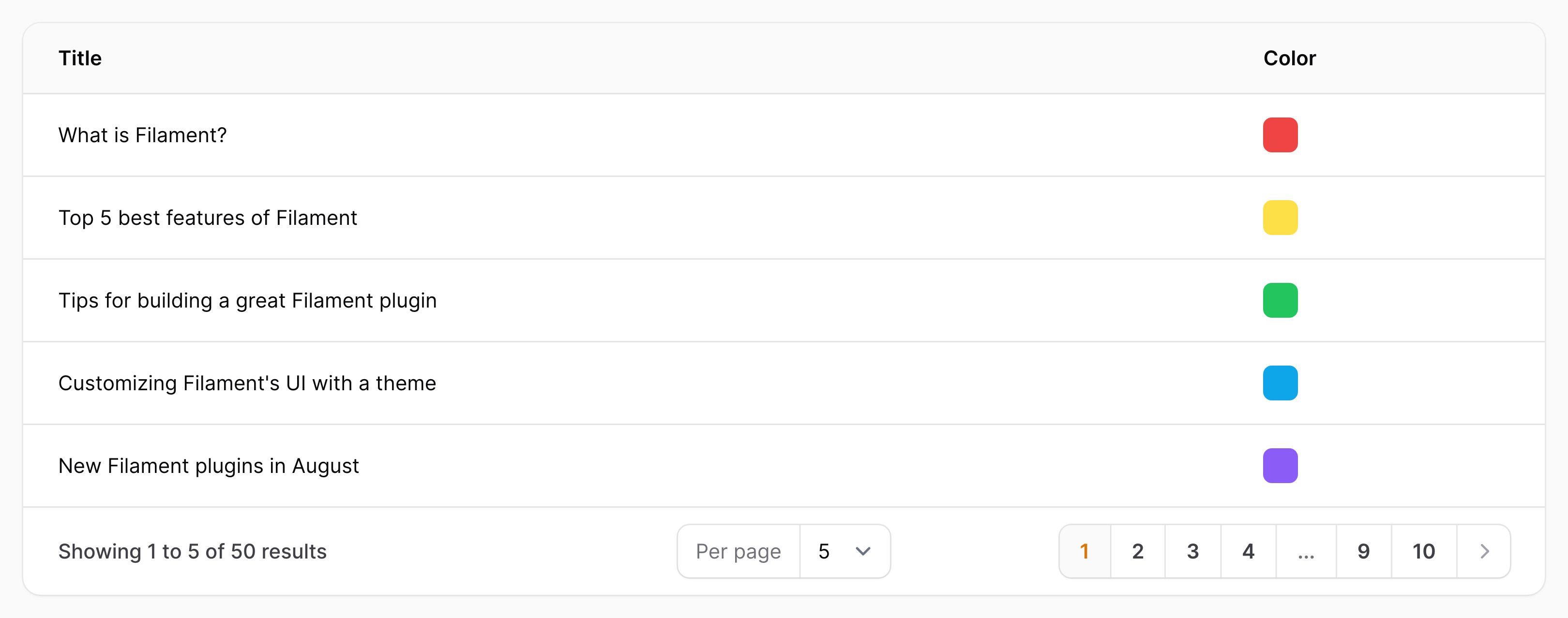
The color column allows you to show the color preview from a CSS color definition, typically entered using the color picker field, in one of the supported formats (HEX, HSL, RGB, RGBA).
use Filament\Tables\Columns\ColorColumn;

ColorColumn::make('color')
#Allowing the color to be copied to the clipboard
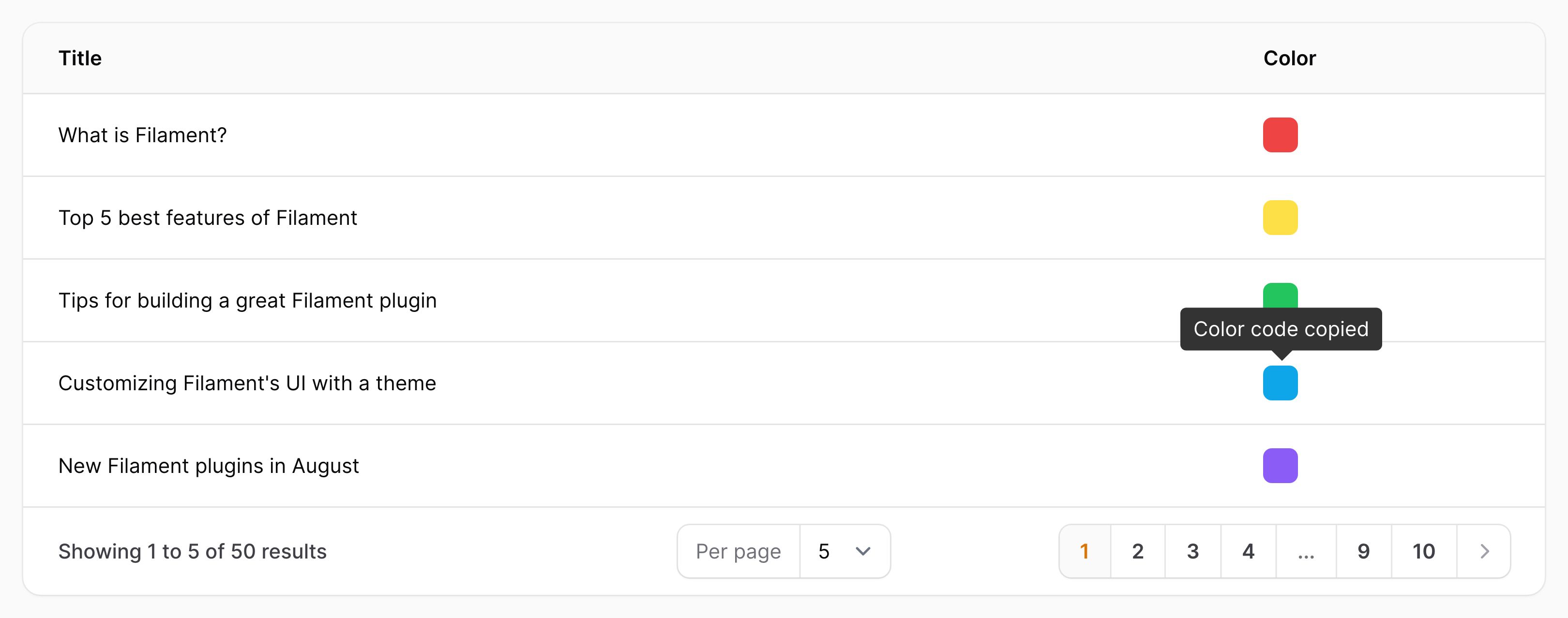
You may make the color copyable, such that clicking on the preview copies the CSS value to the clipboard, and optionally specify a custom confirmation message and duration in milliseconds. This feature only works when SSL is enabled for the app.
use Filament\Tables\Columns\ColorColumn;

ColorColumn::make('color')
    ->copyable()
    ->copyMessage('Color code copied')
    ->copyMessageDuration(1500)
#Customizing the text that is copied to the clipboard
You can customize the text that gets copied to the clipboard using the copyableState() method:
use Filament\Tables\Columns\ColorColumn;

ColorColumn::make('color')
    ->copyable()
    ->copyableState(fn (string $state): string => "Color: {$state}")
In this function, you can access the whole table row with $record:
use App\Models\Post;
use Filament\Tables\Columns\ColorColumn;

ColorColumn::make('color')
    ->copyable()
    ->copyableState(fn (Post $record): string => "Color: {$record->color}")
#Wrapping multiple color blocks
Color blocks can be set to wrap if they can't fit on one line, by setting wrap():
use Filament\Tables\Columns\ColorColumn;

ColorColumn::make('color')
    ->wrap()
Note: the "width" for wrapping is affected by the column label, so you may need to use a shorter or hidden label to wrap more tightly.