#Overview
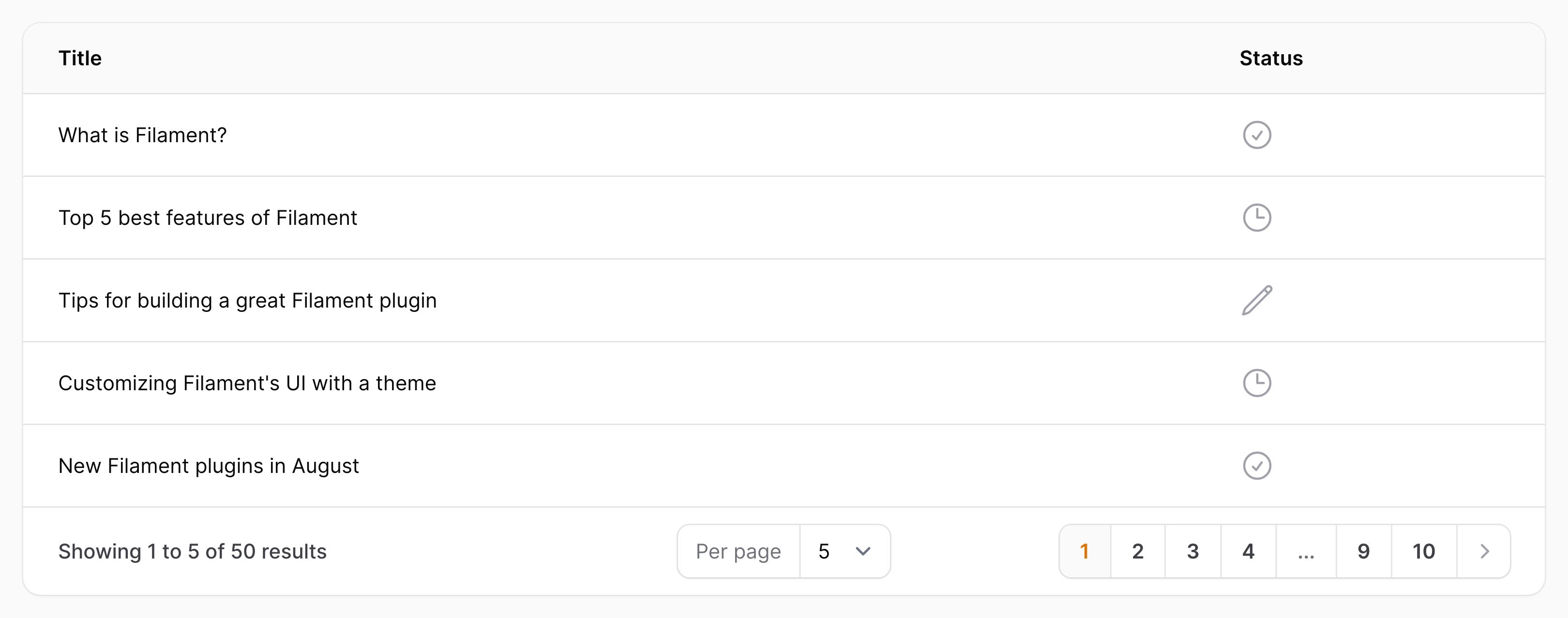
Icon columns render an icon representing their contents:
use Filament\Tables\Columns\IconColumn;

IconColumn::make('status')
    ->icon(fn (string $state): string => match ($state) {
        'draft' => 'heroicon-o-pencil',
        'reviewing' => 'heroicon-o-clock',
        'published' => 'heroicon-o-check-circle',
    })
In the function, $state is the value of the column, and $record can be used to access the underlying Eloquent record.
#Customizing the color
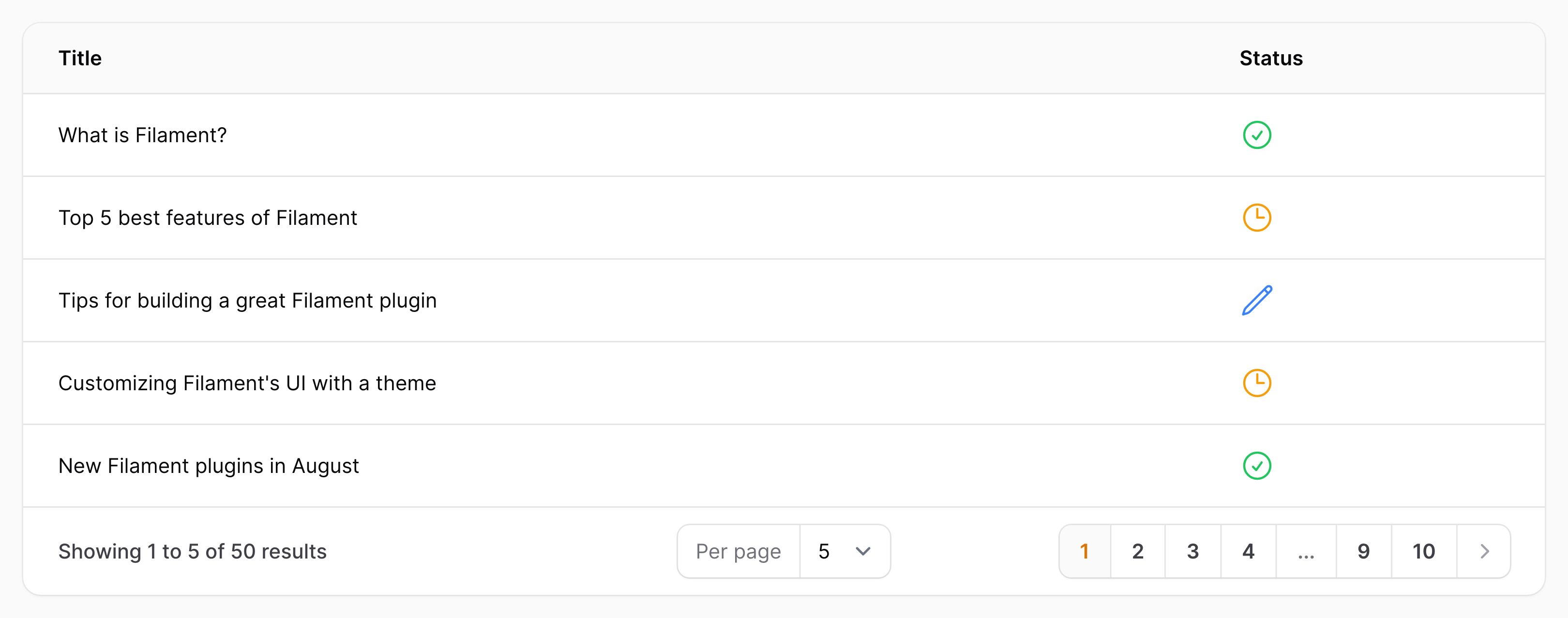
Icon columns may also have a set of icon colors, using the same syntax. They may be either danger, gray, info, primary, success or warning:
use Filament\Tables\Columns\IconColumn;

IconColumn::make('status')
    ->color(fn (string $state): string => match ($state) {
        'draft' => 'info',
        'reviewing' => 'warning',
        'published' => 'success',
        default => 'gray',
    })
In the function, $state is the value of the column, and $record can be used to access the underlying Eloquent record.
#Customizing the size
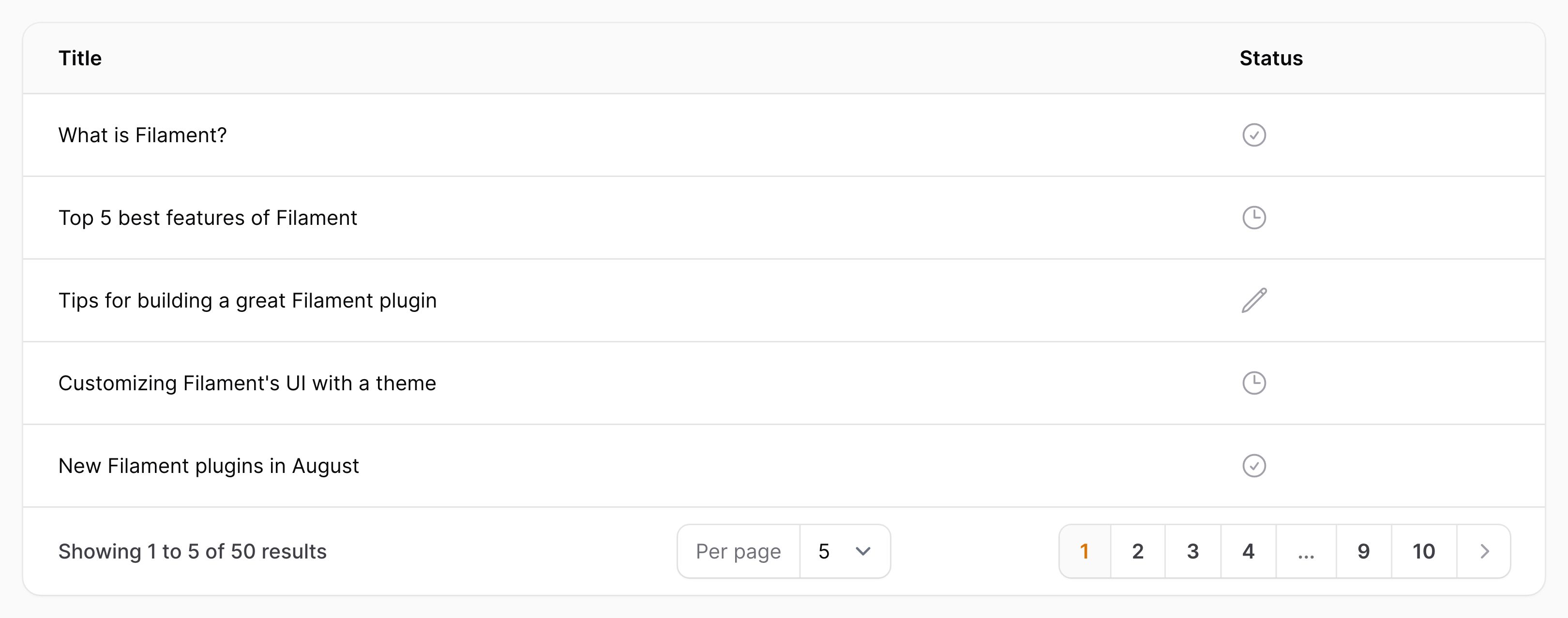
The default icon size is IconColumnSize::Large, but you may customize the size to be either IconColumnSize::ExtraSmall, IconColumnSize::Small, IconColumnSize::Medium, IconColumnSize::ExtraLarge or IconColumnSize::TwoExtraLarge:
use Filament\Tables\Columns\IconColumn;

IconColumn::make('status')
    ->size(IconColumn\IconColumnSize::Medium)
#Handling booleans
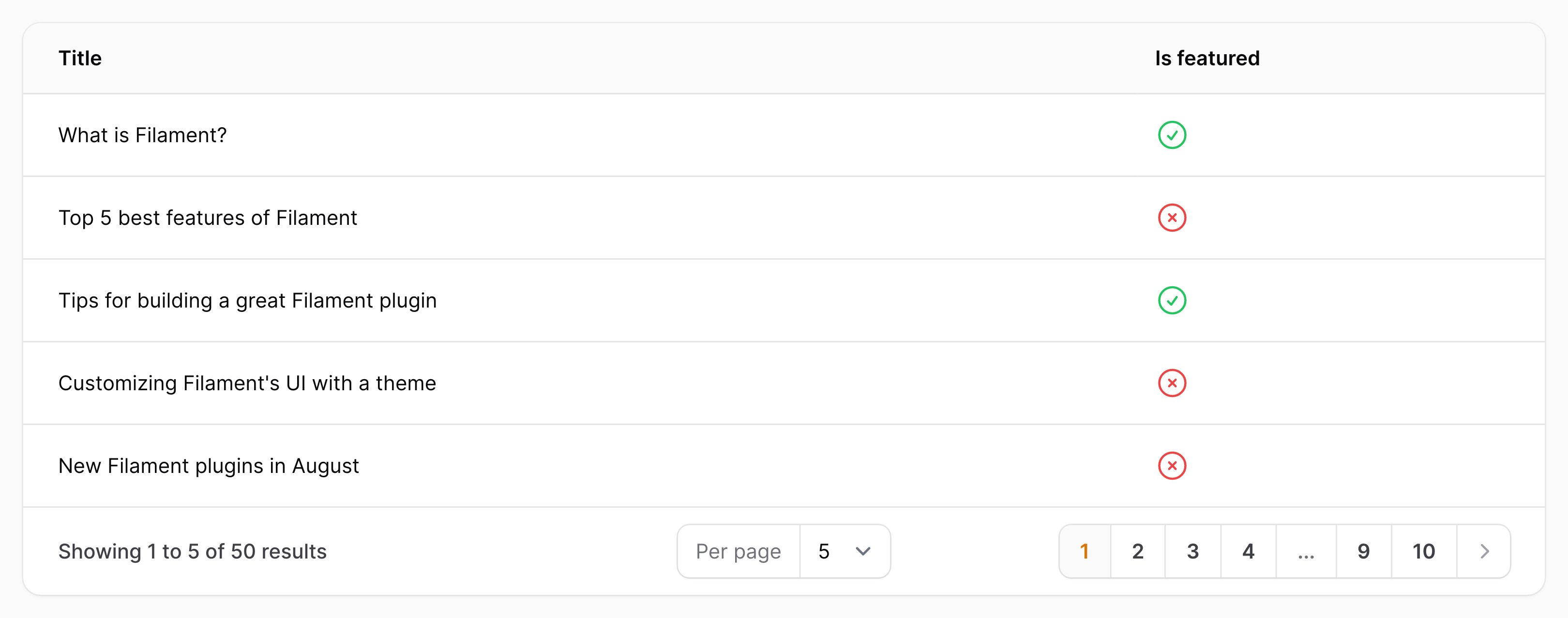
Icon columns can display a check or cross icon based on the contents of the database column, either true or false, using the boolean() method:
use Filament\Tables\Columns\IconColumn;

IconColumn::make('is_featured')
    ->boolean()
If this column in the model class is already cast as a
boolorboolean, Filament is able to detect this, and you do not need to useboolean()manually.
#Customizing the boolean icons
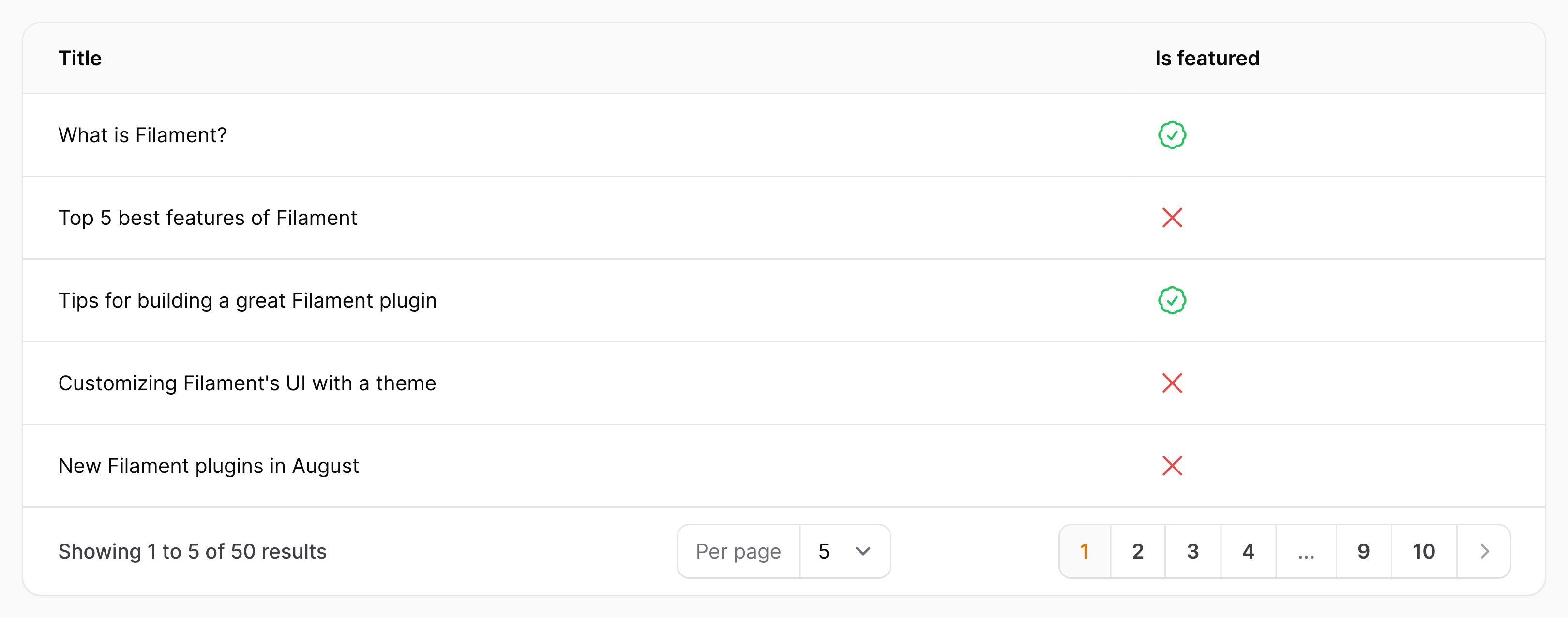
You may customize the icon representing each state. Icons are the name of a Blade component present. By default, Heroicons are installed:
use Filament\Tables\Columns\IconColumn;

IconColumn::make('is_featured')
    ->boolean()
    ->trueIcon('heroicon-o-check-badge')
    ->falseIcon('heroicon-o-x-mark')
#Customizing the boolean colors
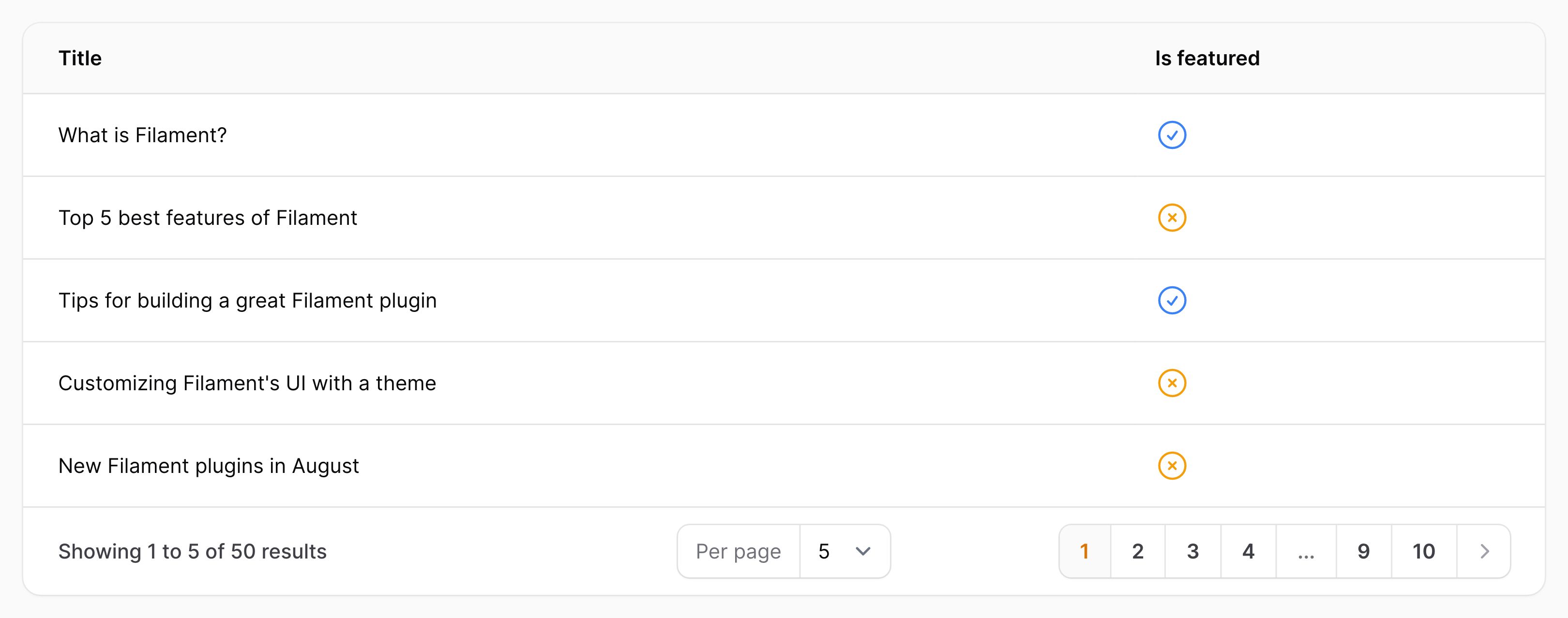
You may customize the icon color representing each state. These may be either danger, gray, info, primary, success or warning:
use Filament\Tables\Columns\IconColumn;

IconColumn::make('is_featured')
    ->boolean()
    ->trueColor('info')
    ->falseColor('warning')
#Wrapping multiple icons
When displaying multiple icons, they can be set to wrap if they can't fit on one line, using wrap():
use Filament\Tables\Columns\IconColumn;

IconColumn::make('icon')
    ->wrap()
Note: the "width" for wrapping is affected by the column label, so you may need to use a shorter or hidden label to wrap more tightly.