#Overview
Similar to tabs, you may want to use a multistep form wizard to reduce the number of components that are visible at once. These are especially useful if your form has a definite chronological order, in which you want each step to be validated as the user progresses.
use Filament\Forms\Components\Wizard;

Wizard::make([
    Wizard\Step::make('Order')
        ->schema([
            // ...
        ]),
    Wizard\Step::make('Delivery')
        ->schema([
            // ...
        ]),
    Wizard\Step::make('Billing')
        ->schema([
            // ...
        ]),
])
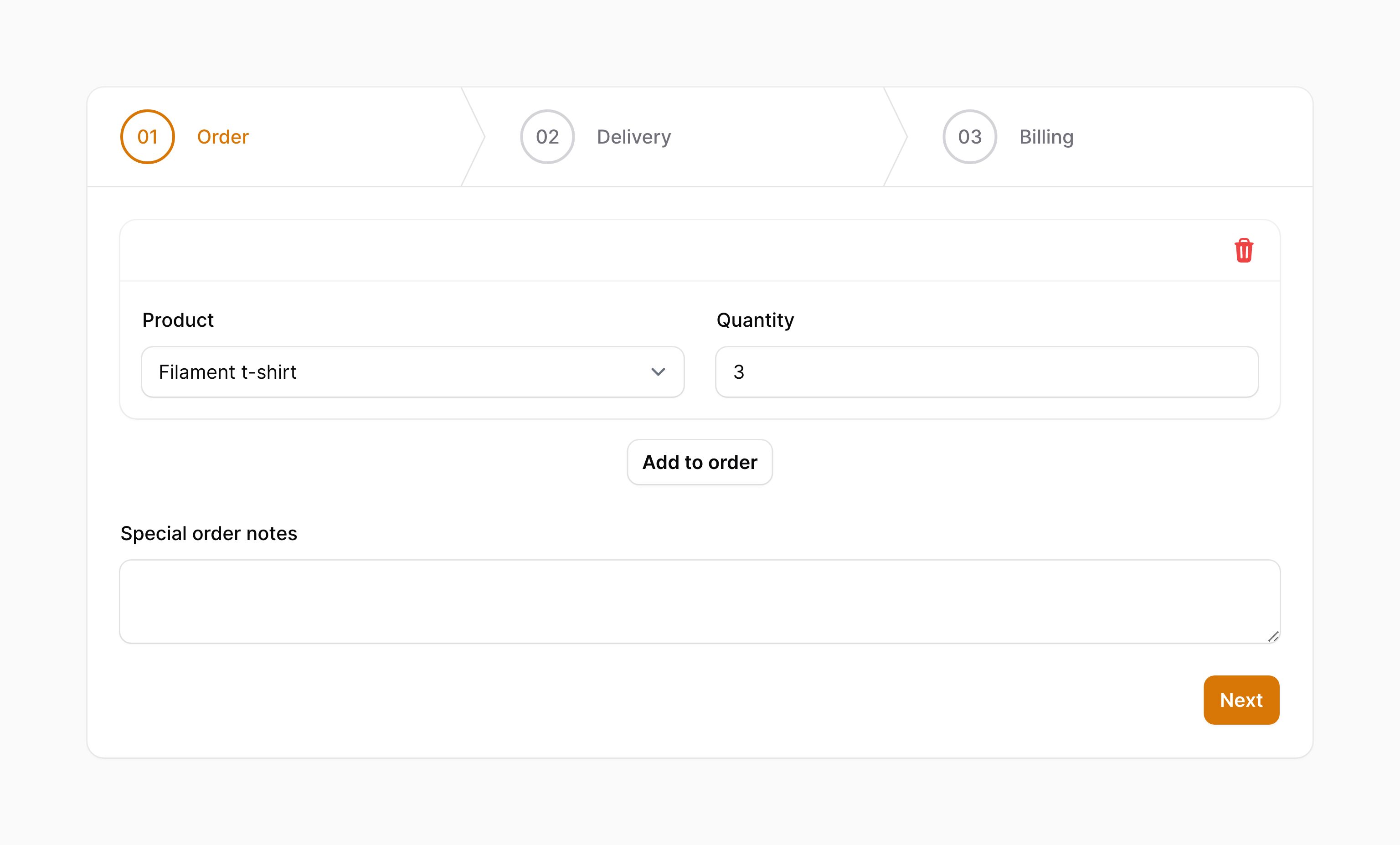
We have different setup instructions if you're looking to add a wizard to the creation process inside a panel resource or an action modal. Following that documentation will ensure that the ability to submit the form is only available on the last step of the wizard.
#Rendering a submit button on the last step
You may use the submitAction() method to render submit button HTML or a view at the end of the wizard, on the last step. This provides a clearer UX than displaying a submit button below the wizard at all times:
use Filament\Forms\Components\Wizard;
use Illuminate\Support\HtmlString;

Wizard::make([
    // ...
])->submitAction(view('order-form.submit-button'))

Wizard::make([
    // ...
])->submitAction(new HtmlString('<button type="submit">Submit</button>'))
Alternatively, you can use the built-in Filament button Blade component:
use Filament\Forms\Components\Wizard;
use Illuminate\Support\Facades\Blade;
use Illuminate\Support\HtmlString;

Wizard::make([
    // ...
])->submitAction(new HtmlString(Blade::render(<<<BLADE
    <x-filament::button
        type="submit"
        size="sm"
    >
        Submit
    </x-filament::button>
BLADE)))
You could use this component in a separate Blade view if you want.
#Setting up step icons
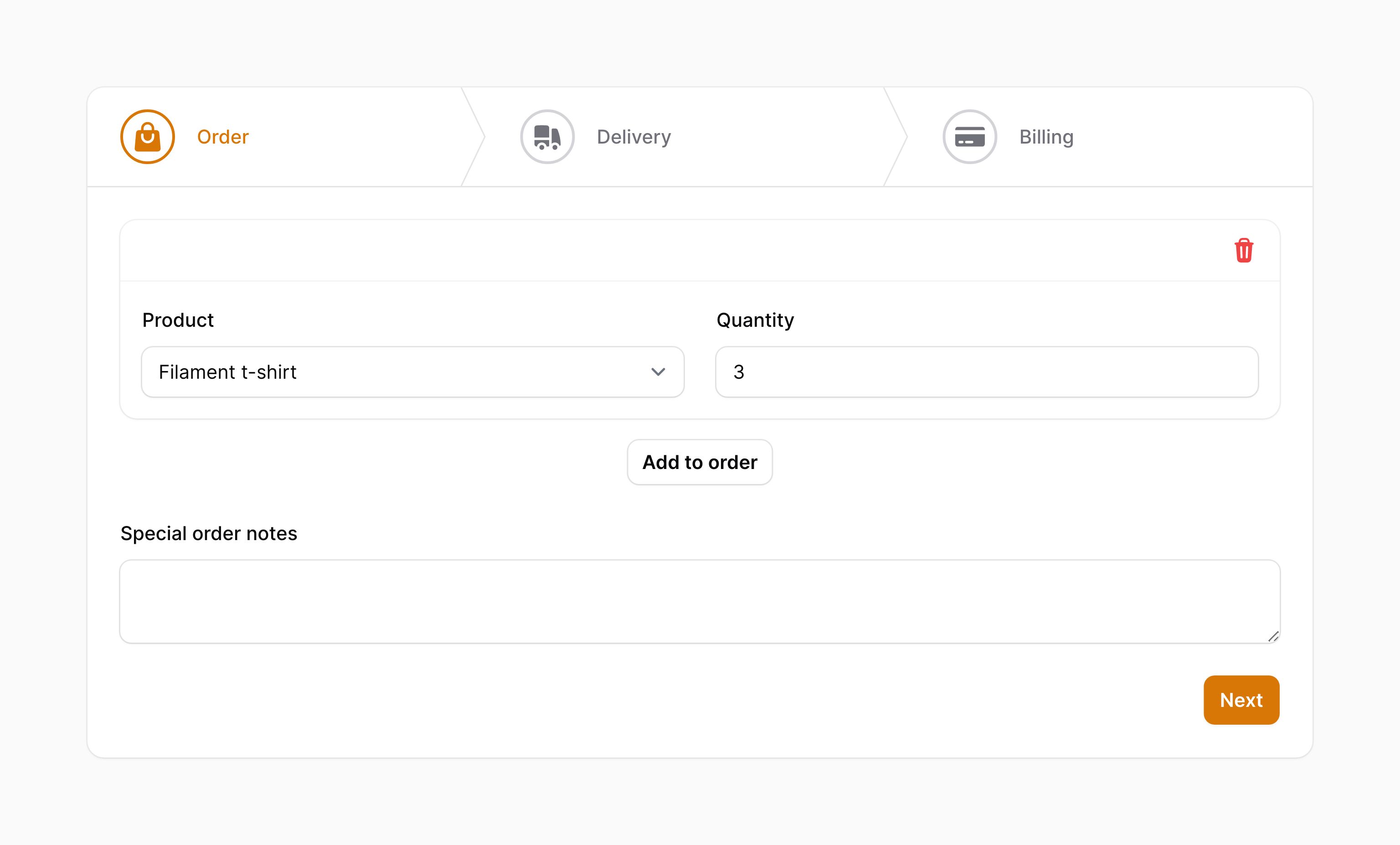
Steps may also have an icon, set using the icon() method:
use Filament\Forms\Components\Wizard;

Wizard\Step::make('Order')
    ->icon('heroicon-m-shopping-bag')
    ->schema([
        // ...
    ]),
#Customizing the icon for completed steps
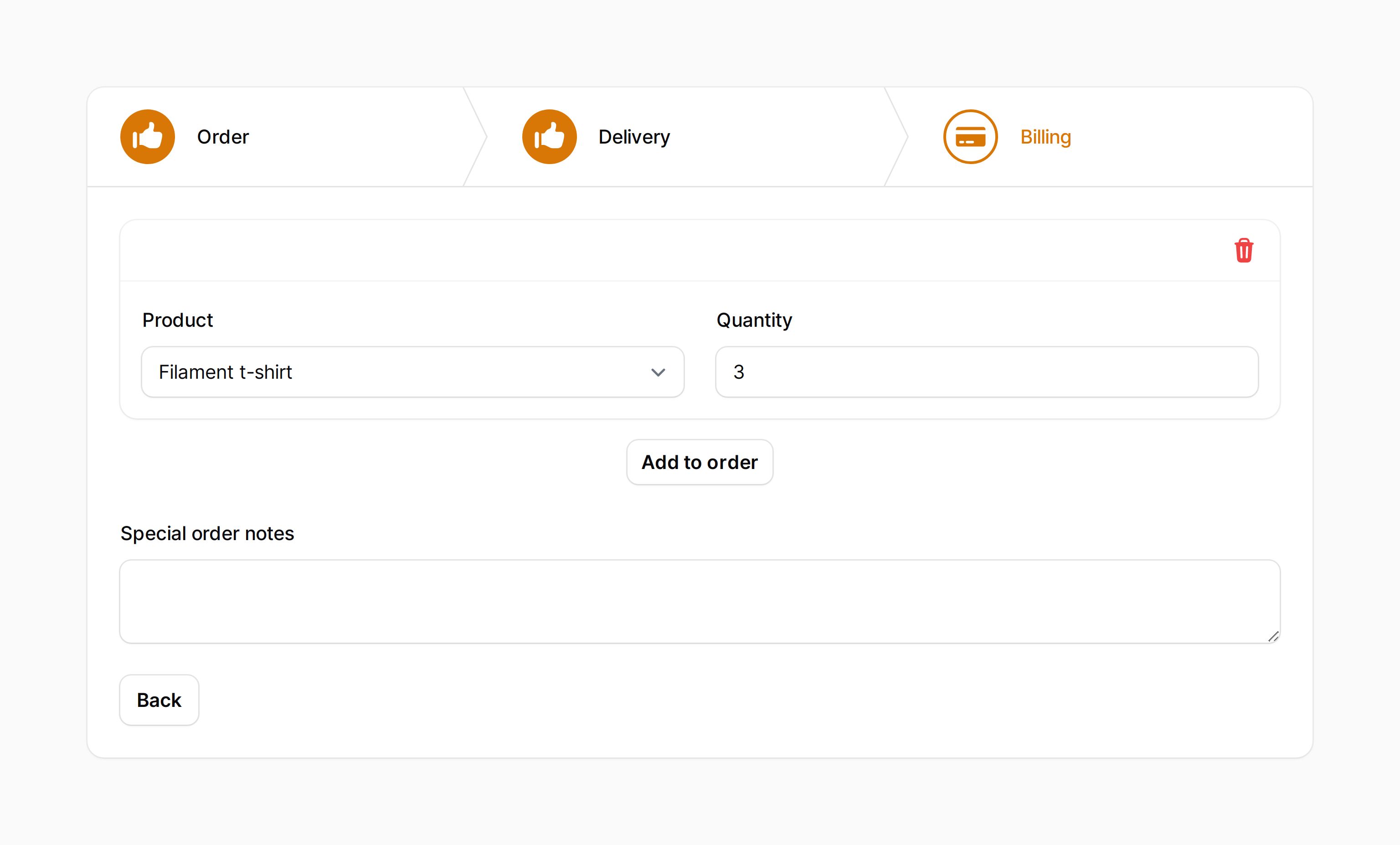
You may customize the icon of a completed step using the completedIcon() method:
use Filament\Forms\Components\Wizard;

Wizard\Step::make('Order')
    ->completedIcon('heroicon-m-hand-thumb-up')
    ->schema([
        // ...
    ]),
#Adding descriptions to steps
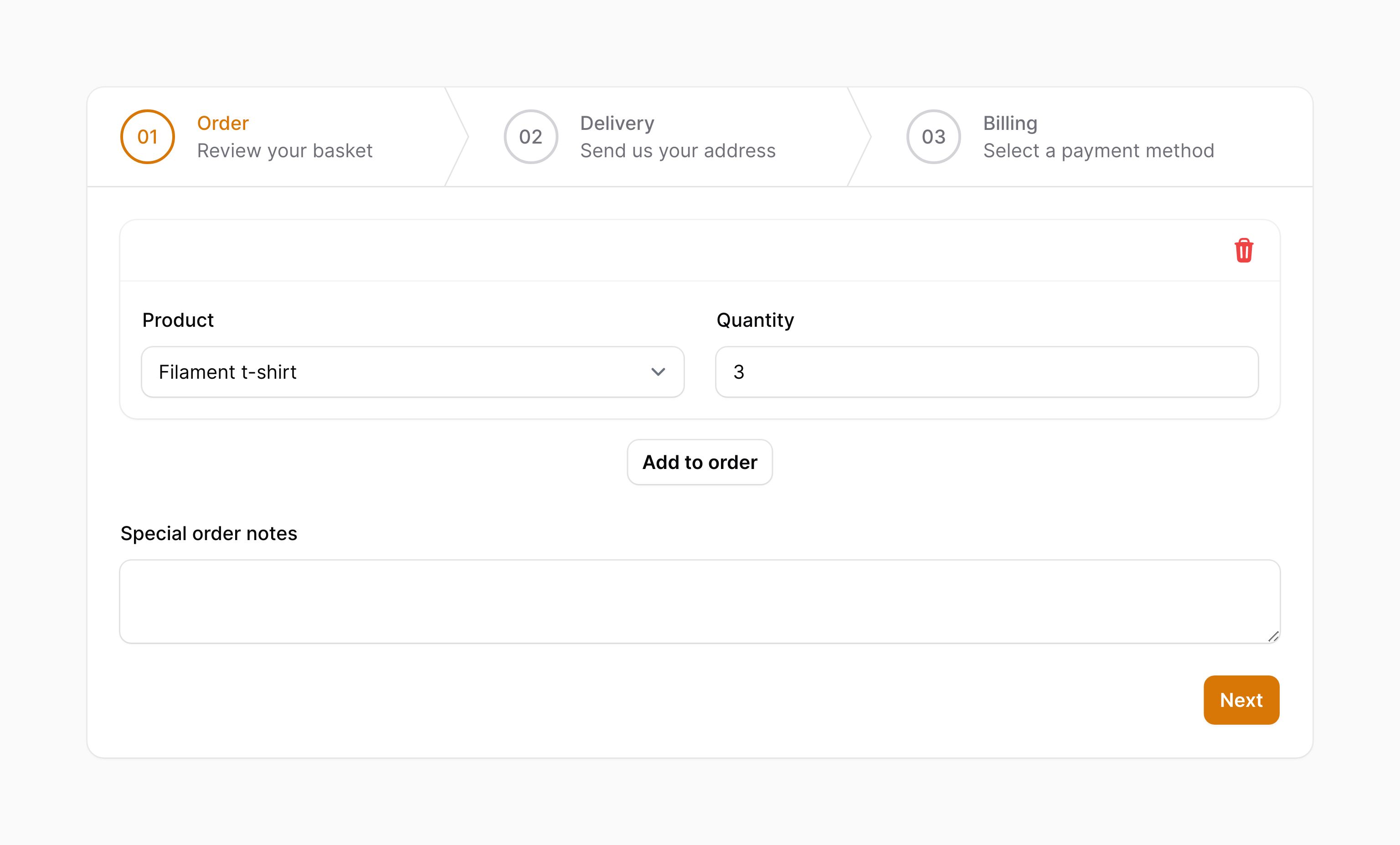
You may add a short description after the title of each step using the description() method:
use Filament\Forms\Components\Wizard;

Wizard\Step::make('Order')
    ->description('Review your basket')
    ->schema([
        // ...
    ]),
#Setting the default active step
You may use the startOnStep() method to load a specific step in the wizard:
use Filament\Forms\Components\Wizard;

Wizard::make([
    // ...
])->startOnStep(2)
#Allowing steps to be skipped
If you'd like to allow free navigation, so all steps are skippable, use the skippable() method:
use Filament\Forms\Components\Wizard;

Wizard::make([
    // ...
])->skippable()
#Persisting the current step in the URL's query string
By default, the current step is not persisted in the URL's query string. You can change this behavior using the persistStepInQueryString() method:
use Filament\Forms\Components\Wizard;

Wizard::make([
    // ...
])->persistStepInQueryString()
By default, the current step is persisted in the URL's query string using the step key. You can change this key by passing it to the persistStepInQueryString() method:
use Filament\Forms\Components\Wizard;

Wizard::make([
    // ...
])->persistStepInQueryString('wizard-step')
#Step lifecycle hooks
You may use the afterValidation() and beforeValidation() methods to run code before and after validation occurs on the step:
use Filament\Forms\Components\Wizard;

Wizard\Step::make('Order')
    ->afterValidation(function () {
        // ...
    })
    ->beforeValidation(function () {
        // ...
    })
    ->schema([
        // ...
    ]),
#Preventing the next step from being loaded
Inside afterValidation() or beforeValidation(), you may throw Filament\Support\Exceptions\Halt, which will prevent the wizard from loading the next step:
use Filament\Forms\Components\Wizard;
use Filament\Support\Exceptions\Halt;

Wizard\Step::make('Order')
    ->afterValidation(function () {
        // ...

        if (true) {
            throw new Halt();
        }
    })
    ->schema([
        // ...
    ]),
#Using grid columns within a step
You may use the columns() method to customize the grid within the step:
use Filament\Forms\Components\Wizard;

Wizard::make([
    Wizard\Step::make('Order')
        ->columns(2)
        ->schema([
            // ...
        ]),
    // ...
])
#Customizing the wizard action objects
This component uses action objects for easy customization of buttons within it. You can customize these buttons by passing a function to an action registration method. The function has access to the $action object, which you can use to customize it. The following methods are available to customize the actions:
nextAction()previousAction()
Here is an example of how you might customize an action:
use Filament\Forms\Components\Actions\Action;
use Filament\Forms\Components\Wizard;

Wizard::make([
    // ...
])
    ->nextAction(
        fn (Action $action) => $action->label('Next step'),
    )