#Introduction
Often, you will want to use a select field instead of a checkbox. This is especially true when you want to filter a column based on a set of pre-defined options that the user can choose from. To do this, you can create a filter using the SelectFilter class:
use Filament\Tables\Filters\SelectFilter;

SelectFilter::make('status')
    ->options([
        'draft' => 'Draft',
        'reviewing' => 'Reviewing',
        'published' => 'Published',
    ])
The options() that are passed to the filter are the same as those that are passed to the select field.
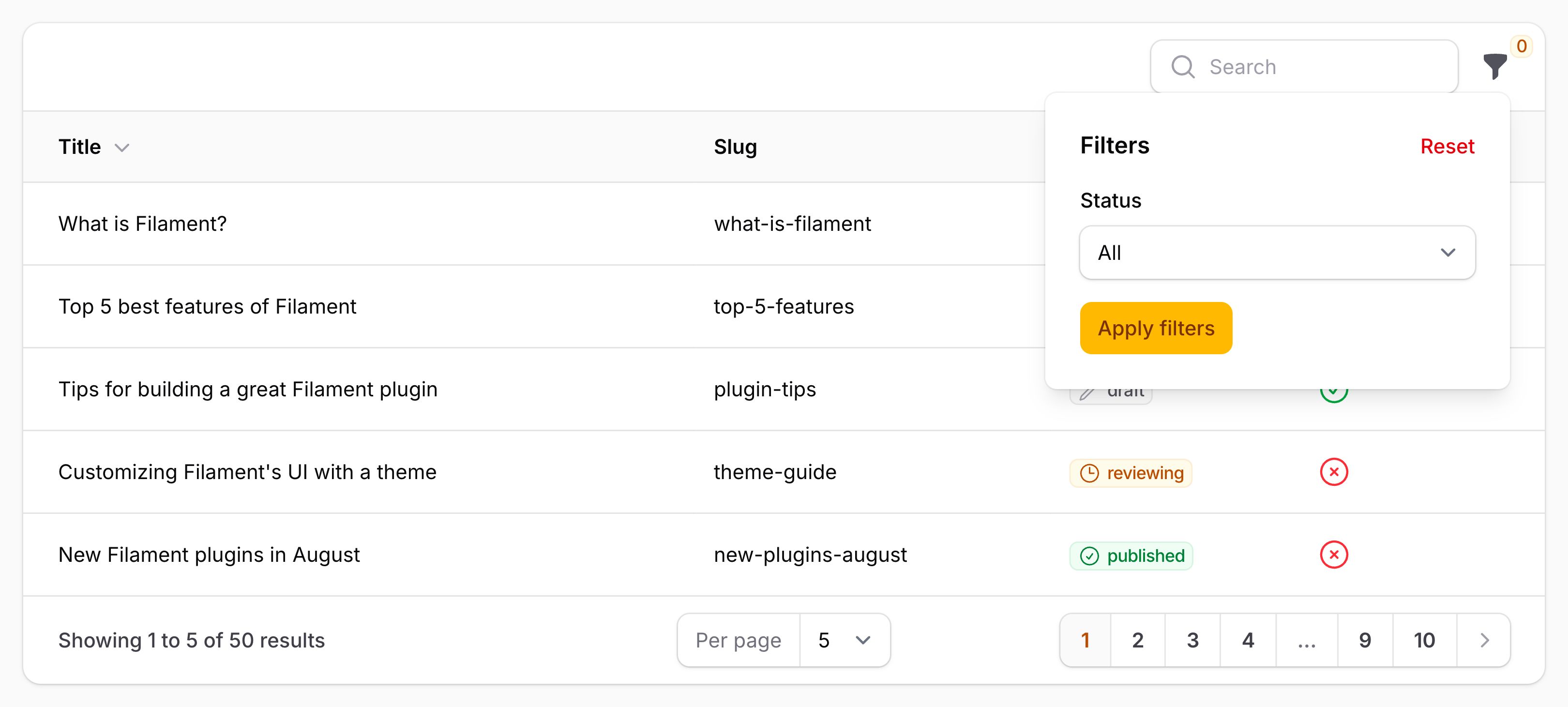
As well as allowing a static value, the options() method also accepts a function to dynamically calculate it. You can inject various utilities into the function as parameters.
options() method also accepts a function to dynamically calculate it. You can inject various utilities into the function as parameters.-
Filter
$filterFilament\Tables\ Filters\ BaseFilter The current filter instance.
-
Livewire
$livewireLivewire\Component The Livewire component instance.
-
Table
$tableFilament\Tables\ Table The current table instance.
#Customizing the column used by a select filter
Select filters do not require a custom query() method. The column name used to scope the query is the name of the filter. To customize this, you may use the attribute() method:
use Filament\Tables\Filters\SelectFilter;

SelectFilter::make('status')
    ->options([
        'draft' => 'Draft',
        'reviewing' => 'Reviewing',
        'published' => 'Published',
    ])
    ->attribute('status_id')
As well as allowing a static value, the attribute() method also accepts a function to dynamically calculate it. You can inject various utilities into the function as parameters.
attribute() method also accepts a function to dynamically calculate it. You can inject various utilities into the function as parameters.-
Filter
$filterFilament\Tables\ Filters\ BaseFilter The current filter instance.
-
Livewire
$livewireLivewire\Component The Livewire component instance.
-
Table
$tableFilament\Tables\ Table The current table instance.
#Multi-select filters
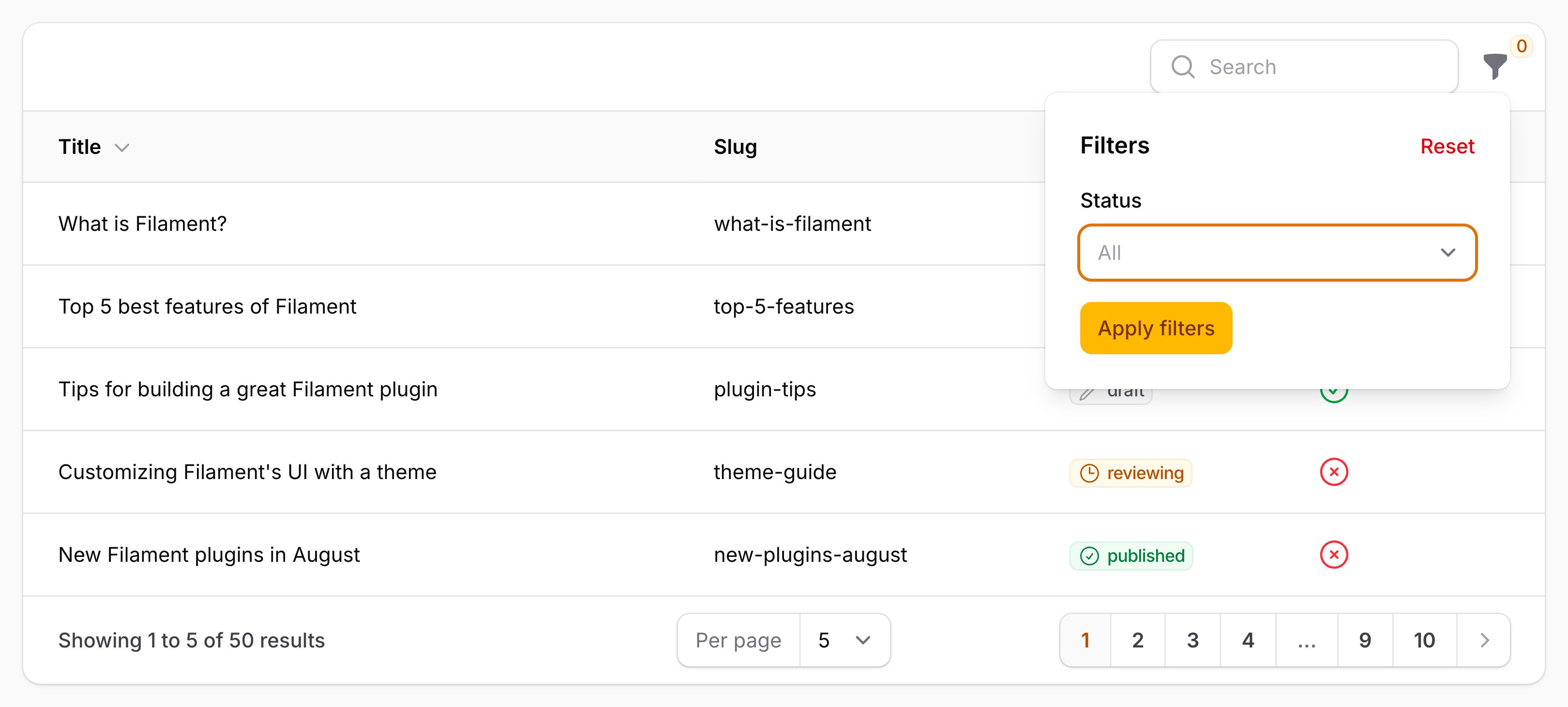
These allow the user to select multiple options to apply the filter to their table. For example, a status filter may present the user with a few status options to pick from and filter the table using. When the user selects multiple options, the table will be filtered to show records that match any of the selected options. You can enable this behavior using the multiple() method:
use Filament\Tables\Filters\SelectFilter;

SelectFilter::make('status')
    ->multiple()
    ->options([
        'draft' => 'Draft',
        'reviewing' => 'Reviewing',
        'published' => 'Published',
    ])
#Relationship select filters
Select filters are also able to automatically populate themselves based on a relationship. For example, if your table has a author relationship with a name column, you may use relationship() to filter the records belonging to an author:
use Filament\Tables\Filters\SelectFilter;

SelectFilter::make('author')
    ->relationship('author', 'name')
#Searching select filter options
You may enable a search input to allow easier access to many options, using the searchable() method:
use Filament\Tables\Filters\SelectFilter;

SelectFilter::make('author')
    ->relationship('author', 'name')
    ->searchable()
#Preloading the select filter relationship options
If you'd like to populate the searchable options from the database when the page is loaded, instead of when the user searches, you can use the preload() method:
use Filament\Tables\Filters\SelectFilter;

SelectFilter::make('author')
    ->relationship('author', 'name')
    ->searchable()
    ->preload()
#Filtering empty relationships
By default, upon selecting an option, all records that have an empty relationship will be excluded from the results. If you want to introduce an additional "None" option for the user to select, which will include all records that do not have a relationship, you can use the hasEmptyOption() argument of the relationship() method:
use Filament\Tables\Filters\SelectFilter;

SelectFilter::make('author')
    ->relationship('author', 'name', hasEmptyOption: true)
You can rename the "None" option using the emptyRelationshipOptionLabel() method:
use Filament\Tables\Filters\SelectFilter;

SelectFilter::make('author')
    ->relationship('author', 'name', hasEmptyOption: true)
    ->emptyRelationshipOptionLabel('No author')
#Customizing relationship option labels
You can use getOptionLabelFromRecordUsing() to customize each option's label using its related record. The default active-filter indicator uses the same labels:
use App\Models\User;
use Filament\Tables\Filters\SelectFilter;

SelectFilter::make('author')
    ->relationship('author', 'name')
    ->getOptionLabelFromRecordUsing(fn (User $record): string => "{$record->name} ({$record->email})")
This also works with multiple(). The callback is evaluated by the filter's select field, so it can use the same utility injection as other select fields.
#Customizing the select filter relationship query
You may customize the database query that retrieves options using the third parameter of the relationship() method:
use Filament\Tables\Filters\SelectFilter;
use Illuminate\Database\Eloquent\Builder;

SelectFilter::make('author')
    ->relationship('author', 'name', fn (Builder $query) => $query->withTrashed())
#Inspecting the configured relationship
You can use $filter->hasRelationship() to check whether a relationship name is configured. To retrieve its qualified key column, use $filter->getQualifiedRelatedKeyNameForRelationship(). For a relationship type without a specialized key column, this returns null, allowing the filter to use the related model's primary key. For belongs-to, belongs-to-many, and has-one/many-through relationships, you may pass the related query using the optional query argument to qualify the column using that query model's table, including when filtering self-related records.
#Disable placeholder selection
You can remove the placeholder (null option), which disables the filter so all options are applied, using the selectablePlaceholder() method:
use Filament\Tables\Filters\SelectFilter;

SelectFilter::make('status')
    ->options([
        'draft' => 'Draft',
        'reviewing' => 'Reviewing',
        'published' => 'Published',
    ])
    ->default('draft')
    ->selectablePlaceholder(false)
#Applying select filters by default
You may set a select filter to be enabled by default, using the default() method. If using a single select filter, the default() method accepts a single option value. If using a multiple() select filter, the default() method accepts an array of option values:
use Filament\Tables\Filters\SelectFilter;

SelectFilter::make('status')
    ->options([
        'draft' => 'Draft',
        'reviewing' => 'Reviewing',
        'published' => 'Published',
    ])
    ->default('draft')

SelectFilter::make('status')
    ->options([
        'draft' => 'Draft',
        'reviewing' => 'Reviewing',
        'published' => 'Published',
    ])
    ->multiple()
    ->default(['draft', 'reviewing'])
As well as allowing a static value, the default() method also accepts a function to dynamically calculate it. You can inject various utilities into the function as parameters.
default() method also accepts a function to dynamically calculate it. You can inject various utilities into the function as parameters.-
Filter
$filterFilament\Tables\ Filters\ BaseFilter The current filter instance.
-
Livewire
$livewireLivewire\Component The Livewire component instance.
-
Table
$tableFilament\Tables\ Table The current table instance.