#Introduction
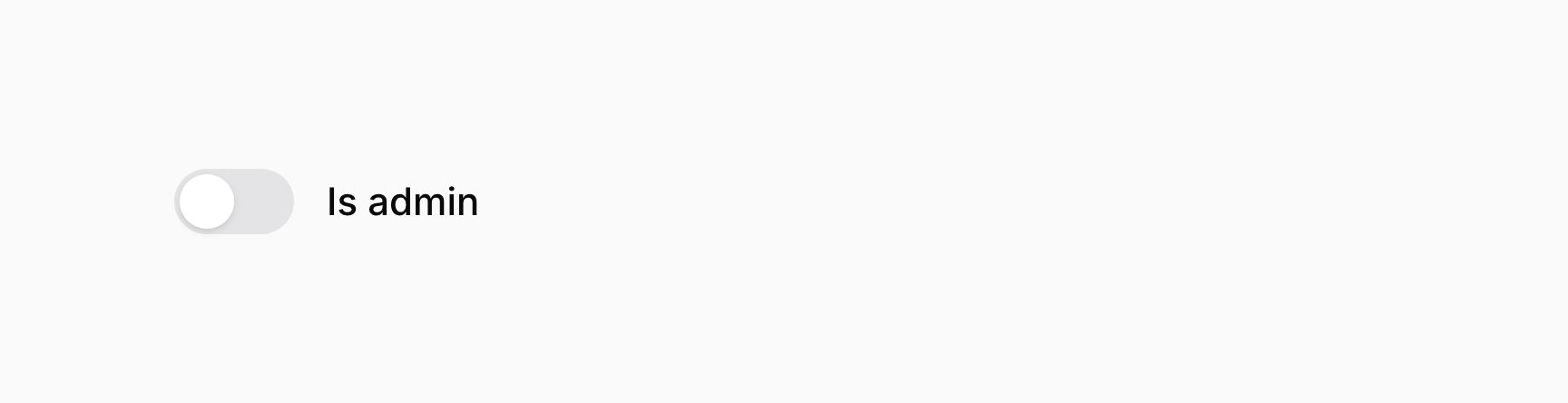
The toggle component, similar to a checkbox, allows you to interact a boolean value.
use Filament\Forms\Components\Toggle;

Toggle::make('is_admin')
If you're saving the boolean value using Eloquent, you should be sure to add a boolean cast to the model property:
use Illuminate\Database\Eloquent\Model;

class User extends Model
{
    /**
     * @return array<string, string>
     */
    protected function casts(): array
    {
        return [
            'is_admin' => 'boolean',
        ];
    }

    // ...
}
#Adding icons to the toggle button
Toggles may also use an icon to represent the "on" and "off" state of the button. To add an icon to the "on" state, use the onIcon() method. To add an icon to the "off" state, use the offIcon() method:
use Filament\Forms\Components\Toggle;
use Filament\Support\Icons\Heroicon;

Toggle::make('is_admin')
    ->onIcon(Heroicon::Bolt)
    ->offIcon(Heroicon::User)
As well as allowing static values, the onIcon() and offIcon() methods also accept functions to dynamically calculate them. You can inject various utilities into the function as parameters.
onIcon() and offIcon() methods also accept functions to dynamically calculate them. You can inject various utilities into the function as parameters.-
Field
$componentFilament\Forms\ Components\ Field The current field component instance.
-
Get function
$getFilament\Schemas\ Components\ Utilities\ Get A function for retrieving values from the current form data. Validation is not run.
-
Livewire
$livewireLivewire\Component The Livewire component instance.
-
Eloquent model FQN
$model?string<Illuminate\Database\ Eloquent\ Model> The Eloquent model FQN for the current schema.
-
Operation
$operationstring The current operation being performed by the schema. Usually
create,edit, orview.-
Parent repeater item index
$parentRepeaterItemIndexint The zero-based index of the nearest containing repeater item or builder block, or
0when neither exists.-
Raw state
$rawStatemixed The current value of the field, before state casts were applied. Validation is not run.
-
Eloquent record
$record?Illuminate\Database\ Eloquent\ Model The Eloquent record for the current schema.
-
State
$statemixed The current value of the field. Validation is not run.

#Customizing the color of the toggle button
You may also customize the color representing the "on" or "off" state of the toggle. To add a color to the "on" state, use the onColor() method. To add a color to the "off" state, use the offColor() method:
use Filament\Forms\Components\Toggle;

Toggle::make('is_admin')
    ->onColor('success')
    ->offColor('danger')
As well as allowing static values, the onColor() and offColor() methods also accept functions to dynamically calculate them. You can inject various utilities into the function as parameters.
onColor() and offColor() methods also accept functions to dynamically calculate them. You can inject various utilities into the function as parameters.-
Field
$componentFilament\Forms\ Components\ Field The current field component instance.
-
Get function
$getFilament\Schemas\ Components\ Utilities\ Get A function for retrieving values from the current form data. Validation is not run.
-
Livewire
$livewireLivewire\Component The Livewire component instance.
-
Eloquent model FQN
$model?string<Illuminate\Database\ Eloquent\ Model> The Eloquent model FQN for the current schema.
-
Operation
$operationstring The current operation being performed by the schema. Usually
create,edit, orview.-
Parent repeater item index
$parentRepeaterItemIndexint The zero-based index of the nearest containing repeater item or builder block, or
0when neither exists.-
Raw state
$rawStatemixed The current value of the field, before state casts were applied. Validation is not run.
-
Eloquent record
$record?Illuminate\Database\ Eloquent\ Model The Eloquent record for the current schema.
-
State
$statemixed The current value of the field. Validation is not run.


#Positioning the label above
Toggle fields have two layout modes, inline and stacked. By default, they are inline.
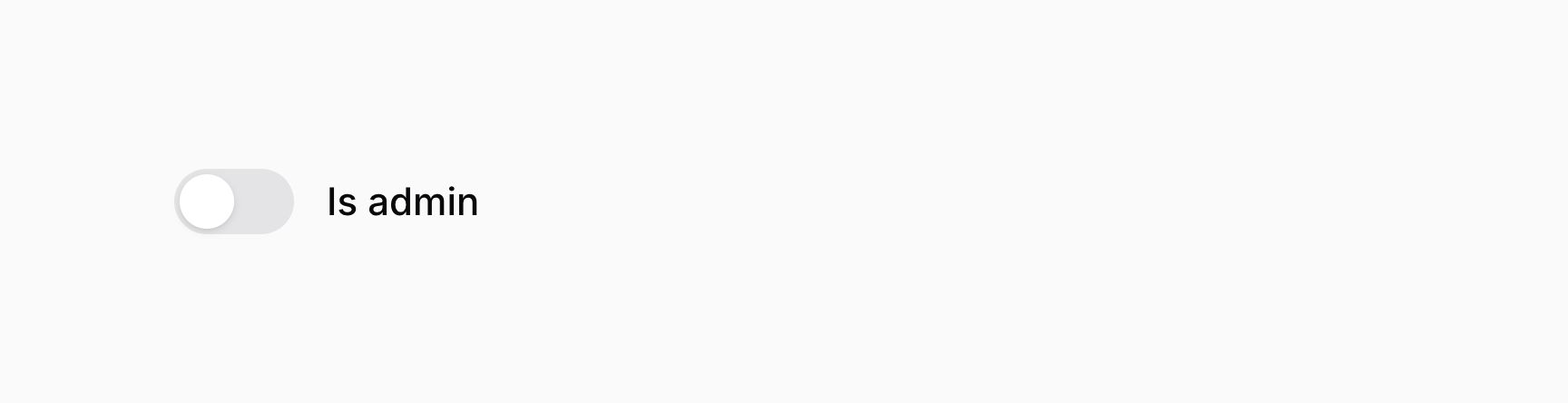
When the toggle is inline, its label is adjacent to it:
use Filament\Forms\Components\Toggle;

Toggle::make('is_admin')
    ->inline()
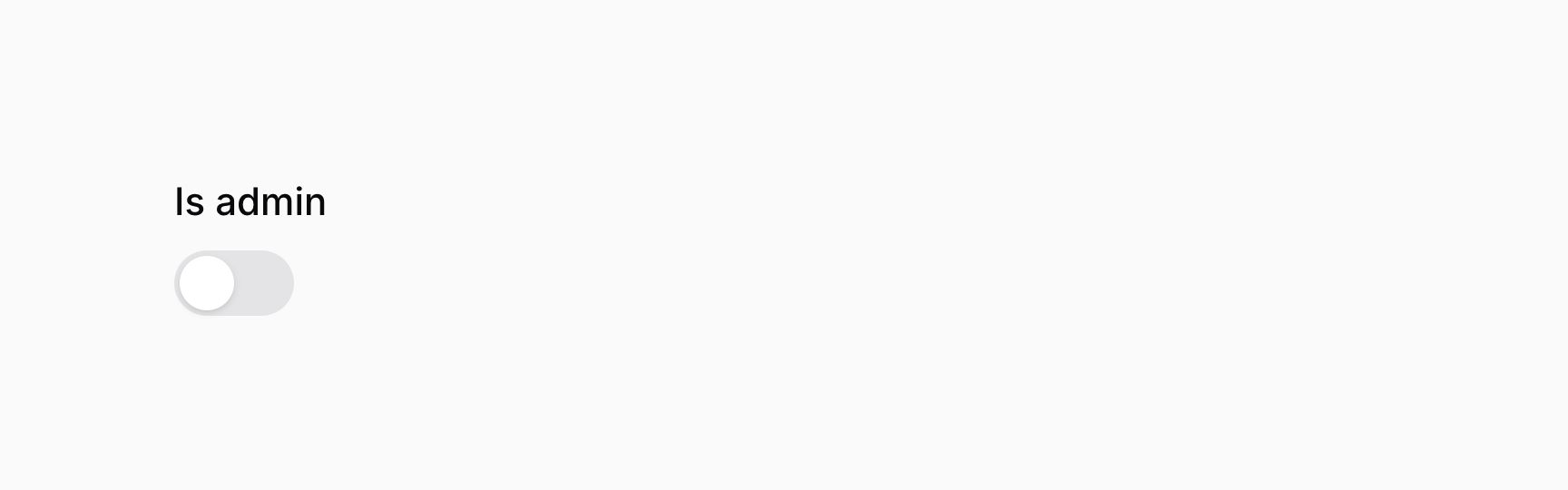
When the toggle is stacked, its label is above it:
use Filament\Forms\Components\Toggle;

Toggle::make('is_admin')
    ->inline(false)
As well as allowing a static value, the inline() method also accepts a function to dynamically calculate it. You can inject various utilities into the function as parameters.
inline() method also accepts a function to dynamically calculate it. You can inject various utilities into the function as parameters.-
Field
$componentFilament\Forms\ Components\ Field The current field component instance.
-
Get function
$getFilament\Schemas\ Components\ Utilities\ Get A function for retrieving values from the current form data. Validation is not run.
-
Livewire
$livewireLivewire\Component The Livewire component instance.
-
Eloquent model FQN
$model?string<Illuminate\Database\ Eloquent\ Model> The Eloquent model FQN for the current schema.
-
Operation
$operationstring The current operation being performed by the schema. Usually
create,edit, orview.-
Parent repeater item index
$parentRepeaterItemIndexint The zero-based index of the nearest containing repeater item or builder block, or
0when neither exists.-
Raw state
$rawStatemixed The current value of the field, before state casts were applied. Validation is not run.
-
Eloquent record
$record?Illuminate\Database\ Eloquent\ Model The Eloquent record for the current schema.
-
State
$statemixed The current value of the field. Validation is not run.
#Toggle validation
As well as all rules listed on the validation page, there are additional rules that are specific to toggles.
#Accepted validation
You may ensure that the toggle is "on" using the accepted() method:
use Filament\Forms\Components\Toggle;

Toggle::make('terms_of_service')
    ->accepted()
Optionally, you may pass a boolean value to control if the validation rule should be applied or not:
use Filament\Forms\Components\Toggle;

Toggle::make('terms_of_service')
    ->accepted(FeatureFlag::active())
As well as allowing a static value, the accepted() method also accepts a function to dynamically calculate it. You can inject various utilities into the function as parameters.
accepted() method also accepts a function to dynamically calculate it. You can inject various utilities into the function as parameters.-
Field
$componentFilament\Forms\ Components\ Field The current field component instance.
-
Get function
$getFilament\Schemas\ Components\ Utilities\ Get A function for retrieving values from the current form data. Validation is not run.
-
Livewire
$livewireLivewire\Component The Livewire component instance.
-
Eloquent model FQN
$model?string<Illuminate\Database\ Eloquent\ Model> The Eloquent model FQN for the current schema.
-
Operation
$operationstring The current operation being performed by the schema. Usually
create,edit, orview.-
Parent repeater item index
$parentRepeaterItemIndexint The zero-based index of the nearest containing repeater item or builder block, or
0when neither exists.-
Raw state
$rawStatemixed The current value of the field, before state casts were applied. Validation is not run.
-
Eloquent record
$record?Illuminate\Database\ Eloquent\ Model The Eloquent record for the current schema.
-
State
$statemixed The current value of the field. Validation is not run.
#Declined validation
You may ensure that the toggle is "off" using the declined() method:
use Filament\Forms\Components\Toggle;

Toggle::make('is_under_18')
    ->declined()
Optionally, you may pass a boolean value to control if the validation rule should be applied or not:
use Filament\Forms\Components\Toggle;

Toggle::make('is_under_18')
    ->declined(FeatureFlag::active())
As well as allowing a static value, the declined() method also accepts a function to dynamically calculate it. You can inject various utilities into the function as parameters.
declined() method also accepts a function to dynamically calculate it. You can inject various utilities into the function as parameters.-
Field
$componentFilament\Forms\ Components\ Field The current field component instance.
-
Get function
$getFilament\Schemas\ Components\ Utilities\ Get A function for retrieving values from the current form data. Validation is not run.
-
Livewire
$livewireLivewire\Component The Livewire component instance.
-
Eloquent model FQN
$model?string<Illuminate\Database\ Eloquent\ Model> The Eloquent model FQN for the current schema.
-
Operation
$operationstring The current operation being performed by the schema. Usually
create,edit, orview.-
Parent repeater item index
$parentRepeaterItemIndexint The zero-based index of the nearest containing repeater item or builder block, or
0when neither exists.-
Raw state
$rawStatemixed The current value of the field, before state casts were applied. Validation is not run.
-
Eloquent record
$record?Illuminate\Database\ Eloquent\ Model The Eloquent record for the current schema.
-
State
$statemixed The current value of the field. Validation is not run.