#Introduction
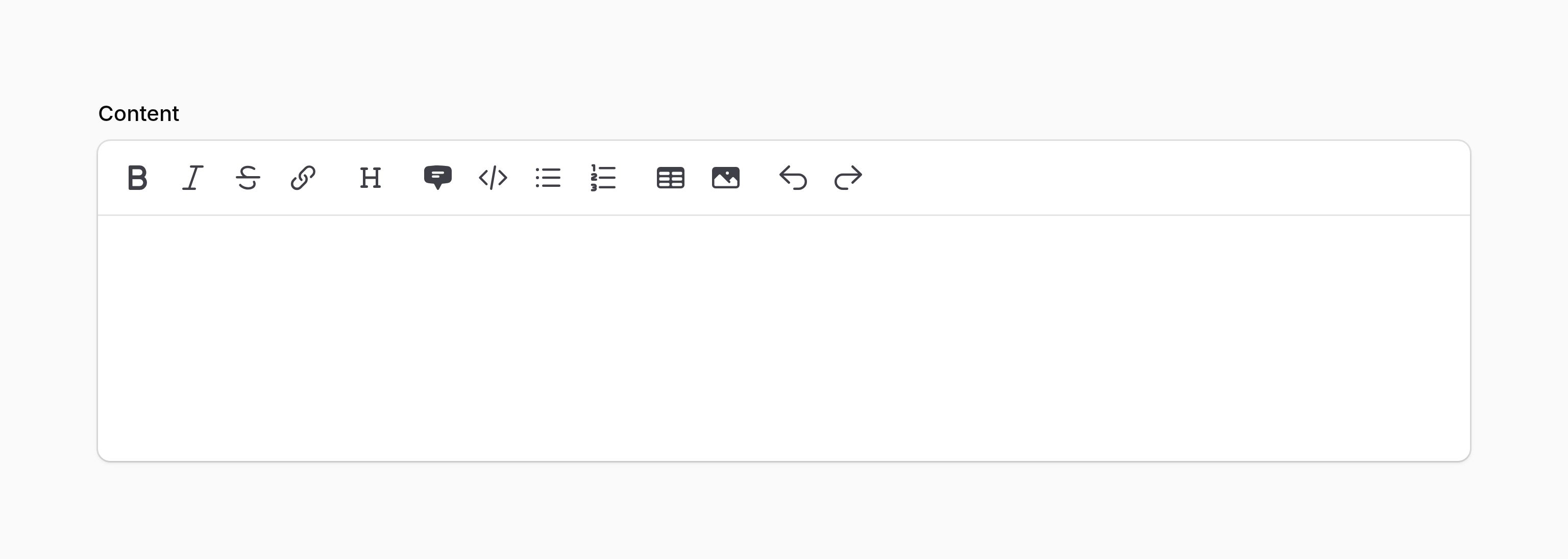
The markdown editor allows you to edit and preview markdown content, as well as upload images using drag and drop.
use Filament\Forms\Components\MarkdownEditor;

MarkdownEditor::make('content')
#Security
By default, the editor outputs raw Markdown and HTML, and sends it to the backend. Attackers are able to intercept the value of the component and send a different raw HTML string to the backend. As such, it is important that when outputting the HTML from a Markdown editor, it is sanitized; otherwise your site may be exposed to Cross-Site Scripting (XSS) vulnerabilities.
When Filament outputs raw HTML from the database in components such as TextColumn and TextEntry, it sanitizes it to remove any dangerous JavaScript. However, if you are outputting the HTML from a Markdown editor in your own Blade view, this is your responsibility. One option is to use Filament's sanitizeHtml() helper to do this, which is the same tool we use to sanitize HTML in the components mentioned above:
{!! str($record->content)->markdown()->sanitizeHtml() !!}
#Customizing the toolbar buttons
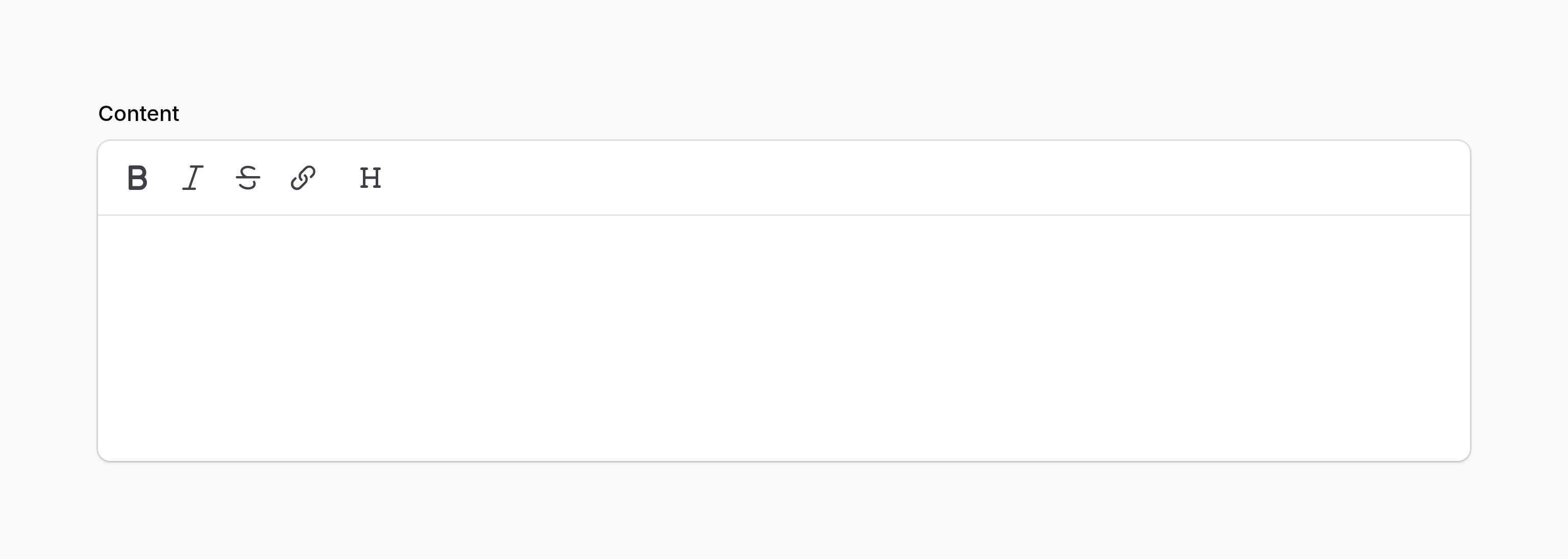
You may set the toolbar buttons for the editor using the toolbarButtons() method. The options shown here are the defaults:
use Filament\Forms\Components\MarkdownEditor;

MarkdownEditor::make('content')
    ->toolbarButtons([
        ['bold', 'italic', 'strike', 'link'],
        ['heading'],
        ['blockquote', 'codeBlock', 'bulletList', 'orderedList'],
        ['table', 'attachFiles'],
        ['undo', 'redo'],
    ])
Each nested array in the main array represents a group of buttons in the toolbar.
As well as allowing a static value, the toolbarButtons() method also accepts a function to dynamically calculate it. You can inject various utilities into the function as parameters.
toolbarButtons() method also accepts a function to dynamically calculate it. You can inject various utilities into the function as parameters.-
Field
$componentFilament\Forms\ Components\ Field The current field component instance.
-
Get function
$getFilament\Schemas\ Components\ Utilities\ Get A function for retrieving values from the current form data. Validation is not run.
-
Livewire
$livewireLivewire\Component The Livewire component instance.
-
Eloquent model FQN
$model?string<Illuminate\Database\ Eloquent\ Model> The Eloquent model FQN for the current schema.
-
Operation
$operationstring The current operation being performed by the schema. Usually
create,edit, orview.-
Parent repeater item index
$parentRepeaterItemIndexint The zero-based index of the nearest containing repeater item or builder block, or
0when neither exists.-
Raw state
$rawStatemixed The current value of the field, before state casts were applied. Validation is not run.
-
Eloquent record
$record?Illuminate\Database\ Eloquent\ Model The Eloquent record for the current schema.
-
State
$statemixed The current value of the field. Validation is not run.
#Setting the height
You may control the editor's height by defining the minHeight() and maxHeight() methods, which accept any CSS length value:
use Filament\Forms\Components\MarkdownEditor;

MarkdownEditor::make('content')
    ->minHeight('12rem')
    ->maxHeight('24rem')
The editor has a minimum height of 10rem by default. Once the content exceeds maxHeight(), the editor stops growing and becomes scrollable. Each method may be used on its own — minHeight() sets a starting height while still allowing the editor to grow, and maxHeight() caps how tall it may become. Pass null to minHeight() to use a 3rem minimum height for the interactive editor, or to maxHeight() to remove the cap. Disabled content uses its natural height when minHeight() is null. These constraints also apply when the editor is disabled.
As well as allowing static values, the minHeight() and maxHeight() methods also accept functions to dynamically calculate them. You can inject various utilities into the functions as parameters.
minHeight() and maxHeight() methods also accept functions to dynamically calculate them. You can inject various utilities into the functions as parameters.-
Field
$componentFilament\Forms\ Components\ Field The current field component instance.
-
Get function
$getFilament\Schemas\ Components\ Utilities\ Get A function for retrieving values from the current form data. Validation is not run.
-
Livewire
$livewireLivewire\Component The Livewire component instance.
-
Eloquent model FQN
$model?string<Illuminate\Database\ Eloquent\ Model> The Eloquent model FQN for the current schema.
-
Operation
$operationstring The current operation being performed by the schema. Usually
create,edit, orview.-
Parent repeater item index
$parentRepeaterItemIndexint The zero-based index of the nearest containing repeater item or builder block, or
0when neither exists.-
Raw state
$rawStatemixed The current value of the field, before state casts were applied. Validation is not run.
-
Eloquent record
$record?Illuminate\Database\ Eloquent\ Model The Eloquent record for the current schema.
-
State
$statemixed The current value of the field. Validation is not run.
#Uploading images to the editor
Images may be uploaded to the editor. They will always be uploaded to a publicly available URL with public storage permissions, since generating temporary file upload URLs is not supported in static content. You may customize where images are uploaded using configuration methods:
use Filament\Forms\Components\MarkdownEditor;

MarkdownEditor::make('content')
    ->fileAttachmentsDisk('s3')
    ->fileAttachmentsDirectory('attachments')
As well as allowing static values, the fileAttachmentsDisk() and fileAttachmentsDirectory() methods also accept functions to dynamically calculate them. You can inject various utilities into the function as parameters.
fileAttachmentsDisk() and fileAttachmentsDirectory() methods also accept functions to dynamically calculate them. You can inject various utilities into the function as parameters.-
Field
$componentFilament\Forms\ Components\ Field The current field component instance.
-
Get function
$getFilament\Schemas\ Components\ Utilities\ Get A function for retrieving values from the current form data. Validation is not run.
-
Livewire
$livewireLivewire\Component The Livewire component instance.
-
Eloquent model FQN
$model?string<Illuminate\Database\ Eloquent\ Model> The Eloquent model FQN for the current schema.
-
Operation
$operationstring The current operation being performed by the schema. Usually
create,edit, orview.-
Parent repeater item index
$parentRepeaterItemIndexint The zero-based index of the nearest containing repeater item or builder block, or
0when neither exists.-
Raw state
$rawStatemixed The current value of the field, before state casts were applied. Validation is not run.
-
Eloquent record
$record?Illuminate\Database\ Eloquent\ Model The Eloquent record for the current schema.
-
State
$statemixed The current value of the field. Validation is not run.
#Validating uploaded images
You may use the fileAttachmentsAcceptedFileTypes() method to control a list of accepted mime types for uploaded images. By default, image/png, image/jpeg, image/gif, and image/webp are accepted:
use Filament\Forms\Components\MarkdownEditor;

MarkdownEditor::make('content')
    ->fileAttachmentsAcceptedFileTypes(['image/png', 'image/jpeg'])
You may use the fileAttachmentsMaxSize() method to control the maximum file size for uploaded images. The size is specified in kilobytes. By default, the maximum size is 12288 KB (12 MB):
use Filament\Forms\Components\MarkdownEditor;

MarkdownEditor::make('content')
    ->fileAttachmentsMaxSize(5120) // 5 MB
#Generating fake Markdown
You can generate Markdown in database factories using Faker's filamentMarkdown() method. You can build the content by chaining methods, then store it using toString():
use Illuminate\Database\Eloquent\Factories\Factory;

class PostFactory extends Factory
{
    public function definition(): array
    {
        return [
            'content' => fake()
                ->filamentMarkdown()
                ->heading()
                ->paragraphs(3)
                ->bulletList()
                ->toString(),
        ];
    }
}
You can generate a complete article using the article() method. An article starts with an introductory paragraph followed by sections with level-two headings. The depth argument recursively adds nested sections, using the next heading level for each depth:
'content' => fake()
    ->filamentMarkdown()
    ->article(depth: 2)
    ->toString(),
In this example, the article contains level-two sections with level-three subsections. The maximum depth is 5, corresponding to heading levels two through six.
You can generate the following block content:
heading()paragraphs()bulletList()orderedList()blockquote()codeBlock()horizontalRule()hardBreak()table()image()
The paragraphs() method can generate links and bold, italic, strike-through, and inline code formatting:
'content' => fake()
    ->filamentMarkdown()
    ->paragraphs(
        count: 3,
        links: true,
        bold: true,
        italic: true,
    )
    ->toString(),
All random values use the same Faker generator, so seeded Faker output remains reproducible. The MarkdownFaker class is also macroable, allowing you to register additional fluent methods that generate Markdown supported by your application.