
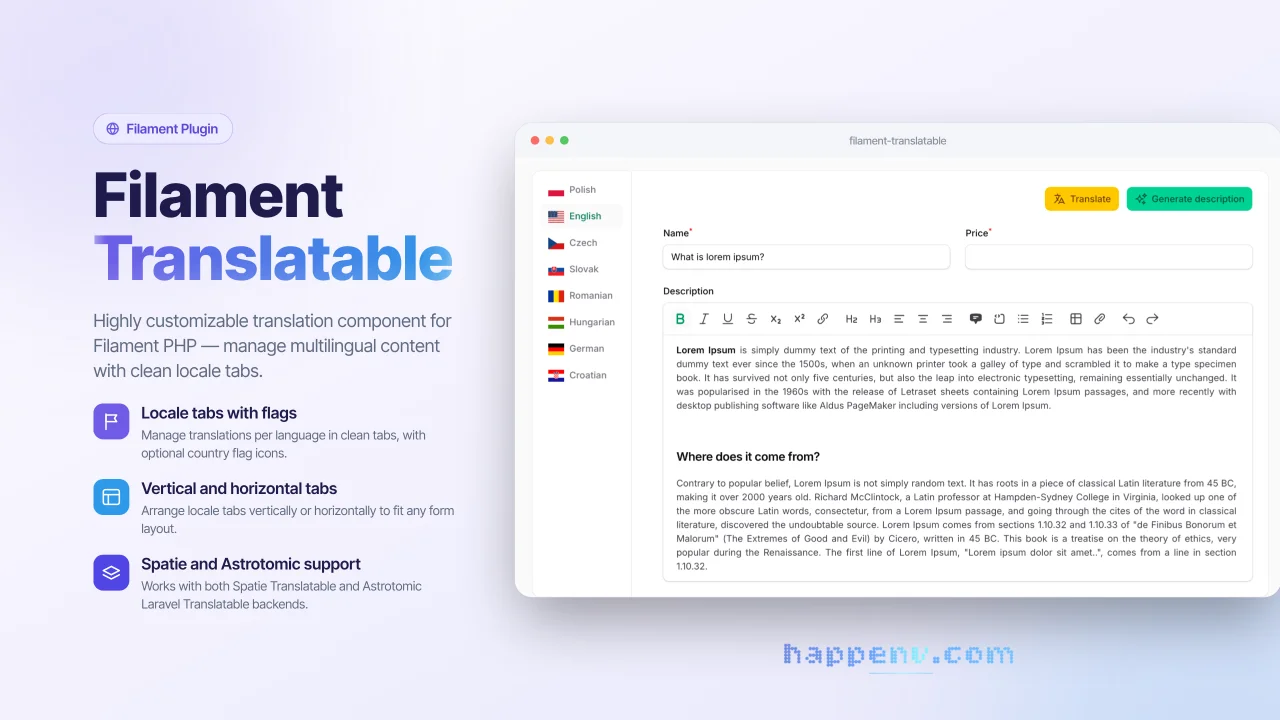
Translatable Fields
Communityilament Translatable is a flexible package that provides a complete solution for managing multilingual content in Filament admin panels. It allows you to easily create translatable form fields with an intuitive tabbed interface, supporting multiple locales and translation packages.
 Author:
Happenv sp. z o.o.
Author:
Happenv sp. z o.o.
Package health
BetaAutomated checks of this plugin's Composer package
15 checks
- Passed: GitHub Actions pinned to SHA
- Skipped: GitLab CI includes pinned to SHA
- Passed: Open security advisories
- Passed: Dependabot PR responsiveness — No open Dependabot PRs.
- Skipped: Renovate MR responsiveness
- Passed: Dependabot or Renovate configured
- Passed: Dependency update cooldown configured
- Passed: Provides a security policy
- Passed: Abandoned or archived — No consulted source marks the package abandoned (packagist, github).
- Passed: Commit and release recency — Active: last commit 0 days ago; last release 73 days ago.
-
Passed:
composer.lock not committed by library
—
composer.lockis absent from the released dist archive. - Passed: Dist archive is lean
-
Passed:
Current Laravel version supported
—
Package dependencies resolve together with current Laravel
13.0. -
Passed:
Current PHP version supported
—
Constraint
^8.3supports current PHP8.5. - Skipped: Current Symfony version supported
filament/
namespace. Review the source and install at your own risk. Found
malware or an unresolved security issue the author won't
address?
Report it
.
Documentation
- Key features
- Requirements
- Installation
- Configuration
- Usage
- translatable() macro
- Translations component
- Setting the translatable locales for specific components
- Setting custom field labels per locale
- Adding prefix/suffix locale labels to fields
- Customizing the locale label format
- Conditionally adding locale labels
- Adding actions to locale tabs
- Accessing the locale in actions
- Accessing the locale in schema
- Removing the styled container
- Vertical tabs
- Overriding plugin settings per component
- Excluding fields from translation
- Including only specific fields for translation
- Development
- Upgrading
- Changelog
- Contributing
- Security vulnerabilities
- Credits
- License
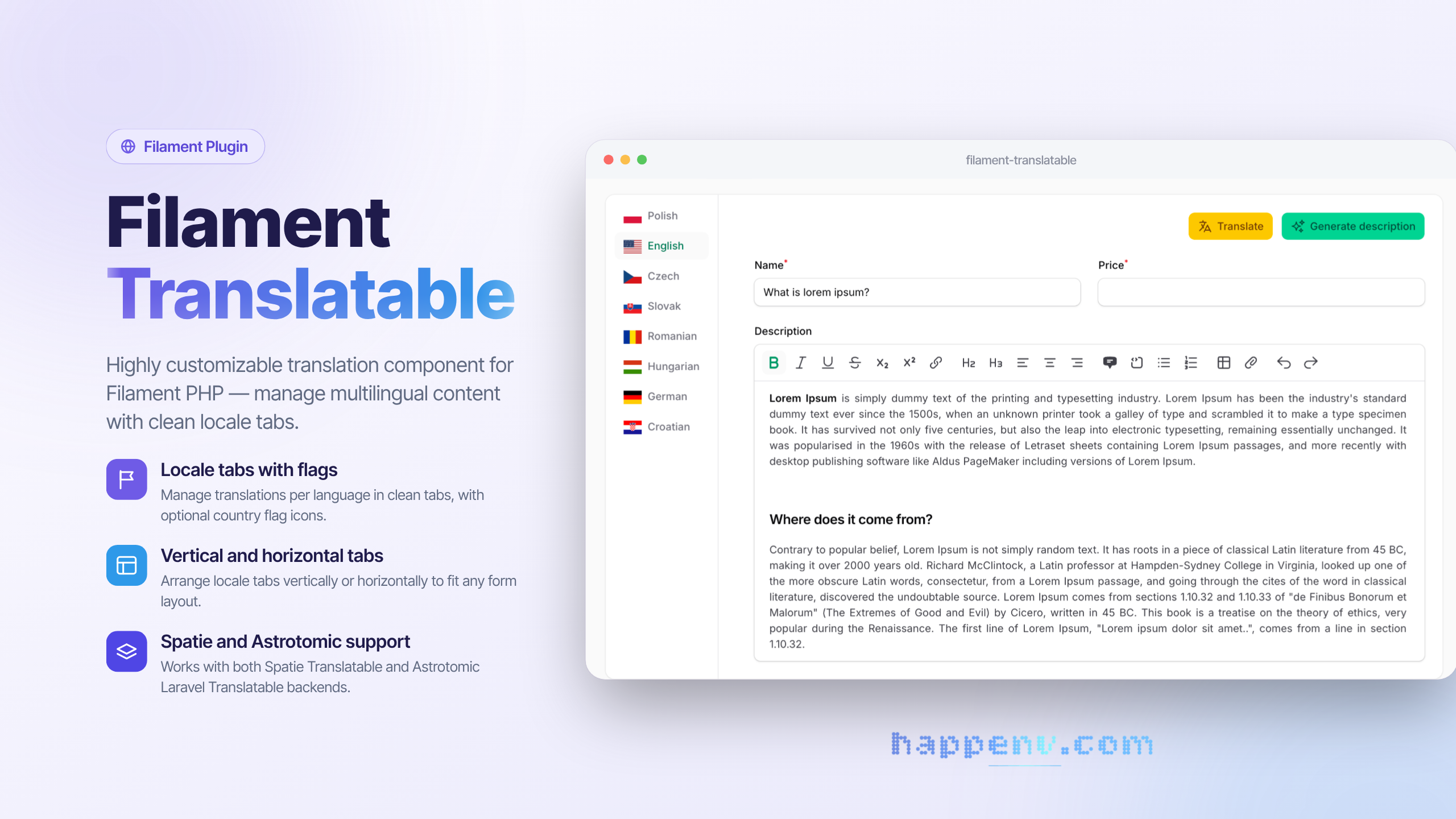






Filament Translatable is a flexible package that provides a complete solution for managing multilingual content in Filament admin panels. It allows you to easily create translatable form fields with an intuitive tabbed interface, supporting multiple locales and translation packages.
use Filament\Forms\Components\TextInput;

TextInput::make('name')
    ->translatable()
#Key features
- Multiple translation backends — supports both spatie/laravel-translatable and astrotomic/laravel-translatable
- Two usage modes — use the quick
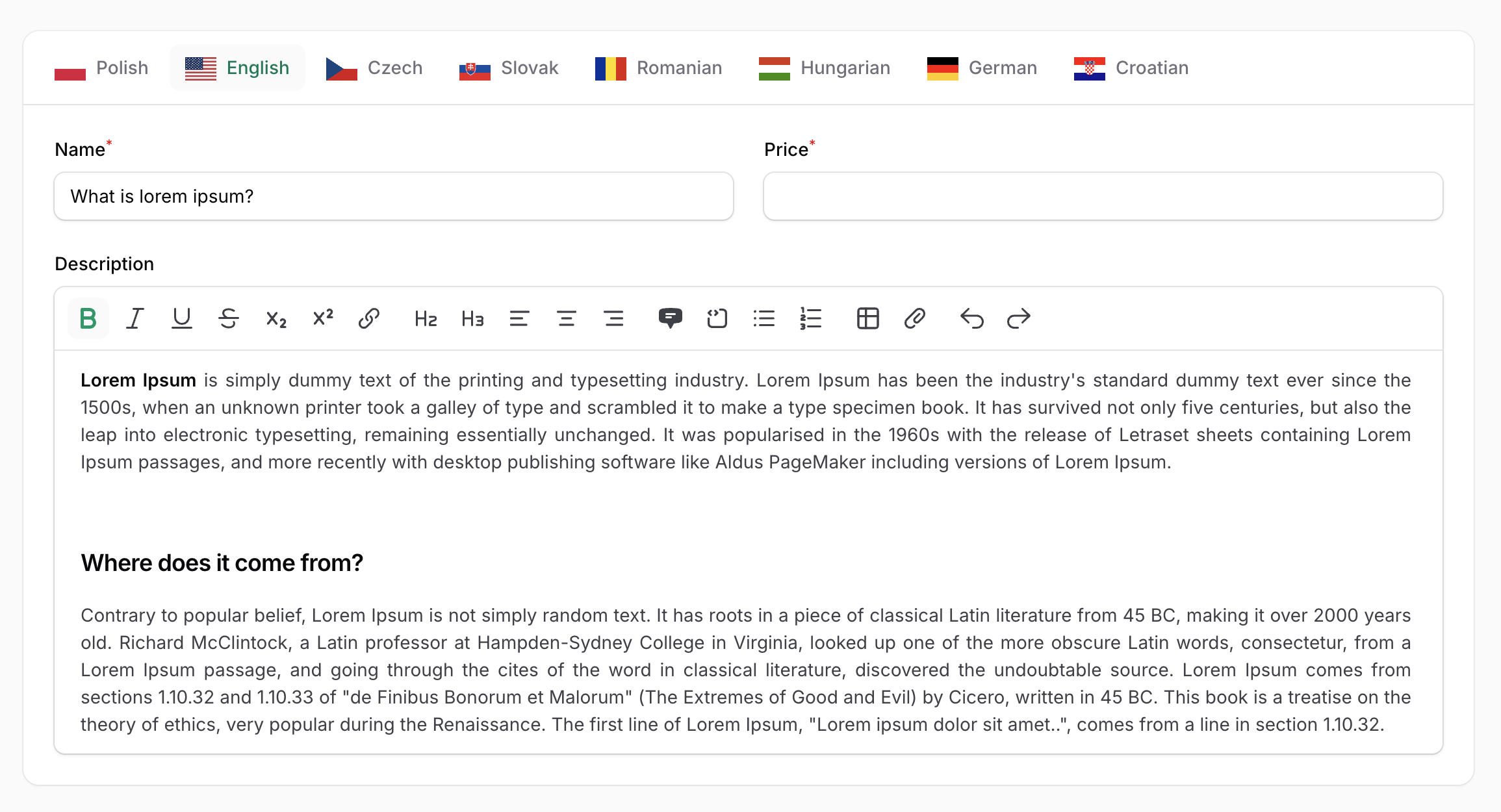
translatable()macro on any field, or the fullTranslationscomponent for advanced scenarios - Locale tabs with flags — display translations in horizontal or vertical tabs with optional country flag icons
- Flexible locale configuration — define locales globally or per-component, with custom labels
- Required locale validation — mark fields as required for specific locales or only for the default locale
- Field decoration per locale — customize field appearance (prefix, suffix, etc.) for each language
- Custom actions per tab — add custom Filament actions to each locale tab with access to the current locale
- Include or exclude fields from translation — selectively control which fields are translated
- Prefix/suffix locale labels — optionally add locale indicators to field labels
#Requirements
| Package | Versions |
|---|---|
| PHP | 8.3 – 8.5 |
| Laravel | 12, 13 |
| Filament | 4, 5 |
Translations are stored by spatie/laravel-translatable (default) or astrotomic/laravel-translatable — install the one you use.
| Filament Version | Filament Translatable Version |
|---|---|
| 4.x | 5.x (current), 4.x (maintenance) |
| 5.x | 5.x (current), 4.x (maintenance) |
Filament 3 is not supported by any version of this package.
#Installation
You can install the package via composer:
composer require happenv-com/filament-translatable
Publish the assets:
php artisan filament:assets
Optionally, register the plugin in your panel provider to configure the package per panel (see Where settings come from):
use Happenv\FilamentTranslatable\FilamentTranslatablePlugin;

public function panel(Panel $panel): Panel
{
    return $panel
        // ...
        ->plugin(FilamentTranslatablePlugin::make());
}
#Configuration
#Translation backends
#With spatie/laravel-translatable
The Spatie package is the default translation backend. Follow the instructions in the Spatie documentation to properly configure your models.
#With astrotomic/laravel-translatable
The Astrotomic package is an alternative translation backend.
Follow the Astrotomic documentation to configure your models using the original Astrotomic\Translatable\Translatable trait — no custom trait is needed. The component loads each locale's value from the record itself and saves it using Astrotomic's title:en attribute format.
When using the Astrotomic package, configure the plugin to use Astrotomic mode:
use Happenv\FilamentTranslatable\Enums\TranslationMode;

FilamentTranslatablePlugin::make()
    ->translationMode(TranslationMode::Astrotomic)
You can also configure translationMode per component:
 Translations::make('translations')
    ->translationMode(TranslationMode::Astrotomic)
Or per field (after translatable() you configure the Translations component):
TextInput::make('name')
    ->translatable()
    ->translationMode(TranslationMode::Astrotomic)
translationMode() accepts TranslationMode::Spatie, TranslationMode::Astrotomic or your own implementation of Happenv\FilamentTranslatable\Drivers\TranslationDriver.
#Where settings come from
The plugin is optional — the Translations component also works in plain Livewire components and in panels without the plugin. Settings are resolved from weakest to strongest:
- Package defaults:
app.fallback_localeas the only locale and the default locale, Spatie mode, locale names shown, flags hidden,24pxflags. - The plugin registered on the current panel.
Translations::configureUsing(), e.g. in a service provider:
use Happenv\FilamentTranslatable\Forms\Component\Translations;

Translations::configureUsing(fn (Translations $translations) => $translations
    ->locales(['en' => 'English', 'pl' => 'Polski'])
    ->defaultLocale('en'));
- Methods called on the component instance.
Every setting accepts a value or a Closure.
#Setting translatable locales
To set up the locales that can be used to translate content, pass an array of locales to the locales() plugin method:
FilamentTranslatablePlugin::make()
     ->locales(['en', 'pl', 'fr']),
You can set locale labels using key => value array:
FilamentTranslatablePlugin::make()
    ->locales([
        'pl' => __('Polish'),
        'en' => __('English')
    ])
Also, you can pass a Closure:
FilamentTranslatablePlugin::make()
    ->locales(fn () => Language::pluck('code', 'name'))
#Setting default locale
You can set the default locale using the defaultLocale() method:
FilamentTranslatablePlugin::make()
     ->defaultLocale('pl'),
Otherwise, the app.fallback_locale config value will be used.
#Enable or disable flags in locale labels
You can enable or disable flags in locale labels (disabled by default):
FilamentTranslatablePlugin::make()
    ->displayFlagsInLocaleLabels(true)
#Setting flag width
You can set the flag width using:
FilamentTranslatablePlugin::make()
    ->flagWidth('24px')
#Enable or disable names in locale labels
You can enable or disable locale names in locale labels (enabled by default):
FilamentTranslatablePlugin::make()
    ->displayNamesInLocaleLabels(false)
#Publishing the views
To publish the views, run:
php artisan vendor:publish --tag="filament-translatable-views"
#Usage
#translatable() macro
The translatable() macro allows you to quickly convert any form field into a multilingual field that supports translations for each configured locale.
use Filament\Forms\Components\TextInput;

TextInput::make('name')
    ->translatable()

#Marking a field as required for a specific locale
You can make a field required only for specific locales. In this example, the "name" field will only be required for the English language:
use Filament\Forms\Components\TextInput;

TextInput::make('name')
    ->requiredLocale('en')
    ->translatable()
#Marking a field as required for the default locale
You can make a field required only for the default locale. The default locale is determined by the defaultLocale() setting or the app.fallback_locale config value:
use Filament\Forms\Components\TextInput;

TextInput::make('name')
    ->requiredDefaultLocale()
    ->translatable()
Both requiredLocale() and requiredDefaultLocale() accept a condition as a boolean or a Closure:
TextInput::make('name')
    ->requiredDefaultLocale(fn (): bool => auth()->user()->isEditor())
    ->translatable()
#Decorating language-specific fields
You can customize the appearance of fields for specific locales using the decorateTranslationField() method. This is useful for adding locale-specific prefixes, suffixes, or other modifications. The decorator can also receive the locale code as $locale:
use Filament\Forms\Components\TextInput;

TextInput::make('price')
    ->decorateTranslationField('pl', fn (TextInput $field) => $field->suffix('PLN'))
    ->decorateTranslationField('en', fn (TextInput $field, string $locale) => $field->prefix('USD'))
    ->translatable()
#Passing options to translatable()
Use named arguments to set the locales or configure the generated Translations component:
use Filament\Forms\Components\TextInput;
use Happenv\FilamentTranslatable\Forms\Component\Translations;

TextInput::make('title')->translatable(
    locales: ['en', 'pl'],
    configureUsing: fn (Translations $translations) => $translations->vertical(),
);
When locales is omitted, the locales configured by the plugin or configureUsing() are used.
#Customizing Translations component
After using the translatable() method, the context of the field is switched to the Translations component, so you can use any method that belongs to the component.
use Filament\Forms\Components\TextInput;

TextInput::make('price')
    ->requiredDefaultLocale()
    ->translatable() // Here context is switched from TextInput to Translations component
    ->vertical()
    ->displayFlagsInLocaleLabels(true)
    ->displayNamesInLocaleLabels(false)
    ->flagWidth('48px')

[!CAUTION] Be sure to set field-specific methods like
required()orrequiredDefaultLocale()before calling thetranslatable()method.
#Translations component
The Translations component provides a more powerful way to configure multiple form fields for multilingual support. It displays translations in a tabbed interface, with each tab representing a different locale.
use Happenv\FilamentTranslatable\Forms\Component\Translations;

Translations::make('translations') // name is required to properly handle actions
    ->schema([
        TextInput::make('name')
    ])
[!NOTE] Using the
translatable()method within theTranslationscomponent is not needed.
[!IMPORTANT] Be sure to set different names for each
Translationscomponent when using multiple instances.
#Setting the translatable locales for specific components
By default, locales are configured globally in the plugin settings. However, you can override the locales for a specific Translations component:
Translations::make('translations')
    ->locales(['en', 'es'])
#Setting custom field labels per locale
You can customize field labels for each locale using the fieldTranslatableLabel() method. This is useful for translating field labels themselves. In all closures of this package $locale is the locale code (a string):
use Filament\Forms\Components\Field;
use Happenv\FilamentTranslatable\Forms\Component\Translations;

 Translations::make()
    ->schema([
        // Fields
    ])
    ->fieldTranslatableLabel(fn (Field $field, string $locale) => __($field->getName(), locale: $locale))
#Adding prefix/suffix locale labels to fields
You can add the locale name as a prefix or suffix to field labels using the prefixLocaleLabel() or suffixLocaleLabel() methods. This helps users identify which language they are editing:
use Happenv\FilamentTranslatable\Forms\Component\Translations;

Translations::make('translations')
    ->schema([
        // Fields
    ])
    ->prefixLocaleLabel()
    ->suffixLocaleLabel()
#Customizing the locale label format
By default, the prefix/suffix locale label is the locale label enclosed in parentheses (e.g., "(English)"). You can customize this format using the formatLocaleLabelUsing() method:
use Happenv\FilamentTranslatable\Forms\Component\Translations;

Translations::make('translations')
    ->formatLocaleLabelUsing(fn (string $locale, string $label) => "[{$label}]");
#Conditionally adding locale labels
You can conditionally add prefix/suffix labels by injecting the $field parameter into the callback. This allows you to apply locale labels only to specific fields:
use Filament\Forms\Components\Field;
use Happenv\FilamentTranslatable\Forms\Component\Translations;

Translations::make('translations')
    // ...
    ->prefixLocaleLabel(function(Field $field) {
        // Must return a boolean value
        return $field->getName() == 'title';
    })
    ->suffixLocaleLabel(function(Field $field) {
        // Must return a boolean value
        return $field->getName() == 'title';
    })
#Adding actions to locale tabs
You can add custom Filament actions to each locale tab using the actions() method. Actions appear in the tab header and can be used for operations like auto-translation or copying content between locales:
use Filament\Actions\Action;
use Happenv\FilamentTranslatable\Forms\Component\Translations;

Translations::make('translations')
    ->actions([
        Action::make('fillDumpTitle')
    ])
#Accessing the locale in actions
To access the current locale within an action, use the $arguments parameter and retrieve the locale value:
use Filament\Actions\Action;
use Happenv\FilamentTranslatable\Forms\Component\Translations;

Translations::make('translations')
    ->actions([
        Action::make('fillDumpTitle')
            ->action(function (array $arguments) {
                $locale = $arguments['locale'];
                // ...
            })
    ])
#Accessing the locale in schema
You can access the current locale within the schema definition by defining a $locale parameter. This is useful for conditional logic based on the locale:
use Filament\Forms\Components\TextInput;
use Happenv\FilamentTranslatable\Forms\Component\Translations;

Translations::make()
    ->schema(fn (string $locale) => [TextInput::make('title')->required($locale == 'en')])
#Removing the styled container
By default, the Translations component is wrapped in a card-styled container. You can remove this styling using the contained() method:
use Happenv\FilamentTranslatable\Forms\Component\Translations;

Translations::make()
    ->contained(false)
#Vertical tabs
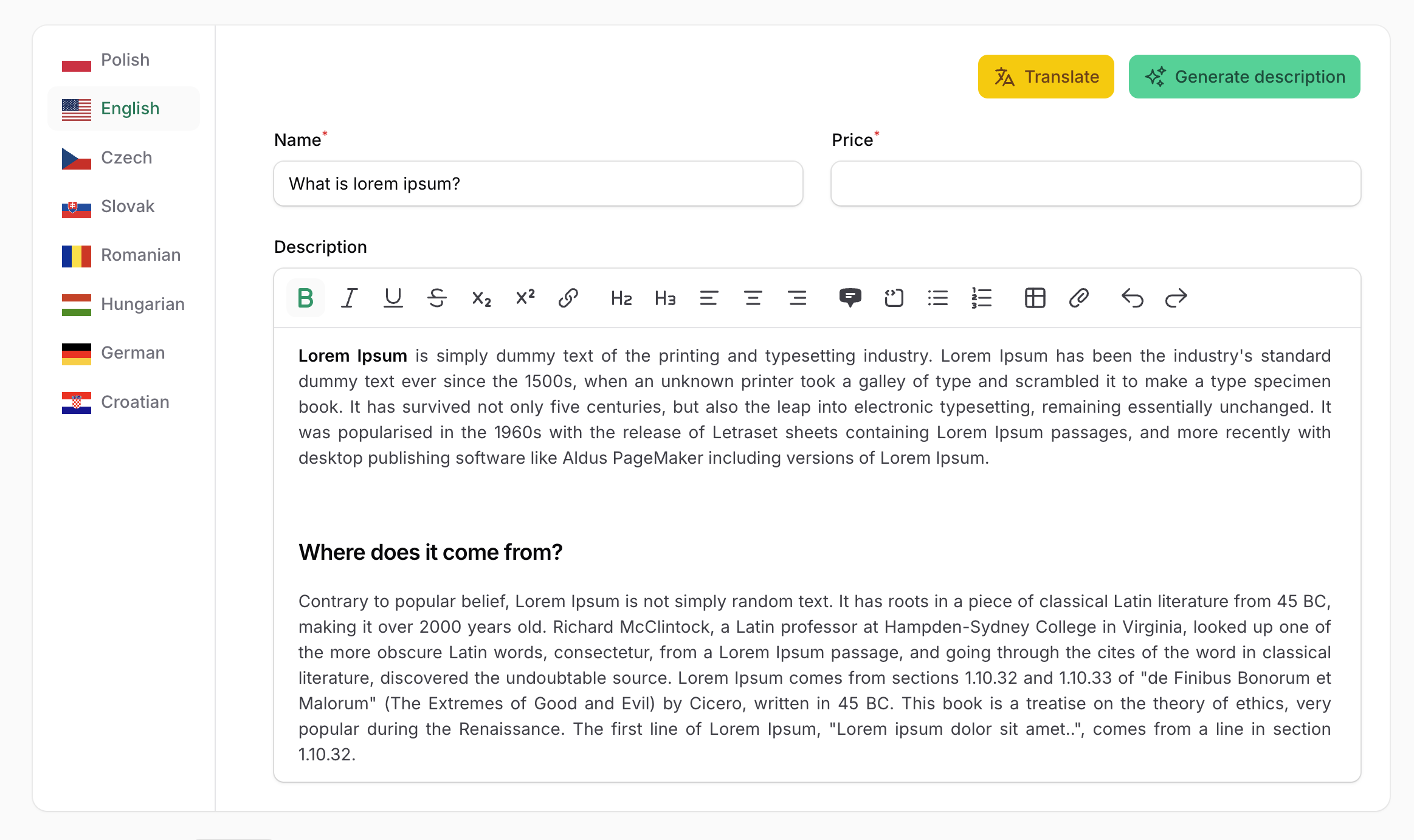
You can display translations as vertical tabs:
use Happenv\FilamentTranslatable\Forms\Component\Translations;

Translations::make()
    ->vertical()
#Overriding plugin settings per component
You can override the global plugin settings directly on individual components:
use Happenv\FilamentTranslatable\Forms\Component\Translations;

Translations::make()
    ->displayNamesInLocaleLabels(false)
    ->displayFlagsInLocaleLabels(true)
    ->flagWidth('48px')
#Excluding fields from translation
The exclude() method allows you to specify fields that should not be translated. Excluded fields will appear in the form but will not be duplicated for each locale. This is useful for fields that contain non-translatable content:
use Happenv\FilamentTranslatable\Forms\Component\Translations;

Translations::make('translations')
    ->schema([
        Forms\Components\TextInput::make('title'),
        Forms\Components\TextInput::make('description'),
    ])
    ->exclude(['description'])
Without exclude:
{
    "title": {
        "en": "Dump",
        "es": "Dump",
        "fr": "Dump"
    },
    "description": {
        "en": null,
        "es": null,
        "fr": null
    }
}
With exclude:
{
    "title": {
        "en": "Dump",
        "es": "Dump",
        "fr": "Dump"
    },
    "description": null
}
#Including only specific fields for translation
The include() method allows you to specify which fields should be translated. This is useful when only a small subset of fields in a large form requires translations.
use Happenv\FilamentTranslatable\Forms\Component\Translations;

Translations::make('translations')
    ->schema([
        Forms\Components\TextInput::make('title'),
        Forms\Components\TextInput::make('description'),
    ])
    ->include(['title'])
Without include:
{
    "title": {
        "en": "Dump",
        "es": "Dump",
        "fr": "Dump"
    },
    "description": {
        "en": null,
        "es": null,
        "fr": null
    }
}
With include(['title']):
{
    "title": {
        "en": "Dump",
        "es": "Dump",
        "fr": "Dump"
    },
    "description": null
}
#Development
composer test          # unit and feature tests
composer phpstan       # static analysis
composer cs            # fix code style: composer normalize, Rector, Pint
composer ci            # everything CI checks, locally
The package's stylesheet is built by the Tailwind CLI from resources/css/app.css — with the utilities used in resources/views and src — into resources/dist, which is committed. After changing any of them, rebuild and commit the result — CI refuses outdated assets:
npm ci
npm run build   # or `npm run dev` to rebuild on change
npm run lint    # Prettier check, as in CI
#Upgrading
Breaking changes and how to migrate are described in UPGRADING for every major version. Upgrading from 4.x? Start there.
#Changelog
See CHANGELOG and GitHub releases for what has changed recently.
#Contributing
See CONTRIBUTING for details.
#Security vulnerabilities
Please review our security policy on how to report security vulnerabilities.
#Credits
- Happenv sp. z o.o.
- webard
- Lipis for icons
- Solution Forest for great inspiration
- Outer Web for the macro idea
- All contributors
#License
The MIT License (MIT). See License File for more information.
The author
Happenv is a software development company specializing in e-commerce solutions, logistics systems, and Order Management Systems (OMS). We design, build, and maintain scalable business applications that help companies streamline operations, automate workflows, and improve customer experiences. Our expertise includes custom development, system integrations, and long-term support of solutions built with Laravel and Filament, delivering reliable and efficient platforms tailored to modern commerce and logistics needs.
From the same author
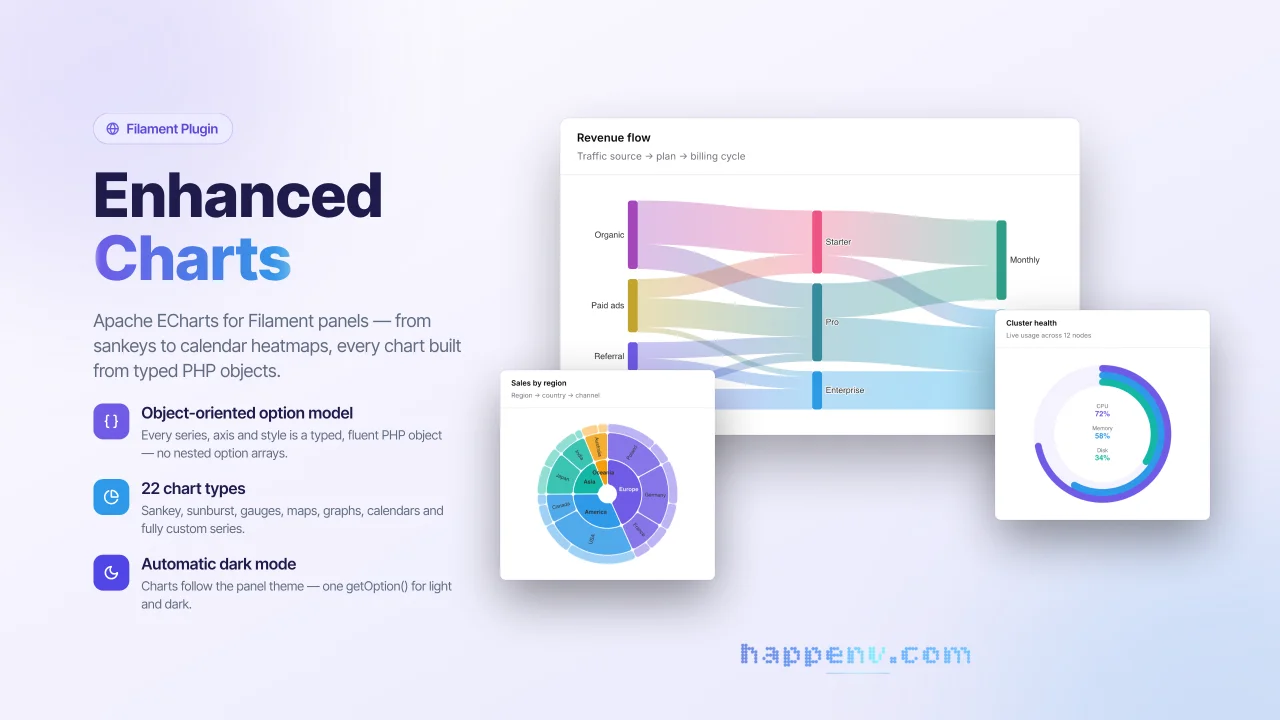
Enhanced Charts
Apache ECharts for Filament panels - from sankeys to calendar heatmaps, every chart built from typed PHP objects.
Author:
Happenv sp. z o.o.
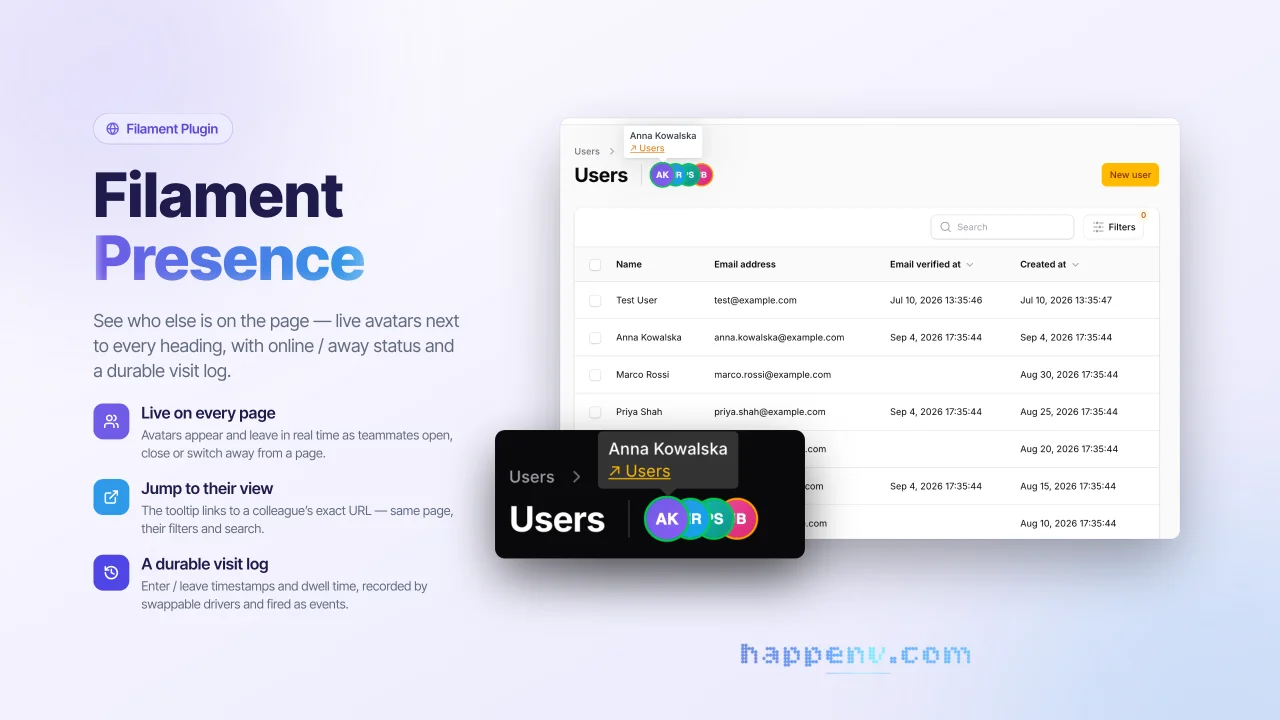
User Presence
See who else is on the page - live avatars next to every heading, with online / away status and a durable visit log.
Author:
Happenv sp. z o.o.
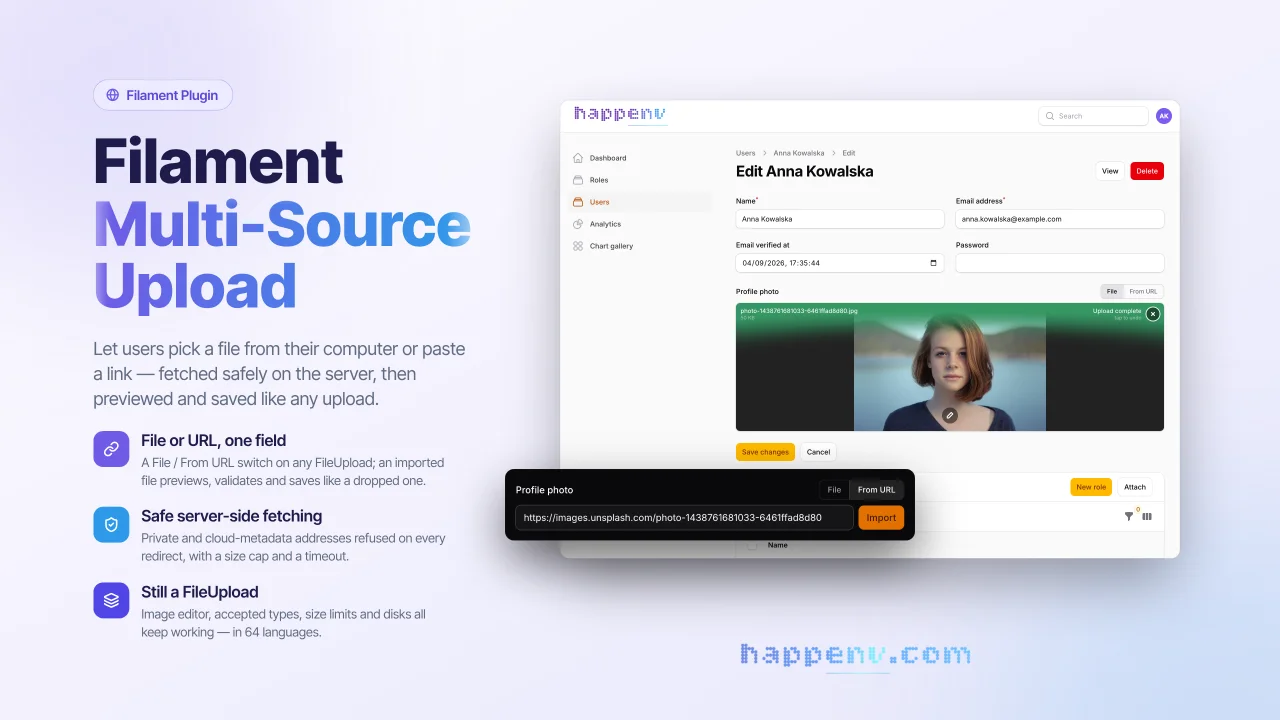
Multi Source Upload
A drop-in replacement for Filament's FileUpload field that lets users add a file from their disk or from a URL.
Author:
Happenv sp. z o.o.
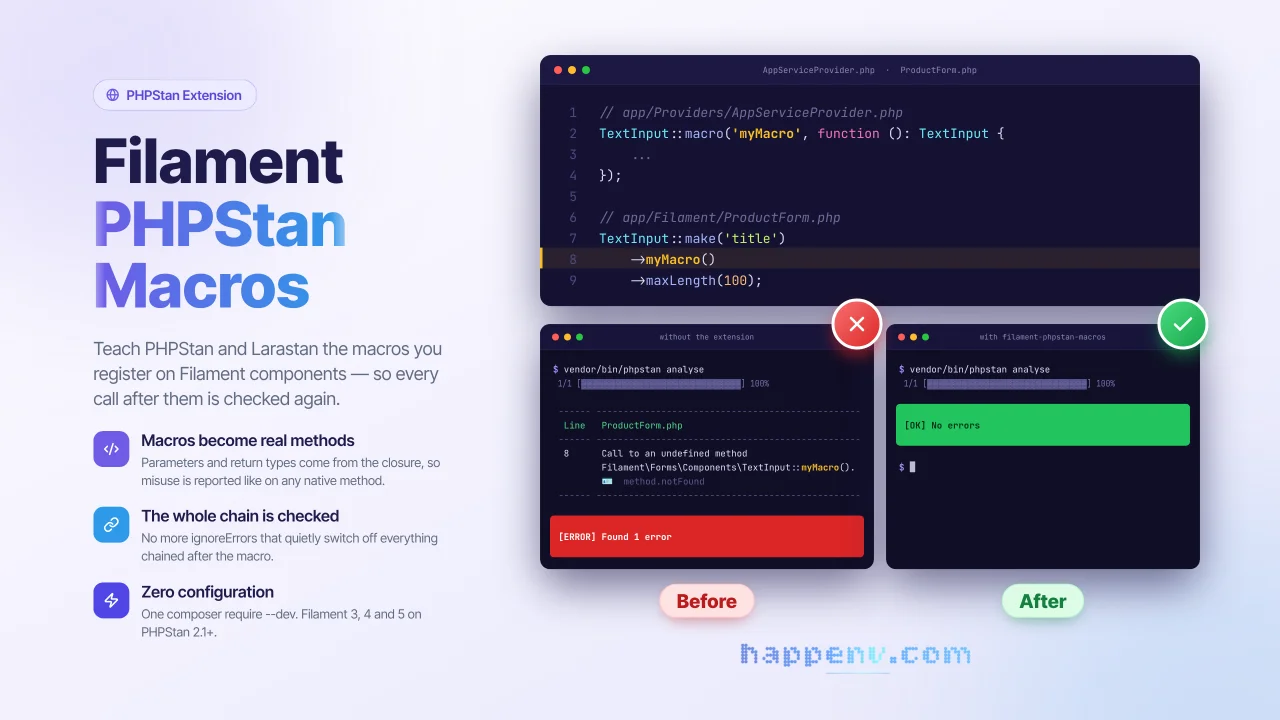
PHPStan readable macros
PHPStan and Larastan understand macros registered on Filament components.
Author:
Happenv sp. z o.o.
Featured Plugins
A selection of plugins curated by the Filament team

Sharp Theme
A theme that gives panels a precise, technical look with square corners, strong borders, and clear contrast.
 Filament

Custom Fields
Eliminate custom field migrations forever. Let your users create and manage form fields directly in Filament admin panels with 20+ built-in field types, validation, and zero database changes.
 Relaticle

Custom Dashboards
Let your users build and share their own dashboards with a drag-and-drop interface. Define your data sources in PHP and let them do the rest.
Filament

