
User Presence
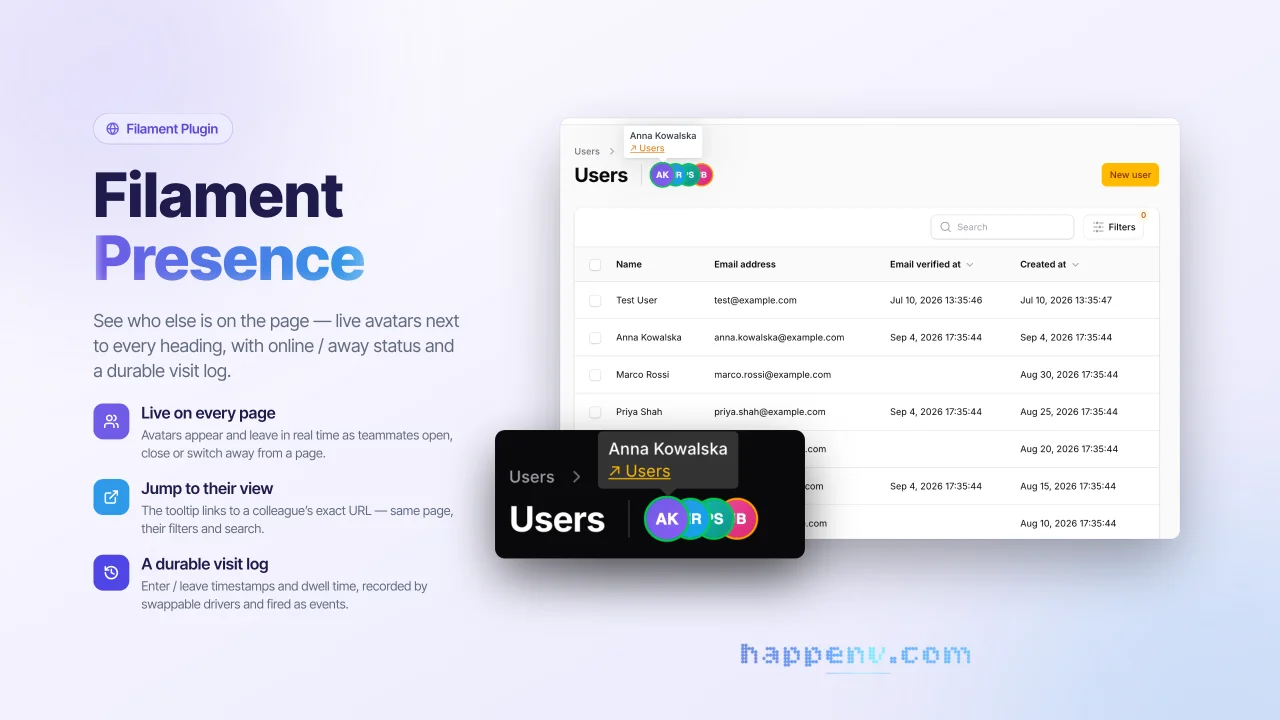
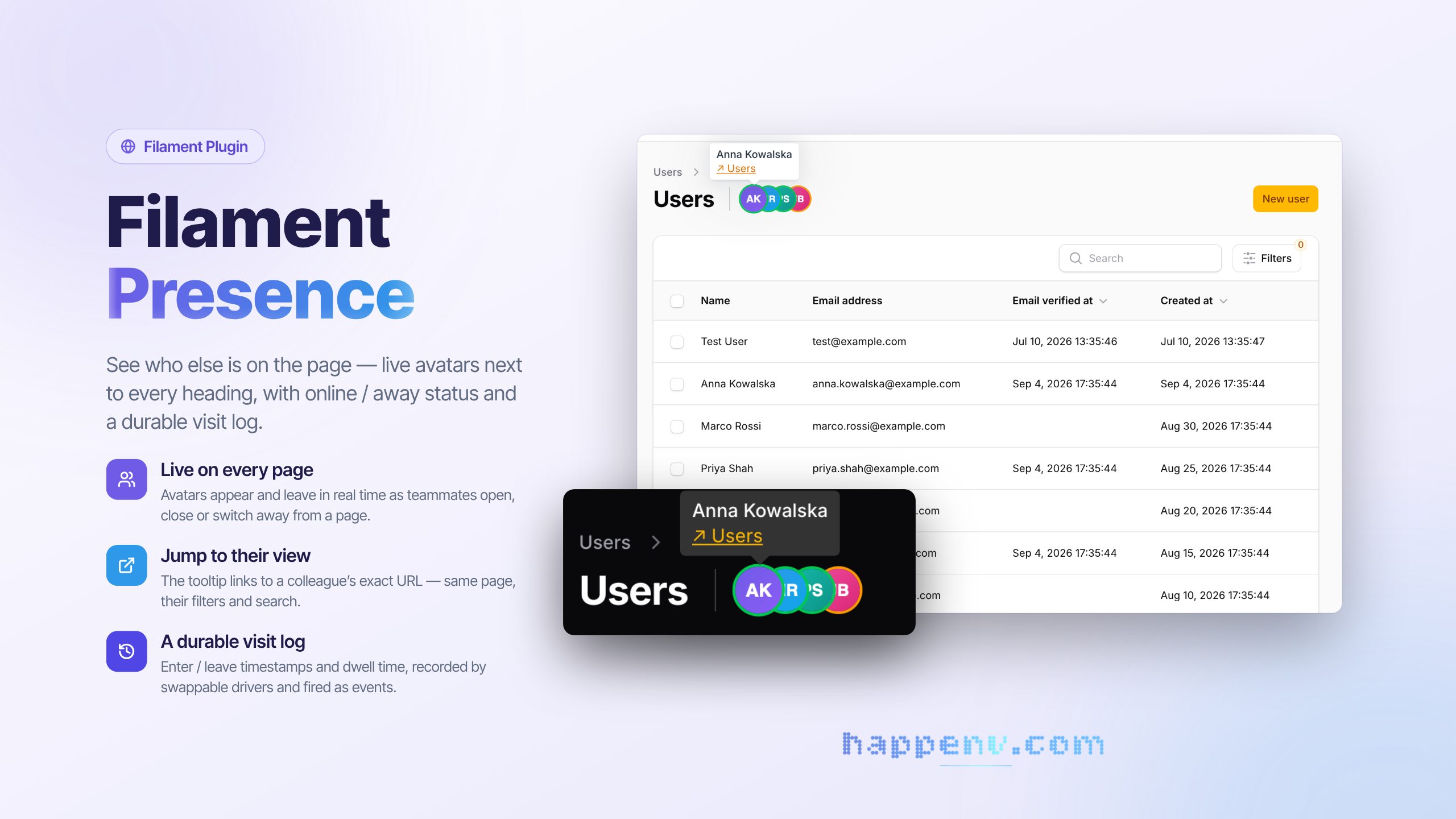
CommunitySee who else is on the page - live avatars next to every heading, with online / away status and a durable visit log.
filament/
namespace. Review the source and install at your own risk. Found
malware or an unresolved security issue the author won't
address?
Report it
.
 Author:
Happenv sp. z o.o.
Author:
Happenv sp. z o.o.
Documentation
- Key features
- Requirements
- Installation
- Configuration
- Usage
- Translations
- Development
- Upgrading
- Changelog
- Contributing
- Security vulnerabilities
- Credits
- License






Live "who's on this page" avatars for Filament panels, plus a durable session log (enter/leave timestamps and dwell time) exposed as domain events.
Each page renders a stacked row of avatars next to its heading, updated in real time as users open, leave, or switch away from the page. Built on Laravel broadcasting (Echo presence channels), so it works with Reverb, Pusher, or Ably.
use Happenv\FilamentPresence\FilamentPresencePlugin;

$panel->plugin(FilamentPresencePlugin::make());
#Key features
- Presence on every page, with no per-page wiring. Avatars are injected next to the page heading on every page type (list / create / edit / custom).
- Real-time join and leave. Native Echo presence channels add and remove avatars the moment users open or close a page.
- Online / away status. A green / amber ring driven by the Page Visibility API marks a user away when they switch tab or window; closing the tab removes them.
- Jump to where a colleague is. The tooltip shows the user's name and an optional "go to their view" link to their exact URL, shown only when it differs from yours.
- A durable session log. Swappable drivers (
database,activitylog, ornull) record every visit and dispatchUserEnteredPage/UserLeftPageevents — see Session log & events. - Per-page opt-in / opt-out. One trait method turns presence on or off for a page — see Per-page opt-in.
- 64 languages. The indicator's strings ship in every locale Filament ships — see Translations.
- Fits any layout. The layout is RTL-aware and the avatar size is configurable.
- Every moving part is swappable. Channel naming, member data, the room-key strategy, the recorder and the model are resolved from the container, so you can replace them without touching package code — see Extension points.
#Requirements
| Package | Versions |
|---|---|
| PHP | 8.3 – 8.5 |
| Laravel | 11, 12, 13 (CI runs 12 and 13) |
| Filament | 4 (^4.11), 5 (^5.6) |
The avatars also need a configured Laravel Echo client (window.Echo) backed by Reverb, Pusher, or Ably, with broadcasting authentication set up.
#Installation
Install the package via Composer:
composer require happenv-com/filament-presence
The default recorder writes to a presence_sessions table. Publish and run the migration:
php artisan vendor:publish --tag=filament-presence-migrations
php artisan migrate
[!IMPORTANT] If you have not set up a custom theme and are using Filament Panels, follow the instructions in the Filament docs first.
Add the package's views to your theme's CSS file, so Tailwind generates the classes they use:
@source '../../../../vendor/happenv-com/filament-presence/resources/**/*.blade.php';
Register the plugin on your panel:
use Filament\Panel;
use Happenv\FilamentPresence\FilamentPresencePlugin;

public function panel(Panel $panel): Panel
{
    return $panel->plugin(FilamentPresencePlugin::make());
}
That's it — every page in the panel now shows presence avatars. By default member
data comes from the authenticated user's getFilamentAvatarUrl() and name.
#Configuration
Optionally publish the config:
php artisan vendor:publish --tag=filament-presence-config
config/filament-presence.php:
| Key | Default | Description |
|---|---|---|
recorder |
database |
Session-log driver: database, activitylog, or null. |
table |
presence_sessions |
Table used by the database recorder. |
default_opt_in |
true |
When false, presence is off unless a page opts in. |
show_self |
false |
Show the current user's own avatar. |
max_visible_avatars |
5 |
Avatars shown before collapsing into a +N chip. |
avatar_size |
22 |
Avatar diameter in pixels. |
heartbeat_interval |
30 |
Client heartbeat cadence (seconds). |
stale_after_seconds |
90 |
Server-side cutoff for closing stale sessions. |
guard |
null |
Auth guard for the log routes (null = default guard). |
reload_on_session_expiry |
true |
Reload the tab (onto the login screen) once the session has expired. The client always stops its loop and dispatches filament-presence:session-expired on window; switch this off to handle expiry yourself. |
middleware |
['web', 'auth'] |
Middleware group for the log routes. |
route_prefix |
filament-presence |
URL prefix for the log routes. |
register_default_channel |
true |
Register the bundled presence channel (disable if you register your own). |
#Usage
#How it works
Two decoupled layers:
- Live (ephemeral): native Echo presence channels (
here/joining/leaving) drive the avatars. No database involved. - Durable: a
PresenceRecorderis fed by lightweightenter/heartbeat/leaveHTTP calls and records each visit. A scheduled command closes sessions whose heartbeat went stale (closed laptop, crash) so timestamps stay accurate even without a clean exit.
The two layers are independent: avatars keep working if the log backend is down, and
the log stays correct even when the browser never fires beforeunload.
#Per-page opt-in
Toggle presence per page with the InteractsWithPresence trait:
use Happenv\FilamentPresence\Concerns\InteractsWithPresence;

class EditOrder extends EditRecord
{
    use InteractsWithPresence;

    public function shouldCollectPresence(): bool
    {
        return false; // disable presence on this page
    }
}
Without the trait, pages follow default_opt_in.
#Session log & events
The active recorder records every visit and dispatches plain Laravel events you can listen to:
use Happenv\FilamentPresence\Events\UserEnteredPage;
use Happenv\FilamentPresence\Events\UserLeftPage;

// UserEnteredPage->visit                       (userId, roomKey, url, label, enteredAt)
// UserLeftPage->visit, ->leftAt, ->durationSeconds
Drivers:
database— open/close rows inpresence_sessions; queryable, exact durations.activitylog— logsentered/leftactivities viaspatie/laravel-activitylog(install it to use this driver).null— live avatars only, no persistence.
#Closing stale sessions
Schedule the cleanup command so ungraceful exits are still closed:
// routes/console.php
Schedule::command('presence:close-stale')->everyMinute();
#Extension points
Bind your own implementations in a service provider; the package binds defaults with
bindIf, so your bindings always win.
| Contract / class | Purpose | Default |
|---|---|---|
Contracts\ResolvesPresenceMember |
Build the presence payload (id, name, avatar, profile URL) from a user. | reads getFilamentAvatarUrl() + name |
Contracts\ResolvesPresenceChannel |
The logical channel name per request (inject a tenant prefix here). | filament-presence.{roomKey} |
Contracts\DerivesRoomKey |
Turn a request path into a channel-safe room key. | slug + hash of the path |
Contracts\PresenceRecorder |
The session-log backend. | selected via recorder config |
Models\PresenceSession |
The Eloquent model for the database recorder. | integer key; bind a subclass for UUIDs/custom table |
$this->app->bind(
    \Happenv\FilamentPresence\Contracts\ResolvesPresenceMember::class,
    MyMemberResolver::class,
);
#Custom presence channel
The package registers filament-presence.{roomKey} out of the box. To use your own
channel (e.g. tenant-namespaced), set register_default_channel to false and
register it yourself, delegating authorization to the package:
use Happenv\FilamentPresence\PresenceChannel;
use Illuminate\Support\Facades\Broadcast;

Broadcast::channel('my-prefix.{roomKey}', fn ($user, string $roomKey) =>
    PresenceChannel::authorize($user, $roomKey)
);
Then return the matching name from your ResolvesPresenceChannel so the client
subscribes to the same channel.
#Translations
The indicator's own strings — the "go to their view" link and the fallback name for a member without one — ship in every locale Filament ships:
am ar az bg bn bs ca ckb cs da de el en es et eu fa fi fil fr he hi hr hu hy id it ja ka km ko ku lt lus lv mk mn ms my nb ne nl pl pt pt_BR ro ru sk sl sq sr_Cyrl sr_Latn sv sw tg th tr uk ur uz vi zh_CN zh_HK zh_TW
The app locale picks the language; the page label in the tooltip is the page's own (already translated) title. Publish the files to change a string or add a language:
php artisan vendor:publish --tag=filament-presence-translations
#Development
composer test          # unit and feature tests
composer phpstan       # static analysis
composer cs            # fix code style: composer normalize, Rector, Pint
composer ci            # everything CI checks, locally
The suite runs on Testbench with an in-memory SQLite database — no Filament panel required.
#Upgrading
Breaking changes and how to migrate are described in UPGRADING for every major version.
#Changelog
See CHANGELOG and GitHub releases for what has changed recently.
#Contributing
See CONTRIBUTING for details.
#Security vulnerabilities
Please review our security policy on how to report security vulnerabilities.
#Credits
#License
The MIT License (MIT). See License File for more information.
The author
Happenv is a software development company specializing in e-commerce solutions, logistics systems, and Order Management Systems (OMS). We design, build, and maintain scalable business applications that help companies streamline operations, automate workflows, and improve customer experiences. Our expertise includes custom development, system integrations, and long-term support of solutions built with Laravel and Filament, delivering reliable and efficient platforms tailored to modern commerce and logistics needs.
From the same author
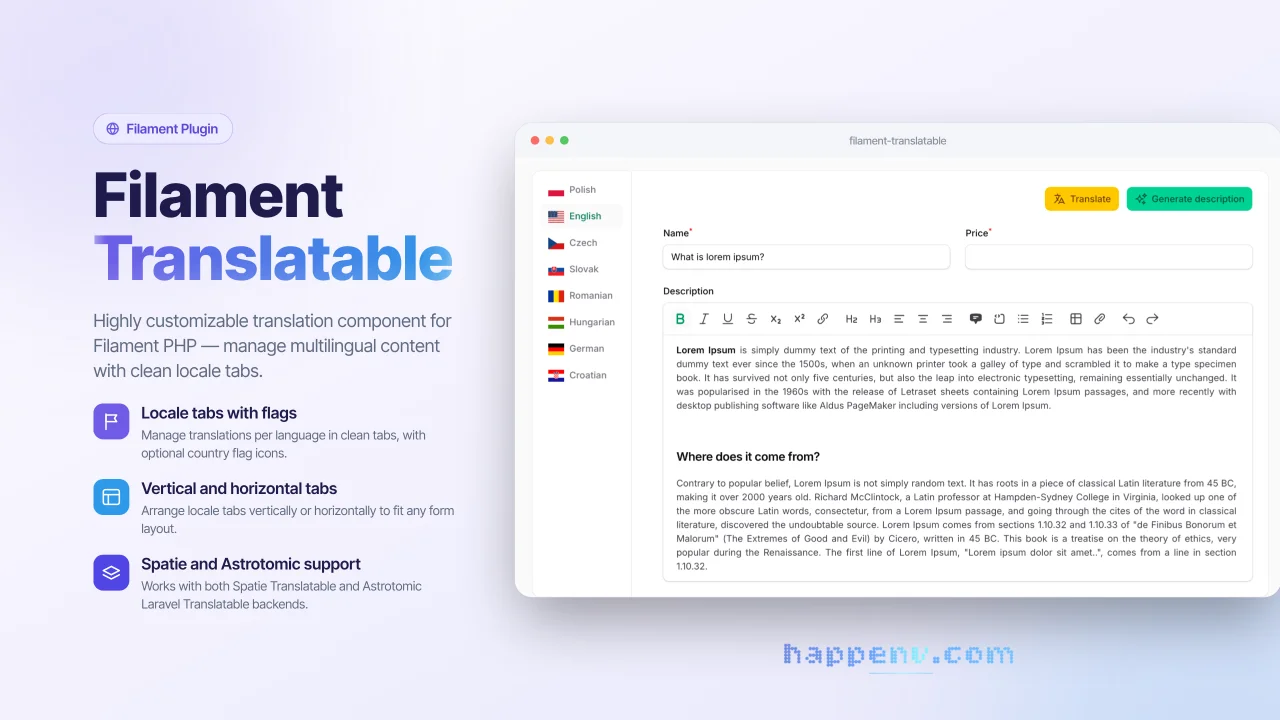
Translatable Fields
ilament Translatable is a flexible package that provides a complete solution for managing multilingual content in Filament admin panels. It allows you to easily create translatable form fields with an intuitive tabbed interface, supporting multiple locales and translation packages.
Author:
Happenv sp. z o.o.
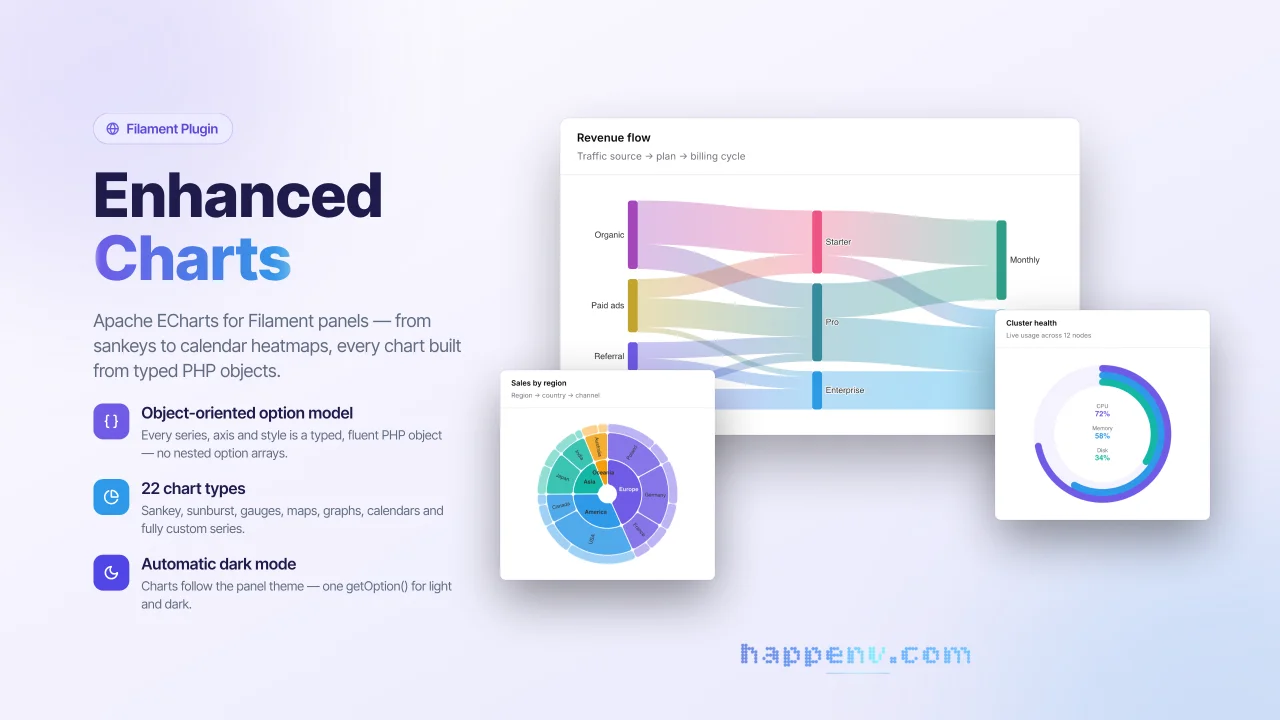
Enhanced Charts
Apache ECharts for Filament panels - from sankeys to calendar heatmaps, every chart built from typed PHP objects.
Author:
Happenv sp. z o.o.
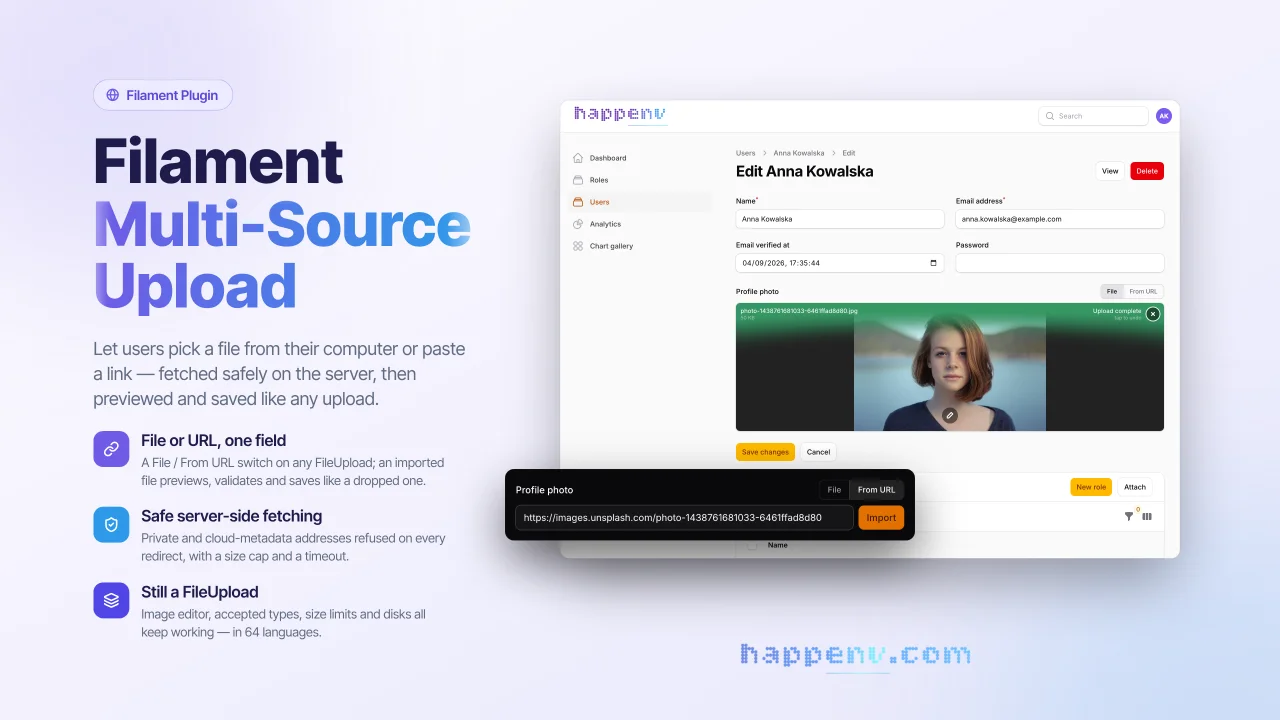
Multi Source Upload
A drop-in replacement for Filament's FileUpload field that lets users add a file from their disk or from a URL.
Author:
Happenv sp. z o.o.
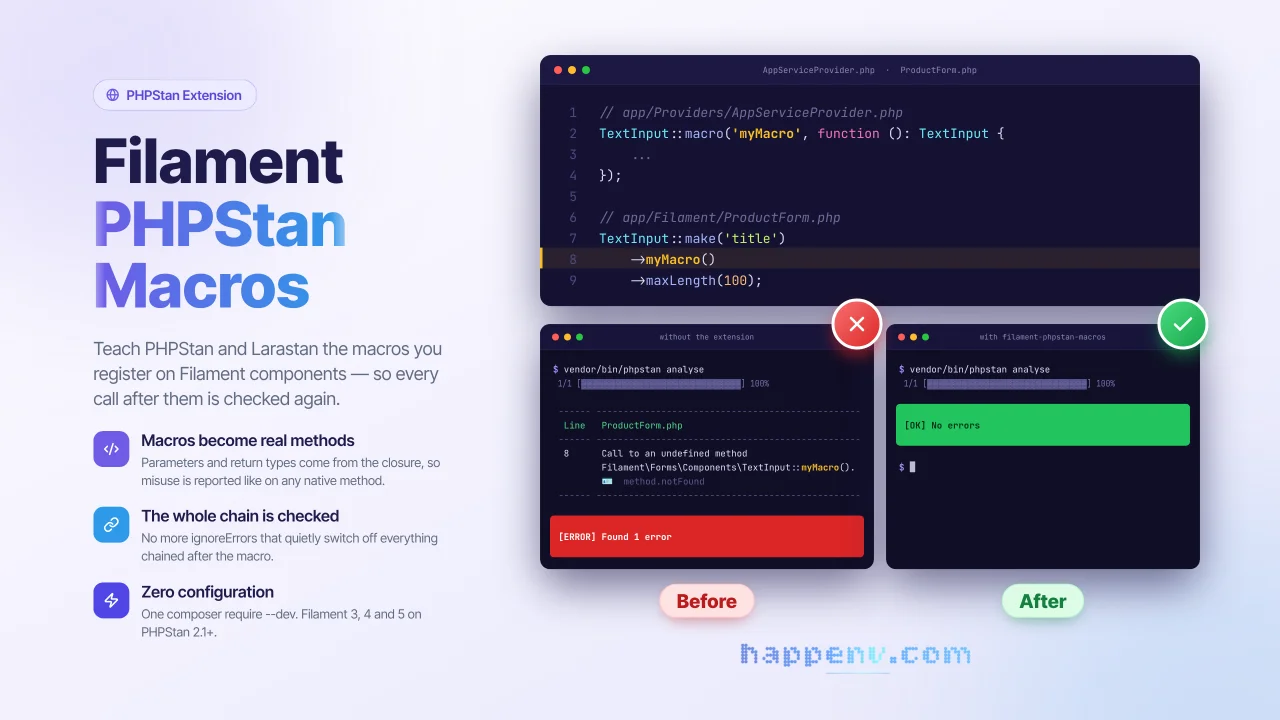
PHPStan readable macros
PHPStan and Larastan understand macros registered on Filament components.
Author:
Happenv sp. z o.o.
Featured Plugins
A selection of plugins curated by the Filament team

Compact Theme
A theme that makes data-heavy panels easier to scan by fitting more useful information on each screen.
 Filament

Custom Fields
Eliminate custom field migrations forever. Let your users create and manage form fields directly in Filament admin panels with 20+ built-in field types, validation, and zero database changes.
 Relaticle

Custom Dashboards
Let your users build and share their own dashboards with a drag-and-drop interface. Define your data sources in PHP and let them do the rest.
Filament

