

Blog
CommunityA faceless blog content manager with configurable richtext and markdown support.
 Author:
Stephen Jude
Author:
Stephen Jude
Package health
BetaAutomated checks of this plugin's Composer package
15 checks
- Failed: GitHub Actions pinned to SHA — View details on Plumb
- Skipped: GitLab CI includes pinned to SHA
- Passed: Open security advisories
- Warning: Dependabot PR responsiveness — Stale Dependabot PRs: oldest general PR is 99 days old.
- Skipped: Renovate MR responsiveness
- Passed: Dependabot or Renovate configured
-
Failed:
Dependency update cooldown configured
—
No cooldown configured in
.github/dependabot.yml. View details on Plumb - Passed: Provides a security policy
- Passed: Abandoned or archived — No consulted source marks the package abandoned (packagist, github).
- Passed: Commit and release recency — Active: last commit 119 days ago; last release 119 days ago.
-
Passed:
composer.lock not committed by library
—
composer.lockis absent from the released dist archive. - Passed: Dist archive is lean
-
Passed:
Current Laravel version supported
—
Package dependencies resolve together with current Laravel
13.0. -
Passed:
Current PHP version supported
—
Constraint
^8.3supports current PHP8.5. - Skipped: Current Symfony version supported
filament/
namespace. Review the source and install at your own risk. Found
malware or an unresolved security issue the author won't
address?
Report it
.
Documentation
- Filament Admin Panel
- Supported Versions
- Installation
- Displaying your content
- More Screenshots
- Testing
- Changelog
- Contributing
- Security Vulnerabilities
- Credits
- License



A faceless blog content manager with configurable richtext and markdown support for a filament admin panel.
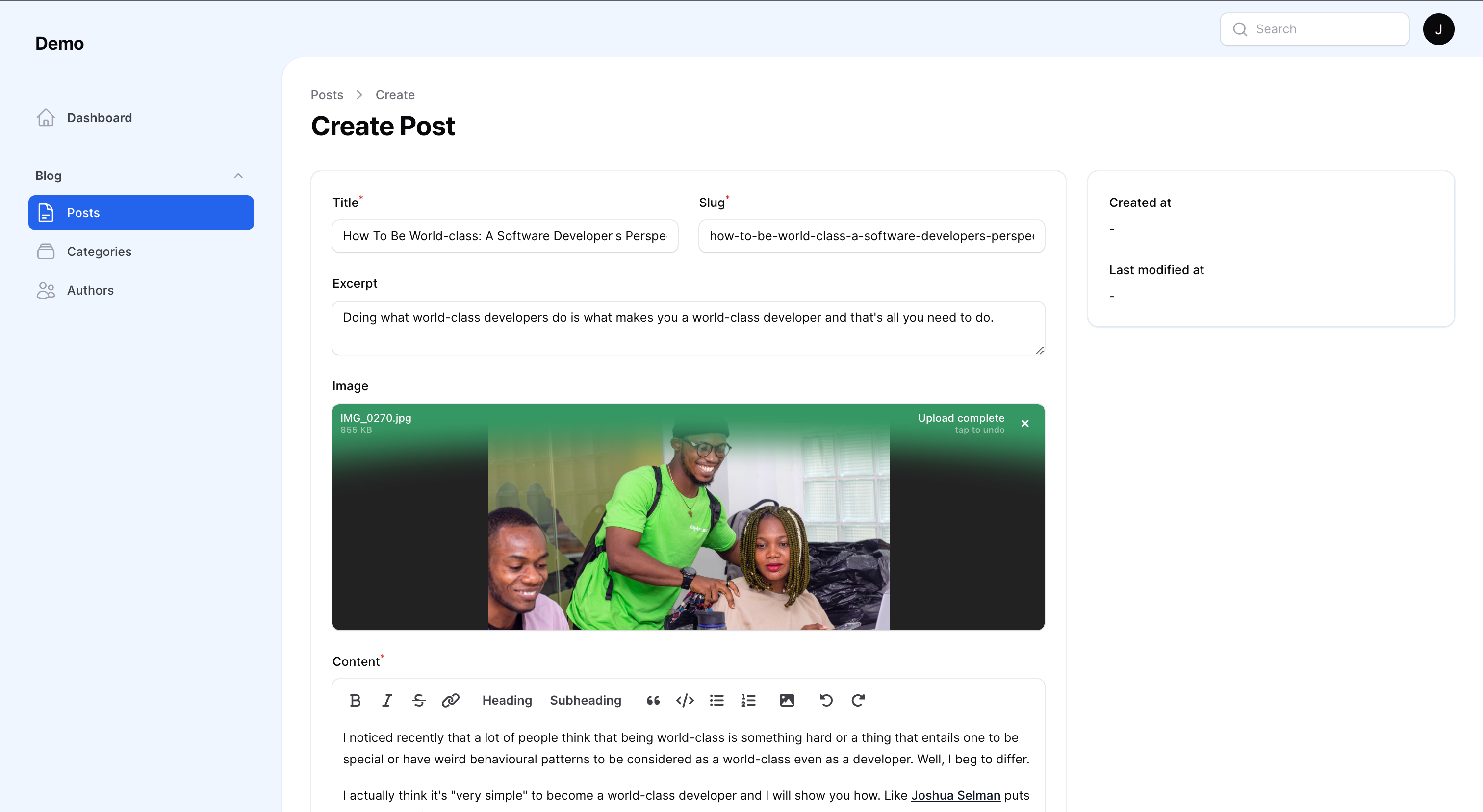
#Filament Admin Panel
This package is tailored for Filament Admin Panel.
Make sure you have installed the admin panel before you continue with the installation. You can check the documentation here
#Supported Versions
PHP: 8.1 & 8.2
Laravel: 10
#Installation
You can install the package via composer:
composer require stephenjude/filament-blog

php artisan filament-blog:install

php artisan storage:link

php artisan migrate
You'll have to register the plugin in your panel provider.
public function panel(Panel $panel): Panel
{
    return $panel
        ...
        ->plugin(
            Stephenjude\FilamentBlog\BlogPlugin::make()
        );
}
#Authorization/Access Control
You can authorize the plugin for users with a specific role/permission:
\Stephenjude\FilamentBlog\BlogPlugin::make()
    ->authorizePost(fn() => auth()->user()->can('edit.posts'));
    ->authorizeAuthor(fn() => auth()->user()->can('edit.authors'));
    ->authorizeCategory(fn() => auth()->user()->can('edit.category'));
#Displaying your content
Filament blog builder is faceless, it doesn't have any opinions on how you display your content in your frontend. You can use the blog models in your controllers to display the different resources:
Stephenjude\FilamentBlog\Models\PostStephenjude\FilamentBlog\Models\AuthorStephenjude\FilamentBlog\Models\Category
#Posts & Drafts
$posts = Post::published()->get();

$drafts = Post::draft()->get();
#Post Content
$post = Post::find($id);

$post->id;
$post->title;
$post->slug;
$post->excerpt;
$post->banner_url;
$post->content;
$post->published_at;
#Post Category & Author
$post = Post::with(['author', 'category'])->find($id);

$author = $post->author;

$author->id;
$author->name;
$author->email;
$author->photo;
$author->bio;
$author->github_handle;
$author->twitter_handle;


$category = $post->category;

$category->id;
$category->name;
$category->slug;
$category->description;
$category->is_visible;
$category->seo_title;
$category->seo_description;
#Configurations
This is the contents of the published config file:
<?php

return [

    /**
     * Supported content editors: richtext & markdown:
     *      \Filament\Forms\Components\RichEditor::class
     *      \Filament\Forms\Components\MarkdownEditor::class
     */
    'editor'  => \Filament\Forms\Components\RichEditor::class,

    /**
     * Buttons for text editor toolbar.
     */
    'toolbar_buttons' => [
        'attachFiles',
        'blockquote',
        'bold',
        'bulletList',
        'codeBlock',
        'h2',
        'h3',
        'italic',
        'link',
        'orderedList',
        'redo',
        'strike',
        'undo',
    ],

    /**
     * Configs for Posts that give you the option to change
     * the sort column and direction of the Posts.
     */
    'sort' => [
        'column' => 'published_at',
        'direction' => 'asc',
    ],
];
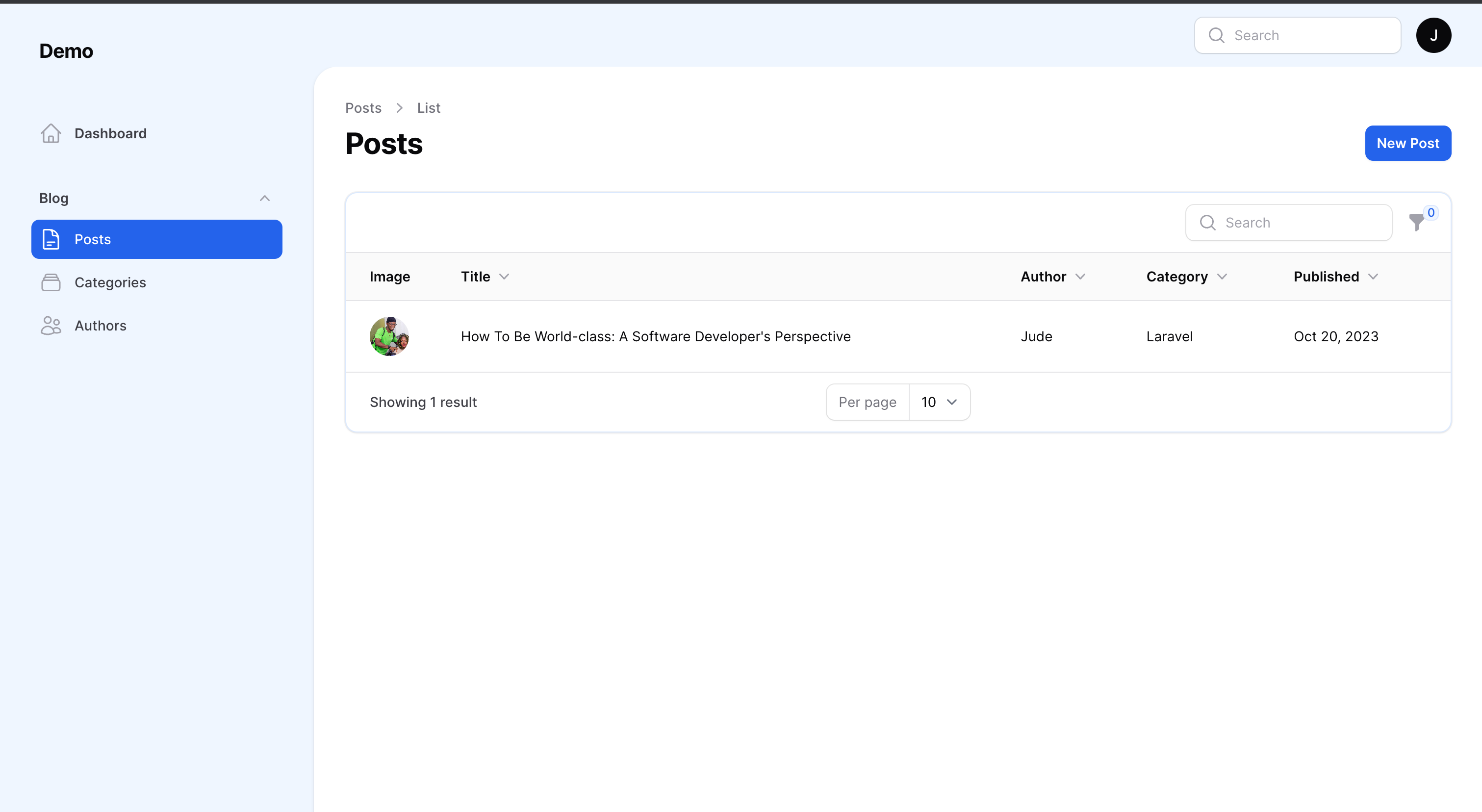
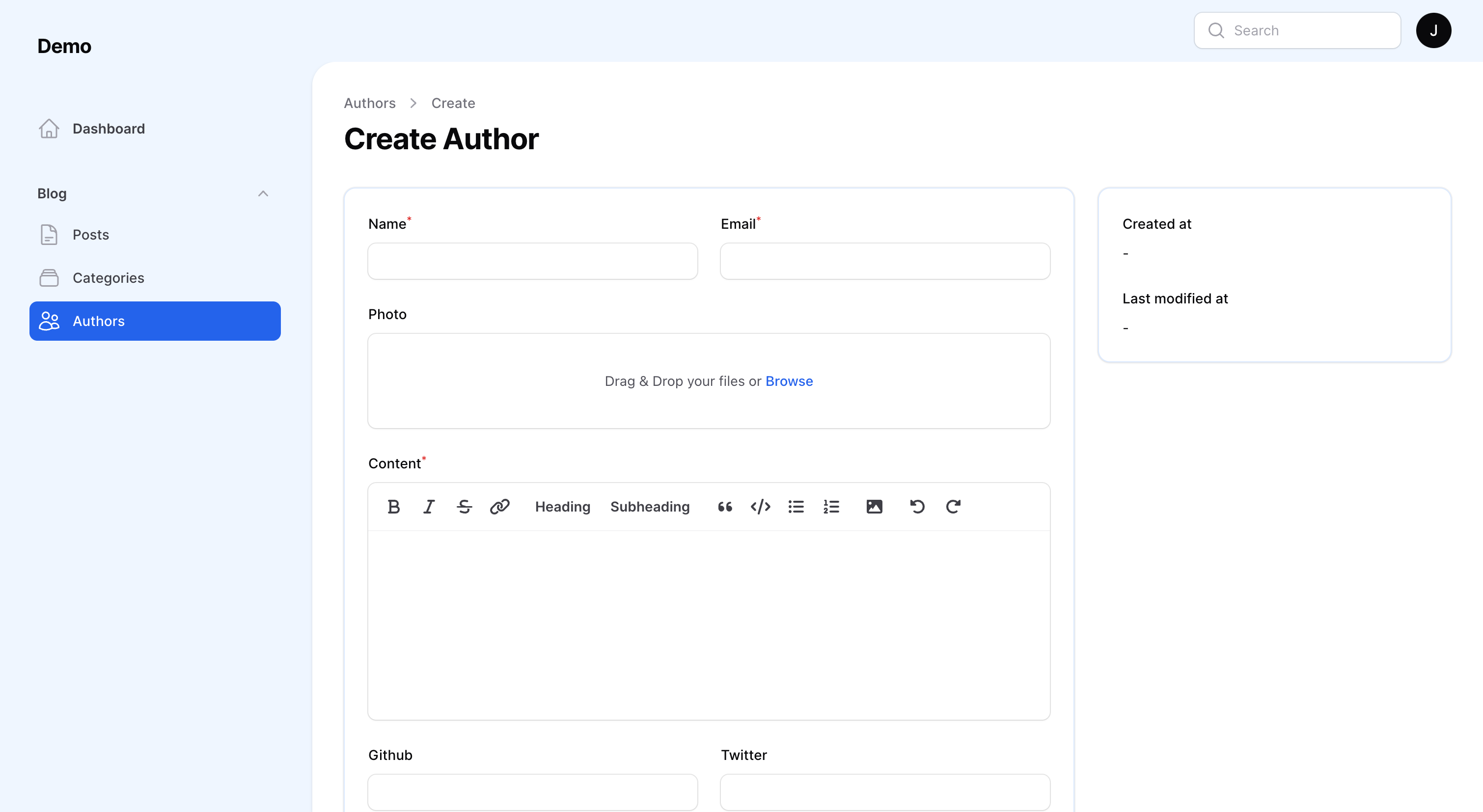
#More Screenshots
#Testing
composer test
#Changelog
Please see CHANGELOG for more information on what has changed recently.
#Contributing
Please see CONTRIBUTING for details.
#Security Vulnerabilities
Please review our security policy on how to report security vulnerabilities.
#Credits
#License
The MIT License (MIT). Please see License File for more information.
The author
From the same author

Feature Flags
Filament implementation of feature flags and segmentation with Laravel Pennant.
Author:
Stephen Jude

Jetstream
A Laravel Starter Kit Built With Filament.
Author:
Stephen Jude
Debugger
Easily add Laravel Telescope and Laravel Horizon to admin panel.
Author:
Stephen Jude
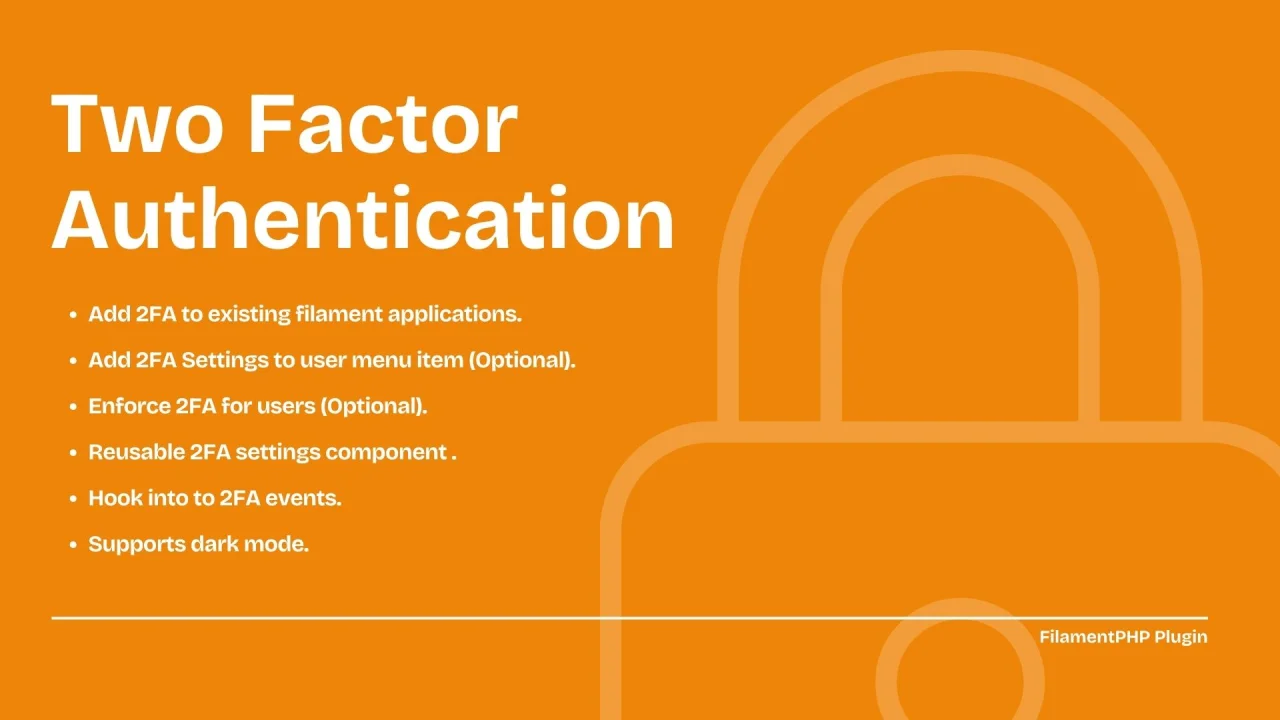
Two Factor Authentication (2FA)
Add two factor authentication to new and existing Filament applications.
Author:
Stephen Jude
Featured Plugins
A selection of plugins curated by the Filament team

Blueprint
Filament Blueprint is a premium Laravel Boost extension that helps AI agents produce accurate, detailed implementation plans and security reports for Filament apps.
 Filament

Sharp Theme
A theme that gives panels a precise, technical look with square corners, strong borders, and clear contrast.
Filament

Custom Fields
Eliminate custom field migrations forever. Let your users create and manage form fields directly in Filament admin panels with 20+ built-in field types, validation, and zero database changes.
 Relaticle

