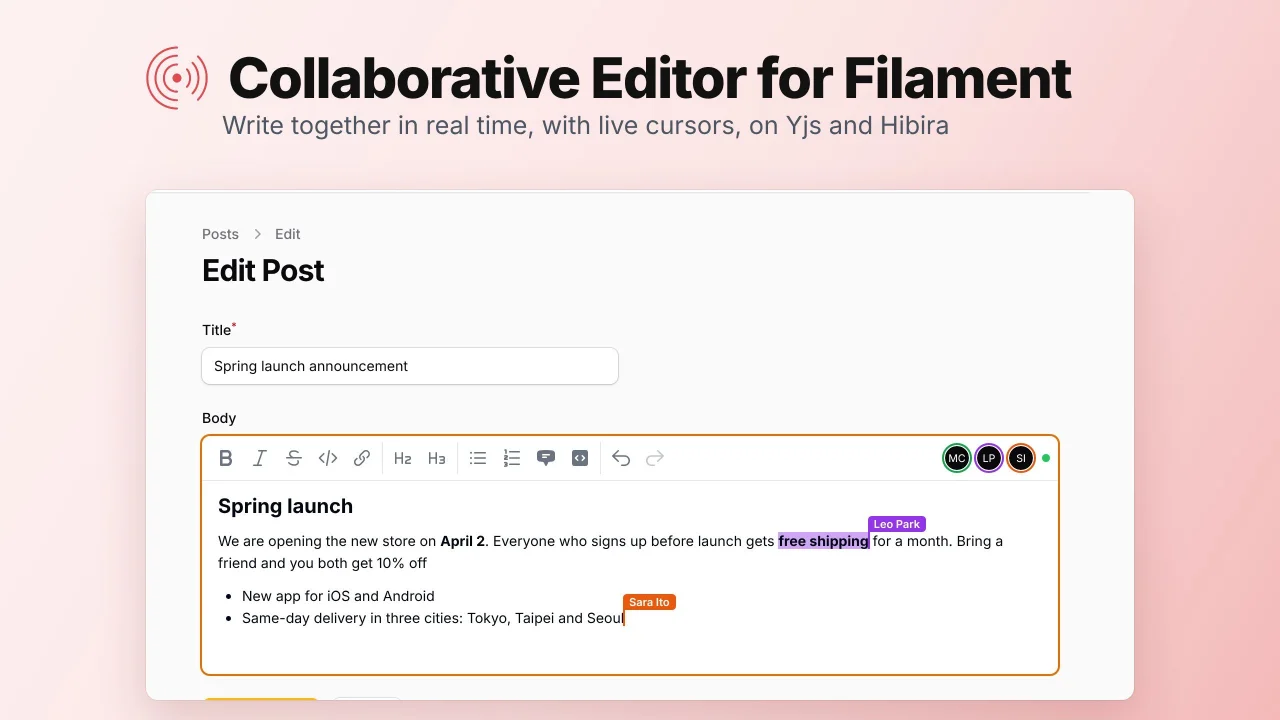
Collaborative Editor by Hibira
CommunityA rich text field that several people can edit at once, with live cursors, synced with Yjs over Hibira WebSockets.
 Author:
Hibira
Package health
Automated checks of this plugin's Composer package
15 checks
- Passed: GitHub Actions pinned to SHA
- Skipped: GitLab CI includes pinned to SHA
- Passed: Open security advisories
- Passed: Dependabot PR responsiveness — No open Dependabot PRs.
- Skipped: Renovate MR responsiveness
- Warning: Dependabot or Renovate configured — Updater does not cover the JavaScript ecosystem, which has a committed lockfile.
- Passed: Dependency update cooldown configured
- Passed: Provides a security policy
- Passed: Abandoned or archived — No consulted source marks the package abandoned (packagist, github).
- Passed: Commit and release recency — Active: last commit 0 days ago; last release 4 days ago.
-
Passed:
composer.lock not committed by library
—
composer.lockis absent from the released dist archive. - Passed: Dist archive is lean
-
Passed:
Current Laravel version supported
—
Package dependencies resolve together with current Laravel
13.0. -
Passed:
Current PHP version supported
—
Constraint
^8.1supports current PHP8.5. - Skipped: Current Symfony version supported
filament/
namespace. Review the source and install at your own risk. Found
malware or an unresolved security issue the author won't
address?
Report it
.
Documentation
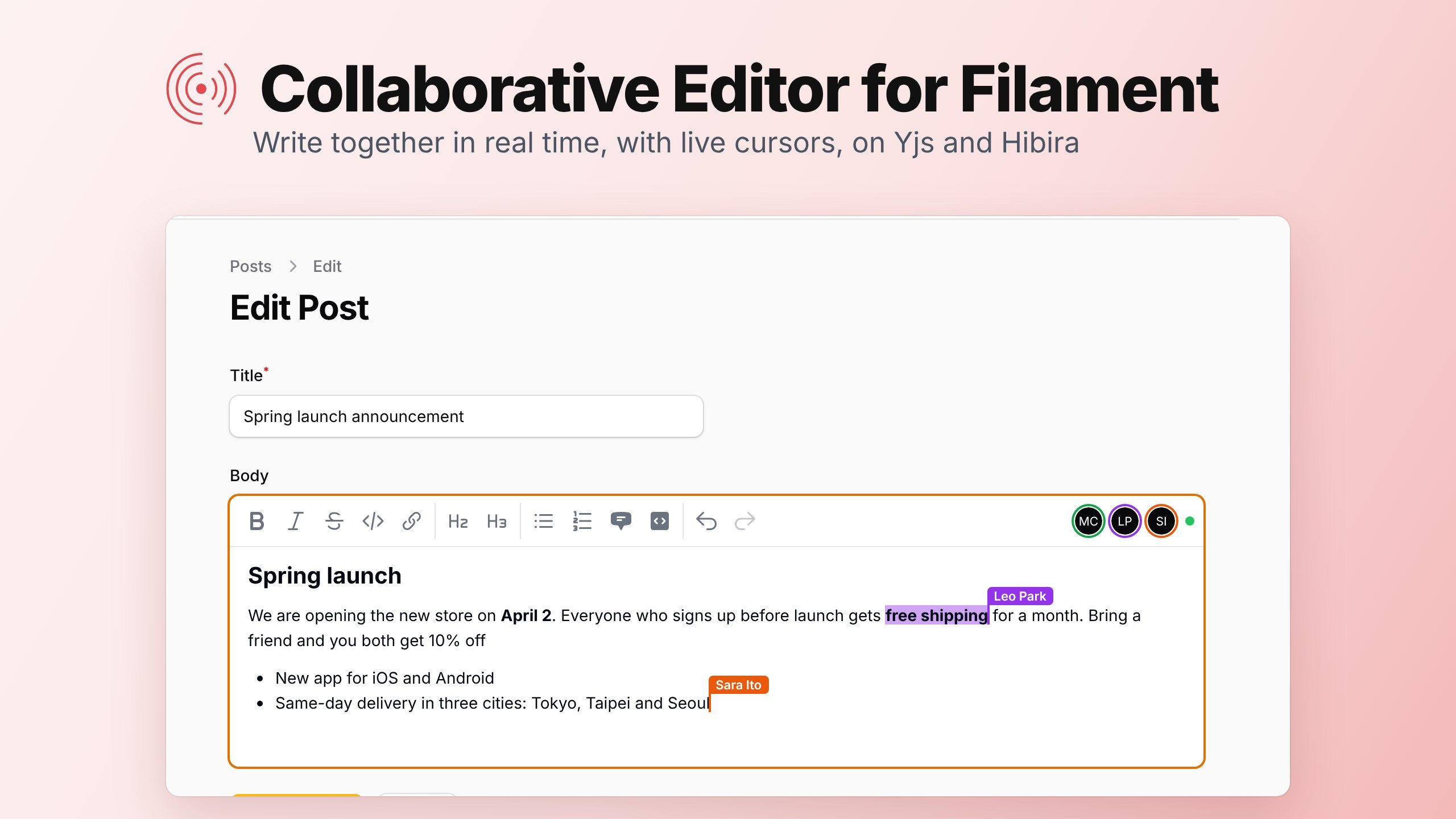

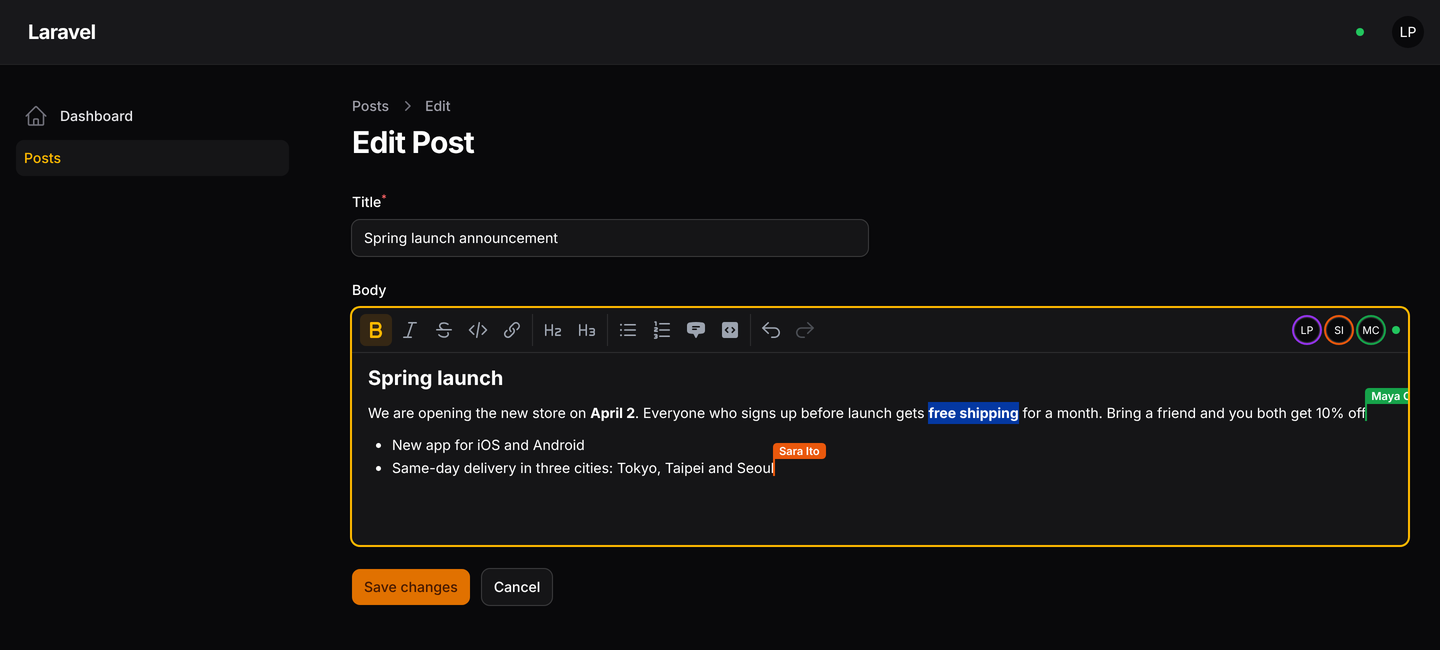
A rich text editor for Filament that several people can type in at the same time, like Google Docs, on Hibira.
- Write together: everyone on the edit page types into the same text. Changes merge on their own, with no locks and no "someone else saved this record" errors. Built on Yjs and TipTap.
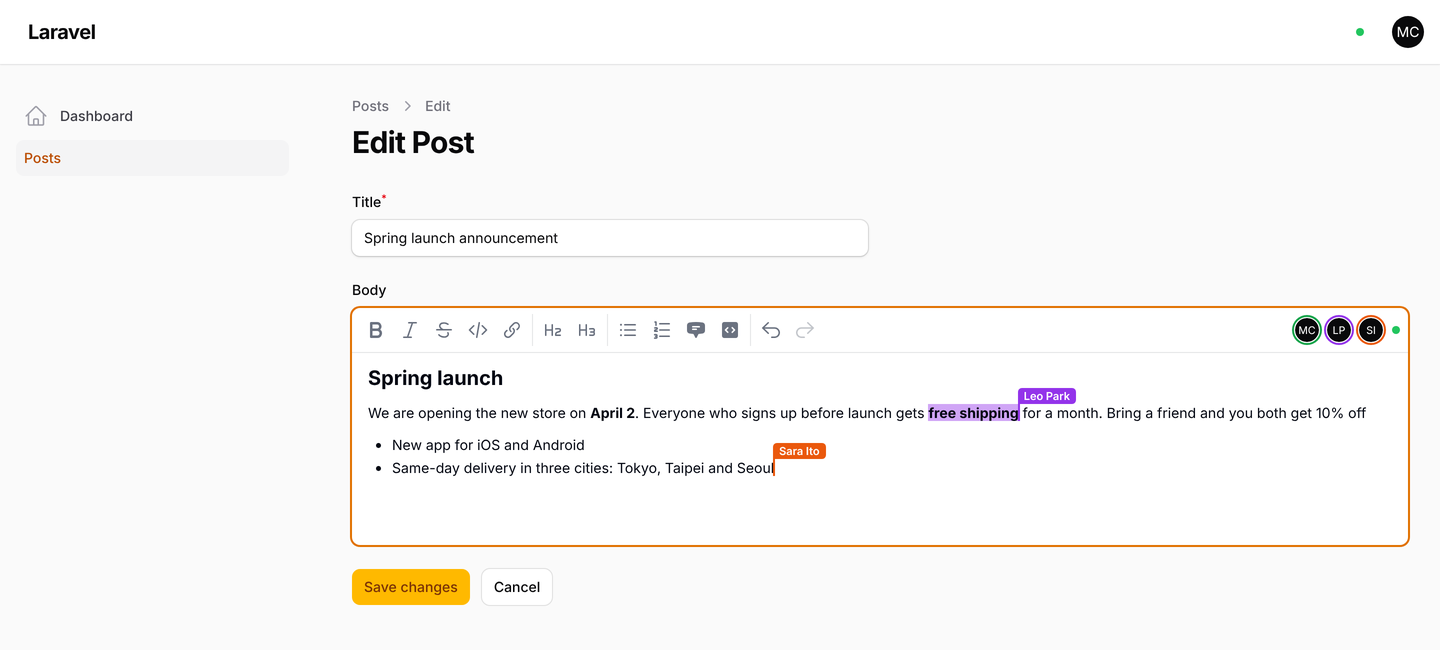
- Live cursors and selections with each person's name, and the avatars of who is editing.
- Nothing is lost: changes are stored in your database as people type. Someone who opens the page later, or comes back after losing their connection, picks up where everyone is.
- A normal Filament field: its state is HTML, like
RichEditor, and the record is saved with your Save button as usual. - In English, 繁體中文, 简体中文, 日本語, 한국어, ไทย and Tiếng Việt.
Supports Filament 3, 4 and 5.
#Install
composer require hibira-io/filament-collab
php artisan hibira:install
php artisan migrate
hibira:install (from hibira-io/laravel)
adds the HIBIRA_* settings to .env. Copy the app ID, key and secret from
your app page on hibira.io/portal (the free plan
needs no card), and check them with php artisan hibira:check.
On the same app page, turn on Client events. Cursors travel between browsers as client events; the text itself does not need them.
Add both plugins to your panel. HibiraPlugin from
hibira-io/filament connects the
panel to Hibira; HibiraCollabPlugin lets the editors in the panel work
together.
use Hibira\Filament\HibiraPlugin;
use Hibira\FilamentCollab\HibiraCollabPlugin;

public function panel(Panel $panel): Panel
{
    return $panel
        // ...
        ->plugins([
            HibiraPlugin::make(),
            HibiraCollabPlugin::make(),
        ]);
}
Then use the field in a resource form:
use Hibira\FilamentCollab\Forms\Components\CollaborativeEditor;

CollaborativeEditor::make('body')
    ->placeholder('Write the announcement…')
    ->columnSpanFull(),
Open the record's edit page in two browsers, signed in as two users, and type.
#Options
CollaborativeEditor::make('body')
    // Choose the toolbar: bold, italic, strike, code, link, h2, h3,
    // bulletList, orderedList, blockquote, codeBlock, undo, redo.
    ->toolbarButtons(['bold', 'italic', 'link', 'bulletList', 'undo', 'redo'])
    ->disableToolbarButtons(['codeBlock'])
    ->minHeight('20rem')
    // Turn live editing off for some users or records.
    ->collaborative(fn (Post $record) => ! $record->is_published)
    // Share one document between fields or records yourself.
    ->documentKey(fn (Post $record) => "post-{$record->translation_group}");
A disabled field shows the live text and cursors but cannot be changed. On a create page there is no record yet, so the field is an ordinary editor until the record exists.
The field's HTML comes from the browser. Clean it before you show it to
other people, for example with Filament's str($post->body)->sanitizeHtml()
or a library such as HTML Purifier.
Publish the config to change the limits or the database connection and table names:
php artisan vendor:publish --tag=hibira-collab-config
| Setting | Default |
|---|---|
grant_minutes |
720: how long a user may keep editing after opening the page |
max_update_bytes |
1 MB: the largest change one request may send |
compact_after |
200: stored changes before they are merged into one snapshot |
max_event_bytes |
3500: bigger changes are fetched instead of sent in the event |
#How it uses Hibira
- Each document has a presence channel per panel. Only users who opened the record's edit page can join it, so it also shows who is editing.
- The browser sends its changes to your Laravel app, which stores them and passes them on to the others over Hibira. The text does not depend on client events, and the server always has the latest version.
- Changes that do not fit in one event on your plan (4 KB on Free), such as a large paste, are announced without their content, and the other browsers fetch them.
- Cursors are sent directly between browsers as client events, at most a few times a second.
- When the saved value is changed outside the editor, for example by an import, the next person who opens the page starts the document again from that value, and open editors reload it.
#Testing
composer test
The browser code is in resources/js. After changing it, rebuild the bundle
in resources/dist with npm ci && npm run build.
#License
MIT
The author
From the same author
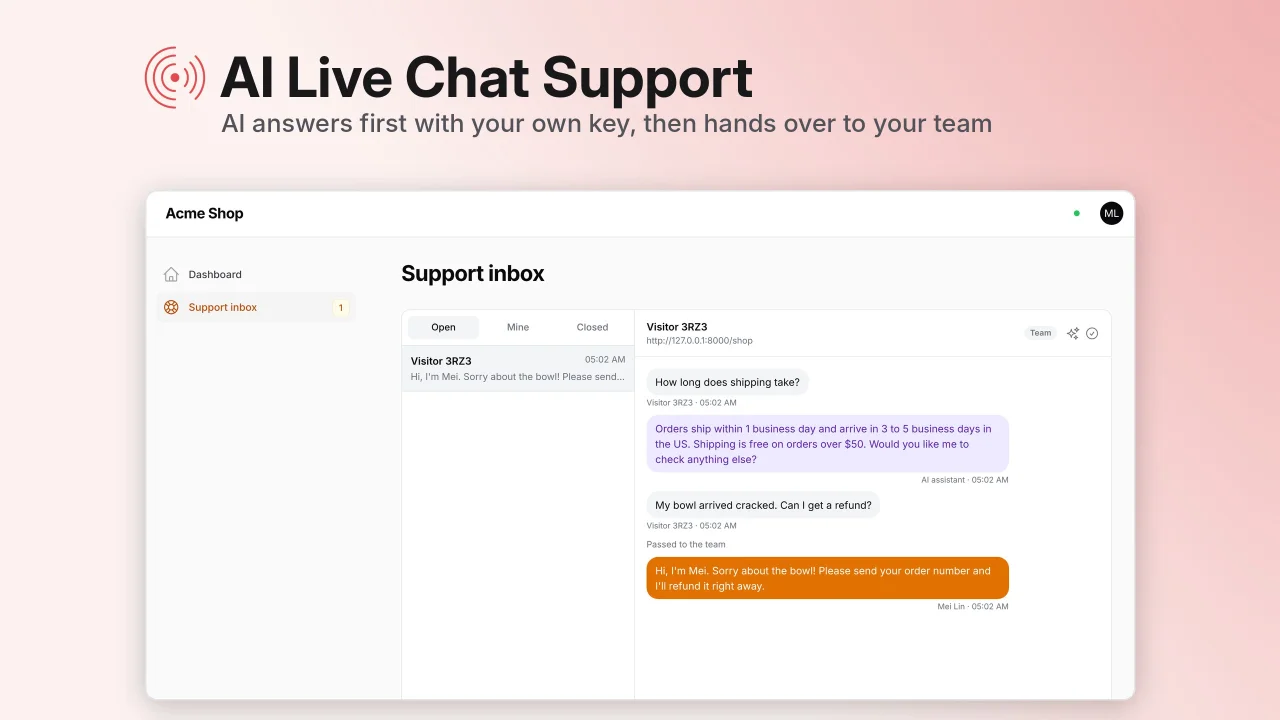
AI Live Chat Support
A live chat widget for your website where AI answers first with your own API key and hands visitors over to your team in a live support inbox in your panel.
Author:
Hibira
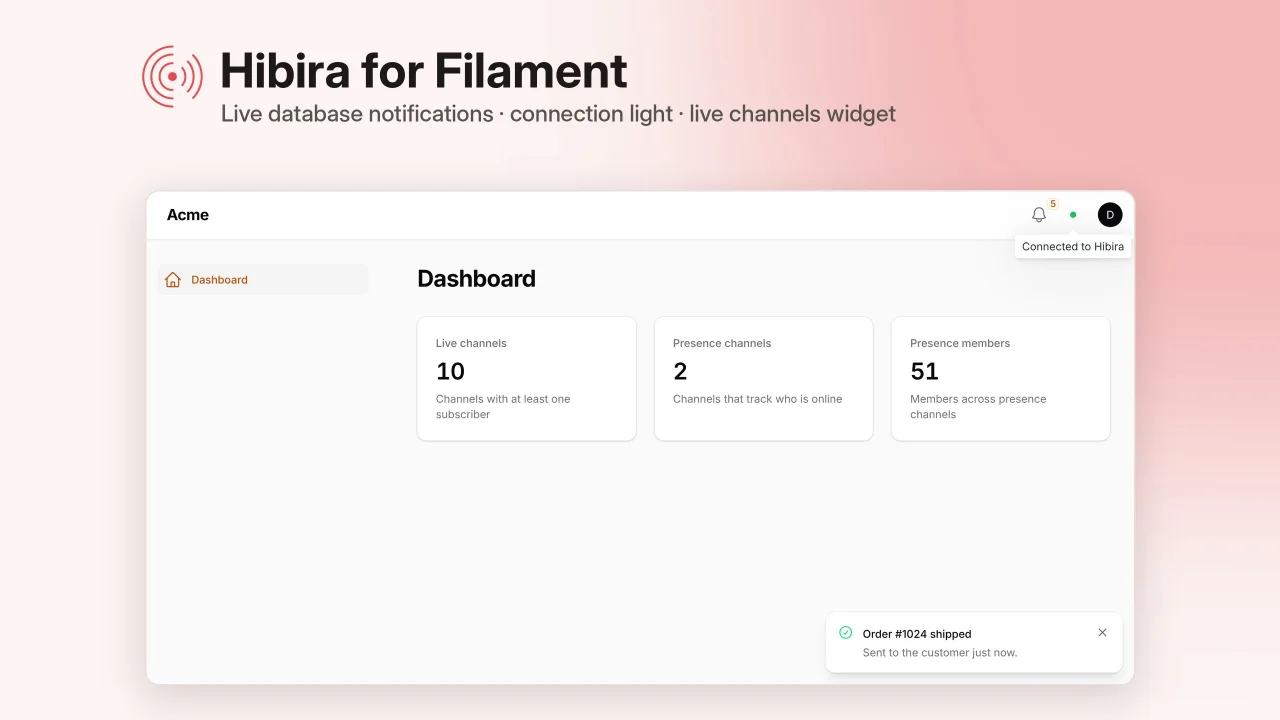
Realtime
Live notifications, tables and record pages, edit locks, who's-here avatars, team chat and waiting rooms for your panels, set up with one command and powered by Hibira's Pusher-compatible WebSockets.
Author:
Hibira
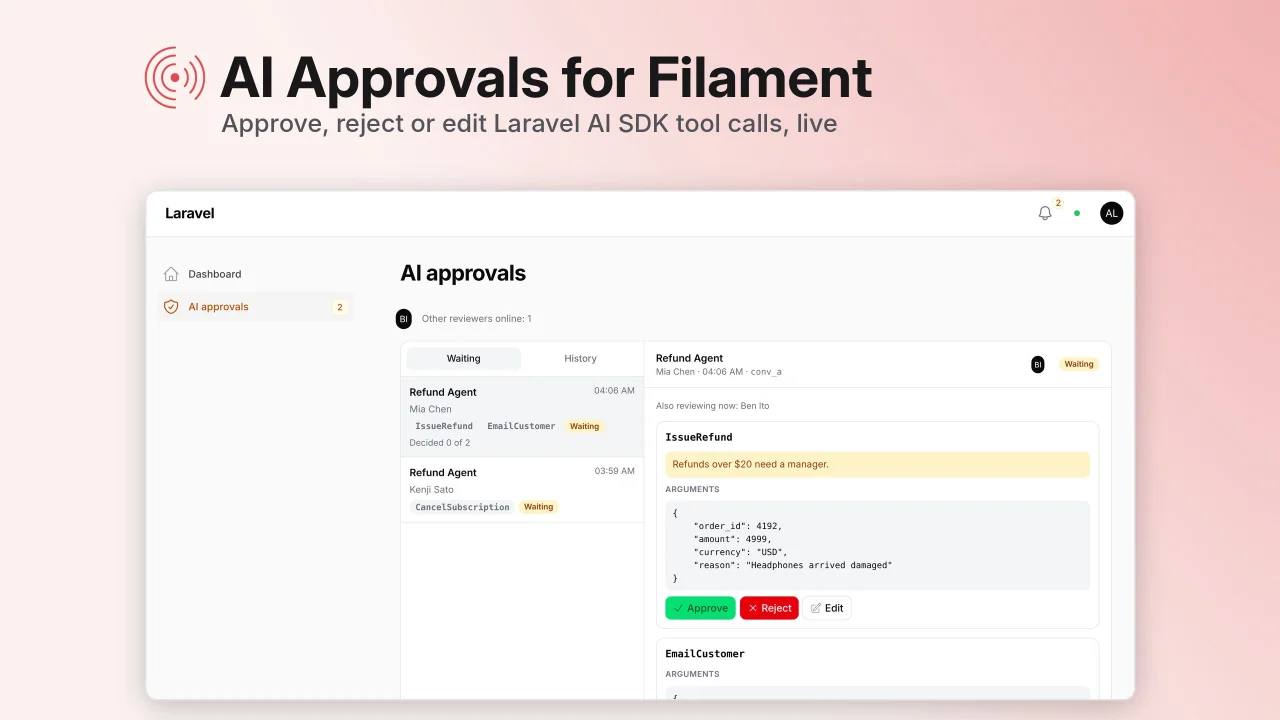
AI Approvals
A live inbox in your panel where your team approves, rejects or edits Laravel AI SDK tool calls before the agent runs them, then the agent carries on by itself.
Author:
Hibira
Featured Plugins
A selection of plugins curated by the Filament team
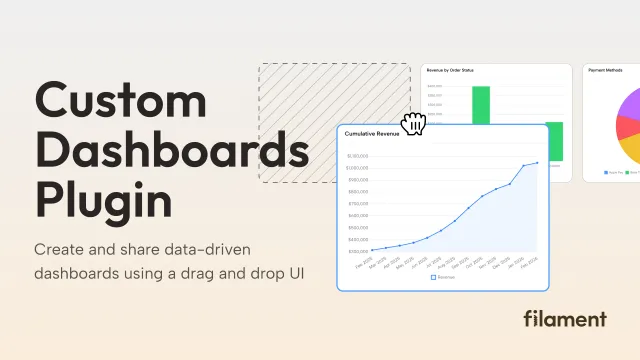
Custom Dashboards
Let your users build and share their own dashboards with a drag-and-drop interface. Define your data sources in PHP and let them do the rest.
 Filament
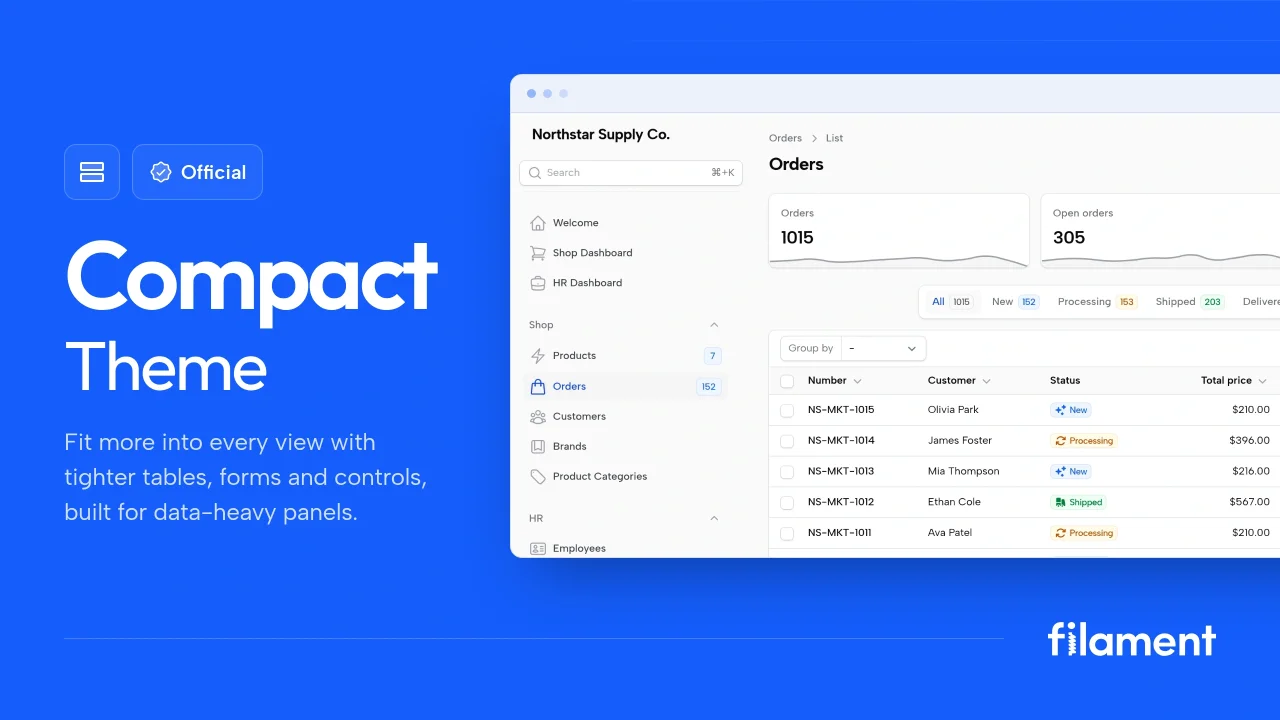
Compact Theme
A theme that makes data-heavy panels easier to scan by fitting more useful information on each screen.
Filament
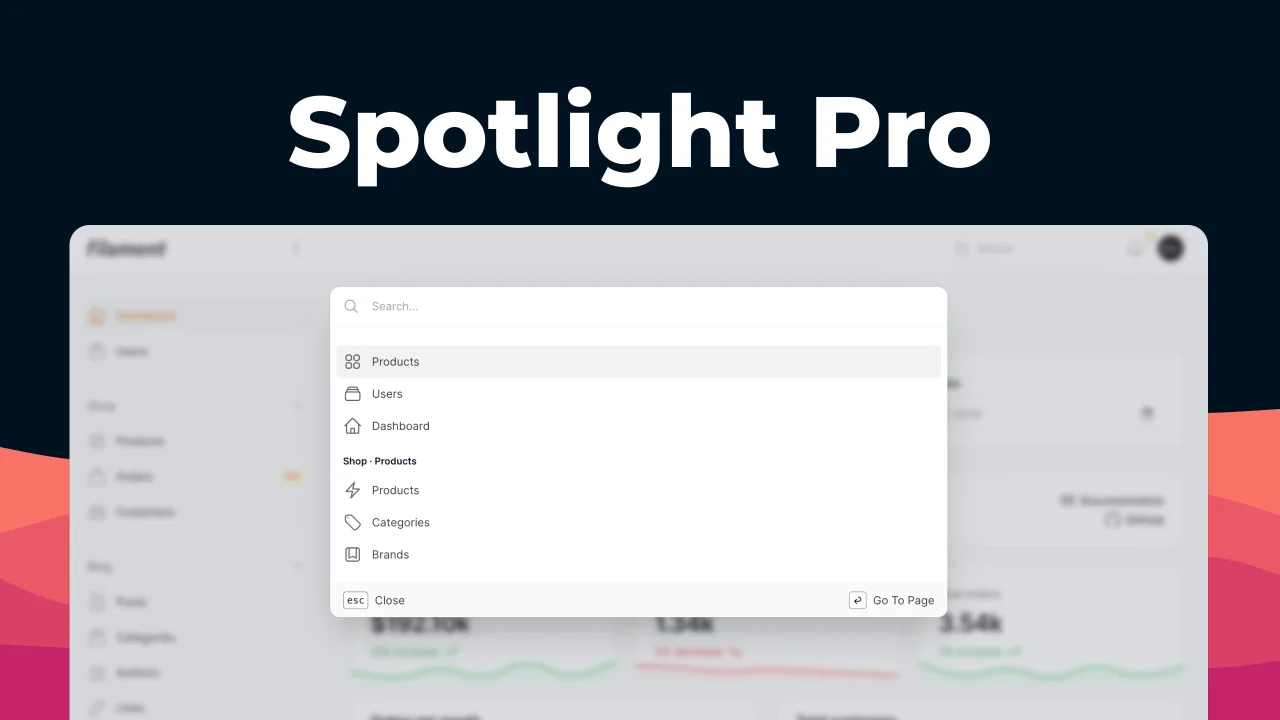
Spotlight Pro
Browse your Filament Panel with ease. Filament Spotlight Pro adds a Spotlight like Command Palette to your Filament Panel.
 Dennis Koch