AI Approvals by Hibira
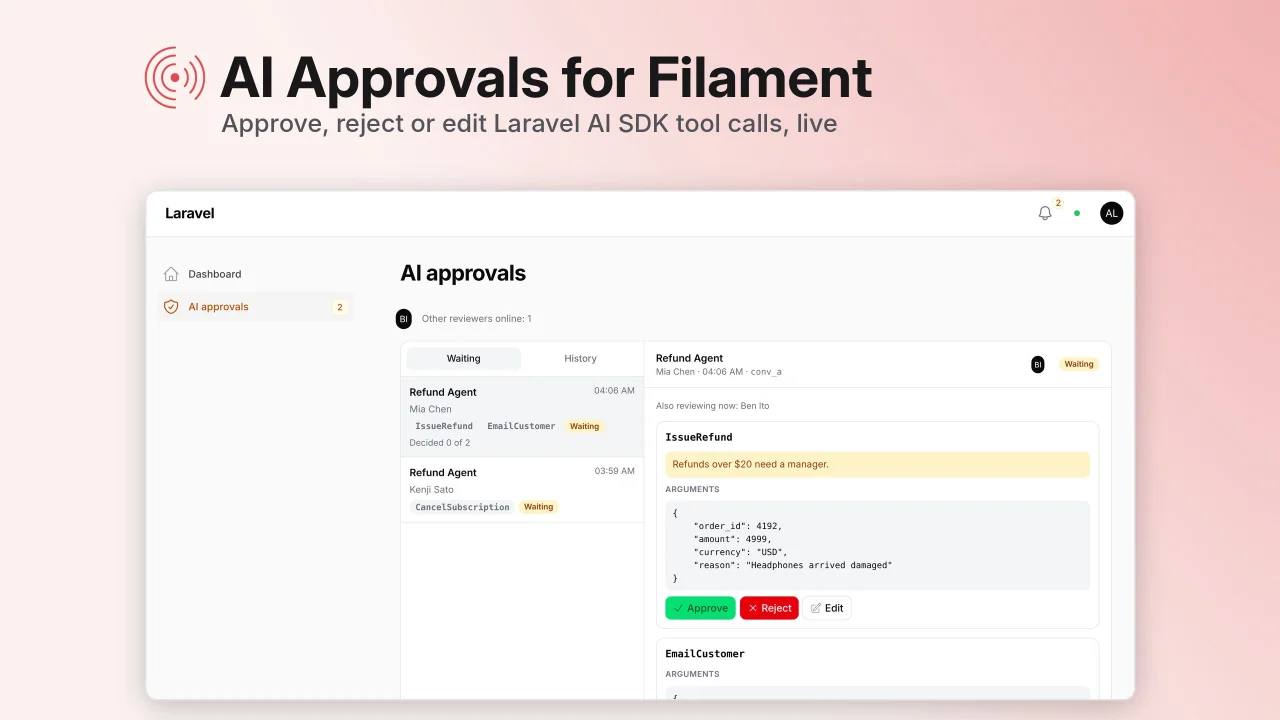
CommunityA live inbox in your panel where your team approves, rejects or edits Laravel AI SDK tool calls before the agent runs them, then the agent carries on by itself.
 Author:
Hibira
Package health
Automated checks of this plugin's Composer package
15 checks
- Passed: GitHub Actions pinned to SHA
- Skipped: GitLab CI includes pinned to SHA
- Passed: Open security advisories
- Passed: Dependabot PR responsiveness — No open Dependabot PRs.
- Skipped: Renovate MR responsiveness
- Passed: Dependabot or Renovate configured
- Passed: Dependency update cooldown configured
- Passed: Provides a security policy
- Passed: Abandoned or archived — No consulted source marks the package abandoned (packagist, github).
- Passed: Commit and release recency — Active: last commit 0 days ago; last release 4 days ago.
-
Passed:
composer.lock not committed by library
—
composer.lockis absent from the released dist archive. - Passed: Dist archive is lean
-
Passed:
Current Laravel version supported
—
Package dependencies resolve together with current Laravel
13.0. -
Passed:
Current PHP version supported
—
Constraint
^8.3supports current PHP8.5. - Skipped: Current Symfony version supported
filament/
namespace. Review the source and install at your own risk. Found
malware or an unresolved security issue the author won't
address?
Report it
.
Documentation
- Screenshots
- Install
- Make a tool ask first
- Recipe: gate database writes
- Options
- How the agent is resumed
- Channels
- Translations
- License
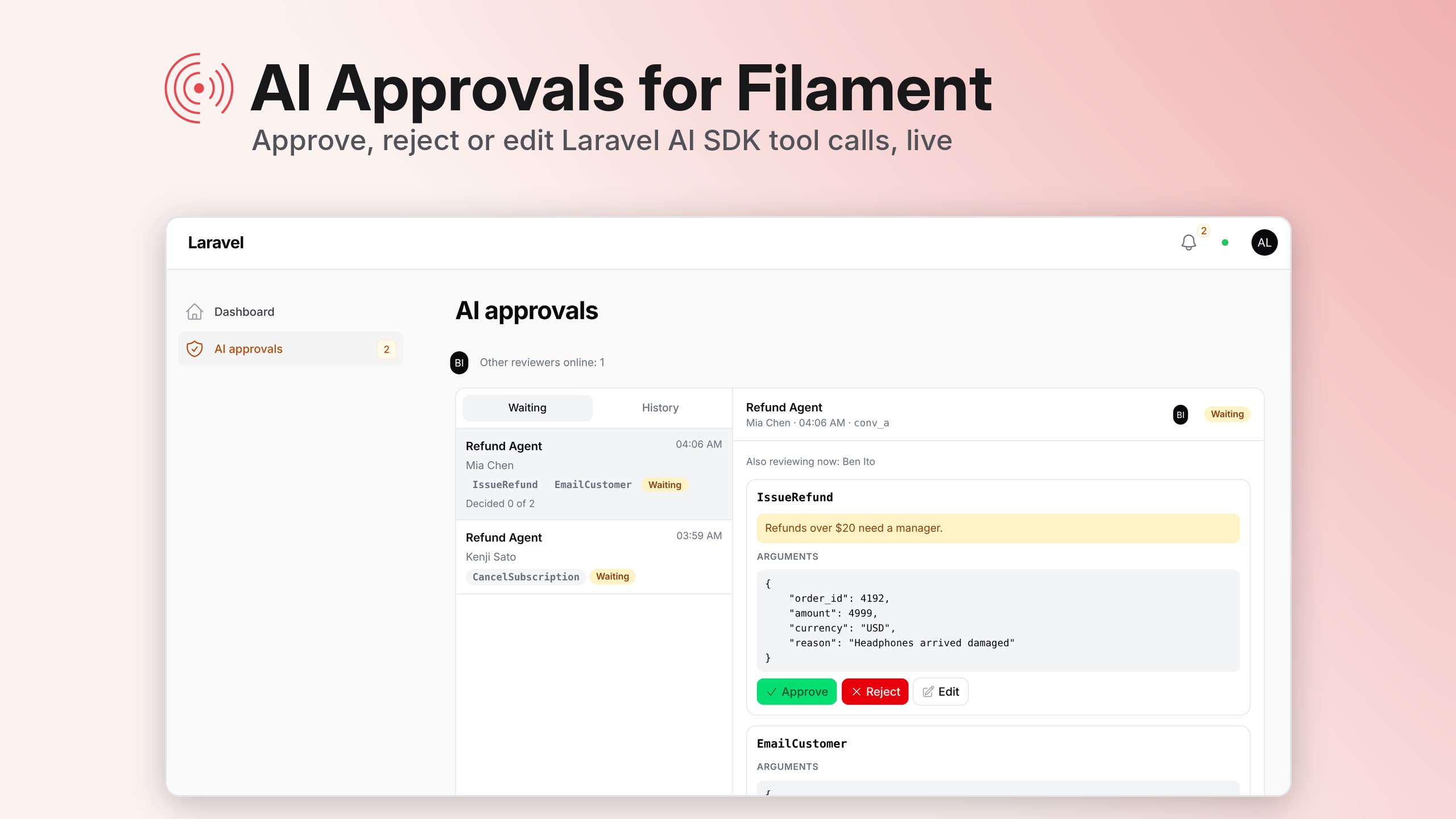

A live inbox in your Filament panel for the Laravel AI SDK's tool approvals, on Hibira.
When an agent wants to run a tool that needs a person's OK, such as a refund over $20 or deleting an account, the SDK pauses the turn. This package puts that pause in front of your team, lets them approve, reject or edit it, and carries the agent on with their decision.
- Approvals inbox in your panel, live over Hibira: new requests appear the moment the agent pauses, with a badge and a notification anywhere in the panel.
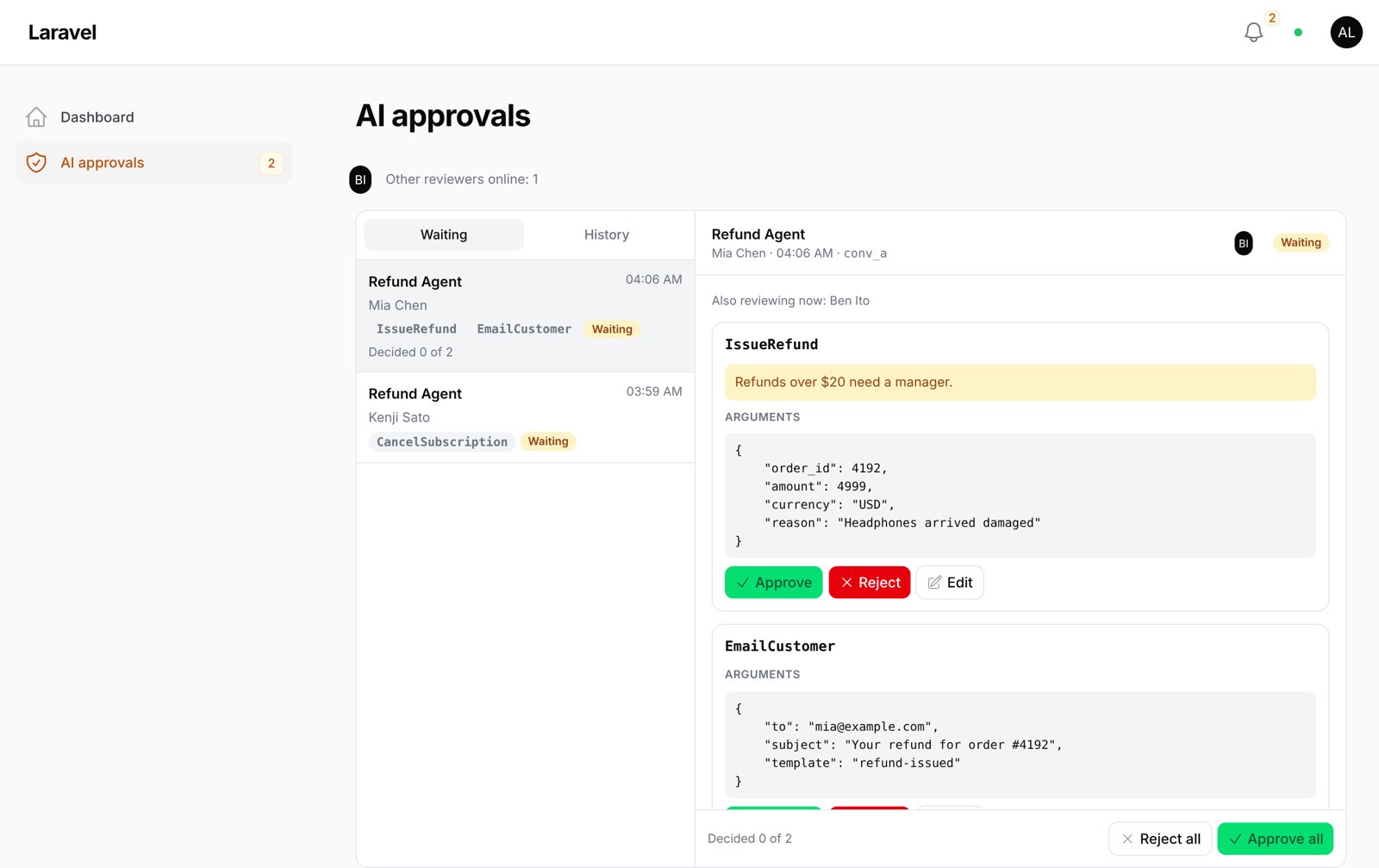
- Approve, reject with a reason, or edit the arguments of each tool call. The reason goes back to the model as the tool's result.
- See who else is looking: reviewers online, and who has the same request open, so two people don't decide the same refund.
- Phone and browser notifications with Hibira Push, only to approvers who don't have the panel open. They name the agent and the tool; the arguments stay in the panel.
- The agent carries on by itself on your queue once every call is decided, and streams the rest of its answer to your user when you use hibira-io/laravel's AI bridge.
- Safe with more than one reviewer: a turn is resumed once, decisions can't change after it is sent, and a turn answered somewhere else (such as in your app's own chat) isn't resumed again.
- In English, 繁體中文, 简体中文, 日本語, 한국어, ไทย and Tiếng Việt.
Supports Filament 3.3, 4 and 5 on Laravel 12 and 13 (the Laravel AI SDK needs PHP 8.3 and Laravel 12+). Requests are stored in your own database; Hibira only delivers them live.
#Screenshots
An agent paused before a refund over $20: approve, reject with a reason, or edit the arguments.
#Install
composer require hibira-io/filament-approvals
php artisan hibira:install
php artisan migrate
hibira:install (from hibira-io/laravel)
adds the HIBIRA_* settings to .env. Copy the app ID, key and secret from
your app page on hibira.io/portal (the free plan
needs no card), and check them with php artisan hibira:check.
Add both plugins to your panel. HibiraPlugin from
hibira-io/filament connects the
panel to Hibira; HibiraApprovalsPlugin adds the inbox.
use App\Models\User;
use Hibira\Filament\HibiraPlugin;
use Hibira\FilamentApprovals\HibiraApprovalsPlugin;

public function panel(Panel $panel): Panel
{
    return $panel
        // ...
        ->plugins([
            HibiraPlugin::make(),
            HibiraApprovalsPlugin::make()
                ->approvers(fn () => User::where('is_admin', true)->get()),
        ]);
}
Run a queue worker (php artisan queue:work): decided turns resume there.
#Make a tool ask first
This is the Laravel AI SDK's own feature; nothing here is specific to this
package. Implement Approvable on the tool:
use Laravel\Ai\Approvals\Approval;
use Laravel\Ai\Concerns\InteractsWithApprovals;
use Laravel\Ai\Contracts\Approvable;
use Laravel\Ai\Contracts\Tool;

class IssueRefund implements Approvable, Tool
{
    use InteractsWithApprovals;

    protected function needsApproval(Request $request): Approval|bool
    {
        return $request['amount'] <= 2000
            ? false
            : Approval::required('Refunds over $20 need a manager.');
    }

    // ...
}
The agent must remember conversations (RemembersConversations), so the
paused turn can be resumed. Prompt it as usual, with prompt(), stream(),
queue() or broadcast(). When it pauses, the request shows up in
AI approvals in your panel. Tell your user it is waiting: the response's
pendingApprovals, or the tool_approval_request stream event.
#Recipe: gate database writes
An agent that answers questions from your database can run its reads by itself and ask a supervisor before anything changes. The reviewer sees the exact statement and an estimated row count, and the tool runs the statement it was approved with (an edit in the inbox is a new statement the reviewer wrote). A misjudged read fails instead of writing, because reads run in a read-only transaction. PostgreSQL shown; use a database user with only the rights the agent should have.
use Illuminate\Contracts\JsonSchema\JsonSchema;
use Illuminate\Support\Facades\DB;
use Laravel\Ai\Approvals\Approval;
use Laravel\Ai\Concerns\InteractsWithApprovals;
use Laravel\Ai\Contracts\Approvable;
use Laravel\Ai\Contracts\Tool;
use Laravel\Ai\Tools\Request;

class RunSql implements Approvable, Tool
{
    use InteractsWithApprovals;

    public function description(): string
    {
        return 'Run one SQL statement on the shop database. Writes wait for a supervisor.';
    }

    public function schema(JsonSchema $schema): array
    {
        return ['sql' => $schema->string()->required()];
    }

    protected function needsApproval(Request $request): Approval|bool
    {
        if (self::isRead($request['sql'])) {
            return false;
        }

        return Approval::required('Changes about '.self::estimateRows($request['sql']).' rows.');
    }

    public function handle(Request $request): string
    {
        $sql = $request['sql'];

        if (self::isRead($sql)) {
            return DB::transaction(function () use ($sql) {
                DB::statement('SET TRANSACTION READ ONLY');

                return json_encode(array_slice(DB::select($sql), 0, 200));
            });
        }

        // Only reached after a supervisor approved this exact statement.
        return 'Changed '.DB::affectingStatement($sql).' rows.';
    }

    /** One SELECT/WITH/EXPLAIN statement, with no words that write. Anything unsure is a write. */
    private static function isRead(string $sql): bool
    {
        $sql = trim($sql, " \t\n\r;");

        return ! str_contains($sql, ';')
            && preg_match('/^(SELECT|WITH|EXPLAIN|SHOW)\b/i', $sql)
            && ! preg_match('/\b(INSERT|UPDATE|DELETE|MERGE|CREATE|ALTER|DROP|TRUNCATE|GRANT|REVOKE|COPY|CALL|INTO|ANALYZE|SET|NEXTVAL|SETVAL|FOR\s+(UPDATE|SHARE))\b/i', $sql);
    }

    /** Dry run in a transaction that is always rolled back. */
    private static function estimateRows(string $sql): int|string
    {
        DB::beginTransaction();
        try {
            return DB::affectingStatement($sql);
        } catch (\Throwable) {
            return 'an unknown number of';
        } finally {
            DB::rollBack();
        }
    }
}
The dry run executes the statement and rolls it back, so keep it off
statements with side effects outside the database. For a stricter
classifier, a SHA-256 binding of the approved statement, and the same gate
in JavaScript or Python, see
@hibira-io/approvals/sql
and the guide at
hibira.io/use-cases/database-write-approvals.
#Options
HibiraApprovalsPlugin::make()
    // Who may decide. Gets the request too, so you can split by tool.
    ->authorize(fn (User $user, ?ApprovalRequest $request) => $user->can('approve-ai-actions'))

    // Who to notify. Push goes to their Hibira Push user id (their key).
    ->approvers(fn (ApprovalRequest $request) => User::role('manager')->get())

    // Hibira Push to approvers who don't have the panel open (on by default
    // when HIBIRA_PUSH_* is set). Pass evenWhenOnline: true to push everyone.
    ->pushNotifications(true, evenWhenOnline: false)

    // Also keep a Filament database notification (needs databaseNotifications()).
    ->databaseNotifications()

    // The notification anywhere in the panel. On by default.
    ->toasts()

    ->navigationGroup('AI')
    ->navigationSort(5);
Approvers' devices register for Hibira Push with the
web,
iOS or
Android SDK and
setUserId; hibira-io/laravel serves their user tokens when you set
HIBIRA_PUSH_TOKEN_ROUTE.
Only some agents? Publish the config and list them:
php artisan vendor:publish --tag=hibira-approvals-config
'agents' => [App\Ai\Agents\SupportAgent::class],
#How the agent is resumed
When every paused call has a decision and a reviewer sends them, a queued
job runs, on hibira-approvals.queue if you set one:
app($agentClass)->continue($conversationId, as: $user)->prompt($decisions);
With hibira-io/laravel's AI bridge installed, it streams the rest of the
turn to the user's channel instead, with broadcastNow(), so your chat UI
picks the answer up live. Choose another channel, or none:
use Hibira\FilamentApprovals\HibiraApprovals;

HibiraApprovals::broadcastUsing(fn (ApprovalRequest $request, ?object $user) => new PrivateChannel("support.{$request->conversation_id}"));
If your agent needs constructor arguments, or you resume it some other way,
take over in a service provider's boot():
use Laravel\Ai\Approvals\Decisions;

HibiraApprovals::resumeUsing(function (ApprovalRequest $request, Decisions $decisions, ?object $user) {
    SupportAgent::for($request->user())->continue($request->conversation_id, as: $user)->prompt($decisions);
});
The job runs once. If the agent fails after an approved tool already ran, running the same decisions again could run it twice, so the request shows as failed with the error, and a reviewer chooses Try again. Before resuming, the job checks the conversation still waits on those calls.
#Channels
| Channel | Type | For |
|---|---|---|
private-hibira-approvals.{panel}.inbox |
private | new and decided requests |
presence-hibira-approvals.{panel}.reviewers |
presence | reviewers with the panel open; used to skip their push |
presence-hibira-approvals.{panel}.request.{id} |
presence | who has a request open |
All three are authorized for users who can use the panel and pass
authorize(). Events carry the request id, agent and tool names only; the
browser fetches the arguments through the panel.
The channels and the approval event follow the
Hibira approvals protocol,
which the JavaScript and Python packages in
hibira-io/approvals (Vercel AI SDK,
Mastra, LangGraph, React and Vue inboxes) and the Hibira MCP server's
request_approval tool speak too.
#Translations
php artisan vendor:publish --tag=hibira-approvals-translations
#License
MIT. See LICENSE.
The author
From the same author
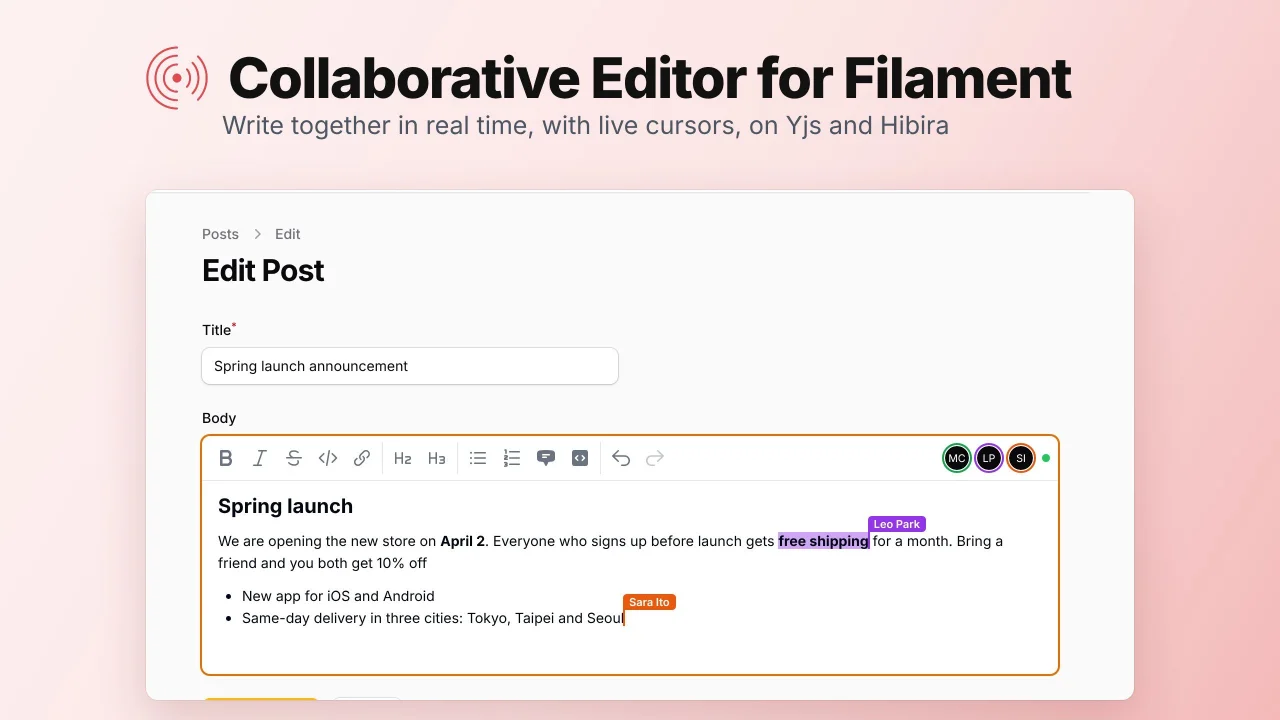
Collaborative Editor
A rich text field that several people can edit at once, with live cursors, synced with Yjs over Hibira WebSockets.
Author:
Hibira
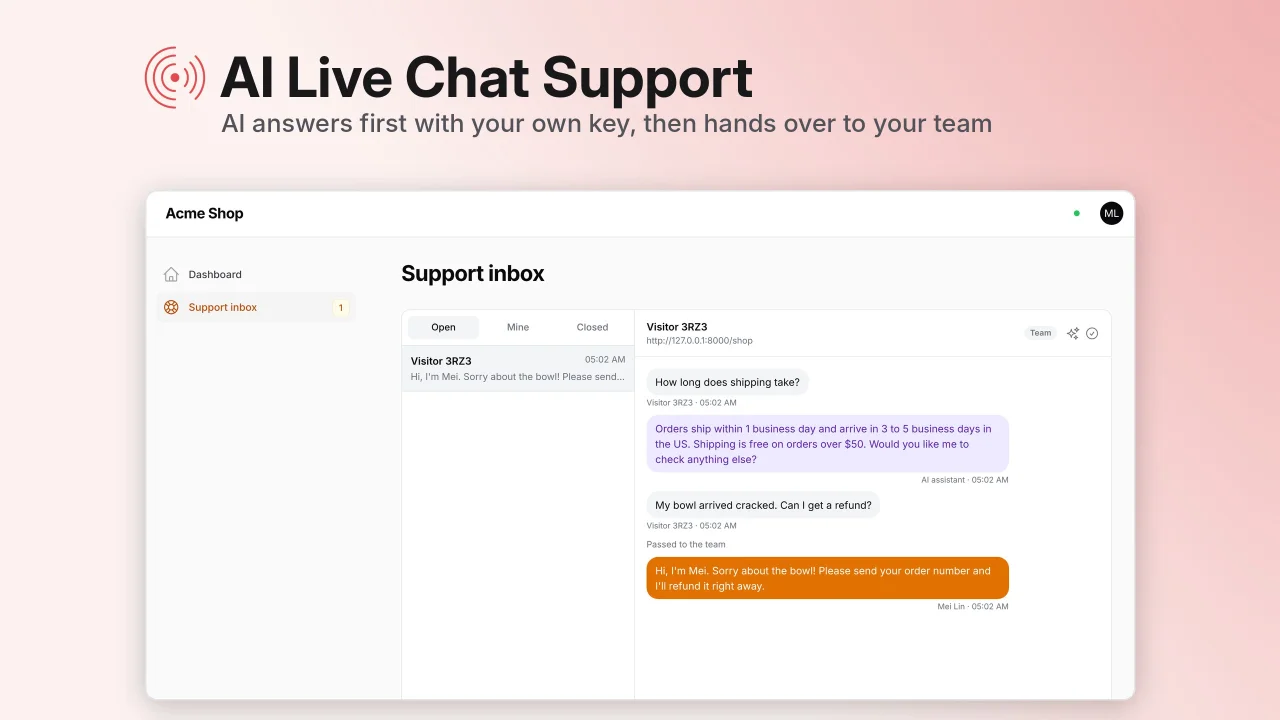
AI Live Chat Support
A live chat widget for your website where AI answers first with your own API key and hands visitors over to your team in a live support inbox in your panel.
Author:
Hibira
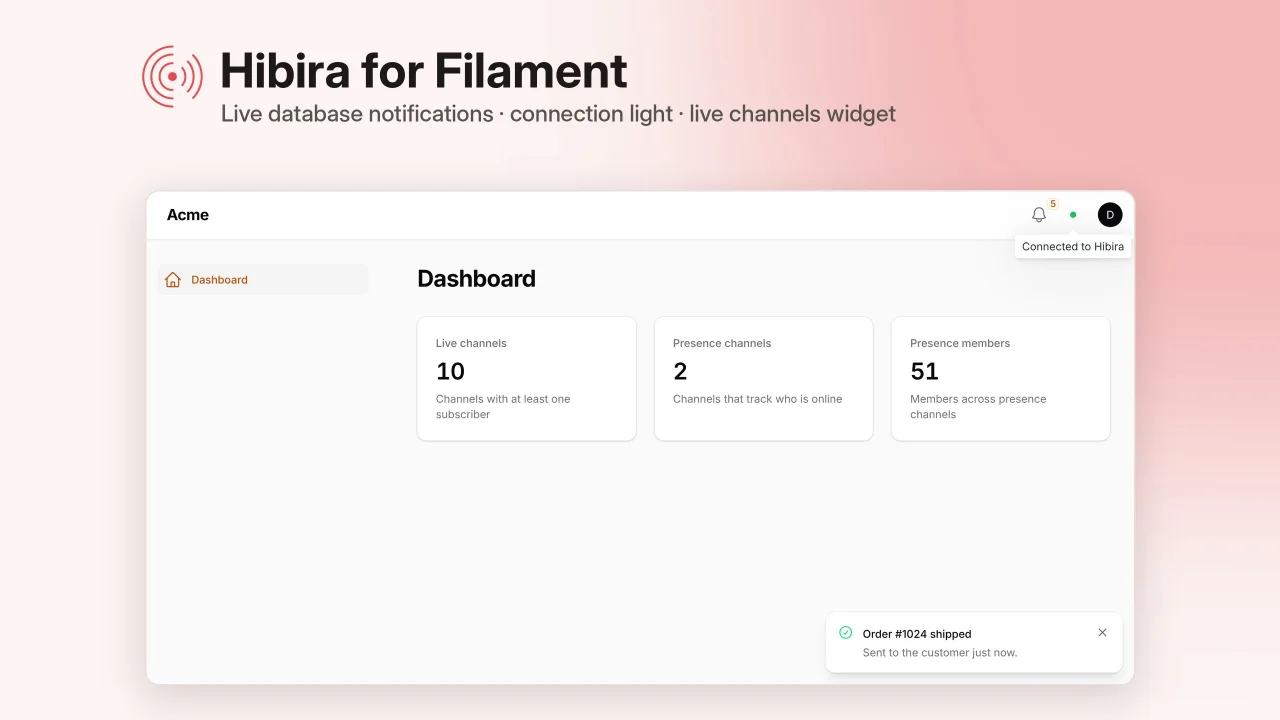
Realtime
Live notifications, tables and record pages, edit locks, who's-here avatars, team chat and waiting rooms for your panels, set up with one command and powered by Hibira's Pusher-compatible WebSockets.
Author:
Hibira
Featured Plugins
A selection of plugins curated by the Filament team
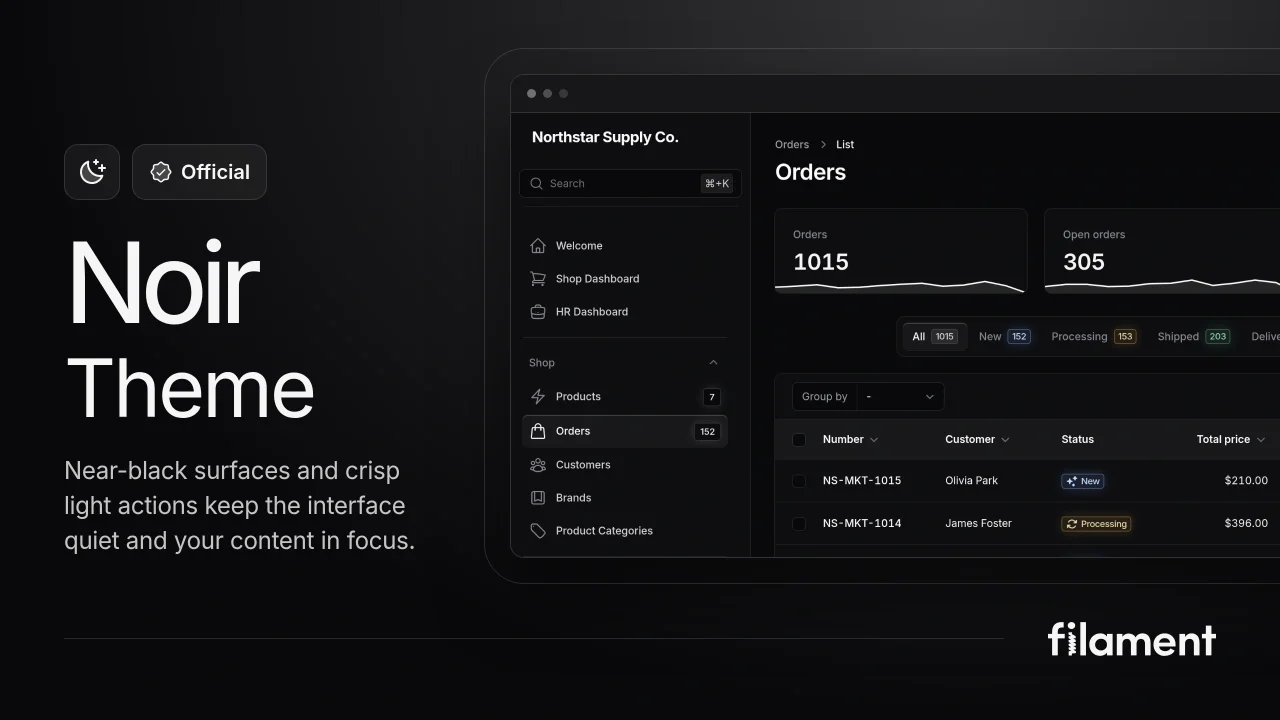
Noir Theme
A theme that gives panels a focused, refined look with near-black surfaces, crisp actions, and restrained color.
 Filament
Soft Theme
A theme that gives panels a warm, approachable look with rounded shapes, gentle colors, and serif headings.
Filament

Custom Fields
Eliminate custom field migrations forever. Let your users create and manage form fields directly in Filament admin panels with 20+ built-in field types, validation, and zero database changes.
 Relaticle