AI Live Chat Support by Hibira
CommunityA live chat widget for your website where AI answers first with your own API key and hands visitors over to your team in a live support inbox in your panel.
 Author:
Hibira
Package health
Automated checks of this plugin's Composer package
15 checks
- Passed: GitHub Actions pinned to SHA
- Skipped: GitLab CI includes pinned to SHA
- Passed: Open security advisories
- Passed: Dependabot PR responsiveness — No open Dependabot PRs.
- Skipped: Renovate MR responsiveness
- Passed: Dependabot or Renovate configured
- Passed: Dependency update cooldown configured
- Passed: Provides a security policy
- Passed: Abandoned or archived — No consulted source marks the package abandoned (packagist, github).
- Passed: Commit and release recency — Active: last commit 0 days ago; last release 4 days ago.
-
Passed:
composer.lock not committed by library
—
composer.lockis absent from the released dist archive. - Passed: Dist archive is lean
-
Passed:
Current Laravel version supported
—
Package dependencies resolve together with current Laravel
13.0. -
Passed:
Current PHP version supported
—
Constraint
^8.1supports current PHP8.5. - Skipped: Current Symfony version supported
filament/
namespace. Review the source and install at your own risk. Found
malware or an unresolved security issue the author won't
address?
Report it
.
Documentation

Live chat support for Filament, on Hibira.
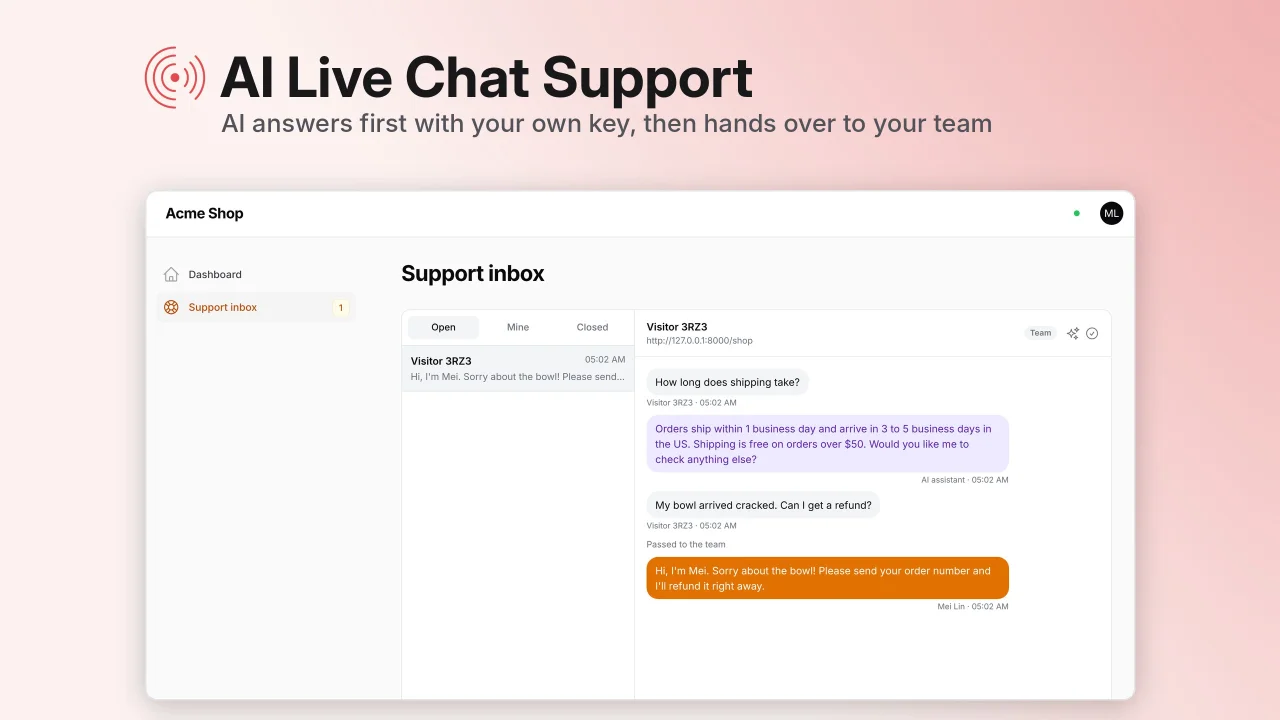
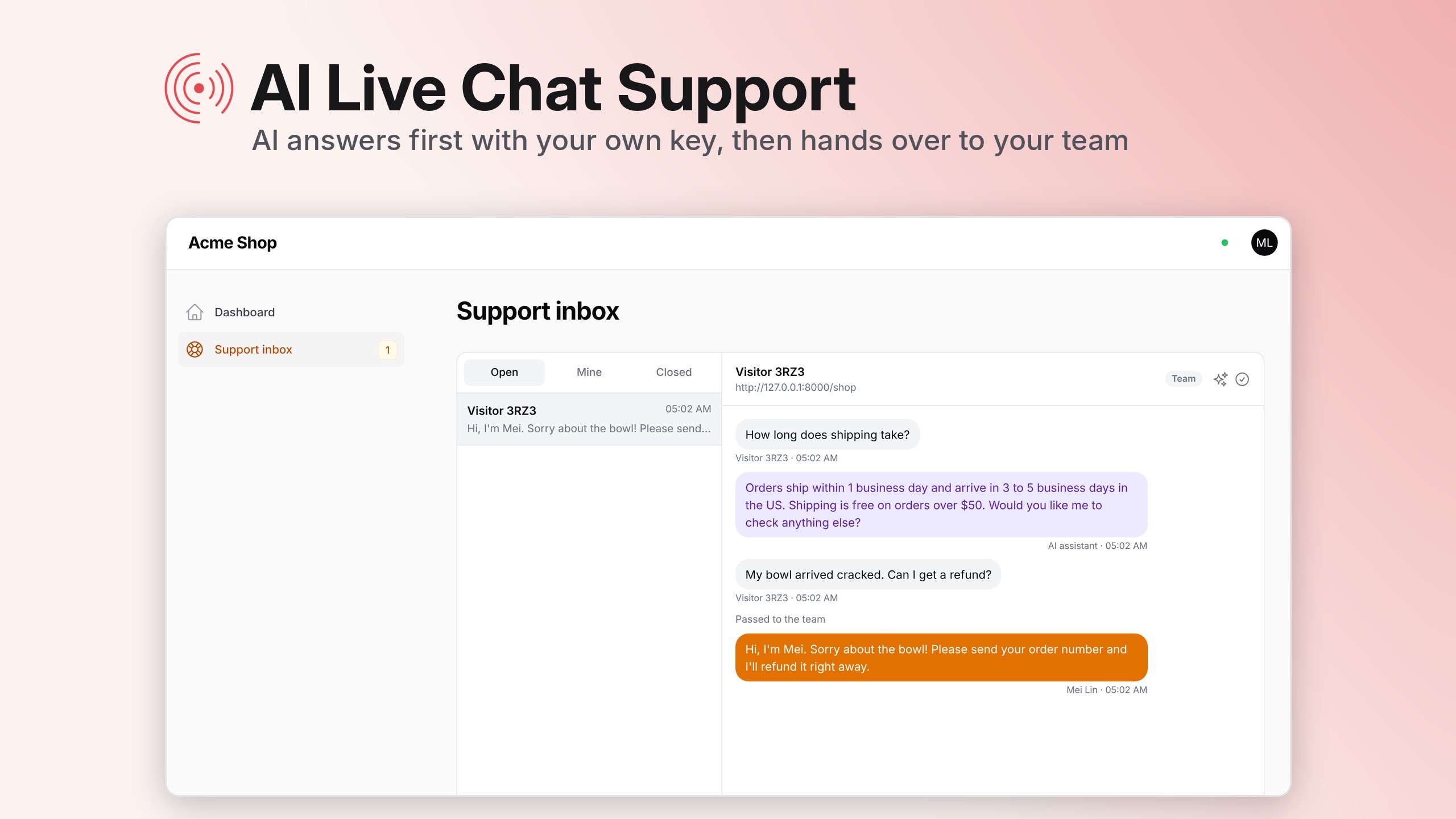
Put a chat on your website with one script tag. An AI answers visitors first, with your own API key, from the knowledge you give it. When it is not sure, or the visitor asks for a person, the chat goes to your team, who answer from a live inbox in your Filament panel.
- Chat widget for any website, Laravel or not. Messages arrive the moment they are sent, over Hibira.
- Support inbox in your panel: conversations update live, with an unread badge and a notification anywhere in the panel when a visitor needs you.
- Bring your own AI: OpenAI, Anthropic (Claude), Google Gemini, OpenRouter, DeepSeek, or any OpenAI-compatible service such as Ollama. The key is stored encrypted in your database and calls go straight from your server to the provider.
- Three AI modes: off, suggested replies your team checks and sends, or automatic answers.
- Hands over to a person when the AI is not sure, when the visitor asks for one, and for refunds, payments, legal and security questions. Once someone on your team replies, the AI stays out of that conversation.
- Keeps your AI bill in check with limits per conversation, per visitor and per day.
- In English, 繁體中文, 简体中文, 日本語, 한국어, ไทย and Tiếng Việt.
Supports Filament 3, 4 and 5. Conversations are stored in your own database; Hibira only delivers them live.
#Screenshots
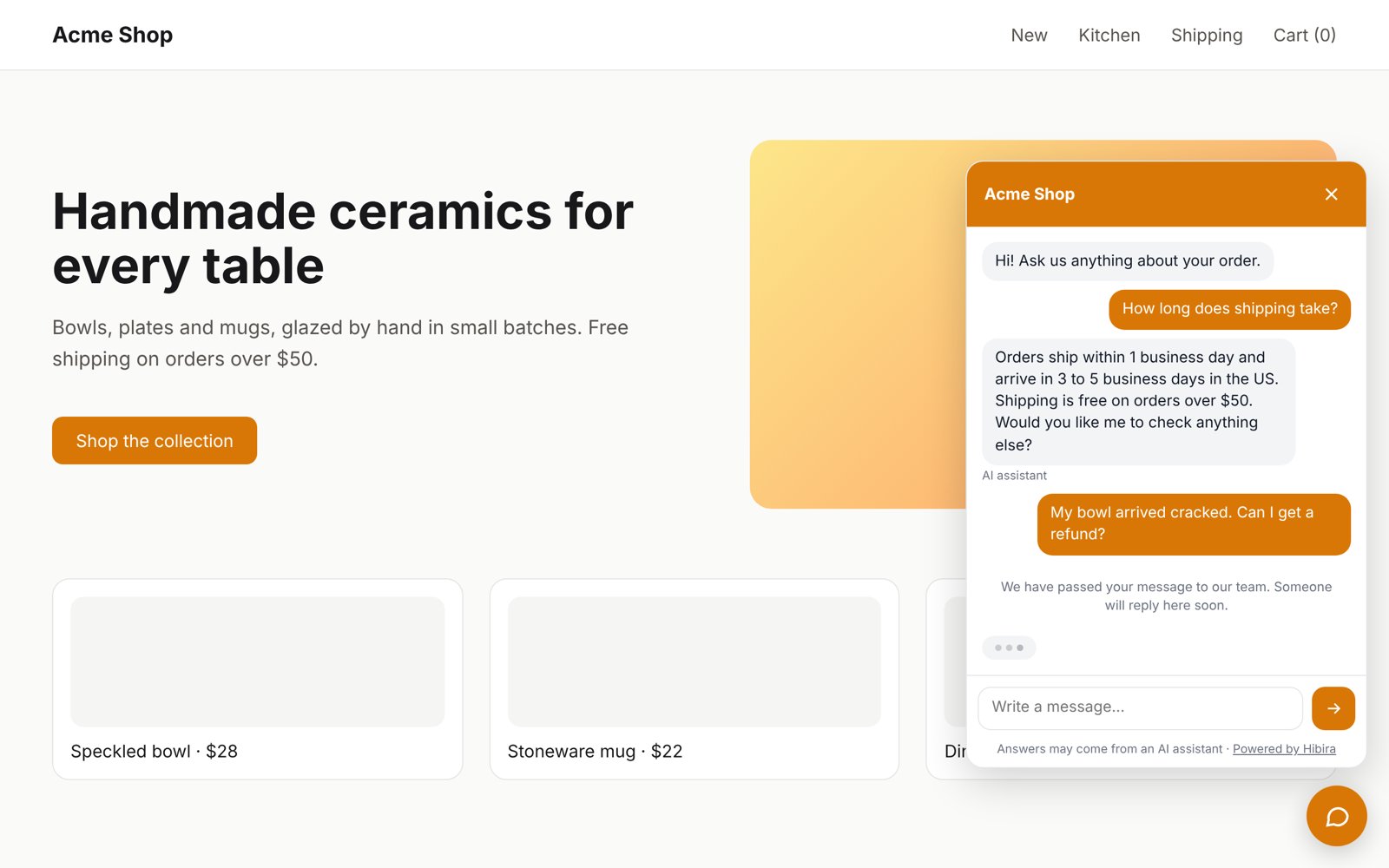
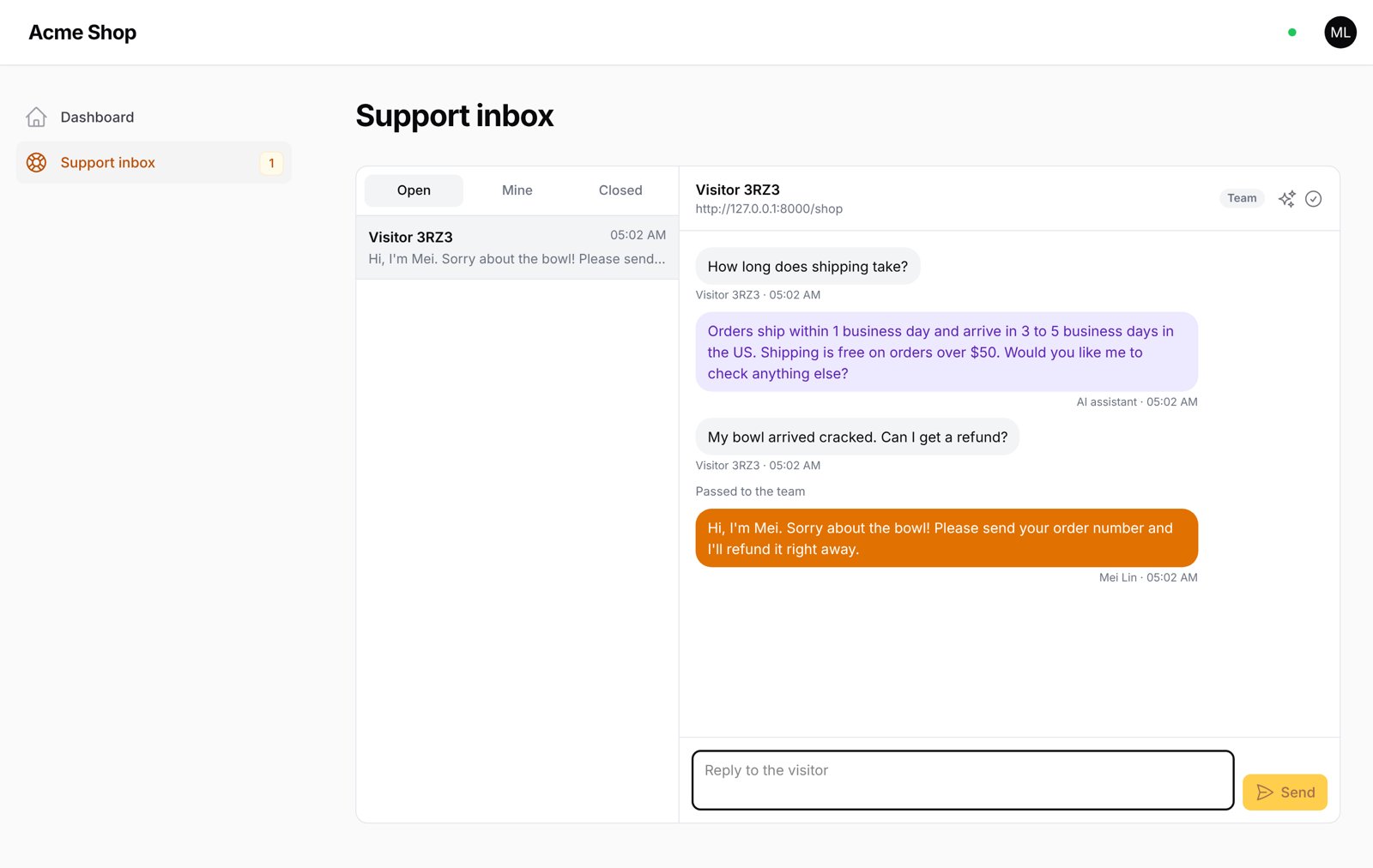
The chat on your website: the AI answers, then hands a refund question to your team.
The support inbox in your Filament panel, live.
#Install
composer require hibira-io/filament-support
php artisan hibira:install
php artisan migrate
hibira:install (from hibira-io/laravel)
adds the HIBIRA_* settings to .env. Copy the app ID, key and secret from
your app page on hibira.io/portal (the free plan
needs no card), and check them with php artisan hibira:check.
Add both plugins to your panel. HibiraPlugin from
hibira-io/filament connects the
panel to Hibira; HibiraSupportPlugin adds the inbox.
use Hibira\Filament\HibiraPlugin;
use Hibira\FilamentSupport\HibiraSupportPlugin;

public function panel(Panel $panel): Panel
{
    return $panel
        // ...
        ->plugins([
            HibiraPlugin::make(),
            HibiraSupportPlugin::make(),
        ]);
}
Then open Support inbox → Set up AI in your panel, choose a provider, paste your API key and your FAQ, and try a question.
#Add the chat to your website
In a Blade layout of the same Laravel app:
<x-hibira-support::widget />
On any other site, paste this before </body>, with your app's URL:
<script src="https://your-app.example/hibira-support/widget.js" async></script>
For signed-in customers you can pass their name and email, so your team sees who they are:
<script src="https://your-app.example/hibira-support/widget.js" data-name="Ada" data-email="[email protected]" async></script>
When the website is on a different domain from your Laravel app, allow it in two places:
.env:HIBIRA_SUPPORT_ORIGINS=https://www.example.com,https://example.com- Your Hibira app page → Allowed origins: the same sites.
#Options
HibiraSupportPlugin::make()
    // Who may answer visitors (default: everyone who can use the panel).
    ->authorize(fn (User $user) => $user->is_support)
    // Who may change the AI settings and the API key (default: same as above).
    ->authorizeSettings(fn (User $user) => $user->is_admin)
    ->navigationGroup('Support')
    ->navigationSort(2)
    // Turn off the in-panel notification when a visitor needs the team.
    ->toasts(false);
Publish the config to change the URL path, the limits on AI answers, or to hide the "Powered by Hibira" link:
php artisan vendor:publish --tag=hibira-support-config
| Setting | Default |
|---|---|
limits.ai_replies_per_conversation |
8 |
limits.ai_replies_per_ip_per_10_minutes |
6 |
limits.ai_replies_per_ip_per_day |
30 |
limits.conversations_per_ip_per_hour |
10 |
limits.messages_per_minute |
20 |
powered_by (HIBIRA_SUPPORT_POWERED_BY) |
true |
The daily cap on AI answers is set on the settings page.
#Queues
AI answers run in a queued job. With a queue worker running they wait two
seconds, so several quick messages get one answer. Without one
(QUEUE_CONNECTION=sync) they run right after the visitor's request is
answered.
#How it uses Hibira
- Each conversation has its own private channel. The visitor's browser is allowed onto it with the conversation's token, which only that browser has.
- The inbox listens on a private channel that only panel users can join.
- Events carry the message when it fits in Hibira's message size limit, and otherwise just its ID, so the browser fetches it.
- If the connection drops, the widget and the inbox fall back to polling.
#Testing
composer test
#License
MIT
The author
From the same author
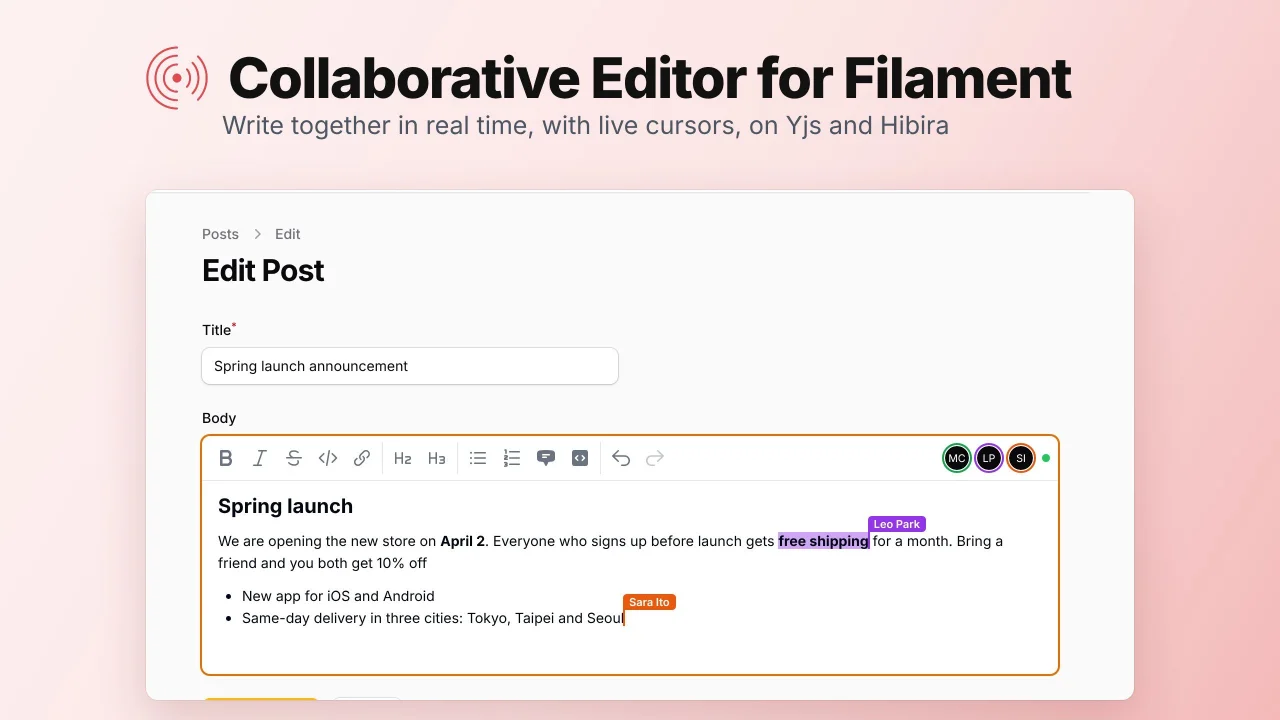
Collaborative Editor
A rich text field that several people can edit at once, with live cursors, synced with Yjs over Hibira WebSockets.
Author:
Hibira
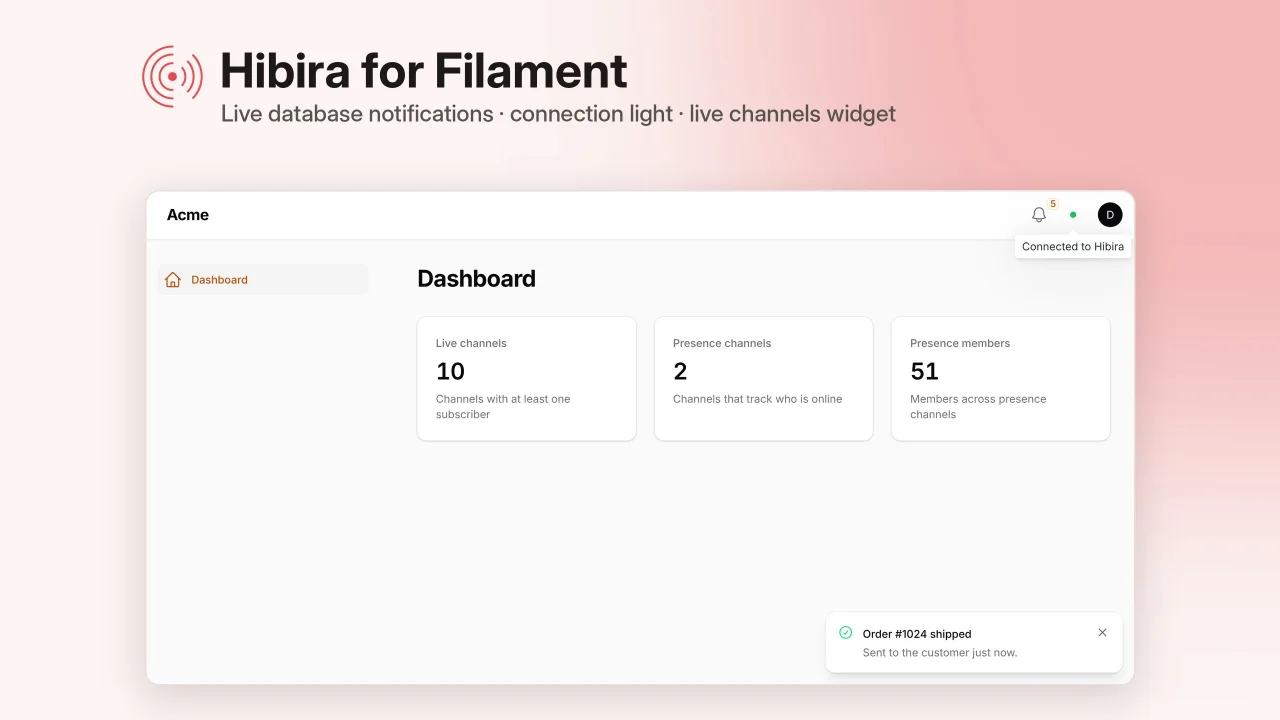
Realtime
Live notifications, tables and record pages, edit locks, who's-here avatars, team chat and waiting rooms for your panels, set up with one command and powered by Hibira's Pusher-compatible WebSockets.
Author:
Hibira
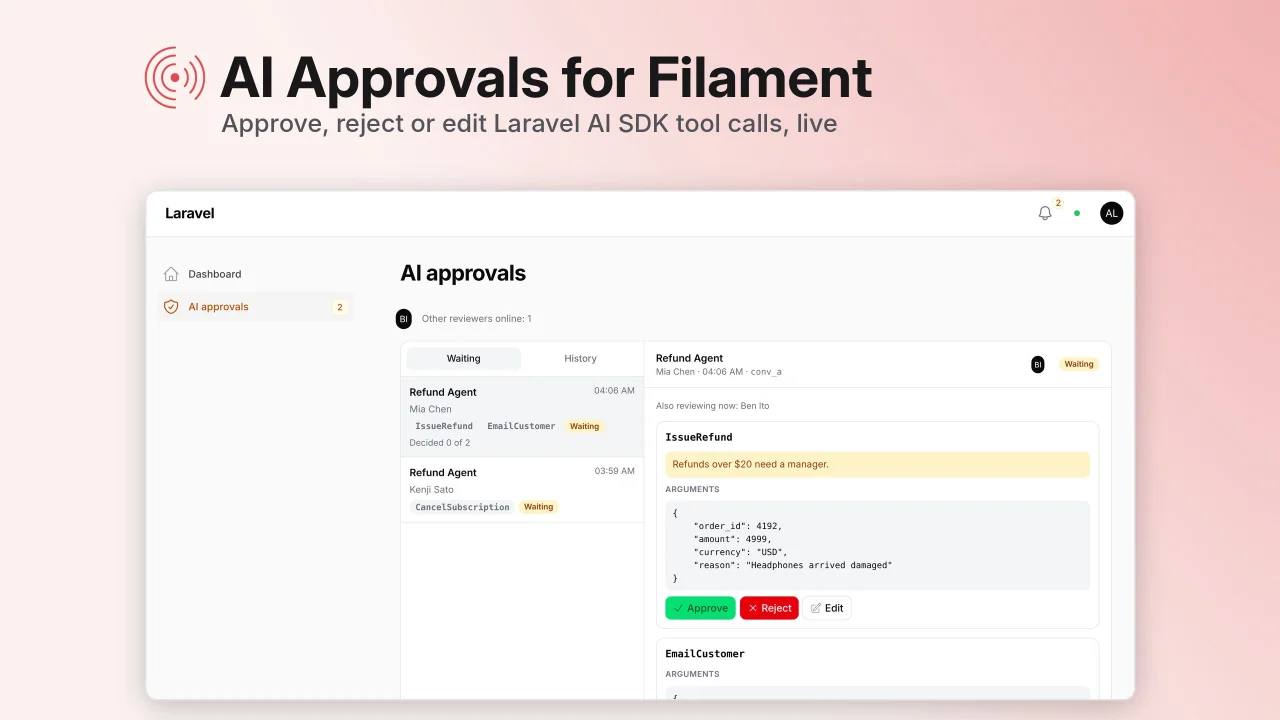
AI Approvals
A live inbox in your panel where your team approves, rejects or edits Laravel AI SDK tool calls before the agent runs them, then the agent carries on by itself.
Author:
Hibira
Featured Plugins
A selection of plugins curated by the Filament team

Blueprint
Filament Blueprint is a premium Laravel Boost extension that helps AI agents produce accurate, detailed implementation plans and security reports for Filament apps.
 Filament
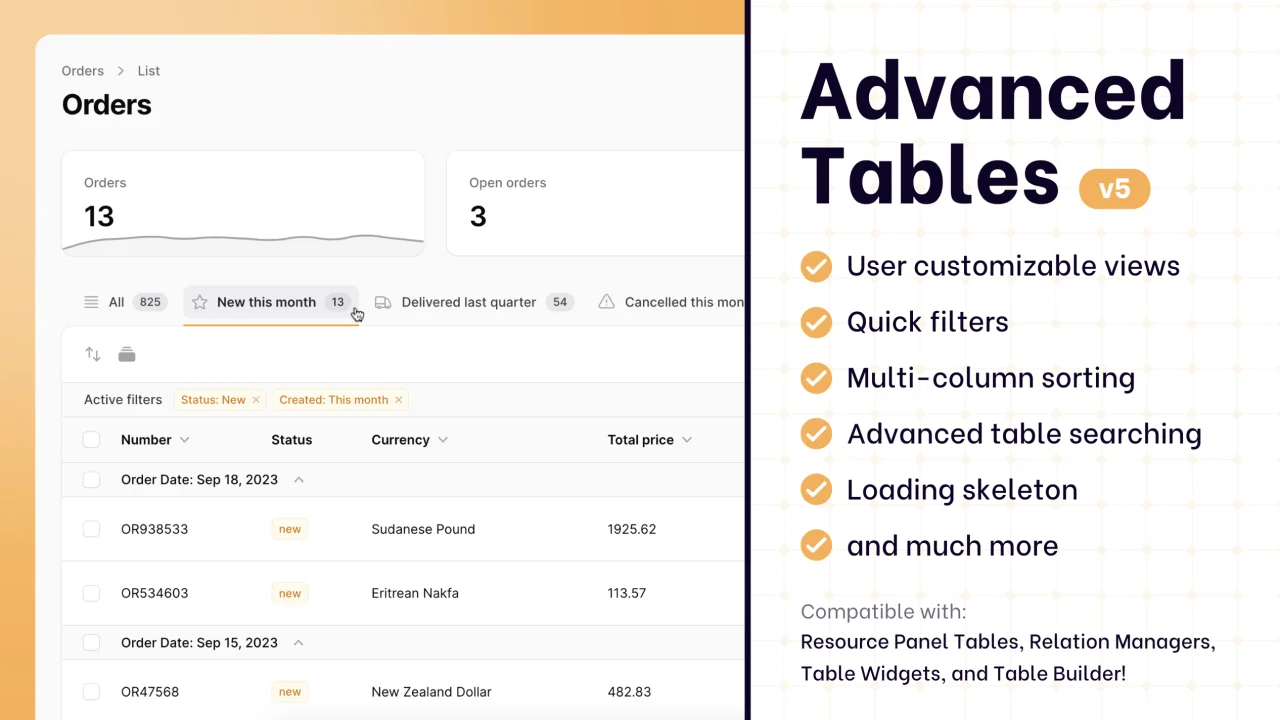
Advanced Tables (formerly Filter Sets)
Supercharge your tables with powerful features like user-customizable views, quick filters, multi-column sorting, advanced table searching, convenient view management, and more. Compatible with Resource Panel Tables, Relation Managers, Table Widgets, and Table Builder!
 Kenneth Sese
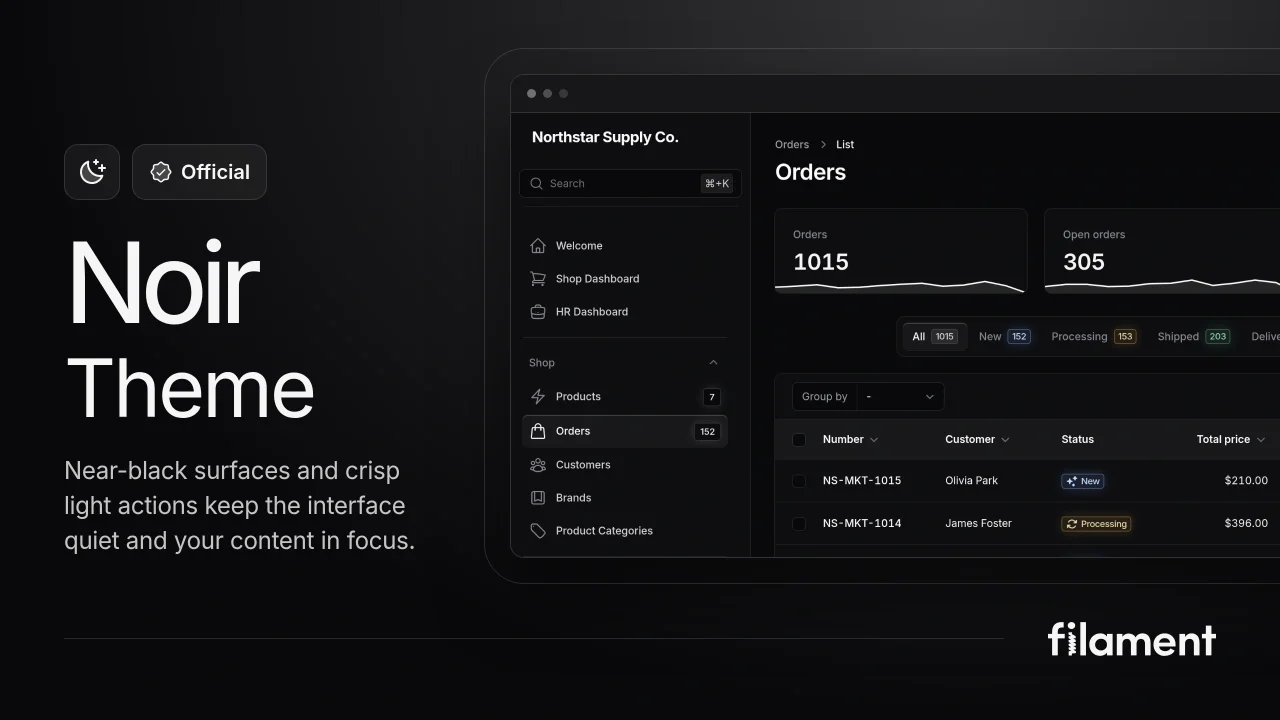
Noir Theme
A theme that gives panels a focused, refined look with near-black surfaces, crisp actions, and restrained color.
Filament