Resizable Modal by Anish Regmi
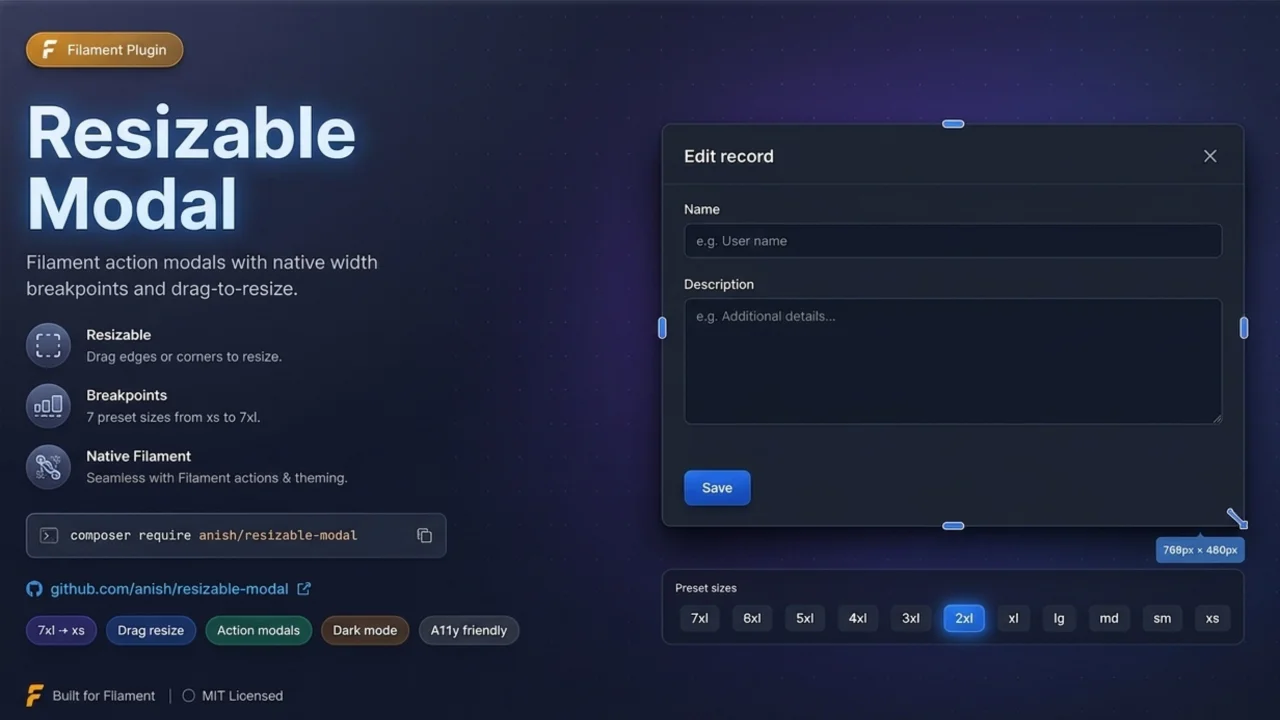
CommunityFilament plugin that adds drag-to-resize handles to action modals, snapping widths to Filament's native Width breakpoints for seamless ->modalWidth() compatibility.
 Author:
Anish Regmi
Package health
Automated checks of this plugin's Composer package
15 checks
- Skipped: GitHub Actions pinned to SHA
- Skipped: GitLab CI includes pinned to SHA
- Passed: Open security advisories
- Passed: Dependabot PR responsiveness — No open Dependabot PRs.
- Skipped: Renovate MR responsiveness
- Skipped: Dependabot or Renovate configured
- Skipped: Dependency update cooldown configured
- Failed: Provides a security policy — View details on Plumb
- Passed: Abandoned or archived — No consulted source marks the package abandoned (packagist, github).
- Passed: Commit and release recency — Active: last commit 34 days ago; last release 34 days ago.
-
Passed:
composer.lock not committed by library
—
composer.lockis absent from the released dist archive. - Passed: Dist archive is lean
-
Passed:
Current Laravel version supported
—
Package dependencies resolve together with current Laravel
13.0. -
Passed:
Current PHP version supported
—
Constraint
^8.2supports current PHP8.5. - Skipped: Current Symfony version supported
filament/
namespace. Review the source and install at your own risk. Found
malware or an unresolved security issue the author won't
address?
Report it
.
Documentation
- Requirements
- Features
- Compatibility
- Installation
- Configuration
- Eligible modals
- Usage
- Troubleshooting
- License
Filament v4/v5 plugin that adds drag-to-resize handles on action modals. Width snaps through Filament's native Width breakpoints (fi-width-* classes), so resized modals behave the same as ->modalWidth(Width::*).
Inspired by asmit/resized-column resized-column.

#Requirements
- PHP 8.2+
- Filament v4 (Livewire v3) or Filament v5 (Livewire v4)
- Laravel 10+ with Filament v4, or Laravel 11+ with Filament v5
#Features
- Corner resize handles on all four modal corners
- Snaps to Filament
Widthenum breakpoints (3xsthroughscreen-2xl) - Persists per-action width in
localStorage(optional) - Works on table, header, bulk, and view actions with forms
- Global registration or per-action opt-in
- Panel plugin or standalone configuration
#Works with
- Record actions (row actions)
- Bulk actions
- Header actions (list & view pages)
CreateActionEditAction(with->modal())- Custom
Action::make()with schema
#Skipped when
- Confirmation-only (no form)
- Slide-over modals
Width::Screen- Plugin disabled
#Compatibility
| Filament | Livewire | Laravel | Status |
|---|---|---|---|
| v4.x | v3 | 10+ | Supported |
| v5.x | v4 | 11+ | Supported |
The same APIs are used on both versions: Action::configureUsing(), extraModalWindowAttributes(), hasFormWrapper(), Filament\Support\Enums\Width, and PanelsRenderHook::SCRIPTS_AFTER. No version-specific configuration is required.
#Installation
composer require anish/resizable-modal
Register the plugin in your panel provider:
use Anish\ResizableModal\ResizableModalPlugin;

public function panel(Panel $panel): Panel
{
    return $panel
        ->plugins([
            ResizableModalPlugin::make(),
        ]);
}
Publish config (optional):
php artisan vendor:publish --tag=resizable-modal-config
#Configuration
// config/resizable-modal.php
return [
    'enabled' => true,
    'register_on_actions' => true,
    'persist_in_local_storage' => true,
    'local_storage_prefix' => 'filament.resizable-modal',
];
#Plugin methods
ResizableModalPlugin::make()
    ->enabled(fn (): bool => true)
    ->registerOnActions(true)
    ->persistInLocalStorage(true)
    ->localStoragePrefix('my-app.resizable-modal')
    ->resizableWidths(['sm', 'md', 'lg', 'xl', '2xl', '3xl', '4xl', '5xl', '6xl', '7xl']);
#Standalone (without panel plugin)
// app/Providers/AppServiceProvider.php
use Anish\ResizableModal\ResizableModalPlugin;

public function boot(): void
{
    ResizableModalPlugin::standalone()
        ->persistInLocalStorage(true);
}
#Per-action opt-in
Disable global registration and attach manually:
// config/resizable-modal.php
'register_on_actions' => false,

// On a specific action:
use Anish\ResizableModal\Support\ResizableModal;

Action::make('edit')
    ->extraModalWindowAttributes(ResizableModal::extraAttributes(), merge: true);
#Eligible modals
Resize is applied when all of the following are true:
- Action has a form wrapper (schema)
- Not a confirmation-only modal
- Not a slide-over
- Modal width is not
Width::Screen
#Usage
- Open any eligible action modal.
- Drag any corner handle diagonally to change width.
- Double-click a corner handle to reset to the action's default width.
#Troubleshooting
If handles appear but resize does nothing:
- Hard refresh the browser (Ctrl+Shift+R).
- Clear stale localStorage keys from older versions:
Object.keys(localStorage)
  .filter((key) => key.includes("resizable-modal"))
  .forEach((key) => localStorage.removeItem(key));
#License
MIT. See LICENSE.txt.
The author
I am Anish Regmi, a full-stack web developer from Nepal. I have a strong foundation in PHP, Laravel, Filament, and JavaScript, and I specialize in building modern, scalable web applications. I enjoy creating clean, maintainable code and delivering seamless user experiences across both frontend and backend development.
From the same author

ClearField Action
An action that allows users to quickly reset all form fields with customizable confirmation dialogs and notifications.
Author:
Anish Regmi
Maskable Entry
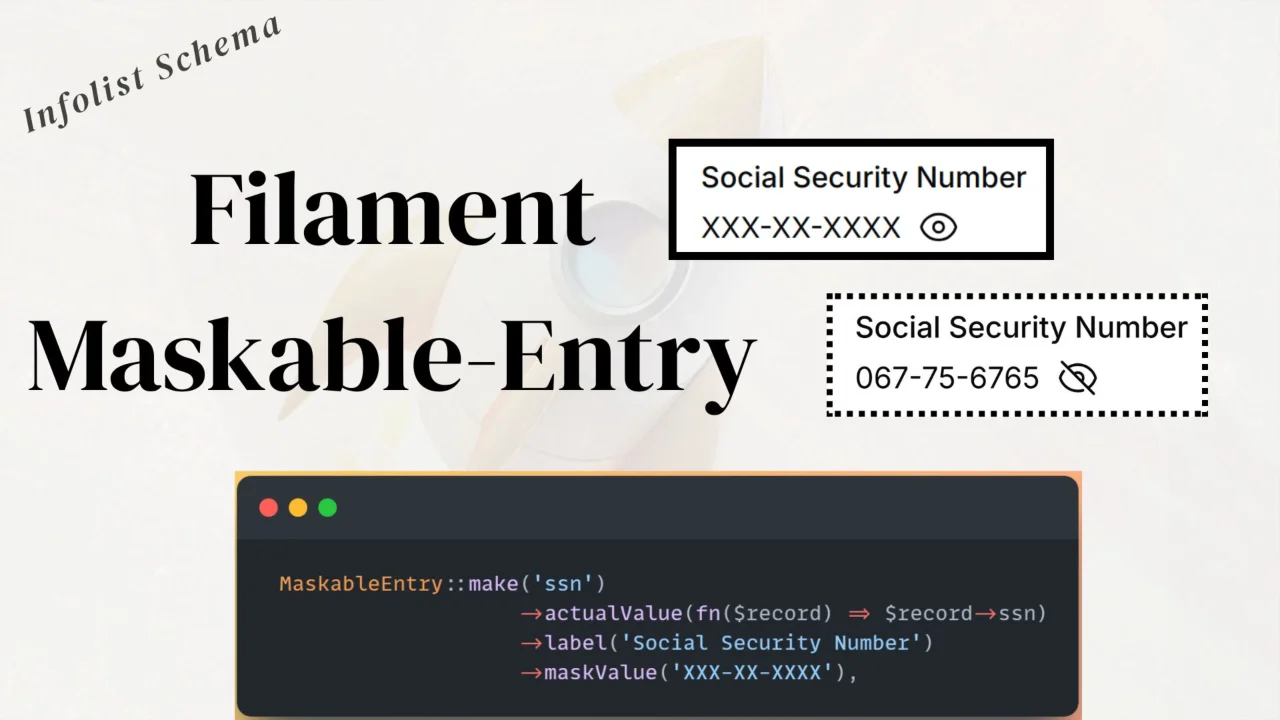
A reusable maskable entry component for Filament Infolists to hide and toggle sensitive values.
Author:
Anish Regmi
TextInput Entry
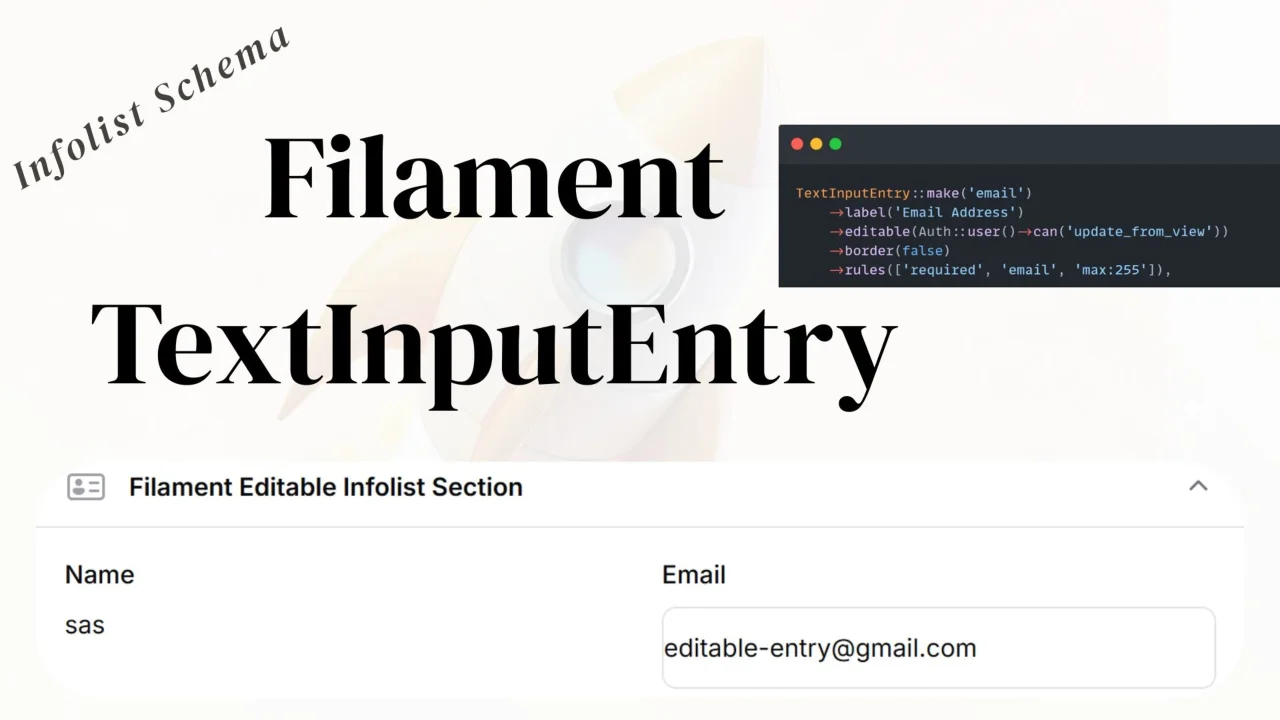
An editable text input entry that allows users to edit text fields directly in the infolist view without navigating to an edit page.
Author:
Anish Regmi
Featured Plugins
A selection of plugins curated by the Filament team

Blueprint
Filament Blueprint is a premium Laravel Boost extension that helps AI agents produce accurate, detailed implementation plans and security reports for Filament apps.
 Filament

Spotlight Pro
Browse your Filament Panel with ease. Filament Spotlight Pro adds a Spotlight like Command Palette to your Filament Panel.
 Dennis Koch
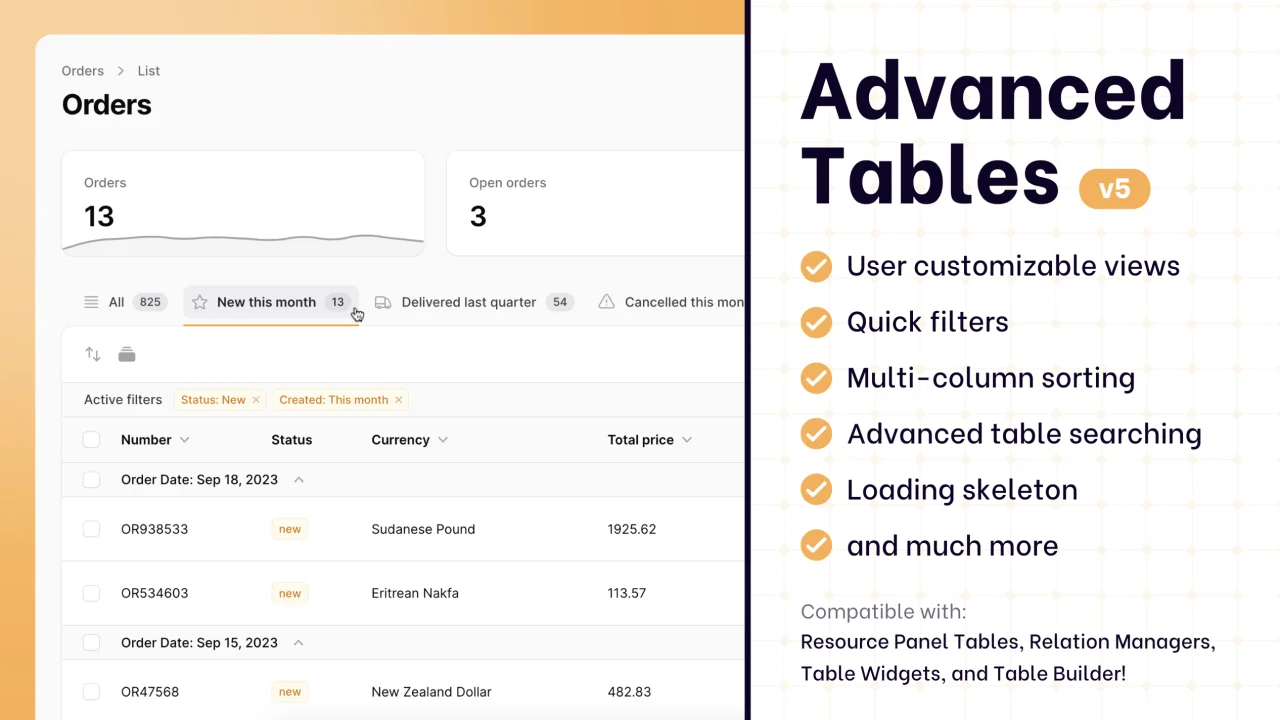
Advanced Tables (formerly Filter Sets)
Supercharge your tables with powerful features like user-customizable views, quick filters, multi-column sorting, advanced table searching, convenient view management, and more. Compatible with Resource Panel Tables, Relation Managers, Table Widgets, and Table Builder!
 Kenneth Sese