
ClearField Action by Anish Regmi
CommunityAn action that allows users to quickly reset all form fields with customizable confirmation dialogs and notifications.
 Author:
Anish Regmi
Package health
Automated checks of this plugin's Composer package
15 checks
- Skipped: GitHub Actions pinned to SHA
- Skipped: GitLab CI includes pinned to SHA
- Passed: Open security advisories
- Passed: Dependabot PR responsiveness — No open Dependabot PRs.
- Skipped: Renovate MR responsiveness
- Failed: Dependabot or Renovate configured — No dependency updater configuration found. View details on Plumb
- Skipped: Dependency update cooldown configured
- Failed: Provides a security policy — View details on Plumb
- Passed: Abandoned or archived — No consulted source marks the package abandoned (packagist, github).
- Warning: Commit and release recency — Low activity: last commit 181 days ago; last release 181 days ago.
-
Failed:
composer.lock not committed by library
—
composer.lockis present in the released dist archive. View details on Plumb - Passed: Dist archive is lean
-
Passed:
Current Laravel version supported
—
Package dependencies resolve together with current Laravel
13.0. -
Passed:
Current PHP version supported
—
Constraint
^8.1supports current PHP8.5. - Skipped: Current Symfony version supported
filament/
namespace. Review the source and install at your own risk. Found
malware or an unresolved security issue the author won't
address?
Report it
.
Documentation
A Filament action that allows users to quickly reset all form fields with customizable confirmation dialogs and notifications.
#Features
- One-click form field clearing
- Customizable icons and colors
- Optional confirmation dialog
- Success notifications
- Works with Create and Edit pages
- Customizable callbacks (before/after reset)
- Compatible with Filament v4 & v5
#Requirements
- PHP 8.1+
- Filament 4.0+ | 5.0+
- Laravel 10+
#Installation
You can install the package via Composer:
composer require anish/clearfield-action
#Usage
#Basic Usage
Add ClearFieldAction to your resource page's create record or edit record header actions:
<?php

namespace App\Filament\Resources\Users\Pages;

use Filament\Resources\Pages\CreateRecord;
use App\Filament\Resources\Users\UserResource;
use Anish\ClearFieldAction\Actions\ClearFieldAction;

class CreateUser extends CreateRecord
{
    protected static string $resource = UserResource::class;

    protected function getHeaderActions(): array
    {
        return [
            ClearFieldAction::make(),
        ];
    }
}
#With Confirmation
ClearFieldAction::make()
    ->requiresConfirmation()
    ->confirmationTitle('Clear Form Fields?')
    ->confirmationDescription('Are you sure you want to clear all form fields?')
#Custom Notification
ClearFieldAction::make()
    ->notificationTitle('Fields Cleared')
    ->notificationBody('All form fields have been reset successfully.')
#With Callbacks
ClearFieldAction::make()
    ->beforeReset(function ($livewire) {
        // Execute before clearing fields
        Log::info('Clearing form fields');
    })
    ->afterReset(function ($livewire) {
        // Execute after clearing fields
        Log::info('Form fields cleared');
    })
#Hide Notification
ClearFieldAction::make()
    ->showNotification(false)
#Custom Icon and Color
ClearFieldAction::make()
    ->icon('heroicon-o-x-mark')
    ->color('danger')
    ->label('Clear All')
#Configuration
Publish the config file to customize default settings:
php artisan vendor:publish --tag=clearfield-action-config
Available configuration options:
icon- Default icon for the actioncolor- Default color schemelabel- Default label texttooltip- Default tooltip textrequires_confirmation- Whether to show confirmation by defaultconfirmation_title- Default confirmation dialog titleconfirmation_description- Default confirmation dialog descriptionshow_notification- Whether to show notification by defaultnotification_title- Default notification titlenotification_body- Default notification body
#Available Methods
requiresConfirmation(bool|Closure $condition)- Enable/disable confirmation dialogconfirmationTitle(string|Closure|null $title)- Set confirmation dialog titleconfirmationDescription(string|Closure|null $description)- Set confirmation dialog descriptionbeforeReset(Closure $callback)- Callback executed before clearing fieldsafterReset(Closure $callback)- Callback executed after clearing fieldsshowNotification(bool|Closure $show)- Show/hide success notificationnotificationTitle(string|Closure|null $title)- Set notification titlenotificationBody(string|Closure|null $body)- Set notification bodyicon(string $icon)- Set action iconcolor(string $color)- Set action colorlabel(string|null $label)- Set action labeltooltip(string $tooltip)- Set action tooltip
#Compatibility
This package supports:
- Filament v4.0+
- Filament v5.0+
#License
MIT
#Author
anishregmi17
The author
I am Anish Regmi, a full-stack web developer from Nepal. I have a strong foundation in PHP, Laravel, Filament, and JavaScript, and I specialize in building modern, scalable web applications. I enjoy creating clean, maintainable code and delivering seamless user experiences across both frontend and backend development.
From the same author
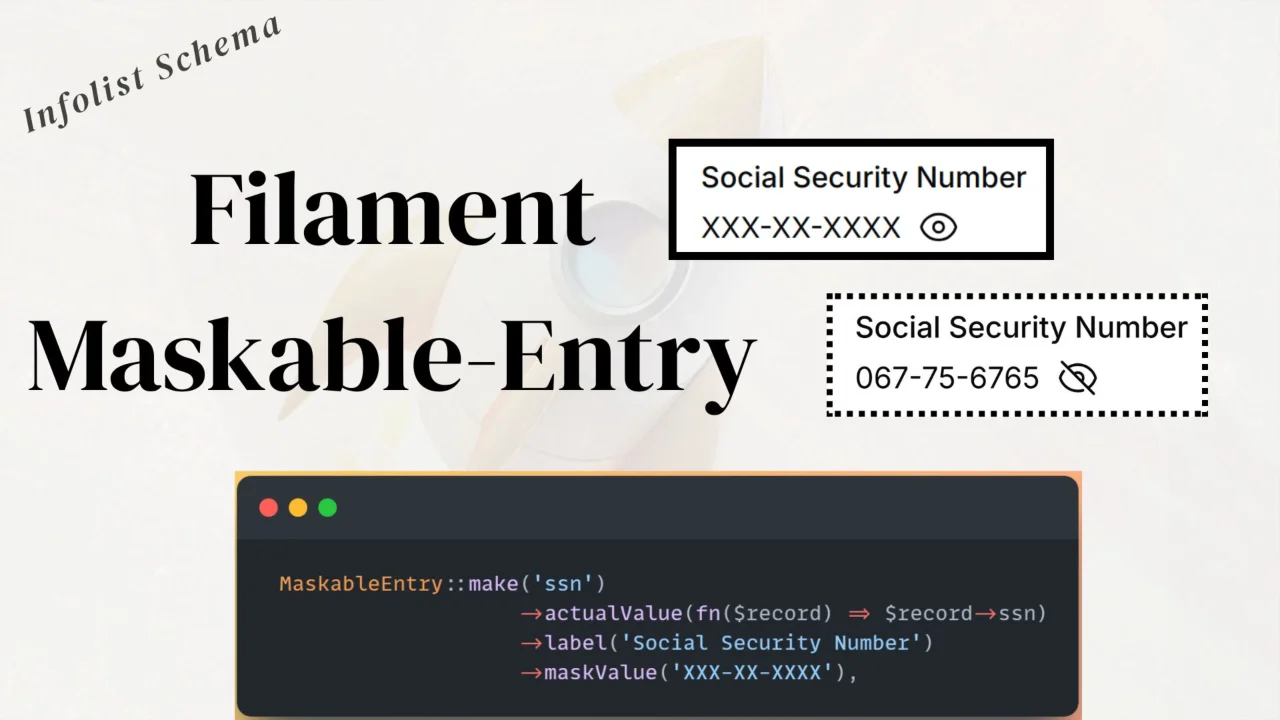
Maskable Entry
A reusable maskable entry component for Filament Infolists to hide and toggle sensitive values.
Author:
Anish Regmi
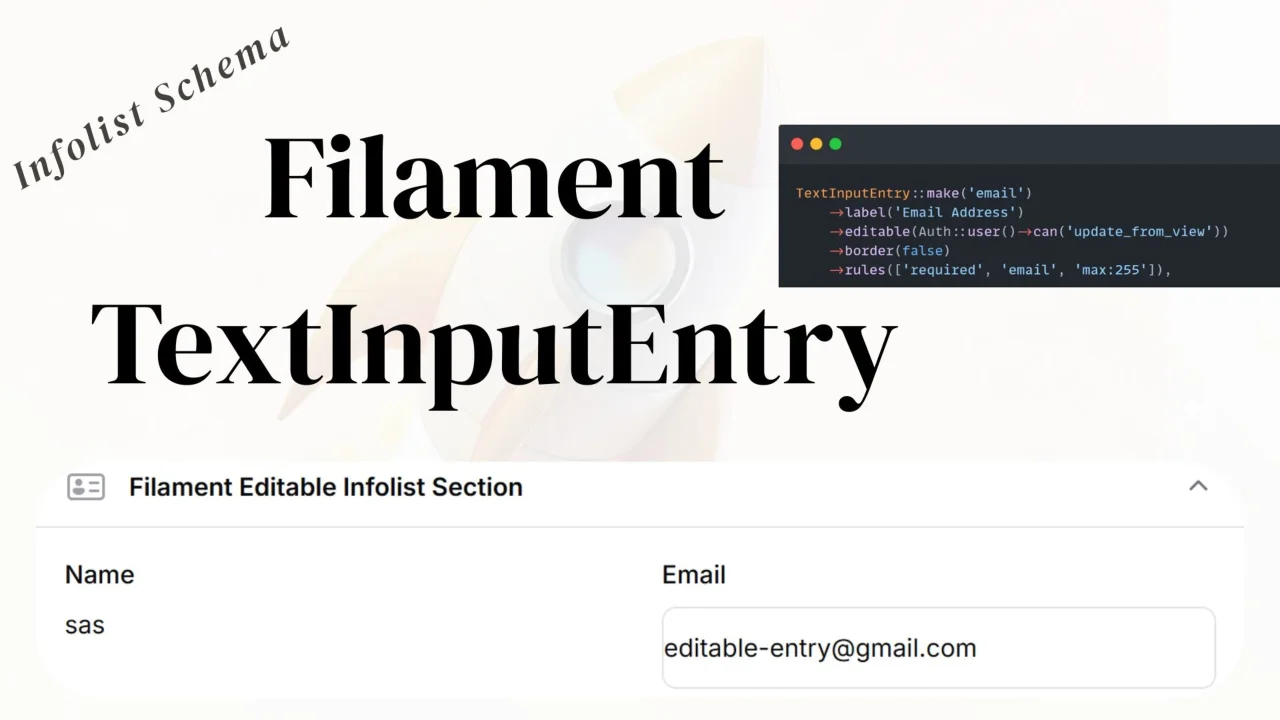
TextInput Entry
An editable text input entry that allows users to edit text fields directly in the infolist view without navigating to an edit page.
Author:
Anish Regmi
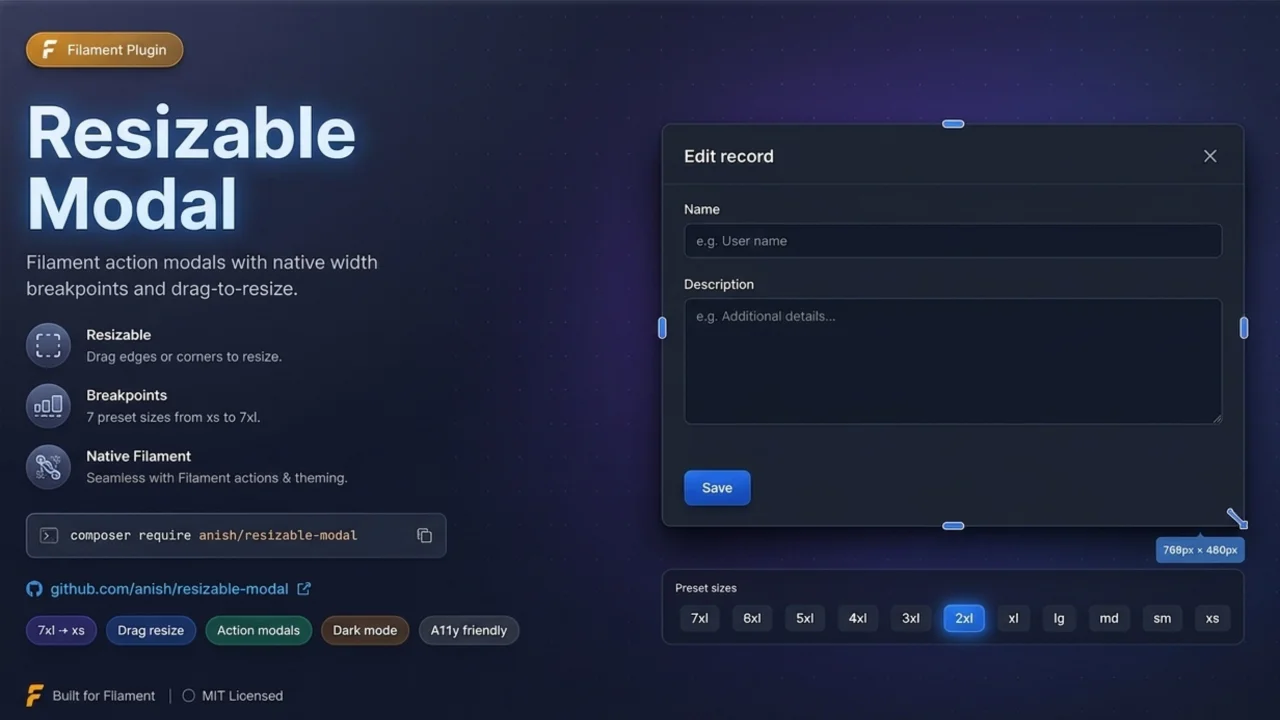
Resizable Modal
Filament plugin that adds drag-to-resize handles to action modals, snapping widths to Filament's native Width breakpoints for seamless ->modalWidth() compatibility.
Author:
Anish Regmi
Featured Plugins
A selection of plugins curated by the Filament team
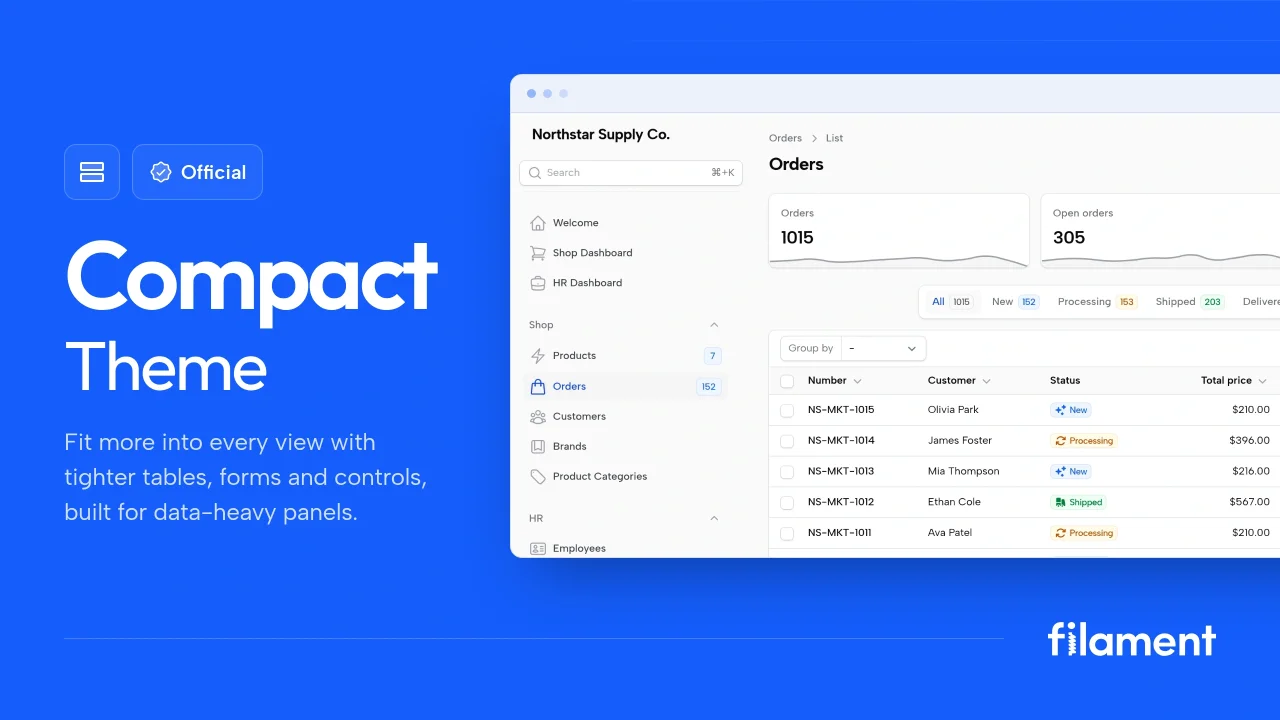
Compact Theme
A theme that makes data-heavy panels easier to scan by fitting more useful information on each screen.
 Filament
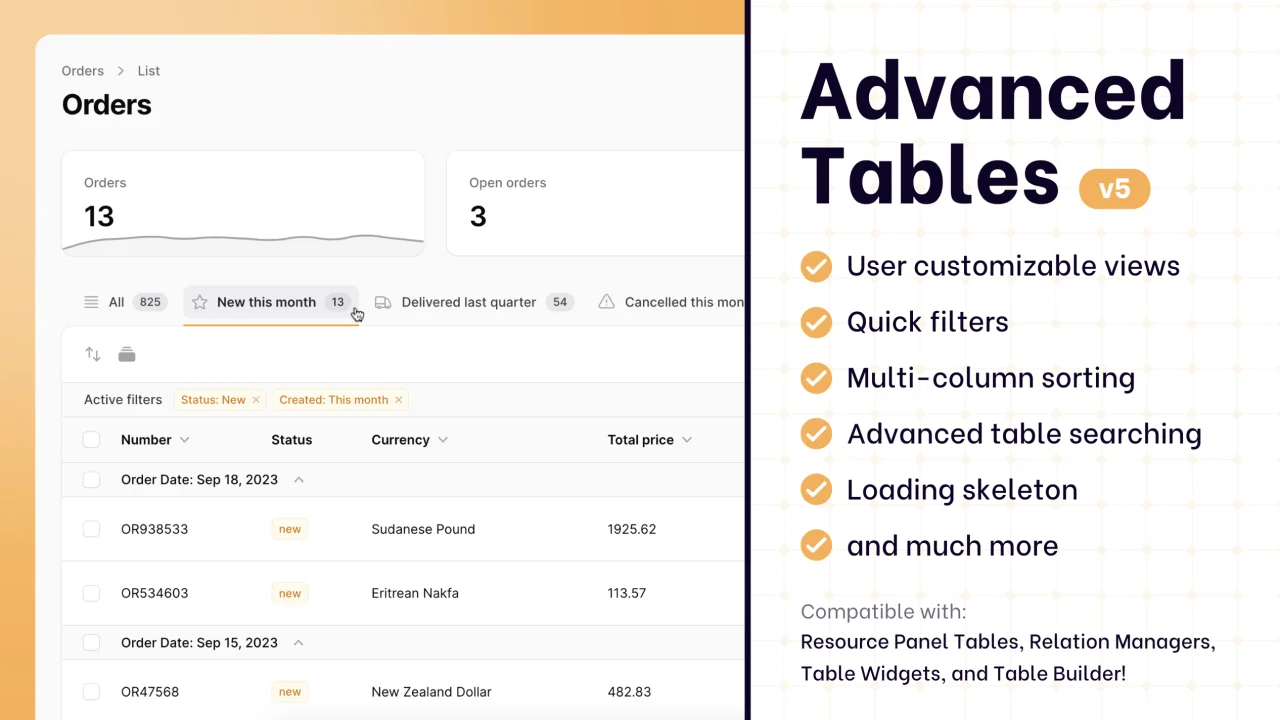
Advanced Tables (formerly Filter Sets)
Supercharge your tables with powerful features like user-customizable views, quick filters, multi-column sorting, advanced table searching, convenient view management, and more. Compatible with Resource Panel Tables, Relation Managers, Table Widgets, and Table Builder!
 Kenneth Sese

Spotlight Pro
Browse your Filament Panel with ease. Filament Spotlight Pro adds a Spotlight like Command Palette to your Filament Panel.
 Dennis Koch