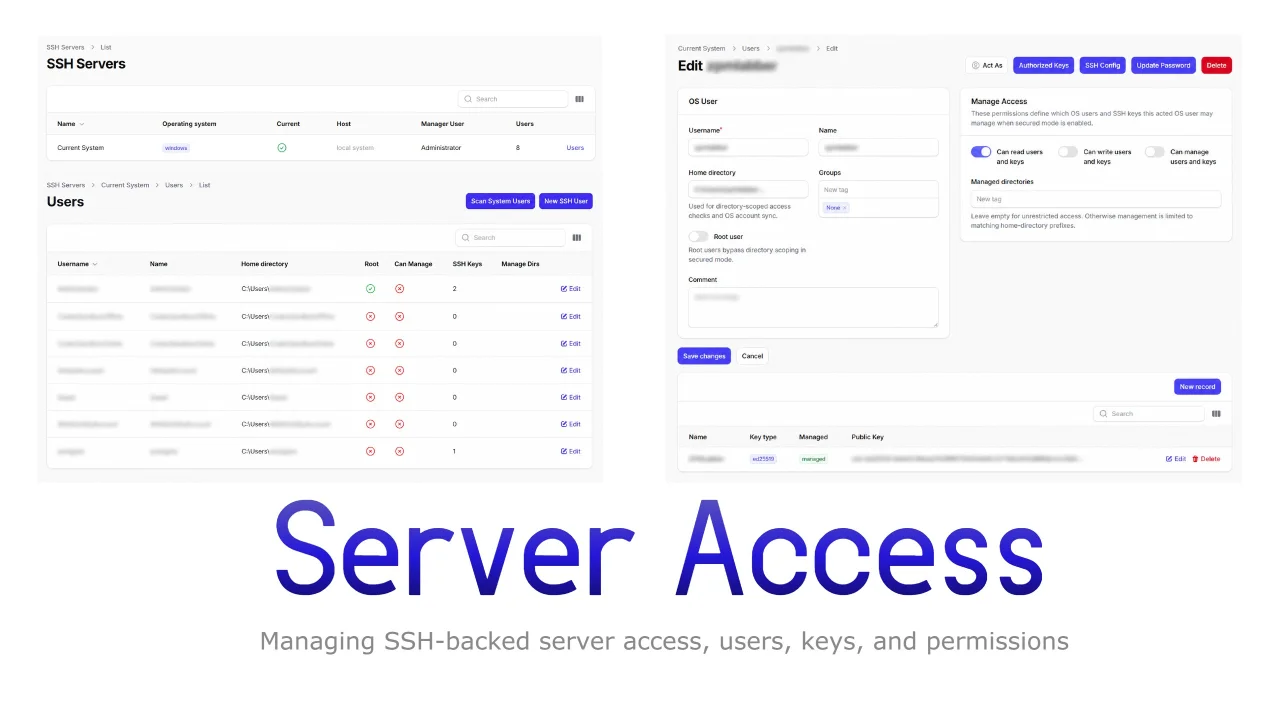
Server Access by ZPMLabber
CommunityManaging SSH-backed server access, users, keys, permissions, and OS-level synchronization.
 Author:
ZPMLabber
Package health
Automated checks of this plugin's Composer package
15 checks
- Skipped: GitHub Actions pinned to SHA
- Skipped: GitLab CI includes pinned to SHA
- Passed: Open security advisories
- Passed: Dependabot PR responsiveness — No open Dependabot PRs.
- Skipped: Renovate MR responsiveness
- Failed: Dependabot or Renovate configured — No dependency updater configuration found. View details on Plumb
- Skipped: Dependency update cooldown configured
- Failed: Provides a security policy — View details on Plumb
- Passed: Abandoned or archived — No consulted source marks the package abandoned (packagist, github).
- Warning: Commit and release recency — Low activity: last commit 180 days ago; last release 181 days ago.
-
Failed:
composer.lock not committed by library
—
composer.lockis present in the released dist archive. View details on Plumb - Passed: Dist archive is lean
-
Passed:
Current Laravel version supported
—
Package dependencies resolve together with current Laravel
13.0. -
Passed:
Current PHP version supported
—
Constraint
^8.3supports current PHP8.5. - Skipped: Current Symfony version supported
filament/
namespace. Review the source and install at your own risk. Found
malware or an unresolved security issue the author won't
address?
Report it
.
Documentation
- What This Package Adds
- Installation
- Register The Plugin
- Host App Requirements
- Registered Resources
- Server Resource Usage
- User Resource Usage
- Key Management Usage
- Example Panel Registration
- Example App Service Wrappers
- Testing
- Notes
Filament admin resources and page actions for the Laravel server-access stack. This package plugs into a Filament panel and exposes server, user, and SSH key management on top of zpm-packages/server-access-laravel.
#What This Package Adds
SshServerResourcefor server records and current-system manager verification.- Nested
SshUserResourcefor server-scoped SSH users. SshEntryResourceand user-level key relation management.- Header actions for acting as a user, updating OS passwords, editing
authorized_keys, editing~/.ssh/config, and confirming root-user deletion. - Current-system scan actions for pulling OS users into the panel workflow.
#Installation
composer require zpm-packages/server-access-filament
This package expects zpm-packages/server-access-laravel to be installed and configured first.
#Register The Plugin
use Filament\Panel;
use ZPMPackages\FilamentSshManagement\FilamentSshManagementPlugin;

public function panel(Panel $panel): Panel
{
	return $panel
		->plugin(FilamentSshManagementPlugin::make());
}
#Host App Requirements
The current resources are intentionally thin and reuse the host application's SSH wrappers. Your app must provide these classes:
App\Models\SshServerApp\Models\SshUserApp\Models\SshEntryApp\Support\Ssh\SshManagerResolverApp\Support\Ssh\SshDirectDataServiceApp\Support\Ssh\SshSystemUserServiceApp\Support\Ssh\SshUserManagerServiceApp\Support\Ssh\SshActorAuthorizerApp\Support\Ssh\DatabaseSshRepository
If your app uses different namespaces or model names, adapt the package resources or provide compatible wrappers before enabling the plugin.
#Registered Resources
The plugin registers three resources on the active panel:
SshServerResource::class,
SshUserResource::class,
SshEntryResource::class,
#Server Resource Usage
SshServerResource is the entrypoint for server records.
#What You Can Do
- List configured server records.
- Create and edit servers when database sync is enabled.
- Open nested user management from the server table.
- Change the verified manager user for the current system.
- Delete server records.
#Current-System Manager Verification
The edit page exposes a Change Manager User action for current-system servers. It verifies the selected OS user password before switching the configured manager.
#User Resource Usage
SshUserResource is nested under a server.
#Users List Page
The list page supports:
- Scanning system users.
- Creating a new user.
- Auto-importing current-system users into the database-backed repository on mount.
- Direct-mode record actions when database sync is disabled.
#Create User Flow
The create page supports:
- username, name, home directory, groups, comment, and root flag
can_read_entries,can_write_entries, andcan_manage_entries- managed directories
- optional create-time password
- create-time SSH key passphrase forwarding when a managed key is generated
#Edit User Header Actions
The edit page currently provides:
Act AsAuthorized KeysSSH ConfigUpdate PasswordDelete
The delete action requires password confirmation when the target user is root-equivalent.
#Key Management Usage
Keys are managed from the user relation manager and the standalone key resource.
#Supported Flows
- Create a manual key row.
- Generate a managed key pair.
- Set custom private and public key paths under the target
.sshdirectory. - Edit an existing key.
- Delete a key.
#Related UI Behaviors
- Private/public path inputs stay constrained to the user
.sshdirectory. - Public path can auto-fill from the chosen private path.
- Managed key generation failures show notifications instead of raw exceptions.
#Example Panel Registration
use App\Providers\Filament\AdminPanelProvider;
use Filament\Panel;
use ZPMPackages\FilamentSshManagement\FilamentSshManagementPlugin;

class AdminPanelProvider extends PanelProvider
{
	public function panel(Panel $panel): Panel
	{
		return $panel
			->default()
			->id('admin')
			->path('admin')
			->plugin(FilamentSshManagementPlugin::make());
	}
}
#Example App Service Wrappers
The plugin expects the host app wrappers to adapt package services to app models. A typical wrapper extends the Laravel package service:
namespace App\Support\Ssh;

class SshManagerResolver extends \ZPMPackages\LaravelSshManagement\Services\SshManagerResolver
{
}
#Testing
The package includes a lightweight standalone plugin test that verifies:
- the plugin id
- resource registration on a panel
- plugin resolution through the container
Run it from the package directory:
vendor/bin/phpunit tests/FilamentSshManagementPluginTest.php
#Notes
- This package is currently app-coupled by design; it is a reusable plugin package, but not a zero-configuration drop-in for arbitrary Laravel apps.
- The panel resources rely on the host app for authorization messaging and OS/file management wrappers.
- If you want a fully standalone Filament package, the next step is extracting the remaining
App\...dependencies behind interfaces or plugin configuration.
The author
From the same author

World Map Widget
World map widget for statistics.
Author:
ZPMLabber
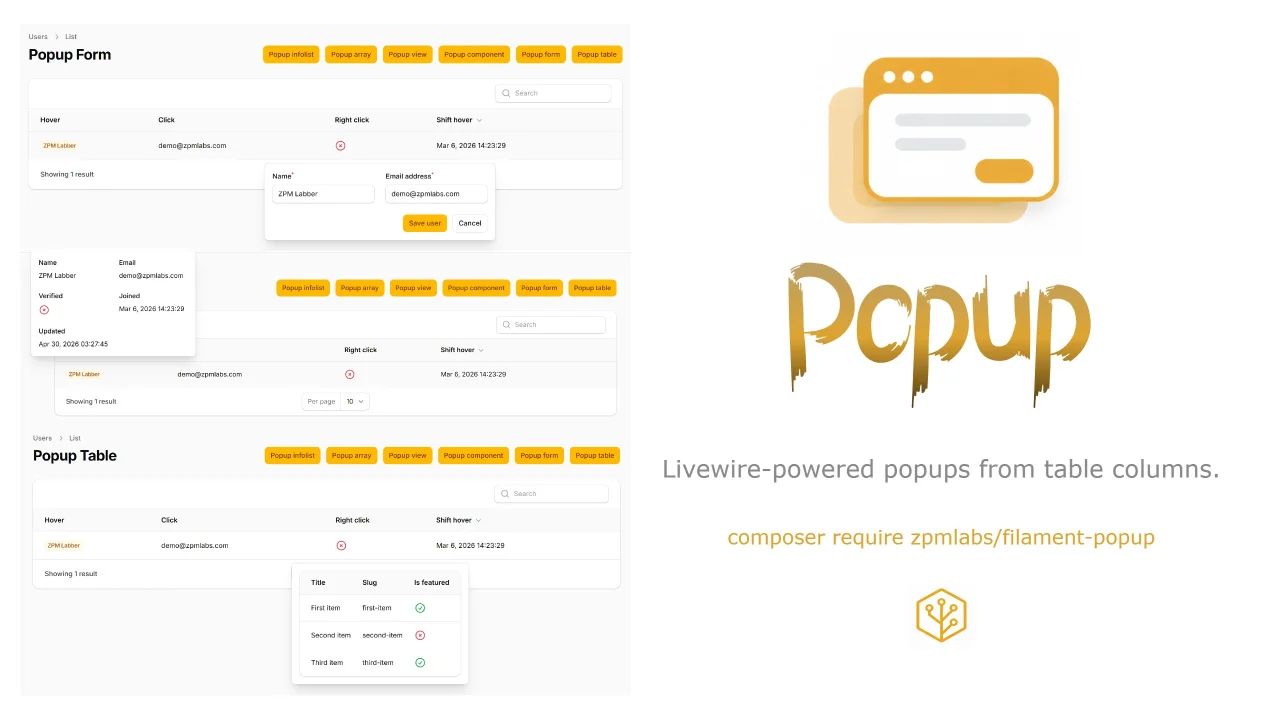
Popup
Livewire-powered popups from table columns.
Author:
ZPMLabber
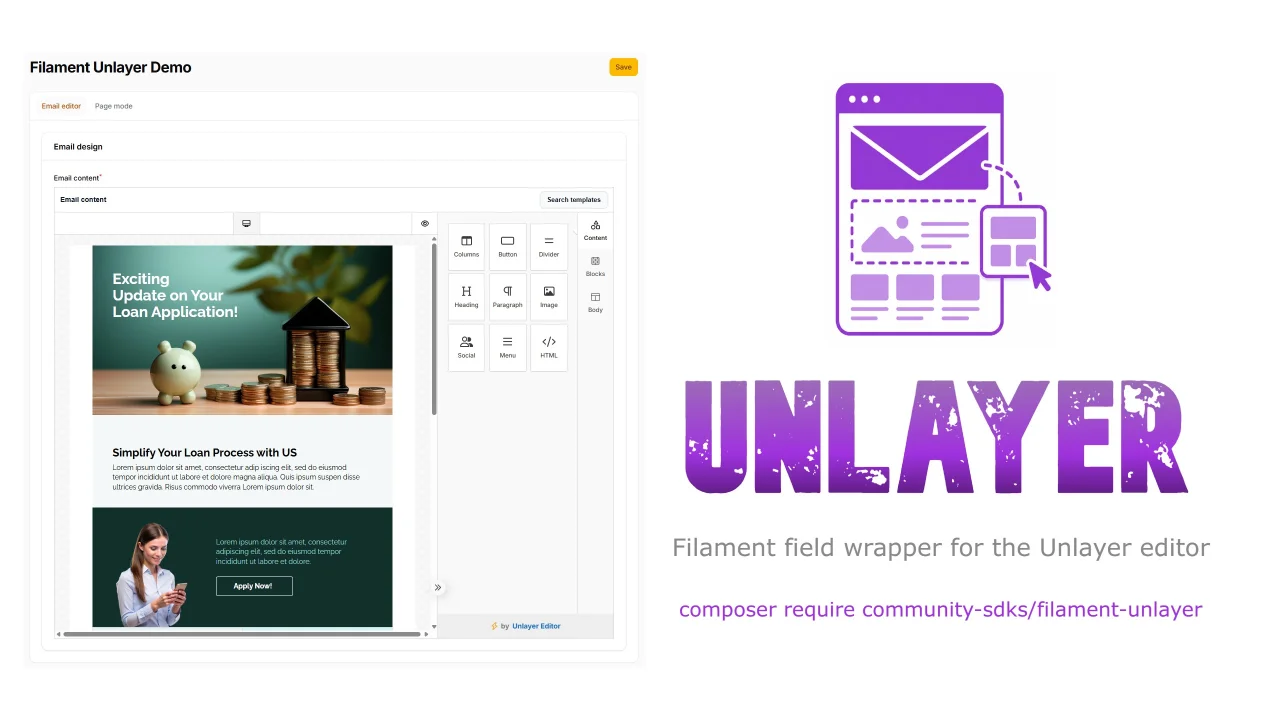
Unlayer
This is a Filament field wrapper for the Unlayer editor.
Author:
ZPMLabber

Undraw Select
A Filament select component that lets you search & pick unDraw illustrations.
Author:
ZPMLabber
Featured Plugins
A selection of plugins curated by the Filament team

Custom Dashboards
Let your users build and share their own dashboards with a drag-and-drop interface. Define your data sources in PHP and let them do the rest.
 Filament
Custom Fields
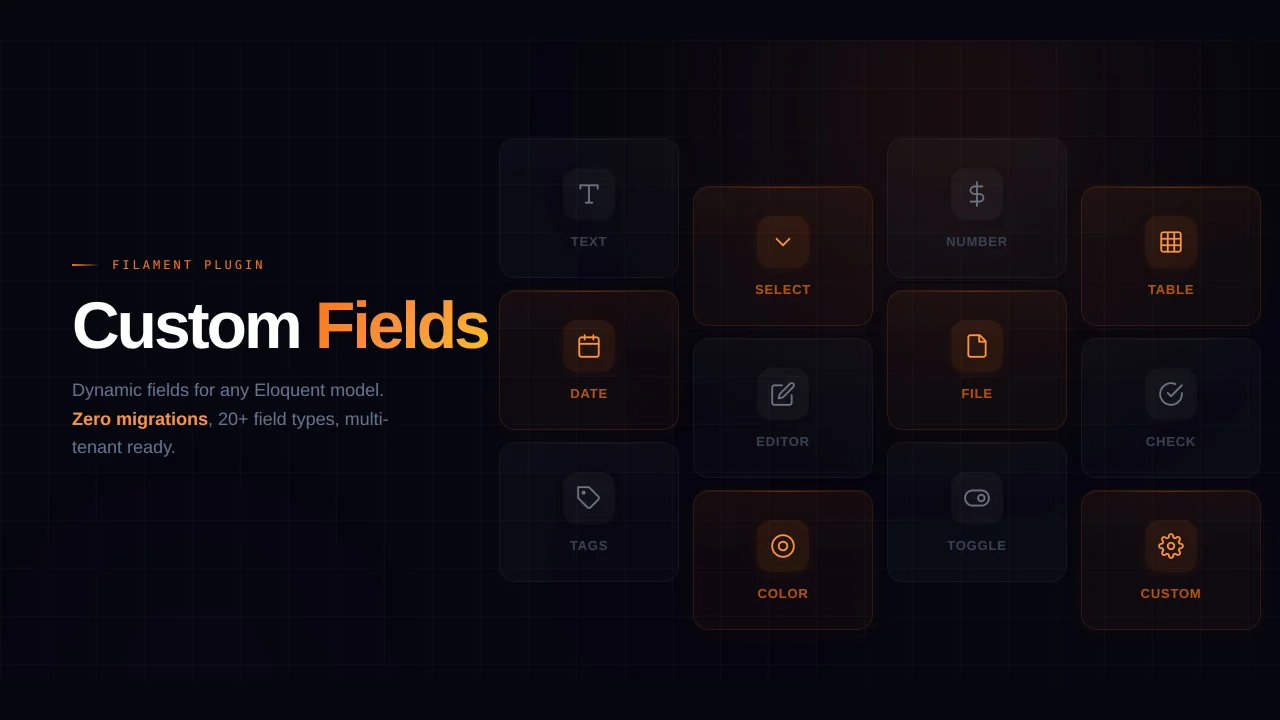
Eliminate custom field migrations forever. Let your users create and manage form fields directly in Filament admin panels with 20+ built-in field types, validation, and zero database changes.
 Relaticle
Soft Theme
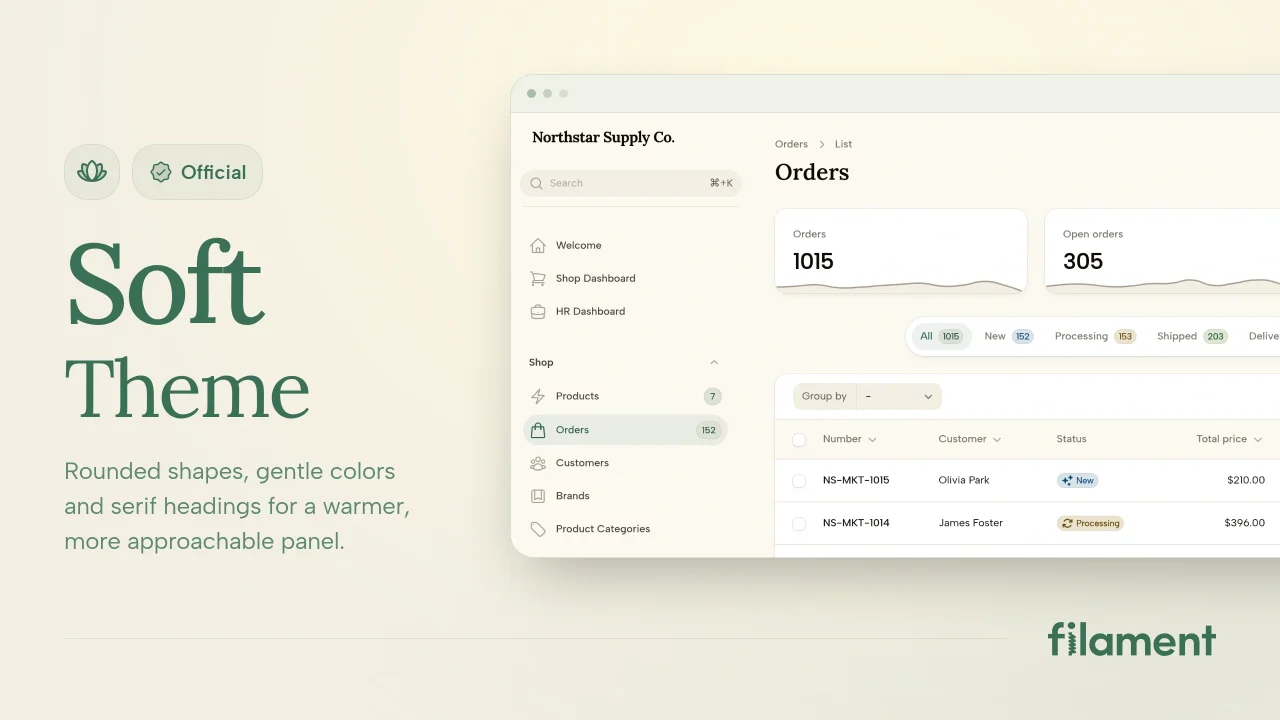
A theme that gives panels a warm, approachable look with rounded shapes, gentle colors, and serif headings.
Filament