
Holler by Packstub
CommunityAudio, video and screen-share calls between your panel's users, peer to peer over WebRTC, with no websocket server to run.
 Author:
Packstub
Package health
Automated checks of this plugin's Composer package
15 checks
- Passed: GitHub Actions pinned to SHA
- Skipped: GitLab CI includes pinned to SHA
- Passed: Open security advisories
- Passed: Dependabot PR responsiveness — No open Dependabot PRs.
- Skipped: Renovate MR responsiveness
- Passed: Dependabot or Renovate configured
- Passed: Dependency update cooldown configured
- Passed: Provides a security policy
- Passed: Abandoned or archived — No consulted source marks the package abandoned (packagist, github).
- Passed: Commit and release recency — Active: last commit 0 days ago; last release 0 days ago.
-
Passed:
composer.lock not committed by library
—
composer.lockis absent from the released dist archive. - Passed: Dist archive is lean
-
Passed:
Current Laravel version supported
—
Package dependencies resolve together with current Laravel
13.0. -
Passed:
Current PHP version supported
—
Constraint
^8.3supports current PHP8.5. - Skipped: Current Symfony version supported
filament/
namespace. Review the source and install at your own risk. Found
malware or an unresolved security issue the author won't
address?
Report it
.
Documentation
- Features
- Compatibility
- Installation
- The Call action
- The call widget
- Who may call whom
- Group calls
- Calls on hold
- Where the call lives
- STUN and TURN
- Customizing
- Events and the call log
- Configuration
- Documentation
- Testing
- Changelog
- Security
- Credits
- License
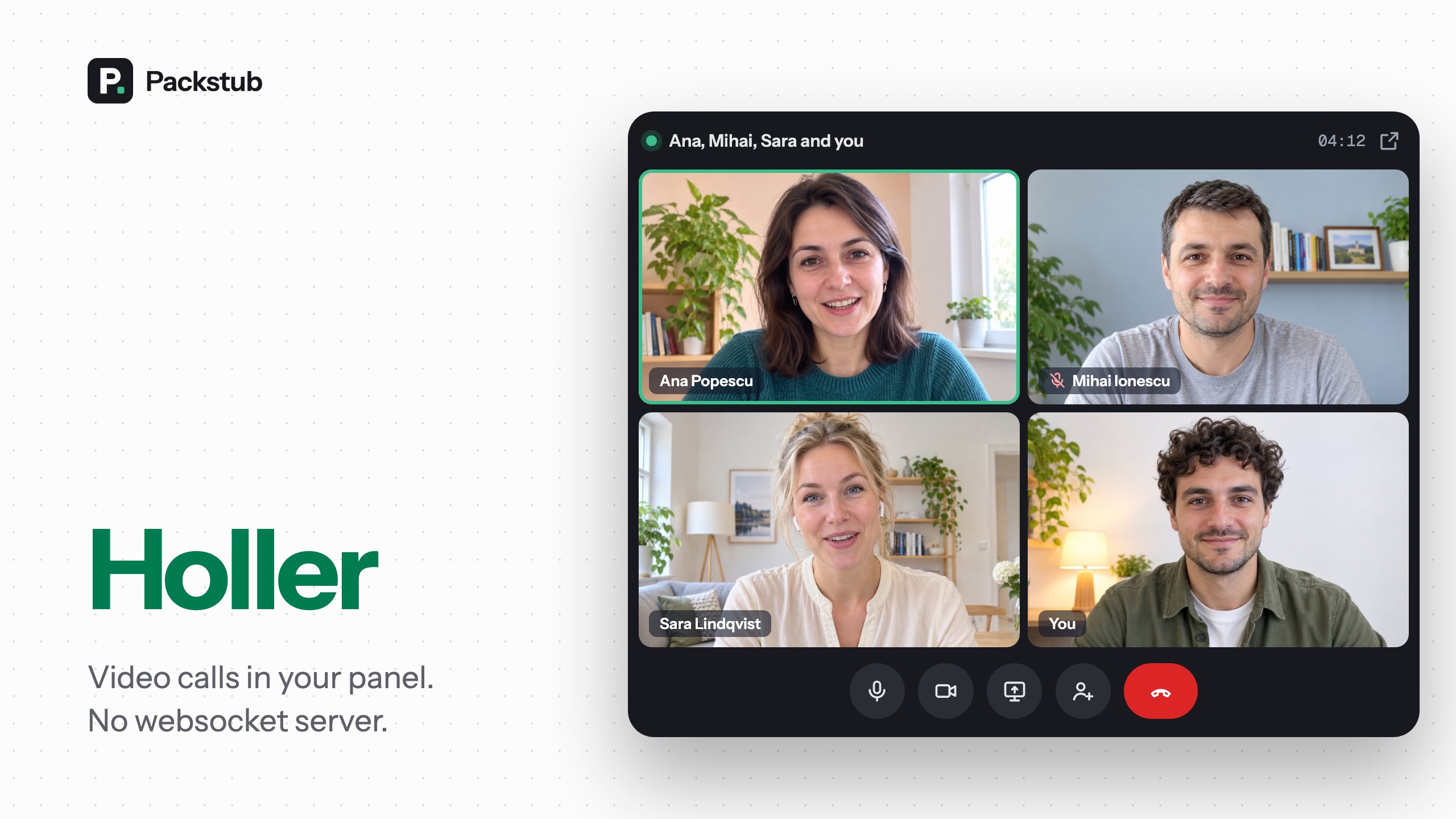



Audio, video and screen-share calls between the users of a Filament panel, one on one or in groups of up to four, peer to peer over WebRTC. The media goes straight from one browser to the other; your Laravel app only handles who calls whom, over plain HTTP polling, so there is no websocket server to run.
#Features
- A Call button for any user:
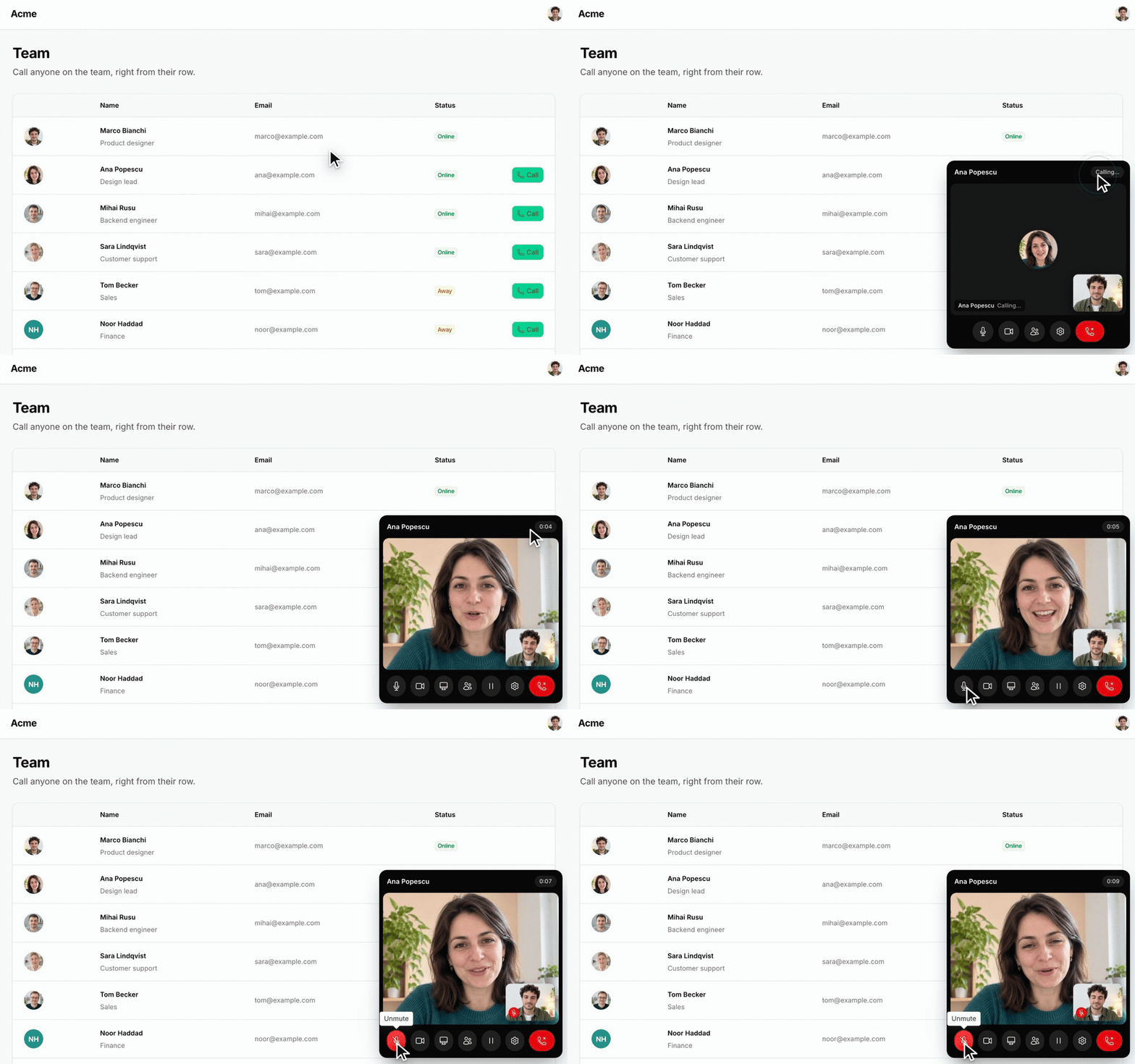
CallActionon a table row, a page header or an infolist. - A call widget on every page: an incoming-call toast, then a floating window with mute, camera, screen share and hang up, in the panel's theme.
- Group calls: add someone from a search box in the call window, or from their Call button, up to four people.
- Calls on hold: put a call on hold, ring someone else and swap back with Resume.
- Calls that survive a page load: in a pop-out window, or in the page itself in SPA mode; a reload reconnects within seconds.
- Who may call whom:
canCall(), tenant-aware by default, checked on the server. - STUN and TURN: a free public STUN server out of the box, your own TURN relay through env variables or per panel, with credentials that expire per call.
- Devices and notifications: people choose their microphone, camera and speaker mid-call, and a call in a background tab still gets noticed.
- Your icons and texts: every icon has an alias, every label a translation, and the engine takes options.
- A call log: events and tables with durations, ready for a resource of your own.
#Compatibility
| Plugin | Filament | Laravel | PHP |
|---|---|---|---|
| 1.x | 4.13.3+, 5.8.3+ | 12.69+, 13.30+ | 8.3+ |
Calls run in every current browser (WebRTC). The panel must be served over HTTPS, or from localhost, since the camera and microphone need a secure context.
#Installation
composer require packstub/filament-holler
php artisan migrate
php artisan filament:assets
Register the plugin in your panel:
use Packstub\FilamentHoller\FilamentHollerPlugin;

public function panel(Panel $panel): Panel
{
    return $panel
        // ...
        ->plugins([
            FilamentHollerPlugin::make(),
        ]);
}
That adds the call widget to every page of the panel and the signaling routes under /{panel}/filament-holler/calls/, behind the panel's auth. The tables, model, events and config file come from Holler for Laravel, which Composer installs alongside. Then schedule its cleanup:
Schedule::command('holler:prune')->daily();
Read more: Installation.
#The Call action
Put a CallAction where the record is a user:
use Packstub\FilamentHoller\Actions\CallAction;

// A table of users
->recordActions([
    CallAction::make(),
])

// A page header, calling a related user
CallAction::make()->user(fn () => $this->record->assignee)
The button only shows for someone the signed-in user may call, never for themselves. Clicking it rings the other person: their open panel tabs show a toast with the caller's name and avatar, they accept, and the two browsers connect.
Read more: Calling.
#The call widget
The plugin draws one widget on every page for signed-in users: the incoming-call toast with Accept and Decline, then a floating window with a tile per other person, your own picture in a corner, and buttons to mute, turn the camera off, share your screen and hang up. A shared screen takes the stage in the other windows. The settings button lets each person choose their microphone, camera and speaker, also mid-call, and a call that rings while the tab is in the background shows in the tab's title and, once allowed, as a system notification. The widget is drawn with Filament's own buttons and avatars and follows the panel's theme, light or dark; its messages are Filament notifications.
Read more: The call.
#Who may call whom
By default any two users who can open the panel can call each other, and on a panel with tenancy only two who share a tenant. Narrow it:
FilamentHollerPlugin::make()
    ->canCall(fn (User $caller, User $callee): bool => $caller->team_id === $callee->team_id)
Add a bool $sharesTenant parameter to the closure to keep the tenant rule and add your own. The check runs on the server when a call starts and when someone is added to one, for every pair of people on the call. Someone who cannot open the panel, or has not verified the email the panel requires, is never callable.
Read more: Who may call whom.
#Group calls
While on a call, the Add someone button in the call window finds people by name, and clicking Call on another person asks what to do: add them to the call, put the call on hold and ring them, or end it and ring them. Once the person accepts, everyone connects to them, and the window shows a tile per other participant. The browsers connect to each other directly, so four people is the default limit:
FilamentHollerPlugin::make()->maxParticipants(3) // or HOLLER_MAX_PARTICIPANTS in .env
Someone who hangs up leaves the call for the others. ->video(false) makes the panel's calls voice calls; either side can still share their screen.
Read more: Group calls.
#Calls on hold
Put on hold in the call window steps you out of a call without leaving it: the others stay on it and see that you put it on hold. The call waits in a small bar with Resume and End while you ring someone else, and Resume swaps the two calls. One call on hold at a time.
Read more: Calls on hold.
#Where the call lives
A browser closes a WebRTC connection on every full page load, so the plugin keeps the call where a page load does not end it. On panels without SPA mode, Call and Accept open the call in a small window of its own, and the main tab shows a chip with the timer while it navigates, reloads or closes. In SPA mode the call stays in the page across wire:navigate, and a full page load reconnects it within a few seconds.
FilamentHollerPlugin::make()->popOut()        // always a pop-out, also in SPA mode
FilamentHollerPlugin::make()->popOut(false)   // always in the page
Read more: Where the call lives.
#STUN and TURN
Calls work right after the install: the default is Google's public STUN server, free and without an account (HOLLER_STUN_URL takes another one), and most calls then go straight from browser to browser. People on one network (an office, a VPN) need no server at all. People behind a strict NAT, a VPN or a corporate firewall need a TURN relay; point the plugin at yours:
HOLLER_TURN_URL=turn:turn.example.com:3478,turns:turn.example.com:443?transport=tcp
HOLLER_TURN_SECRET=the-secret-coturn-shares-with-the-app
With the secret (coturn's use-auth-secret) every call gets credentials that expire, so no long-lived TURN password reaches a browser; a fixed HOLLER_TURN_USERNAME and HOLLER_TURN_CREDENTIAL work too. For a hosted TURN service, return its credentials from ->iceServers(fn () => [...]) per panel: the browsers ask for the servers each time a call starts. HOLLER_ICE_TRANSPORT_POLICY=relay sends everything through the relay, so nobody sees anybody else's network address. A call that cannot find a path ends with "Could not connect" and a hint in the browser console.
Read more: ICE servers.
#Customizing
Every icon in the widget has an alias for FilamentIcon::register(), the labels are translations (php artisan vendor:publish --tag=filament-holler-translations), and a filament-holler-configure event hands a script the engine's options before the widget starts, for example a media server in place of the mesh.
Read more: Customizing.
#Events and the call log
CallStarted, CallAnswered, ParticipantJoined, ParticipantLeft and CallEnded fire for every step, and Packstub\Holler\Models\Call is a plain Eloquent model with its participants, end_reason and duration(), ready for a resource of your own.
Read more: Events and the call log.
#Configuration
The plugin's options are set per panel:
FilamentHollerPlugin::make()
    ->canCall(fn (User $caller, User $callee): bool => true)
    ->maxParticipants(4)
    ->video(true)
    ->popOut(null)               // null: a pop-out unless the panel runs in SPA mode
    ->deviceSettings(true)       // the microphone, camera and speaker menus
    ->notifications(true)        // a call in a background tab: the tab title, a system notification
    ->iceServers(fn () => [...]);
Everything else is in config/holler.php, from Holler for Laravel, and reads env variables: HOLLER_POLL_IDLE, HOLLER_POLL_ACTIVE, HOLLER_RING_TIMEOUT, HOLLER_RECONNECT_TIMEOUT, HOLLER_PRUNE_AFTER_DAYS, HOLLER_DB_CONNECTION and the STUN and TURN variables above.
Read more: Configuration.
#Documentation
Full docs at packstub.dev/docs/filament-holler:
- Installation
- Calling: the Call action, who may call whom, tenancy, group calls, voice calls, page events
- The call: the widget, the pop-out window and SPA mode, keyboard and screen readers
- Customizing: icons, texts and translations, engine options
- Configuration: ICE servers, polling and timeouts, events and the call log
The plugin is the panel side of Holler for Laravel, the signaling backend, and @packstub/holler, the browser engine. Both work without Filament too.
#Testing
composer test
composer test:e2e  # Playwright: real calls between headless Chromium windows (npx playwright install chromium once)
composer serve     # workbench panel with a Team page; ion@/ana@/[email protected], password "password"
Open the workbench twice, as two different people, on two hostnames (localhost and 127.0.0.1) to try a call on one machine.
#Changelog
See CHANGELOG.md.
#Security
If you discover a security issue, email [email protected] instead of using the issue tracker. See SECURITY.md.
#Credits
#License
MIT. See LICENSE.md.
The author
Packstub builds plugins for Filament and Laravel, from open-source utilities to paid infrastructure for multi-tenant SaaS. It is the author of Packstub Tenancy, which brings stancl/tenancy's database-per-tenant model to Filament panels, and Filament Account Switcher, which adds linked accounts, impersonation, and developer logins with an audit trail. Packstub is run by XLITE, a web development studio based in Moldova.
From the same author
Session Replay
Session replay in your panel: every recording in a filterable resource, played with errors and rage clicks on the timeline.
Author:
Packstub
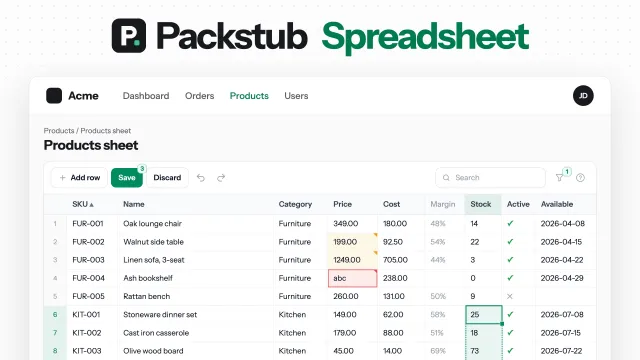
Spreadsheet
Edit hundreds of Filament records like a spreadsheet: paste from Excel, fill down, undo, and one Save checked on the server.
Author:
Packstub

Nitpick
Give users a theme picker in the Filament user menu: designed themes, community themes or your own, with a default per panel.
Author:
Packstub
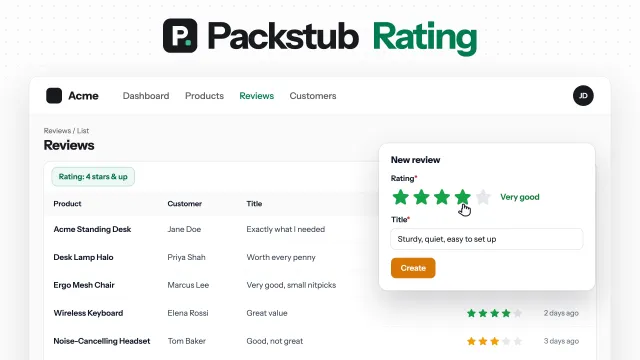
Rating
Star ratings for Filament: a form field, a column you can rate from, a filter, and average and distribution summaries.
Author:
Packstub
Featured Plugins
A selection of plugins curated by the Filament team
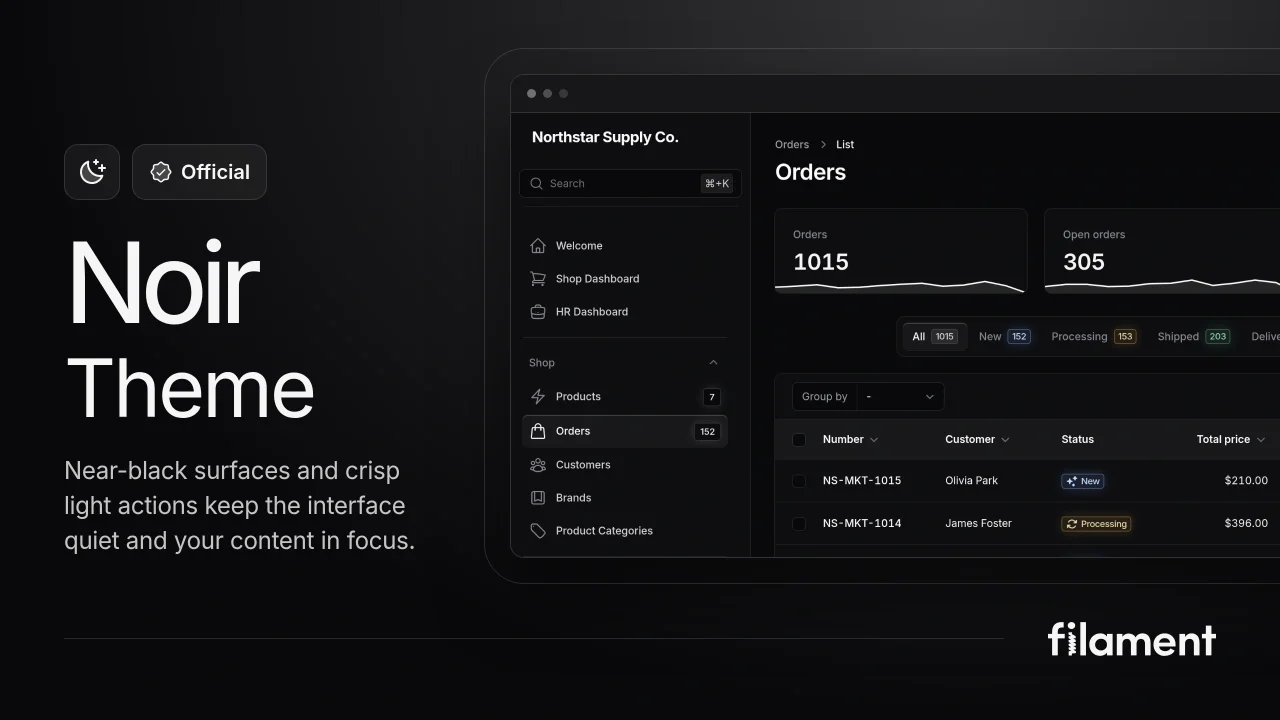
Noir Theme
A theme that gives panels a focused, refined look with near-black surfaces, crisp actions, and restrained color.
 Filament

Blueprint
Filament Blueprint is a premium Laravel Boost extension that helps AI agents produce accurate, detailed implementation plans and security reports for Filament apps.
Filament
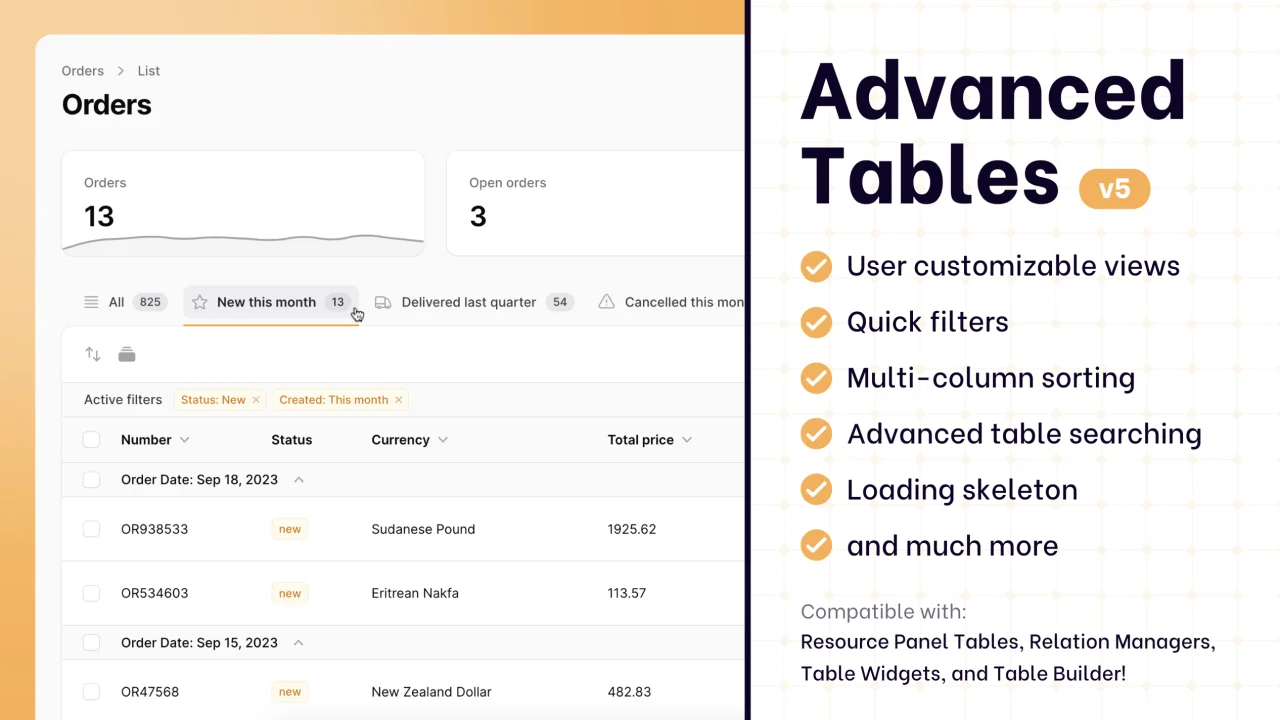
Advanced Tables (formerly Filter Sets)
Supercharge your tables with powerful features like user-customizable views, quick filters, multi-column sorting, advanced table searching, convenient view management, and more. Compatible with Resource Panel Tables, Relation Managers, Table Widgets, and Table Builder!
 Kenneth Sese