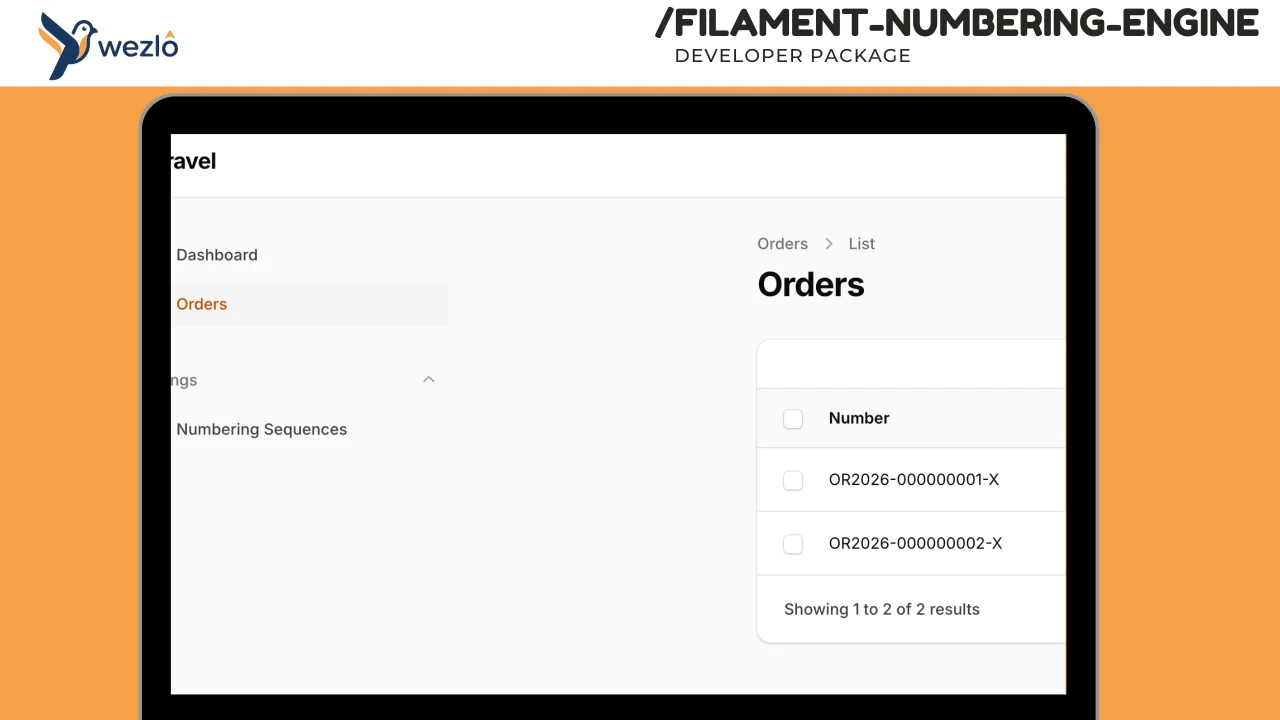
Numbering Engine
Configurable auto-numbering for any Eloquent model in Filament. Supports patterns like INV-2026-0001, PO/{branch}/{sequence}, per-tenant sequences, fiscal year resets, gap-free mode, and prefix/suffix rules.
 Author:
Mustafa Khaled
Author:
Mustafa Khaled
Documentation
- Installation
- Setup
- Pattern Tokens
- Custom Token Aliases
- Custom Token Resolvers
- Reset Frequency
- Gap-Free Mode
- Per-Tenant Isolation
- Manual Override
- Programmatic Usage
- Events
- Plugin Configuration
- Config File
- Localization
- Testing
- License
Configurable auto-numbering for any Eloquent model in Filament (v4, v5) . Supports patterns like INV-2026-0001, PO/{branch}/{sequence}, per-tenant sequences, fiscal year resets, gap-free mode, and prefix/suffix rules.
#Installation
Add the package to your Laravel project:
composer require wezlo/filament-numbering-engine
Publish and run the migrations:
php artisan vendor:publish --tag=filament-numbering-engine-migrations
php artisan migrate
Optionally publish the config file:
php artisan vendor:publish --tag=filament-numbering-engine-config
#Setup
#1. Register the Plugin
Add the plugin to your Filament panel provider:
use Wezlo\FilamentNumberingEngine\FilamentNumberingEnginePlugin;

public function panel(Panel $panel): Panel
{
    return $panel
        ->plugin(
            FilamentNumberingEnginePlugin::make()
                ->navigationGroup('Settings') // optional, defaults to "Settings"
        );
}
#2. Add the Trait to Your Models
Add HasNumbering to any model that needs auto-numbering:
use Wezlo\FilamentNumberingEngine\Concerns\HasNumbering;

class Invoice extends Model
{
    use HasNumbering;

    // Optional: explicitly declare which attributes to auto-number.
    // If omitted, the trait auto-detects from the numbering_sequences table.
    protected array $numberingFields = ['invoice_number'];
}
#3. Create a Numbering Sequence
Navigate to Settings > Numbering Sequences in your Filament panel and create a sequence, or insert one directly:
use Wezlo\FilamentNumberingEngine\Models\NumberingSequence;

NumberingSequence::create([
    'company_id'              => 1,           // tenant scope (null for global)
    'name'                    => 'Invoice Number',
    'model_type'              => \App\Models\Invoice::class,
    'attribute'               => 'invoice_number',
    'pattern'                 => 'INV-{year}-{sequence:4}',
    'reset_frequency'         => 'yearly',    // never, yearly, monthly, daily
    'fiscal_year_start_month' => 1,           // 1 = January
    'is_gap_free'             => true,
    'is_active'               => true,
    'initial_value'           => 1,
]);
Now every time an Invoice is created, the invoice_number attribute is automatically filled (e.g. INV-2026-0001, INV-2026-0002, ...).
#Pattern Tokens
| Token | Example Output | Description |
|---|---|---|
{sequence} |
0001 |
Zero-padded sequence (default 4 digits) |
{sequence:N} |
000001 |
Zero-padded to N digits |
{year} |
2026 |
4-digit year |
{year:2} |
26 |
2-digit year |
{month} |
04 |
Zero-padded month |
{day} |
07 |
Zero-padded day |
{prefix} |
INV- |
Value from the sequence's prefix column |
{suffix} |
-A |
Value from the sequence's suffix column |
{attribute:name} |
Acme |
Model attribute (supports dot notation for relations) |
#Example Patterns
| Pattern | Output |
|---|---|
INV-{year}-{sequence:4} |
INV-2026-0001 |
PO/{attribute:branch.code}/{sequence:5} |
PO/HQ/00001 |
{prefix}{year:2}{month}-{sequence:3}{suffix} |
CR-2604-001-A |
REC-{sequence:6} |
REC-000001 |
#Custom Token Aliases
You can define custom token names that map to built-in resolvers, either via the admin UI or in the custom_tokens JSON column:
NumberingSequence::create([
    // ...
    'pattern'       => '{branch}-{year}-{sequence:4}',
    'custom_tokens' => [
        'branch' => 'attribute:branch.code', // {branch} resolves to $model->branch->code
    ],
]);
#Custom Token Resolvers
Create a class implementing TokenResolver for completely custom logic:
use Wezlo\FilamentNumberingEngine\Contracts\TokenResolver;

class DepartmentCodeResolver implements TokenResolver
{
    public function resolve(string $token, ?string $argument, array $context): string
    {
        return $context['model']->department->short_code ?? 'GEN';
    }

    public function supports(string $token): bool
    {
        return $token === 'dept';
    }
}
Register it in config/filament-numbering-engine.php:
'custom_resolvers' => [
    \App\NumberingResolvers\DepartmentCodeResolver::class,
],
Then use {dept} in your patterns.
#Reset Frequency
| Frequency | Behavior |
|---|---|
never |
Counter never resets — continuous numbering |
yearly |
Resets at the start of each fiscal year |
monthly |
Resets at the start of each month |
daily |
Resets at the start of each day |
#Fiscal Year
When reset_frequency is yearly, the fiscal_year_start_month determines when the year rolls over:
1(January) — standard calendar year4(April) — fiscal year runs Apr–Mar (e.g. Jan 2026 belongs to fiscal year 2025)7(July) — fiscal year runs Jul–Jun
#Gap-Free Mode
When is_gap_free is true, the package uses database row-level locking (SELECT ... FOR UPDATE) to guarantee no gaps in the sequence. The counter increment and model save happen within the same transaction — if the save fails, the counter rolls back.
Trade-off: Gap-free mode serializes concurrent requests for the same sequence. Use it only when regulatory or business requirements demand unbroken sequences (e.g. invoice numbers).
When is_gap_free is false (default), an atomic increment is used. Gaps may occur if a model creation fails after the counter is incremented, but throughput is higher.
#Per-Tenant Isolation
Each numbering sequence is scoped by company_id. Two companies with the same sequence pattern maintain independent counters:
- Company A:
INV-2026-0001,INV-2026-0002, ... - Company B:
INV-2026-0001,INV-2026-0002, ...
Set company_id to null for a global sequence shared across all tenants.
#Manual Override
If a model's numbered attribute is already filled before creation, the trait skips auto-generation. This allows manual number entry when needed:
Invoice::create([
    'invoice_number' => 'MANUAL-001', // trait won't overwrite this
    // ...
]);
#Programmatic Usage
#Generate a Number
use Wezlo\FilamentNumberingEngine\Services\NumberingEngine;

$engine = app(NumberingEngine::class);
$number = $engine->generate($invoice);
#Preview the Next Number
Returns what the next number will be without consuming a counter value:
$engine = app(NumberingEngine::class);
$preview = $engine->preview($invoice);
// e.g. "INV-2026-0043"
#On the Model
$invoice->generateNumber('invoice_number');
$invoice->previewNextNumber('invoice_number');
#Events
The NumberGenerated event is dispatched after each number is generated:
use Wezlo\FilamentNumberingEngine\Events\NumberGenerated;

Event::listen(NumberGenerated::class, function (NumberGenerated $event) {
    // $event->model
    // $event->attribute
    // $event->generatedNumber
    // $event->sequence
});
#Plugin Configuration
| Method | Description |
|---|---|
sequenceResource(false) |
Disable the Numbering Sequences resource in the panel |
navigationGroup('Admin') |
Change the navigation group |
FilamentNumberingEnginePlugin::make()
    ->sequenceResource(true)
    ->navigationGroup('Administration')
#Config File
After publishing, the config is at config/filament-numbering-engine.php:
| Key | Default | Description |
|---|---|---|
default_pattern |
{prefix}{year}-{sequence:4}{suffix} |
Default pattern for new sequences |
default_reset_frequency |
yearly |
Default reset frequency |
default_fiscal_year_start_month |
1 |
Default fiscal year start |
default_gap_free |
false |
Default gap-free mode |
navigation_group |
Settings |
Filament navigation group |
custom_resolvers |
[] |
Custom token resolver classes |
#Localization
The package ships with English and Arabic translations. Publish them to customize:
php artisan vendor:publish --tag=filament-numbering-engine-translations
#Testing
php artisan test --filter=NumberingEngine
php artisan test --filter=PatternParser
#License
MIT
The author
From the same author
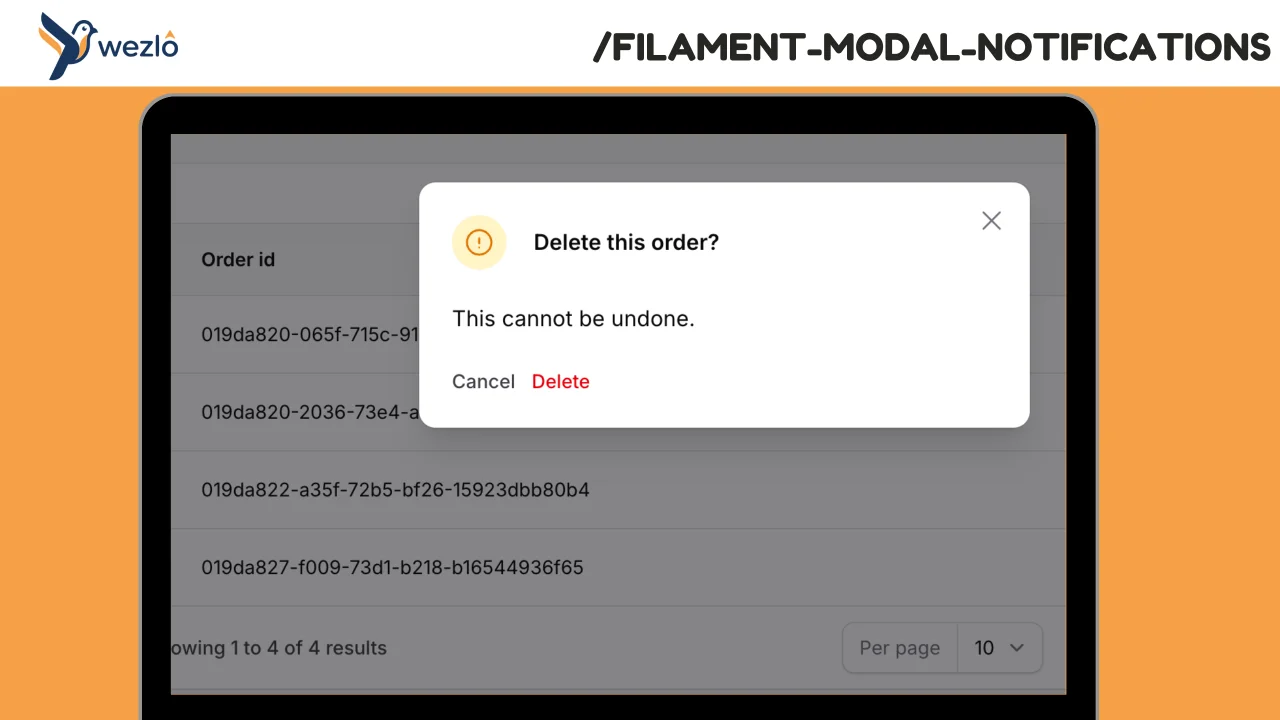
Modal Notifications
Render any Filament notification as a blocking modal by chaining one method: ->asModal(). Multiple modal notifications fired in the same request are queued one at a time — the user dismisses one and the next slides in, no stacking.
Author:
Mustafa Khaled
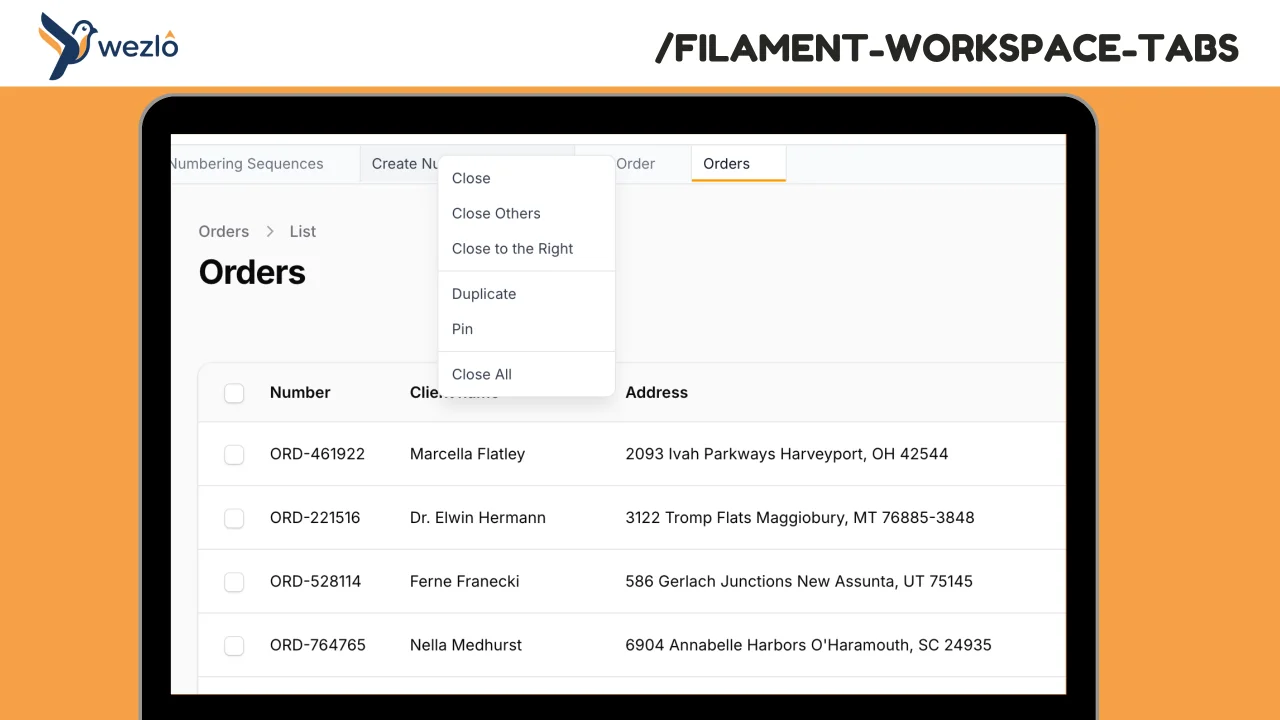
Workspace Tabs
Browser-like tabs for Filament panels. Open multiple pages in tabs without losing context, drag to reorder, pin frequently accessed pages, and right-click for quick actions.
Author:
Mustafa Khaled
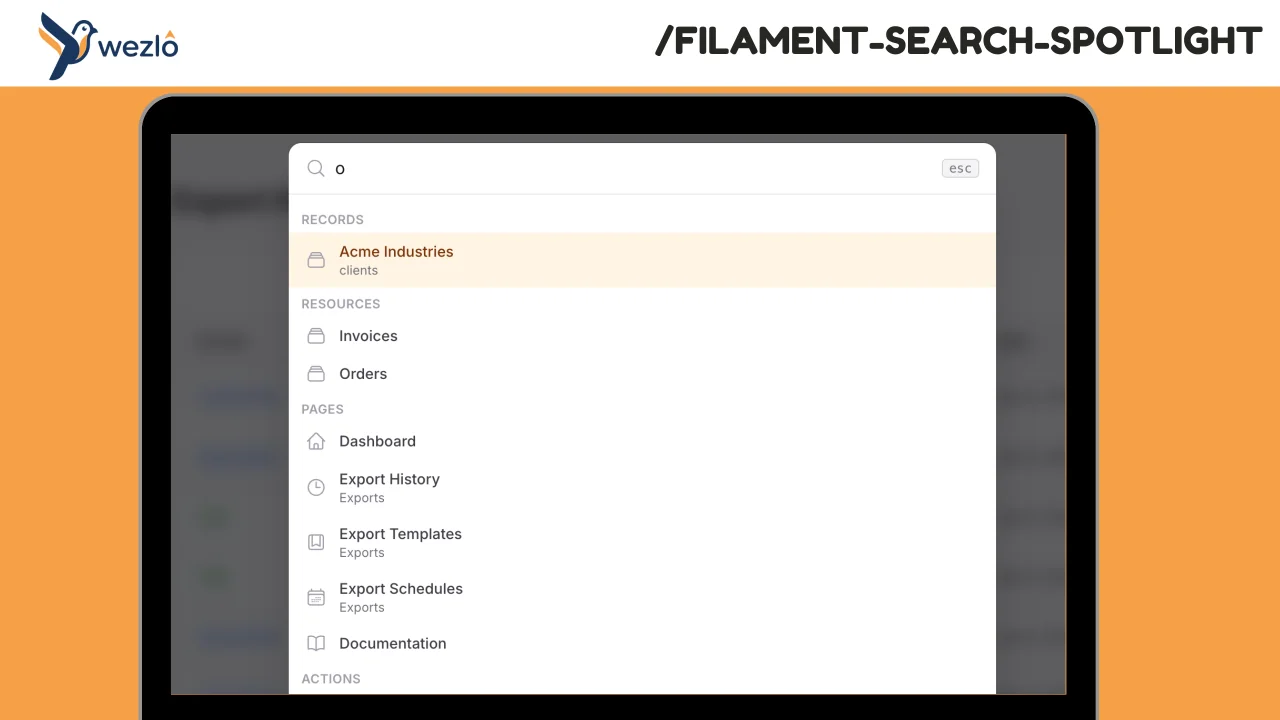
Search Spotlight
A full-screen Spotlight / command-palette search overlay for Filament panels. Opens on ⌘K (configurable), aggregates results from multiple categories (records, resources, pages, actions, plus recent/pinned from localStorage), and composes Filament's built-in `GlobalSearchProvider` — every resource that already implements `getGloballySearchableAttributes()` shows up automatically.
Author:
Mustafa Khaled
Export Pro
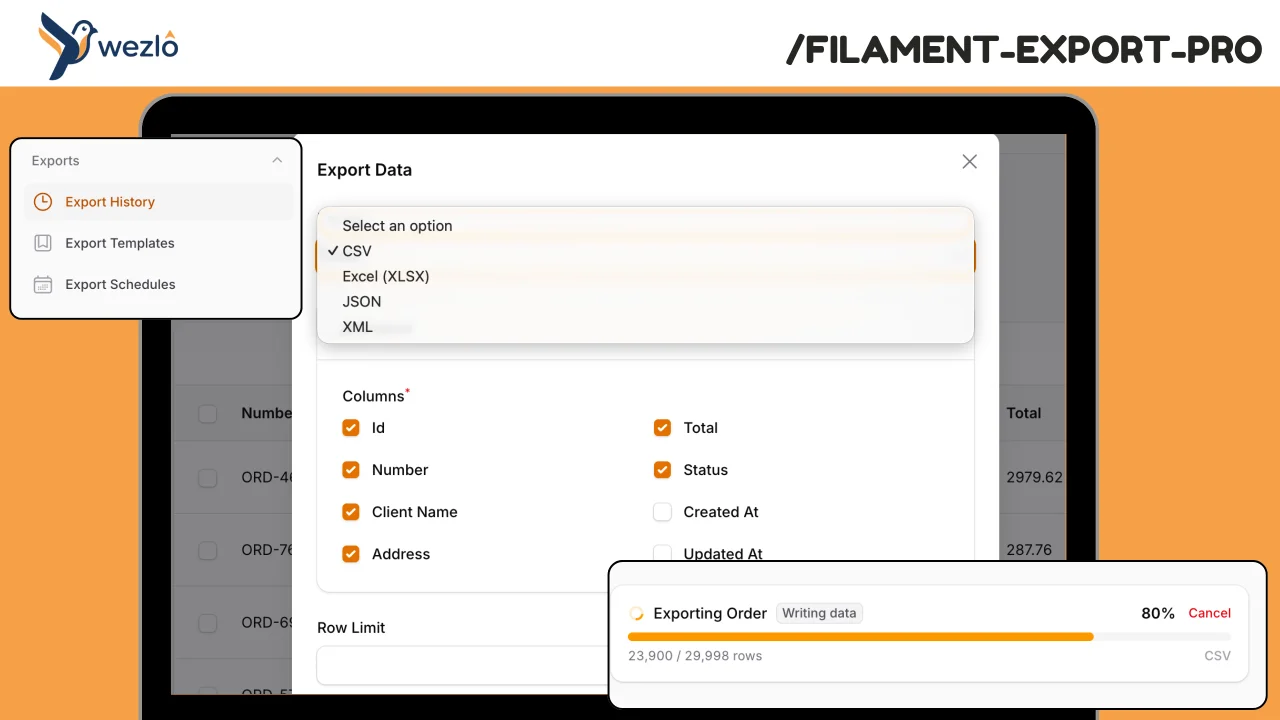
A comprehensive, model-agnostic export engine for Filament. Handles large datasets with background processing and real-time progress tracking, maintains full export history with audit trails, supports scheduled/recurring exports with delivery, and gives admins visibility into who exported what and when.
Author:
Mustafa Khaled
Featured Plugins
A selection of plugins curated by the Filament team
Custom Dashboards
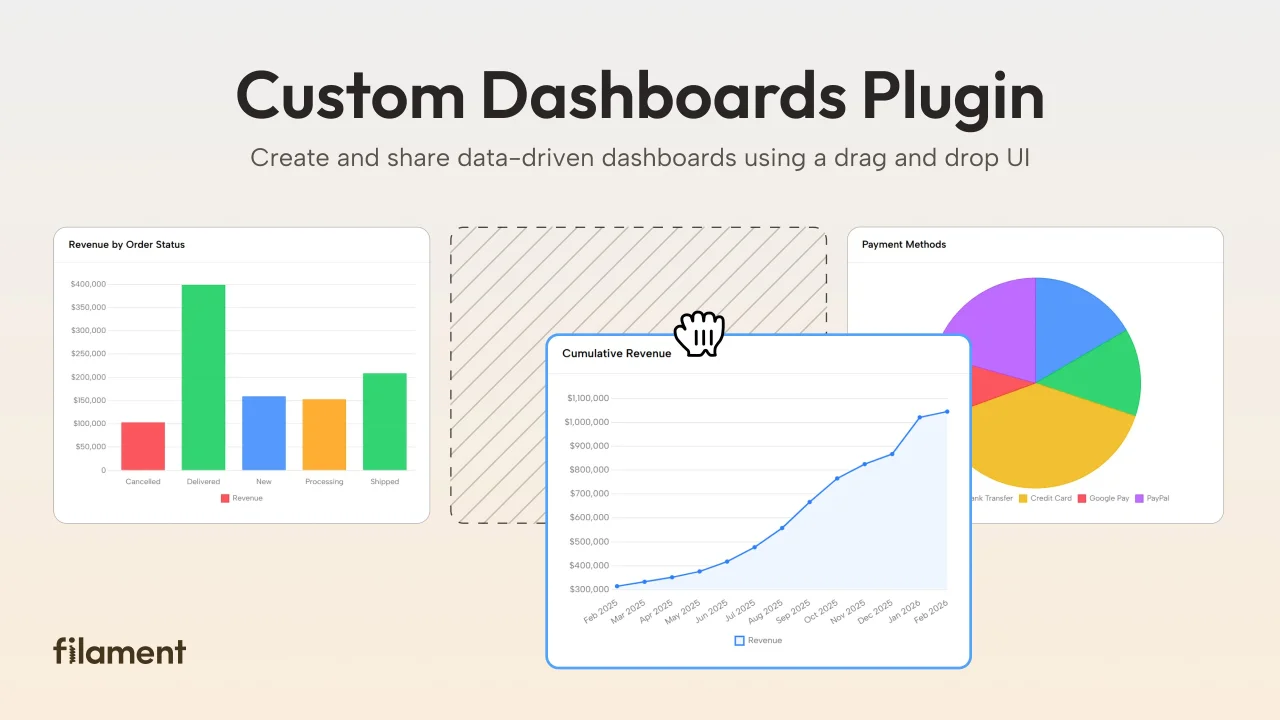
Let your users build and share their own dashboards with a drag-and-drop interface. Define your data sources in PHP and let them do the rest.
 Filament
Data Lens
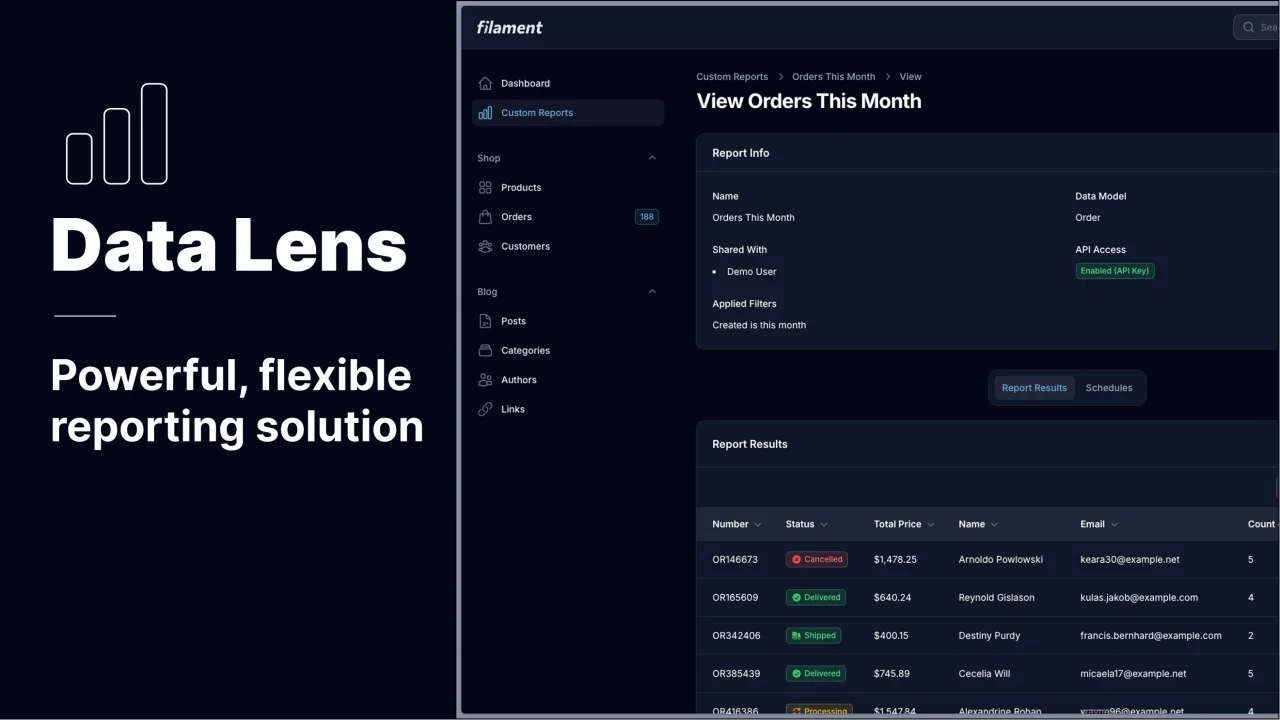
Advanced Data Visualization for Laravel Filament - a premium reporting solution enabling custom column creation, sophisticated filtering, and enterprise-grade data insights within admin panels.
 Padmission
Advanced Tables (formerly Filter Sets)
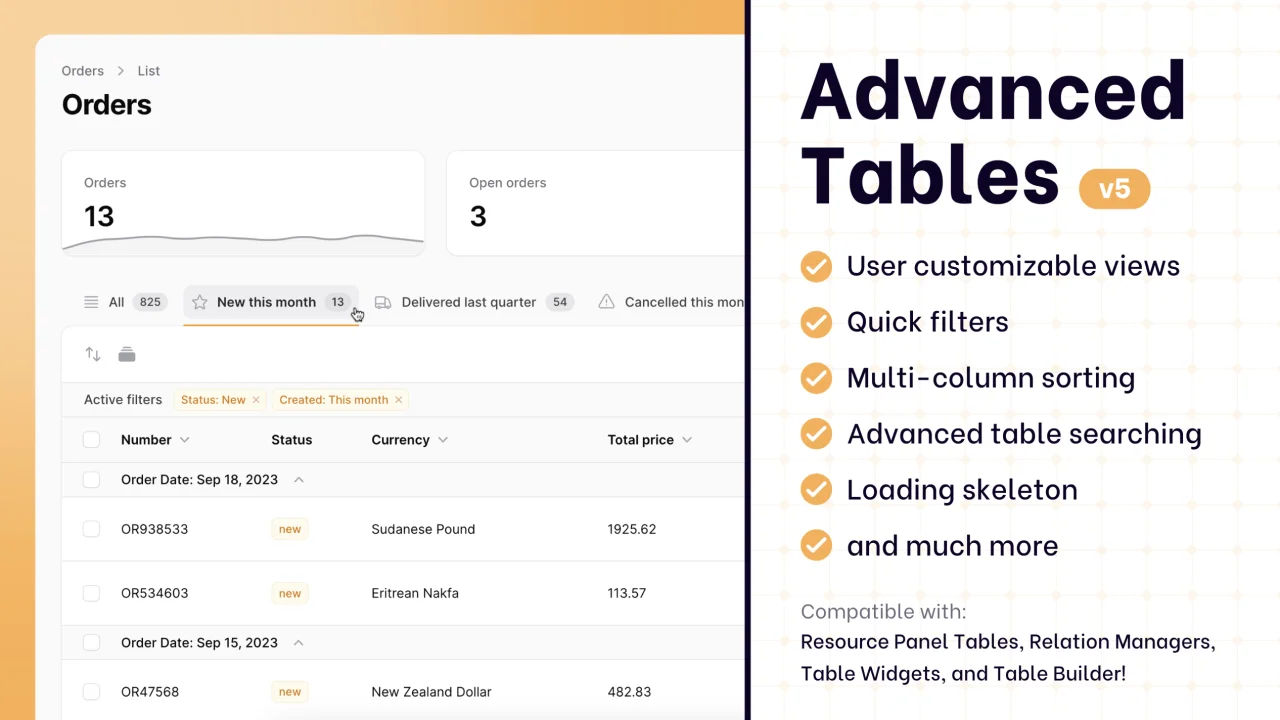
Supercharge your tables with powerful features like user-customizable views, quick filters, multi-column sorting, advanced table searching, convenient view management, and more. Compatible with Resource Panel Tables, Relation Managers, Table Widgets, and Table Builder!
 Kenneth Sese

