
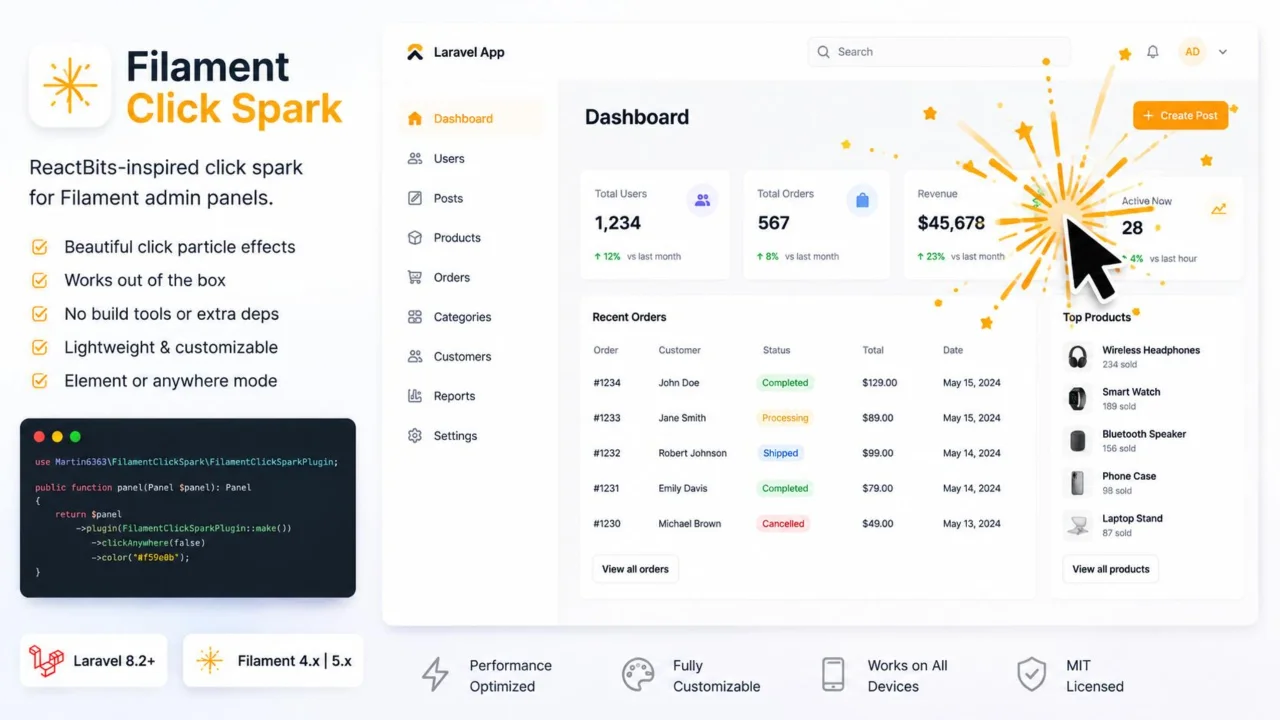
Click Spark by Martin Khachatryan
CommunityA lightweight, zero-dependency click spark particle effect for Filament admin panel elements and page clicks.
 Author:
Martin Khachatryan
Author:
Martin Khachatryan
Package health
Automated checks of this plugin's Composer package
15 checks
- Skipped: GitHub Actions pinned to SHA
- Skipped: GitLab CI includes pinned to SHA
- Passed: Open security advisories
- Passed: Dependabot PR responsiveness — No open Dependabot PRs.
- Skipped: Renovate MR responsiveness
- Skipped: Dependabot or Renovate configured
- Skipped: Dependency update cooldown configured
- Failed: Provides a security policy — View details on Plumb
- Passed: Abandoned or archived — No consulted source marks the package abandoned (packagist, github).
- Passed: Commit and release recency — Active: last commit 0 days ago; last release 0 days ago.
-
Passed:
composer.lock not committed by library
—
composer.lockis absent from the released dist archive. - Passed: Dist archive is lean
-
Passed:
Current Laravel version supported
—
Package dependencies resolve together with current Laravel
13.0. -
Passed:
Current PHP version supported
—
Constraint
^8.2|^8.3|^8.4supports current PHP8.5. - Skipped: Current Symfony version supported
filament/
namespace. Review the source and install at your own risk. Found
malware or an unresolved security issue the author won't
address?
Report it
.
Documentation




ReactBits-inspired click spark for Filament admin panels. Click a button, icon button, or link and a short burst of particles expands from the cursor.
No Vite, NPM, Tailwind build, or extra JavaScript packages. One Blade view and an HTML5 canvas.
#Installation
composer require martin6363/filament-click-spark
Register the plugin on your panel. That is the only application change required:
use Filament\Panel;
use Martin6363\FilamentClickSpark\FilamentClickSparkPlugin;

public function panel(Panel $panel): Panel
{
    return $panel
        ->plugin(FilamentClickSparkPlugin::make());
}
Optionally publish the config file:
php artisan vendor:publish --tag=filament-click-spark-config
#Trigger modes
#Entire panel (empty background included)
FilamentClickSparkPlugin::make()
    ->clickAnywhere(true);
Or:
FilamentClickSparkPlugin::make()
    ->triggerOnMode('anywhere');
#Interactive elements only (default)
FilamentClickSparkPlugin::make()
    ->clickAnywhere(false)
    ->targetSelectors('.fi-btn, .fi-icon-btn, a, button');
Or:
FilamentClickSparkPlugin::make()
    ->triggerOnMode('elements');
#Optional color
By default the sparks use Filament's primary color (--primary-500). Override it:
FilamentClickSparkPlugin::make()
    ->color('#f59e0b');
#Configuration
Published file: config/filament-click-spark.php
return [
    'click_anywhere' => false,
    'target_selectors' => '.fi-btn, .fi-icon-btn, .fi-link, .fi-ac-btn, .fi-dropdown-list-item, .fi-sidebar-item-btn, .fi-section, [role="button"], button, a, input, select, textarea',
];
Fluent methods on the plugin override these defaults per panel.
#License
The MIT License (MIT). See LICENSE.md.
The author
I am a passionate Full-Stack Developer specializing in building modern web applications with Laravel, React, Next js. I love creating clean, efficient code and developing open-source packages that enhance developer productivity, with a strong focus on the Filament PHP ecosystem.
From the same author
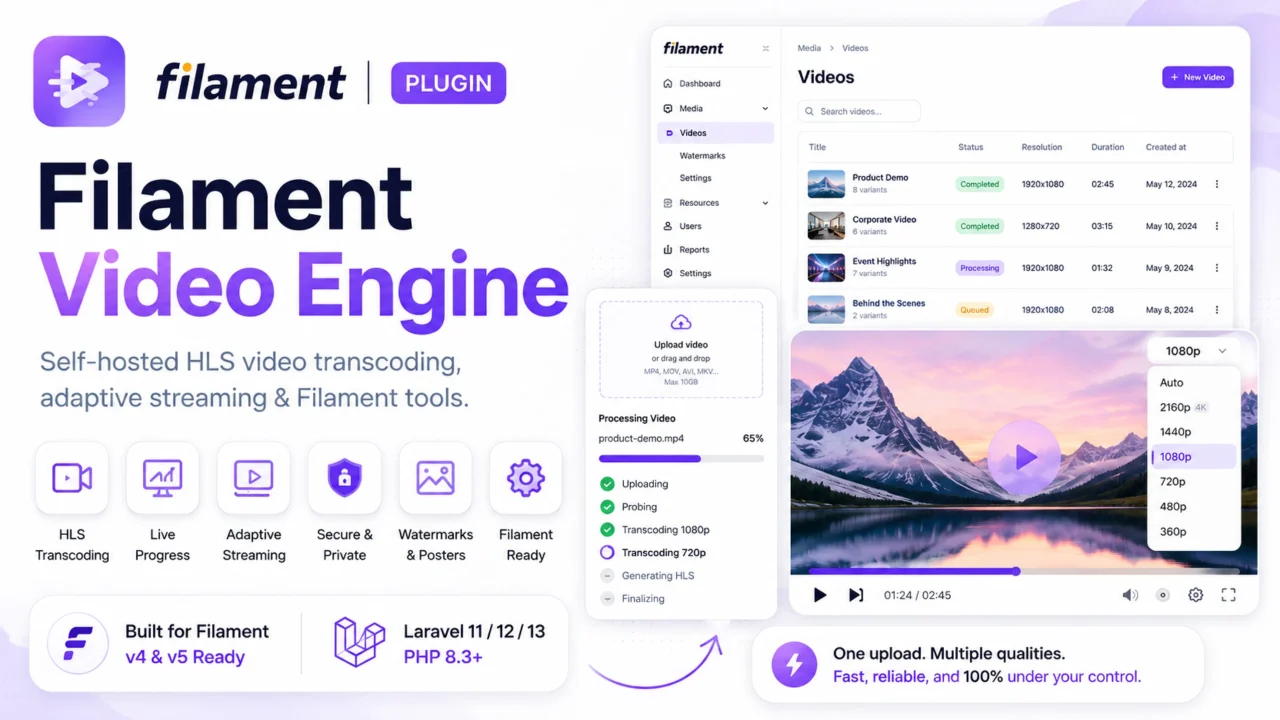
Video Engine
Self-hosted HLS video transcoding, adaptive multi-bitrate streaming, and live progress form controls for Filament. Launch Offer: Use code LAUNCH20 at checkout to get 20% OFF for a limited time!
Author:
Martin Khachatryan
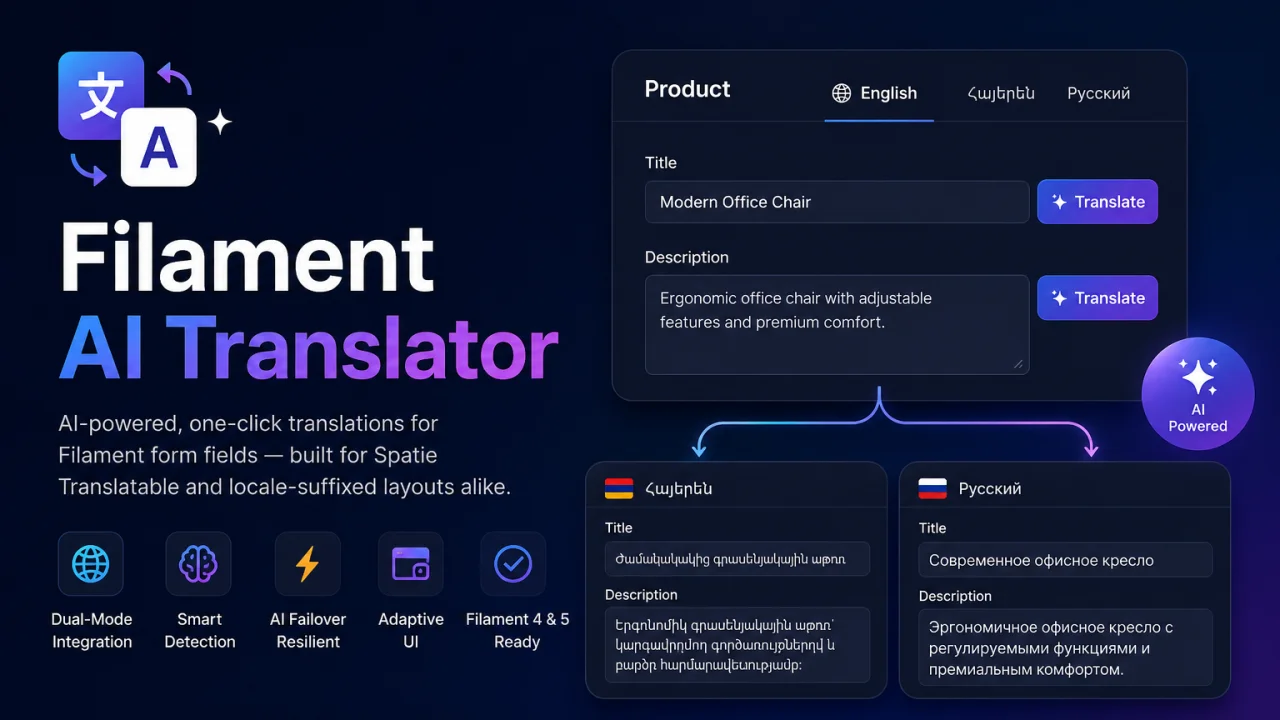
AI Translator
AI-powered, one-click translations for Filament form fields — built for Spatie Translatable and locale-suffixed layouts alike. Translate content across locales in seconds using Google Gemini — directly inside your Filament admin panel.
Author:
Martin Khachatryan

Smart SEO
An AI-powered SEO optimizer that provides live Google SERP previews, automated metadata generation via Gemini, and seamless multi-language support for forms.
Author:
Martin Khachatryan
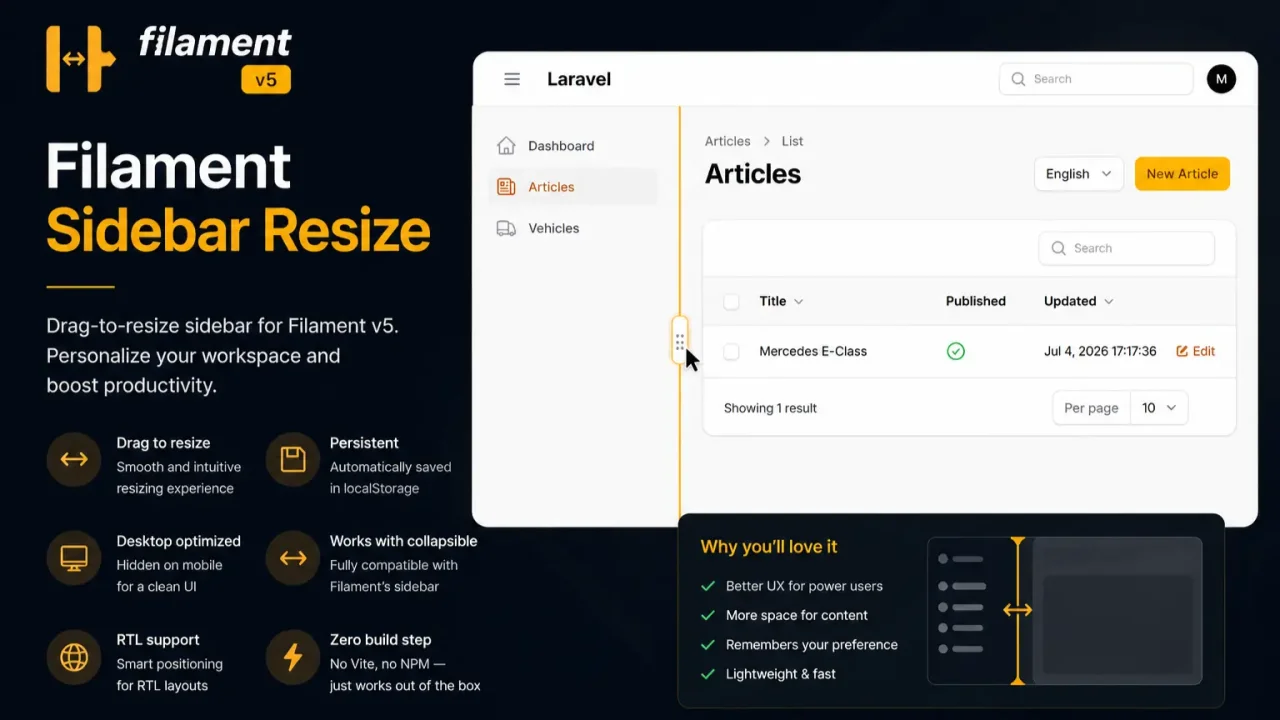
Sidebar Resize
A lightweight, zero-dependency extension that enables dynamic mouse-resizing for the Filament admin sidebar layout with automatic width persistence.
Author:
Martin Khachatryan
Featured Plugins
A selection of plugins curated by the Filament team

Blueprint
Filament Blueprint is a premium Laravel Boost extension that helps AI agents produce accurate, detailed implementation plans and security reports for Filament apps.
 Filament

Spotlight Pro
Browse your Filament Panel with ease. Filament Spotlight Pro adds a Spotlight like Command Palette to your Filament Panel.
 Dennis Koch

Compact Theme
A theme that makes data-heavy panels easier to scan by fitting more useful information on each screen.
Filament

