
AI Translator by Martin Khachatryan
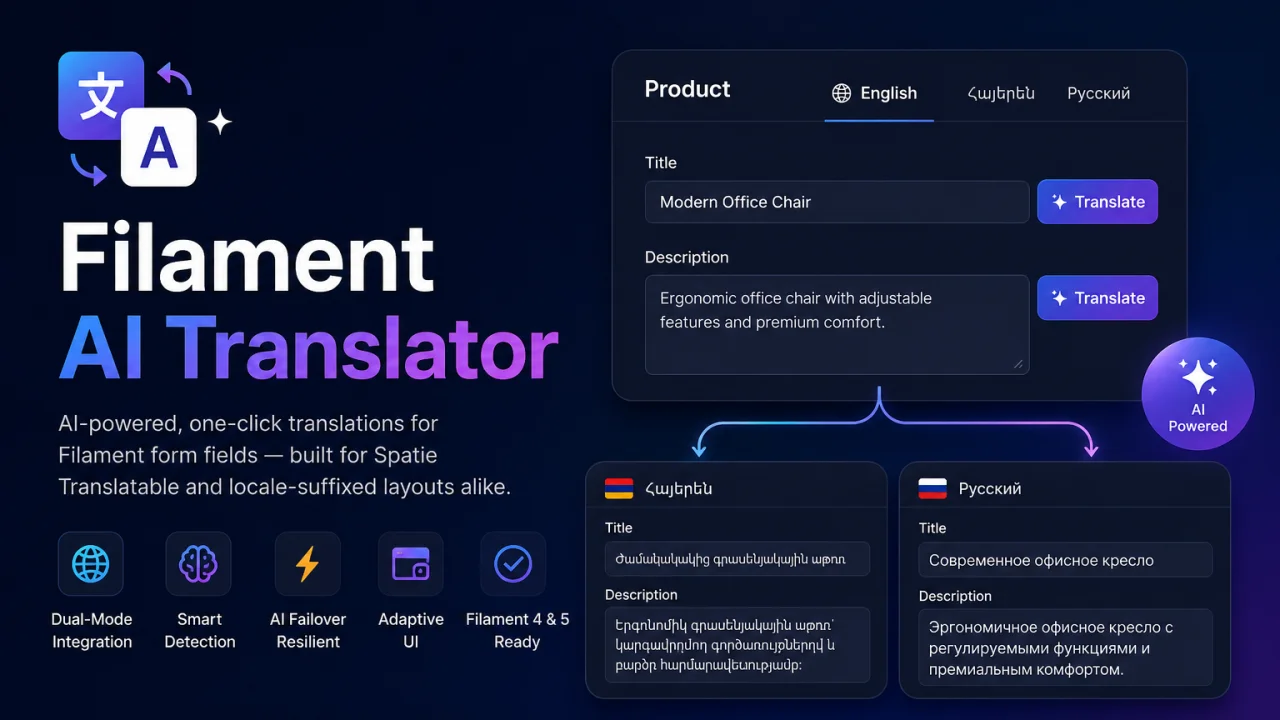
CommunityAI-powered, one-click translations for Filament form fields — built for Spatie Translatable and locale-suffixed layouts alike. Translate content across locales in seconds using Google Gemini — directly inside your Filament admin panel.
 Author:
Martin Khachatryan
Author:
Martin Khachatryan
Package health
Automated checks of this plugin's Composer package
15 checks
- Skipped: GitHub Actions pinned to SHA
- Skipped: GitLab CI includes pinned to SHA
- Passed: Open security advisories
- Passed: Dependabot PR responsiveness — No open Dependabot PRs.
- Skipped: Renovate MR responsiveness
- Skipped: Dependabot or Renovate configured
- Skipped: Dependency update cooldown configured
- Failed: Provides a security policy — View details on Plumb
- Passed: Abandoned or archived — No consulted source marks the package abandoned (packagist, github).
- Passed: Commit and release recency — Active: last commit 38 days ago; last release 38 days ago.
-
Passed:
composer.lock not committed by library
—
composer.lockis absent from the released dist archive. - Passed: Dist archive is lean
-
Passed:
Current Laravel version supported
—
Package dependencies resolve together with current Laravel
13.0. -
Passed:
Current PHP version supported
—
Constraint
^8.2|^8.3supports current PHP8.5. - Skipped: Current Symfony version supported
filament/
namespace. Review the source and install at your own risk. Found
malware or an unresolved security issue the author won't
address?
Report it
.
Documentation
- ✨ Features
- 📸 Demo
- 📦 Installation
- 🔐 Environment Setup
- ⚙️ Configuration
- 🚀 Usage
- 🧩 How it works (under the hood)
- 🌐 Translating UI strings
- 🧪 Requirements
- 📋 Changelog
- 🤝 Contributing
- 🙏 Credits
- 📄 License
AI-powered, one-click translations for Filament form fields — built for Spatie Translatable and locale-suffixed layouts alike.





Translate content across locales in seconds using Google Gemini — directly inside your Filament admin panel.
#✨ Features
| Feature | Description |
|---|---|
| 🌍 Dual-Mode Integration | Works with Spatie Translatable JSON/array field states and separate locale-suffixed columns such as title_en, title_am, title_ru. |
| 🧠 Smart Suffix & Layout Detection | Detects sibling locale fields inside Tabs, Sections, or any nested Filament layout. Uses Filament's Set Utility and Livewire state paths to populate related fields automatically. |
| 🔄 Resilient AI Failover | If the primary Gemini model is under high demand, the package gracefully rotates through gemini-2.5-flash, gemini-2.0-flash, and gemini-1.5-flash to keep translations flowing. |
| 🎨 Adaptive UI | Adds a sleek translate action as a suffix on affix-capable fields (TextInput, Select, …) or as a hint on complex editors like RichEditor. |
| ⚡ Filament 4 & 5 Ready | Built on the modern Filament\Contracts\Plugin architecture with a clean ->aiTranslate() macro on any form Field. |
| 🔔 Polished UX | Loading, success, and failure states are surfaced through native Filament notifications. |
#📸 Demo
Screenshot (recommended: Tab layout with
title_en/title_am/title_rufields).
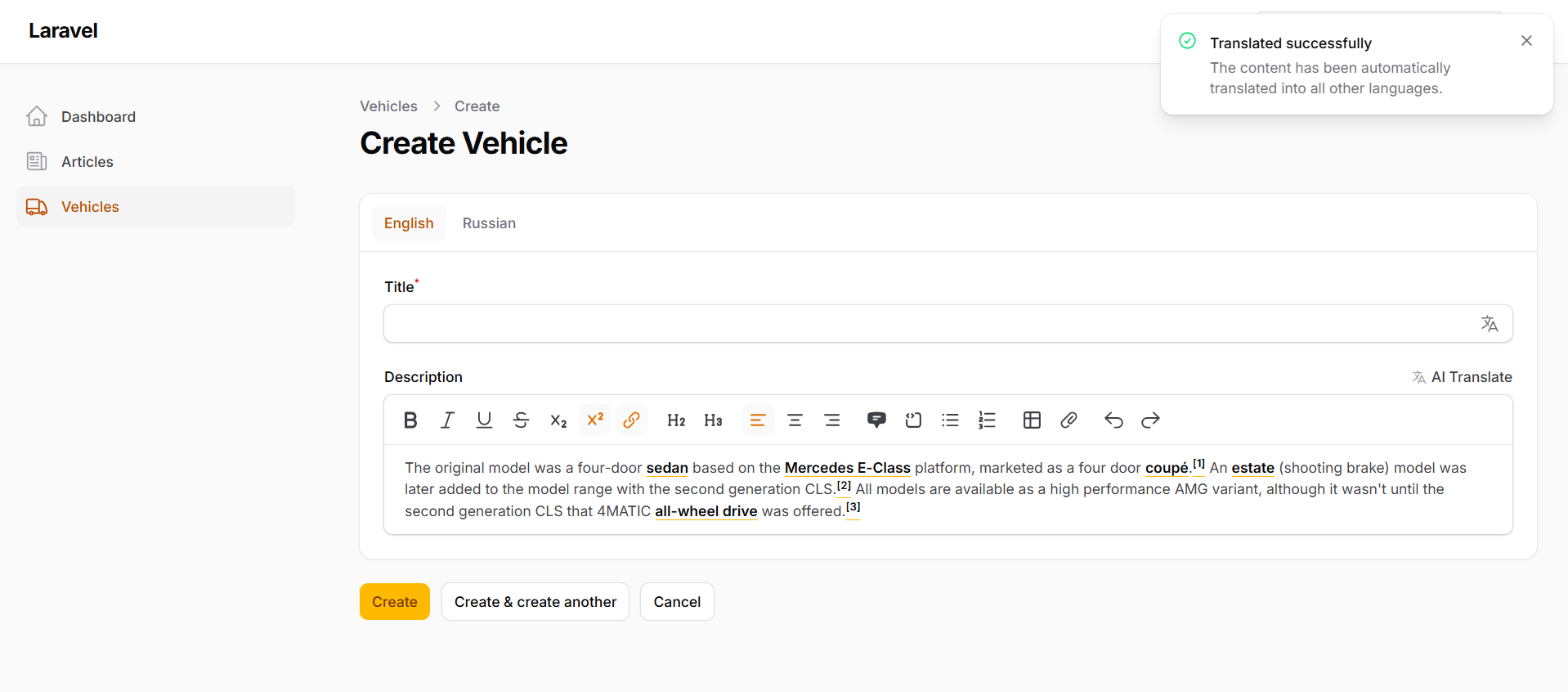
Example: translate from the English tab and instantly populate Russian sibling fields.
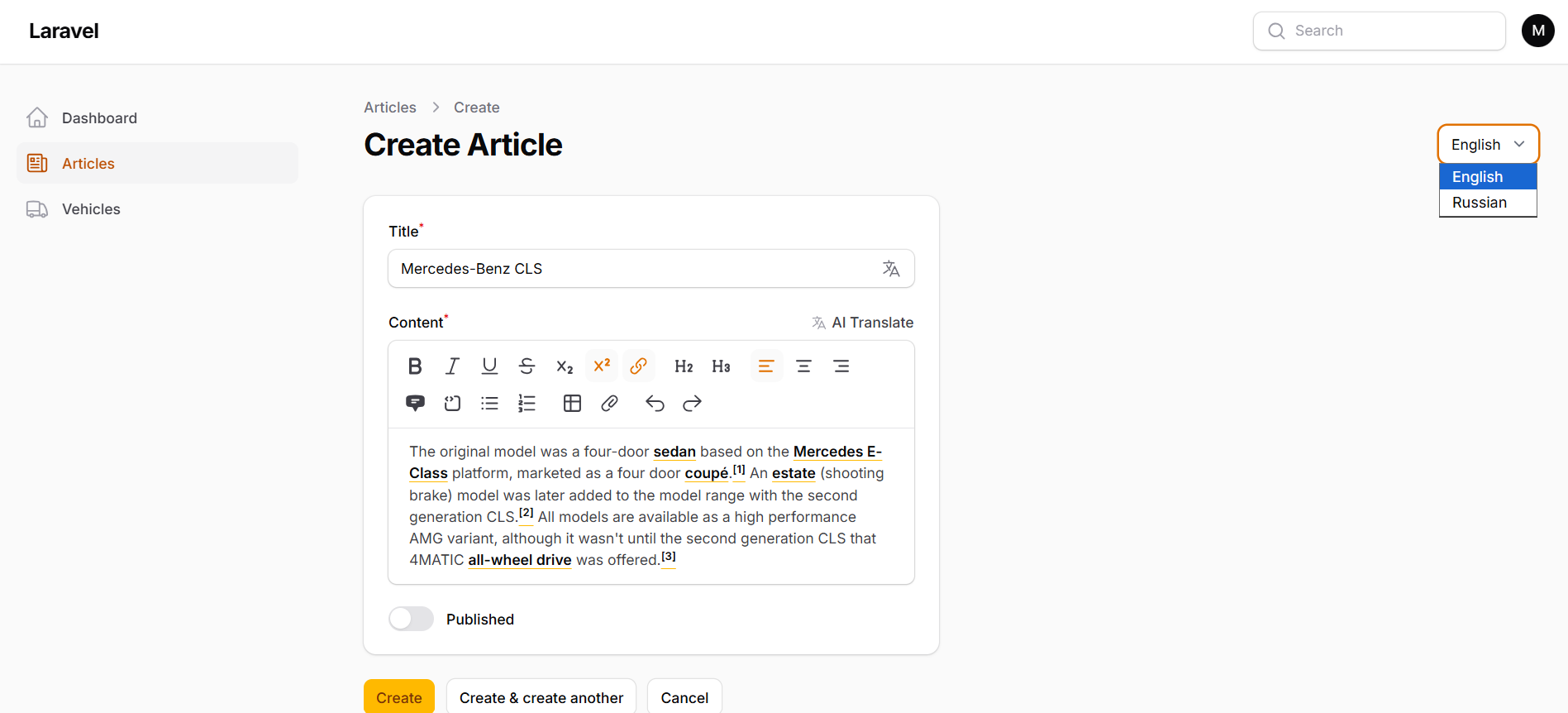
Example: Spatie translatable
#📦 Installation
Install the package via Composer:
composer require martin6363/filament-ai-translator
Publish the configuration file:
php artisan vendor:publish --tag=filament-ai-translator-config
Publish the language files (optional — customize notification and action labels):
php artisan vendor:publish --tag=filament-ai-translator-translations
Register the plugin in your Filament panel provider:
use Martin6363\FilamentAiTranslator\FilamentAiTranslatorPlugin;

public function panel(Panel $panel): Panel
{
    return $panel
        ->plugins([
            FilamentAiTranslatorPlugin::make(),
        ]);
}
Note: The package auto-registers via Laravel package discovery. You only need to add the plugin to your panel.
#🔐 Environment Setup
Add your Google Gemini credentials to .env:
GEMINI_API_KEY=your-google-ai-studio-api-key
GEMINI_MODEL=gemini-2.0-flash
| Variable | Required | Description |
|---|---|---|
GEMINI_API_KEY |
Yes | API key from Google AI Studio. |
GEMINI_MODEL |
No | Primary model. Defaults to gemini-2.0-flash. Fallback models are tried automatically on high-demand errors. |
Security: Never commit API keys to version control. Restrict keys in Google AI Studio, rotate them regularly, and use environment-specific secrets in production (e.g. encrypted env, vault, or CI secrets).
#⚙️ Configuration
After publishing, customize config/filament-ai-translator.php:
<?php

return [

    'api_key' => env('GEMINI_API_KEY'),

    'model' => env('GEMINI_MODEL', 'gemini-2.0-flash'),

    'default_locales' => [
        'en',
        'ru',
    ],

];
The default_locales array is used when ->aiTranslate() is called without explicit locales. Align these with your Spatie Translatable setup or your _locale field suffixes.
#🚀 Usage
Attach ->aiTranslate() to any Filament form field. The macro is registered on Filament\Forms\Components\Field and works with TextInput, Textarea, RichEditor, and more.
#Zero-configuration (implicit locales)
Call ->aiTranslate() without arguments to use config('filament-ai-translator.default_locales'):
use Filament\Forms\Components\TextInput;

TextInput::make('title')
    ->aiTranslate();
How it behaves:
- Spatie / JSON fields — reads the active form locale, translates into all other configured locales, and merges the JSON state.
- Suffixed fields (
title_en) — detects the locale from the field name and fills sibling fields (title_am,title_ru) in the same form — including fields inside Tabs or Sections.
#Explicit locales (custom)
Override the default locale list per field:
TextInput::make('title_en')
    ->aiTranslate(['en', 'hy', 'fr', 'es']);
#Spatie Translatable (JSON / array state)
Ideal with spatie/laravel-translatable and plugins such as Lara Zeus Spatie Translatable:
use Filament\Forms\Components\RichEditor;
use Filament\Forms\Components\TextInput;
use Filament\Schemas\Components\Section;

Section::make('Content')
    ->schema([
        TextInput::make('title')
            ->required()
            ->maxLength(255)
            ->aiTranslate(['en', 'ru']),

        RichEditor::make('content')
            ->required()
            ->aiTranslate(['en', 'ru'])
            ->columnSpanFull(),
    ]);
- Switch to your source locale using your translatable locale switcher.
- Type content in the active locale.
- Click the language action on the field.
- Save — translations are written into the multi-locale state.
#Separate fields layout (locale suffixes + Tabs)
Perfect when each locale has its own database column (title_en, title_am, title_ru):
use Filament\Forms\Components\RichEditor;
use Filament\Forms\Components\TextInput;
use Filament\Schemas\Components\Tabs;
use Filament\Schemas\Components\Tabs\Tab;

Tabs::make('Translations')
    ->tabs([
        Tab::make('English')
            ->schema([
                TextInput::make('title_en')
                    ->label('Title')
                    ->aiTranslate(['en', 'ru']) // <-- empty parameter = config('filament-ai-translator.default_locales'),

                RichEditor::make('description_en')
                    ->label('Description')
                    ->aiTranslate(['en', 'ru'])
                    ->columnSpanFull(),
            ]),

        Tab::make('Russian')
            ->schema([
                TextInput::make('title_ru')
                    ->label('Title')
                    ->aiTranslate(['en', 'ru']),

                RichEditor::make('description_ru')
                    ->label('Description')
                    ->aiTranslate(['en', 'ru'])
                    ->columnSpanFull(),
            ]),
    ])
    ->columnSpanFull();
Filament 5 note:
Tabslive underFilament\Schemas\Components\Tabs. In Filament 4, you may use the equivalent layout component from your installed Filament version.
When translating from title_en, the plugin:
- Detects base name
titleand source localeen. - Calls Gemini for targets
amandru. - Sets
title_amandtitle_ruvia Filament's Set Utility — even when those fields live in other tabs.
#🧩 How it works (under the hood)
┌─────────────────┐     ┌──────────────────────────┐     ┌─────────────────┐
│  User clicks    │────▶│  AiTranslatorService     │────▶│  Gemini API     │
│  translate btn  │     │  (JSON response +        │     │  (with failover)│
└─────────────────┘     │   model rotation)        │     └─────────────────┘
                        └────────────┬─────────────┘
                                     │
              ┌──────────────────────┼──────────────────────┐
              ▼                      ▼                      ▼
     Spatie JSON state      Lara Zeus otherLocaleData   Suffixed siblings
     (array merge)          (per-locale form cache)     (title_am, title_ru)
#🌐 Translating UI strings
Publish translations to customize action labels and notifications:
php artisan vendor:publish --tag=filament-ai-translator-translations
Files are published to lang/vendor/filament-ai-translator/.
#🧪 Requirements
- PHP
^8.2or higher - Laravel
^11.0,^12.0, or^13.0 - Filament
^4.0or^5.0 - google-gemini-php/client
^2.0 - A valid Google Gemini API key
#📋 Changelog
Please see CHANGELOG.md for a history of releases and notable changes.
#Unreleased
- Dual-mode translation (Spatie JSON + locale-suffixed fields)
- Gemini model failover for high-demand scenarios
- Adaptive suffix / hint action placement
- Filament 4 & 5 plugin architecture
#🤝 Contributing
Contributions are welcome and appreciated.
Please keep PRs focused, follow existing code style, and include tests where applicable.
#🙏 Credits
- Martin Khachatryan — Author & maintainer
- Filament — Admin panel framework
- Spatie Laravel Translatable — Multi-locale Eloquent attributes
- Google Gemini PHP Client — Community Gemini SDK
- All contributors
#📄 License
The MIT License (MIT). See LICENSE for more information.
Made with ❤️ for the Filament community · GitHub
The author
I am a passionate Full-Stack Developer specializing in building modern web applications with Laravel, React, Next js. I love creating clean, efficient code and developing open-source packages that enhance developer productivity, with a strong focus on the Filament PHP ecosystem.
From the same author
Video Engine
Self-hosted HLS video transcoding, adaptive multi-bitrate streaming, and live progress form controls for Filament. Launch Offer: Use code LAUNCH20 at checkout to get 20% OFF for a limited time!
Author:
Martin Khachatryan

Smart SEO
An AI-powered SEO optimizer that provides live Google SERP previews, automated metadata generation via Gemini, and seamless multi-language support for forms.
Author:
Martin Khachatryan
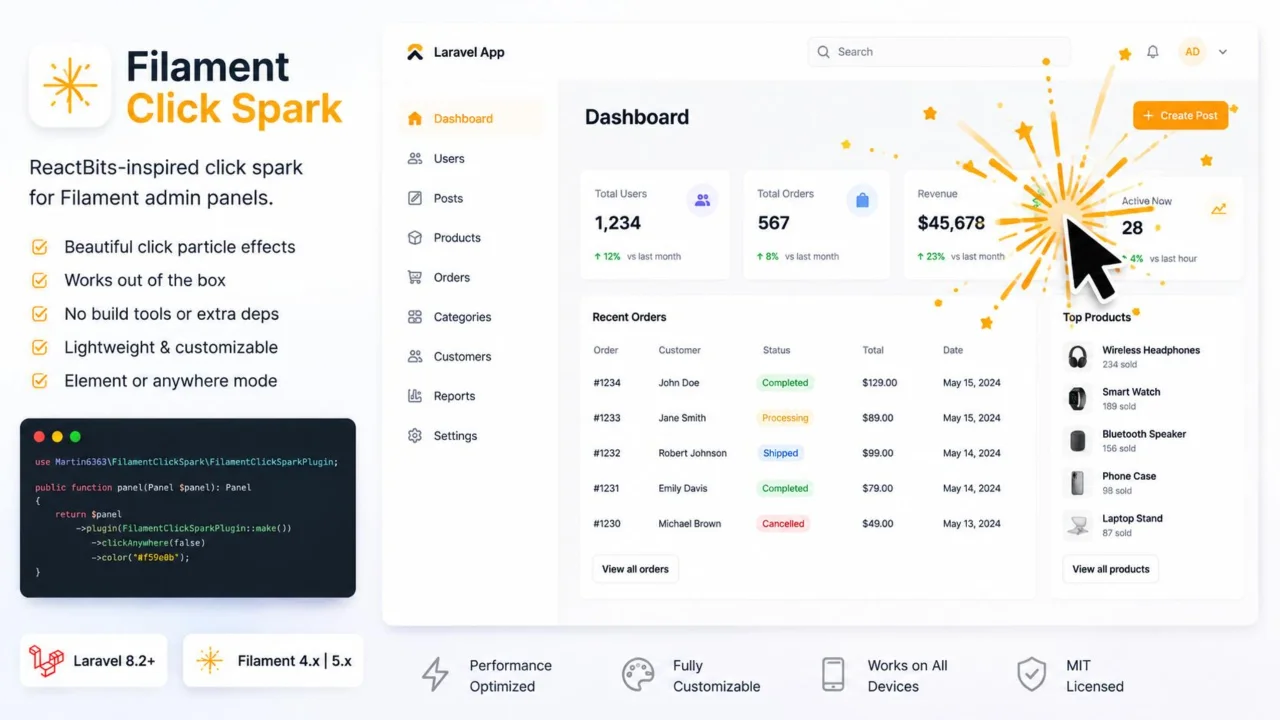
Click Spark
A lightweight, zero-dependency click spark particle effect for Filament admin panel elements and page clicks.
Author:
Martin Khachatryan
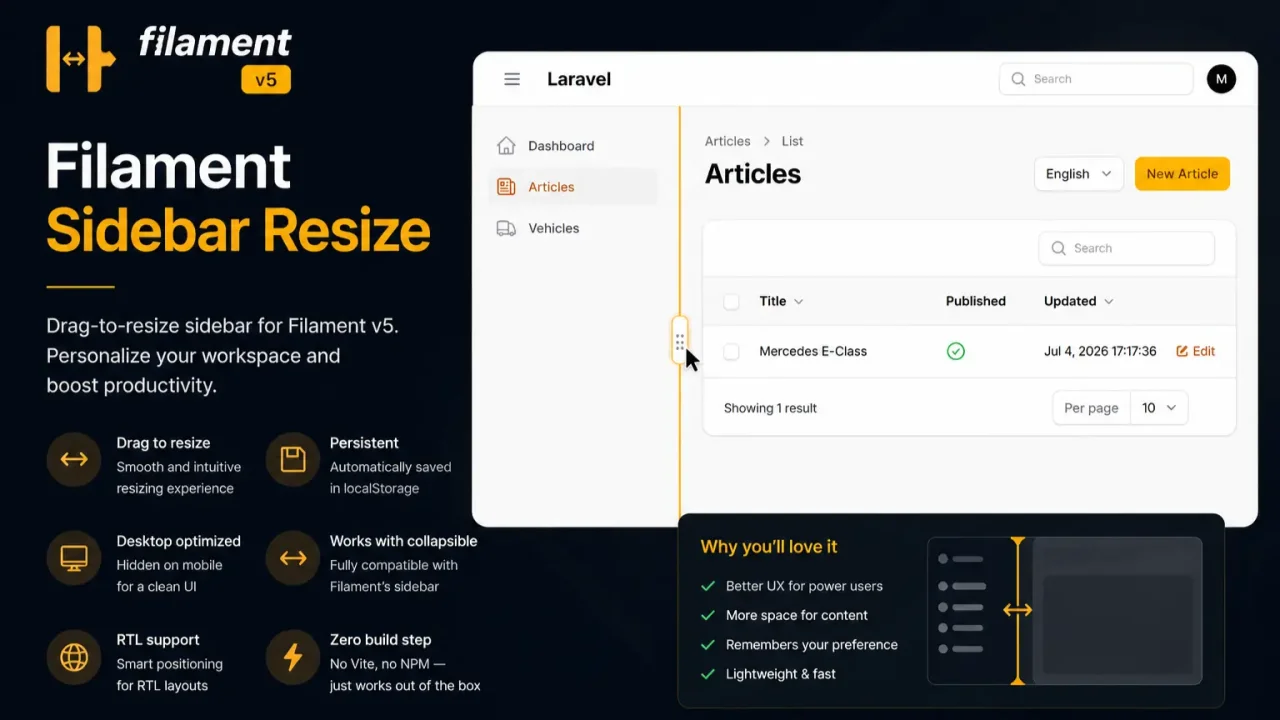
Sidebar Resize
A lightweight, zero-dependency extension that enables dynamic mouse-resizing for the Filament admin sidebar layout with automatic width persistence.
Author:
Martin Khachatryan
Featured Plugins
A selection of plugins curated by the Filament team

Soft Theme
A theme that gives panels a warm, approachable look with rounded shapes, gentle colors, and serif headings.
 Filament

Custom Fields
Eliminate custom field migrations forever. Let your users create and manage form fields directly in Filament admin panels with 20+ built-in field types, validation, and zero database changes.
 Relaticle

Advanced Tables (formerly Filter Sets)
Supercharge your tables with powerful features like user-customizable views, quick filters, multi-column sorting, advanced table searching, convenient view management, and more. Compatible with Resource Panel Tables, Relation Managers, Table Widgets, and Table Builder!
 Kenneth Sese
