
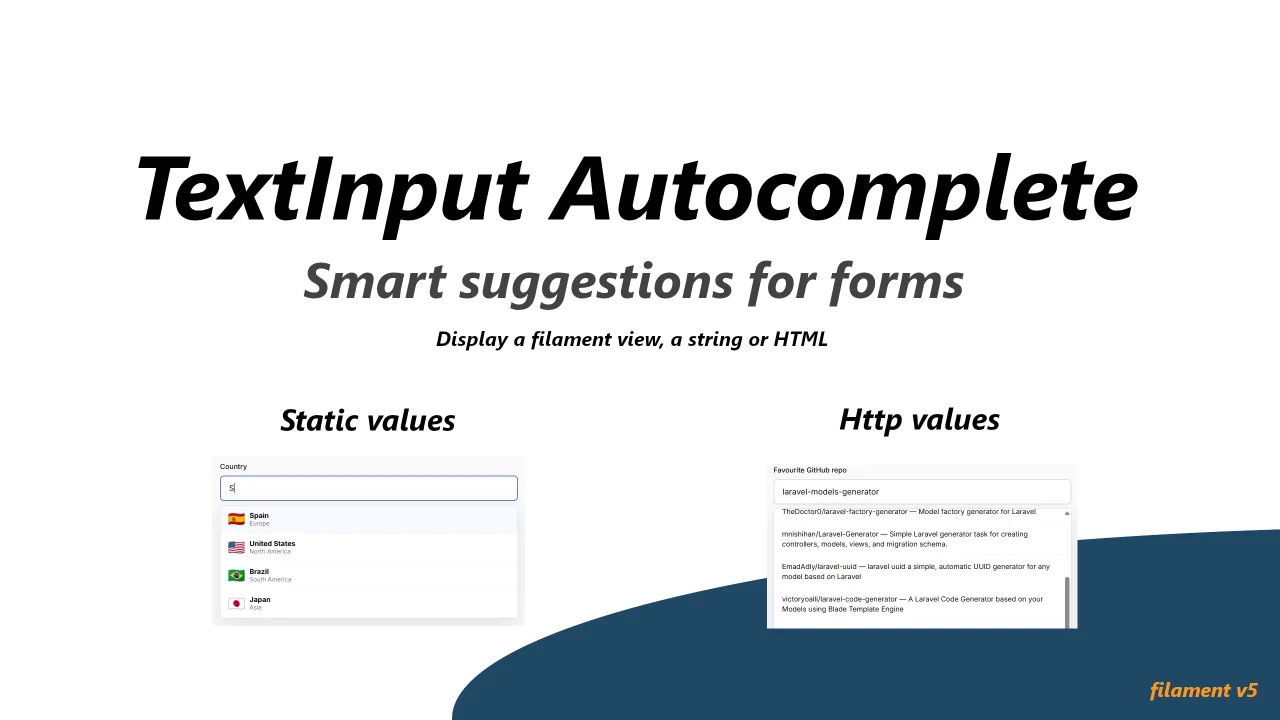
TextInput Autocomplete
CommunityA Filament v5 TextInput field with autocomplete (static + server search). A free-text input with an autocomplete dropdown. Suggestions can be static (filtered in the browser) or fetched from the server through Livewire. Each suggestion's markup is rendered by PHP via a single itemView() setter.
 Author:
Giacomo Masseroni
Author:
Giacomo Masseroni
Package health
BetaAutomated checks of this plugin's Composer package
15 checks
- Passed: GitHub Actions pinned to SHA
- Skipped: GitLab CI includes pinned to SHA
- Passed: Open security advisories
- Passed: Dependabot PR responsiveness — No open Dependabot PRs.
- Skipped: Renovate MR responsiveness
- Warning: Dependabot or Renovate configured — Updater does not cover the JavaScript ecosystem, which has a committed lockfile.
- Passed: Dependency update cooldown configured
- Passed: Provides a security policy
- Passed: Abandoned or archived — No consulted source marks the package abandoned (packagist, github).
- Passed: Commit and release recency — Active: last commit 1 days ago; last release 37 days ago.
-
Passed:
composer.lock not committed by library
—
composer.lockis absent from the released dist archive. - Warning: Dist archive is lean
-
Passed:
Current Laravel version supported
—
Package dependencies resolve together with current Laravel
13.0. -
Passed:
Current PHP version supported
—
Constraint
^8.2supports current PHP8.5. - Skipped: Current Symfony version supported
filament/
namespace. Review the source and install at your own risk. Found
malware or an unresolved security issue the author won't
address?
Report it
.
Documentation




A Filament v5 form field: a free-text input with an autocomplete dropdown. Suggestions can be
static (filtered in the browser) or fetched from the server through Livewire. Each suggestion's
markup is rendered by PHP via a single itemView() setter.
#Screenshots
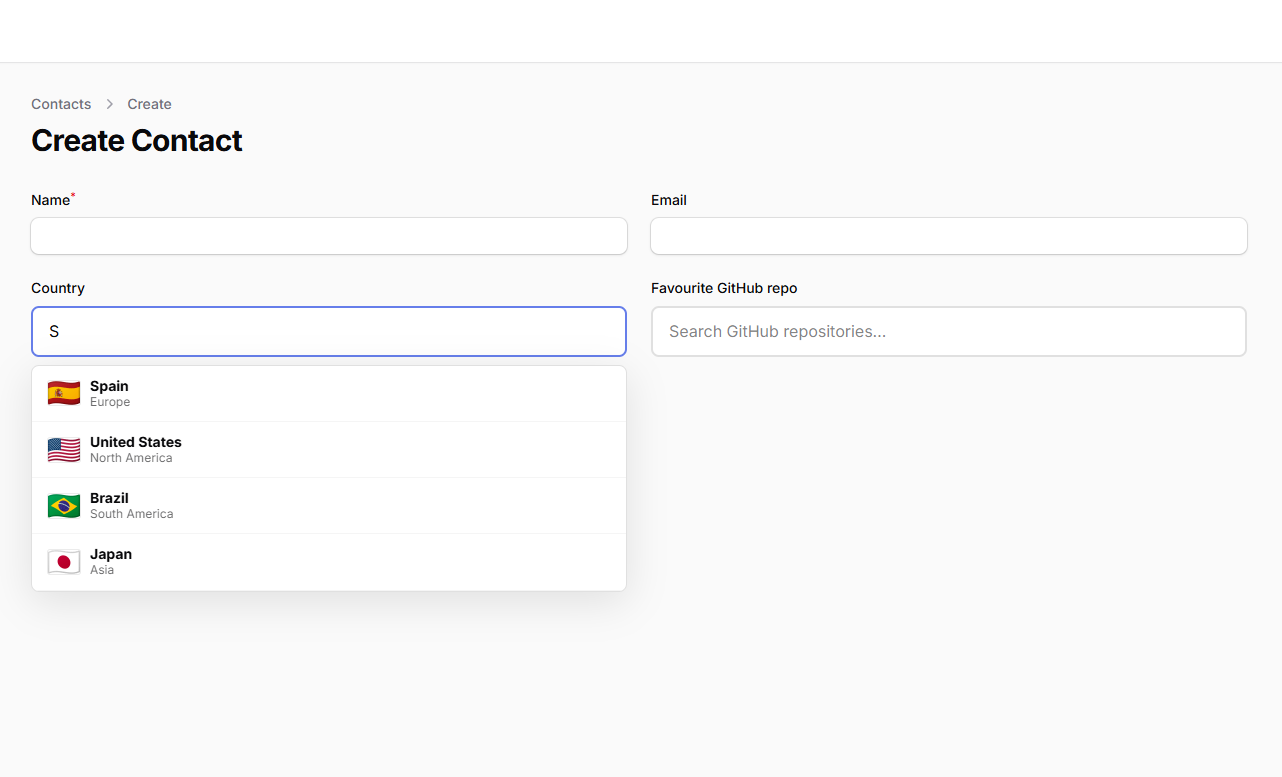
Static options (filtered client-side):
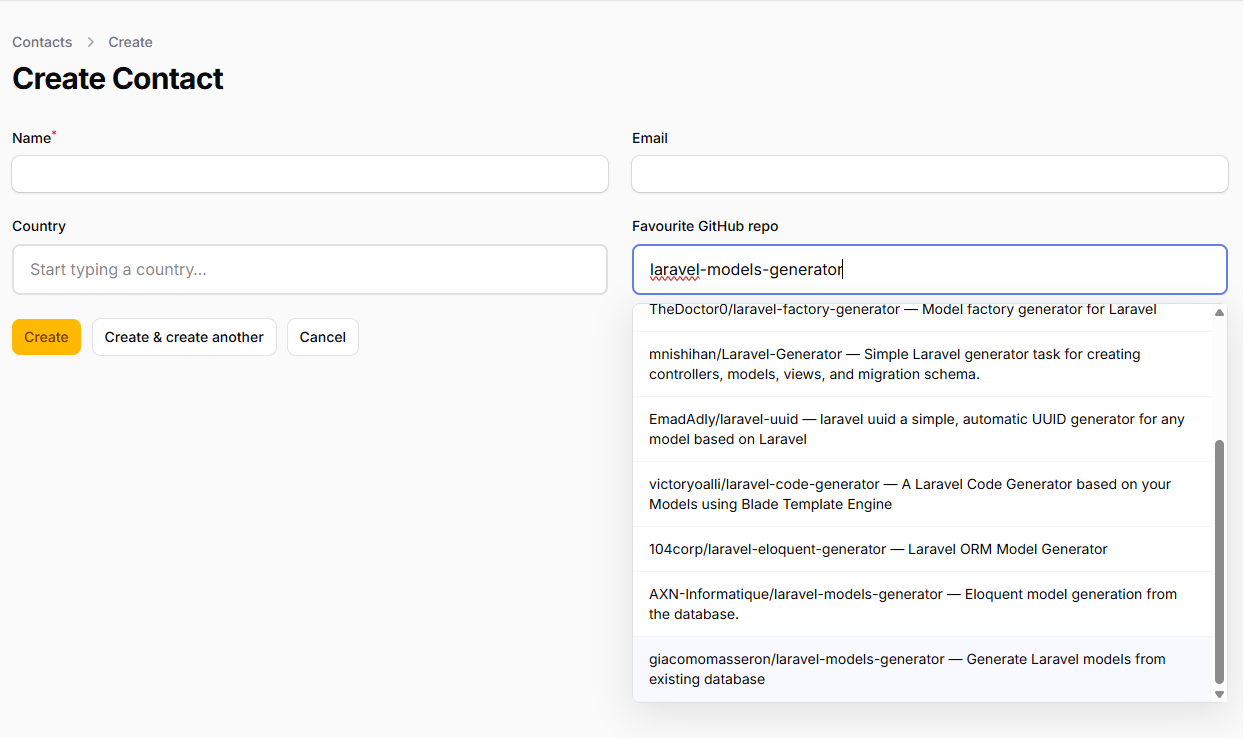
Server search (via Livewire, optionally calling an external API):
#Requirements
- PHP 8.2+
- Filament v5
#Installation
composer require giacomomasseron/filament-textinput-autocomplete
The compiled Alpine component and CSS ship in dist/ and are registered with Filament
automatically — no npm step is required to use the package. As with any Filament plugin that
registers assets, publish them once (and on each deploy) so the stylesheet is served:
php artisan filament:assets
#Usage
#Static options (filtered client-side)
use GiacomoMasseroni\TextInputAutocomplete\Forms\Components\AutocompleteInput;

AutocompleteInput::make('country')
    ->options([
        ['value' => 'es', 'label' => 'Spain', 'description' => 'Country'],
        ['value' => 'fr', 'label' => 'France', 'description' => 'Country'],
    ])
    ->searchKeys(['label', 'description'])
    ->itemView(fn (array $item) => "<strong>{$item['label']}</strong> — {$item['description']}");
#Server search (via Livewire; may call an external API)
use GiacomoMasseroni\TextInputAutocomplete\Forms\Components\AutocompleteInput;
use Illuminate\Support\Facades\Http;

AutocompleteInput::make('repo')
    ->getSearchResultsUsing(function (string $search) {
        $items = Http::get('https://api.github.com/search/repositories', [
            'q' => $search,
        ])->json('items', []);

        return collect($items)
            ->map(fn (array $repo) => [
                'value' => $repo['id'],
                'label' => $repo['full_name'],
            ])
            ->all();
    })
    ->itemView('filament.autocomplete.repo') // a Blade view that receives $item
    ->minChars(2)
    ->searchDebounce(300);
#Item rendering
itemView() accepts three forms, resolved by type:
- Closure —
fn (array $item) => '<raw html>'. Returned string is rendered as raw HTML (you are responsible for escaping). - Blade view name — e.g.
'filament.autocomplete.repo'. The view receives the item as$item. - Template string — e.g.
'{label} — {description}'.{key}tokens are replaced with the matching item values, HTML-escaped.
If itemView() is not set, the item's optionLabel value is shown as escaped text.
#Configuration reference
| Method | Default | Purpose |
|---|---|---|
options(array|Closure) |
— | Static client-side source |
searchKeys(array) |
['label'] |
Item keys matched in static mode |
getSearchResultsUsing(Closure) |
— | Server source; receives string $search |
itemView(string|Closure) |
label (escaped) | View name, raw-HTML closure, or {key} template |
optionLabel(string) |
'label' |
Item key shown in the input on select |
optionValue(string) |
'value' |
Item key stored as form state |
minChars(int) |
1 |
Minimum characters before searching |
searchDebounce(int) |
300 |
Debounce (ms) for server search |
maxResults(int) |
10 |
Max suggestions returned |
placeholder(string|Closure) |
— | Input placeholder |
noResultsMessage(string) |
'No results found' |
Empty-state text |
loadingMessage(string) |
'Loading...' |
Loading-state text |
options() and getSearchResultsUsing() are mutually exclusive — setting both throws an
InvalidArgumentException. maxResults must be at least 1.
#Styling
The field ships with a self-contained default style (a light input with a #667eea focus
accent and a shadowed dropdown) so it looks consistent out of the box without depending on
your panel's theme. It is served as a registered Filament CSS asset (dist/autocomplete.css,
published via php artisan filament:assets). The styles are scoped to these classes:
| Class | Element |
|---|---|
.fi-ac-wrapper |
The relative-positioned container |
.fi-ac-input |
The text input |
.fi-ac-dropdown |
The suggestions dropdown |
.fi-ac-item |
A single suggestion (active row: .fi-ac-item--active) |
.fi-ac-empty |
Loading / no-results text (error row: .fi-ac-empty--error) |
To restyle, override any of these classes in your own stylesheet. Markup inside each
suggestion is whatever your itemView() returns, so you control that completely.
#Development
composer install
npm install
npm run build      # rebuild dist/ assets after editing resources/js or resources/css
vendor/bin/pest    # run the test suite
#License
MIT
The author
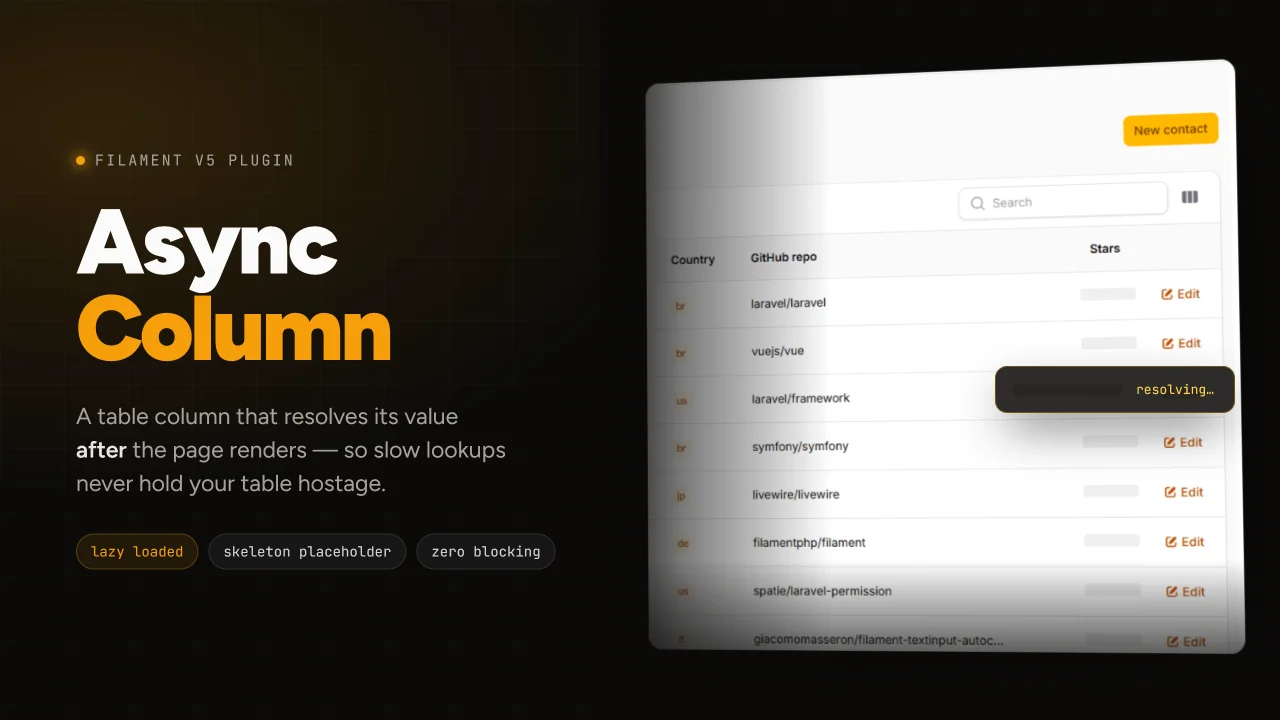
From the same author
Featured Plugins
A selection of plugins curated by the Filament team

Sharp Theme
A theme that gives panels a precise, technical look with square corners, strong borders, and clear contrast.
 Filament

Custom Dashboards
Let your users build and share their own dashboards with a drag-and-drop interface. Define your data sources in PHP and let them do the rest.
Filament

Custom Fields
Eliminate custom field migrations forever. Let your users create and manage form fields directly in Filament admin panels with 20+ built-in field types, validation, and zero database changes.
 Relaticle

