
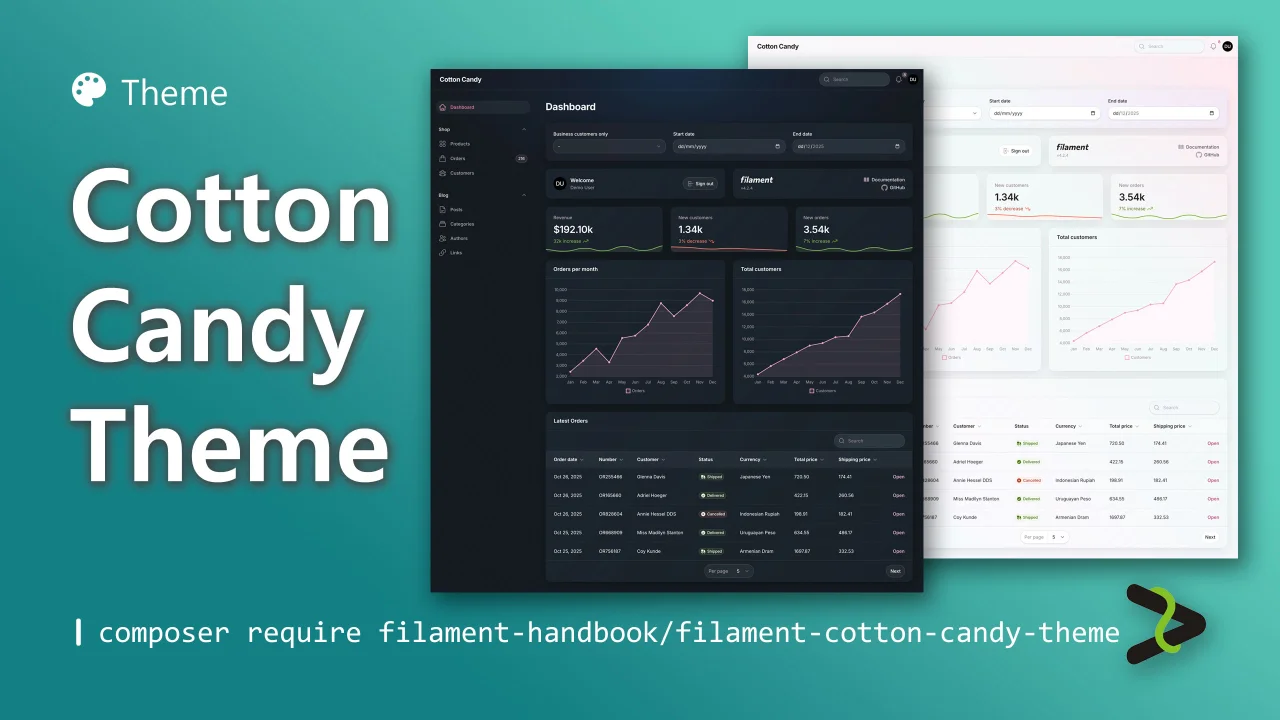
Cotton Candy Theme
CommunityA sweet light and dark theme.
filament/
namespace. Review the source and install at your own risk. Found
malware or an unresolved security issue the author won't
address?
Report it
.
 Author:
Andréia Bohner
Author:
Andréia Bohner
Documentation
- Requirements
- Features
- Video
- Installation
- Activating Your License on AnyStack
- Installing with Composer
- Color Palettes
- Appearance
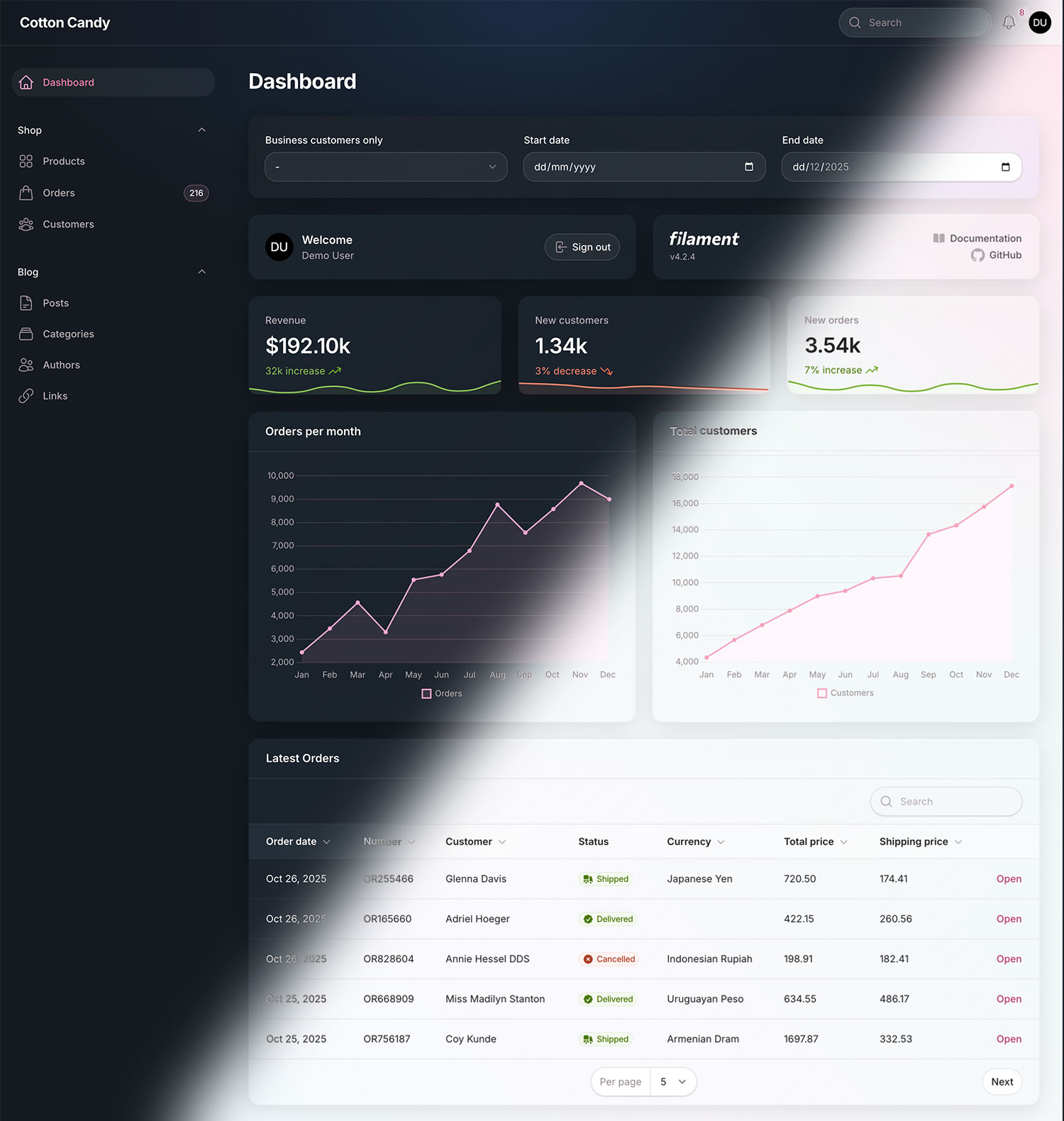
A sweet light and dark theme for Filament PHP.

#Requirements
- Filament 4 or 5
#Features
- Scale down effect in buttons
- Rounded corners
- Transparency
- Soft colors on light mode
#Video
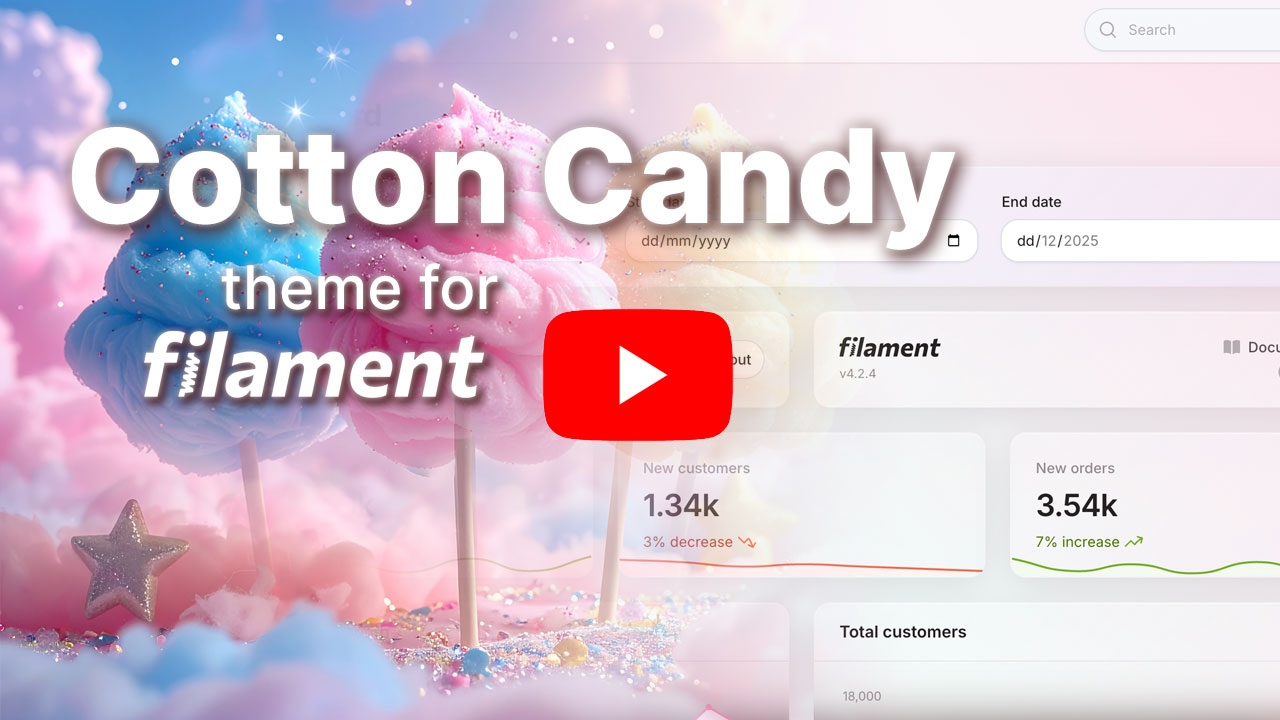
Check out how the theme looks when applied to Filament demo project:
#Installation
[!IMPORTANT]
Regarding the payment, at the moment there is a limitation because Stripe does not support fee transfers between the Netherlands (where AnyStack is based) and Brazil (where I am currently based). If you encounter any issues related to this, you can contact me via email at andreiabohner@gmail.com, and I can provide an alternative.
#Activating Your License on AnyStack
Filament Cotton Candy Theme uses AnyStack to handle payment, licensing, and distribution. You can buy it here.
During the purchasing process, AnyStack will provide you with a license key. Once your license key is activated, you can proceed with the Composer installation described below.
#Installing with Composer
Add the Filament Cotton Candy package to the repositories section of your composer.json file:
{
    "repositories": [
        {
            "type": "composer",
            "url": "https://filament-cotton-candy-theme.composer.sh"
        }
    ]
}
Once the repository has been added to the composer.json file, you can install like any other Composer package using the composer require command:
composer require filament-handbook/filament-cotton-candy-theme
Next, you will be prompted to provide your username and password.
Loading composer repositories with package information
Authentication required (filament-cotton-candy.composer.sh):
Username: [license-email]
Password: [license-key]
Your username will be your email address and the password will be your license key. For example, let's say we have the following email and license activation:
Contact email: your@email.com
License key: 04c21df8f-4890-7024-y2vk-6bny143ta642
You will need to enter the above information as follows when prompted for your credentials:
Loading composer repositories with package information
Authentication required (filament-cotton-candy.composer.sh):
Username: your@email.com
Password: 04c21df8f-4890-7024-y2vk-6bny143ta642
Add a new item to the input array of your vite.config.js file:
'vendor/filament-handbook/filament-cotton-candy-theme/resources/css/theme.css'
Run:
npm run build
Register the plugin on your panel (e.g. /app/Providers/Filament/AdminPanelProvider.php):
use FilamentHandbook\FilamentCottonCandyTheme\FilamentCottonCandyThemePlugin;

$panel
  ->plugin(FilamentCottonCandyThemePlugin::make())
You're all set!
#Color Palettes
Cotton Candy theme comes with 8 sweet color palettes:
#CandyGum
Pink candy vibes 💗

#CandyLavender
Soft purple sweetness 💜

#CandyPeach 🍑
Warm peachy tones

#CandyMint 🍃
Fresh minty greens

#CandyVanilla 🍨
Creamy vanilla yellows

#CandySky ☁️
Dreamy blue cotton candy

#CandyJelly 💙
Vibrant blue jelly candy

#CandyApricot 🧡
Sweet apricot orange

#Usage
You can use any of these palettes to override colors in your panel:
use FilamentHandbook\FilamentCottonCandyTheme\Color;
use FilamentHandbook\FilamentCottonCandyTheme\FilamentCottonCandyThemePlugin;

$panel
  ->colors([
    'primary' => Color::CandyLavender,
    'secondary' => Color::CandyMint,
    'accent' => Color::CandyApricot,
  ])
  ->plugin(FilamentCottonCandyThemePlugin::make())
By default, the primary color is CandyGum.
#Appearance
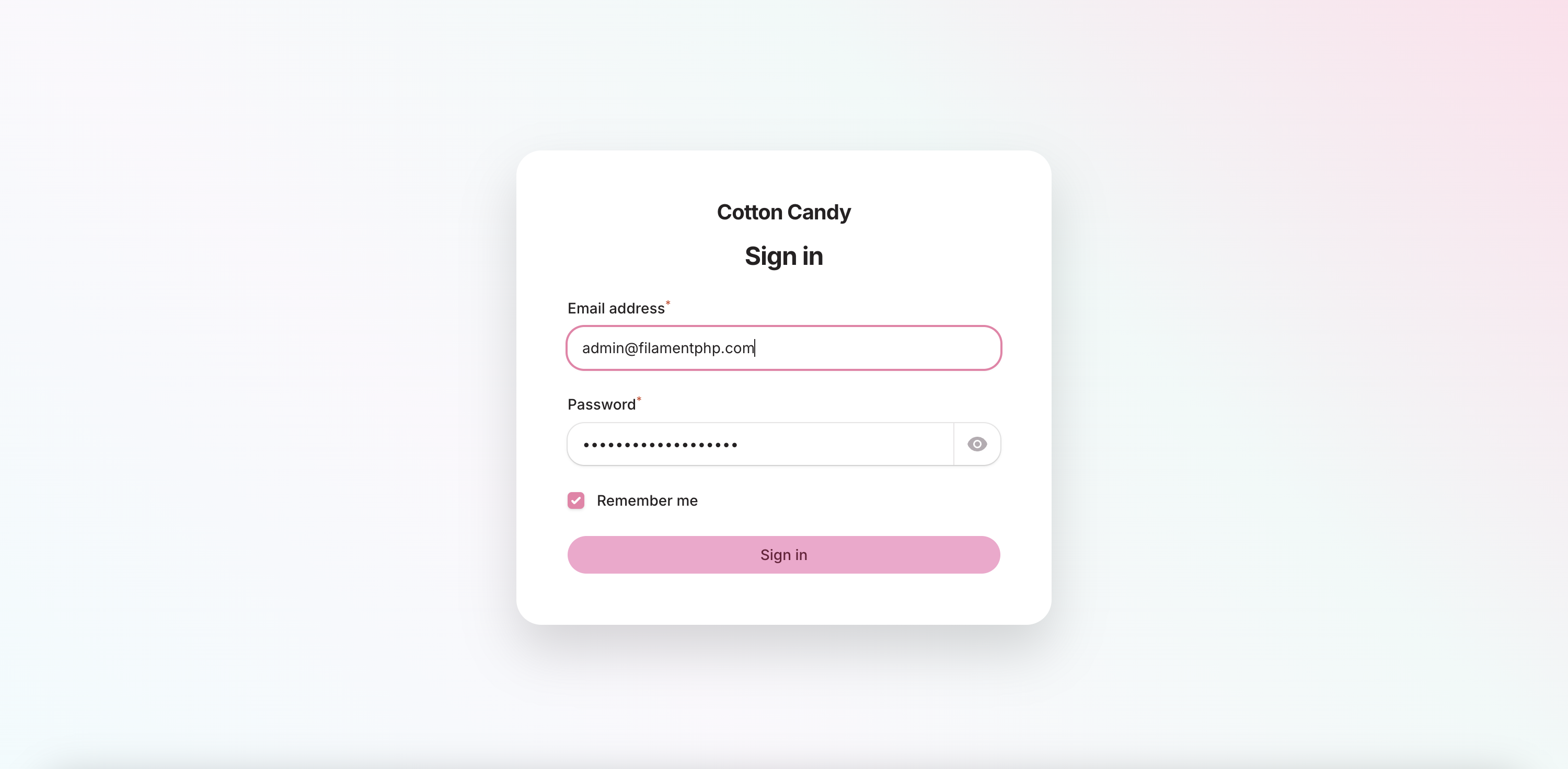
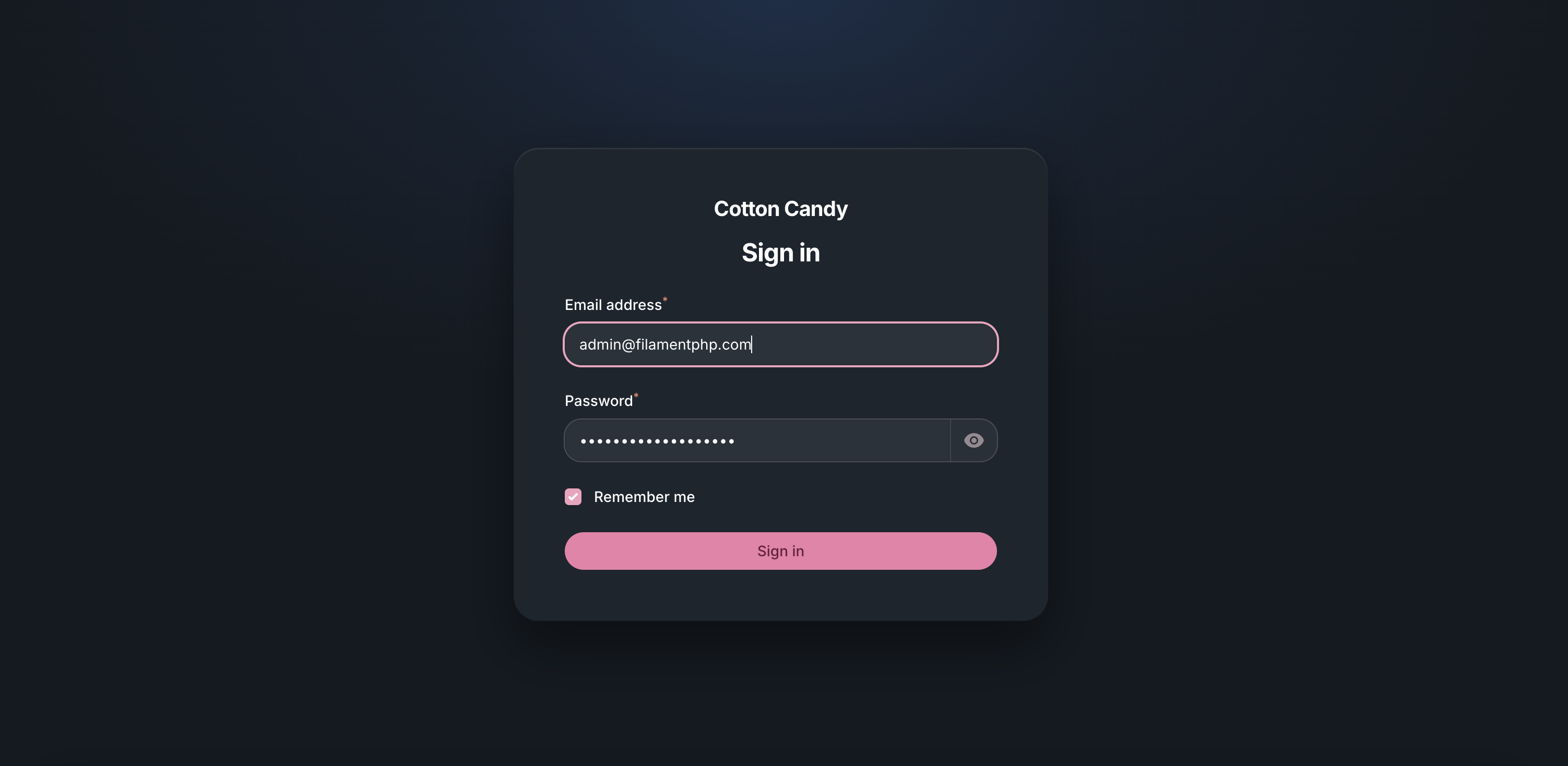
#Login
| Login Light | Login Dark |
|---|---|
|
|
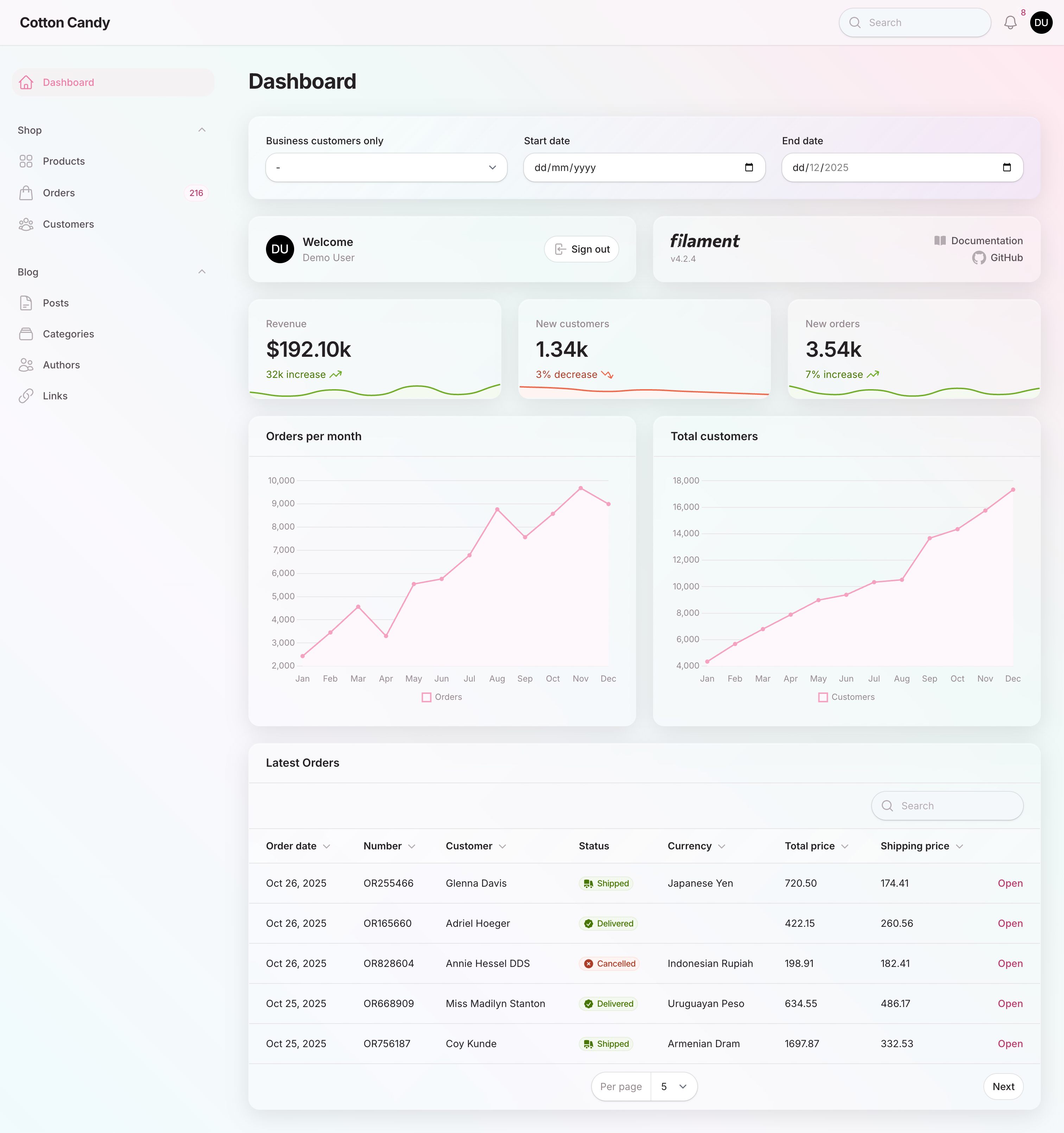
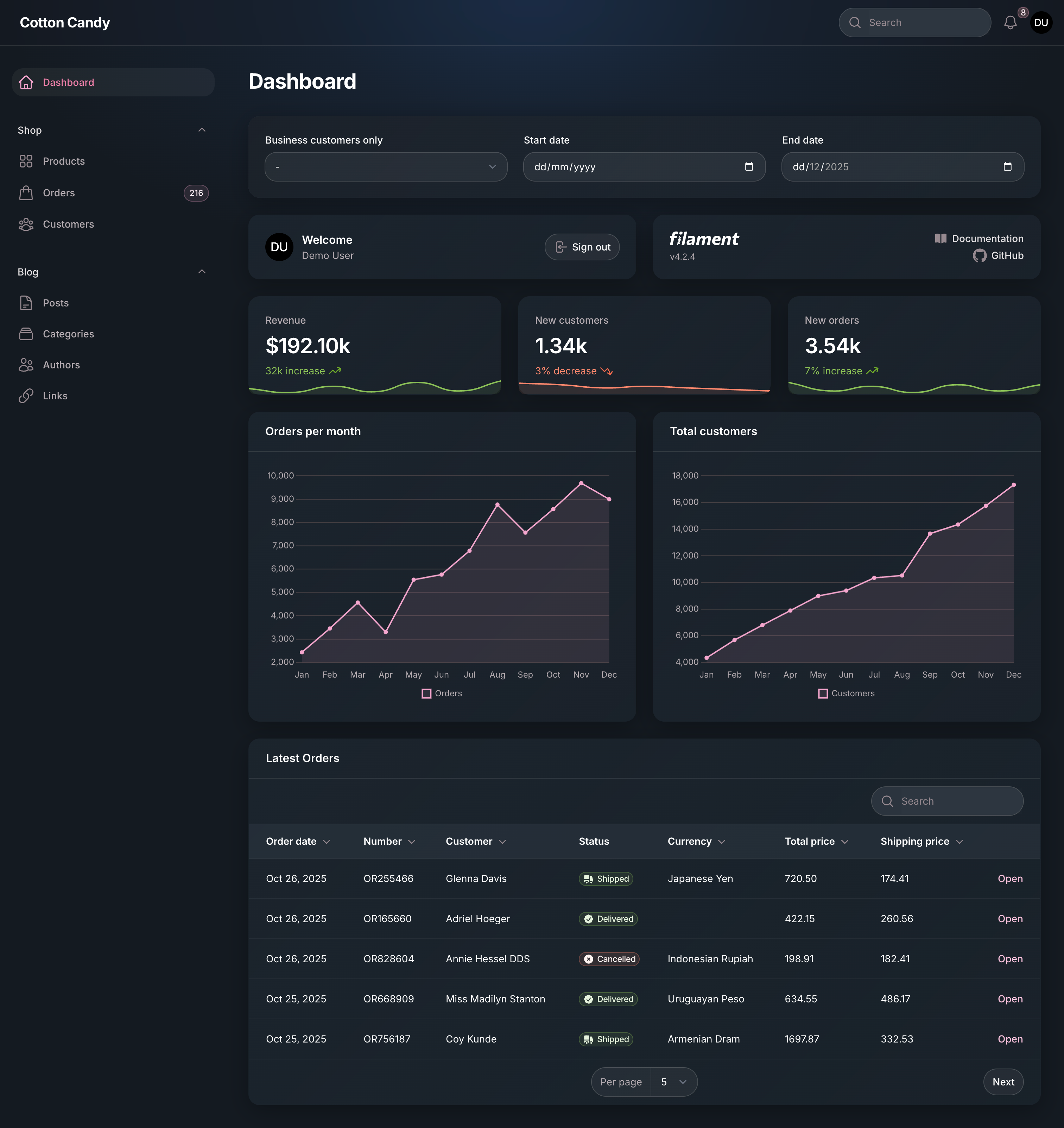
#Dashboard
| Dashboard Light | Dashboard Dark |
|---|---|
|
|
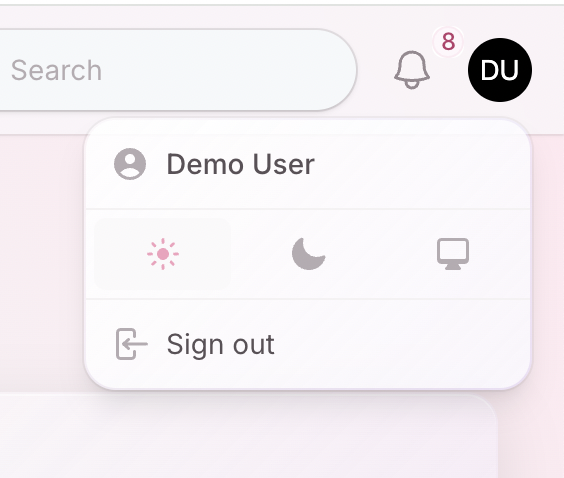
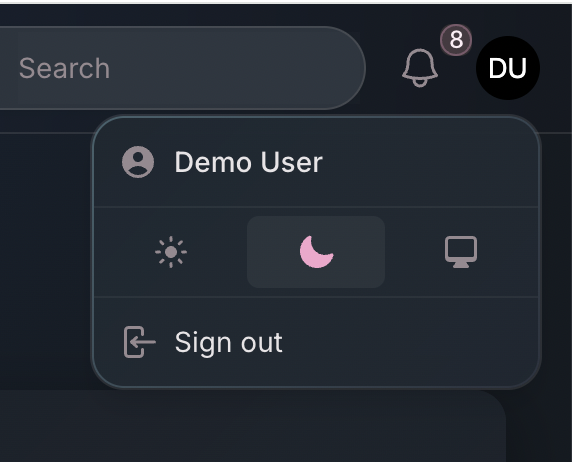
#User Menu
| User Menu Light | User Menu Dark |
|---|---|
|
|
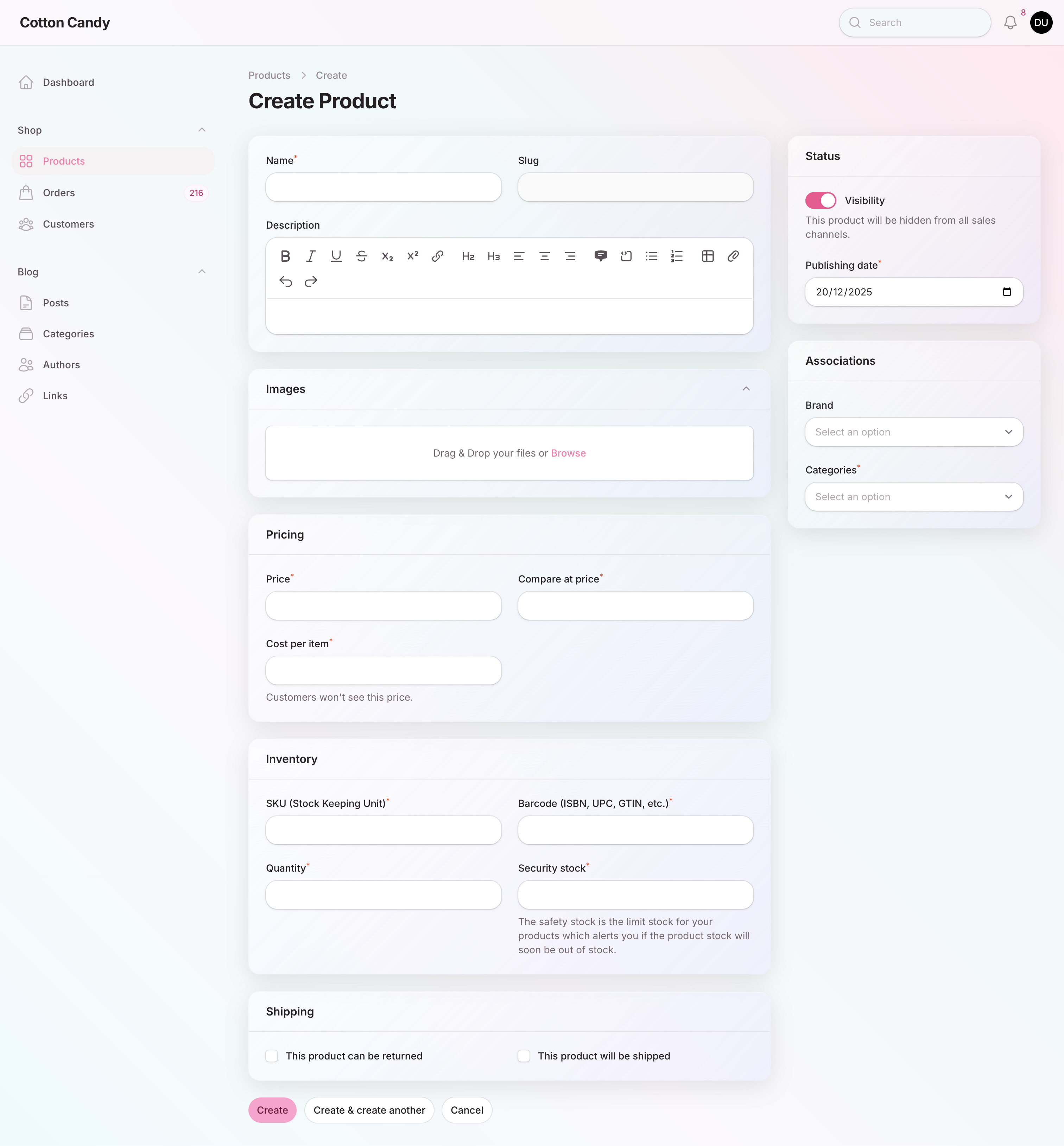
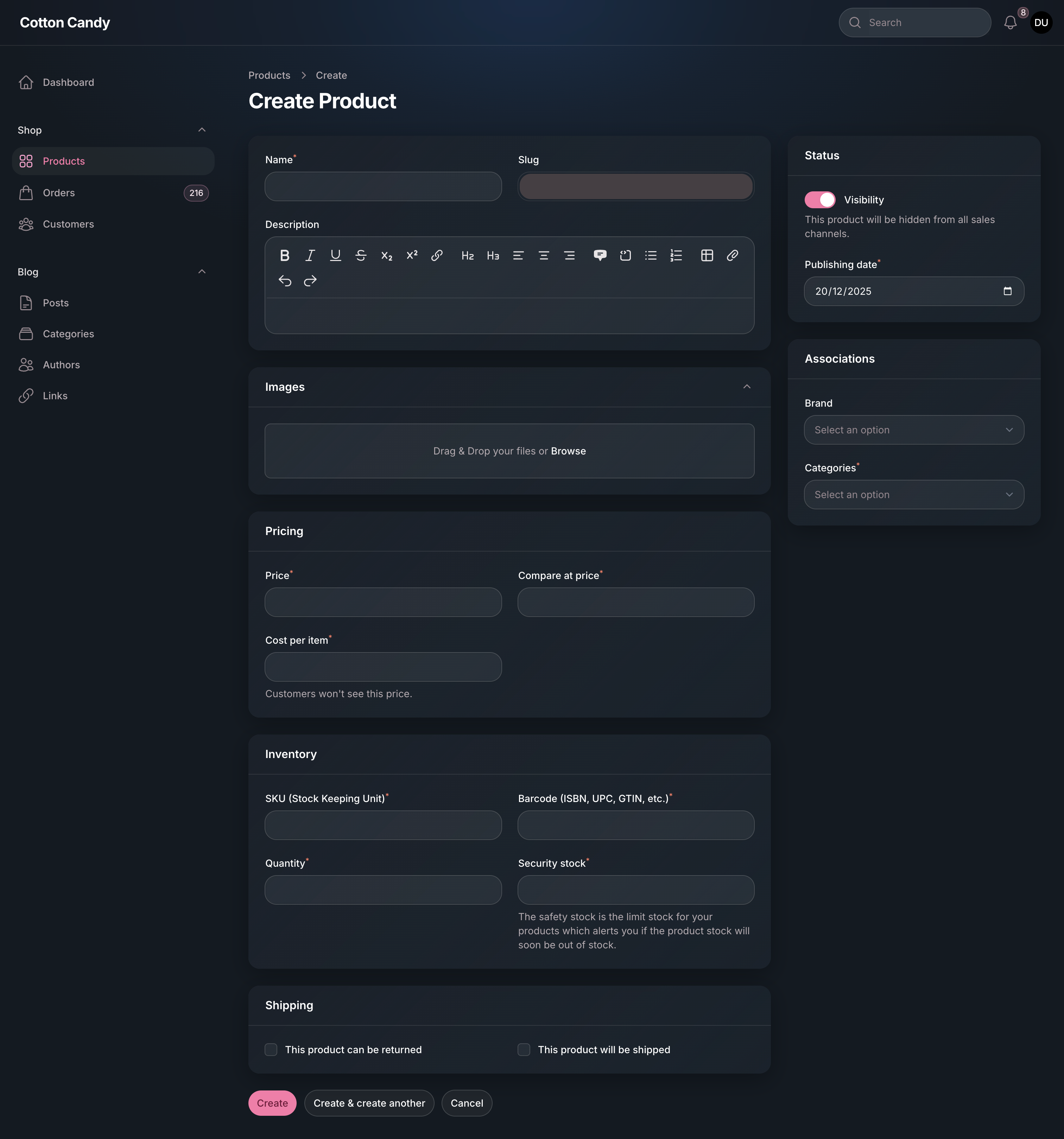
#Product
| Create Product Light | Create Product Dark |
|---|---|
|
|
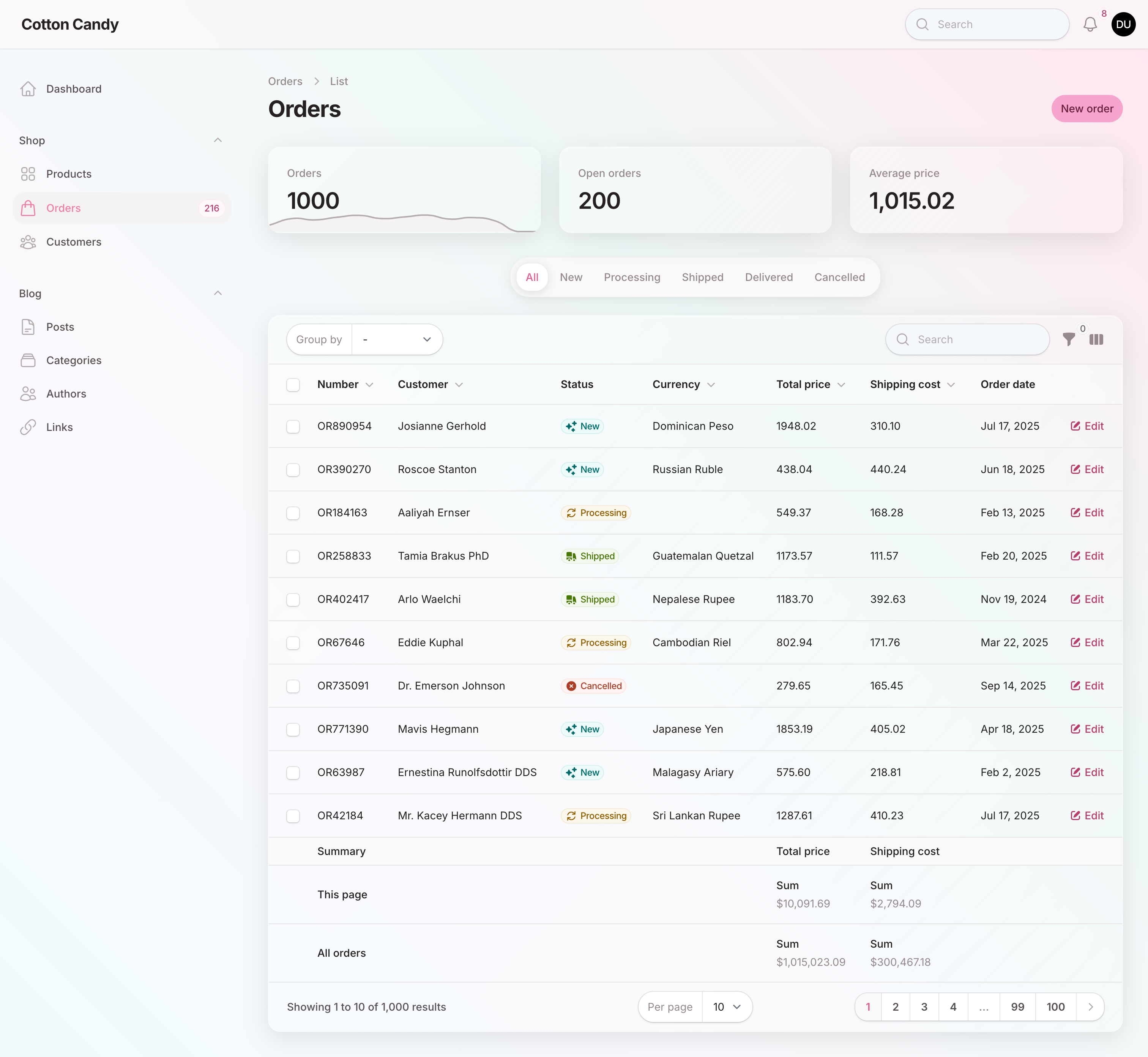
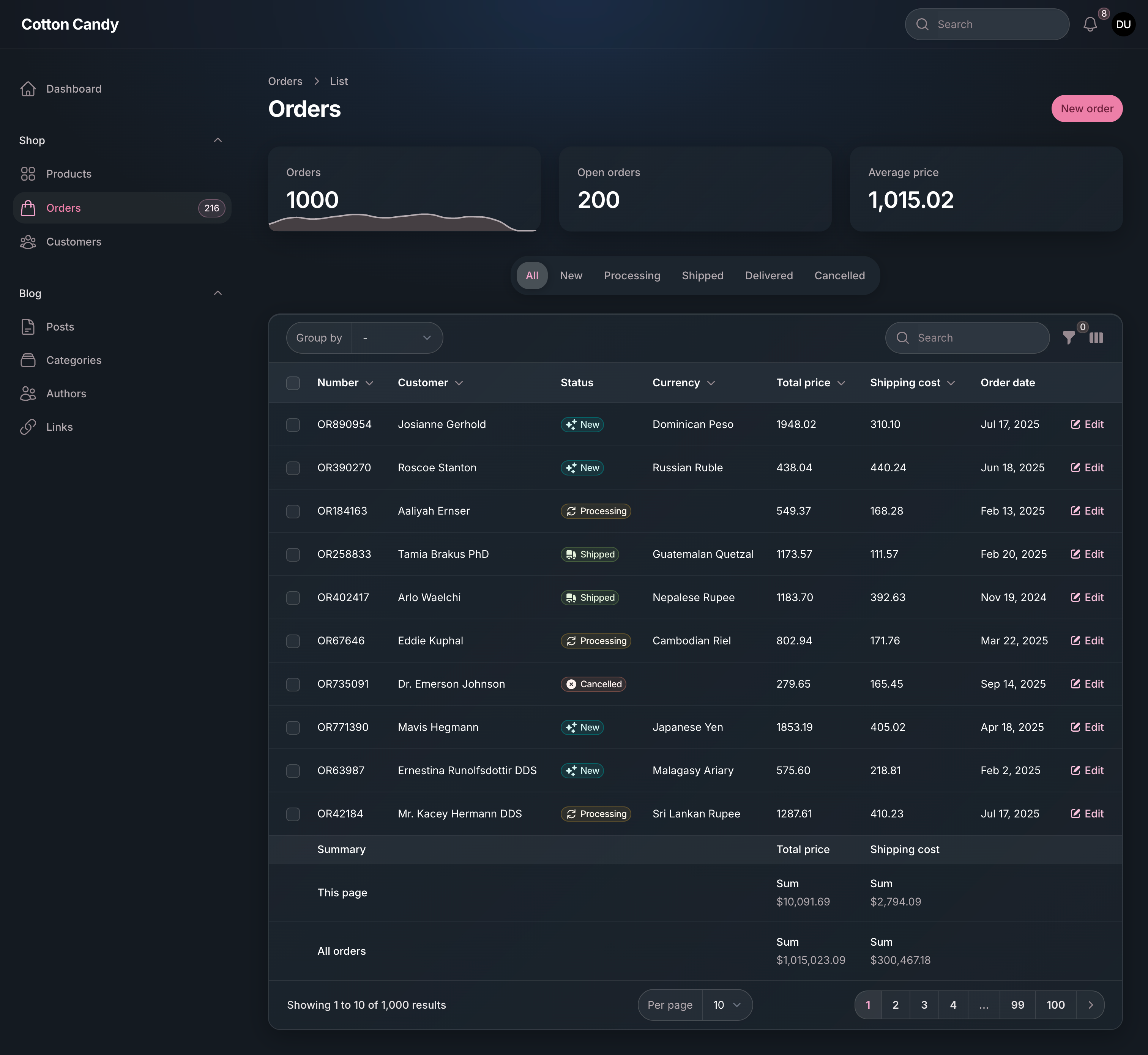
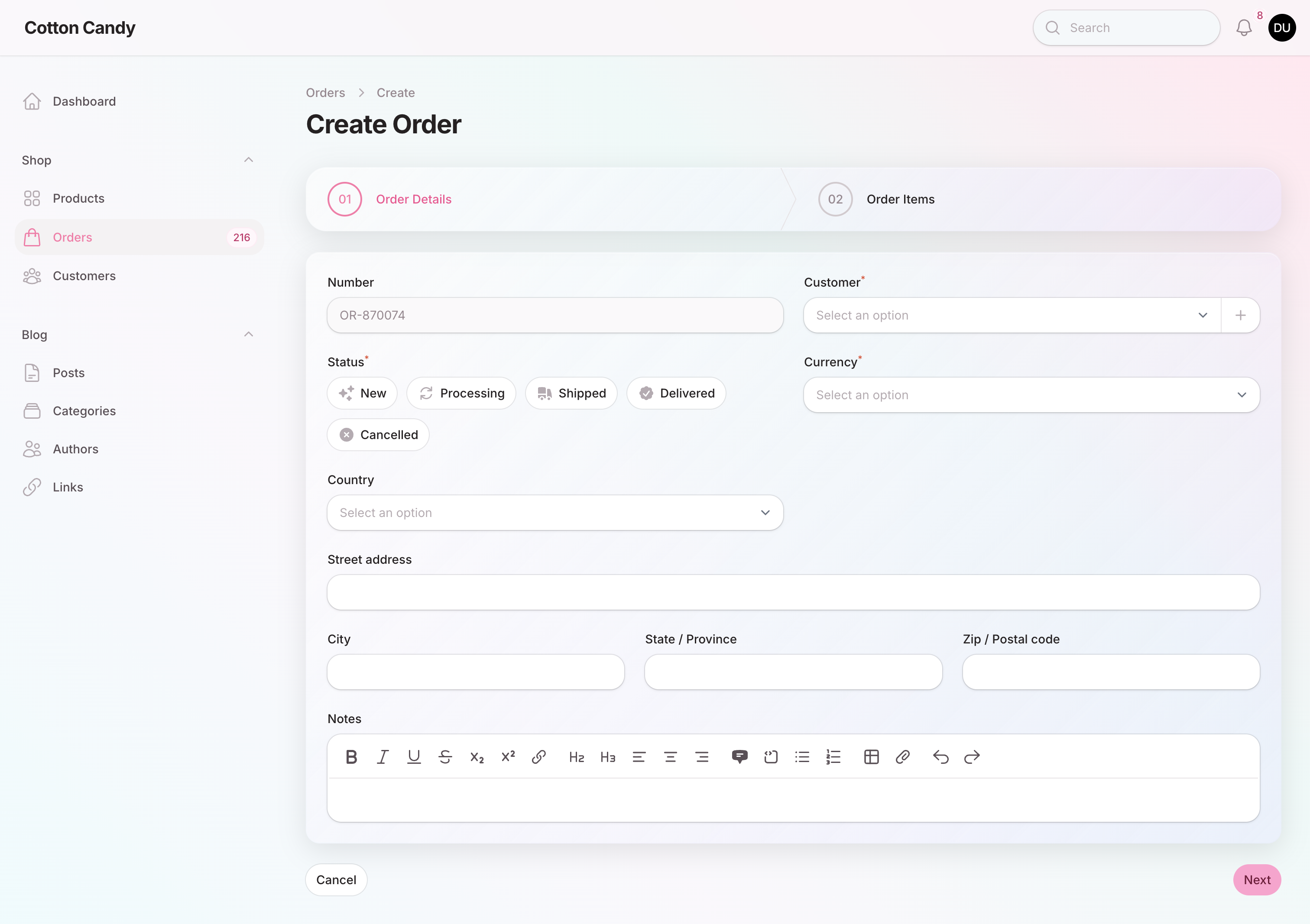
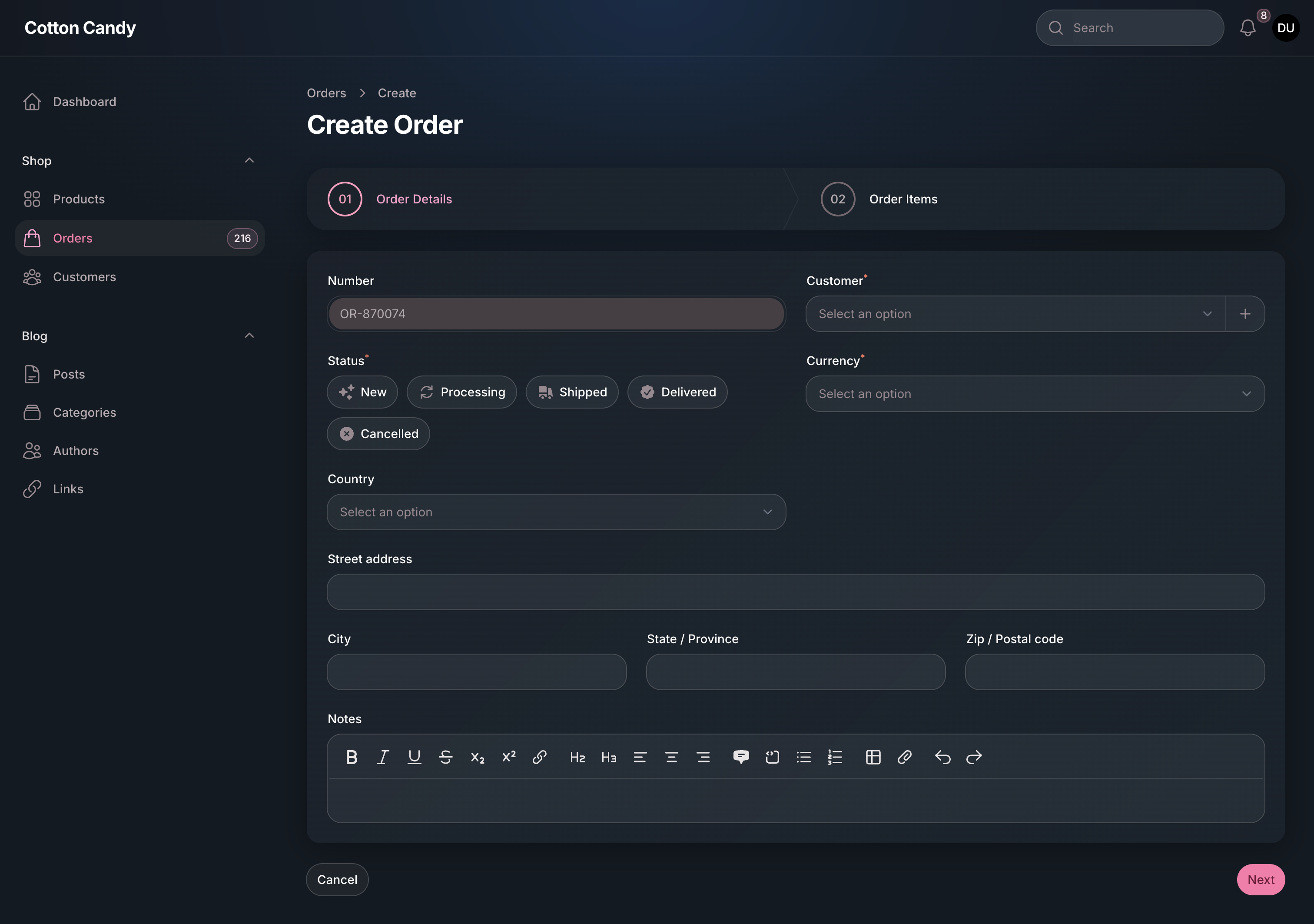
#Order
| Order List Light | Order List Dark |
|---|---|
|
|
| Create Order Light | Create Order Dark |
|---|---|
|
|
The author
Andréia is a full-stack web developer and an enthusiastic open-source contributor & maintainer. She loves coding, reading, and learning new things every day! You can learn more about Andréia on her GitHub profile.
From the same author
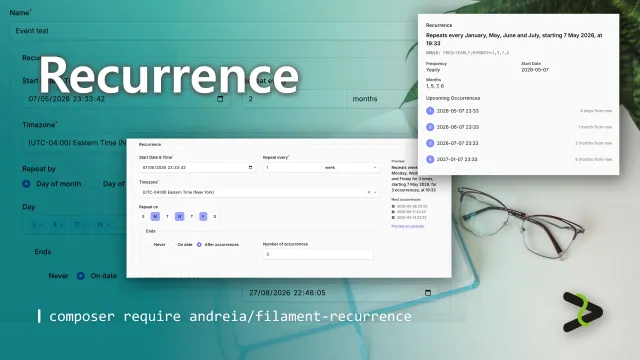
Recurrence
Complete recurring patterns support to your app — beautiful UI components, RFC 5545-compliant rules, and Eloquent integration out of the box.
Author:
Andréia Bohner
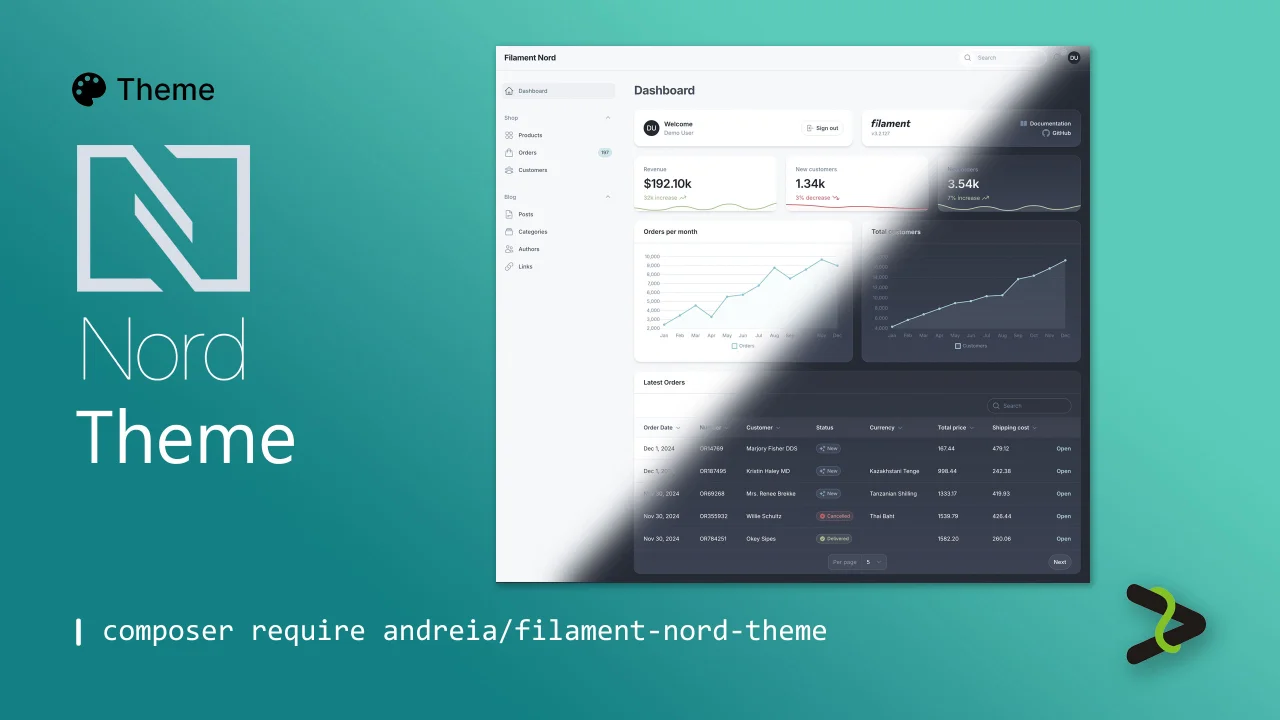
Nord theme
Dark and light arctic Nord theme.
Author:
Andréia Bohner
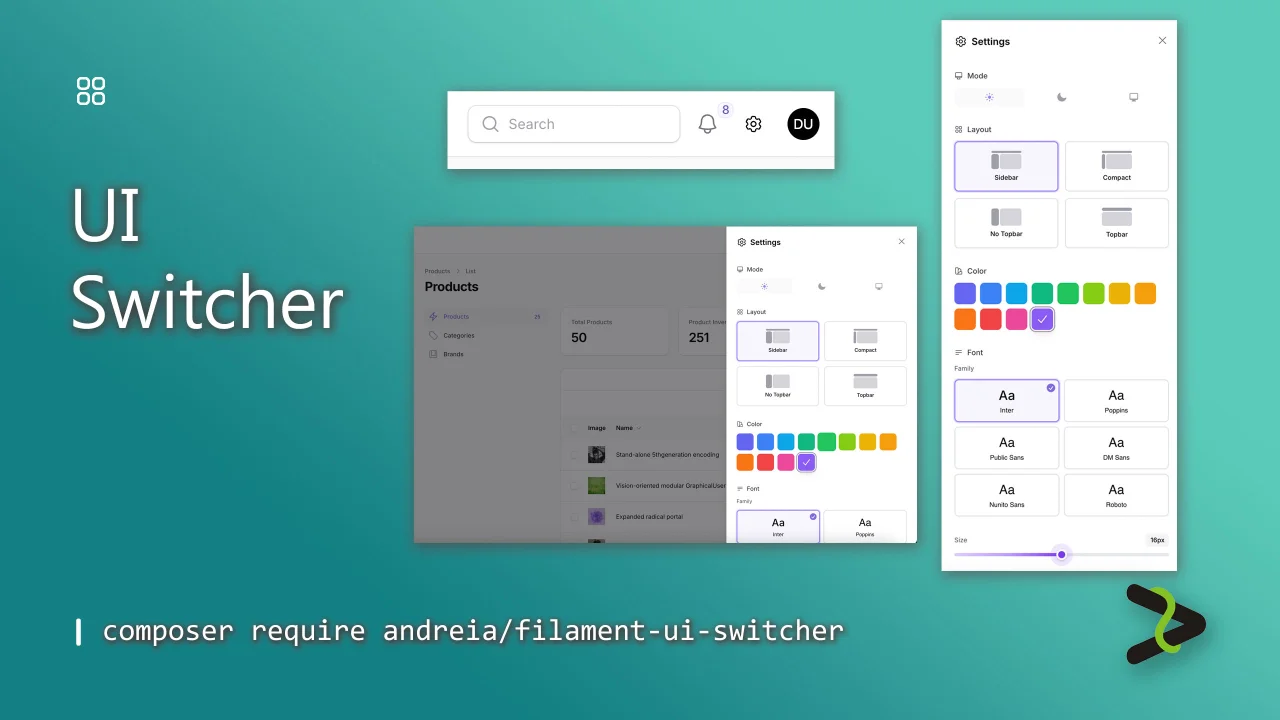
UI Switcher
Add instant UI customization to your Filament panels. Users can switch between color scheme, select their favorite font, adjust text size, and toggle between the available Filament layouts from a settings icon.
Author:
Andréia Bohner
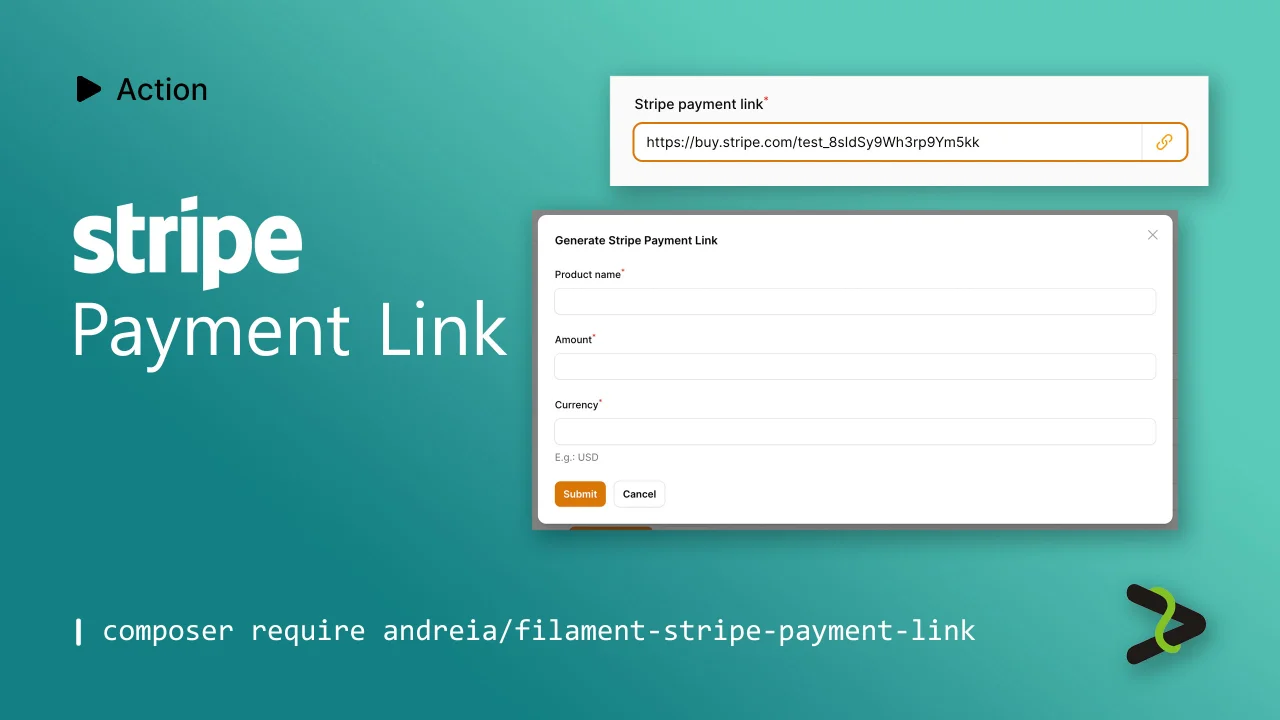
Stripe Payment Link
Action to generate a Stripe Payment Link.
Author:
Andréia Bohner
Featured Plugins
A selection of plugins curated by the Filament team

Soft Theme
A theme that gives panels a warm, approachable look with rounded shapes, gentle colors, and serif headings.
 Filament

Advanced Tables (formerly Filter Sets)
Supercharge your tables with powerful features like user-customizable views, quick filters, multi-column sorting, advanced table searching, convenient view management, and more. Compatible with Resource Panel Tables, Relation Managers, Table Widgets, and Table Builder!
 Kenneth Sese

Custom Fields
Eliminate custom field migrations forever. Let your users create and manage form fields directly in Filament admin panels with 20+ built-in field types, validation, and zero database changes.
 Relaticle
