
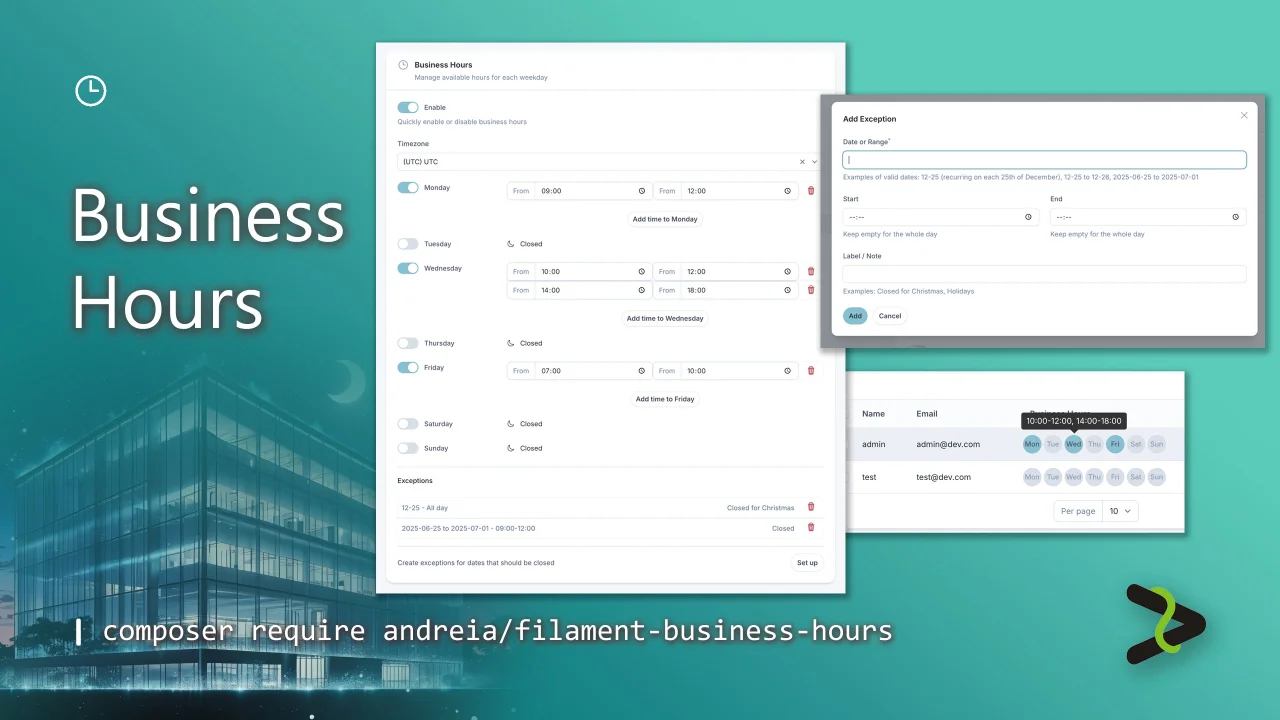
Business Hours by Andréia Bohner
CommunityManage your business hours, bookings, and more with a feature-rich field that supports multiple time slots per day, recurring and date-based exceptions, and timezone-aware logic. Fully integrated with Spatie's Opening Hours for easy querying.
filament/
namespace. Review the source and install at your own risk. Found
malware or an unresolved security issue the author won't
address?
Report it
.
 Author:
Andréia Bohner
Author:
Andréia Bohner
Documentation
- Features
- Video
- Screenshots
- Requirements
- Dependencies
- Installation
- Activating Your License on AnyStack
- Installing with Composer
- Usage
- Testing
- Changelog
- Contributing
- Need Assistance?
- Licensing Information
A powerful and flexible Filament plugin for managing business hours in your application. Built on top of spatie/opening-hours, this plugin provides a complete solution for handling business hours with an elegant Filament interface.
#Features
#Rich Form Field
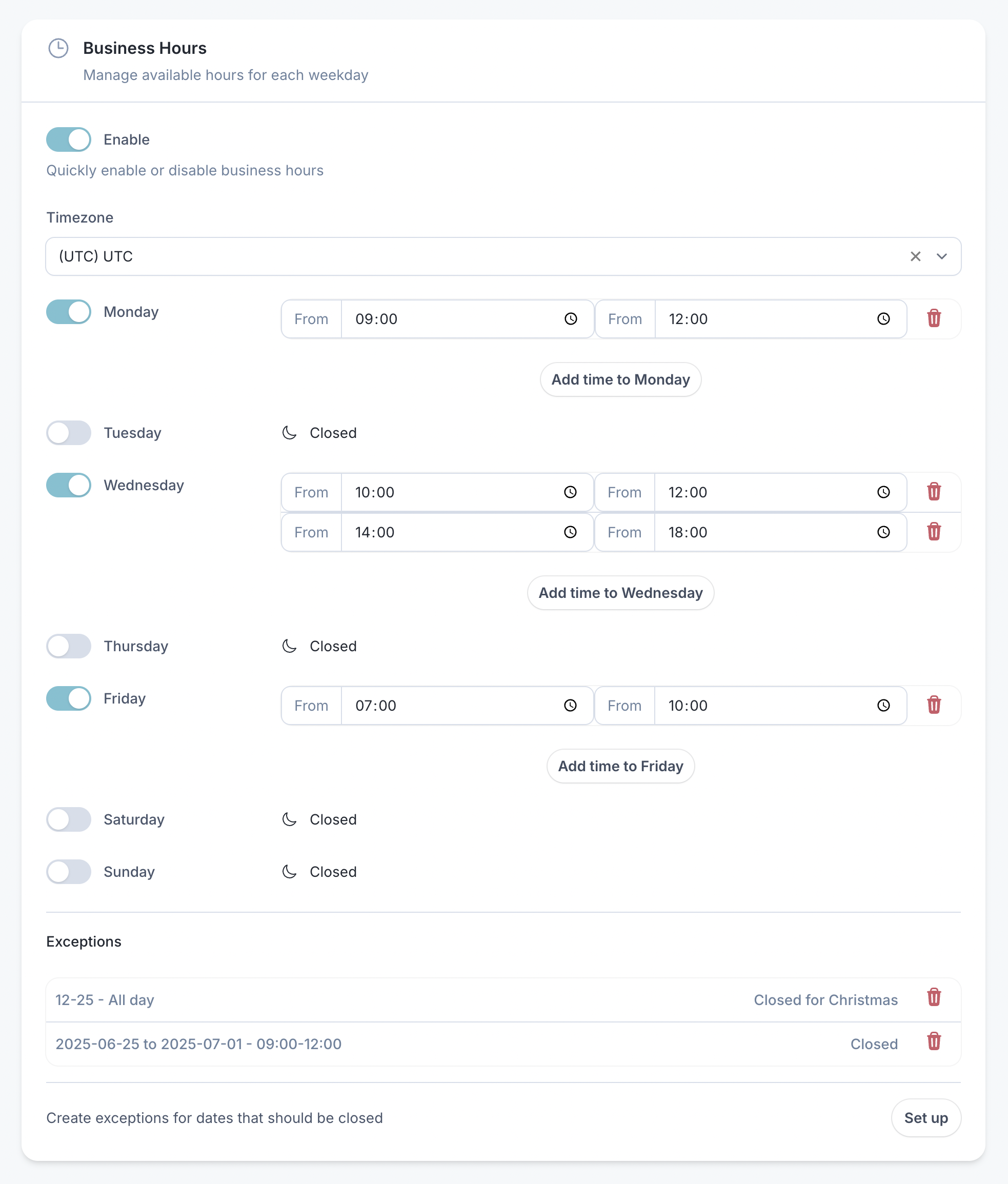
- Global Enable/Disable: Toggle to quick enable/disable existing business hours
- Dynamic Time Slots: Add multiple time ranges per day
- Timezone Support: Built-in timezone selection with searchable dropdown
- Quick Toggles: Enable/disable specific days with a single click
- Visual Feedback: Clear visual indicators for open/closed status
- Flexible Layout: Use Filament's available layout components for a responsive and customizable layout
#Exception Management
- Date-based Exceptions: Handle holidays, special hours, and closures
- Recurring Exceptions: Set up annual recurring exceptions (e.g., Christmas)
- Date Ranges: Define exceptions for specific date ranges
- Custom Labels: Add descriptions to exceptions for better organization
#Display Components
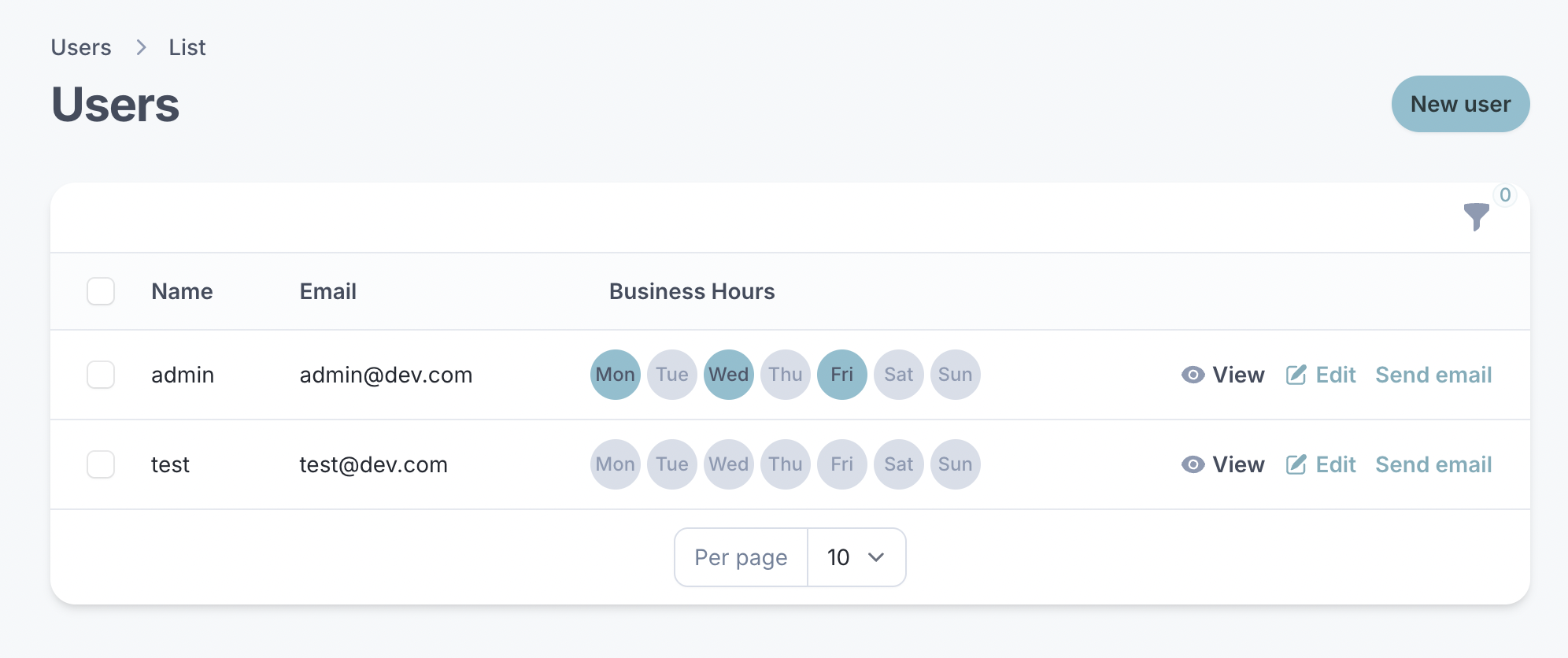
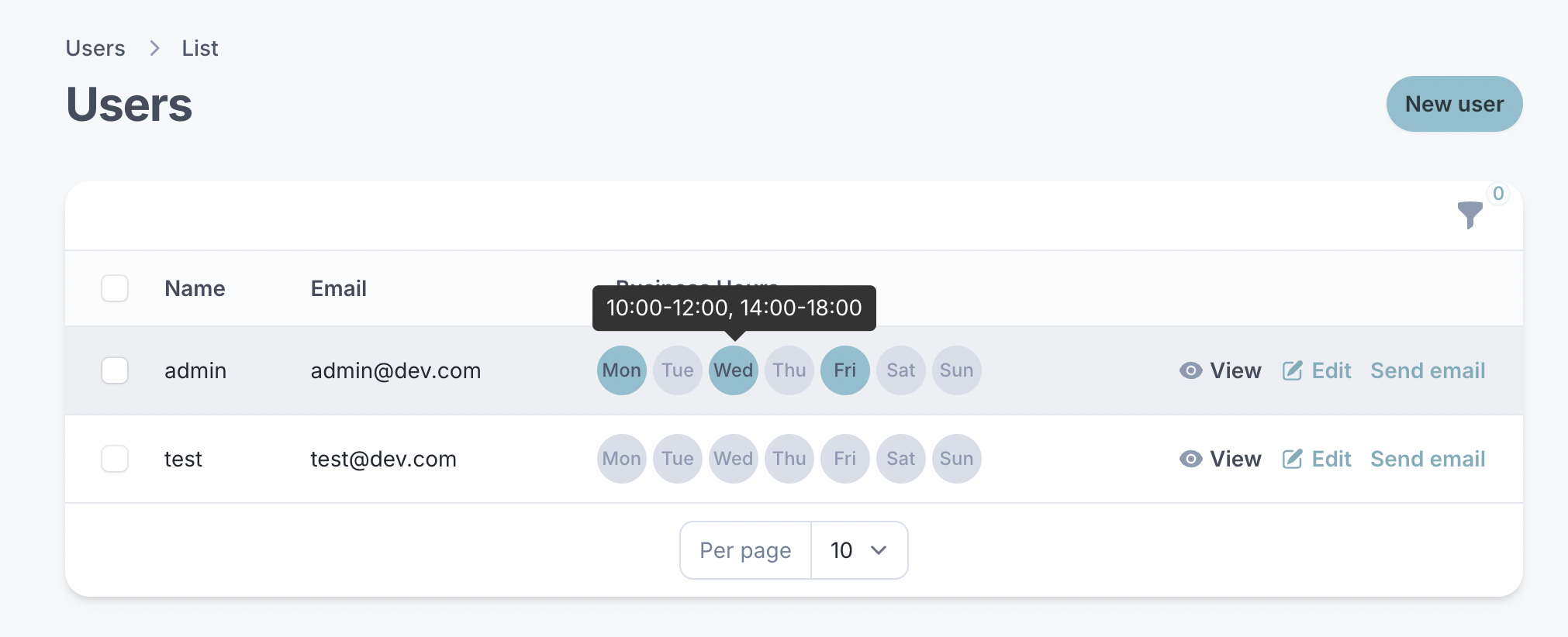
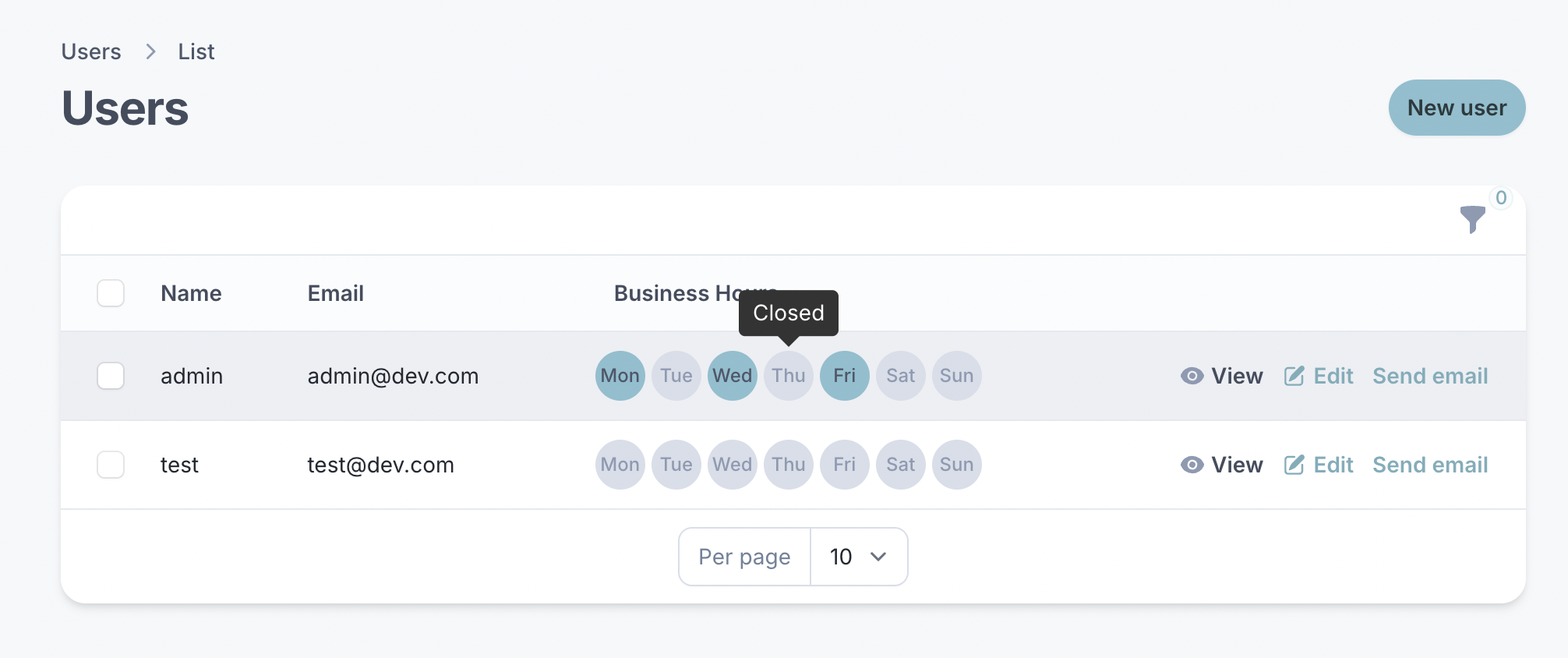
- Table Column: Business days displayed as interactive circles with tooltips showing opening/closing times and distinct color for opening days.
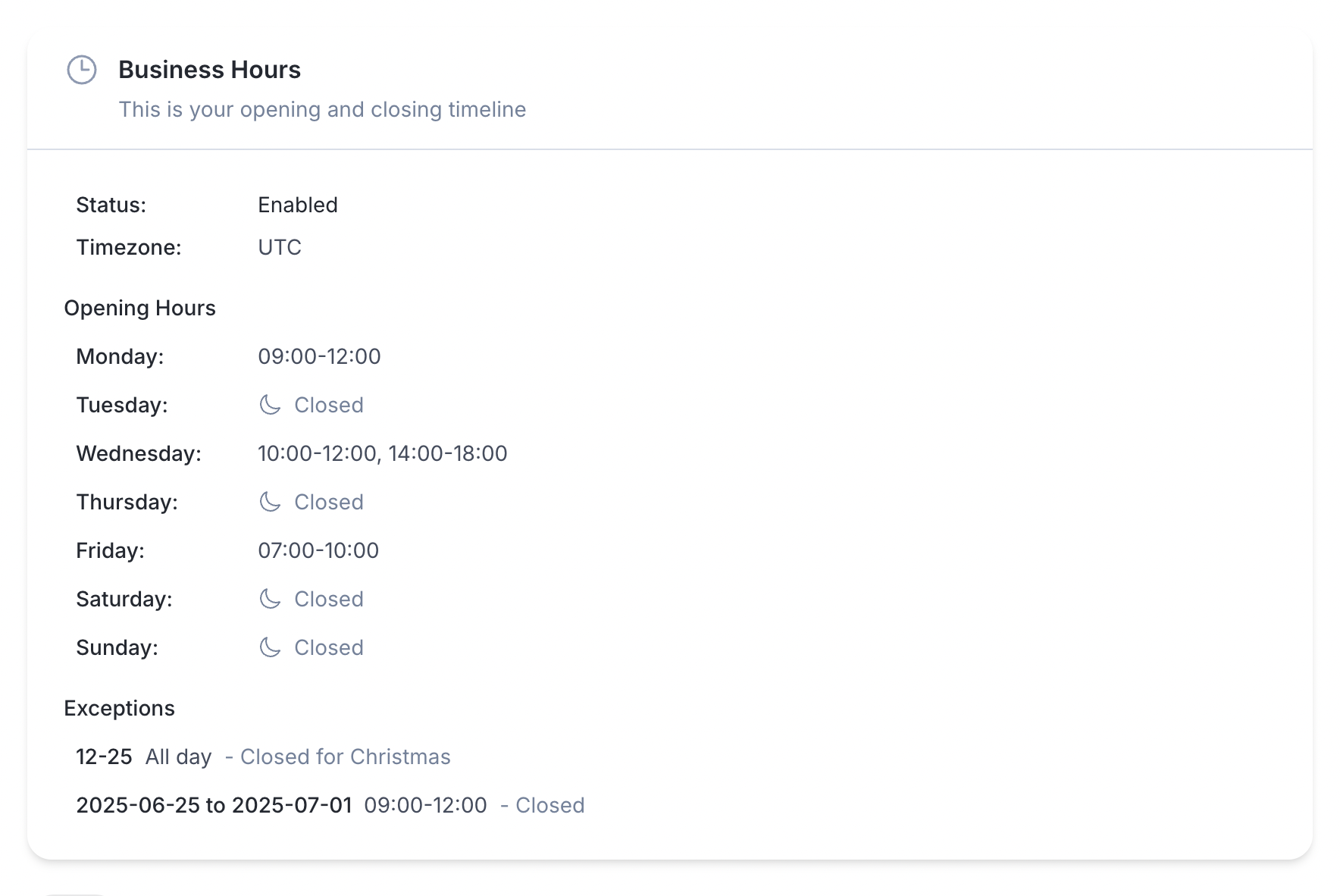
- InfoList Entry: Display formatted business hours with timezone and exceptions
- Widget Support: Use as a standalone widget in your dashboard
#Developer-Friendly
- Trait-based Integration: Quick add business hours to any model with
HasBusinessHourstrait - Cache Support: Built-in caching for optimal performance
- Flexible Data Retrieving: Rich set of methods for querying business hours with Spatie Opening Hours
#Video
Take a look at what Filament Business Hours can do in this short feature-packed video!

#Screenshots
Form Field
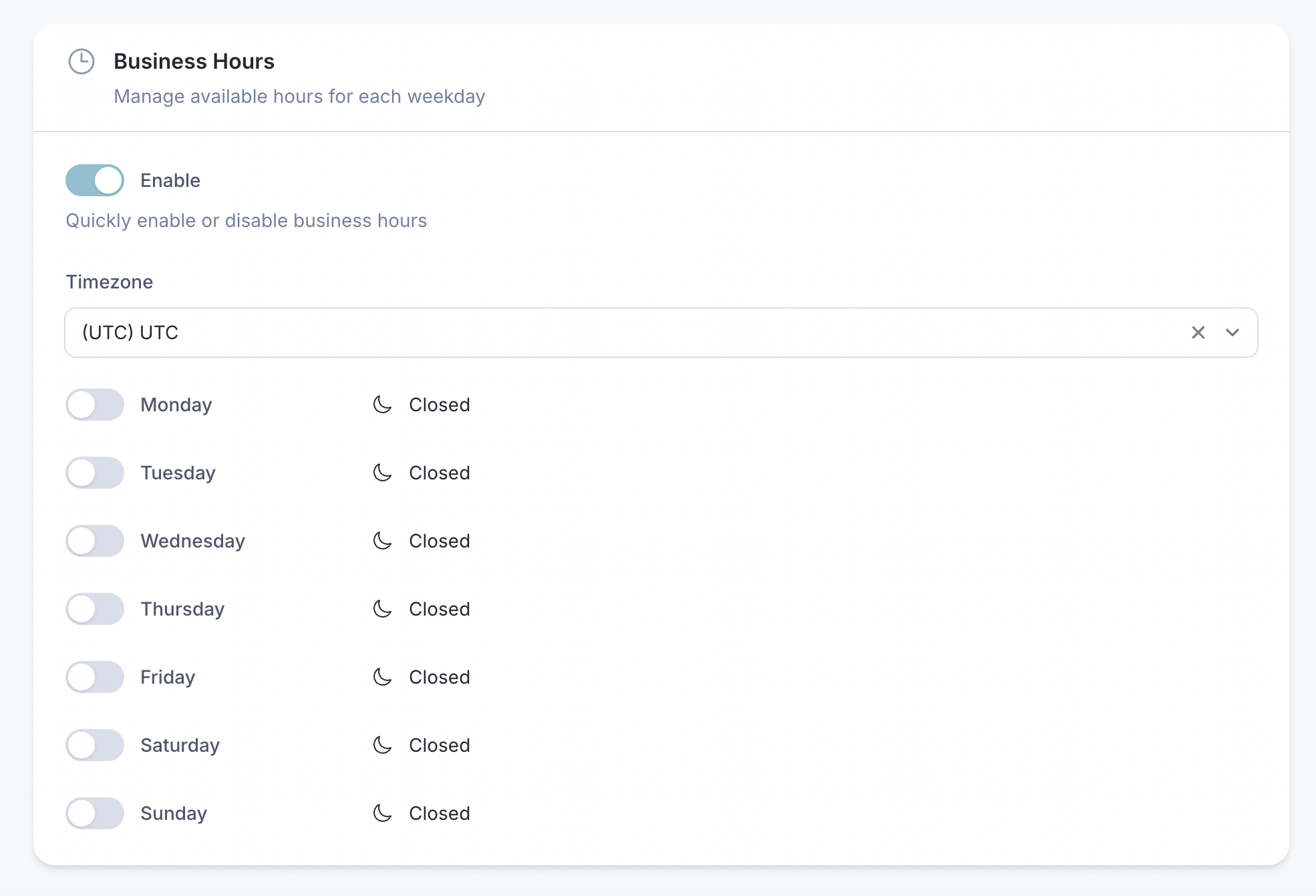
Form Field with Exceptions
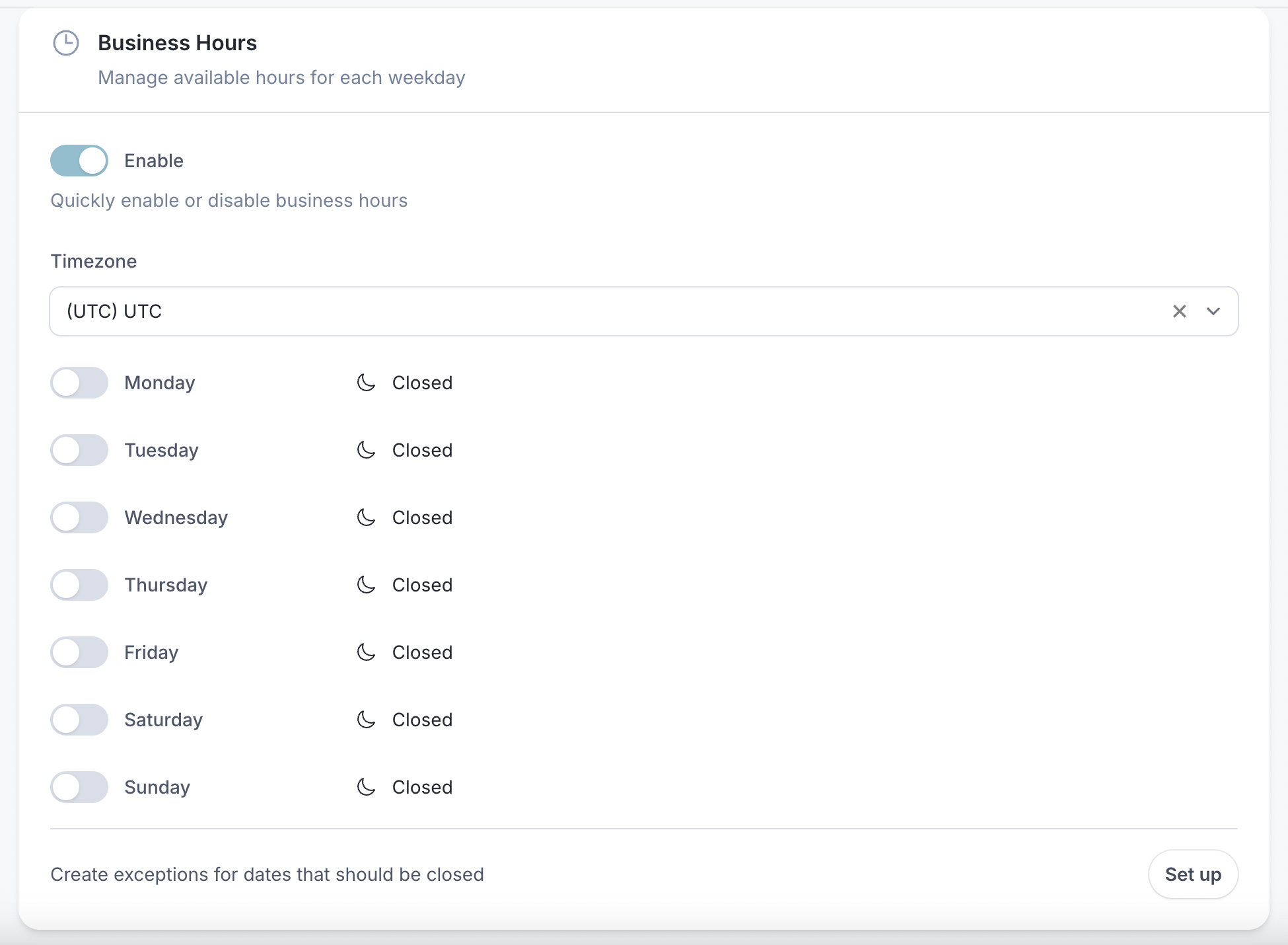
Exceptions Modal
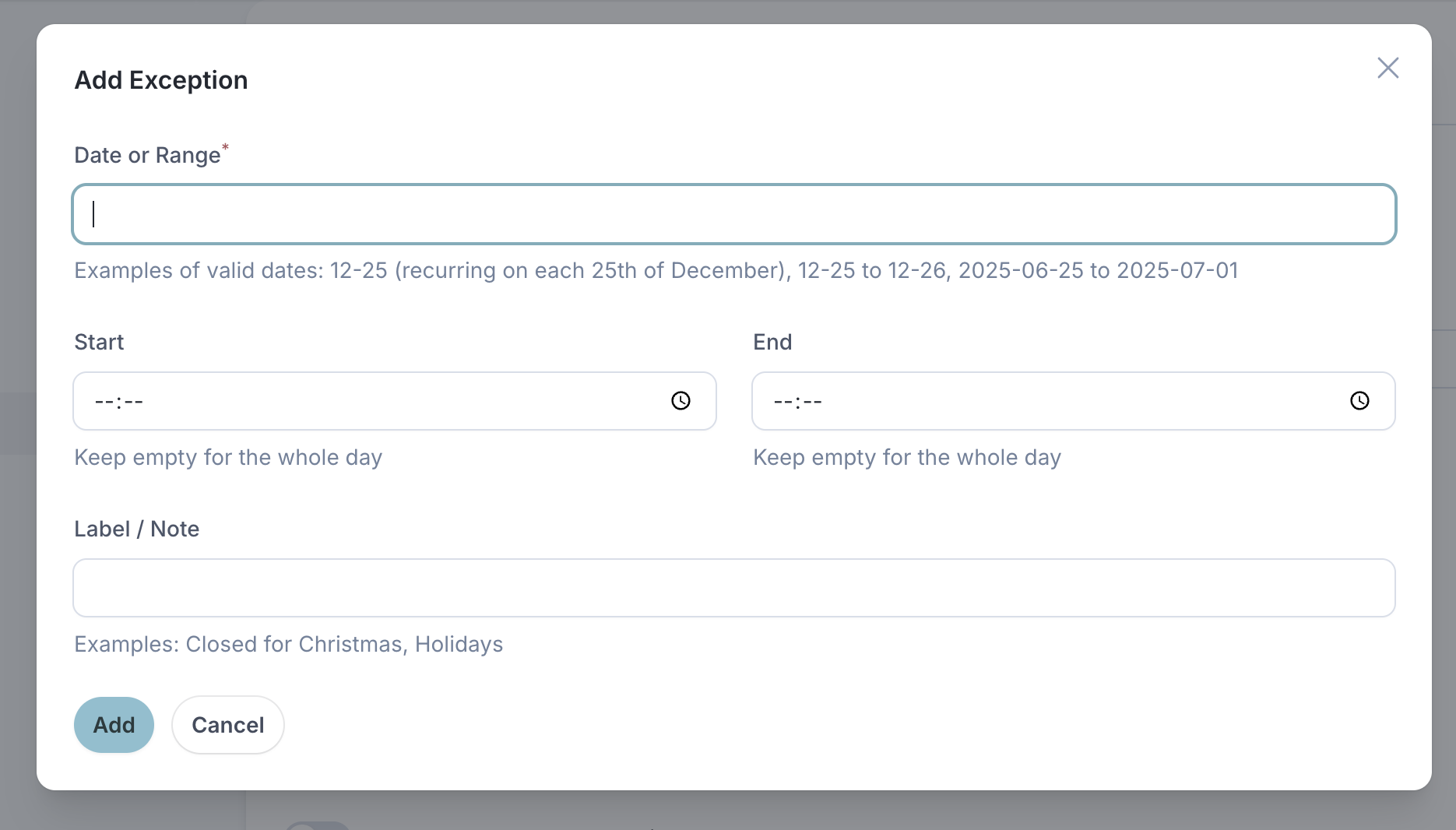
Table Column
Infolist Entry
#Requirements
- PHP 8.3+
- Filament 5
#Dependencies
This package use the following dependencies:
Before install the Business Hours Plugin, make sure the Table Repeater Filament plugin is configured according to the the docs: https://github.com/awcodes/filament-table-repeater?tab=readme-ov-file#installation
For more information about Spatie Opening Hours, please refer to the official Spatie Opening Hours documentation.
#Installation
#Activating Your License on AnyStack
Filament Business Hours uses AnyStack to handle payment, licensing, and distribution. You can buy it here.
During the purchasing process, AnyStack will provide you with a license key. Once your license key is activated, you can proceed with the Composer installation described below.
#Installing with Composer
Add the the Filament Business Hours package to repositories section of your composer.json file:
{
    "repositories": [
        {
            "type": "composer",
            "url": "https://filament-business-hours.composer.sh"
        }
    ]
}
Once the repository has been added to the composer.json file, you can install like any other Composer package using the composer require command:
composer require andreia/filament-business-hours:"^5.0"
Next, you will be prompted to provide your username and password.
Loading composer repositories with package information
Authentication required (filament-business-hours.composer.sh):
Username: [license-email]
Password: [license-key]
Your username will be your email address and the password will be your license key. For example, let's say we have the following email and license activation:
Contact email: [email protected]
License key: 04c21df8f-4890-7024-y2vk-6bny143ta642
You will need to enter the above information as follows when prompted for your credentials:
Loading composer repositories with package information
Authentication required (filament-business-hours.composer.sh):
Username: [email protected]
Password: 04c21df8f-4890-7024-y2vk-6bny143ta642
#Publish and run the migrations
php artisan vendor:publish --tag="filament-business-hours-migrations"
php artisan migrate
#Publish the config file (optional)
You can publish the config file with:
php artisan vendor:publish --tag="filament-business-hours-config"
#Publish Views (optional)
Optionally, you can publish the views using:
php artisan vendor:publish --tag="filament-business-hours-views"
#Plublish Translations (optional)
The package comes with English translations out of the box. Publish the language files to customize:
php artisan vendor:publish --tag="filament-business-hours-translations"
#Add the Business Hours path in your theme file
Filament recommends developers create a custom theme to better support plugin's additional TailwindCSS classes. After you have created your custom theme, add the Business Hours vendor directory to your theme's theme.css file usually located in resources/css/filament/admin/theme.css:
/* ... */

@source '../../../../vendor/filament-handbook/filament-business-hours';
#Usage
#Add Business Hours to Your Model
The HasBusinessHours Trait provides the businessHours relationship and convenient methods to quick build business/opening hours Spatie object.
Add the included HasBusinessHours trait to the model (e.g., User, Team, Company etc.) that you want to add business hours:
use Andreia\FilamentBusinessHours\Concerns\HasBusinessHours;

class Business extends Model
{
    use HasBusinessHours;
}
It gives you:
- A
morphOnerelationship toBusinessHours - An accessor to get
OpeningHoursas an instance - Helper methods to query if the entity is currently open, next opening time, next closing time, and more
- Fully compatible with Spatie’s Opening Hours
#Query Business Hours
$modelWithBusinessHours = Company::find($companyId);

// Check if business is open
$modelWithBusinessHours->isOpen();

// Get next opening time
$nextOpen = $modelWithBusinessHours->nextOpen();

// Get current open range
$range = $modelWithBusinessHours->currentOpenRange();

// Check specific date/time
$isOpen = $modelWithBusinessHours->isOpen(now()->addDays(2));
You can also use all Spatie's Opening Hours methods available to query and format the set of business/opening hours.
#Use in Forms
use Andreia\FilamentBusinessHours\Forms\Components\BusinessHoursField;

BusinessHoursField::make('businessHours')
    ->allowExceptions()
Any Form layout can be used to wrap the business hours, for example, using Section:
use Andreia\FilamentBusinessHours\Forms\Components\BusinessHoursField;

Forms\Components\Section::make('Business Hours')
    ->description('Control the availability of hours on each weekday')
    ->icon('heroicon-o-clock')
    ->schema([
        BusinessHoursField::make('businessHours')
            ->allowExceptions(),
    ]),
#Options
Allow Exceptions
To allow the user provide exceptions to the business hours added, use the ->allowExceptions() method. It will show the button to set up exceptions.
use Andreia\FilamentBusinessHours\Forms\Components\BusinessHoursField;

$form->schema([
    // ...
    BusinessHoursField::make('businessHours')
        ->allowExceptions(),
]),
The exceptions can be added through a modal UI opened by the “Set up” button in the form.
The exceptions will be saved in Spatie-style on exceptions database column:
'exceptions' => [
    '2025-11-11' => ['09:00-12:00'],
    '2025-07-04' => [],                  // closed all day
    '01-01'      => [],                  // recurring annually
    '12-25'      => ['09:00-12:00'],     // recurring annually
    '12-25 to 12-25' => [
        'hours' => [],
        'data' => 'Holidays',
    ],
    '2025-06-25 to 2025-07-01' => [
        'hours' => [],
        'data' => 'Closed for works',
    ],
]
#Display in Tables
use Andreia\FilamentBusinessHours\Tables\Columns\BusinessHoursColumn;

// businessHours is the name of the relationship
BusinessHoursColumn::make('businessHours')
#Show in InfoLists
use Andreia\FilamentBusinessHours\Infolists\Components\BusinessHoursEntry;

// businessHours is the name of the relationship
BusinessHoursEntry::make('businessHours')
Any Infolist layout can be used to wrap the business hours, for example, using Section:
use Andreia\FilamentBusinessHours\Infolists\Components\BusinessHoursEntry;
use Filament\Infolists;

Infolists\Components\Section::make('Business Hours')
    ->description('Control the availability of hours on each weekday')
    ->icon('heroicon-o-clock')
    ->schema([
        BusinessHoursEntry::make('businessHours')
            ->hiddenLabel()
            ->columnSpanFull(),
    ]),
#Testing
composer test
#Changelog
Please see CHANGELOG for more information on what has changed recently.
#Contributing
Users with active licenses may access the private repo to contribute by visiting the Licenses tab of your AnyStack account.
#Need Assistance?
If you have any questions, find a bug, need support, or have a feature request or suggestion, please don't hesitate to reach out to me at [email protected]. I'd love to hear from you.
#Licensing Information
#Single Project License
The Single Project license allows for the utilization of Filament Business Hours within a single project hosted on one domain or subdomain. It is suitable for personal websites or websites tailored to specific clients.
If you intend to incorporate Filament Business Hours into a SaaS application, you must obtain an Unlimited Projects or Lifetime license.
Under the Single Project license, you are authorized to activate Filament Business Hours up to 4 times (development, test, staging, and production).
You will receive updates and bug fixes for one year from the purchase date. If you choose not to renew your license, you can only install the plug-in up to the latest version available before the license expiration. Renewing the license at a discounted price allows you to continue receiving updates and new features.
#Unlimited Projects License
The Unlimited Projects license permits the utilization of Filament Business Hours on unlimited domains, subdomains, and even in SaaS applications.
You will receive updates and bug fixes for one year from the purchase date. If you choose not to renew your license, you can only install the plug-in up to the latest version available before the license expiration. Renewing the license at a discounted price allows you to continue receiving updates and new features.
#Code Distribution
Please note that the licenses for Filament Business Hours does not allow the public distribution of its source code. Hence, you cannot build and distribute applications publicly using Filament Business Hours source code on open-source platforms.
#Questions About Licensing?
If you're uncertain about which license is appropriate for your needs, don't hesitate to reach out. Contact me at [email protected], and I'll be glad to assist you.
The author
Andréia is a full-stack web developer and an enthusiastic open-source contributor & maintainer. She loves coding, reading, and learning new things every day! You can learn more about Andréia on her GitHub profile.
From the same author
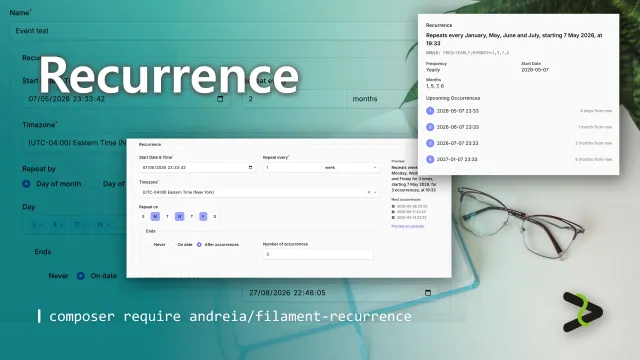
Recurrence
Complete recurring patterns support to your app — beautiful UI components, RFC 5545-compliant rules, and Eloquent integration out of the box.
Author:
Andréia Bohner
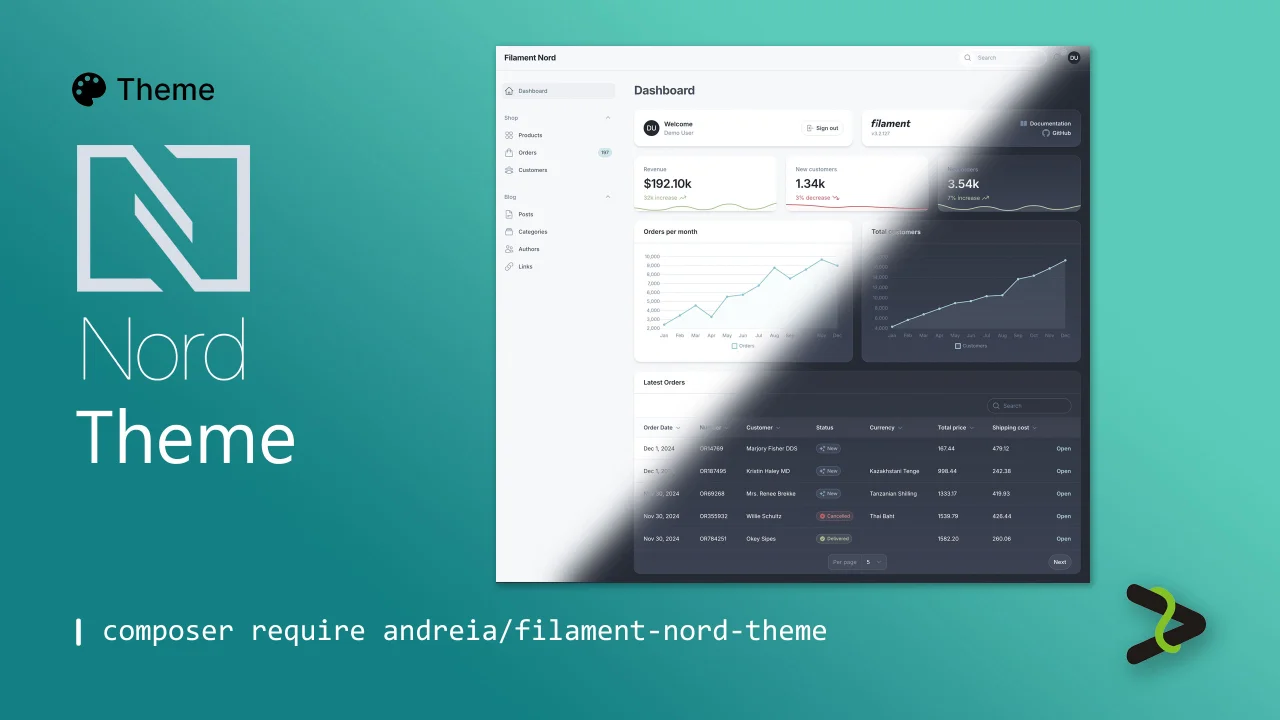
Nord theme
Dark and light arctic Nord theme.
Author:
Andréia Bohner
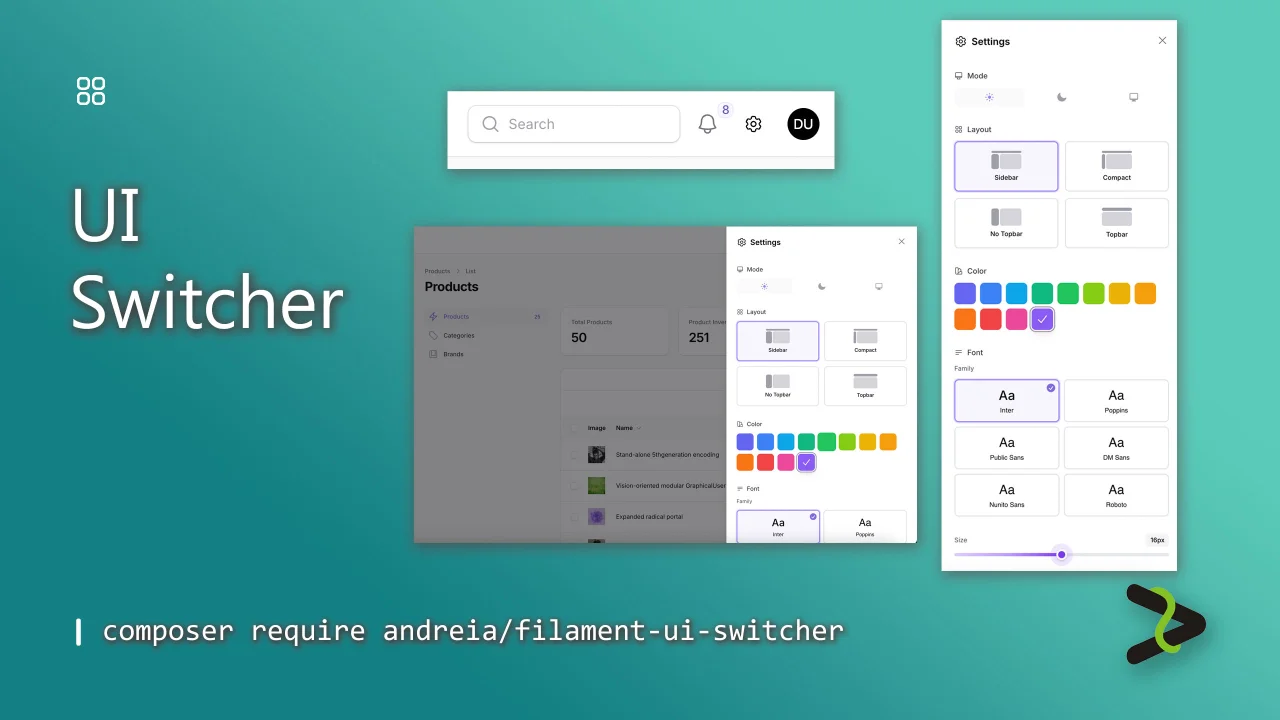
UI Switcher
Add instant UI customization to your Filament panels. Users can switch between color scheme, select their favorite font, adjust text size, and toggle between the available Filament layouts from a settings icon.
Author:
Andréia Bohner
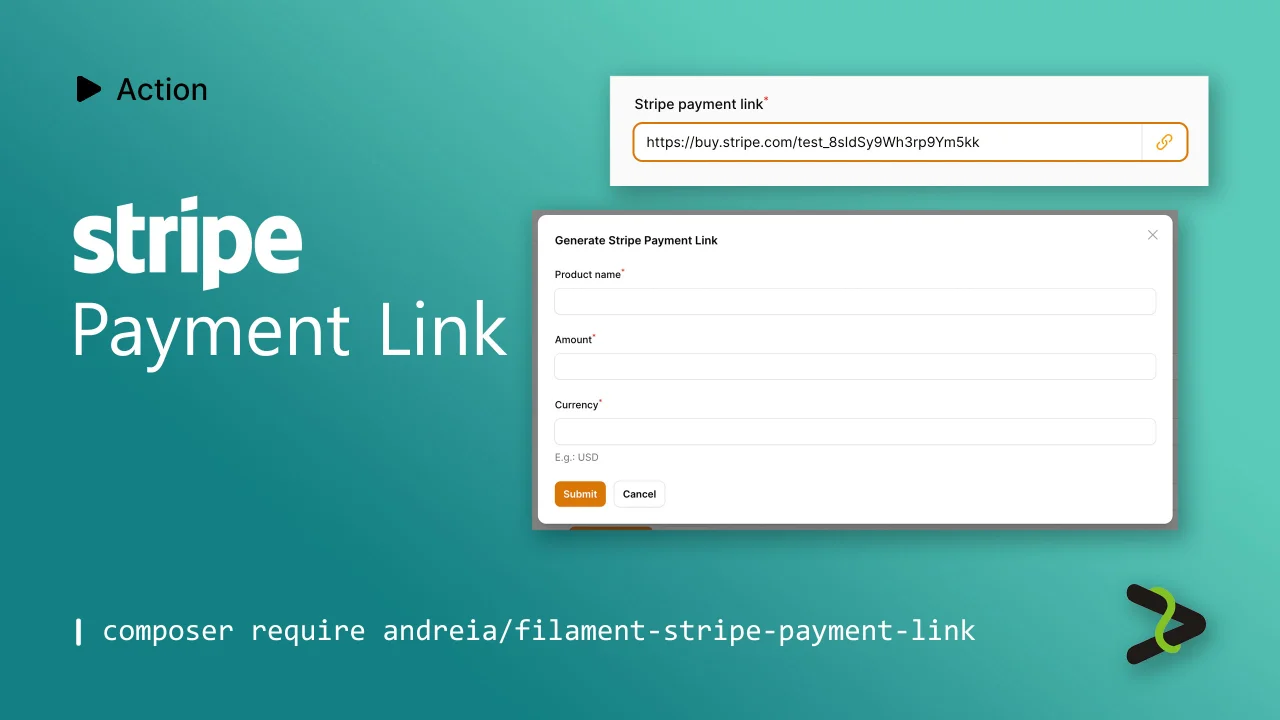
Stripe Payment Link
Action to generate a Stripe Payment Link.
Author:
Andréia Bohner
Featured Plugins
A selection of plugins curated by the Filament team

Blueprint
Filament Blueprint is a premium Laravel Boost extension that helps AI agents produce accurate, detailed implementation plans and security reports for Filament apps.
 Filament

Custom Fields
Eliminate custom field migrations forever. Let your users create and manage form fields directly in Filament admin panels with 20+ built-in field types, validation, and zero database changes.
 Relaticle

Compact Theme
A theme that makes data-heavy panels easier to scan by fitting more useful information on each screen.
Filament

