
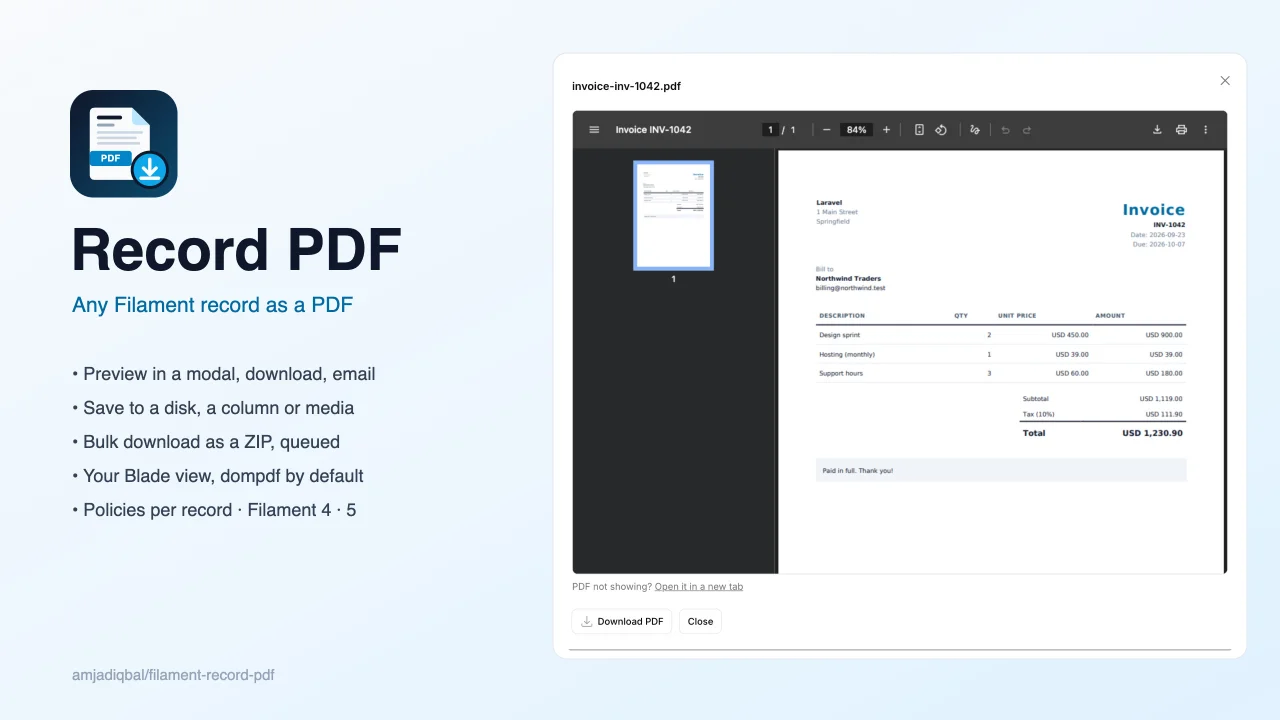
Record PDF by Muhammad Amjad
CommunityPreview, download, email, save or bulk-download as a ZIP any Filament record as a PDF rendered from your own Blade view, using spatie/laravel-pdf with the pure-PHP dompdf driver by default so no Chromium is needed.
 Author:
Muhammad Amjad
Author:
Muhammad Amjad
Package health
Automated checks of this plugin's Composer package
15 checks
- Skipped: GitHub Actions pinned to SHA
- Skipped: GitLab CI includes pinned to SHA
- Skipped: Open security advisories
- Passed: Dependabot PR responsiveness — No open Dependabot PRs.
- Skipped: Renovate MR responsiveness
- Skipped: Dependabot or Renovate configured
- Skipped: Dependency update cooldown configured
- Failed: Provides a security policy — View details on Plumb
- Passed: Abandoned or archived — No consulted source marks the package abandoned (packagist, github).
- Passed: Commit and release recency — Active: last commit 0 days ago; no release date available.
-
Passed:
composer.lock not committed by library
—
composer.lockis absent from the released dist archive. - Passed: Dist archive is lean
-
Passed:
Current Laravel version supported
—
Package dependencies resolve together with current Laravel
13.0. -
Passed:
Current PHP version supported
—
Constraint
^8.2supports current PHP8.5. - Skipped: Current Symfony version supported
filament/
namespace. Review the source and install at your own risk. Found
malware or an unresolved security issue the author won't
address?
Report it
.
Documentation
- What you get
- Requirements
- Installation
- Usage
- Authorization
- Drivers
- Configuration
- Testing
- Changelog
- Support
- Need this customised, or something built?
- More packages
- Credits
- License
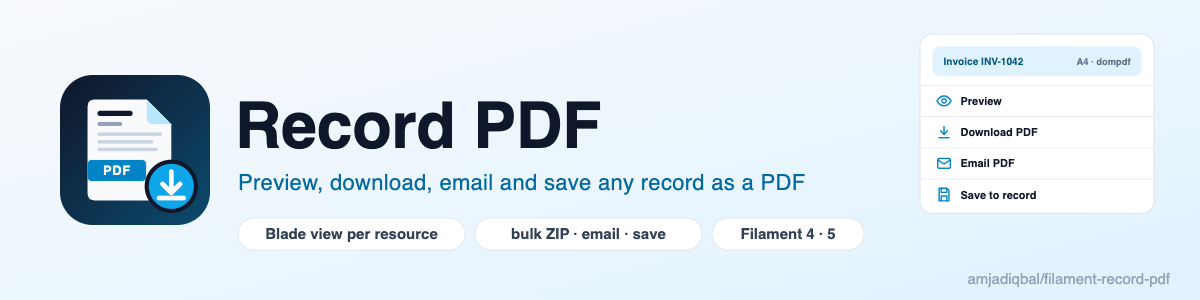
Preview, download, bulk-download as a ZIP, email and save any Filament 4 or 5 record as a PDF, from a Blade view you write per resource. Rendering happens on the server through spatie/laravel-pdf, with the pure-PHP dompdf driver by default, so it works on any host without Chromium or Node.



#What you get
| Action | Where | What it does |
|---|---|---|
PreviewPdfAction |
row, page header | Opens the PDF in a modal, with a download button |
DownloadPdfAction |
row, page header | Downloads the PDF |
EmailPdfAction |
row, page header | Asks for recipients, subject and message, then sends the PDF as an attachment |
SavePdfAction |
row, page header | Saves the PDF to a disk (and optionally a column), or to a media library collection |
BulkDownloadPdfAction |
table toolbar | Downloads the selected records as a ZIP of PDFs. Large selections are built on the queue |
All five actions take the same options, so one view and one file-name rule cover every action on a resource.
#Requirements
- PHP 8.2+
- Laravel 12 or 13
- Filament 4 or 5
ext-zipfor the bulk ZIP action (most PHP builds include it)
#Installation
composer require amjadiqbal/filament-record-pdf
That is all you need for the dompdf driver: spatie/laravel-pdf and dompdf/dompdf are installed with the plugin.
There are no assets to publish and no migrations to run.
You can publish the config if you want to change it:
php artisan vendor:publish --tag="filament-record-pdf-config"
#Usage
Add the actions to a resource table:
use AmjadIqbal\FilamentRecordPdf\Actions\BulkDownloadPdfAction;
use AmjadIqbal\FilamentRecordPdf\Actions\DownloadPdfAction;
use AmjadIqbal\FilamentRecordPdf\Actions\EmailPdfAction;
use AmjadIqbal\FilamentRecordPdf\Actions\PreviewPdfAction;
use AmjadIqbal\FilamentRecordPdf\Actions\SavePdfAction;
use Filament\Actions\ActionGroup;

public static function table(Table $table): Table
{
    return $table
        ->columns([/* ... */])
        ->recordActions([
            ActionGroup::make([
                PreviewPdfAction::make()->pdfView('pdf.invoice'),
                DownloadPdfAction::make()->pdfView('pdf.invoice'),
                EmailPdfAction::make()->pdfView('pdf.invoice')
                    ->defaultRecipient(fn (Invoice $record) => $record->customer_email),
                SavePdfAction::make()->pdfView('pdf.invoice')->saveToColumn('pdf_path'),
            ]),
        ])
        ->toolbarActions([
            BulkDownloadPdfAction::make()->pdfView('pdf.invoice'),
        ]);
}
On a View or Edit page, put the same actions in getHeaderActions().
If you don't set pdfView(), a built-in view lists the record's attributes (hidden attributes are left out). This
lets you try the plugin before you write your own view.
#Write the Blade view
Create a starter view:
php artisan make:record-pdf-view invoice --preset=invoice
This creates resources/views/pdf/invoice.blade.php. The view receives $record, plus anything you pass with
pdfData():
DownloadPdfAction::make()
    ->pdfView('pdf.invoice')
    ->pdfData(fn (Invoice $record) => [
        'invoice' => [
            'number' => $record->number,
            'date' => $record->issued_at->toDateString(),
            'currency' => 'USD',
            'from' => [config('app.name'), '1 Main Street'],
            'to' => [$record->customer->name, $record->customer->address],
            'items' => $record->lines->map(fn ($line) => [
                'description' => $line->description,
                'quantity' => $line->quantity,
                'unit_price' => $line->unit_price,
            ])->all(),
            'tax_rate' => 10,
        ],
    ]);
You can also use the invoice preset (filament-record-pdf::presets.invoice) directly, without copying it. Its
logo can be a local file path (for example public_path('logo.png')): the preset embeds it as a data URI, because
dompdf only reads local files inside its chroot. In your own views, embed images the same way or set
LARAVEL_PDF_DOMPDF_CHROOT.
dompdf handles HTML tables, floats and most of CSS 2.1, but not flexbox or grid. Use tables for layout, and the
bundled "DejaVu Sans" font for non-Latin text. spatie/laravel-pdf's @pageBreak directive works in these views.
#Shared options
Every action accepts:
->pdfView('pdf.invoice')                                  // string or fn (Model $record)
->pdfData(fn (Invoice $record) => [...])                  // merged with ['record' => $record]
->pdfFilename(fn (Invoice $record) => "Invoice {$record->number}")  // becomes invoice-inv-1042.pdf
->pdfFormat('letter')                                     // a4 (default), letter, legal, a3, a5 ...
->pdfLandscape()
->pdfDriver('browsershot')                                // per action; the default comes from config
->modifyPdfUsing(fn (PdfBuilder $pdf, Invoice $record) => $pdf->margins(10, 10, 10, 10))
->pdfAbility(['downloadPdf', 'view'])                     // see Authorization
->authorizePdfUsing(fn (Invoice $record, ?User $user) => $user?->is($record->owner))
File names are cleaned to lowercase letters, digits and dashes, and .pdf is added. Record data such as
../../.env in an invoice number can never become a path.
#Preview
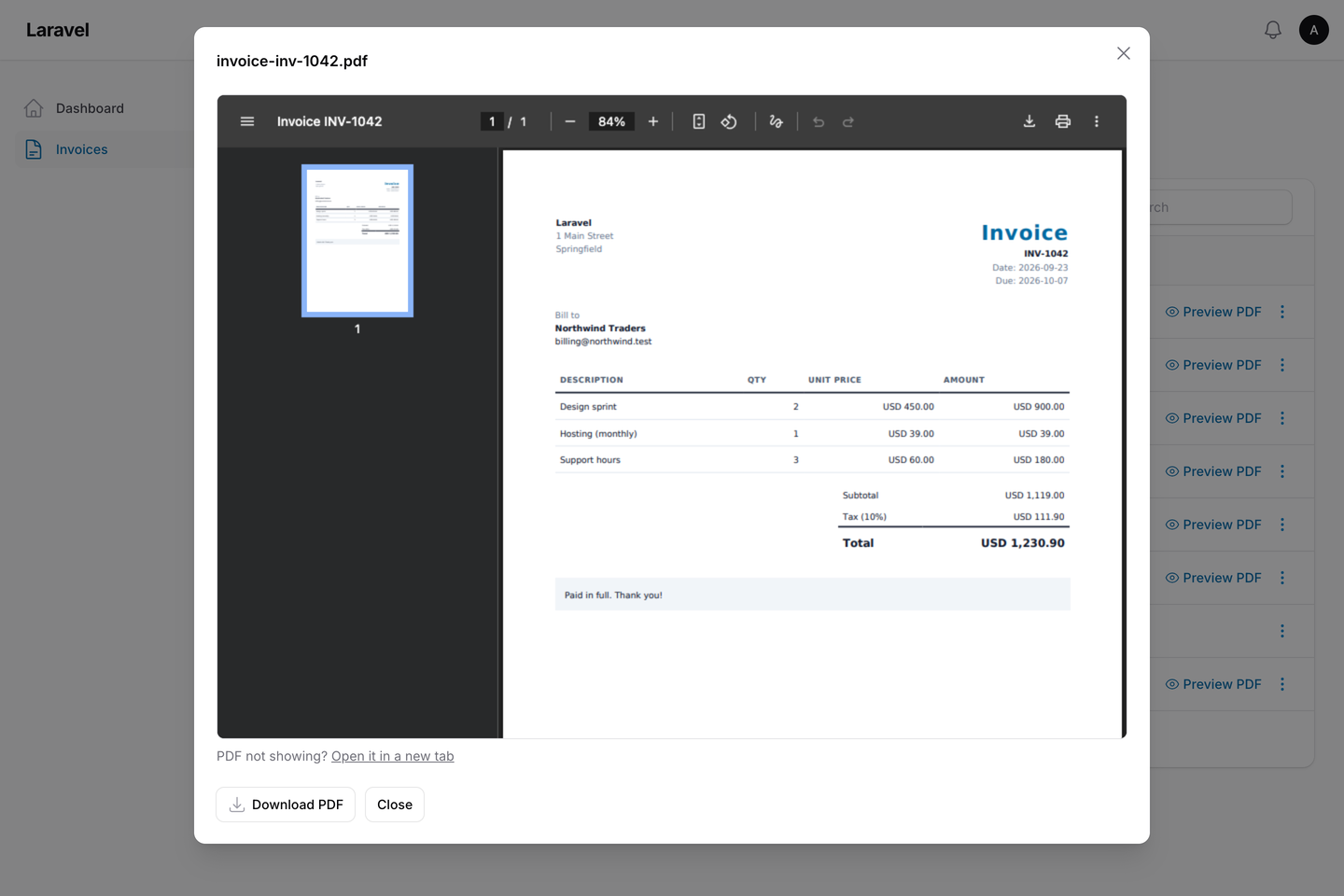
PreviewPdfAction renders the PDF once and shows it in an iframe. The PDF is kept in the cache for preview_ttl
minutes (default 10). Its URL is signed, it expires, and it only works for the user who opened the preview. The
modal's download button uses the same file. Hide the button with ->downloadButton(false).
The PDF is stored base64-encoded, so a store with a small item limit (memcached's default is 1 MB) can refuse a large
one; the action then says so. Point RECORD_PDF_CACHE_STORE at file, database or redis in that case.
EmailPdfAction shows a form with To (up to 10 addresses, separated by commas, semicolons or spaces; duplicates
are removed), Subject and Message.
EmailPdfAction::make()
    ->defaultRecipient(fn (Invoice $record) => $record->customer_email)
    ->defaultSubject(fn (Invoice $record) => "Invoice {$record->number}")
    ->defaultMessage('Please find your invoice attached.')
    ->queueMail()                       // or set filament-record-pdf.mail.queue
    // the closure can also take Model $record and array $data (the form values)
    ->sendUsing(fn (array $recipients, RecordPdfMail $mail) => Mail::mailer('postmark')->to($recipients)->send($mail));
#Save
SavePdfAction::make()
    ->disk('s3')                                   // default: filament-record-pdf.disk (local)
    ->directory(fn (Invoice $record) => 'invoices/'.$record->issued_at->year)
    ->visibility('private')
    ->saveToColumn('pdf_path')                     // stores the path on the record
    ->overwrite(false)                             // keep old files and add a timestamp to the new one
    ->afterSaving(fn (Invoice $record, string $path, string $disk) => /* ... */);
The directory must be relative to the disk root. Absolute paths, drive letters, URLs and . or .. segments throw
an exception before anything is written.
To save into a spatie/laravel-medialibrary collection instead
(the model must implement HasMedia):
SavePdfAction::make()->toMediaCollection('pdfs');
#Bulk ZIP
BulkDownloadPdfAction::make()
    ->pdfView('pdf.invoice')
    ->zipFilename(fn () => 'invoices-'.now()->toDateString())
    ->queueAfter(25);   // null never queues, 0 always queues
For up to queue_after records (default 25), the ZIP is built and downloaded straight away. Above that, the
plugin renders the HTML during the request, and a queued job renders the PDFs, stores the ZIP on the configured
disk, and sends the user a Filament database notification with a download link. The link is signed, expires after
bulk.link_hours (default 24), and only works for that user.
Queueing needs ->databaseNotifications() on the panel and a running queue worker. The ZIP is always built straight
away when the panel has no database notifications, when no user is signed in, or when modifyPdfUsing() is set (a
closure cannot be queued).
One download can include up to bulk.max_records records (default 500). Records the user may not access are
skipped, and the user is told how many were skipped.
Queued ZIPs stay in zip_directory (one folder per download) until you delete them, for example with a scheduled
task that removes folders older than a day.
#Authorization
Each record is checked against its model's policy. The first ability that the policy defines decides:
| Action | Abilities, in order |
|---|---|
| Preview | viewPdf, downloadPdf, view |
| Download, and each record of a bulk download | downloadPdf, view |
| Bulk download button (no record yet) | downloadAnyPdf, viewAny |
emailPdf, view |
|
| Save | savePdf, update |
So InvoicePolicy::view() already guards downloads. Add downloadPdf() to the policy if users may view an invoice
but not download it. If the model has no policy, or the policy defines none of these methods, access to the panel is
the only check. Single-record actions the user may not use are hidden. The bulk action is hidden when the policy's
downloadAnyPdf() or viewAny() denies; otherwise it shows, checks each selected record when it runs, skips the ones
the user may not access and says how many were skipped. Change the abilities with ->pdfAbility() (and
->pdfAnyAbility() on the bulk action), or replace the record check with ->authorizePdfUsing().
#Drivers
| Driver | What the server needs |
|---|---|
dompdf (default) |
Nothing extra: pure PHP |
browsershot |
composer require spatie/browsershot, Node, Puppeteer and Chromium |
chrome |
composer require chrome-php/chrome and a Chrome binary |
gotenberg |
A running Gotenberg service |
cloudflare |
A Cloudflare account with Browser Rendering |
weasyprint |
composer require pontedilana/php-weasyprint and the WeasyPrint binary |
Set RECORD_PDF_DRIVER=browsershot (or driver in the config), or use ->pdfDriver() on a single action. Each
driver's own options are in spatie/laravel-pdf's config/laravel-pdf.php. This plugin has its own driver setting,
so laravel-pdf's default (Browsershot) does not apply here unless you choose it.
#Configuration
return [
    'driver' => env('RECORD_PDF_DRIVER', 'dompdf'),
    'format' => 'a4',
    'landscape' => false,
    'default_view' => 'filament-record-pdf::default',
    'disk' => env('RECORD_PDF_DISK', 'local'),
    'directory' => 'record-pdfs',
    'zip_directory' => 'record-pdfs/zips',
    'visibility' => 'private',
    'preview_ttl' => 10,
    'cache_store' => env('RECORD_PDF_CACHE_STORE'),
    'route_prefix' => 'filament-record-pdf',
    'route_middleware' => ['web'],
    'bulk' => ['queue_after' => 25, 'connection' => null, 'queue' => null, 'link_hours' => 24, 'max_records' => 500],
    'mail' => ['queue' => false],
];
Publish the translations with --tag="filament-record-pdf-translations" and the views with
--tag="filament-record-pdf-views".
#Testing
composer test
scripts/ci-local.sh runs Pint, PHPStan and the tests on PHP 8.2 to 8.5, Laravel 12 and 13, and Filament 4 and 5.
It also tests the lowest supported versions of spatie/laravel-pdf and dompdf.
#Changelog
See CHANGELOG.md.
#Support
- 🐛 Bug or feature request: open an issue
- 🔒 Security issue: please report it privately through GitHub's security tab
#Need this customised, or something built?
I'm available for custom development, package integration, and technical consulting.

#More packages
This is part of a family of open-source packages. See all of them.
| filament-xlsx-import | Excel (.xlsx) and .ods files in Filament's core ImportAction |
| filament-deleted-records | A recycle bin for spatie/laravel-deleted-models in Filament |
| filament-change-requests | Hold record edits in Filament for approval, with a field-by-field diff |
#Credits
- Amjad Iqbal
- PDF rendering: spatie/laravel-pdf by Spatie (MIT) and dompdf (LGPL-2.1). This plugin is not affiliated with or endorsed by Spatie.
#License
The MIT License (MIT). See LICENSE.md.
The author
I am a seasoned full-stack web developer specializing in Laravel, Livewire, and Vue.js ecosystems. With extensive experience in building modern web applications, I leverage the power of Laravel's elegant syntax and robust features to create scalable backend solutions. My expertise extends to crafting responsive and interactive user interfaces using Livewire and Vue.js, enhanced by the utility-first approach of Tailwind CSS.
From the same author
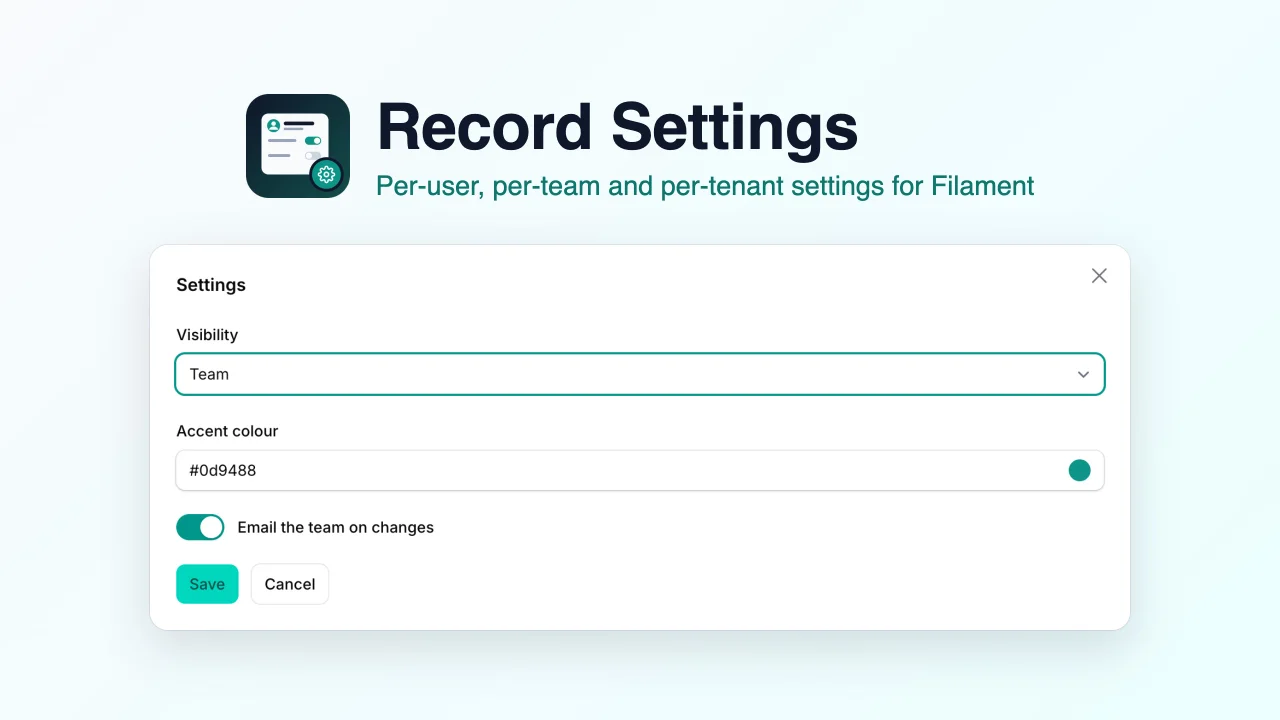
Record Settings
Edit per-user, per-team and per-tenant settings in Filament from a settings page, a modal action or resource form fields, stored with glorand/laravel-model-settings or in a JSON column.
Author:
Muhammad Amjad
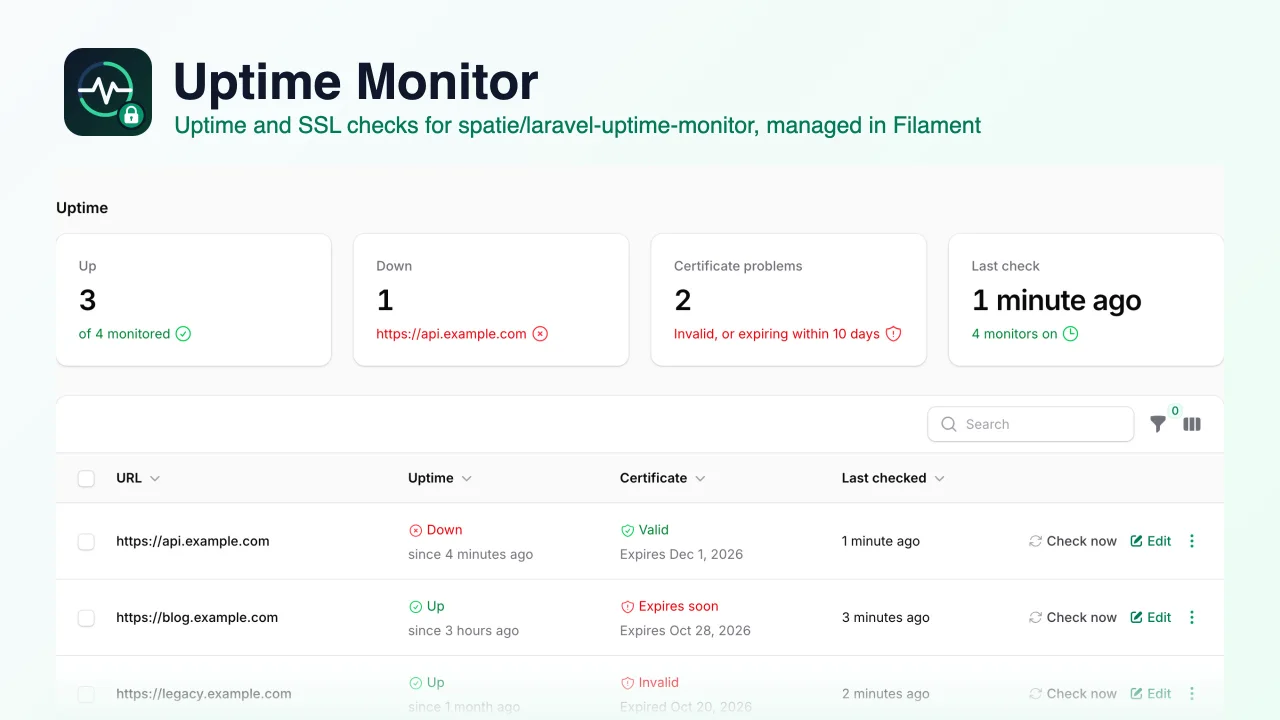
Uptime Monitor
An admin UI for spatie/laravel-uptime-monitor that lets you add, edit, turn on and off and check uptime and SSL certificate monitors from your Filament panel, with status filters and a dashboard widget.
Author:
Muhammad Amjad
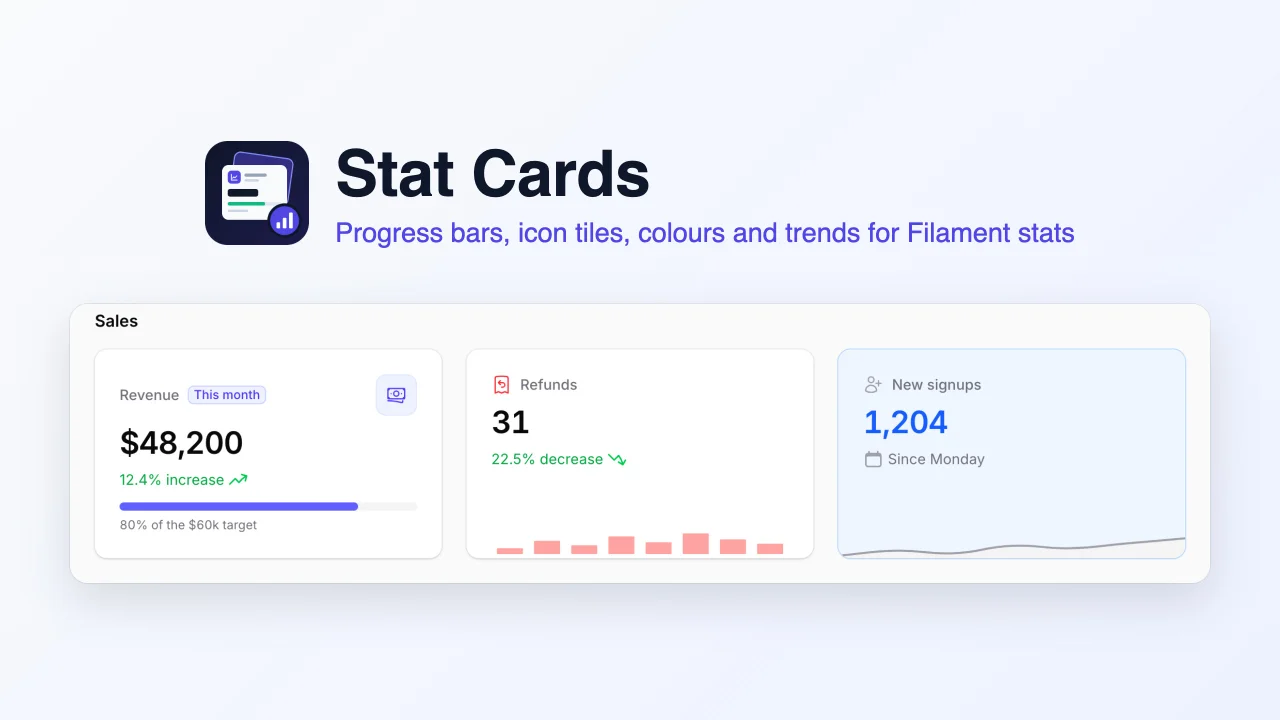
Stat Cards
Richer stat cards for the Filament stats overview widget, adding progress bars, icon tiles, background, label and value colours, trends, badges and bar charts to the widget you already have.
Author:
Muhammad Amjad
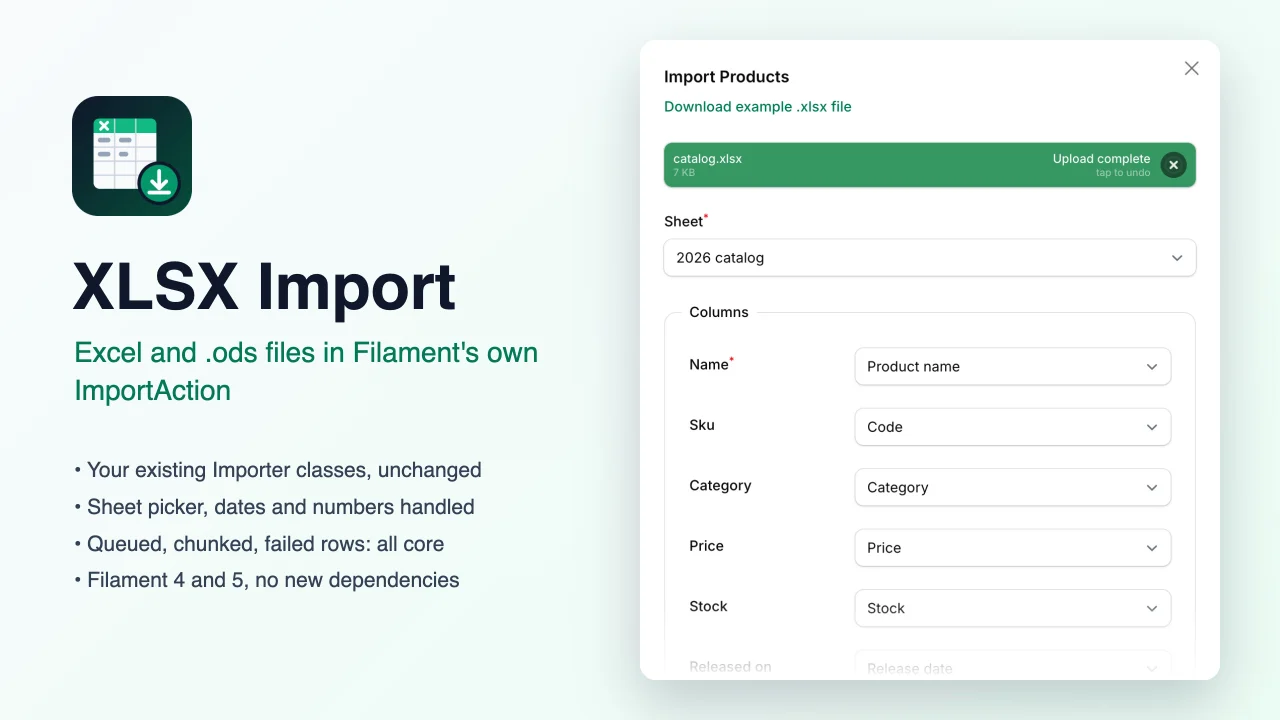
XLSX Import
Lets Filament's own ImportAction read Excel (.xlsx) and OpenDocument (.ods) workbooks as well as CSV, with a sheet picker, while your existing Importer classes, queued jobs and failed-rows downloads keep working unchanged.
Author:
Muhammad Amjad
Featured Plugins
A selection of plugins curated by the Filament team

Noir Theme
A theme that gives panels a focused, refined look with near-black surfaces, crisp actions, and restrained color.
 Filament

Advanced Tables (formerly Filter Sets)
Supercharge your tables with powerful features like user-customizable views, quick filters, multi-column sorting, advanced table searching, convenient view management, and more. Compatible with Resource Panel Tables, Relation Managers, Table Widgets, and Table Builder!
 Kenneth Sese

Custom Fields
Eliminate custom field migrations forever. Let your users create and manage form fields directly in Filament admin panels with 20+ built-in field types, validation, and zero database changes.
 Relaticle
