
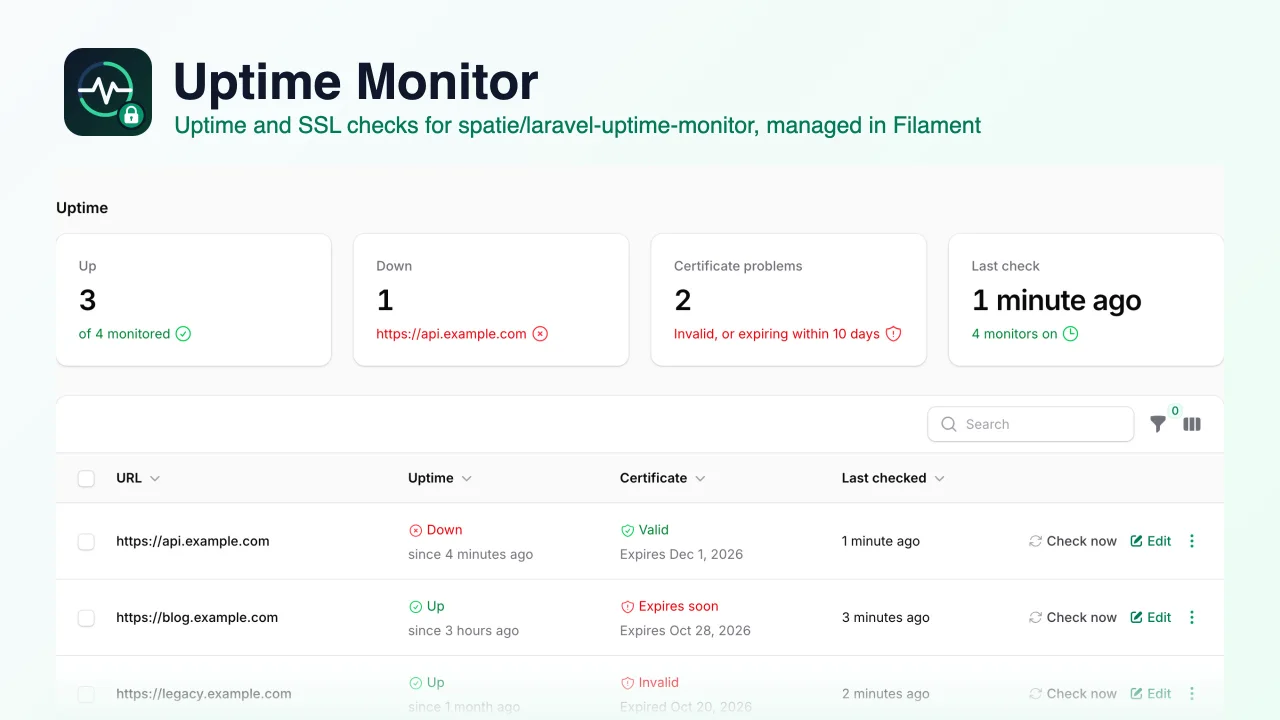
Uptime Monitor by Muhammad Amjad
CommunityAn admin UI for spatie/laravel-uptime-monitor that lets you add, edit, turn on and off and check uptime and SSL certificate monitors from your Filament panel, with status filters and a dashboard widget.
 Author:
Muhammad Amjad
Author:
Muhammad Amjad
Package health
Automated checks of this plugin's Composer package
15 checks
- Skipped: GitHub Actions pinned to SHA
- Skipped: GitLab CI includes pinned to SHA
- Passed: Open security advisories
- Passed: Dependabot PR responsiveness — No open Dependabot PRs.
- Skipped: Renovate MR responsiveness
- Skipped: Dependabot or Renovate configured
- Skipped: Dependency update cooldown configured
- Failed: Provides a security policy — View details on Plumb
- Passed: Abandoned or archived — No consulted source marks the package abandoned (packagist, github).
- Passed: Commit and release recency — Active: last commit 0 days ago; last release 0 days ago.
-
Passed:
composer.lock not committed by library
—
composer.lockis absent from the released dist archive. - Passed: Dist archive is lean
-
Passed:
Current Laravel version supported
—
Package dependencies resolve together with current Laravel
13.0. -
Passed:
Current PHP version supported
—
Constraint
^8.2supports current PHP8.5. - Skipped: Current Symfony version supported
filament/
namespace. Review the source and install at your own risk. Found
malware or an unresolved security issue the author won't
address?
Report it
.
Documentation
- What it does
- Requirements
- Installation
- Configuration
- Permissions
- Private addresses
- How it maps to the package
- Translations
- Testing
- Changelog
- Support
- Need this customised, or something built?
- More packages
- Credits
- License
An admin UI for spatie/laravel-uptime-monitor in your Filament panel. Add, edit, turn on and off and delete monitors, see uptime and SSL certificate status at a glance, and check a site right now instead of waiting for the scheduler. It works with Filament 4 and 5.



#What it does
spatie/laravel-uptime-monitor checks your sites on a schedule and notifies you when one goes down, comes back, or
has a certificate problem. You manage it from the command line (monitor:create, monitor:list, ...). This plugin
adds the screen for it:
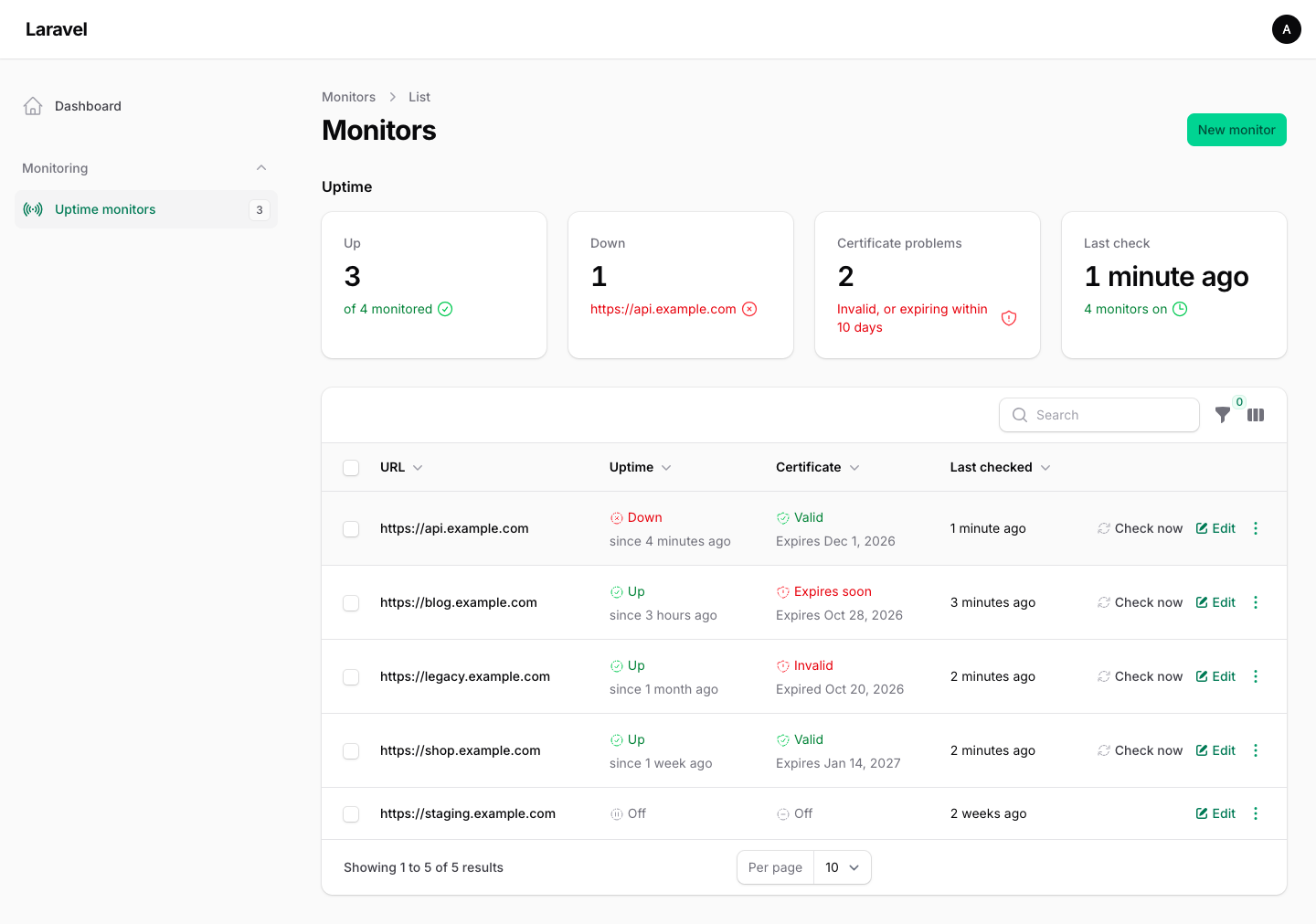
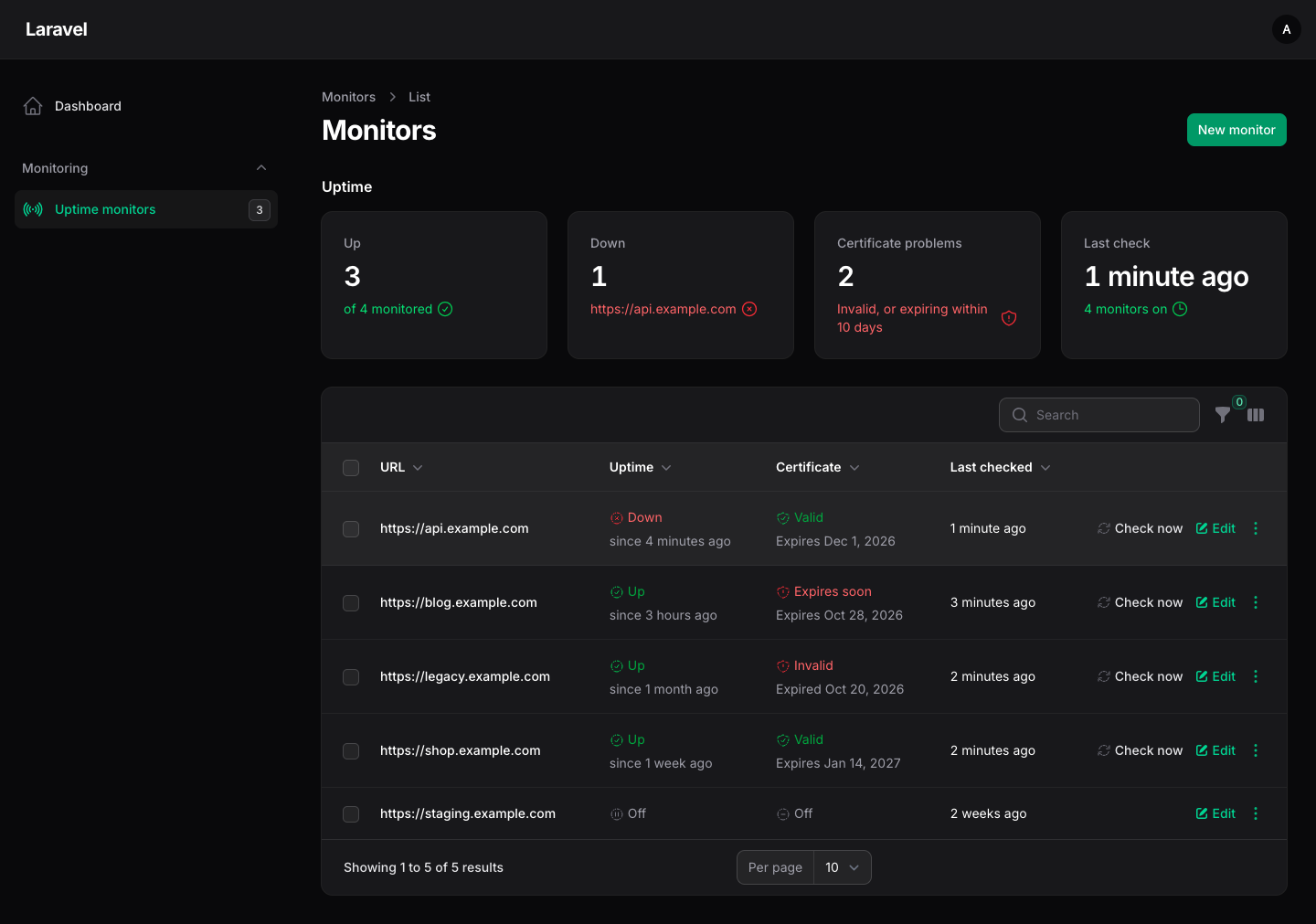
- Monitors page: every monitor with its uptime status (up, down, not checked yet, off) and how long it has been that way, the certificate status with its expiry date, and when it was last checked. Hover a down site or an invalid certificate to read the reason.
- Filters: uptime, certificate (valid, expires soon, invalid, not checked, off), on or off, and "needs attention".
- Add and edit: URL, uptime and certificate checks, interval, HTTP method, text to look for, request body and extra headers. Changing the URL resets the old status.
- Check now: run the uptime and certificate checks for one monitor, or for a selection, with the package's own code and config. You see the result straight away. Each user may check up to 30 monitors a minute: every monitor that is on and that the user may check counts, including one that is then skipped for a private address. A bulk check over 20 selected monitors is refused as a whole. Both limits are configurable.
- Turn on and off, one at a time or in bulk, using the package's
enable()anddisable(). - Dashboard widget: up, down, certificate problems, and the time of the last check, with a hint when the scheduler seems to have stopped.
- Navigation badge with the number of monitors that need attention.
It uses the package's model, table and config as they are. It adds no tables or migrations of its own and does not change how the scheduled checks or notifications work.
#Requirements
- PHP 8.2+ (with Filament 5, tested on PHP 8.3+)
- Laravel 12 or 13
- Filament 4 or 5
- spatie/laravel-uptime-monitor 4.7+
#Installation
Laravel 13: add
-W. A new Laravel 13 app ships Guzzle 8, but spatie/laravel-uptime-monitor needs Guzzle 7 (this plugin requires ^4.7; 4.7.0 and 4.7.1, the 4.7+ releases so far, require^7.4|^7.2). A plaincomposer require amjadiqbal/filament-uptime-monitorstops with "guzzlehttp/guzzle ... is fixed to 8.3.0 (lock file version)" and changes nothing. With-W, Composer moves Guzzle back to 7.16.0 (psr7 2.13.2, promises 2.6.0), which Laravel 13 supports. Tested 2026-10-23 on a new Laravel 13.38.0 + Filament 5.10.3 app: the install succeeded, the app's own tests passed, and Laravel's HTTP client and themonitor:*commands worked. There is no open upstream issue or PR for Guzzle 8 yet (#383, which proposed moving the checks to Laravel's HTTP client, was closed without merging).
# Laravel 12
composer require amjadiqbal/filament-uptime-monitor

# Laravel 13
composer require amjadiqbal/filament-uptime-monitor -W
If you haven't set up the uptime monitor package yet, publish its config and migration, then migrate:
php artisan vendor:publish --provider="Spatie\UptimeMonitor\UptimeMonitorServiceProvider"
php artisan migrate
Schedule its checks (in routes/console.php). The plugin does not schedule anything itself:
use Illuminate\Support\Facades\Schedule;

Schedule::command('monitor:check-uptime')->everyMinute();
Schedule::command('monitor:check-certificate')->daily();
Register the plugin in your panel provider:
use AmjadIqbal\FilamentUptimeMonitor\UptimeMonitorPlugin;

public function panel(Panel $panel): Panel
{
    return $panel
        // ...
        ->plugin(UptimeMonitorPlugin::make());
}
The plugin uses only Filament's own components, so there are no assets to build or publish.
#Configuration
Everything is optional:
UptimeMonitorPlugin::make()
    ->navigationGroup('Monitoring')
    ->navigationSort(10)
    ->navigationLabel('Uptime')
    ->navigationBadge(false)                // hide the "needs attention" count
    ->dashboardWidget(false)                // leave the widget off the dashboard
    ->listWidget(false)                     // and off the monitors page
    ->maxChecksPerRequest(20)               // a bulk "Check now" over this many monitors is refused (default 20)
    ->checksPerMinute(30)                   // monitors one user may check by hand per minute (default 30)
    ->responseCheckers([                    // let users pick a response checker per monitor
        \App\Uptime\JsonHealthChecker::class => 'JSON health endpoint',
    ])
    ->allowPrivateHosts()                   // see "Private addresses" below
    ->resource(\App\Filament\Resources\MyMonitorResource::class); // your own subclass
What comes from the package's config/uptime-monitor.php:
| Setting | Used for |
|---|---|
monitor_model |
The model the page lists and edits (your subclass works) |
uptime_check.run_interval_in_minutes |
The default interval for a new monitor. The "is the scheduler running?" hint uses the shortest interval among monitors with uptime checks on, and this value only when there are none |
certificate_check.fire_expiring_soon_event_if_certificate_expires_within_days |
When a certificate shows "Expires soon" |
uptime_check.*, actions.send_uptime_check_request |
How "Check now" sends the request: timeout, headers, Guzzle options, user agent, your own request action |
notifications.* |
Unchanged: "Check now" fires the package's events, so its notifications go out as usual. If a channel fails (for example the default slack channel with no working webhook), the check result is still saved and the panel shows the error |
#Permissions
By default every user who can open the panel can see and change monitors. Two ways to restrict that:
A policy for the monitor model (Spatie\UptimeMonitor\Models\Monitor, or your monitor_model). The plugin uses
viewAny, create, update, delete and deleteAny. "Check now" uses a checkNow method when the policy has one,
and update when it doesn't. A missing method allows the action.
Gate::policy(\Spatie\UptimeMonitor\Models\Monitor::class, \App\Policies\MonitorPolicy::class);
A closure, which replaces the policy:
UptimeMonitorPlugin::make()
    ->authorizeUsing(fn (string $ability, ?Monitor $record, $user): bool => $user->is_admin);
$ability is one of viewAny, view, create, update, delete, deleteAny and checkNow. Bulk actions check
every selected record and report the ones they skipped.
Monitors are global: the package's table has no tenant column, so in a multi-tenant panel every tenant sees the same
monitors. Restrict the page with a policy or authorizeUsing() there.
#Private addresses
"Check now" makes your server send a request to the monitor's URL. So that a panel user can't use it to reach internal
services, the plugin refuses URLs on localhost or on private, loopback, link-local and other reserved addresses:
- When a monitor is saved, the host is looked up and refused if any of its addresses is private. A host that does not resolve yet is accepted, because its DNS may simply not be live.
- Right before a check started from the panel, the host is looked up again. A private address is skipped, and a host
that does not resolve is marked down ("Could not resolve host"). The request is then pinned to one of the checked
addresses (the first IPv4 one if there is one) with curl's
CURLOPT_RESOLVE, so DNS can't switch to a private address in between. Pinning is skipped for URLs with an IP address as host (nothing to resolve) and whenCURLOPT_RESOLVEisn't available. A redirect to another host is checked against the private list and refused if private, but the redirected request is not pinned. - The pinning and redirect checks run in the plugin's own subclass of the package's request action. If you set your
own
actions.send_uptime_check_requestinconfig/uptime-monitor.php, your action is used as it is, so the pre-check lookup still applies, but pinning and redirect refusal are up to your action. Pinning needs PHP's curl extension, which Guzzle uses by default. - The certificate check opens its own TLS connection to port 443 of the host (the package's code). It only reads the certificate, and it is not pinned.
If you do monitor internal services, allow them:
UptimeMonitorPlugin::make()->allowPrivateHosts();
This guard covers the panel only. The package's scheduled monitor:check-uptime checks every stored monitor as it is.
#How it maps to the package
| Shown | Package state |
|---|---|
| Uptime: Up / Down / Not checked yet | uptime_status (up, down, not yet checked) |
| Uptime: Off | uptime_check_enabled is false |
| Certificate: Valid / Invalid / Not checked yet | certificate_status |
| Certificate: Expires soon | Valid, and certificate_expiration_date within the package's threshold |
| Certificate: Off | certificate_check_enabled is false |
| Needs attention | Uptime down, or certificate invalid or expiring soon |
#Translations
English is included. To translate or change the wording:
php artisan vendor:publish --tag=filament-uptime-monitor-translations
#Testing
composer test
The full matrix (PHP 8.2-8.5, Laravel 12 and 13, Filament 4 and 5; Filament 5 and Laravel 13 from PHP 8.3) runs locally with scripts/ci-local.sh.
#Changelog
See CHANGELOG.md.
#Support
- 🐛 Bug or feature request: open an issue
- 🔒 Security issue: please report it privately through GitHub's security tab
#Need this customised, or something built?
I'm available for custom development, package integration, and technical consulting.

#More packages
This is part of a family of open-source packages. See all of them.
| filament-deleted-records | A recycle bin for Filament, for spatie/laravel-deleted-models |
| filament-change-requests | Hold record edits in Filament for approval, with a field-by-field diff |
| laravel-logpulse | Log health monitoring and alerting for Laravel |
#Credits
- Amjad Iqbal
- Monitoring, checks and notifications: spatie/laravel-uptime-monitor by Spatie (MIT). This plugin is not affiliated with or endorsed by Spatie.
#License
The MIT License (MIT). See LICENSE.md.
The author
I am a seasoned full-stack web developer specializing in Laravel, Livewire, and Vue.js ecosystems. With extensive experience in building modern web applications, I leverage the power of Laravel's elegant syntax and robust features to create scalable backend solutions. My expertise extends to crafting responsive and interactive user interfaces using Livewire and Vue.js, enhanced by the utility-first approach of Tailwind CSS.
From the same author
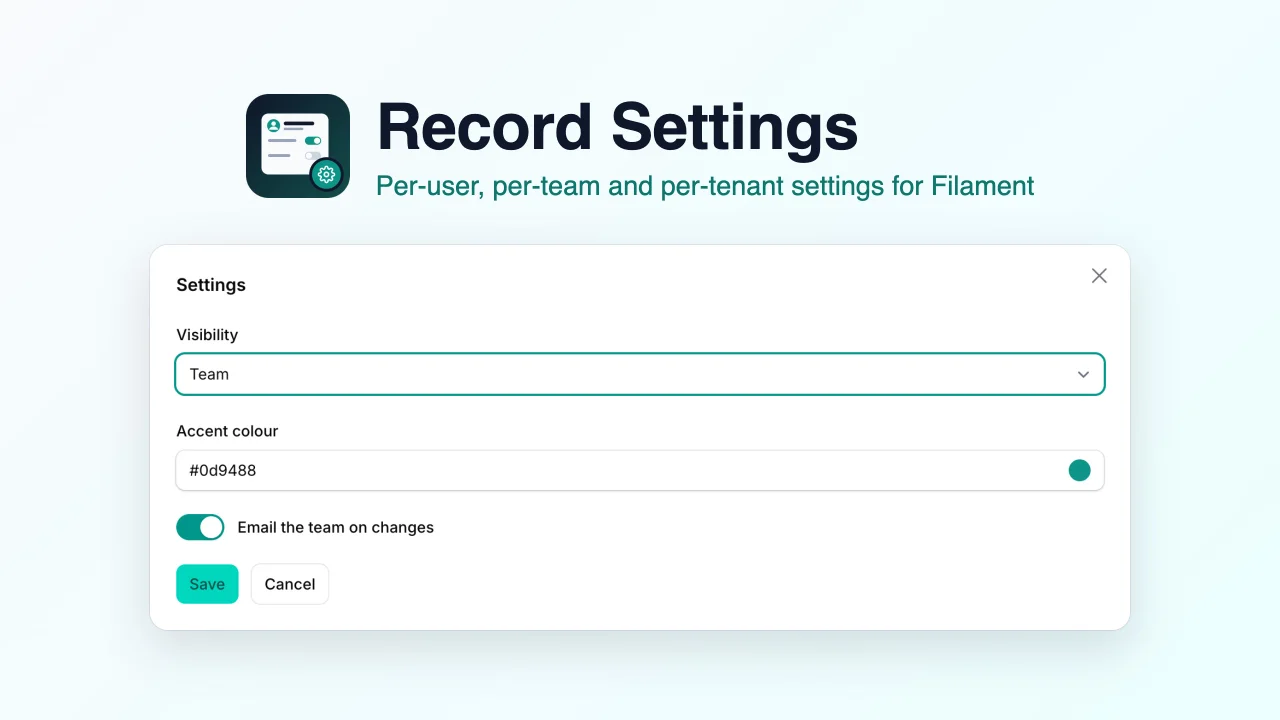
Record Settings
Edit per-user, per-team and per-tenant settings in Filament from a settings page, a modal action or resource form fields, stored with glorand/laravel-model-settings or in a JSON column.
Author:
Muhammad Amjad
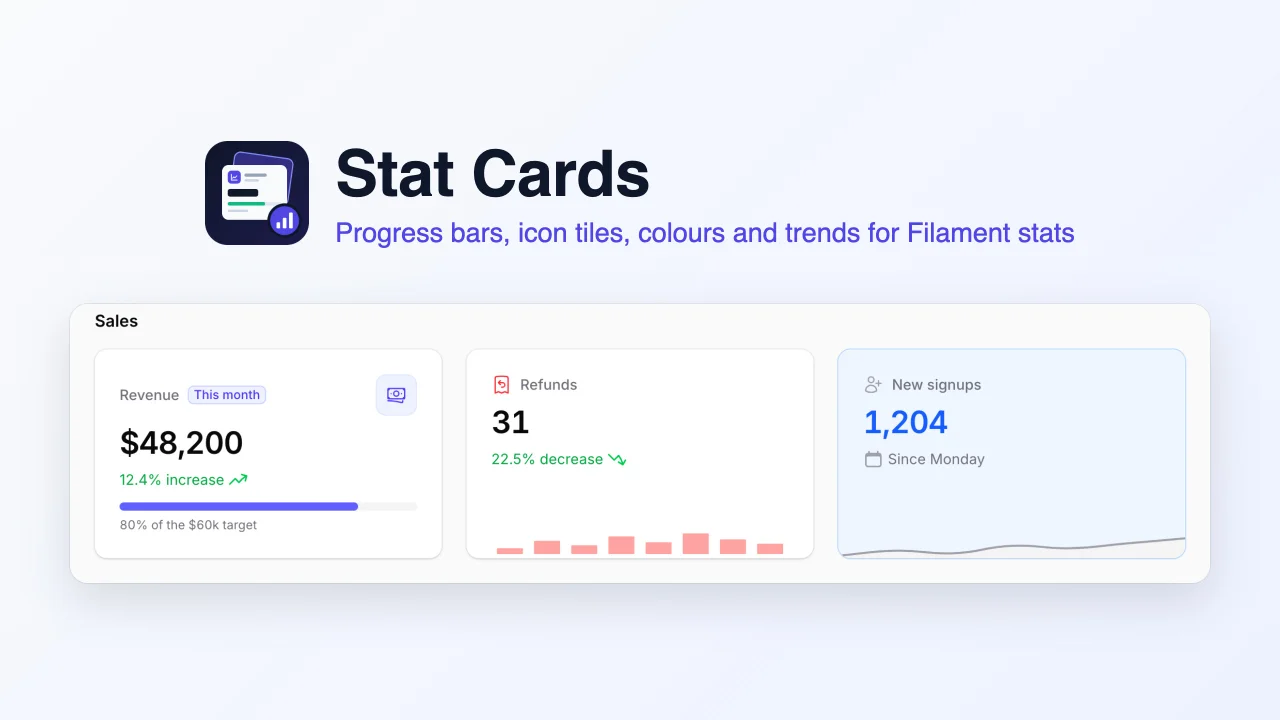
Stat Cards
Richer stat cards for the Filament stats overview widget, adding progress bars, icon tiles, background, label and value colours, trends, badges and bar charts to the widget you already have.
Author:
Muhammad Amjad
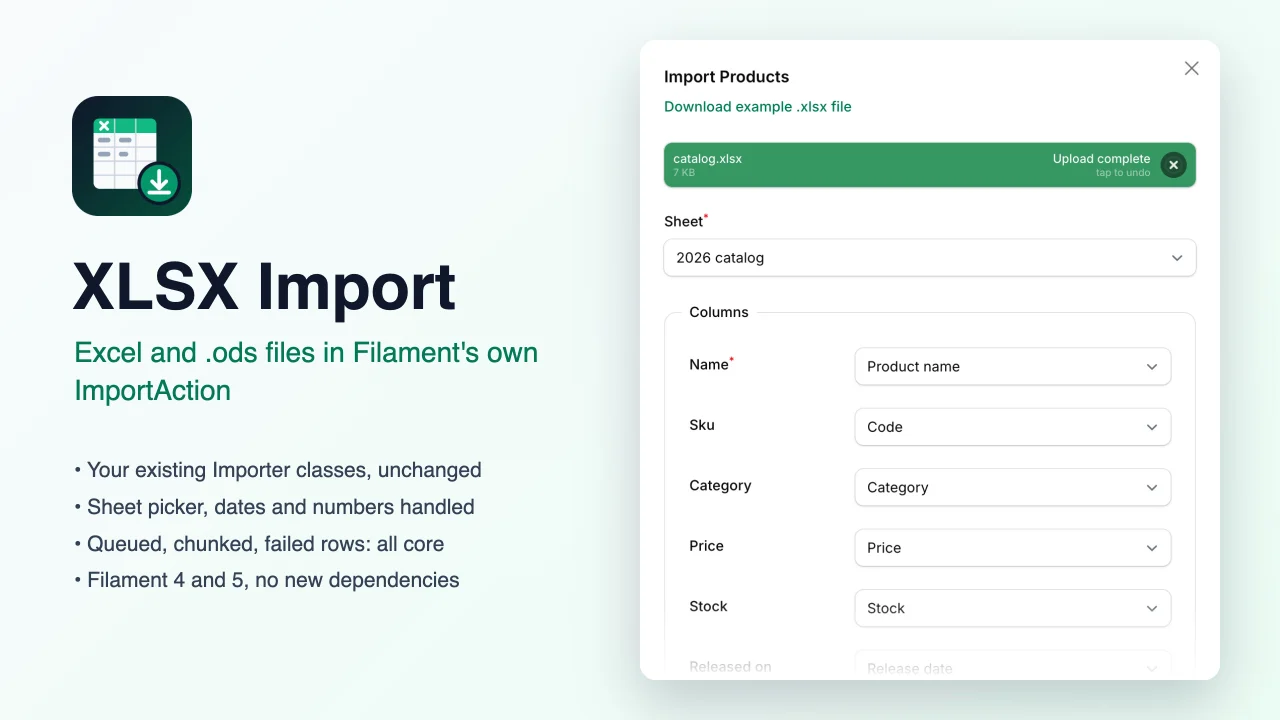
XLSX Import
Lets Filament's own ImportAction read Excel (.xlsx) and OpenDocument (.ods) workbooks as well as CSV, with a sheet picker, while your existing Importer classes, queued jobs and failed-rows downloads keep working unchanged.
Author:
Muhammad Amjad
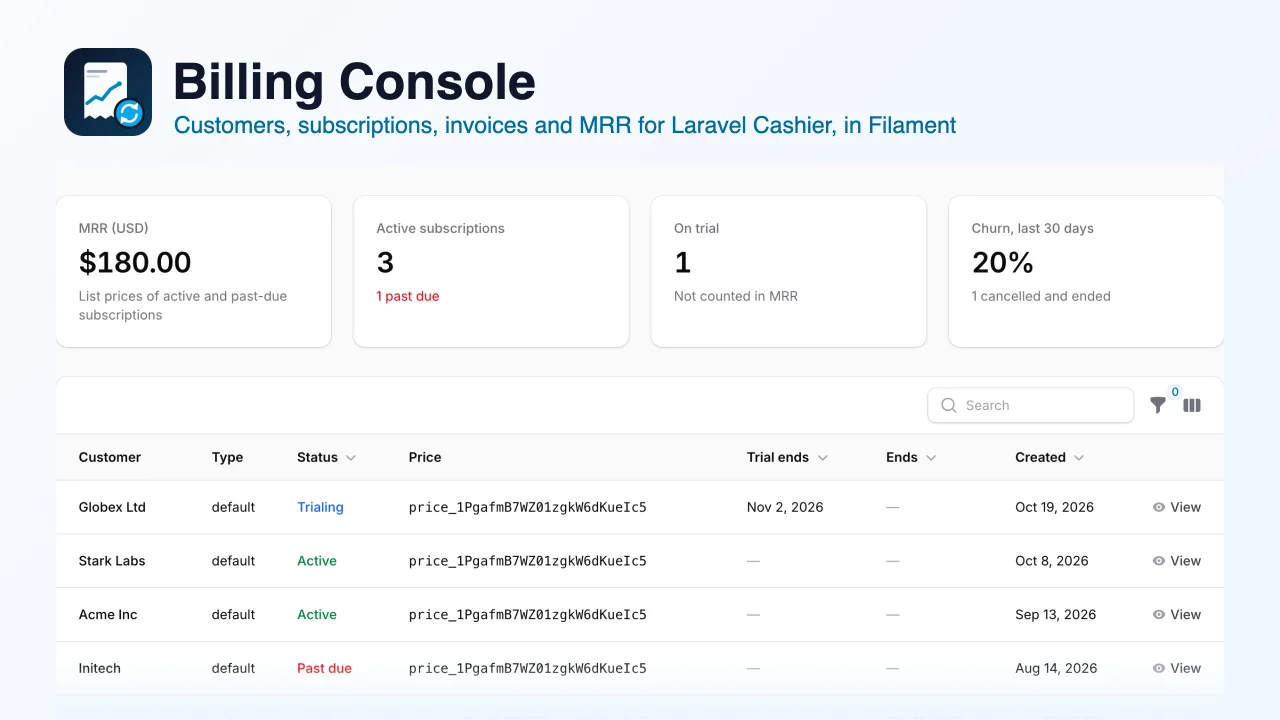
Billing Console
A free, read-only billing console for Laravel Cashier (Stripe) that shows your customers, subscriptions, invoices and payments, with an MRR and churn summary, "Open in Stripe" links and a safe "Sync from Stripe" action, inside your Filament panel.
Author:
Muhammad Amjad
Featured Plugins
A selection of plugins curated by the Filament team

Soft Theme
A theme that gives panels a warm, approachable look with rounded shapes, gentle colors, and serif headings.
 Filament

Noir Theme
A theme that gives panels a focused, refined look with near-black surfaces, crisp actions, and restrained color.
Filament

Spotlight Pro
Browse your Filament Panel with ease. Filament Spotlight Pro adds a Spotlight like Command Palette to your Filament Panel.
 Dennis Koch

