Social Media Manager
Integration of social media platform actions and auth to your panel
 Author:
Fady Mondy
Author:
Fady Mondy
Documentation
- Screenshots
- Features
- Installation
- Use Social Share Component
- Use Social Share Action
- Social Auth Events
- Support Profile Picture And Username
- Publish Assets
- Other Filament Packages


Integration of social media platform actions and auth to your FilamentPHP panel
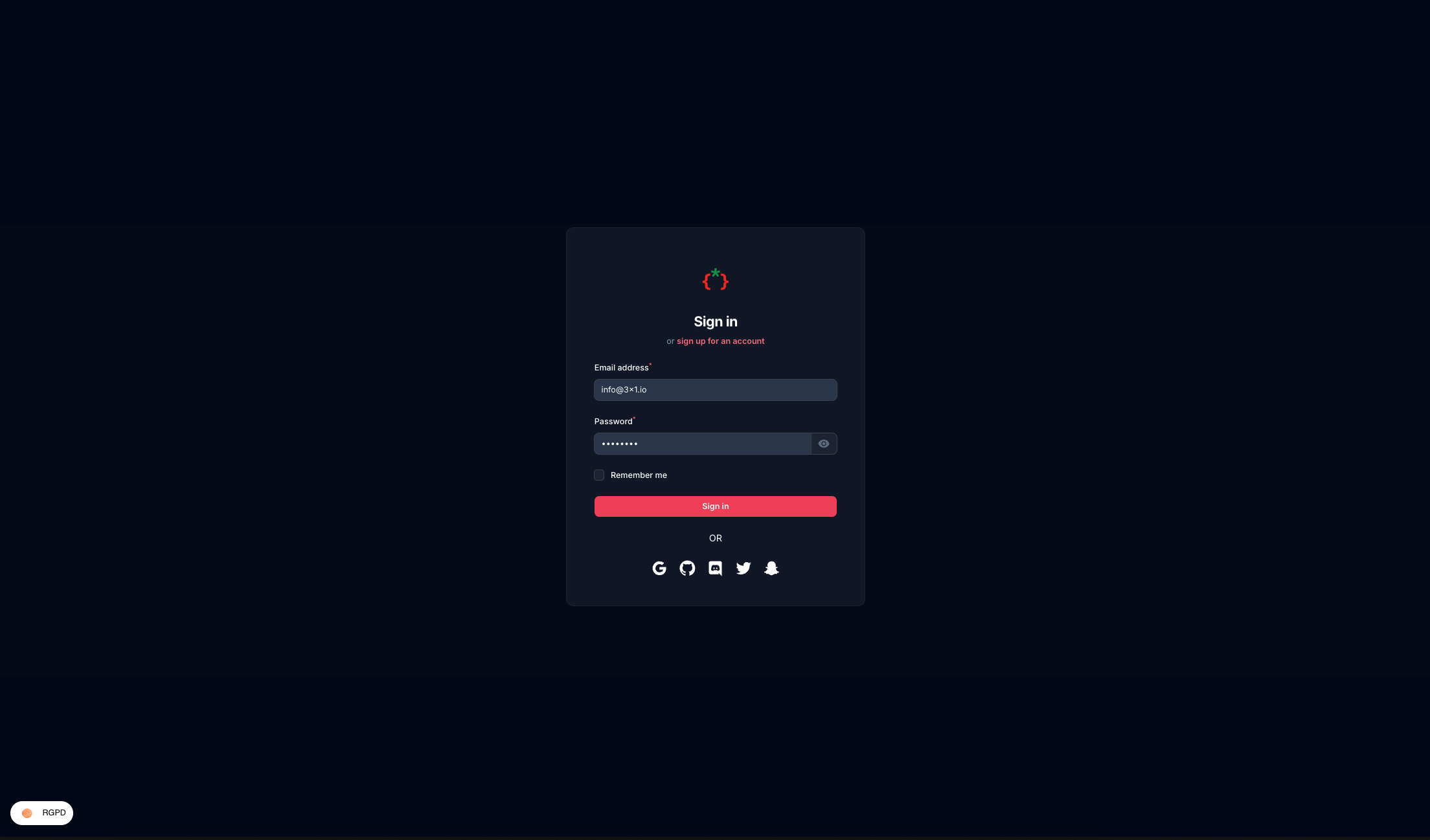
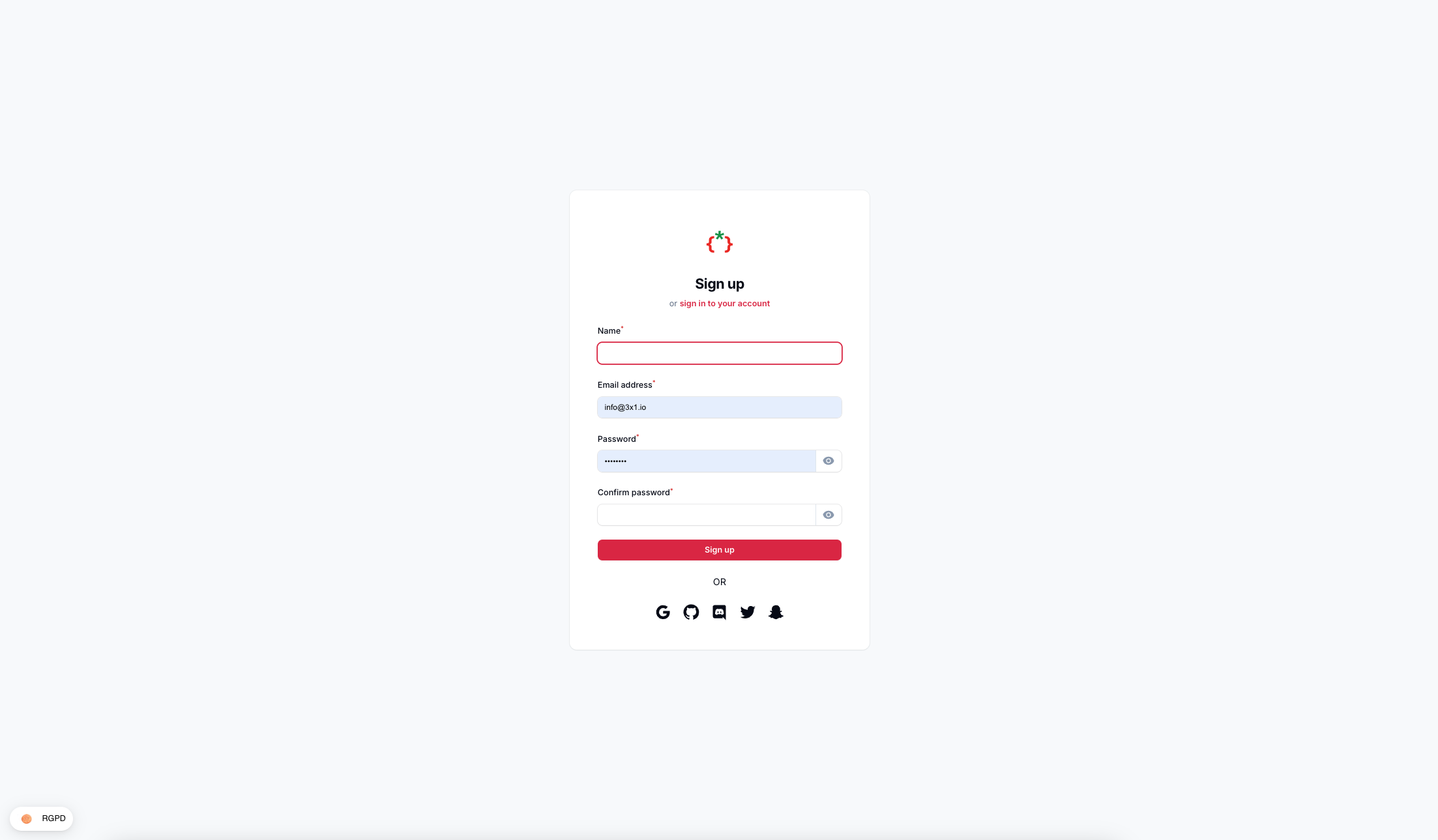
#Screenshots
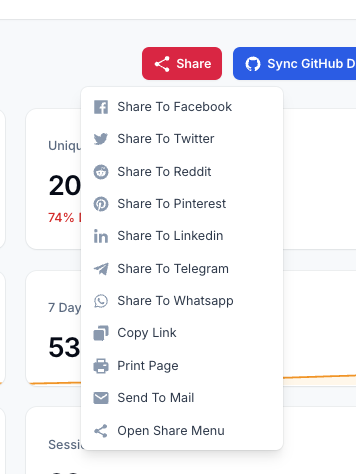
#Features
- Social Media Login/Register Pages
- Login With Facebook
- Login With Twitter
- Login With Discord
- Login With GitHub
- Login With Google
- Login With Snapchat
- Share Buttons Action
- Share Buttons Component
- Auto Share Posts To Twitter
- Auto Share Posts To Facebook
#Installation
composer require tomatophp/filament-social
after install your package please run this command
php artisan filament-social:install
finally register the plugin on /app/Providers/Filament/AdminPanelProvider.php
->plugin(
    \TomatoPHP\FilamentSocial\FilamentSocialPlugin::make()
        ->socialLogin()
        ->socialRegister()
)
on your User model add the TomatoPHP\FilamentSocial\Traits\InteractsWithSocials trait
use TomatoPHP\FilamentSocial\Traits\InteractsWithSocials;

class User extends Authenticatable
{
    use InteractsWithSocials;
}
now on your env you need to add the social media keys
TWITTER_CLIENT_ID=
TWITTER_CLIENT_SECRET=
TWITTER_CLIENT_TOKEN=
TWITTER_REDIRECT_URI=https://tomatophp.test/login/twitter-oauth-2/callback

FACEBOOK_CLIENT_ID=
FACEBOOK_CLIENT_SECRET=
FACEBOOK_REDIRECT_URI=https://tomatophp.test/login/facebook/callback

DISCORD_CLIENT_ID=
DISCORD_CLIENT_SECRET=
DISCORD_URL=https://tomatophp.test/login/discord/callback

SNAPCHAT_CLIENT_ID=
SNAPCHAT_CLIENT_SECRET=
SNAPCHAT_CALLBACK=https://tomatophp.test/login/snapchat/callback

GOOGLE_CLIENT_ID=
GOOGLE_CLIENT_SECRET=
GOOGLE_CALLBACK=https://tomatophp.test/login/google/callback

GITHUB_CLIENT_ID=
GITHUB_CLIENT_SECRET=
GITHUB_URL=https://tomatophp.test/login/github/callback
and you need to allow services on your config/services.php
'twitter' => [
    'client_id' => env('TWITTER_CLIENT_ID'),
    'client_secret' => env('TWITTER_CLIENT_SECRET'),
    'client_token' => env('TWITTER_CLIENT_TOKEN'),
    'redirect' => env('TWITTER_REDIRECT_URI'),
],

'facebook' => [
    'client_id' => env('FACEBOOK_CLIENT_ID'),
    'client_secret' => env('FACEBOOK_CLIENT_SECRET'),
    'redirect' => env('FACEBOOK_REDIRECT_URI'),
],

'discord' => [
    'client_id' => env('DISCORD_CLIENT_ID'),
    'client_secret' => env('DISCORD_CLIENT_SECRET'),
    'redirect' => env('DISCORD_URL'),
],

'snapchat' => [
    'client_id' => env('SNAPCHAT_CLIENT_ID'),
    'client_secret' => env('SNAPCHAT_CLIENT_SECRET'),
    'redirect' => env('SNAPCHAT_CALLBACK'),
],

'google' => [
    'client_id' => env('GOOGLE_CLIENT_ID'),
    'client_secret' => env('GOOGLE_CLIENT_SECRET'),
    'redirect' => env('GOOGLE_CALLBACK'),
],

'github' => [
    'client_id' => env('GITHUB_CLIENT_ID'),
    'client_secret' => env('GITHUB_CLIENT_SECRET'),
    'redirect' => env('GITHUB_URL'),
],
#Use Social Share Component
if you like to use share buttons to your view it's very easy to use our blade component
<x-filament-social-share inline facebook twitter pinterest reddit telegram whatsapp linkedin copy print mail />
#Use Social Share Action
you can use the share buttons actions like any action on the FilamentPHP and we have multi extend to support Table, Forms, and Pages
use TomatoPHP\FilamentSocial\Filament\Actions\SocialShareAction;

public function actions(): array
{
    return [
        SocialShareAction::make()
            ->inline()
            ->facebook()
            ->twitter()
            ->pinterest()
            ->reddit()
            ->telegram()
            ->whatsapp()
            ->linkedin()
            ->copy()
            ->print()
            ->mail()
    ];
}
you can use the button as a dropdown or you can use it as inline icons buttons using ->inline() method
#Social Auth Events
we have 2 events that you can listen to
TomatoPHP\FilamentSocial\Events\SocialLoginTomatoPHP\FilamentSocial\Events\SocialRegister
you can listen to these events and do your logic
#Support Profile Picture And Username
some platforms will not gave you an access to email but it will give you the username to support that we add a migration to change on users table you can copy it and run it on your own table if you are using a custom table
$table->string('profile_photo_path', 2048)->nullable();
$table->string('email')->nullable()->change();
$table->string('username')->nullable()->unique();
#Publish Assets
you can publish config file by use this command
php artisan vendor:publish --tag="filament-social-config"
you can publish views file by use this command
php artisan vendor:publish --tag="filament-social-views"
you can publish languages file by use this command
php artisan vendor:publish --tag="filament-social-lang"
you can publish migrations file by use this command
php artisan vendor:publish --tag="filament-social-migrations"
#Other Filament Packages
Checkout our Awesome TomatoPHP
The author
Integration of social media platform actions and auth to your panel
From the same author
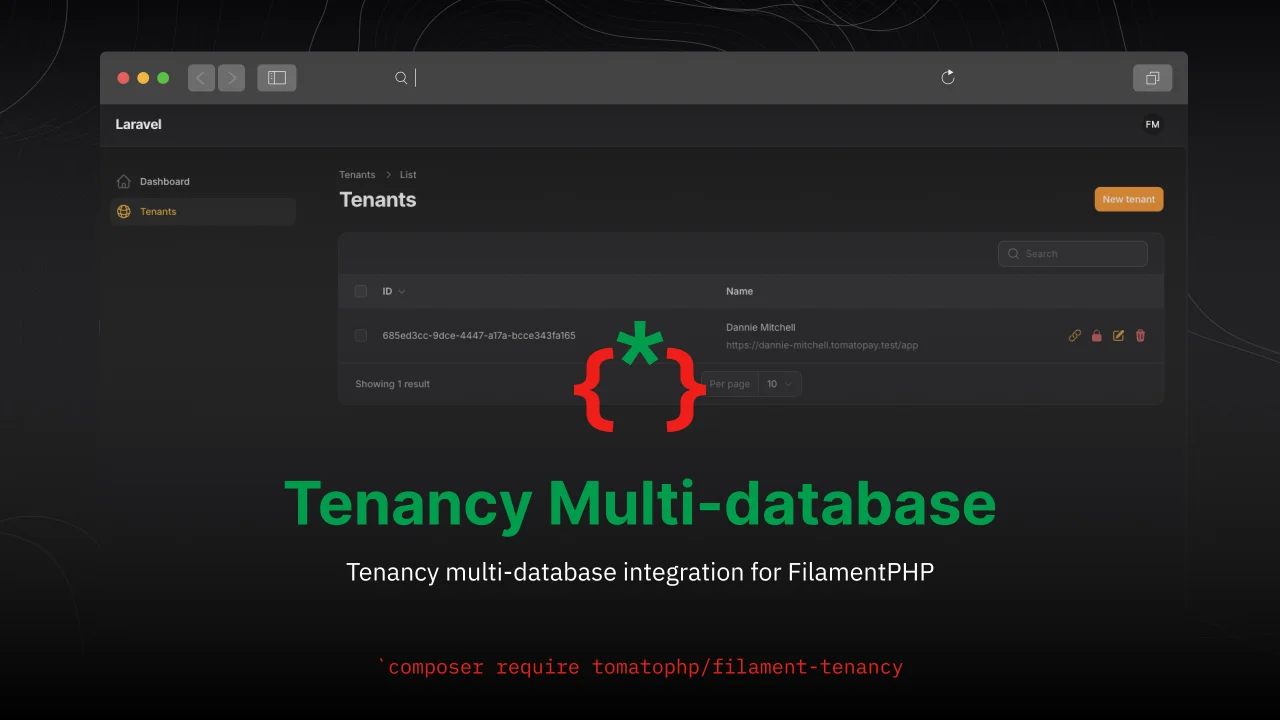
Tenancy Multi-database
Tenancy multi-database integration for FilamentPHP
Author:
Fady Mondy
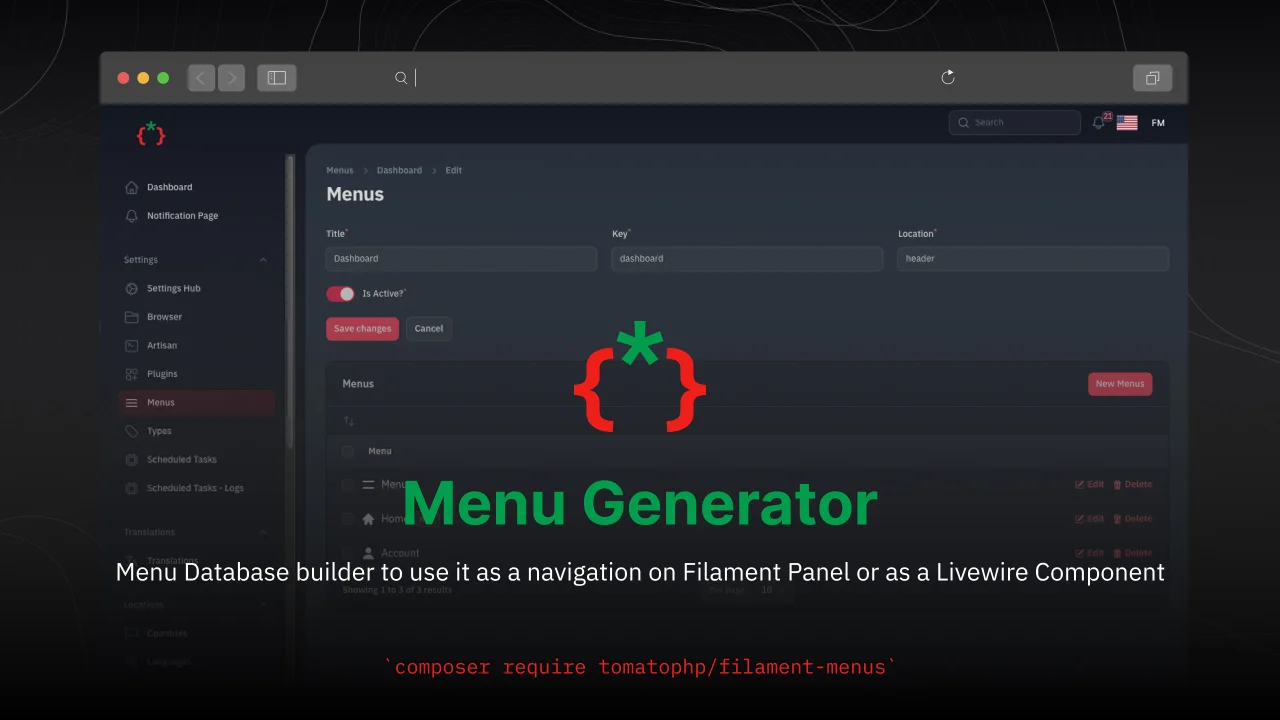
Menu Generator
Menu view generator using view component
Author:
Fady Mondy
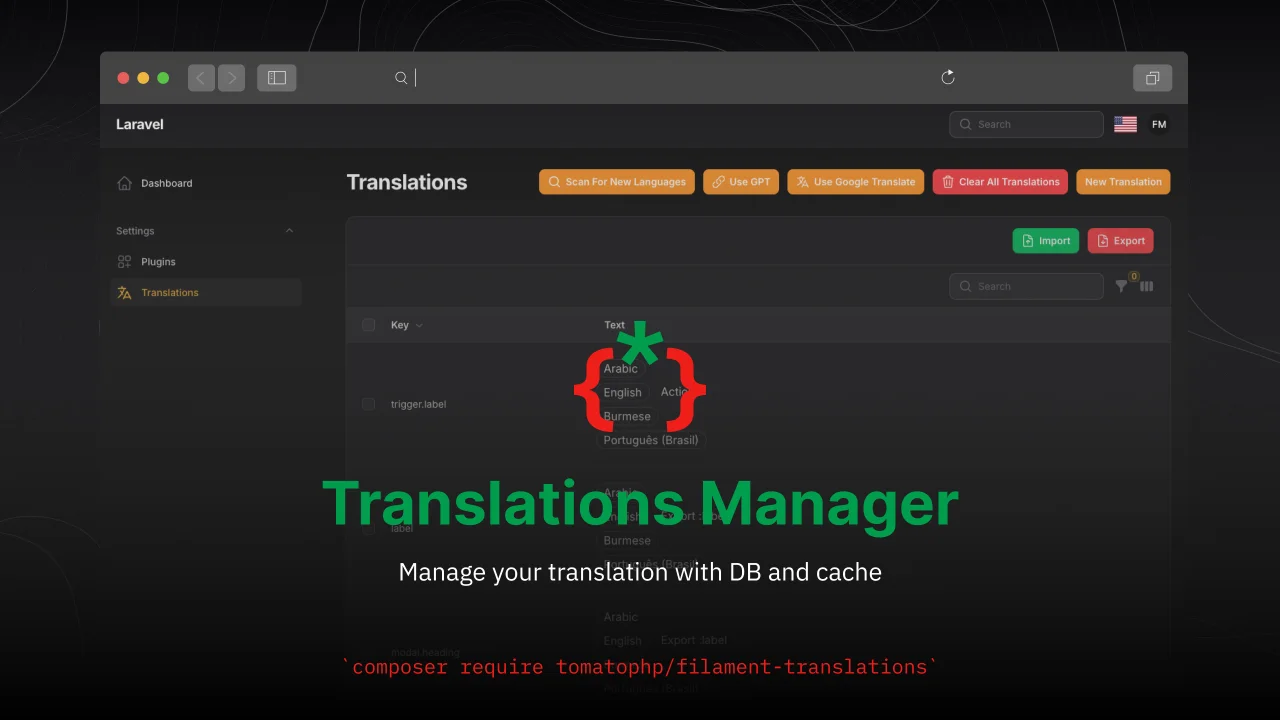
Translations Manager
Manage your translation with DB and cache, you can scan an collect translation strings like `trans()` and `__()`, and translate them using UI
Author:
Fady Mondy
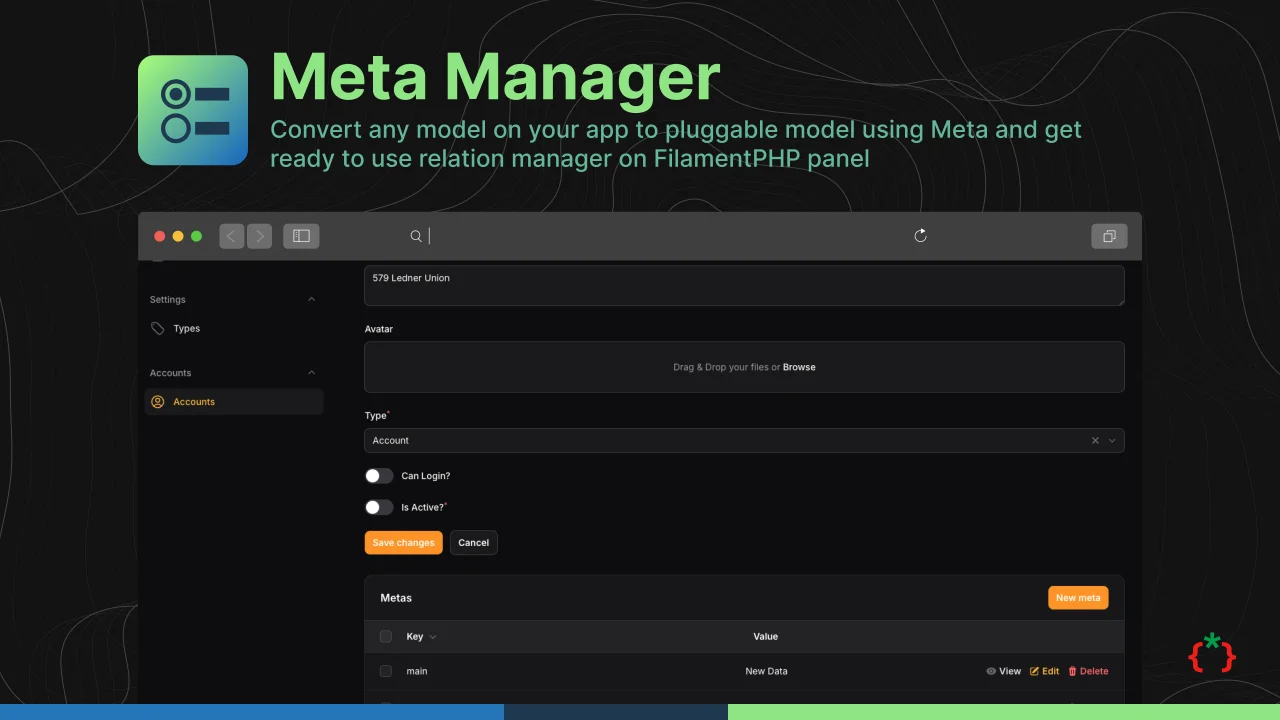
Meta Manager
Convert any model on your app to pluggable model using Meta and get ready to use relation manager on FilamentPHP panel
Author:
Fady Mondy
Featured Plugins
A selection of plugins curated by the Filament team
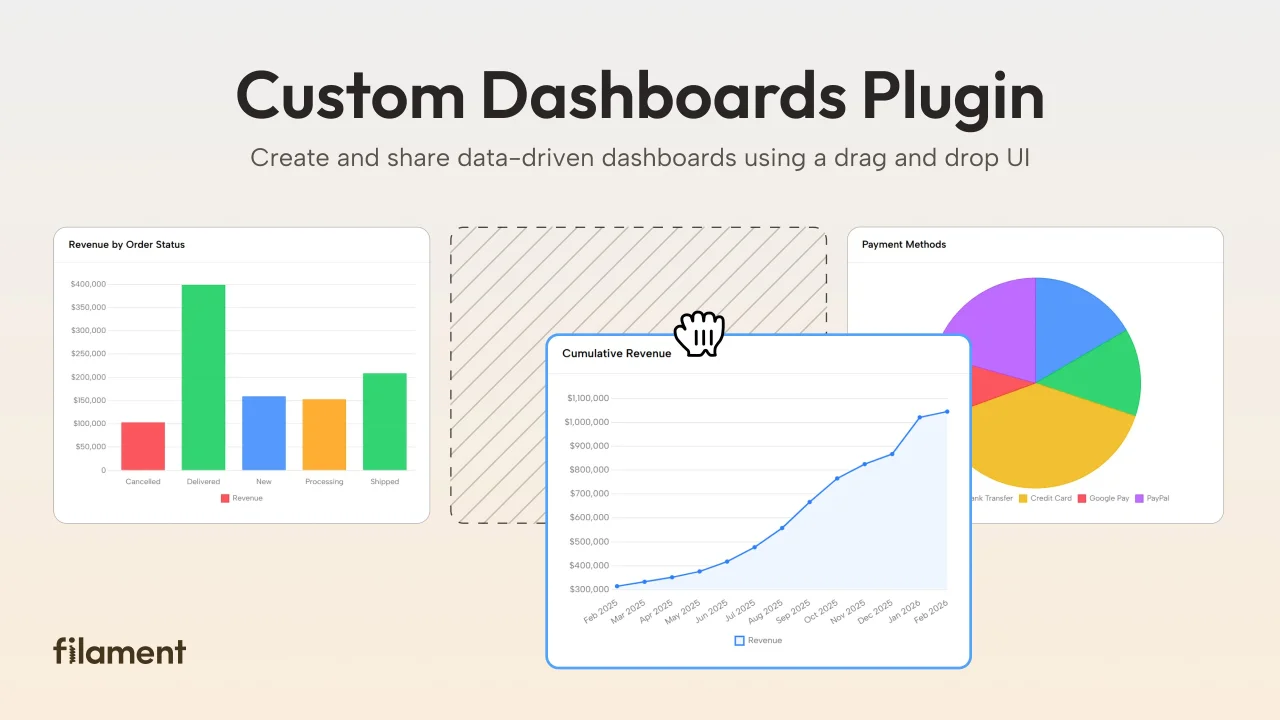
Custom Dashboards
Let your users build and share their own dashboards with a drag-and-drop interface. Define your data sources in PHP and let them do the rest.
 Filament
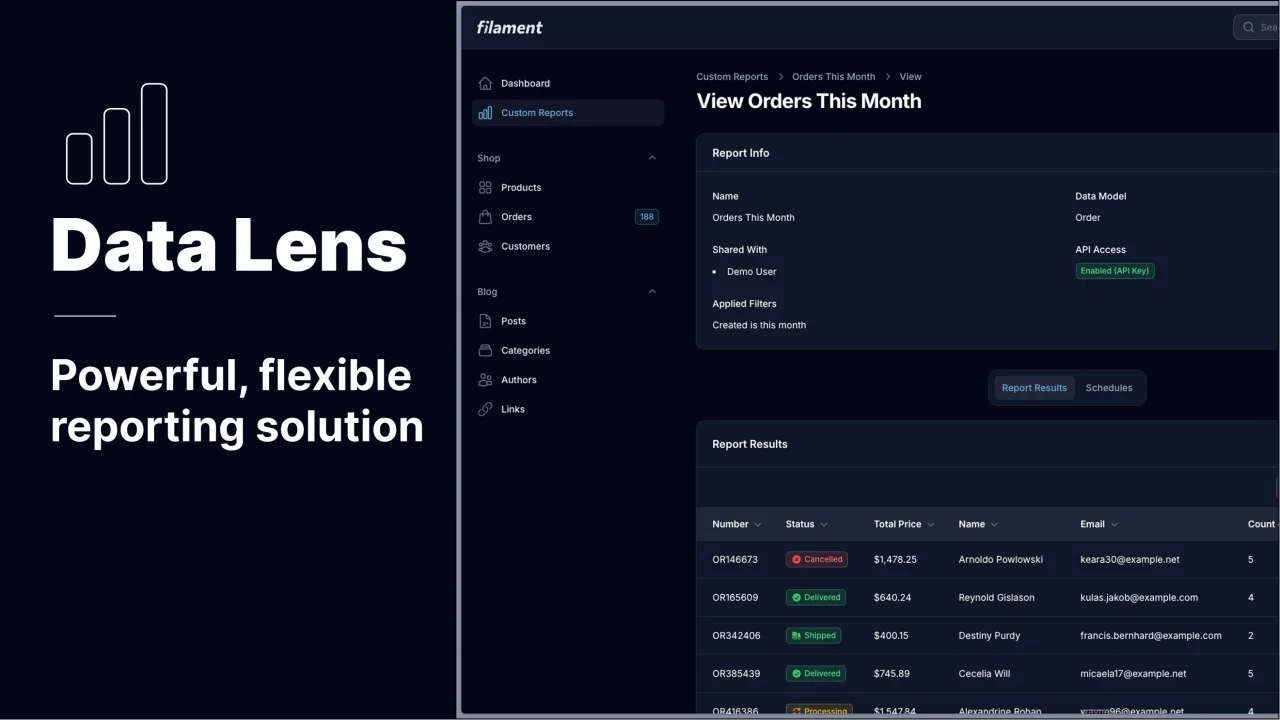
Data Lens
Advanced Data Visualization for Laravel Filament - a premium reporting solution enabling custom column creation, sophisticated filtering, and enterprise-grade data insights within admin panels.
 Padmission
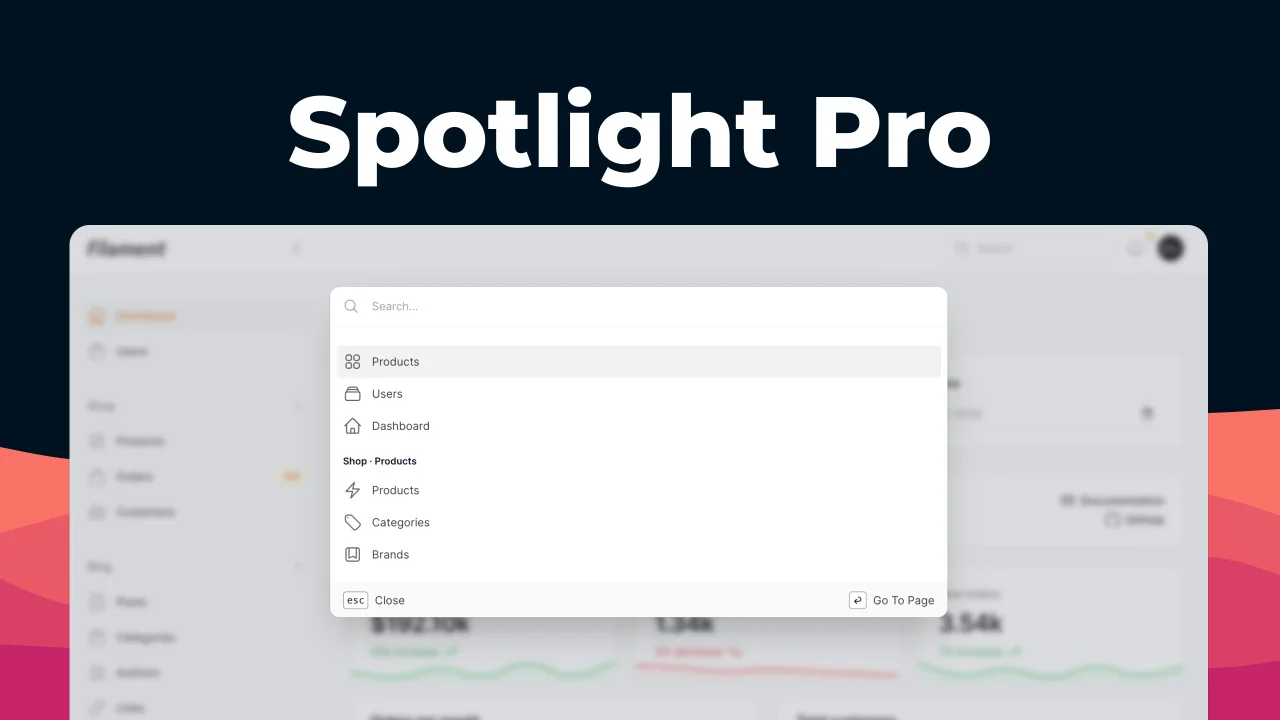
Spotlight Pro
Browse your Filament Panel with ease. Filament Spotlight Pro adds a Spotlight/Raycast like Command Palette to your Filament Panel.
 Dennis Koch

