
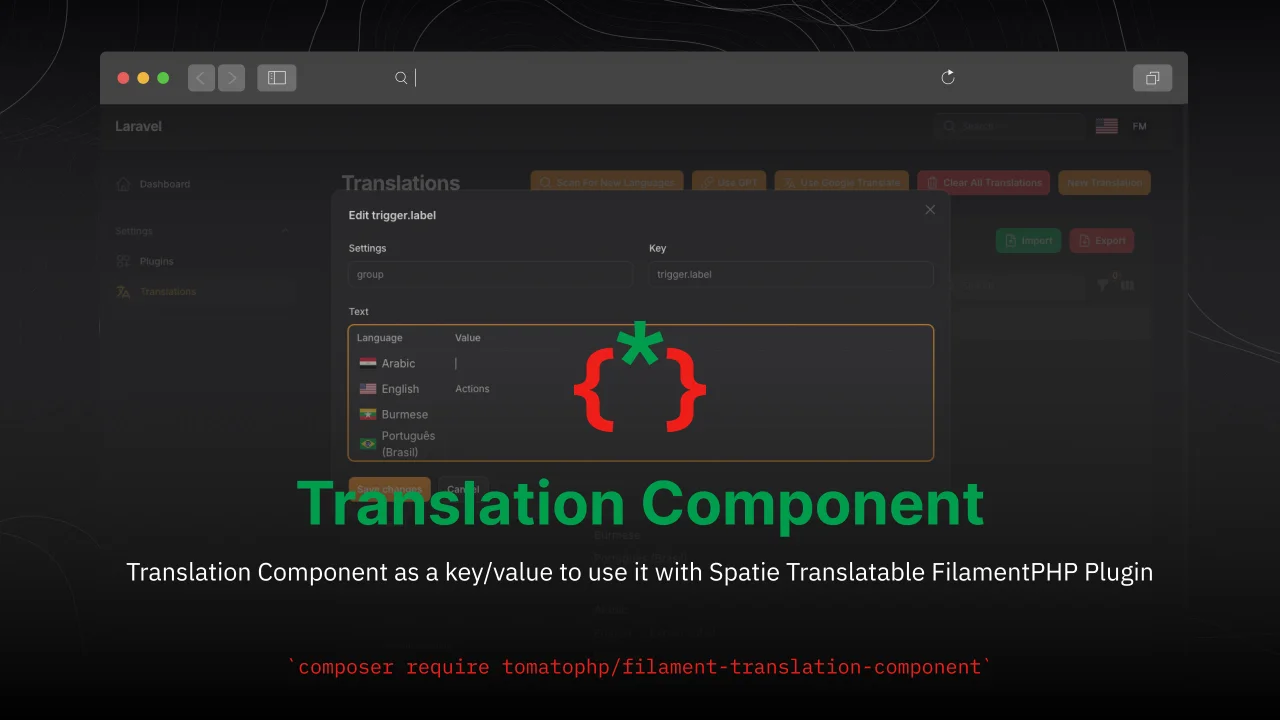
Translation Component
CommunityTranslation Component as a key/value to use it with Spatie Translatable FilamentPHP Plugin
 Author:
Fady Mondy
Author:
Fady Mondy
Package health
BetaAutomated checks of this plugin's Composer package
15 checks
- Failed: GitHub Actions pinned to SHA — View details on Plumb
- Skipped: GitLab CI includes pinned to SHA
- Passed: Open security advisories
- Failed: Dependabot PR responsiveness — Stale Dependabot PRs: oldest general PR is 286 days old. View details on Plumb
- Skipped: Renovate MR responsiveness
- Warning: Dependabot or Renovate configured — Updater does not cover Composer, which has a committed lockfile.
-
Failed:
Dependency update cooldown configured
—
No cooldown configured in
.github/dependabot.yml. View details on Plumb - Passed: Provides a security policy
- Passed: Abandoned or archived — No consulted source marks the package abandoned (packagist, github).
- Warning: Commit and release recency — Low activity: last commit 195 days ago; last release 329 days ago.
-
Failed:
composer.lock not committed by library
—
composer.lockis present in the released dist archive. View details on Plumb - Warning: Dist archive is lean
-
Passed:
Current Laravel version supported
—
Package dependencies resolve together with current Laravel
13.0. -
Passed:
Current PHP version supported
—
Constraint
^8.2|^8.3|^8.4supports current PHP8.5. - Skipped: Current Symfony version supported
filament/
namespace. Review the source and install at your own risk. Found
malware or an unresolved security issue the author won't
address?
Report it
.
Documentation
- Screenshots
- Installation
- Using
- Convert input to textarea
- Publish Assets
- Testing
- Code Style
- PHPStan
- Other Filament Packages
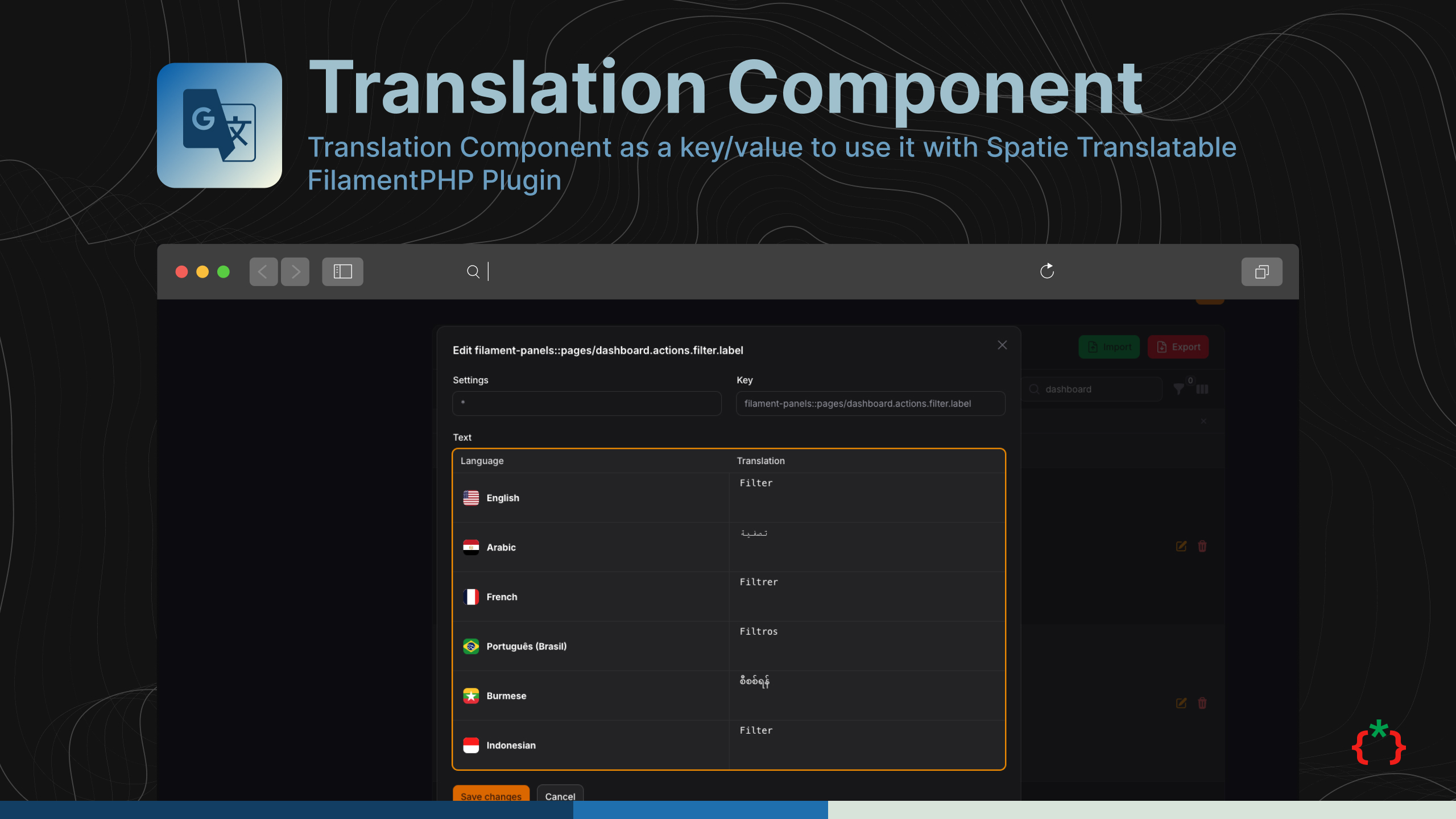



Translation Component as a key/value to use it with Spatie Translatable FilamentPHP Plugin
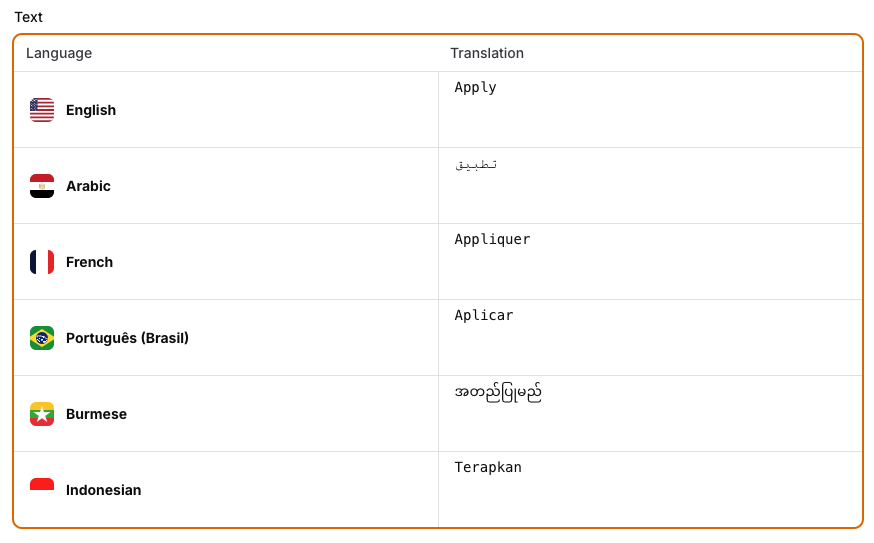
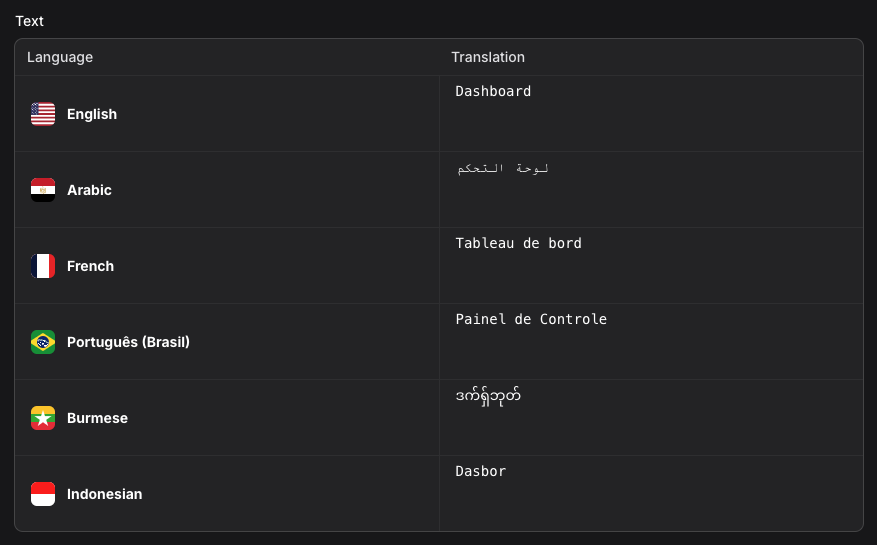
#Screenshots
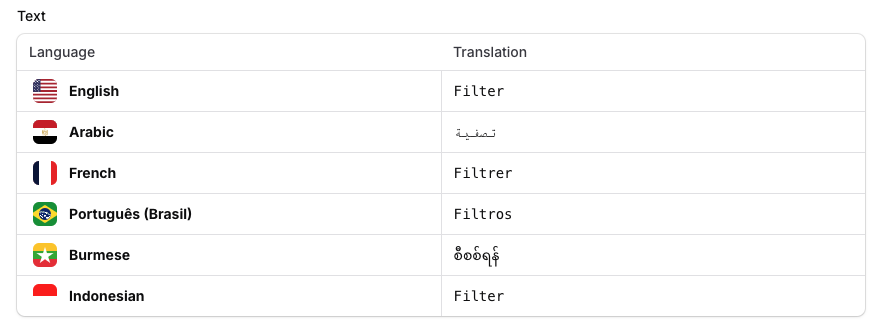
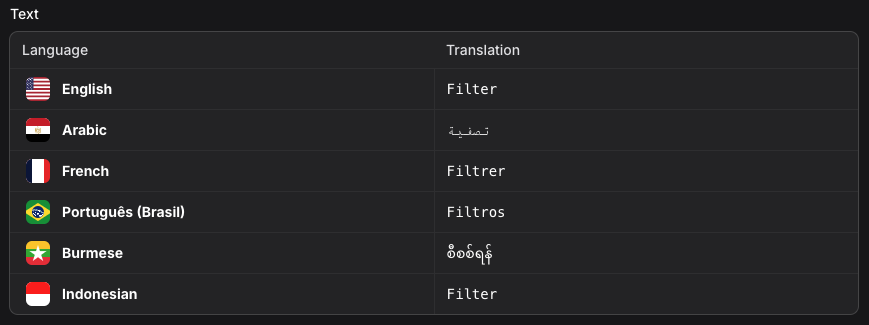
#Installation
composer require tomatophp/filament-translation-component
#Using
you can use the component on your form like this
use \TomatoPHP\FilamentTranslationComponent\Components\Translation;

Translation::make('title')
    ->label('Title')
you can change the language from the config file.
#Convert input to textarea
use \TomatoPHP\FilamentTranslationComponent\Components\Translation;

Translation::make('title')
    ->label('Title')
    ->textarea()
#Publish Assets
you can publish config file by use this command
php artisan vendor:publish --tag="filament-translation-component-config"
you can publish languages file by use this command
php artisan vendor:publish --tag="filament-translation-component-lang"
#Testing
if you like to run PEST testing just use this command
composer test
#Code Style
if you like to fix the code style just use this command
composer format
#PHPStan
if you like to check the code by PHPStan just use this command
composer analyse
#Other Filament Packages
Checkout our Awesome TomatoPHP
The author
Translation Component as a key/value to use it with Spatie Translatable FilamentPHP Plugin
From the same author
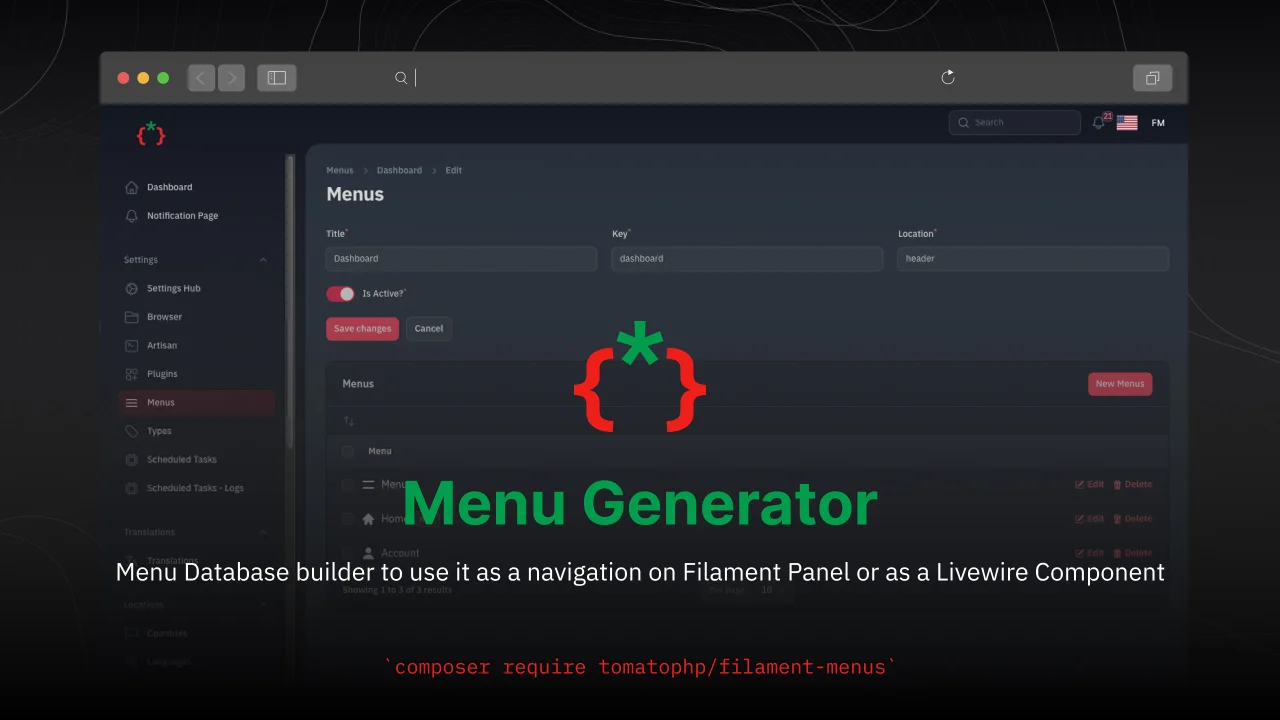
Menu Generator
Menu view generator using view component
Author:
Fady Mondy
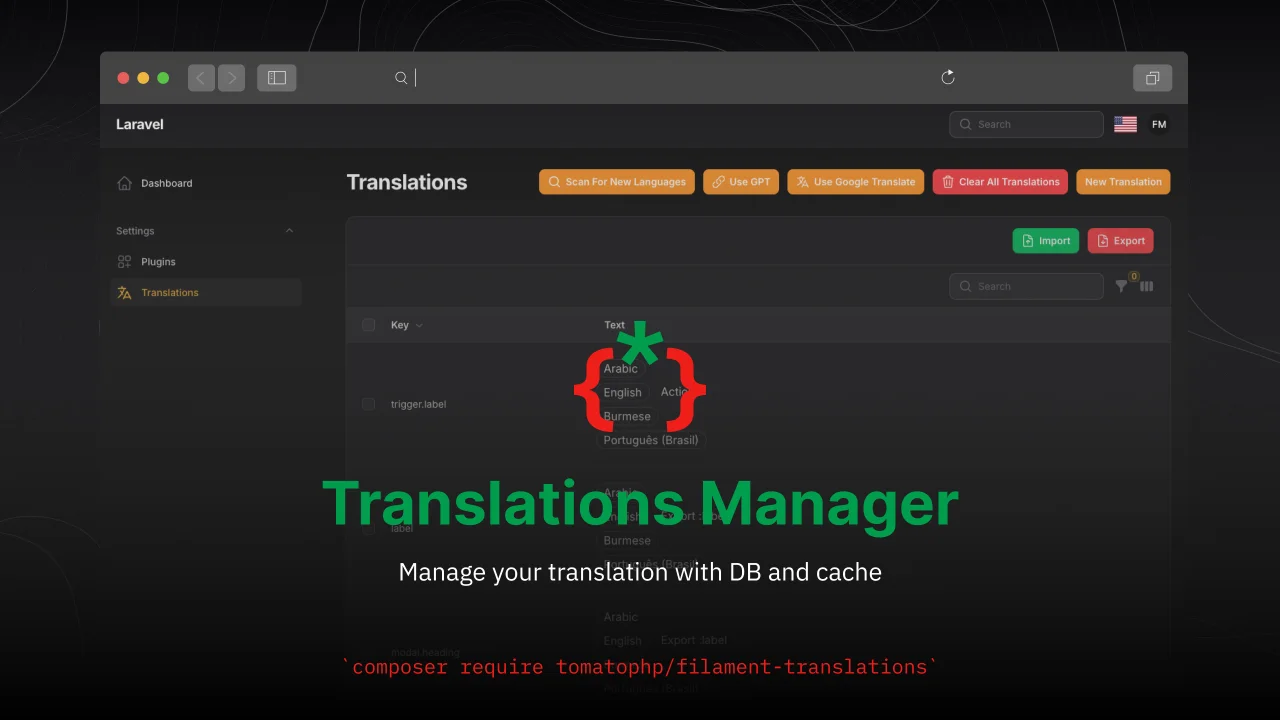
TomatoPHP Translations Manager
Manage your translation with DB and cache, you can scan an collect translation strings like `trans()` and `__()`, and translate them using UI
Author:
Fady Mondy
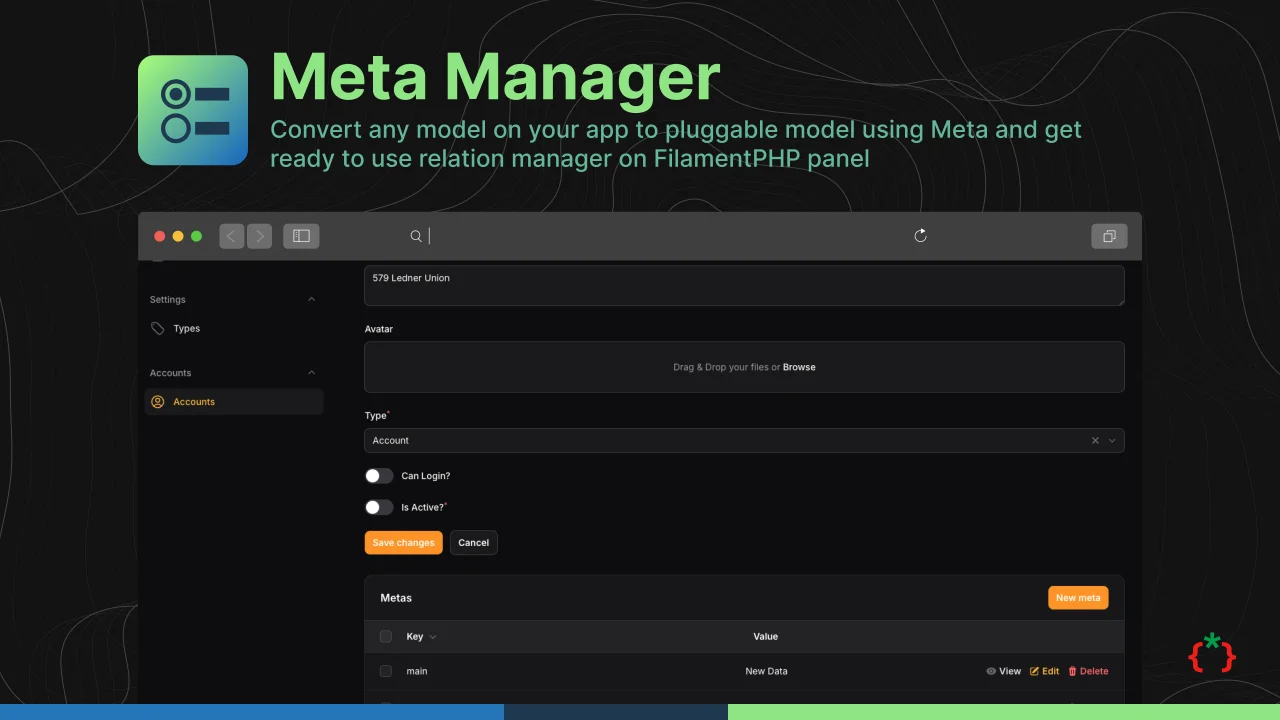
Meta Manager
Convert any model on your app to pluggable model using Meta and get ready to use relation manager on FilamentPHP panel
Author:
Fady Mondy
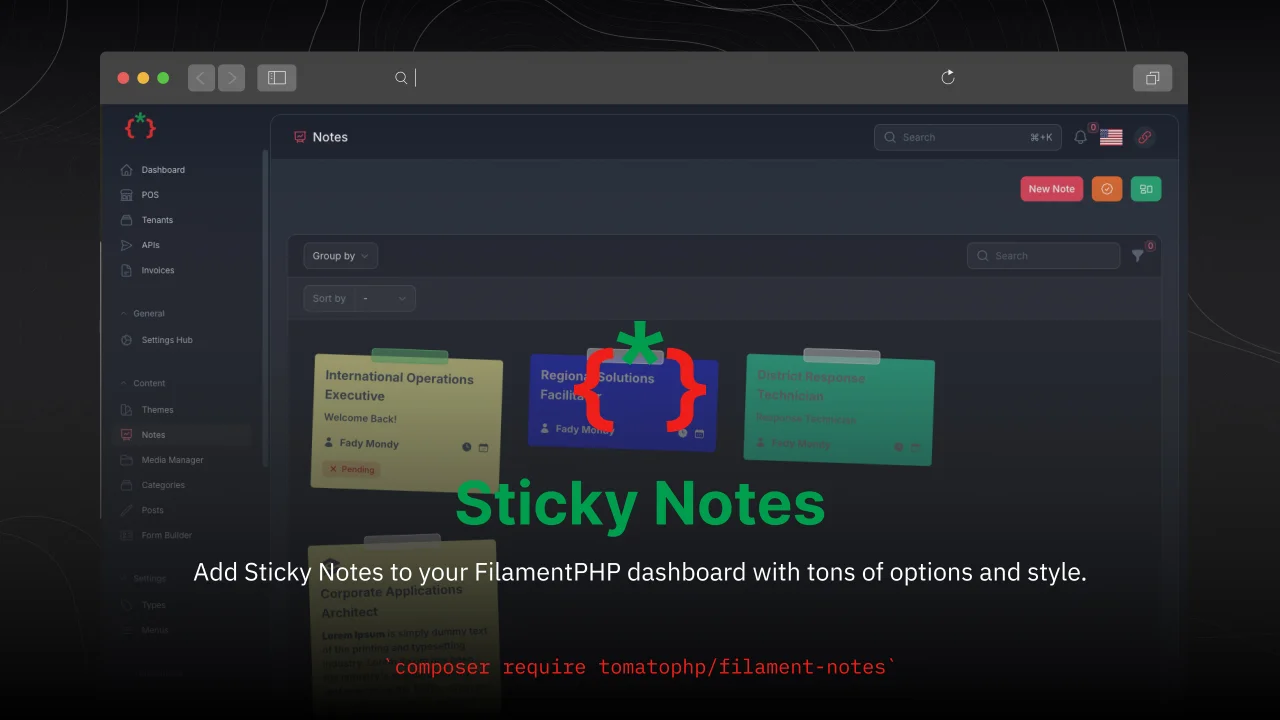
Sticky Notes
Add Sticky Notes to your dashboard with tons of options and style.
Author:
Fady Mondy
Featured Plugins
A selection of plugins curated by the Filament team

Soft Theme
A theme that gives panels a warm, approachable look with rounded shapes, gentle colors, and serif headings.
 Filament

Compact Theme
A theme that makes data-heavy panels easier to scan by fitting more useful information on each screen.
Filament

Advanced Tables (formerly Filter Sets)
Supercharge your tables with powerful features like user-customizable views, quick filters, multi-column sorting, advanced table searching, convenient view management, and more. Compatible with Resource Panel Tables, Relation Managers, Table Widgets, and Table Builder!
 Kenneth Sese

