
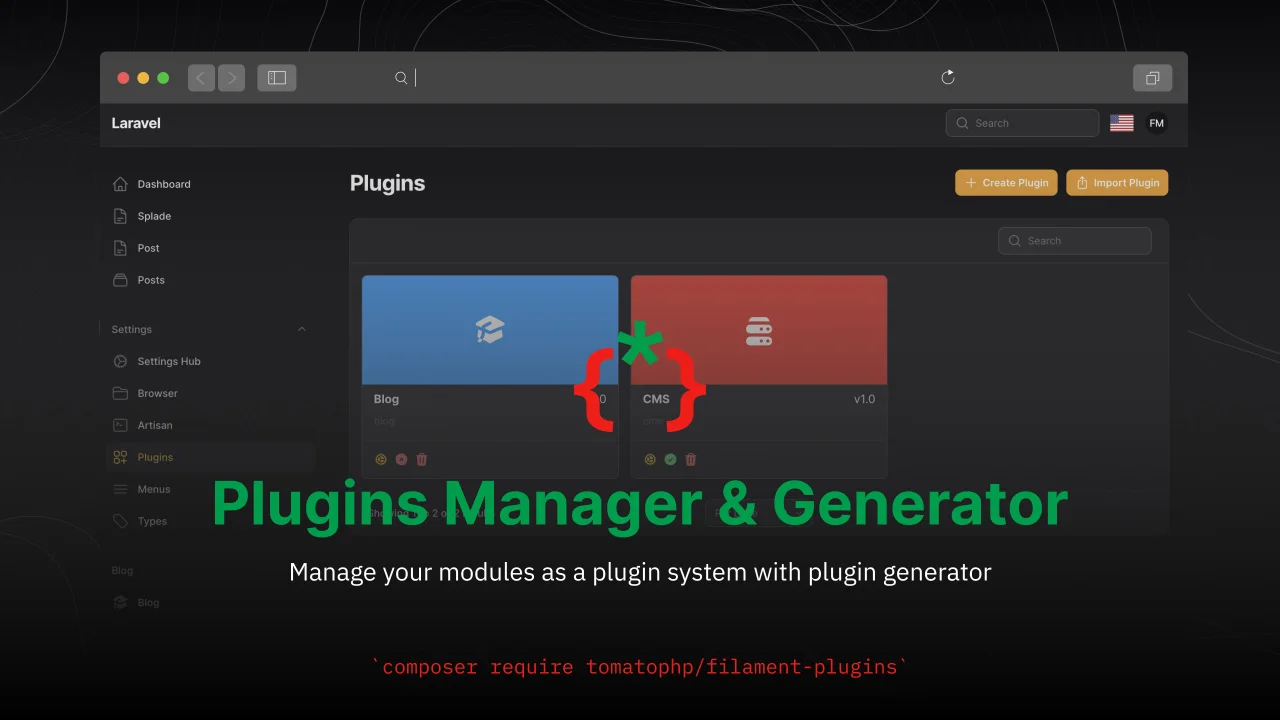
Plugins Manager & Generator by Fady Mondy
CommunityManage your modules as a plugin system with plugin generator
 Author:
Fady Mondy
Author:
Fady Mondy
Package health
Automated checks of this plugin's Composer package
15 checks
- Failed: GitHub Actions pinned to SHA — View details on Plumb
- Skipped: GitLab CI includes pinned to SHA
- Passed: Open security advisories
- Passed: Dependabot PR responsiveness — No open Dependabot PRs.
- Skipped: Renovate MR responsiveness
- Failed: Dependabot or Renovate configured — No dependency updater configuration found. View details on Plumb
- Skipped: Dependency update cooldown configured
- Passed: Provides a security policy
- Passed: Abandoned or archived — No consulted source marks the package abandoned (packagist, github).
- Passed: Commit and release recency — Active: last commit 0 days ago; last release 0 days ago.
-
Passed:
composer.lock not committed by library
—
composer.lockis absent from the released dist archive. - Warning: Dist archive is lean
-
Passed:
Current Laravel version supported
—
Package dependencies resolve together with current Laravel
13.0. -
Passed:
Current PHP version supported
—
Constraint
^8.2supports current PHP8.5. - Skipped: Current Symfony version supported
filament/
namespace. Review the source and install at your own risk. Found
malware or an unresolved security issue the author won't
address?
Report it
.
Documentation
- Compatibility
- Screenshots
- Installation
- Usage
- Install Plugins using command line
- List of all TomatoPHP Plugins
- List your package on the plugins list
- Use Selected Module in your panel
- Get Only Current Panel Plugins
- Stop Auto Discover Module Resources
- Lock Down File-Writing Features
- Stop Using Plugins UI
- Publish Assets
- Other Filament Packages
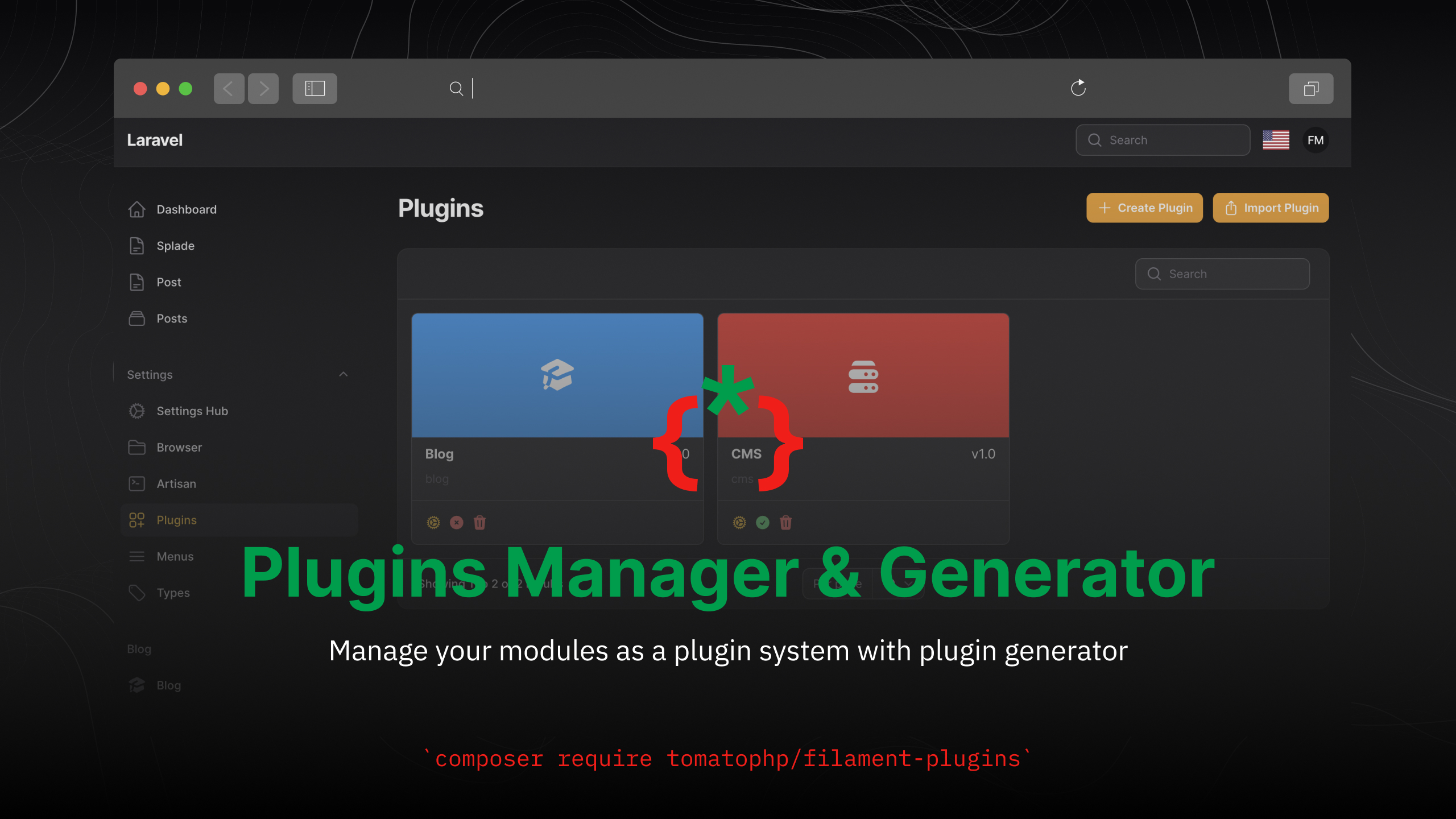



Manage your modules as a plugin system with plugin generator
#Compatibility
| Package | Filament | Laravel | PHP |
|---|---|---|---|
| 5.x | 5.x | 12.x / 13.x | 8.2+ |
1.x (branch v3) |
3.x | 10.x / 11.x | 8.1+ |
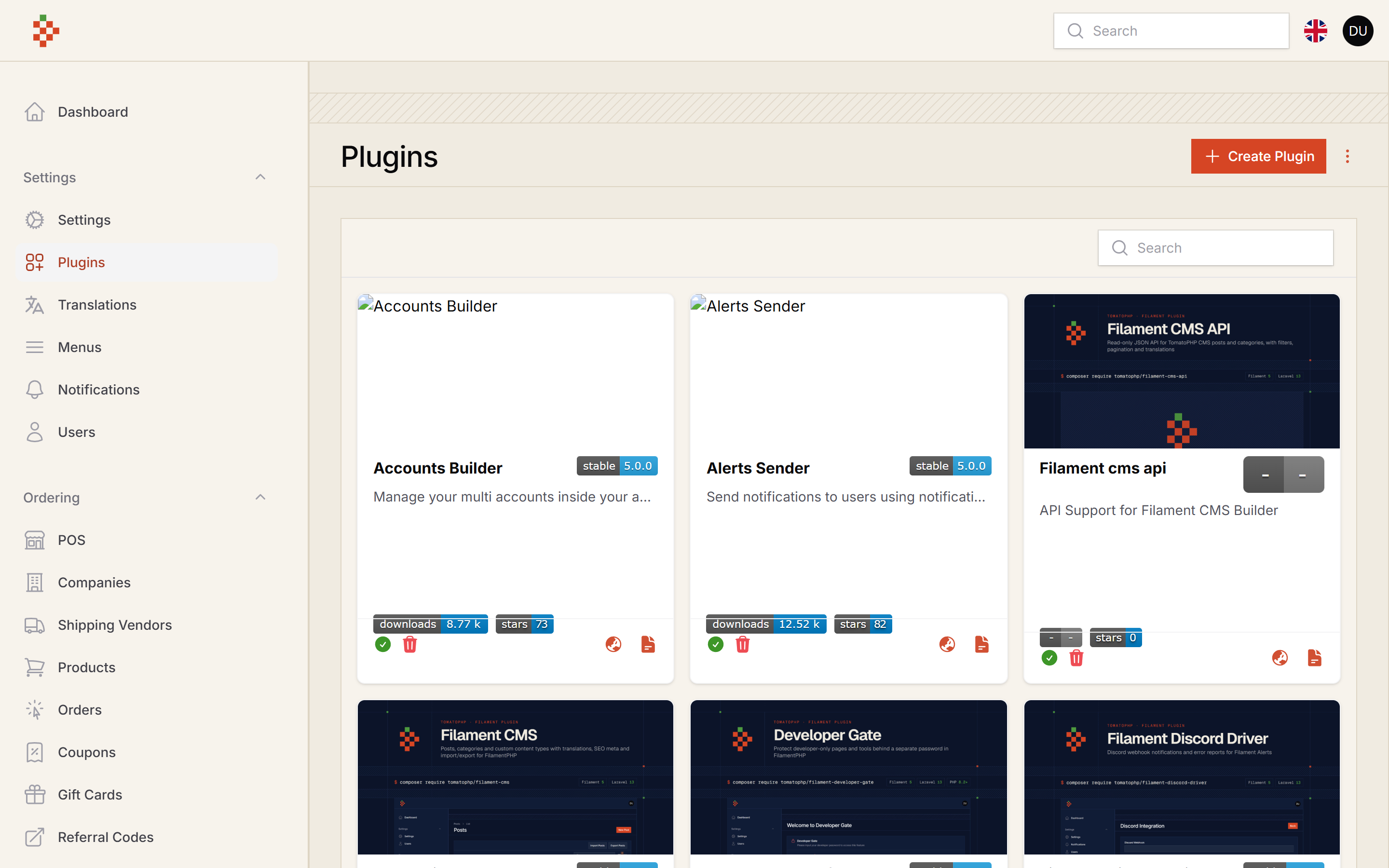
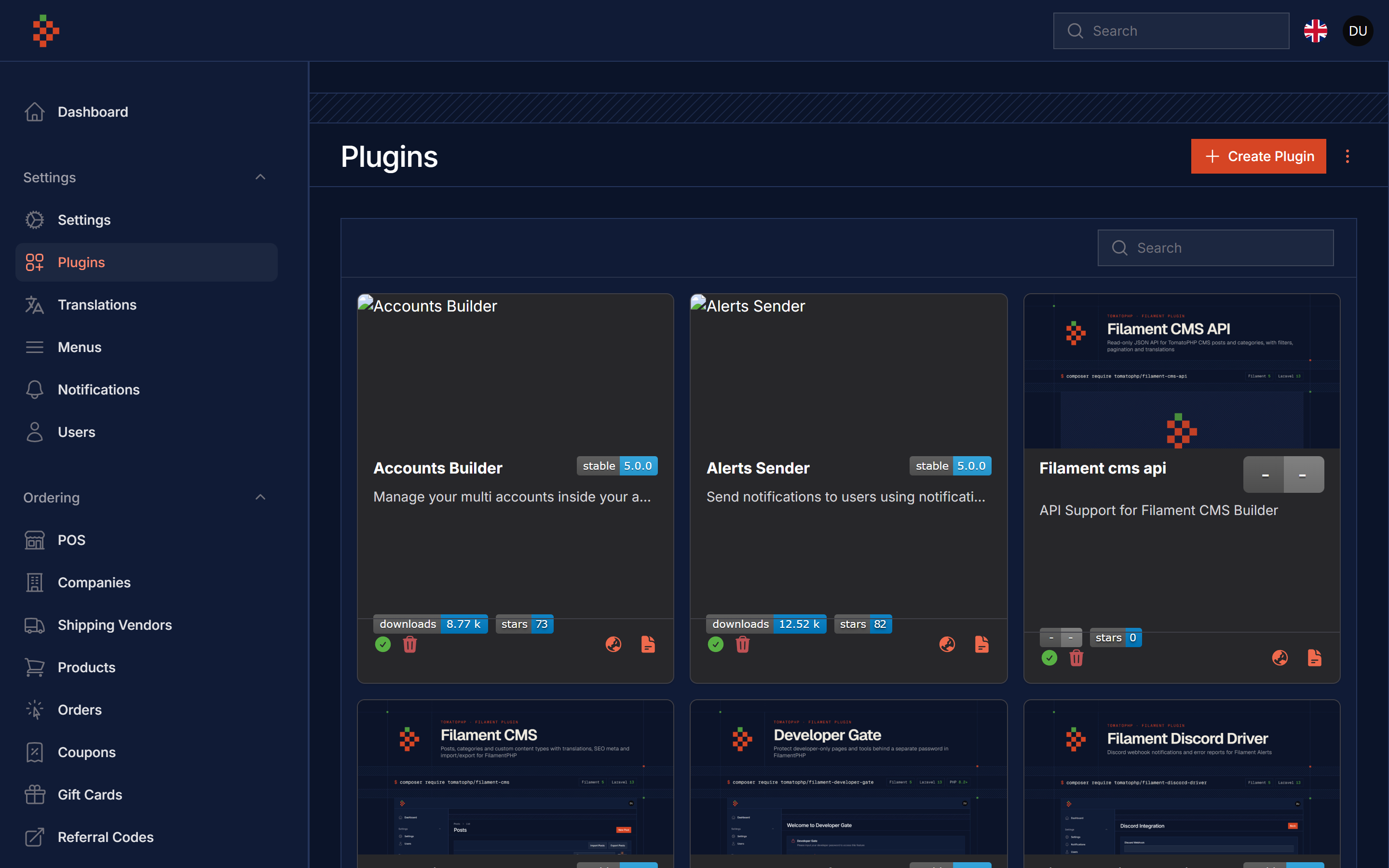
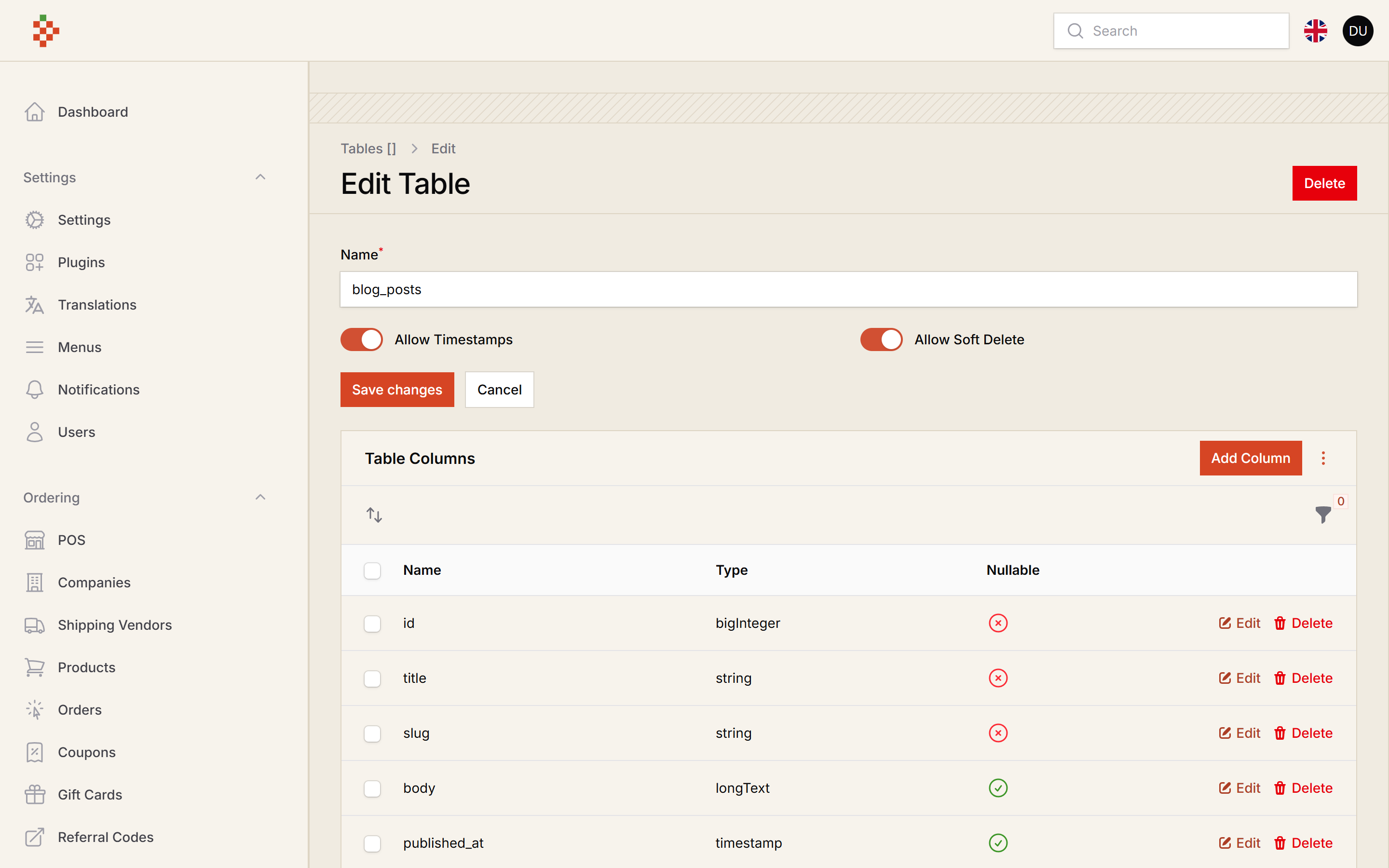
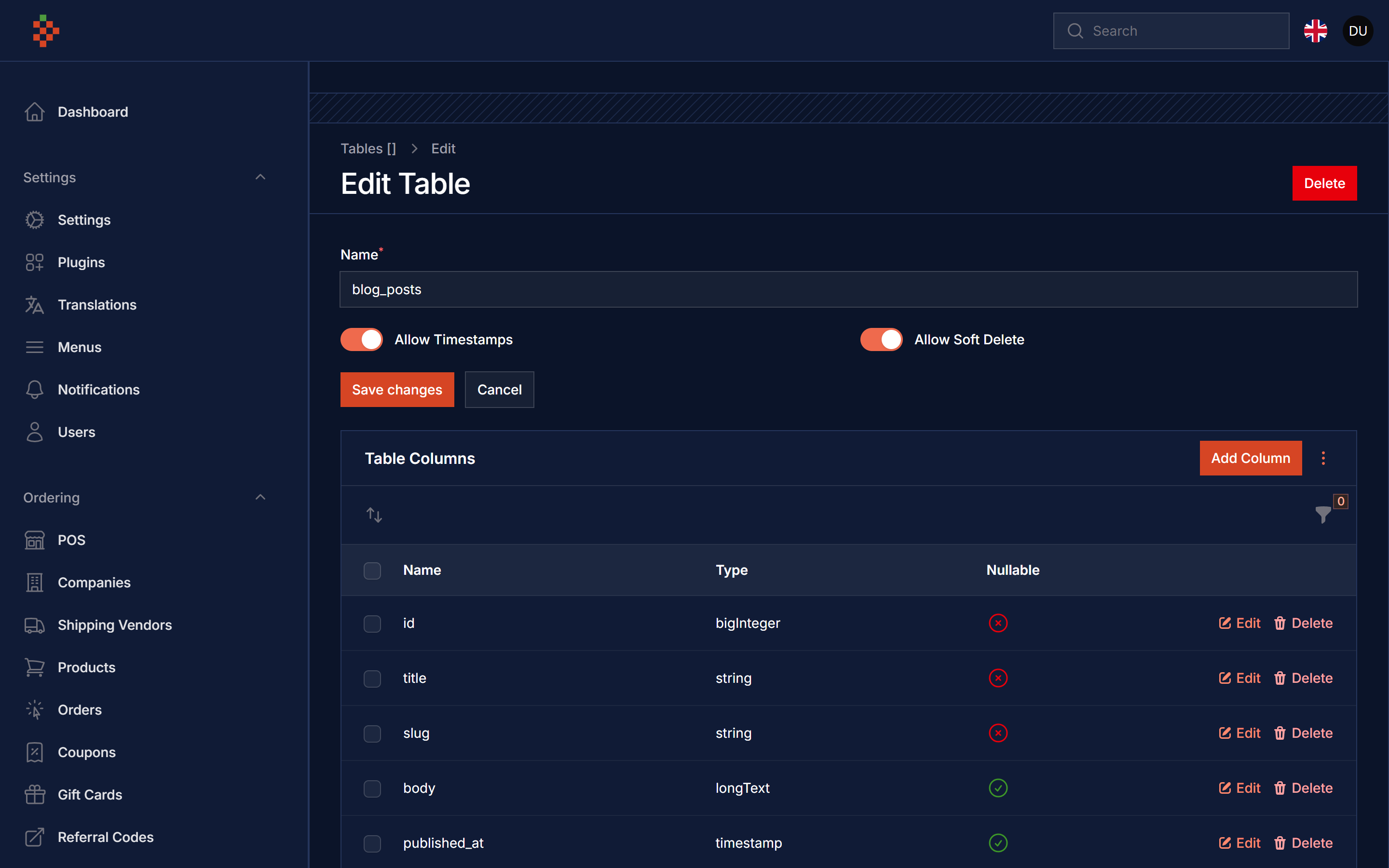
#Screenshots
#Installation
nwidart/laravel-modules v13 pulls in wikimedia/composer-merge-plugin, which Composer blocks by default, so allow it first:
composer config allow-plugins.wikimedia/composer-merge-plugin true
composer require tomatophp/filament-plugins:^5.0
The plugin cards ship their own stylesheet (Filament v5 panels only compile Filament's own utilities); publish it after installing or updating:
php artisan filament:assets
after install your package please run this command
php artisan filament-plugins:install
By default the module classes are not loaded automatically. You can autoload your modules by adding merge-plugin to the extra section:
"extra": {
    "laravel": {
        "dont-discover": []
    },
    "merge-plugin": {
        "include": [
            "Modules/*/composer.json"
        ]
    }
},
now you need to run this command to autoload your modules
composer dump-autoload
finally reigster the plugin on /app/Providers/Filament/AdminPanelProvider.php
->plugin(\TomatoPHP\FilamentPlugins\FilamentPluginsPlugin::make())
#Usage
you can create a new plugin using just a command
php artisan filament-plugins:generate
or you can use the GUI to create a new plugin, after create a plugin you need to make sure that it's loaded on composer by run this command
composer dump-autoload
after create the plugin you can create a new table inside it and than run the migration generator to convert it to a migration file then you can use the GUI to generate resources, pages, widget or model, or you can easy use this commands
php artisan filament-plugins:model
php artisan filament-plugins:resource
php artisan filament-plugins:page
php artisan filament-plugins:widget
it will generate the files for you and you can use it directly, please note that you need to generate the model first than use other commands
#Install Plugins using command line
you can install a plugins using the command line by using this command
php artisan filament:plugins
you can select all to install all TomatoPHP ecosystem plugins or you can select the plugin you want to install
#List of all TomatoPHP Plugins
you can list all TomatoPHP plugins by using this command
php artisan filament-plugins:list
#List your package on the plugins list
you can list your package on the plugins list by adding this a json file in your package root folder with name module.json with content like this:
{
    "name": "FilamentAccounts",
    "alias": "filament-accounts",
    "description": {
        "ar": "full accounts manager with API\/Notifications\/Contacts to manage your contacts and accounts",
        "en": "full accounts manager with API\/Notifications\/Contacts to manage your contacts and accounts",
        "gr": "full accounts manager with API\/Notifications\/Contacts to manage your contacts and accounts",
        "sp": "full accounts manager with API\/Notifications\/Contacts to manage your contacts and accounts"
    },
    "keywords": [],
    "priority": 0,
    "providers": [
        "TomatoPHP\\FilamentAccounts\\FilamentAccountsServiceProvider"
    ],
    "files": [],
    "title": {
        "ar": "Filament Accounts",
        "en": "Filament Accounts",
        "gr": "Filament Accounts",
        "sp": "Filament Accounts"
    },
    "color": "#007dff",
    "icon": "heroicon-c-user-circle",
    "placeholder": "placeholder.webp",
    "type": "lib",
    "version": "v1.0",
    "github" : "https://github.com/tomatophp/filament-accounts",
    "docs" : "https://github.com/tomatophp/filament-accounts"
}
make sure you allow packages scan on the filament-plugins.php config file
'scan' => true
now you can publish your package as module with the very easy way use this command
php artisan filament-plugins:publish
and input your package name from the list and it will move it to your module folder and register the provider to you, so you can custom anything you like on the package.
#Use Selected Module in your panel
you can use the selected module in your panel by using this code in your PanelProvider
->plugin(\TomatoPHP\FilamentPlugins\FilamentPluginsPlugin::make()->modules([
    'CRM'
]))
so you will see only the selected modules in your panel
#Get Only Current Panel Plugins
on any plugin you can create a Page/Resource/Widget for selected panel, so if you need to showup only the current panel Page/Resources/Widgets you can use this code in your PanelProvider
->plugin(\TomatoPHP\FilamentPlugins\FilamentPluginsPlugin::make()->discoverCurrentPanelOnly())
#Stop Auto Discover Module Resources
you can stop auto-load module resources by using this code in your PanelProvider
->plugin(\TomatoPHP\FilamentPlugins\FilamentPluginsPlugin::make()->autoDiscoverModules(false))
#Lock Down File-Writing Features
Everything is allowed by default (same as the filament-plugins.php config file). On a shared or public panel you can turn off every feature that writes files, extracts ZIP files, runs migrate, or enables, disables or deletes modules:
->plugin(
    \TomatoPHP\FilamentPlugins\FilamentPluginsPlugin::make()
        ->allowCreate(false)    // "Create Plugin" action (runs module:make and writes files)
        ->allowImport(false)    // "Import Plugin" action (extracts a ZIP into the modules folder)
        ->allowToggle(false)    // enable / disable actions for one or all modules
        ->allowDestroy(false)   // delete module action (removes the module folder)
        ->allowGenerator(false) // tables builder, migrations and resource / page / widget / model generator
)
The "Create Migration" action drops and recreates the table, so it only ever touches tables the builder created itself: the table row gets a migrated_at timestamp when it is migrated and the module must still contain the generated *_create_{table}_table.php migration. If a table with the same name already exists and the builder does not own it, nothing is dropped and a notification explains why. Table names must be snake_case (^[a-z][a-z0-9_]*$, max 64 characters), unique in the builder and must not match an existing database table. Run php artisan migrate after upgrading to add the migrated_at column.
Each option falls back to the matching config key (allow_create, allow_upload, allow_toggle, allow_destroy, allow_generator) when you don't call it.
#Stop Using Plugins UI
you can stop using the plugins UI by using this code in your PanelProvider
->plugin(\TomatoPHP\FilamentPlugins\FilamentPluginsPlugin::make()->useUI(false))
#Publish Assets
you can publish config file by use this command
php artisan vendor:publish --tag="filament-plugins-config"
you can publish views file by use this command
php artisan vendor:publish --tag="filament-plugins-views"
you can publish languages file by use this command
php artisan vendor:publish --tag="filament-plugins-lang"
you can publish migrations file by use this command
php artisan vendor:publish --tag="filament-plugins-migrations"
#Other Filament Packages
Checkout our Awesome TomatoPHP
The author
Applied AI engineer and fractional CTO from Cairo, Egypt. Creator of TomatoPHP, 50+ open-source Filament plugins for building full apps (CMS, e-commerce, accounts, invoices, SaaS panels), and of Laravilt, an admin panel framework for Laravel on Inertia.
From the same author
Menu Generator
Menu view generator using view component
Author:
Fady Mondy
Translations Manager
Manage your translation with DB and cache, you can scan an collect translation strings like `trans()` and `__()`, and translate them using UI
Author:
Fady Mondy
Meta Manager
Convert any model on your app to pluggable model using Meta and get ready to use relation manager on FilamentPHP panel
Author:
Fady Mondy
Sticky Notes
Add Sticky Notes to your dashboard with tons of options and style.
Author:
Fady Mondy
Featured Plugins
A selection of plugins curated by the Filament team

Sharp Theme
A theme that gives panels a precise, technical look with square corners, strong borders, and clear contrast.
 Filament

Advanced Tables (formerly Filter Sets)
Supercharge your tables with powerful features like user-customizable views, quick filters, multi-column sorting, advanced table searching, convenient view management, and more. Compatible with Resource Panel Tables, Relation Managers, Table Widgets, and Table Builder!
 Kenneth Sese

Soft Theme
A theme that gives panels a warm, approachable look with rounded shapes, gentle colors, and serif headings.
Filament

