
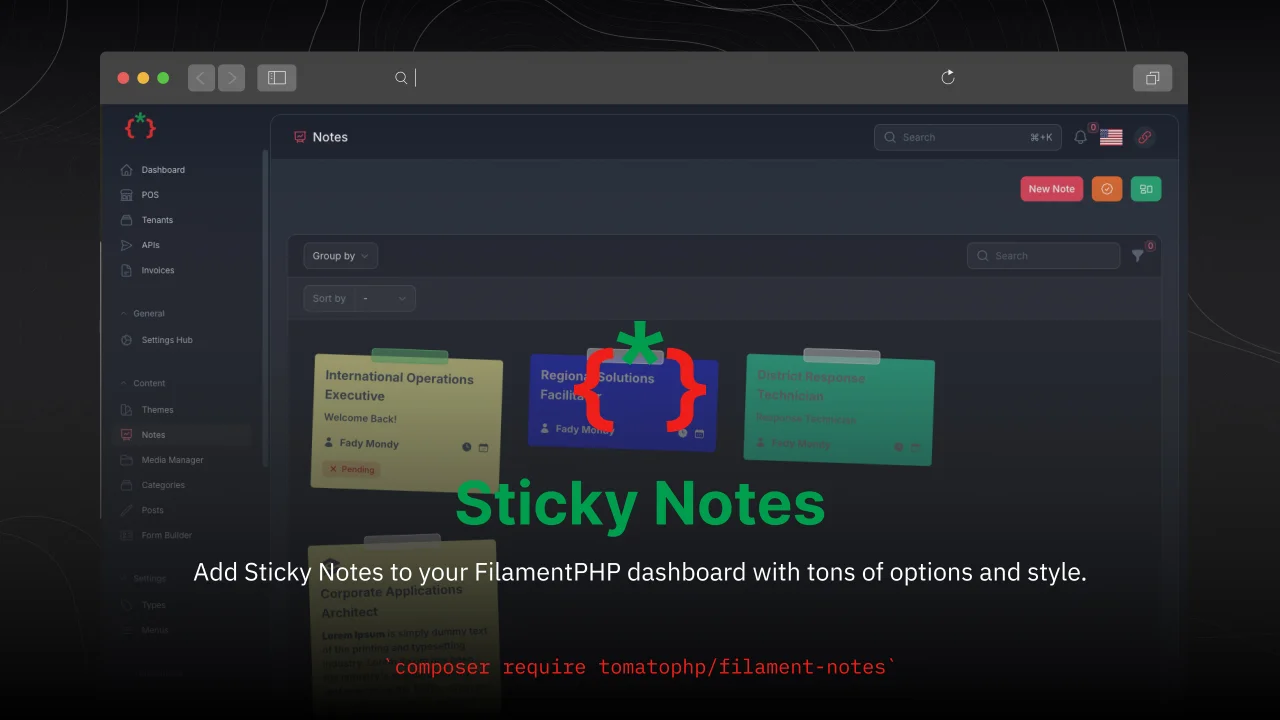
Sticky Notes by Fady Mondy
CommunityAdd Sticky Notes to your dashboard with tons of options and style.
 Author:
Fady Mondy
Author:
Fady Mondy
Package health
Automated checks of this plugin's Composer package
15 checks
- Failed: GitHub Actions pinned to SHA — View details on Plumb
- Skipped: GitLab CI includes pinned to SHA
- Passed: Open security advisories
- Passed: Dependabot PR responsiveness — No open Dependabot PRs.
- Skipped: Renovate MR responsiveness
- Failed: Dependabot or Renovate configured — No dependency updater configuration found. View details on Plumb
- Skipped: Dependency update cooldown configured
- Passed: Provides a security policy
- Passed: Abandoned or archived — No consulted source marks the package abandoned (packagist, github).
- Passed: Commit and release recency — Active: last commit 0 days ago; last release 0 days ago.
-
Passed:
composer.lock not committed by library
—
composer.lockis absent from the released dist archive. - Warning: Dist archive is lean
-
Passed:
Current Laravel version supported
—
Package dependencies resolve together with current Laravel
13.0. -
Passed:
Current PHP version supported
—
Constraint
^8.2supports current PHP8.5. - Skipped: Current Symfony version supported
filament/
namespace. Review the source and install at your own risk. Found
malware or an unresolved security issue the author won't
address?
Report it
.
Documentation
- Screenshots
- Features
- Compatibility
- Installation
- Use Widget
- Use Livewire Component
- Use Groups & Status
- Use Convert Note To Notification
- Use Share Note With Public Link
- Use User Access Permissions
- Use Checklist
- Customize Note Resource Icon
- Publish Assets
- Testing
- Code Style
- PHPStan
- Other Filament Packages




Add Sticky Notes to your FilamentPHP dashboard with tons of options and style
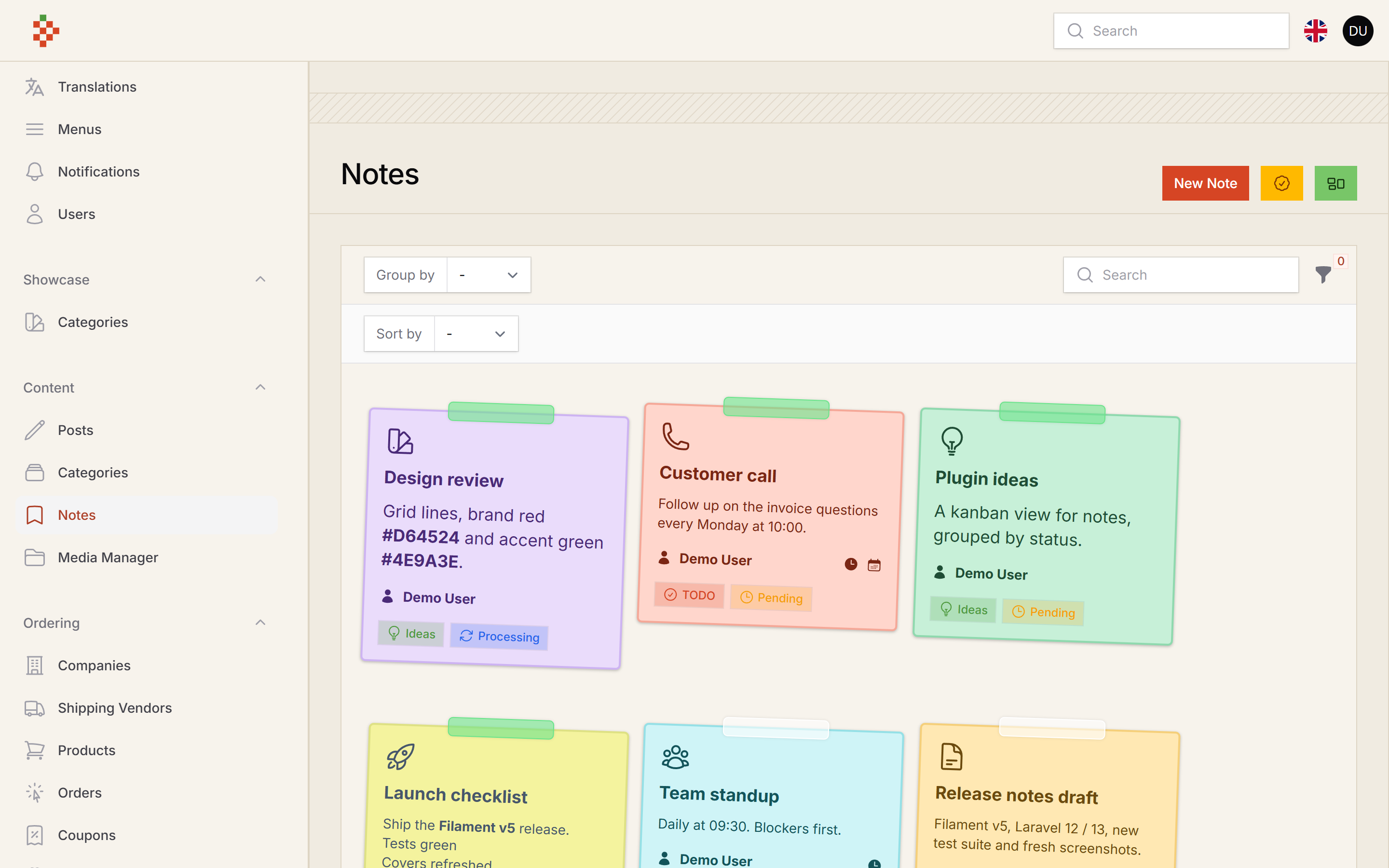
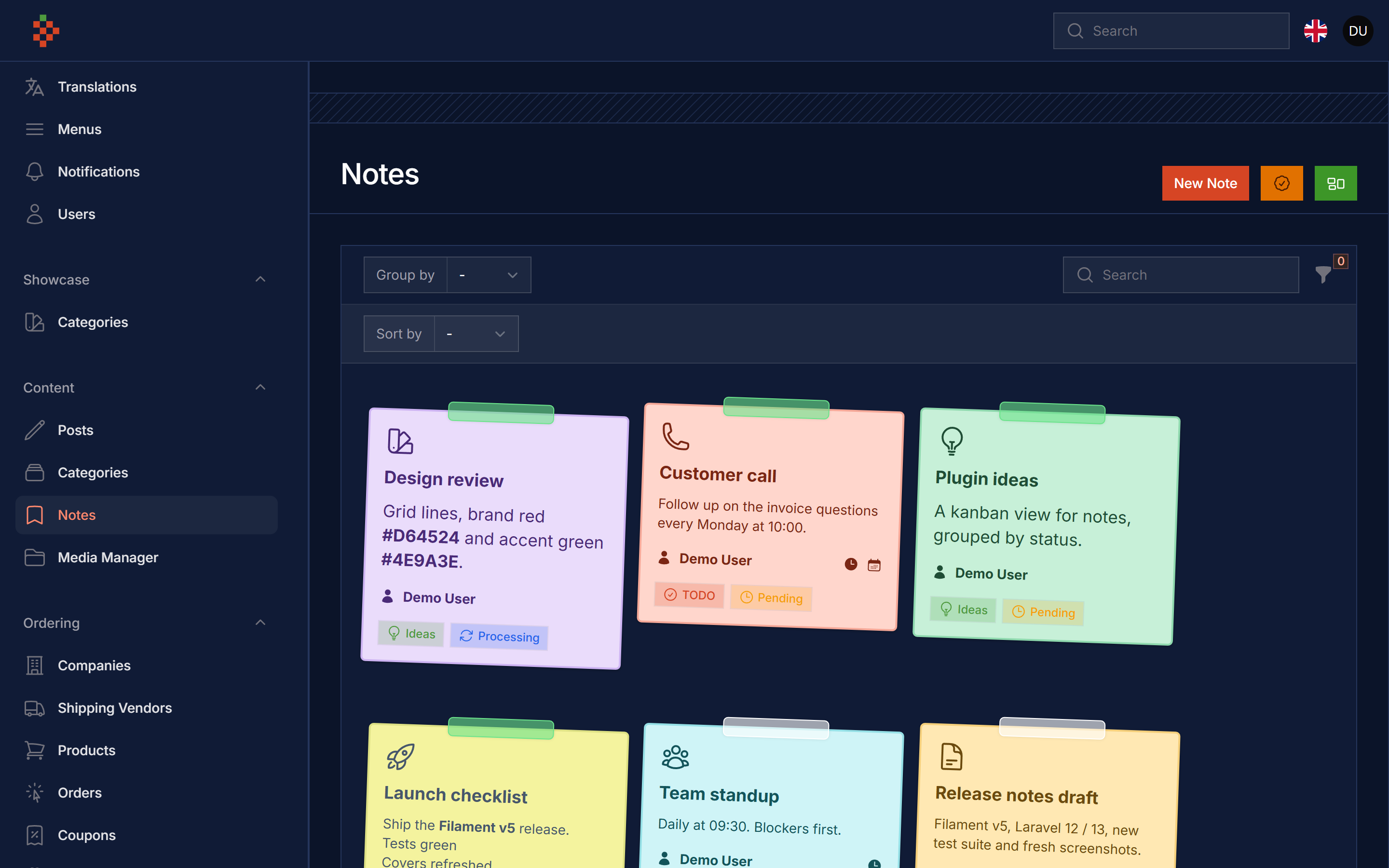
#Screenshots
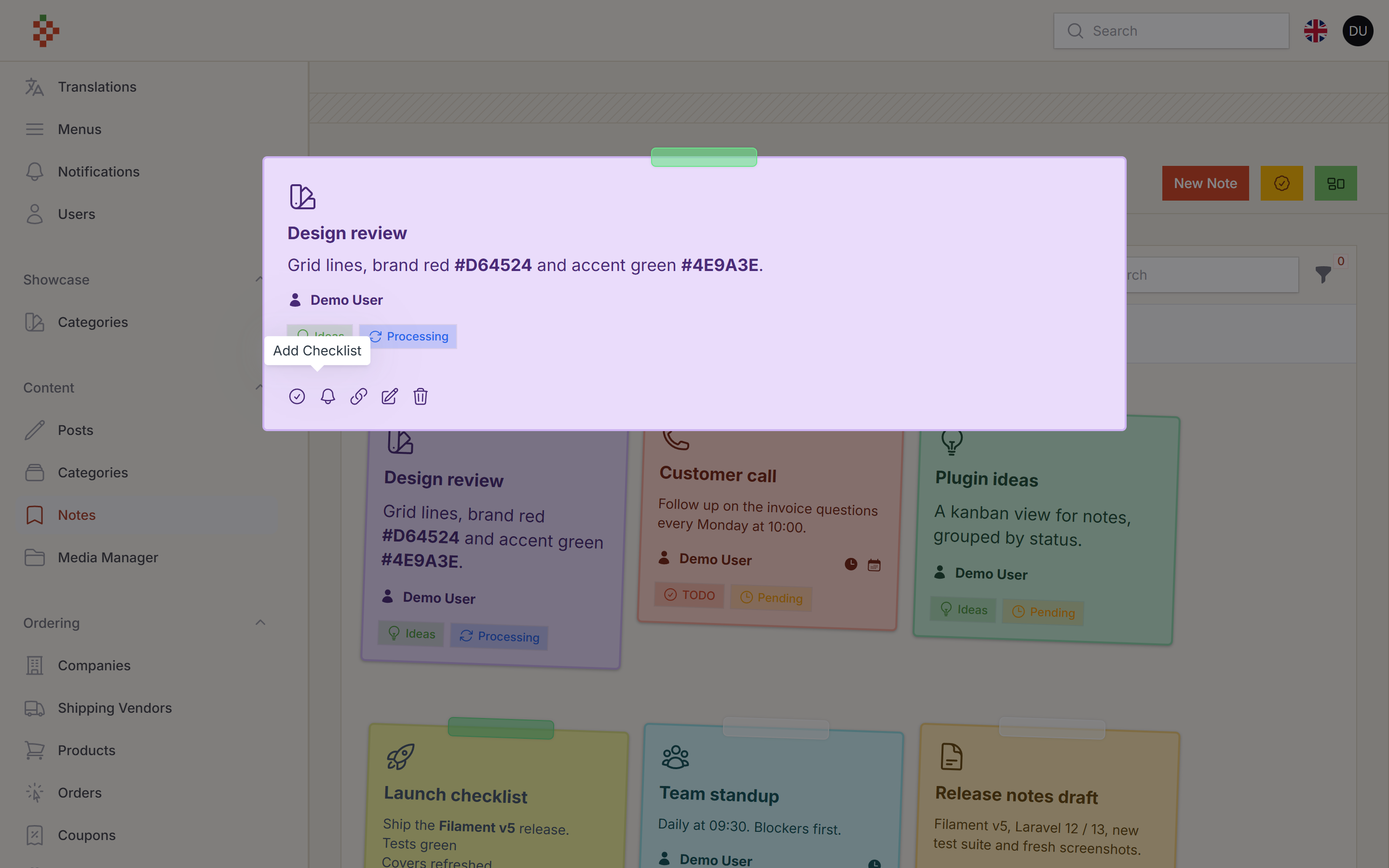
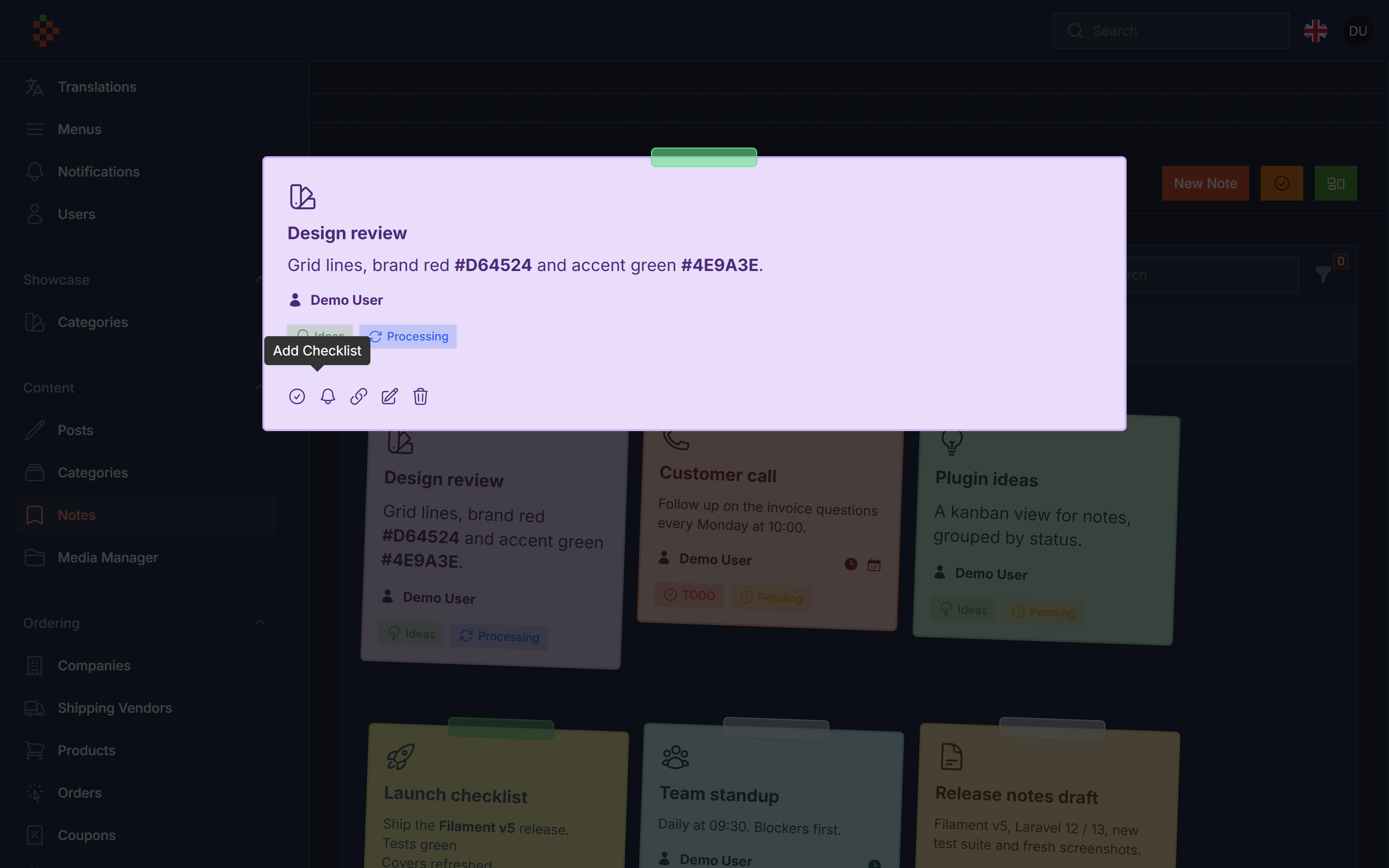
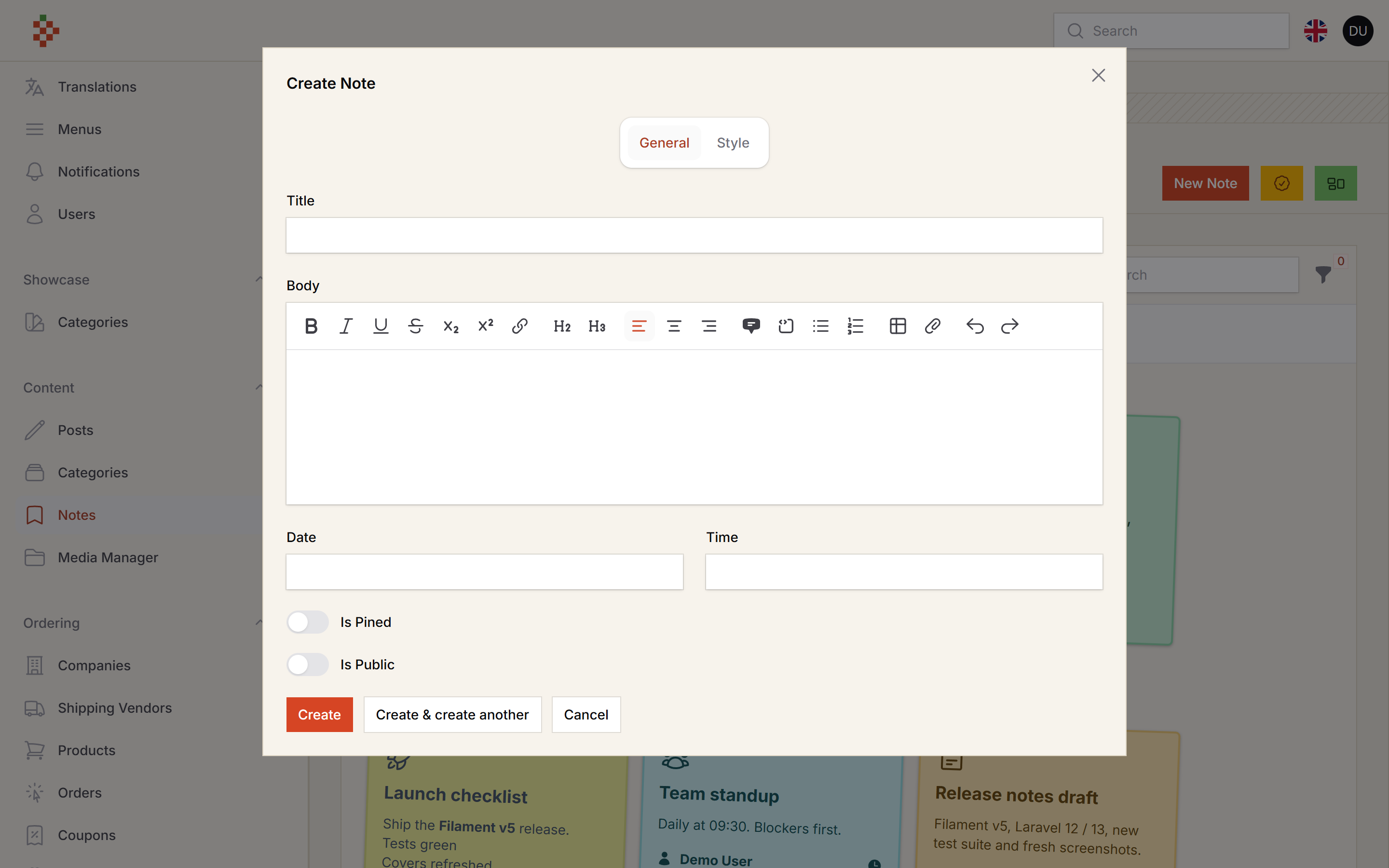
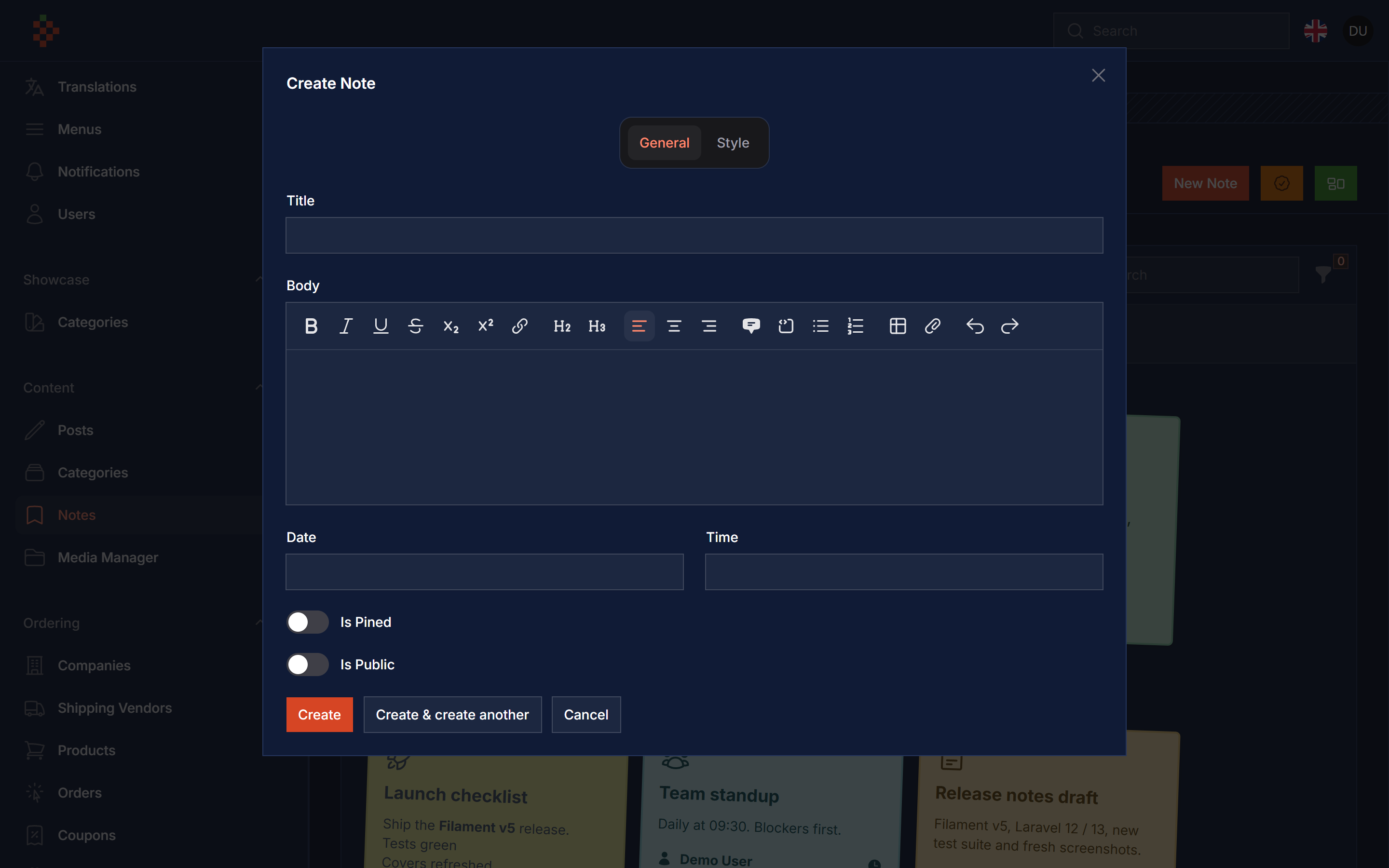
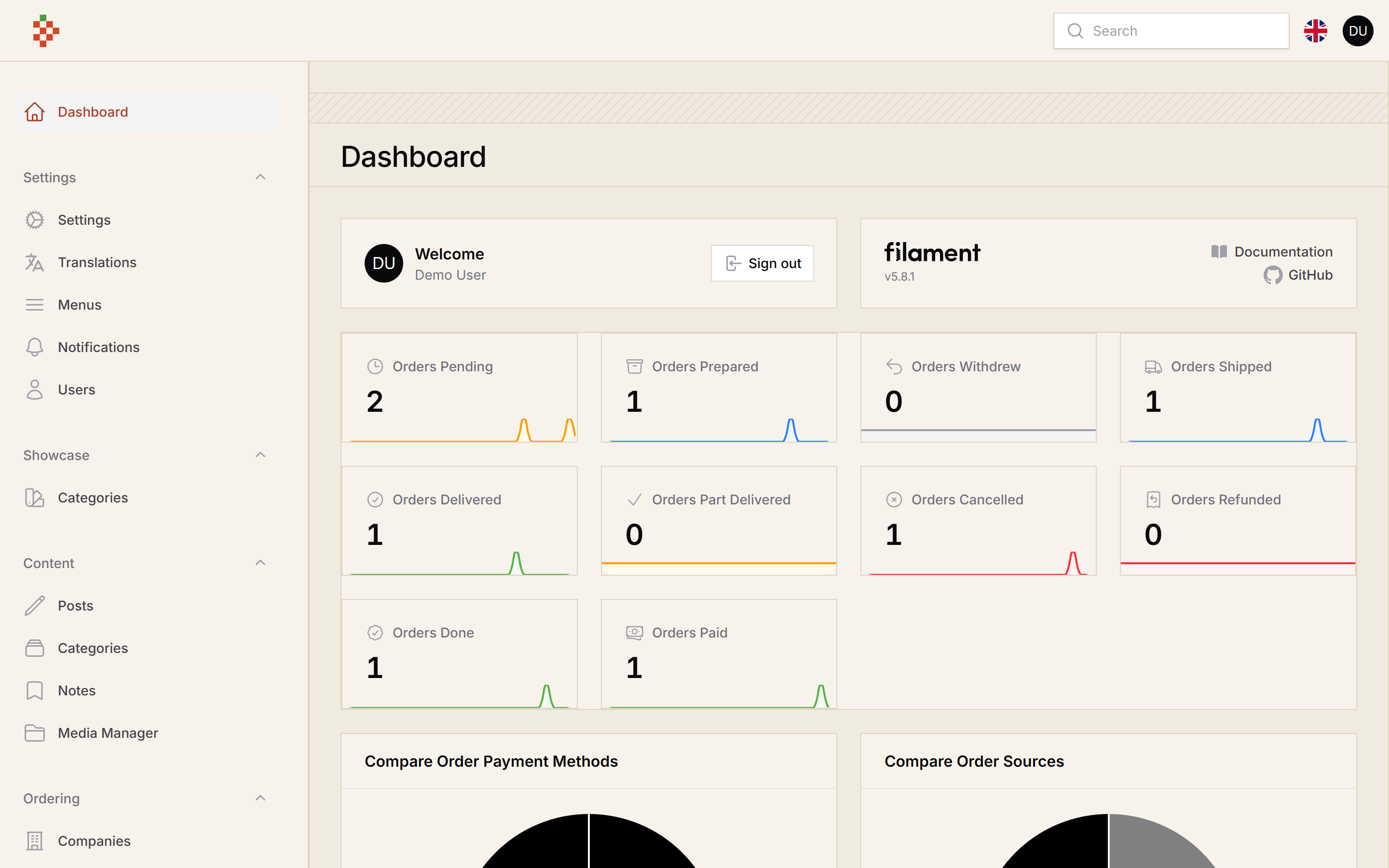
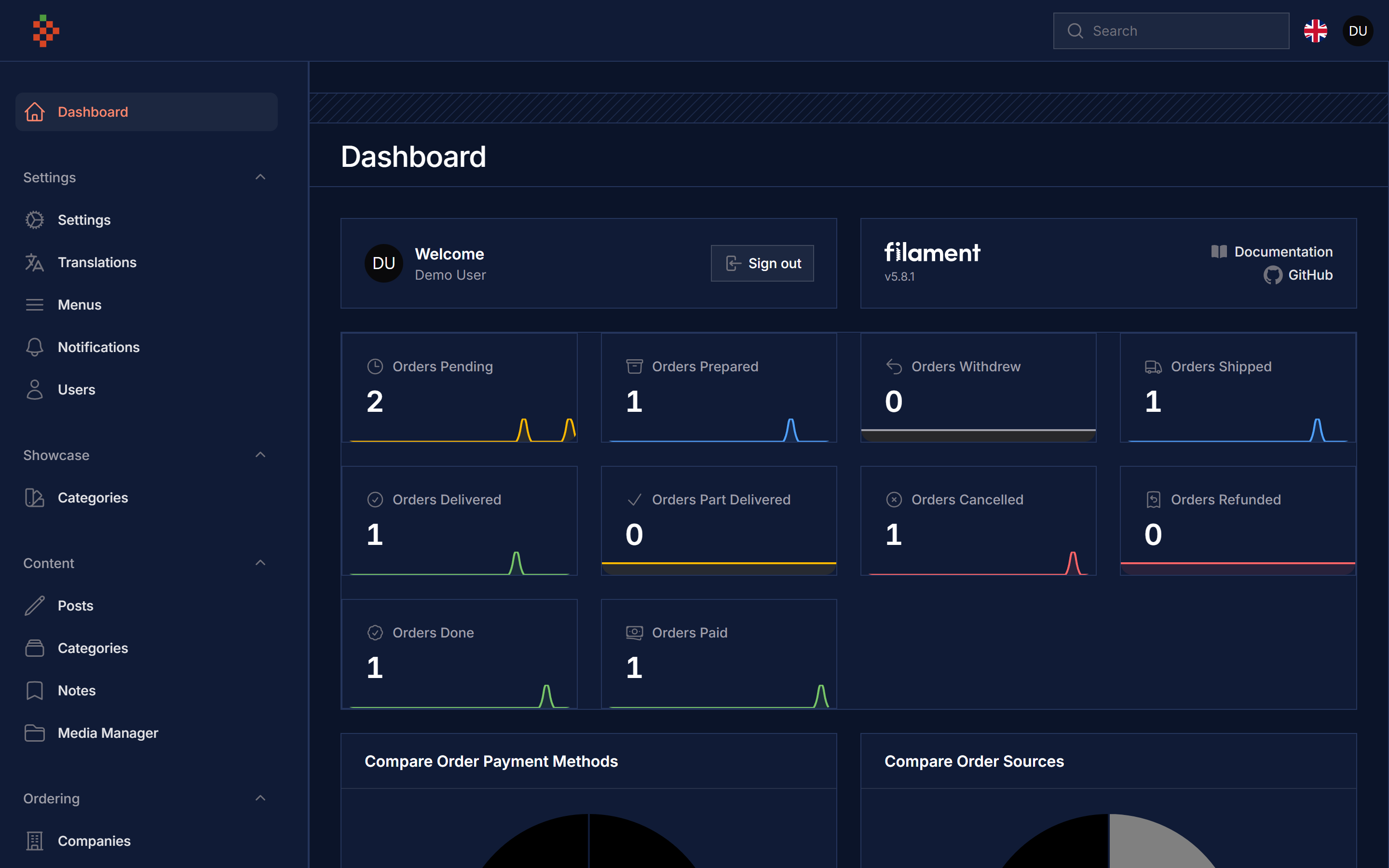
#Features
- Notes Resource
- Notes Style
- Pined Notes
- Notes Background
- Notes Font Color
- Notes Border Color
- Notes Font Widget
- Notes Widget
- Notes Widget Limit
- Public/Private Notes
- Notes Groups
- Notes Status
- Notes To Notifications
- Share Notes With Public Link
- Share Notes With Selected User
- Notes CheckLists
- Notes Reminders
- Notes Font Family
- Attach Notes To Models
- Notes Templates
#Compatibility
| Package version | Filament | Laravel | PHP |
|---|---|---|---|
| 5.x | 5.x | 12.x / 13.x | 8.2+ |
1.x (v3 branch) |
3.x | 10.x / 11.x | 8.1+ |
#Installation
composer require tomatophp/filament-notes
after install your package please run this command
php artisan filament-notes:install
Finally register the plugin on /app/Providers/Filament/AdminPanelProvider.php
$panel->plugin(\TomatoPHP\FilamentNotes\FilamentNotesPlugin::make())
Notes are linked to your user model, you can change it from the config file filament-notes.models.user (default App\Models\User).
#Use Widget
you can use it as a resource or you can use it as a widget by just register a widget on your panel provider like this
$panel->widgets([
    \TomatoPHP\FilamentNotes\Filament\Widgets\NotesWidget::class
])
the widget shows the pinned notes the current user can see, you can change how many notes it shows
$panel->plugin(\TomatoPHP\FilamentNotes\FilamentNotesPlugin::make()
    ->widgetLimit(8)
)
#Use Livewire Component
you can use selected note anywhere using livewire component
<livewire:note-action :note="$note" />
#Use Groups & Status
groups and status are stored with filament-types (installed with this package), you can use this feature by add this methods to the plugin
$panel->plugin(\TomatoPHP\FilamentNotes\FilamentNotesPlugin::make()
    ->useStatus()
    ->useGroups()
)
the default groups (todo, ideas, saved) and statuses (pending, processing, done) are created the first time you open the Notes Groups / Notes Status pages from the notes page header.
#Use Convert Note To Notification
you can send a note as a Filament database notification to selected users by adding this method to the plugin (your panel needs ->databaseNotifications() and the notifications table)
$panel->plugin(\TomatoPHP\FilamentNotes\FilamentNotesPlugin::make()
    ->useNotification()
)
#Use Share Note With Public Link
you can generate a public link and share it with others by allowing this feature on your provider
$panel->plugin(\TomatoPHP\FilamentNotes\FilamentNotesPlugin::make()
    ->useShareLink()
)
#Use User Access Permissions
you can use this feature to allow only selected users to access the notes by allowing this feature on your provider
$panel->plugin(\TomatoPHP\FilamentNotes\FilamentNotesPlugin::make()
    ->useUserAccess()
)
#Use Checklist
you can use this feature to add a checklist to your notes by allowing this feature on your provider
$panel->plugin(\TomatoPHP\FilamentNotes\FilamentNotesPlugin::make()
    ->useCheckList()
)
#Customize Note Resource Icon
you can customize the note resource icon by adding this method to the plugin
$panel->plugin(\TomatoPHP\FilamentNotes\FilamentNotesPlugin::make()
    ->navigationIcon('heroicon-o-presentation-chart-line')
)
#Publish Assets
you can publish config file by use this command
php artisan vendor:publish --tag="filament-notes-config"
you can publish views file by use this command
php artisan vendor:publish --tag="filament-notes-views"
you can publish languages file by use this command
php artisan vendor:publish --tag="filament-notes-lang"
you can publish migrations file by use this command
php artisan vendor:publish --tag="filament-notes-migrations"
#Testing
composer test
#Code Style
composer format
#PHPStan
composer analyse
#Other Filament Packages
Checkout our Awesome TomatoPHP
The author
Applied AI engineer and fractional CTO from Cairo, Egypt. Creator of TomatoPHP, 50+ open-source Filament plugins for building full apps (CMS, e-commerce, accounts, invoices, SaaS panels), and of Laravilt, an admin panel framework for Laravel on Inertia.
From the same author
Menu Generator
Menu view generator using view component
Author:
Fady Mondy
Translations Manager
Manage your translation with DB and cache, you can scan an collect translation strings like `trans()` and `__()`, and translate them using UI
Author:
Fady Mondy
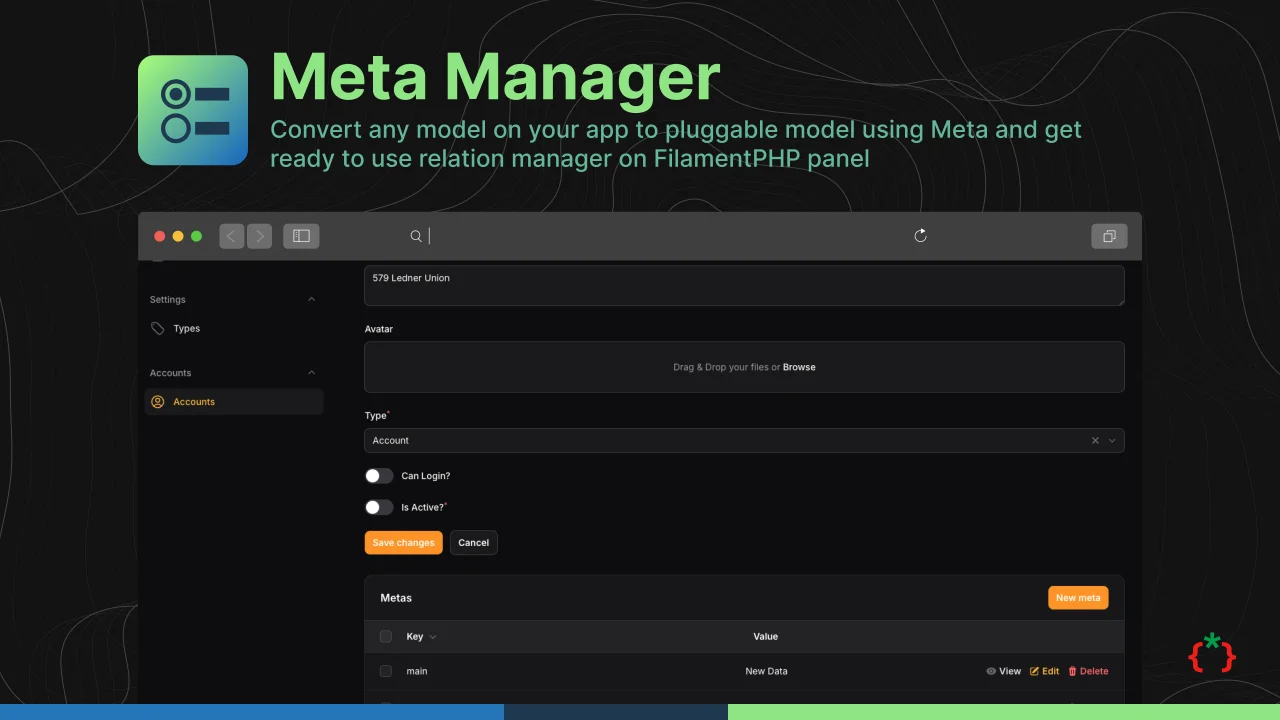
Meta Manager
Convert any model on your app to pluggable model using Meta and get ready to use relation manager on FilamentPHP panel
Author:
Fady Mondy
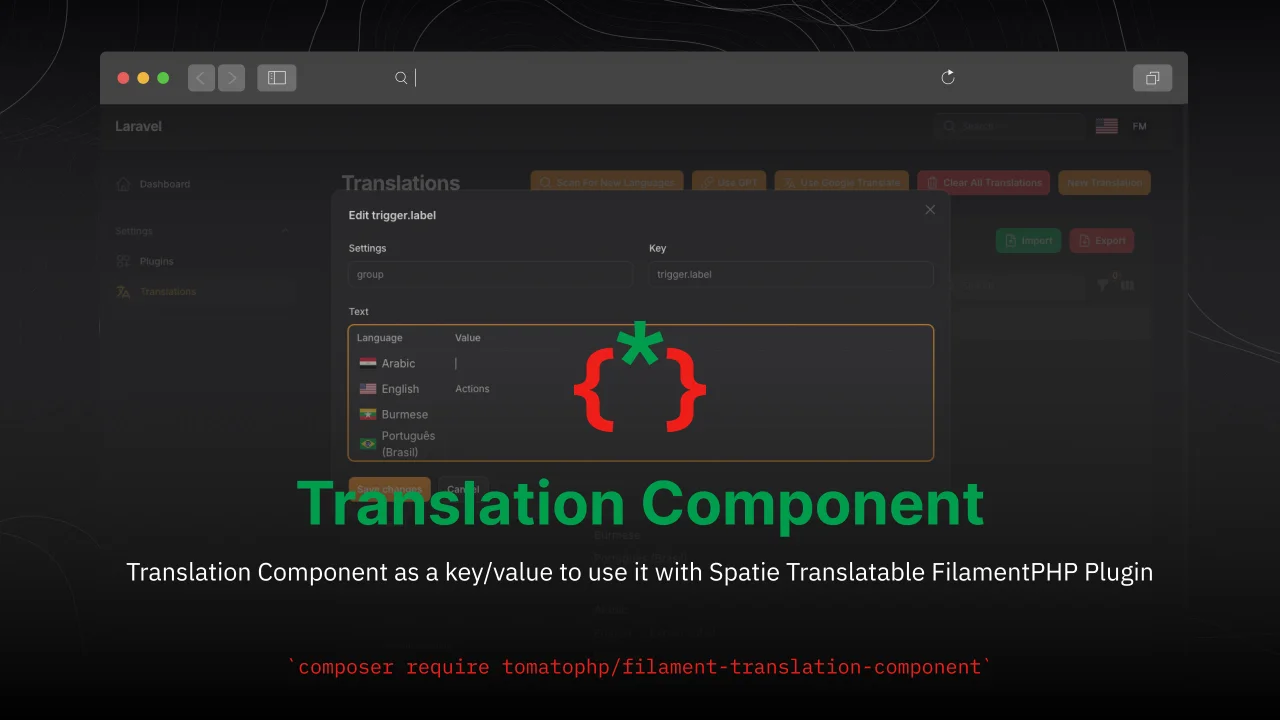
Translation Component
Translation Component as a key/value to use it with Spatie Translatable FilamentPHP Plugin
Author:
Fady Mondy
Featured Plugins
A selection of plugins curated by the Filament team

Blueprint
Filament Blueprint is a premium Laravel Boost extension that helps AI agents produce accurate, detailed implementation plans and security reports for Filament apps.
 Filament

Compact Theme
A theme that makes data-heavy panels easier to scan by fitting more useful information on each screen.
Filament

Advanced Tables (formerly Filter Sets)
Supercharge your tables with powerful features like user-customizable views, quick filters, multi-column sorting, advanced table searching, convenient view management, and more. Compatible with Resource Panel Tables, Relation Managers, Table Widgets, and Table Builder!
 Kenneth Sese

