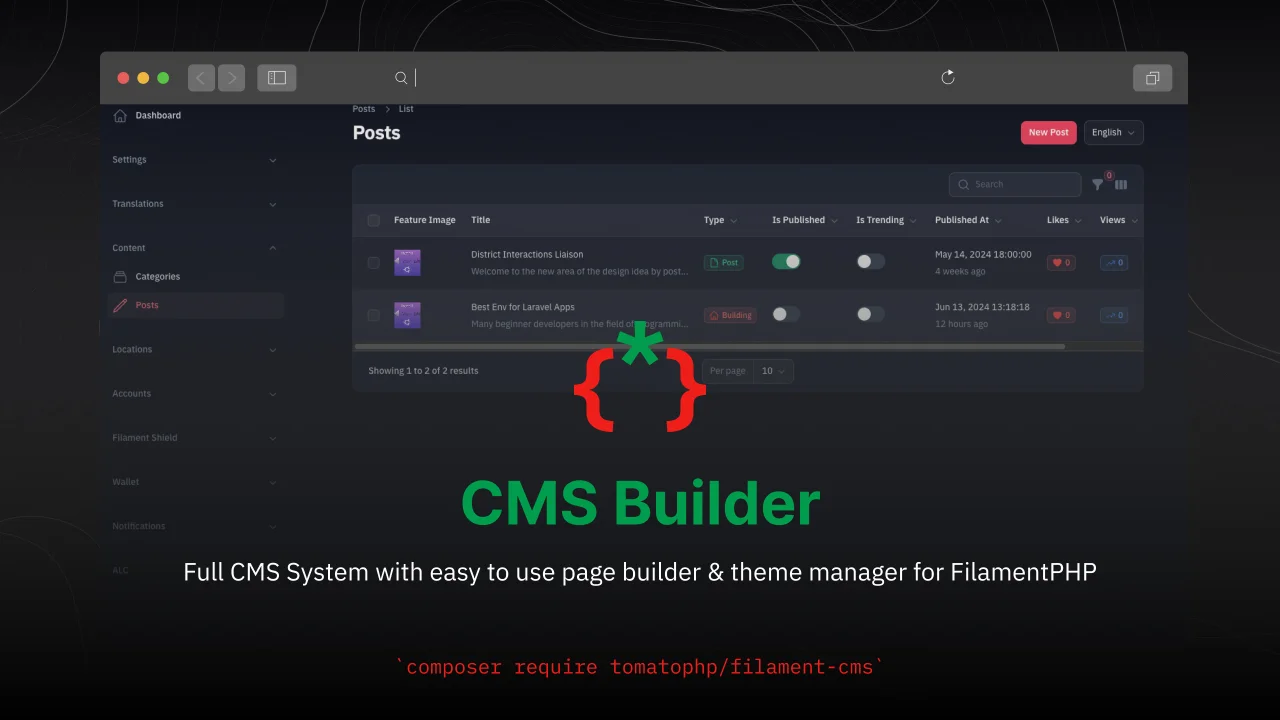
CMS Builder
CommunityFull CMS System with easy to use page builder & theme manager for FilamentPHP
 Author:
Fady Mondy
Author:
Fady Mondy
Package health
BetaAutomated checks of this plugin's Composer package
15 checks
- Failed: GitHub Actions pinned to SHA — View details on Plumb
- Skipped: GitLab CI includes pinned to SHA
- Passed: Open security advisories
- Failed: Dependabot PR responsiveness — Stale Dependabot PRs: oldest general PR is 286 days old. View details on Plumb
- Skipped: Renovate MR responsiveness
- Warning: Dependabot or Renovate configured — Updater does not cover Composer, which has a committed lockfile.
-
Failed:
Dependency update cooldown configured
—
No cooldown configured in
.github/dependabot.yml. View details on Plumb - Passed: Provides a security policy
- Passed: Abandoned or archived — No consulted source marks the package abandoned (packagist, github).
- Warning: Commit and release recency — Low activity: last commit 195 days ago; last release 290 days ago.
-
Failed:
composer.lock not committed by library
—
composer.lockis present in the released dist archive. View details on Plumb - Warning: Dist archive is lean
-
Passed:
Current Laravel version supported
—
Package dependencies resolve together with current Laravel
13.0. -
Passed:
Current PHP version supported
—
Constraint
^8.2|^8.3|^8.4supports current PHP8.5. - Skipped: Current Symfony version supported
filament/
namespace. Review the source and install at your own risk. Found
malware or an unresolved security issue the author won't
address?
Report it
.
Documentation
- Installation
- Screenshots
- Features
- Add Custom Type to CMS
- Add More Author Types
- Use Post-Events
- Extend Post Resource
- Extend Category Resource
- Integrate more Import Actions
- Publish Assets
- Testing
- Code Style
- PHPStan
- Other Filament Packages
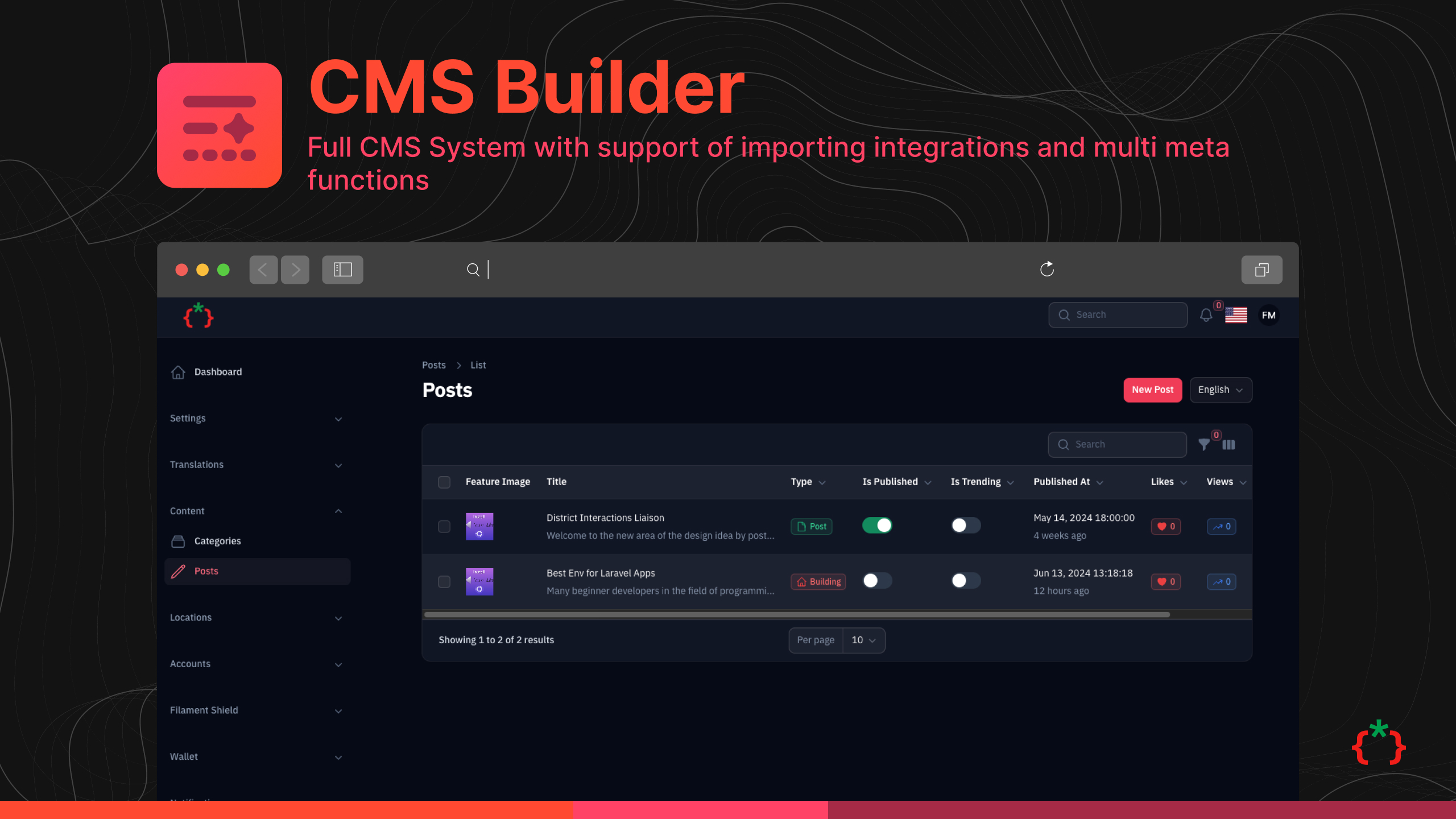





Full CMS System with support of importing integrations and multi meta functions
#Installation
[!CAUTION] Don't update to v4.0 if you are using v1.0 or less because you will lose some features but you can update and use this features from integrated packages.
composer require tomatophp/filament-cms
after installing your package, please run this command
php artisan filament-cms:install
finally register the plugin on /app/Providers/Filament/AdminPanelProvider.php
->plugin(
    \TomatoPHP\FilamentCms\FilamentCMSPlugin::make()
        ->useCategory()
        ->usePost()
        ->allowExport()
        ->allowImport()
)
#Screenshots
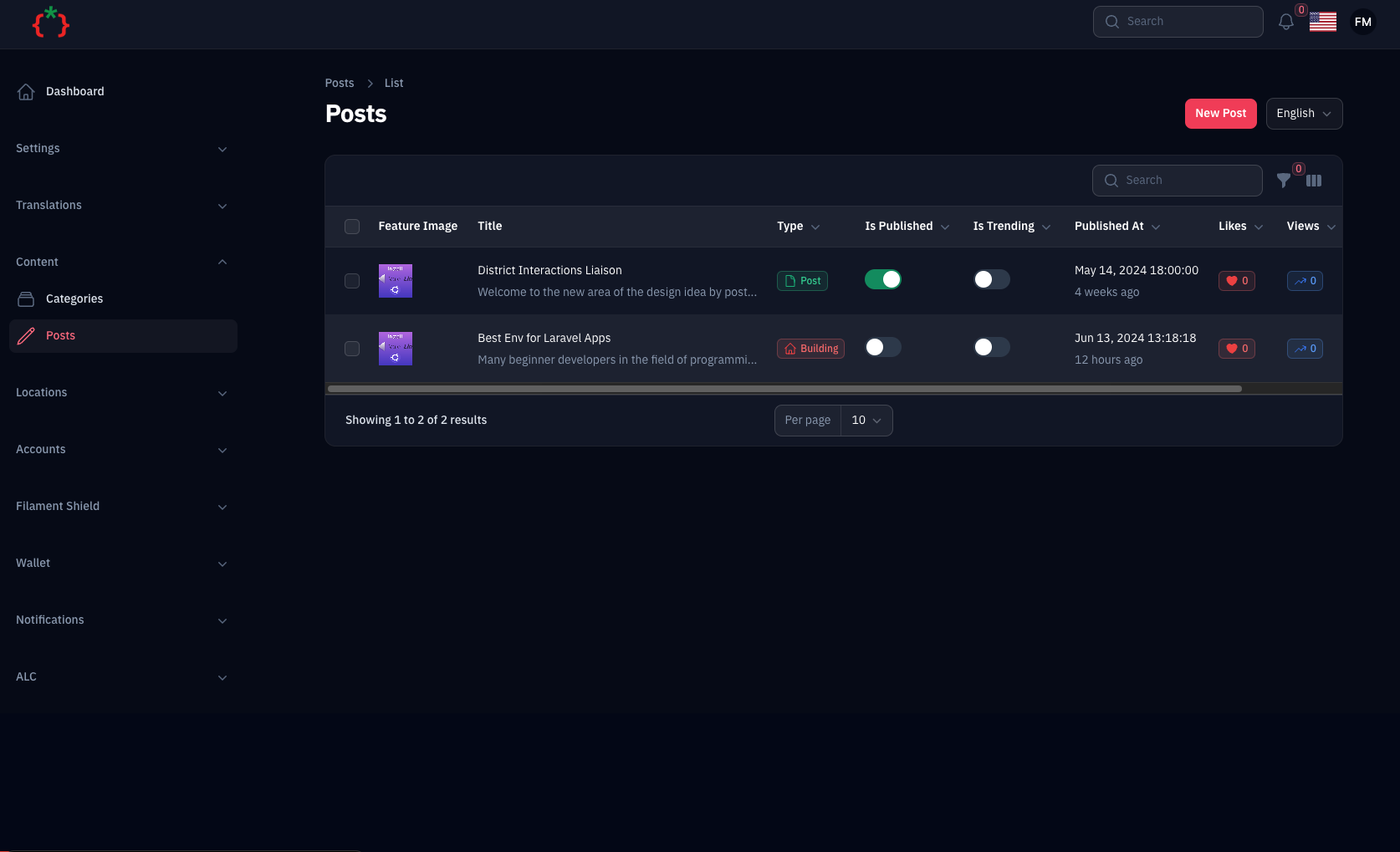
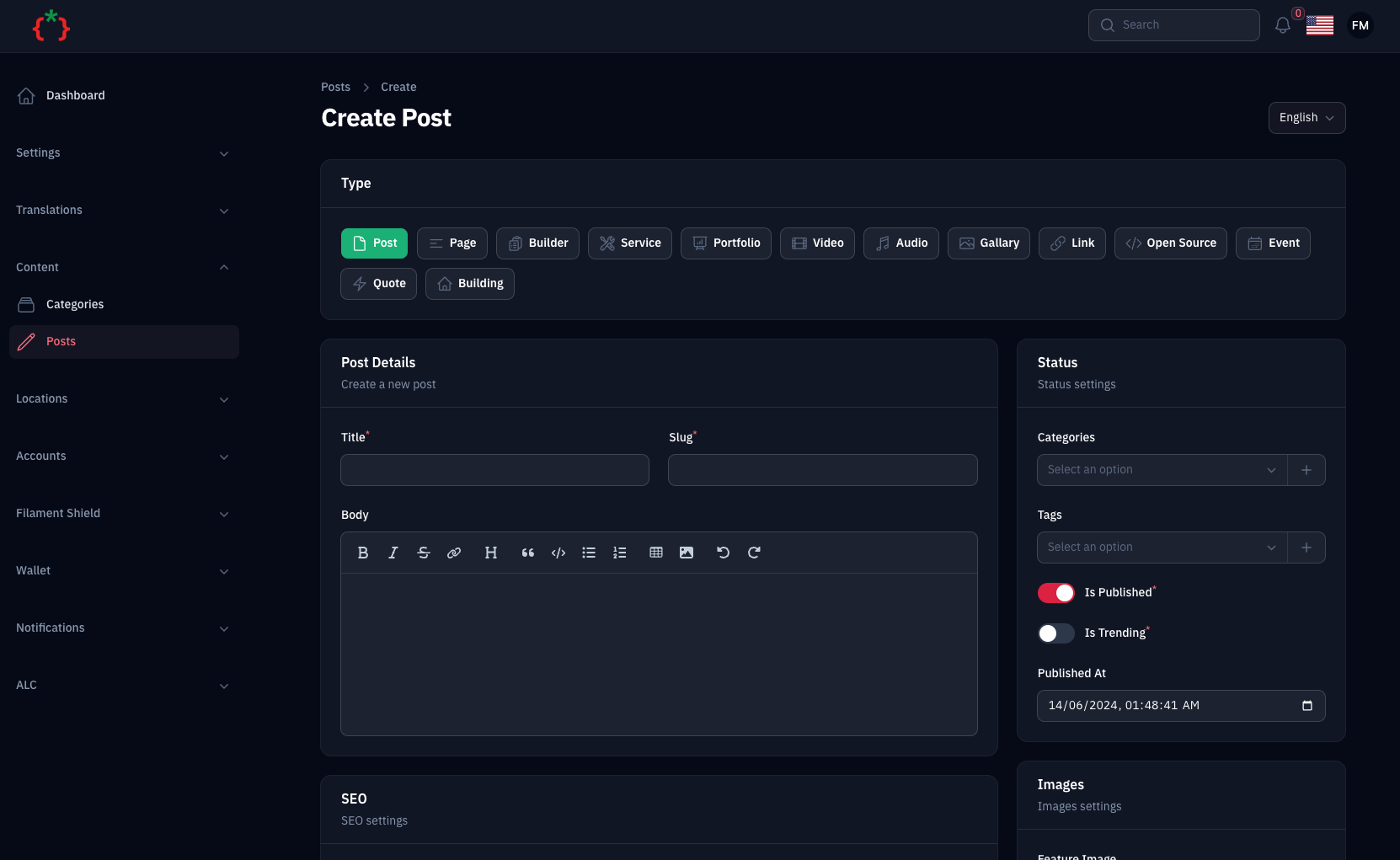
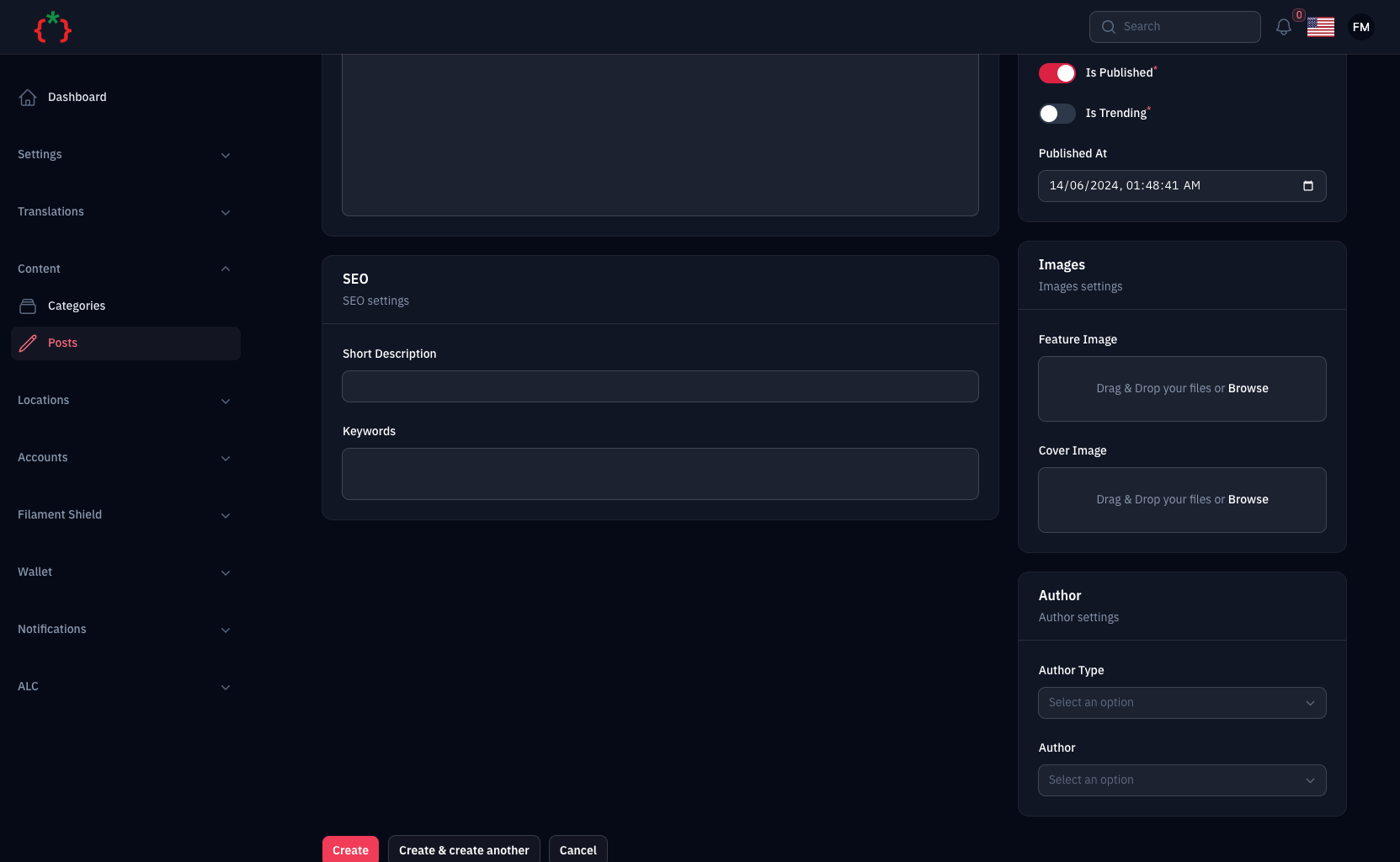
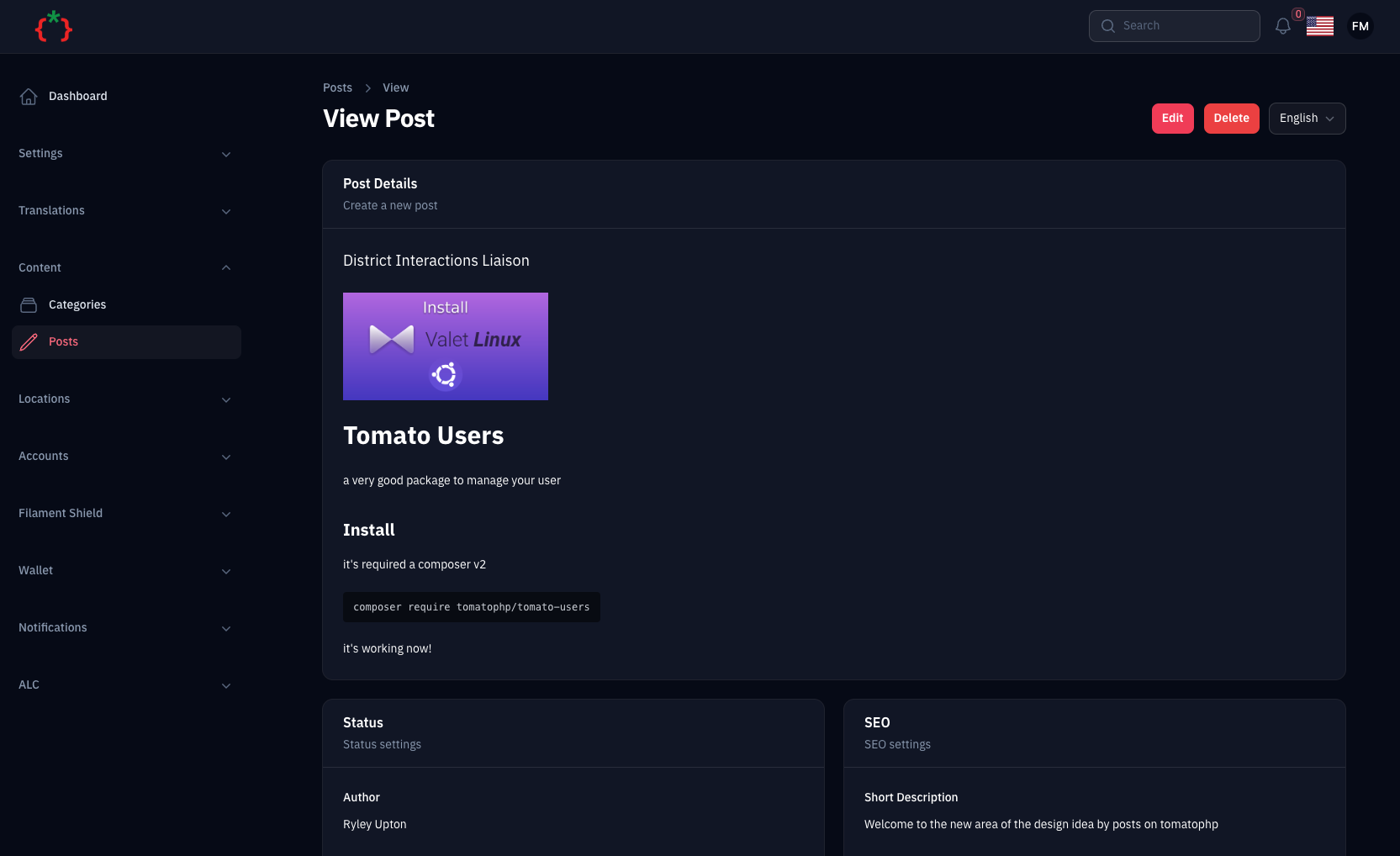
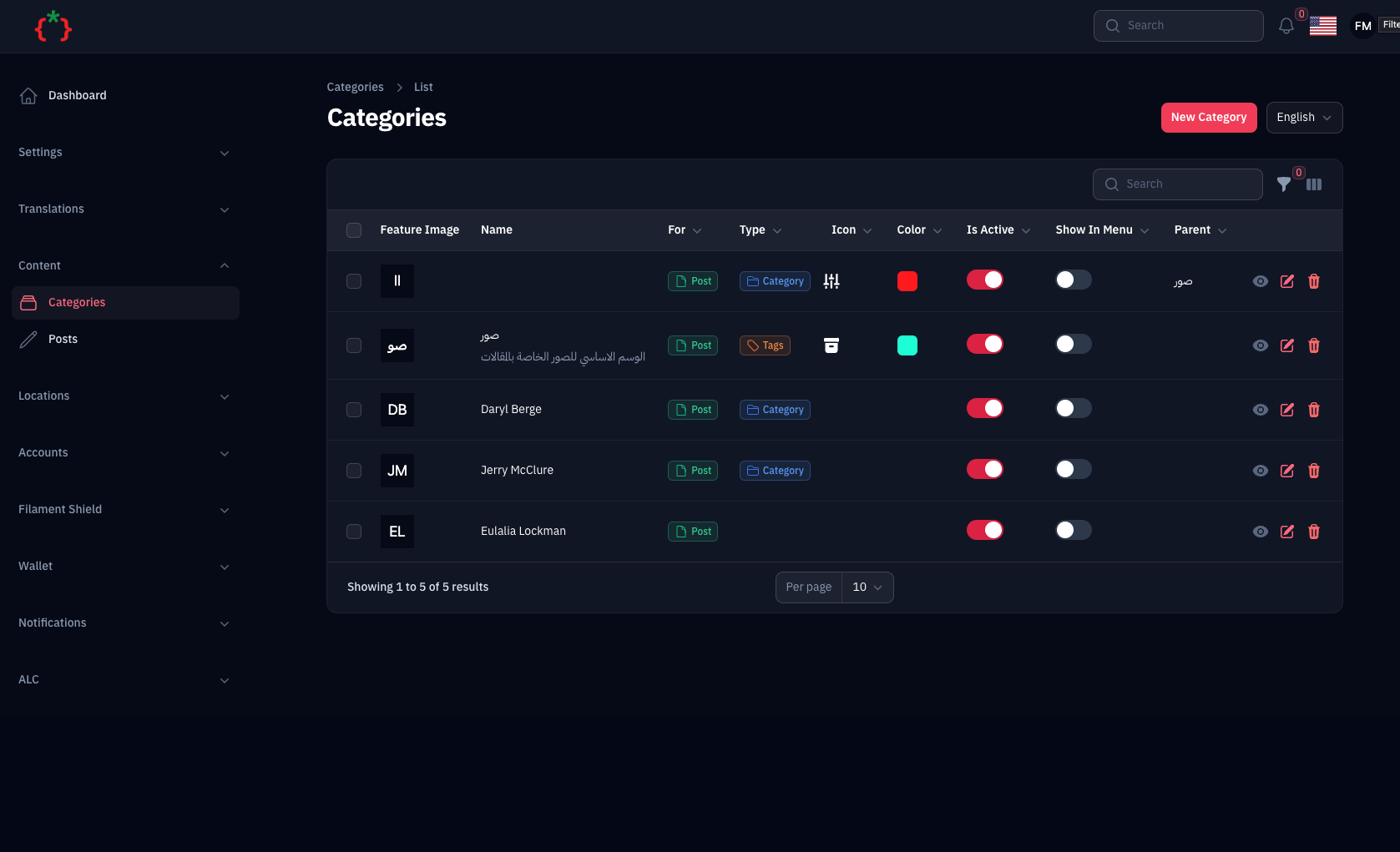
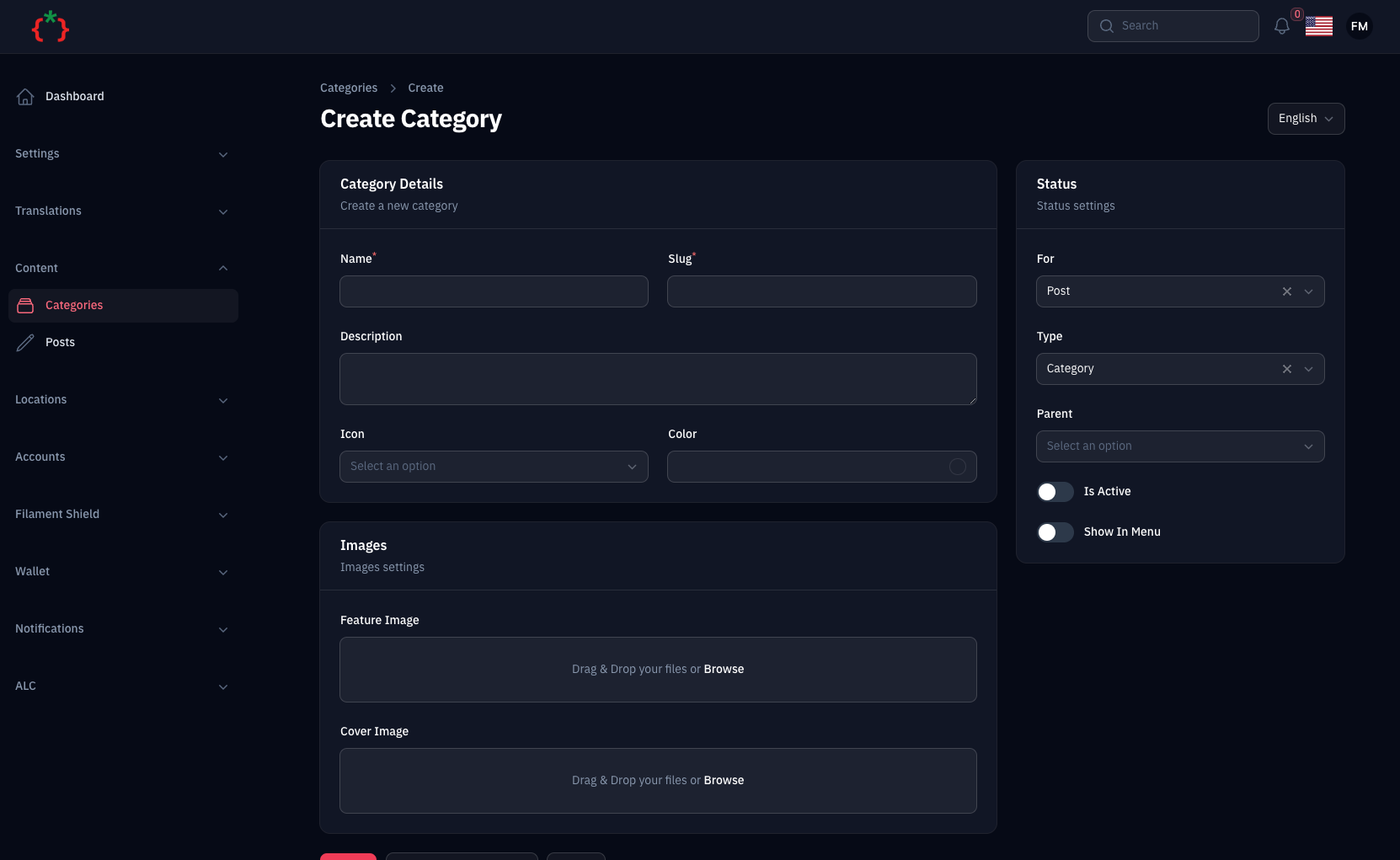
#Features
- Content Manager
- Content Comments & Ratings
- Multi Imports Integrations
- Content Import & Export
#Add Custom Type to CMS
you can add a custom type to the CMS by using Facade method on your AppServiceProvider boot() method
use TomatoPHP\FilamentCms\Facades\FilamentCMS;
use TomatoPHP\FilamentCms\Services\Contracts\CmsType;

public function boot()
{
    FilamentCMS::types()->register([
        CmsType::make('building')
            ->label('Buildings')
            ->icon('heroicon-o-home')
            ->color('danger')
    ]);
}
#Add More Author Types
you can add more authors types by using Facade method on your AppServiceProvider boot() method
use TomatoPHP\FilamentCms\Facades\FilamentCMS;
use TomatoPHP\FilamentCms\Services\Contracts\CmsAuthor;

public function boot()
{
    FilamentCMS::authors()->register([
        CmsAuthor::make('Admin')
            ->model(\App\Models\User::class)
    ]);
}
#Use Post-Events
sometimes you need to add some custom logic to your post like send email or notify user you can use the post events to do this, and the supported events is:
\TomatoPHP\FilamentCms\Events\PostCreated::class
\TomatoPHP\FilamentCms\Events\PostUpdated::class
\TomatoPHP\FilamentCms\Events\PostDeleted::class
#Extend Post Resource
The Post resource is built with a modular architecture that allows you to easily extend and customize forms, tables, and infolists by registering custom components.
#Register Custom Form Components
Add custom form fields to the Post resource form in your AppServiceProvider boot() method:
use TomatoPHP\FilamentCms\Filament\Resources\PostResource\Form\PostForm;
use Filament\Forms\Components\TextInput;

public function boot()
{
    PostForm::register([
        TextInput::make('custom_field')
            ->label('Custom Field')
            ->required(),
    ]);
}
#Register Custom Table Columns
Add custom columns to the Post resource table:
use TomatoPHP\FilamentCms\Filament\Resources\PostResource\Table\PostTable;
use Filament\Tables\Columns\TextColumn;

public function boot()
{
    PostTable::register([
        TextColumn::make('custom_field')
            ->label('Custom Field')
            ->sortable()
            ->searchable(),
    ]);
}
#Register Custom Table Actions
Add custom row actions to the Post resource table:
use TomatoPHP\FilamentCms\Filament\Resources\PostResource\Table\PostActions;
use Filament\Tables\Actions\Action;

public function boot()
{
    PostActions::register([
        Action::make('custom_action')
            ->label('Custom Action')
            ->icon('heroicon-o-bolt')
            ->action(function ($record) {
                // Your custom action logic
            }),
    ]);
}
#Register Custom Bulk Actions
Add custom bulk actions to the Post resource table:
use TomatoPHP\FilamentCms\Filament\Resources\PostResource\Table\PostBulkActions;
use Filament\Tables\Actions\BulkAction;

public function boot()
{
    PostBulkActions::register([
        BulkAction::make('custom_bulk_action')
            ->label('Custom Bulk Action')
            ->icon('heroicon-o-bolt')
            ->action(function ($records) {
                // Your custom bulk action logic
            }),
    ]);
}
#Register Custom Table Filters
Add custom filters to the Post resource table:
use TomatoPHP\FilamentCms\Filament\Resources\PostResource\Table\PostFilters;
use Filament\Tables\Filters\Filter;

public function boot()
{
    PostFilters::register([
        Filter::make('custom_filter')
            ->form([
                // Your filter form fields
            ])
            ->query(function ($query, array $data) {
                // Your filter query logic
            }),
    ]);
}
#Register Custom InfoList Entries
Add custom entries to the Post resource infolist (view page):
use TomatoPHP\FilamentCms\Filament\Resources\PostResource\InfoList\PostInfoList;
use Filament\Infolists\Components\TextEntry;

public function boot()
{
    PostInfoList::register([
        TextEntry::make('custom_field')
            ->label('Custom Field'),
    ]);
}
#Extend Category Resource
The Category resource follows the same modular architecture pattern as the Post resource.
#Register Custom Form Components
Add custom form fields to the Category resource form:
use TomatoPHP\FilamentCms\Filament\Resources\CategoryResource\Form\CategoryForm;
use Filament\Forms\Components\TextInput;

public function boot()
{
    CategoryForm::register([
        TextInput::make('custom_field')
            ->label('Custom Field')
            ->required(),
    ]);
}
#Register Custom Table Columns
Add custom columns to the Category resource table:
use TomatoPHP\FilamentCms\Filament\Resources\CategoryResource\Table\CategoryTable;
use Filament\Tables\Columns\TextColumn;

public function boot()
{
    CategoryTable::register([
        TextColumn::make('custom_field')
            ->label('Custom Field')
            ->sortable(),
    ]);
}
#Register Custom Table Actions
Add custom row actions to the Category resource table:
use TomatoPHP\FilamentCms\Filament\Resources\CategoryResource\Table\CategoryActions;
use Filament\Tables\Actions\Action;

public function boot()
{
    CategoryActions::register([
        Action::make('custom_action')
            ->label('Custom Action')
            ->icon('heroicon-o-bolt')
            ->action(function ($record) {
                // Your custom action logic
            }),
    ]);
}
#Register Custom Bulk Actions
Add custom bulk actions to the Category resource table:
use TomatoPHP\FilamentCms\Filament\Resources\CategoryResource\Table\CategoryBulkActions;
use Filament\Tables\Actions\BulkAction;

public function boot()
{
    CategoryBulkActions::register([
        BulkAction::make('custom_bulk_action')
            ->label('Custom Bulk Action')
            ->icon('heroicon-o-bolt')
            ->action(function ($records) {
                // Your custom bulk action logic
            }),
    ]);
}
#Register Custom Table Filters
Add custom filters to the Category resource table:
use TomatoPHP\FilamentCms\Filament\Resources\CategoryResource\Table\CategoryFilters;
use Filament\Tables\Filters\Filter;

public function boot()
{
    CategoryFilters::register([
        Filter::make('custom_filter')
            ->form([
                // Your filter form fields
            ])
            ->query(function ($query, array $data) {
                // Your filter query logic
            }),
    ]);
}
#Create Custom Modular Components
You can also create your own modular components by extending the base classes:
#Custom Form Component
namespace App\Filament\Components\Post;

use TomatoPHP\FilamentCms\Filament\Resources\PostResource\Form\Component;
use Filament\Forms\Components\TextInput;

class CustomFieldComponent extends Component
{
    public static function make(): \Filament\Forms\Components\Field | \Filament\Schemas\Components\Component
    {
        return TextInput::make('custom_field')
            ->label('Custom Field')
            ->required();
    }
}
Then register it:
use TomatoPHP\FilamentCms\Filament\Resources\PostResource\Form\PostForm;
use App\Filament\Components\Post\CustomFieldComponent;

public function boot()
{
    PostForm::register([
        CustomFieldComponent::make(),
    ]);
}
#Custom Table Column
namespace App\Filament\Columns\Post;

use TomatoPHP\FilamentCms\Filament\Resources\PostResource\Table\Column;
use Filament\Tables\Columns\TextColumn;

class CustomColumn extends Column
{
    public static function make(): \Filament\Tables\Columns\Column
    {
        return TextColumn::make('custom_field')
            ->label('Custom Field')
            ->sortable()
            ->searchable();
    }
}
Then register it:
use TomatoPHP\FilamentCms\Filament\Resources\PostResource\Table\PostTable;
use App\Filament\Columns\Post\CustomColumn;

public function boot()
{
    PostTable::register([
        CustomColumn::make(),
    ]);
}
#Custom InfoList Entry
namespace App\Filament\Entries\Post;

use TomatoPHP\FilamentCms\Filament\Resources\PostResource\InfoList\Entry;
use Filament\Infolists\Components\TextEntry;

class CustomEntry extends Entry
{
    public static function make(): \Filament\Infolists\Components\Entry
    {
        return TextEntry::make('custom_field')
            ->label('Custom Field');
    }
}
Then register it:
use TomatoPHP\FilamentCms\Filament\Resources\PostResource\InfoList\PostInfoList;
use App\Filament\Entries\Post\CustomEntry;

public function boot()
{
    PostInfoList::register([
        CustomEntry::make(),
    ]);
}
#Integrate more Import Actions
you can integrate more import actions by using the FilamentCMS::registerImportAction() method on your AppServiceProvider boot() method like this
use TomatoPHP\FilamentCms\Facade\FilamentCMS;
use Filament\Actions\Action;

public function boot()
{
      FilamentCMS::registerImportAction(Action::make('import'));
}
#Publish Assets
you can publish a config file by use this command
php artisan vendor:publish --tag="filament-cms-config"
you can publish a view file by using this command
php artisan vendor:publish --tag="filament-cms-views"
you can publish a language file by using this command
php artisan vendor:publish --tag="filament-cms-lang"
you can publish the migration file by using this command
php artisan vendor:publish --tag="filament-cms-migrations"
#Testing
if you like to run PEST testing just use this command
composer test
#Code Style
if you like to fix the code style just use this command
composer format
#PHPStan
if you like to check the code by PHPStan just use this command
composer analyse
#Other Filament Packages
Check out our Awesome TomatoPHP
The author
Full CMS System with easy to use page builder & theme manager for FilamentPHP
From the same author
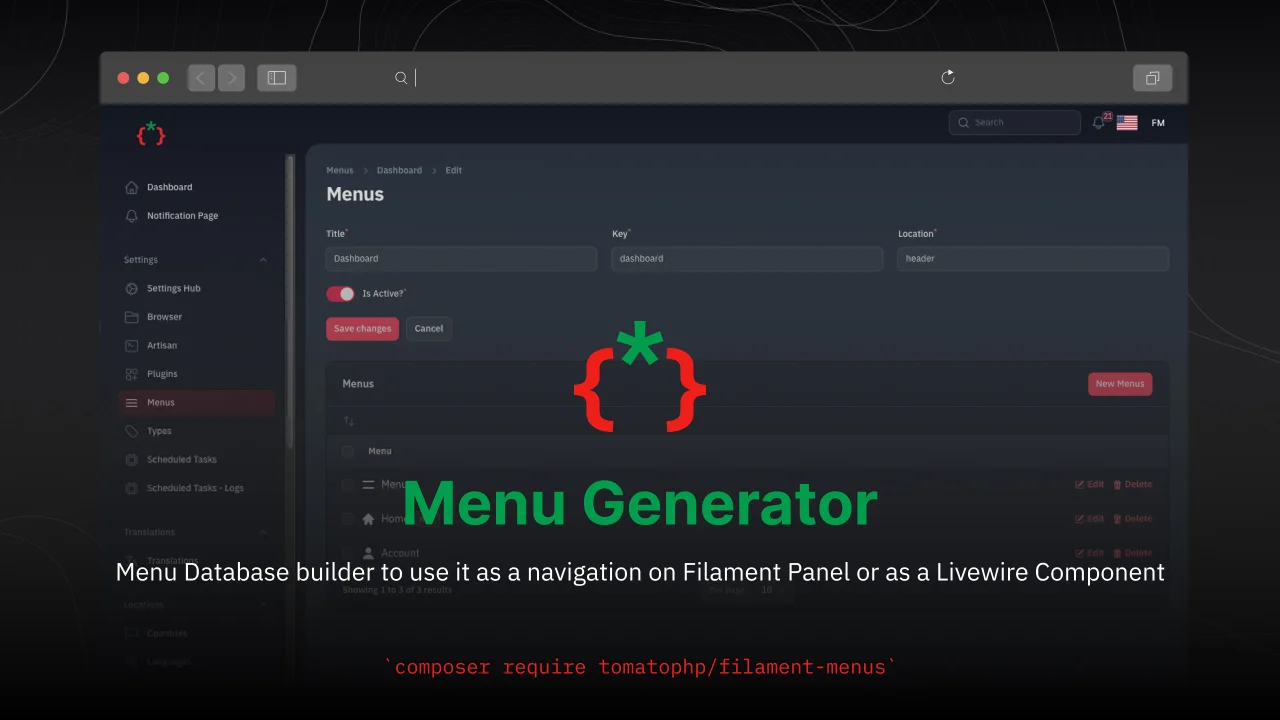
Menu Generator
Menu view generator using view component
Author:
Fady Mondy
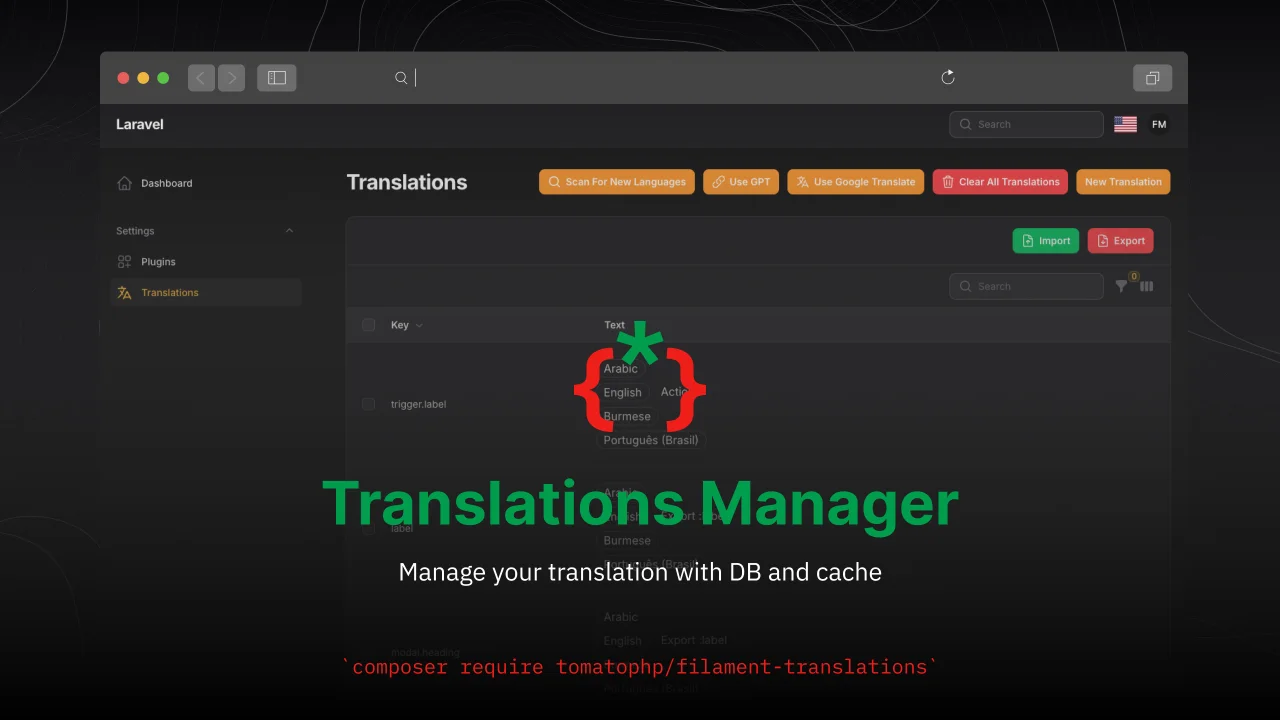
TomatoPHP Translations Manager
Manage your translation with DB and cache, you can scan an collect translation strings like `trans()` and `__()`, and translate them using UI
Author:
Fady Mondy
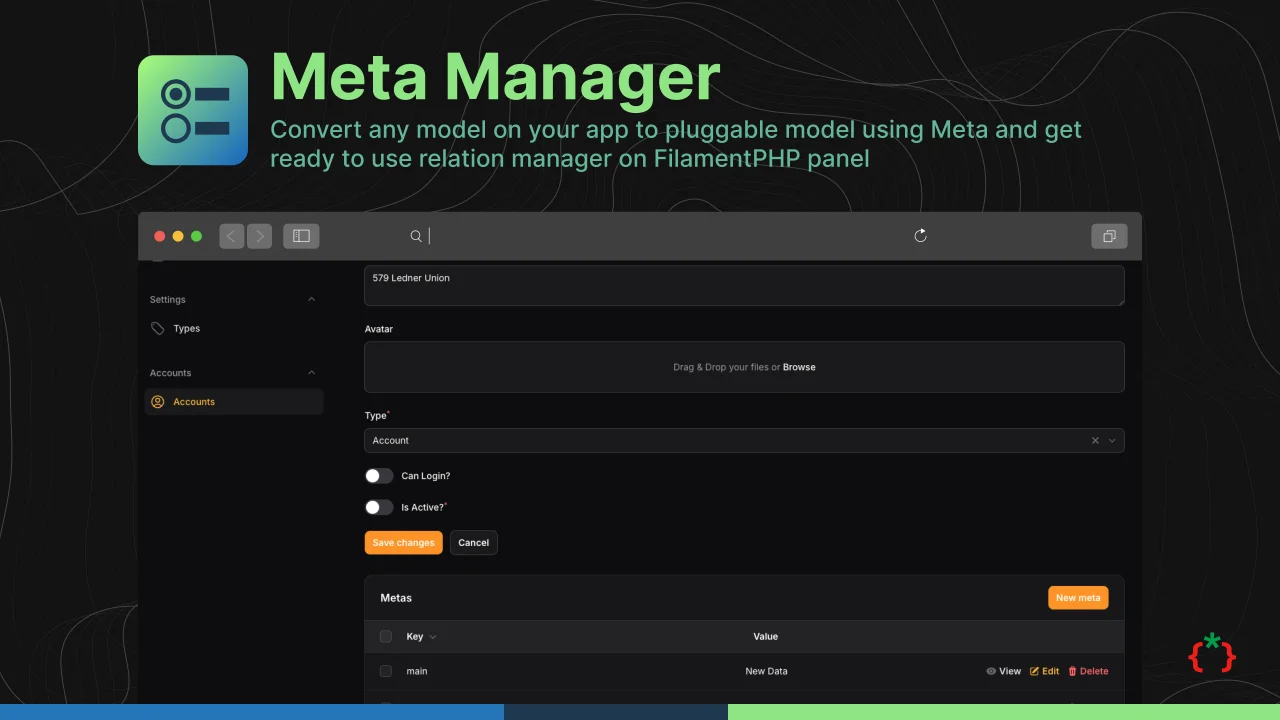
Meta Manager
Convert any model on your app to pluggable model using Meta and get ready to use relation manager on FilamentPHP panel
Author:
Fady Mondy
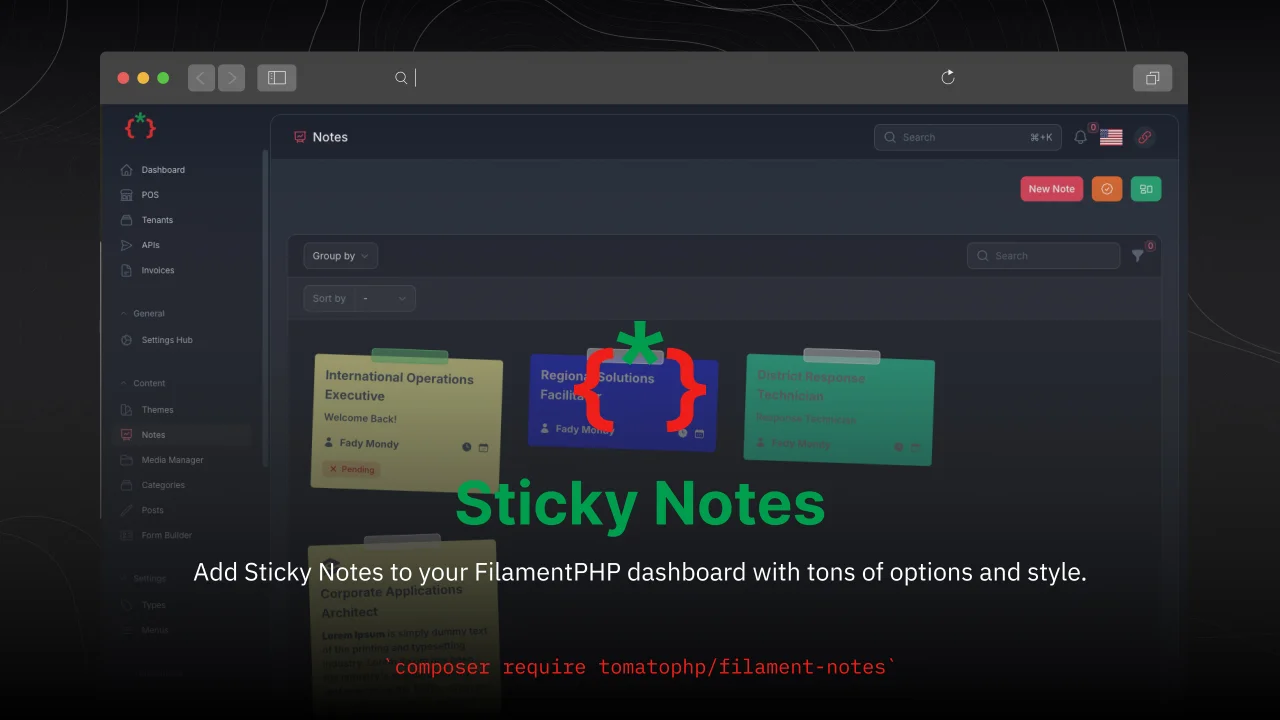
Sticky Notes
Add Sticky Notes to your dashboard with tons of options and style.
Author:
Fady Mondy
Featured Plugins
A selection of plugins curated by the Filament team

Custom Dashboards
Let your users build and share their own dashboards with a drag-and-drop interface. Define your data sources in PHP and let them do the rest.
 Filament

Data Lens
Advanced Data Visualization for Laravel Filament - a premium reporting solution enabling custom column creation, sophisticated filtering, and enterprise-grade data insights within admin panels.
 Padmission

Spotlight Pro
Browse your Filament Panel with ease. Filament Spotlight Pro adds a Spotlight like Command Palette to your Filament Panel.
 Dennis Koch

