Cron Manager
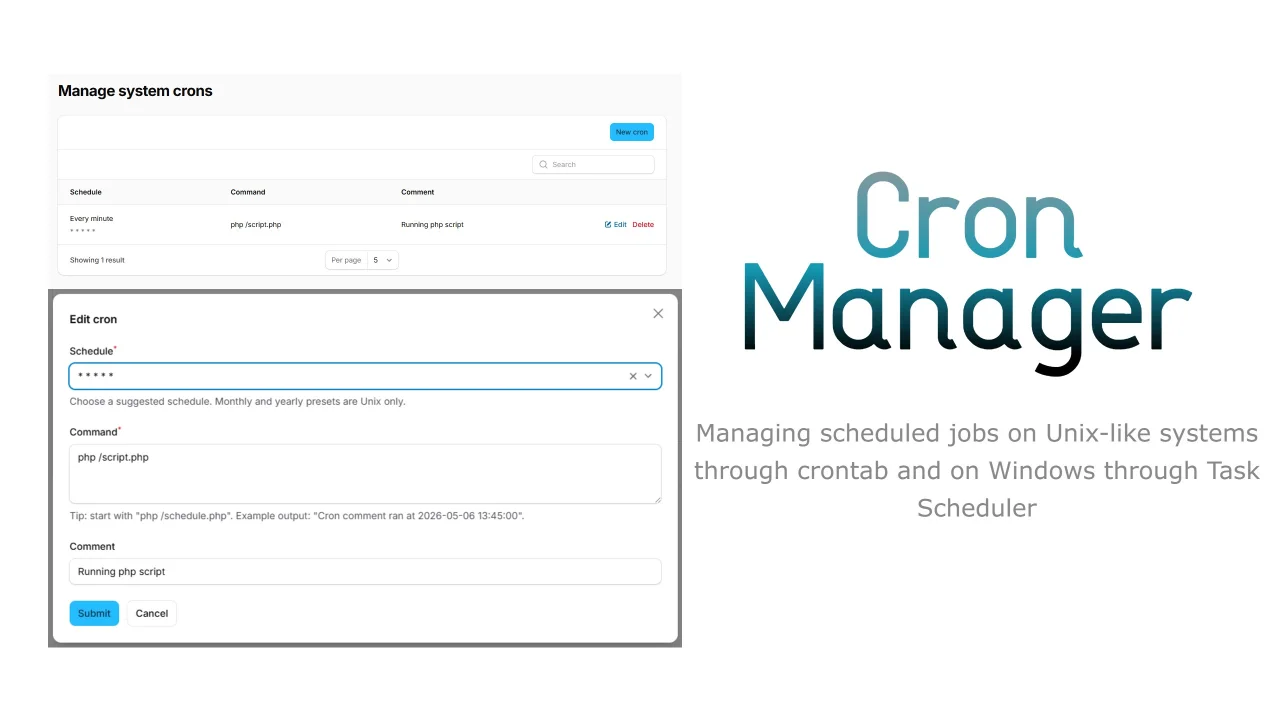
Managing scheduled jobs on Unix-like systems through crontab and on Windows through Task Scheduler.
 Author:
ZPMLabber
Author:
ZPMLabber
Documentation
Filament plugin for zpm-packages/cron-manager-laravel that exposes cron management through the admin panel.
#Installation
composer require zpm-packages/cron-manager-filament
Register the plugin on your panel:
use ZPMPackages\FilamentCronManager\FilamentCronManagerPlugin;

$panel->plugin(FilamentCronManagerPlugin::make());
#Behavior
- when
cron-manager.sync_with_databaseisfalse, the plugin registers a direct system management page - when
cron-manager.sync_with_databaseistrue, the plugin registers a resource backed by the database table
On Windows, the direct system management page can show both package-managed cron jobs and imported Task Scheduler entries. Imported tasks are mapped best-effort from their triggers and may use descriptive schedule labels instead of a raw cron expression.
Visibility is configurable in config/cron-manager.php:
cron-manager.system_page.show_managed_cron_jobscron-manager.system_page.show_system_task_schedules
#Schedule UX
In direct system mode, the create and edit forms use a preset schedule select.
In database-synced mode, the resource form still suggests common schedules like every minute, every 5 minutes, every hour, and every day while allowing custom cron expressions.
The command field also includes a tip for a quick smoke test:
php /schedule.php "Cron comment"
Expected output:
Cron comment ran at 2026-05-06 13:45:00
Monthly and yearly presets are surfaced as Unix-only options because the Windows Task Scheduler adapter supports only the common minute, hour, day, and week-based schedules for creation.
The schedule column in both Filament tables now prefers a human-readable primary label, shows the raw cron expression underneath when available, and wraps long schedule text within a 400px column.
The author
From the same author

World Map Widget
World map widget for statistics.
Author:
ZPMLabber
Popup
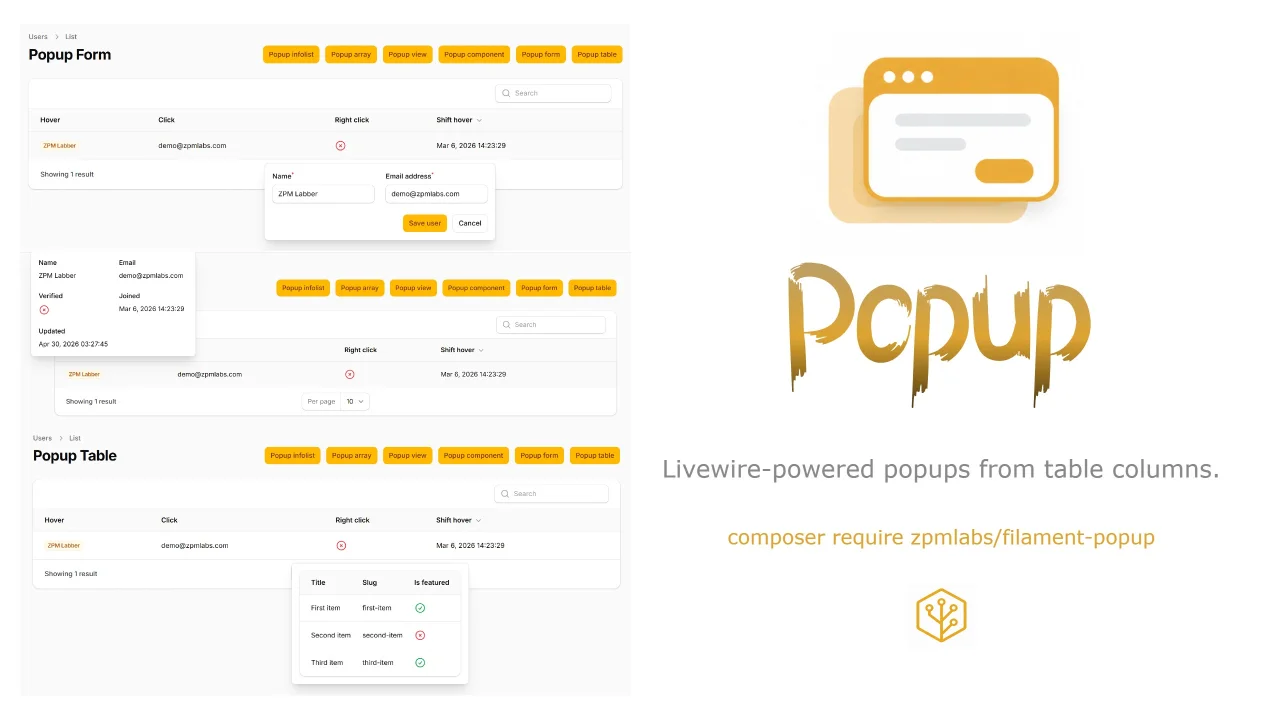
Livewire-powered popups from table columns.
Author:
ZPMLabber
Unlayer
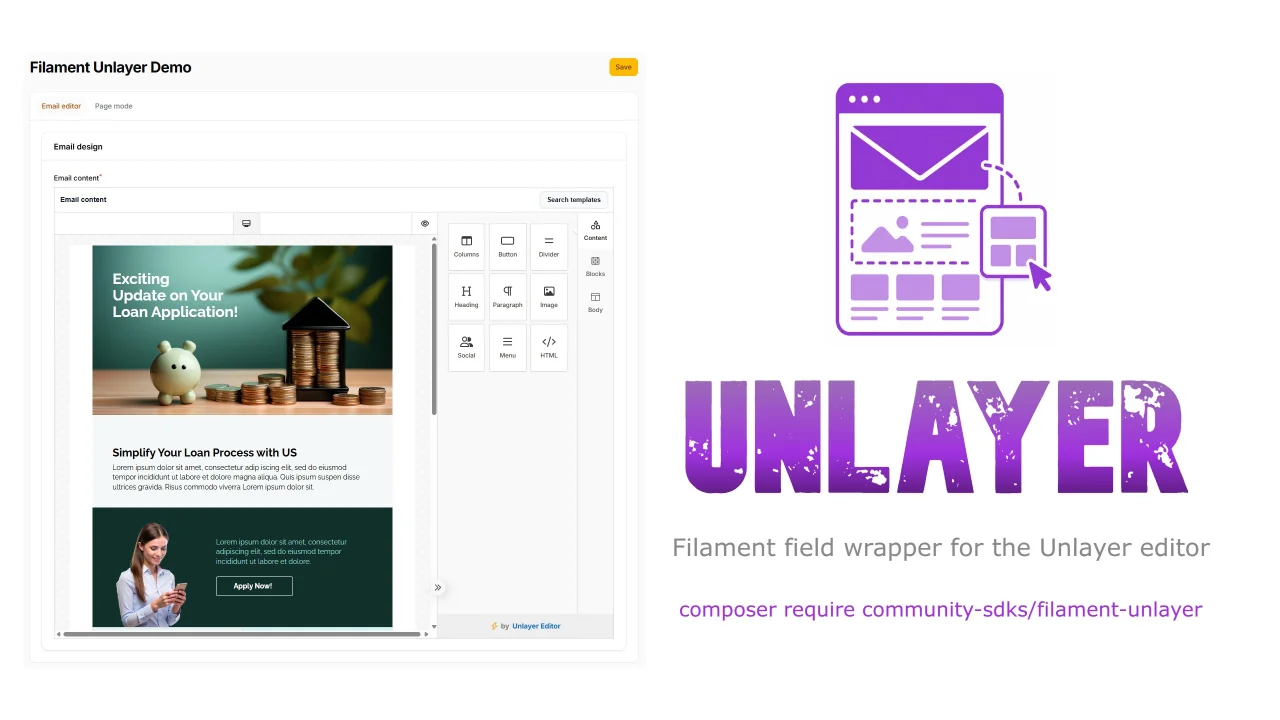
This is a Filament field wrapper for the Unlayer editor.
Author:
ZPMLabber

Undraw Select
A Filament select component that lets you search & pick unDraw illustrations.
Author:
ZPMLabber
Featured Plugins
A selection of plugins curated by the Filament team

Custom Dashboards
Let your users build and share their own dashboards with a drag-and-drop interface. Define your data sources in PHP and let them do the rest.
 Filament

Advanced Tables (formerly Filter Sets)
Supercharge your tables with powerful features like user-customizable views, quick filters, multi-column sorting, advanced table searching, convenient view management, and more. Compatible with Resource Panel Tables, Relation Managers, Table Widgets, and Table Builder!
 Kenneth Sese

Spotlight Pro
Browse your Filament Panel with ease. Filament Spotlight Pro adds a Spotlight/Raycast like Command Palette to your Filament Panel.
 Dennis Koch

