
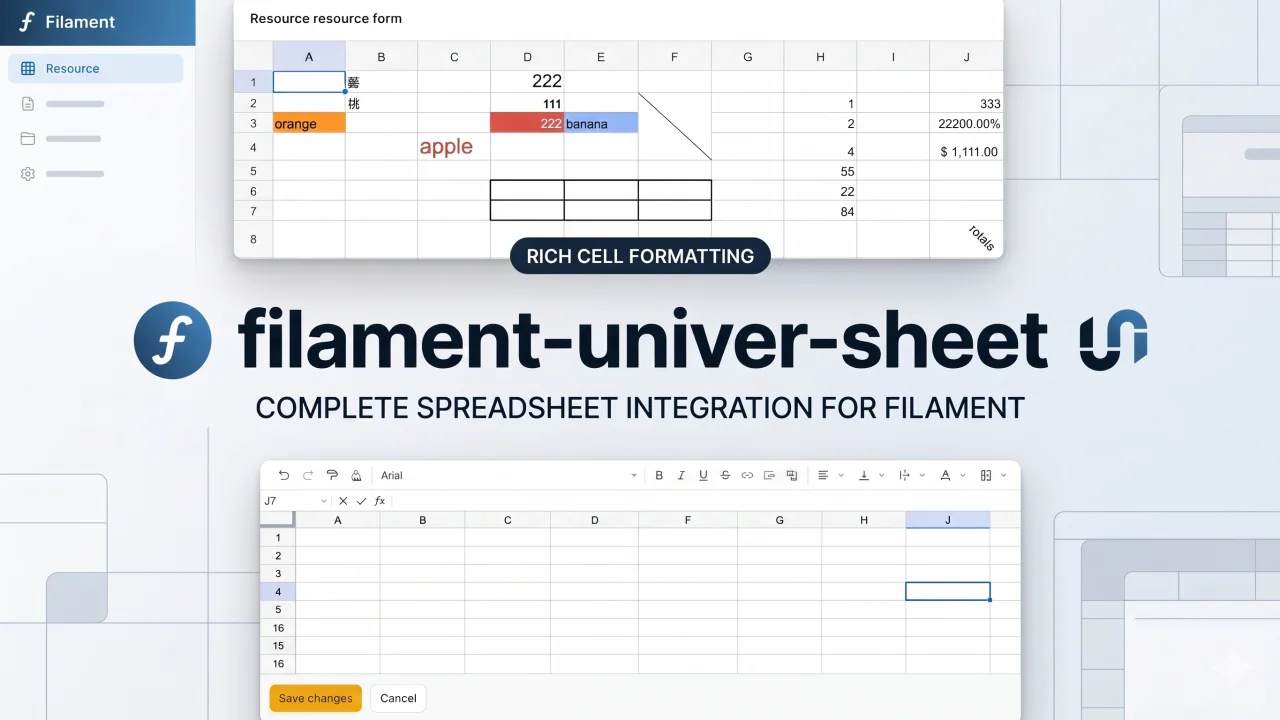
Univer Sheet by Yuichi Okada
CommunityIntegrate Univer Sheet into Filament — full spreadsheet editor for forms, read-only display for infolists, and compact preview for table columns.
 Author:
Yuichi Okada
Author:
Yuichi Okada
Package health
Automated checks of this plugin's Composer package
15 checks
- Passed: GitHub Actions pinned to SHA
- Skipped: GitLab CI includes pinned to SHA
- Passed: Open security advisories
- Passed: Dependabot PR responsiveness — No open Dependabot PRs.
- Skipped: Renovate MR responsiveness
- Passed: Dependabot or Renovate configured
- Passed: Dependency update cooldown configured
- Passed: Provides a security policy
- Passed: Abandoned or archived — No consulted source marks the package abandoned (packagist, github).
- Passed: Commit and release recency — Active: last commit 0 days ago; last release 8 days ago.
-
Passed:
composer.lock not committed by library
—
composer.lockis absent from the released dist archive. - Passed: Dist archive is lean
-
Passed:
Current Laravel version supported
—
Package dependencies resolve together with current Laravel
13.0. -
Passed:
Current PHP version supported
—
Constraint
^8.3supports current PHP8.5. - Skipped: Current Symfony version supported
filament/
namespace. Review the source and install at your own risk. Found
malware or an unresolved security issue the author won't
address?
Report it
.
Documentation
- Table of Contents
- Features
- Requirements
- Installation
- Usage
- Configuration
- API Reference
- Development
- Testing
- Changelog
- Contributing
- Credits
- More Filament Plugins
- Stay Updated
- License




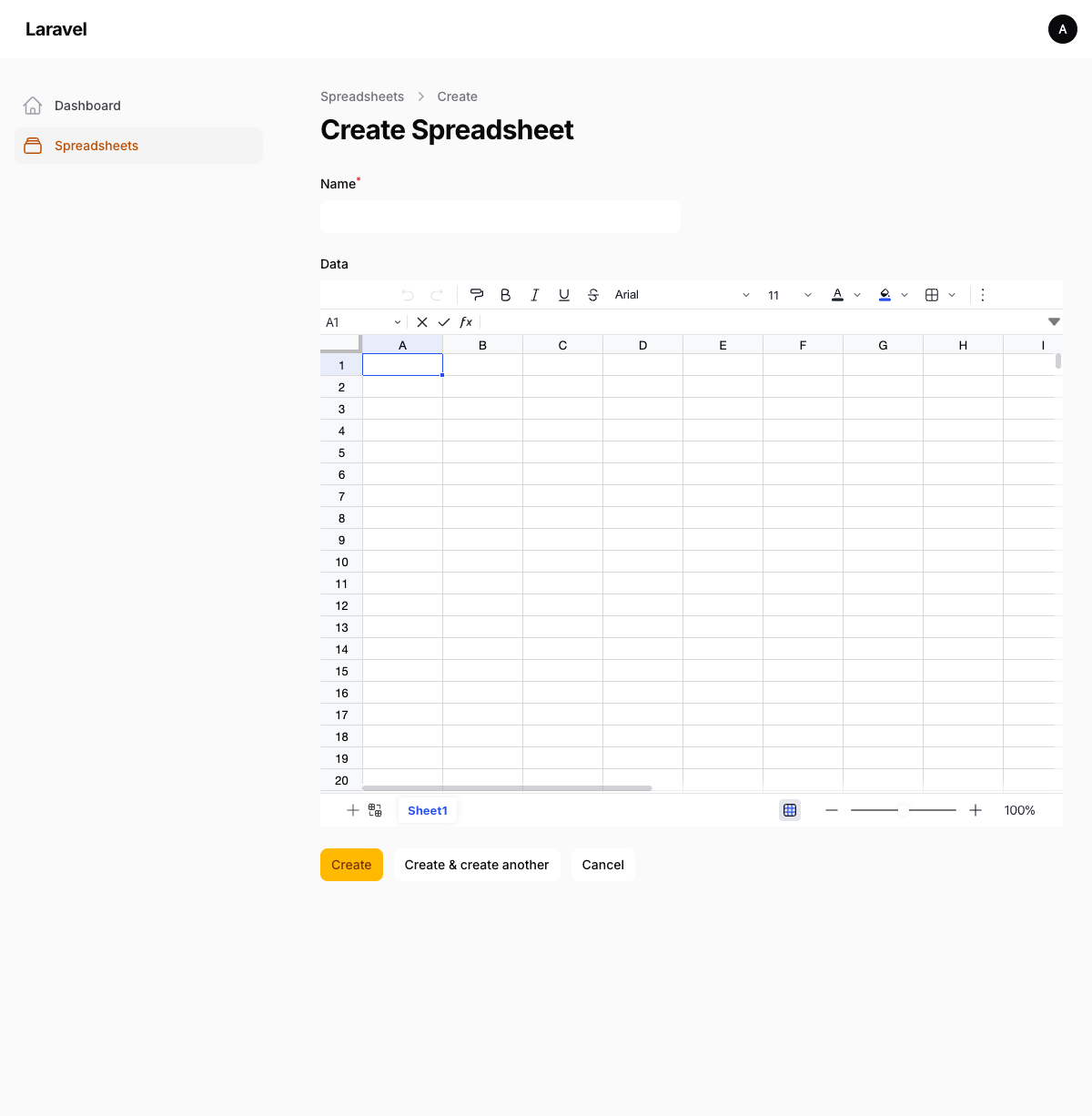
A Filament plugin that integrates Univer Sheet — a powerful, modern spreadsheet engine — as form fields, infolist entries, and table columns.
#Table of Contents
- Features
- Requirements
- Installation
- Usage
- Configuration
- API Reference
- Development
- Testing
- Changelog
- Stay Updated
- License
#Features
- Full spreadsheet editor in Filament forms with toolbar, formula bar, and multi-sheet support
- Read-only spreadsheet display in infolists (editing disabled, selection disabled)
- Compact spreadsheet preview in table columns with row numbers
- Data persisted as JSON — compatible with Eloquent's
jsoncast - Configurable toolbar, formula bar, header bar, sheet tab, and context menu visibility
- Ribbon type selection (collapsed, simple, classic)
- English and Japanese translations included
- Supports Filament 5.x
#Requirements
- PHP 8.3+
- Laravel 11+
- Filament 5.x
#Installation
Install the package via Composer:
composer require qalainau/filament-univer-sheet
Publish the Filament assets:
php artisan filament:assets
Register the plugin in your panel provider:
use Qalainau\UniverSheet\UniverSheetPlugin;

public function panel(Panel $panel): Panel
{
    return $panel
        ->plugins([
            UniverSheetPlugin::make(),
        ]);
}
Optionally, publish the config file:
php artisan vendor:publish --tag=filament-univer-sheet-config
#Usage
#Form Field
Use SpreadsheetField to add a full spreadsheet editor to your forms:
use Qalainau\UniverSheet\SpreadsheetField;

public static function form(Schema $schema): Schema
{
    return $schema
        ->components([
            SpreadsheetField::make('data')
                ->columnSpanFull(),
        ]);
}
You may customize the appearance:
SpreadsheetField::make('data')
    ->height('600px')
    ->minHeight('400px')
    ->showToolbar(false)
    ->showFormulaBar(false)
    ->showSheetTabs(false)
    ->showHeaderBar(false)
    ->showContextMenu(false)
    ->ribbonType('collapsed') // 'collapsed', 'simple', or 'classic'
    ->columnSpanFull(),
#Infolist Entry
Use SpreadsheetEntry to display spreadsheet data in a read-only view. Editing and selection are automatically disabled:
use Qalainau\UniverSheet\SpreadsheetEntry;

public static function infolist(Schema $schema): Schema
{
    return $schema
        ->components([
            SpreadsheetEntry::make('data')
                ->height('500px')
                ->columnSpanFull(),
        ]);
}
Note
By default, SpreadsheetEntry hides the toolbar and formula bar. You may re-enable them with ->showToolbar() and ->showFormulaBar().
#Table Column
Use SpreadsheetColumn to show a compact spreadsheet preview in your table:
use Qalainau\UniverSheet\SpreadsheetColumn;

public static function table(Table $table): Table
{
    return $table
        ->columns([
            SpreadsheetColumn::make('data')
                ->previewRows(6)
                ->previewColumns(5),
        ]);
}
The preview renders as a mini spreadsheet with row numbers, header styling, and right-aligned numbers.
#Database Setup
Store spreadsheet data in a longText or json column:
// Migration
Schema::create('spreadsheets', function (Blueprint $table) {
    $table->id();
    $table->string('name');
    $table->longText('data')->nullable();
    $table->timestamps();
});
// Model
protected $fillable = ['name', 'data'];

protected function casts(): array
{
    return [
        'data' => 'json',
    ];
}
Warning
Do not use dehydrateStateUsing(fn ($state) => json_encode($state)). Eloquent's JSON cast handles serialization automatically — double-encoding will corrupt the data.
#Configuration
#Plugin Configuration
Configure defaults via the plugin instance in your panel provider:
UniverSheetPlugin::make()
    ->showToolbar(false)
    ->showFormulaBar(false)
    ->showSheetTabs(false)
    ->showHeaderBar(false)
    ->showContextMenu(false)
    ->ribbonType('collapsed')
    ->locale('ja-JP'),
#Config File
After publishing, you may edit config/univer-sheet.php:
return [
    'show_toolbar' => true,
    'show_formula_bar' => true,
    'show_sheet_tabs' => true,
    'show_header_bar' => true,
    'show_context_menu' => true,
    'ribbon_type' => null, // 'collapsed', 'simple', or 'classic'
    'locale' => 'en-US',
];
#API Reference
#SpreadsheetField
| Method | Default | Description |
|---|---|---|
height(string|Closure|null) |
null (60vh) |
Fixed height of the spreadsheet |
minHeight(string|Closure) |
'400px' |
Minimum height |
showToolbar(bool|Closure) |
true |
Show/hide the toolbar |
showFormulaBar(bool|Closure) |
true |
Show/hide the formula bar |
showSheetTabs(bool|Closure) |
true |
Show/hide sheet tabs at the bottom |
showHeaderBar(bool|Closure) |
true |
Show/hide the header bar (ribbon tabs, toolbar, formula bar area) |
showContextMenu(bool|Closure) |
true |
Show/hide the right-click context menu |
ribbonType(string|Closure|null) |
null |
Ribbon display style: 'collapsed', 'simple', or 'classic' |
#SpreadsheetEntry
| Method | Default | Description |
|---|---|---|
height(string|Closure) |
'300px' |
Height of the spreadsheet |
showToolbar(bool|Closure) |
false |
Show/hide the toolbar |
showFormulaBar(bool|Closure) |
false |
Show/hide the formula bar |
showSheetTabs(bool|Closure) |
true |
Show/hide sheet tabs |
showHeaderBar(bool|Closure) |
false |
Show/hide the header bar |
showContextMenu(bool|Closure) |
false |
Show/hide the right-click context menu |
ribbonType(string|Closure|null) |
null |
Ribbon display style |
#SpreadsheetColumn
| Method | Default | Description |
|---|---|---|
previewRows(int|Closure) |
4 |
Number of rows to display |
previewColumns(int|Closure) |
4 |
Number of columns to display |
previewHeight(string|Closure|null) |
null (auto) |
Max height of the preview |
#Development
#Building JS Assets
The plugin bundles Univer Sheet via esbuild. To rebuild:
cd packages/filament-univer-sheet
npm install
node bin/build.js
Then publish the assets from the project root:
php artisan filament:assets
#Watch Mode
node bin/build.js --watch
#Testing
php artisan test --testsuite=UniverSheet
#Changelog
Please see CHANGELOG for more information on what has changed recently.
#Contributing
Please see CONTRIBUTING for details.
#Credits
#More Filament Plugins
Need Filament screens that stay fast with real amounts of data? Check out WarpUI — premium Filament v5 plugins with canvas-based rendering for large datasets.
#Stay Updated
Get release notes, upgrade guides for new Filament versions, and early access to new plugins — a few emails a year, no spam.
#License
The MIT License (MIT). Please see License File for more information.
This package bundles Univer which is licensed under the Apache License 2.0. See NOTICE for details of bundled third-party dependencies.
The author
From the same author
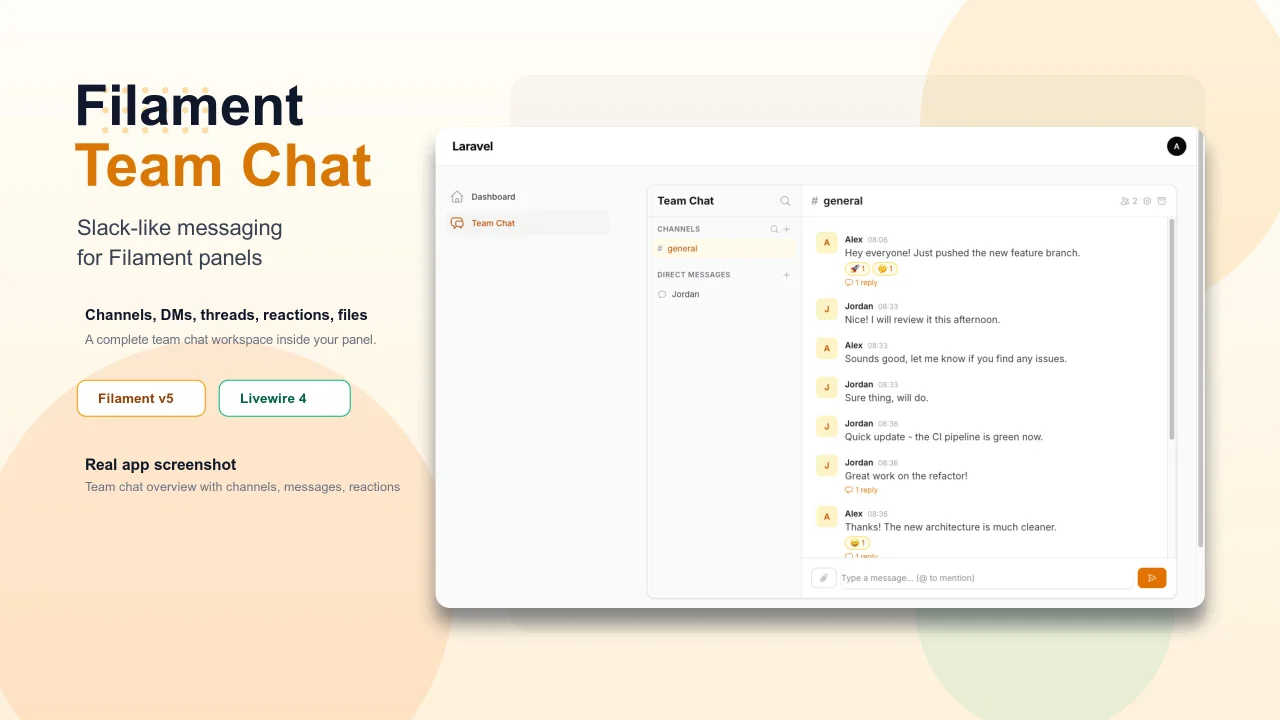
Team Chat
Add Slack-like team chat to any Filament panel — channels, DMs, threads, reactions, @mentions, file sharing, and unread tracking, all self-hosted with zero external dependencies.
Author:
Yuichi Okada
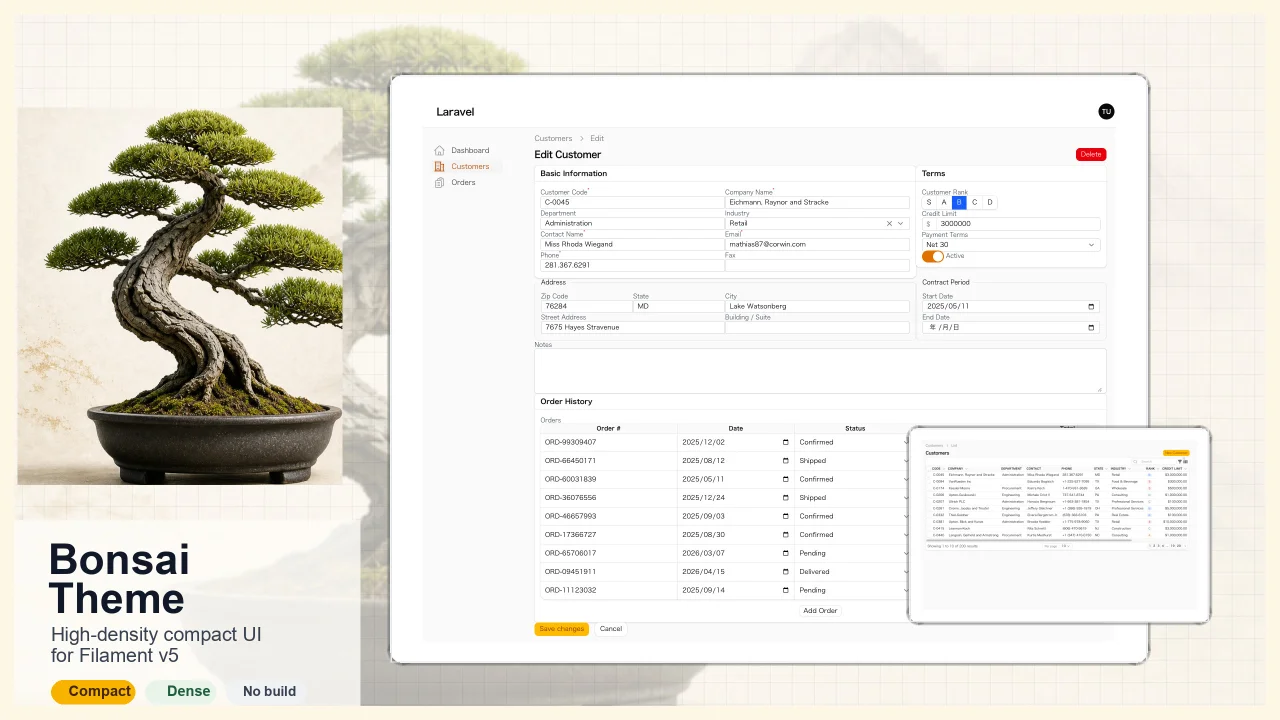
Bonsai Theme
High-density, compact UI theme for Filament v5. Inspired by Japanese business applications (sales, inventory, order management) that prioritize information density, Bonsai Theme reduces padding, gaps, and font sizes across all Filament components to fit more data on screen. No Tailwind build required. The theme ships as pre-compiled CSS and is loaded automatically.
Author:
Yuichi Okada
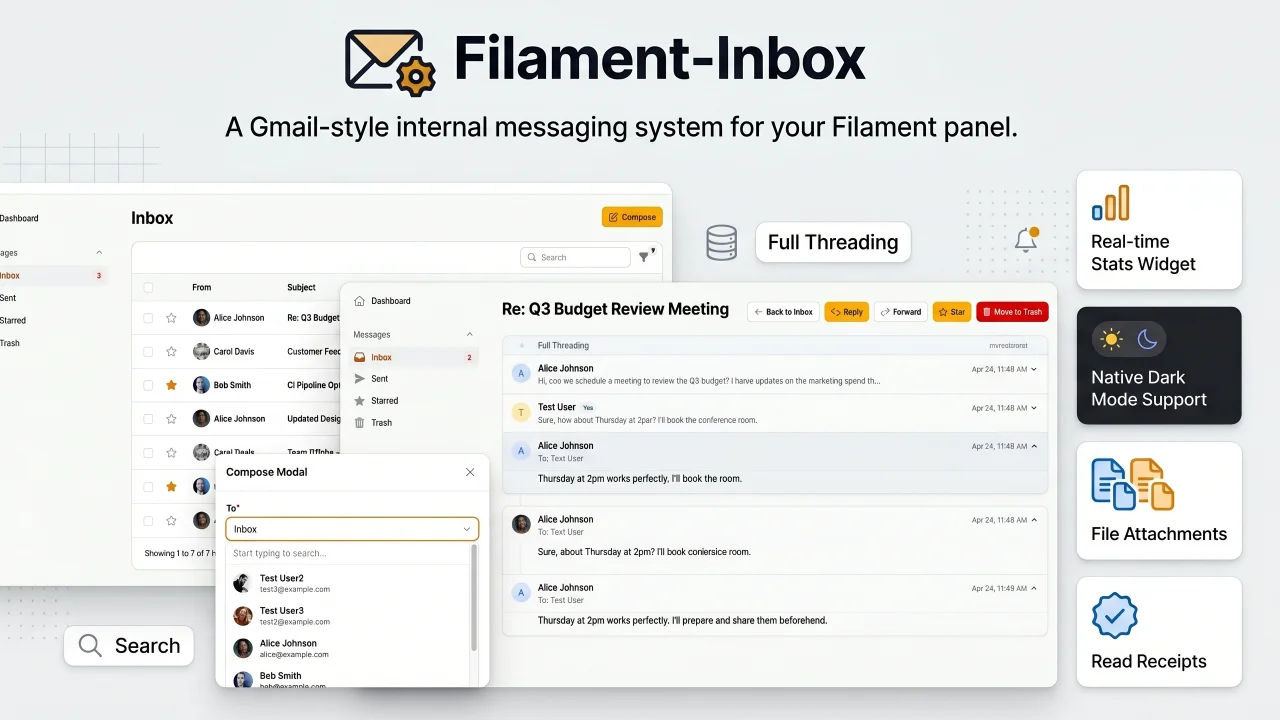
Inbox
A Gmail-style internal messaging system for your Filament panel. Provides inbox, sent, starred, and trash pages with full message threading, reply/reply all, forwarding, read receipts, rich text editing, file attachments, bulk actions, search & filters, database notifications, stats widget, dark mode, multi-tenancy support, and i18n (8 languages). Built natively for Filament v5 with Laravel events, configurable user model, and test factories included.
Author:
Yuichi Okada
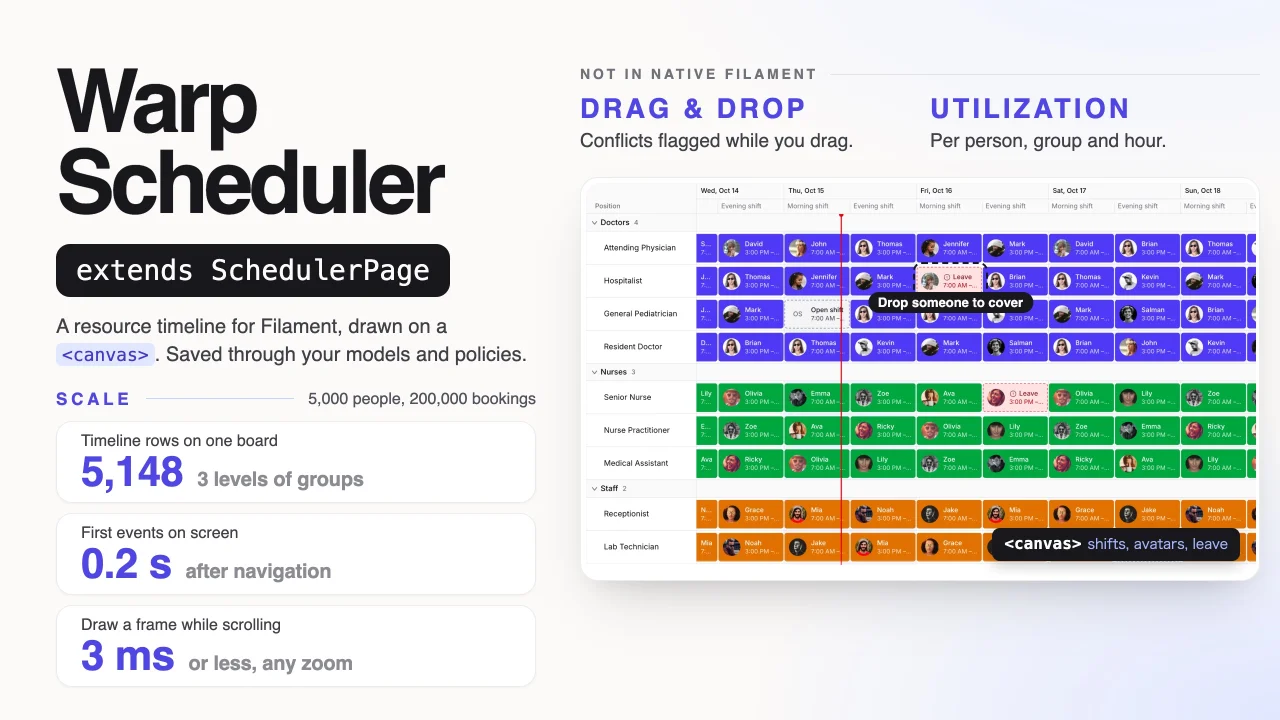
Warp Scheduler
A canvas-rendered resource scheduler that keeps thousands of people, rooms or machines on one fast timeline, with drag and drop, recurring events, conflict rules and utilization, all saved through your own Eloquent models and policies.
Author:
Yuichi Okada
Featured Plugins
A selection of plugins curated by the Filament team

Sharp Theme
A theme that gives panels a precise, technical look with square corners, strong borders, and clear contrast.
 Filament

Blueprint
Filament Blueprint is a premium Laravel Boost extension that helps AI agents produce accurate, detailed implementation plans and security reports for Filament apps.
Filament

Custom Fields
Eliminate custom field migrations forever. Let your users create and manage form fields directly in Filament admin panels with 20+ built-in field types, validation, and zero database changes.
 Relaticle

