
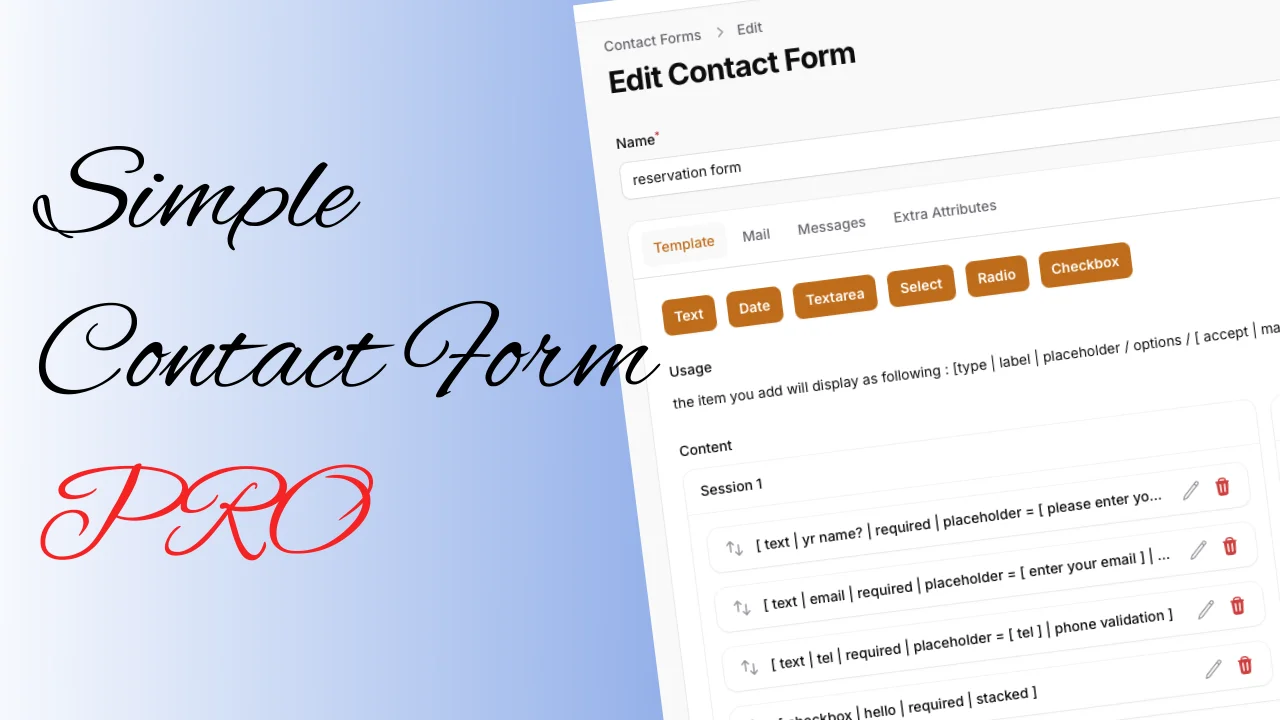
Simple Contact Form Pro
CommunityA lightweight, customizable contact form plugin for FilamentPHP that provides an easy-to-use alternative to Contact Form 7. Build and manage contact forms with a simple, intuitive interface directly from your Filament admin panel.
filament/
namespace. Review the source and install at your own risk. Found
malware or an unresolved security issue the author won't
address?
Report it
.
 Author:
Solution Forest
Author:
Solution Forest
Documentation
- 🚀 Pro Features
- Base Features (from Simple Contact Form)
- Installation
- Usage
- Configuration
- Testing
- Changelog
- Contributing
- Security Vulnerabilities
- Credits
- License
- About Solution Forest
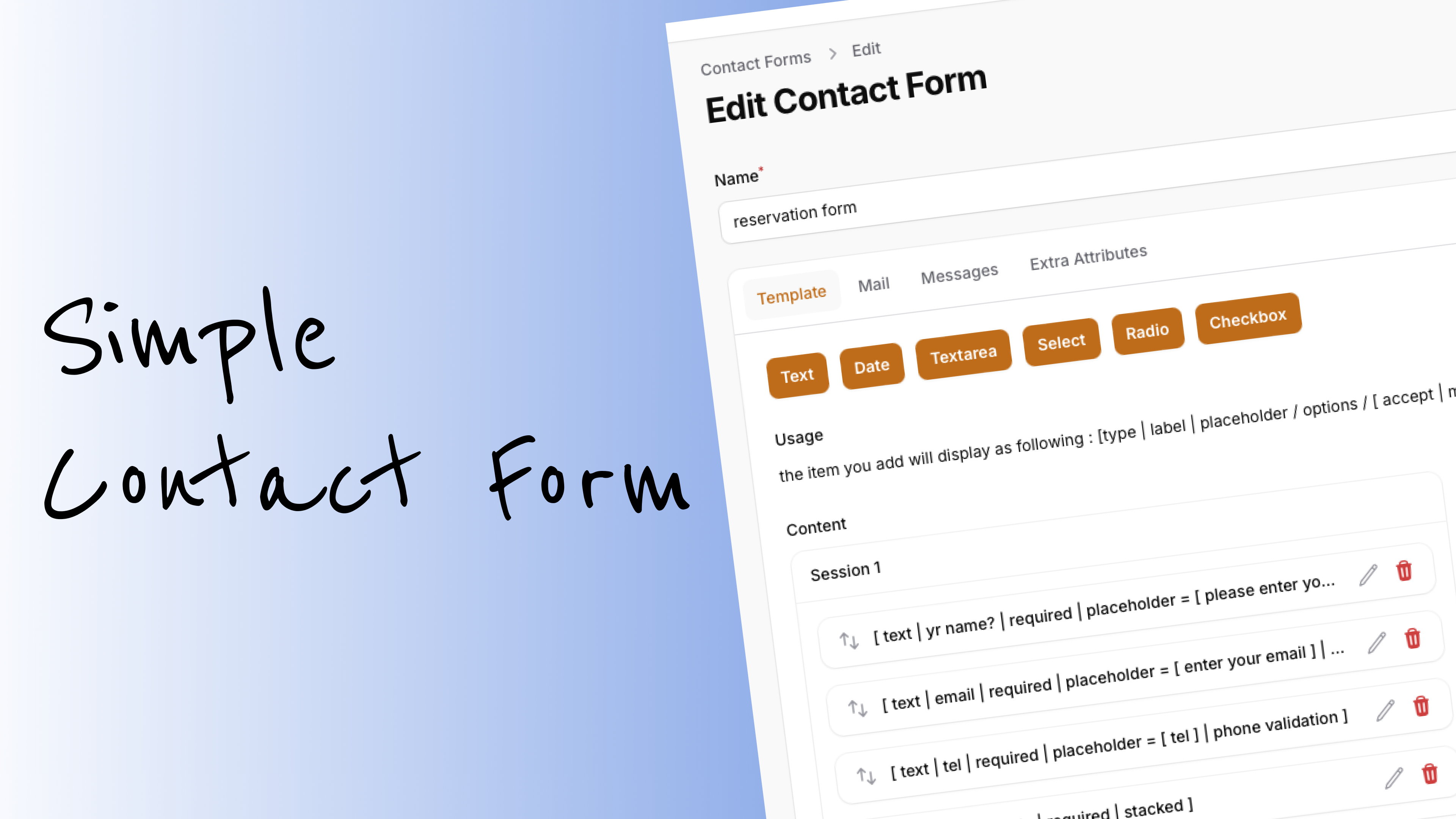
The Pro version of Simple Contact Form adds advanced features like hooks, file upload, mail record, and full config control, making it the ultimate contact form solution for FilamentPHP projects.




#🚀 Pro Features
- 🪝 Hooks - Add custom logic before/after form submit (fully configurable)
- 📁 File Upload - Support for file attachments, with validation and storage control
- 💾 Mail Record - Store and manage all sent emails and attachments
- ⚙️ Full Config Control - All features and behaviors can be controlled via config file
- 📝 All Base Features - Inherits all features from the free version
#Base Features (from Simple Contact Form)
- Easy installation
- Basic form management
- Email notifications
- Responsive design
#Supported Filament versions
| Filament Version | Plugin Version |
|---|---|
| v3 | 0.0.4 |
| v4 | 2.0.2 |
#Installation
composer require solutionforest/simple-contact-form-pro
For Filament v4, use the v2.0.1 version:
composer require solution-forest/simple-contact-form:^2.0.2
Publish config and migrations:
php artisan vendor:publish --tag="simple-contact-form-pro-config"
php artisan vendor:publish --tag="simple-contact-form-migrations"
php artisan vendor:publish --tag="simple-contact-form-pro-migrations"
php artisan migrate
Register the plugin in your Filament Panel provider:
use Solutionforest\SimpleContactFormPro\SimpleContactFormProPlugin;

public function panel(Panel $panel): Panel
{
    return $panel
        // ...
        ->plugins([
            SimpleContactFormProPlugin::make(),
        ]);
}
Simple Contact Form provides a Filament form that can be used outside the Filament panel, but it requires Filament styles. There are several ways to set this up depending on your environment:
-
Filament v3 with Tailwind v3:
Follow the official Filament installation instructions: filamentphp.com/docs/3.x/forms/installation. -
Filament v3 with Tailwind v4:
Publish the built-in CSS assets with the following command:php artisan vendor:publish --tag="simple-contact-form-assets" -
Filament v4 (expects Tailwind v4):
Add the following to yourapp.cssor your stylesheet:@import '../../vendor/filament/filament/resources/css/theme.css'; @source '../../app/Filament/**/*'; @source '../../resources/views/filament/**/*';Then build your assets:
npm run build
#Usage
#Creating a Pro Form
- Go to "Contact Forms" in your Filament admin panel
- Click "Create Form"
- Configure advanced options (file upload, hooks, etc.)
- Add fields and set up mail/recording as needed
#Displaying the Form in front end
Use the Blade component:
<x-simple-contact-form :form="1" />
#Configuration
You can customize the plugin's resources using the following options:
SimpleContactFormProPlugin::make()
        ->modelLabel('Custom Contact Form') // Singular label for the model
        ->pluralModelLabel('Custom Contact Forms') // Plural label for the model
        ->navigationLabel('My Contact Forms') // Label in the navigation menu
        ->navigationIcon('heroicon-o-envelope') // Icon for navigation
        ->navigationGroup('Communication') // Group in the navigation
        ->navigationSort(100) // Sort order in navigation
        ->navigationParentItem(null) // Parent navigation item (if any)
        ->slug('contact') // Custom route slug
        ->shouldSkipAuth(false) // Require authentication
        ->shouldRegisterNavigation(true) // Show in navigation
        ->hasTitleCaseModelLabel(true); // Use title case for labels
All features (hooks, file upload, mail record, etc.) can be enabled/disabled and customized in config/simple-contact-form-pro.php.
#Enable/Disable Mail Send
'mail' => [
        'enable' => true,
    ],
#Enable/Disable Mail Record
'mail_record' => [
    'enable' => true,
],
#File Upload Settings
'fileSystems' => [
        'disk' => env('FILESYSTEM_DISK', 'local'), // default local
        'directory' => 'livewire-tmp', // you can change which directory save to
        'save' => false, // if false , it will delete afte mail send
    ],
#File Upload Notes
While you can configure file size limits in the resource form, ensure that post_max_size and upload_max_filesize in your php.ini are set higher than your configured limits. For more information about handling large file uploads, visit the Filament documentation.
#Hooks
You can register before/after submit hooks in your config or via event listeners.
#Hooks Usage
You can extend the built-in ContactFormListener for more structured handling:
<?php

namespace App\Listeners;

use Solutionforest\SimpleContactFormPro\Listeners\ContactFormListener;
use Solutionforest\SimpleContactFormPro\Events\BeforeCreateContactForm;
use Solutionforest\SimpleContactFormPro\Events\AfterCreateContactForm;

class YourCutsomeListenr extends ContactFormListener
{
    //these two function is must when you extends ContactFormListener.
    public function handleContactFormCreating(BeforeCreateContactForm $event): void
    {
       //your custom logic  before  record create
    }

    public function handleContactFormCreated(AfterCreateContactForm $event): void
    {
       //your custom logic  after  record create
    }
}
And then you will found out following in the config file:
 'events' => [
        Solutionforest\SimpleContactFormPro\Events\BeforeCreateContactForm::class => [
            Solutionforest\SimpleContactFormPro\Listeners\ContactFormListener::class . '@handleContactFormCreating',
        ],
        Solutionforest\SimpleContactFormPro\Events\AfterCreateContactForm::class => [
            Solutionforest\SimpleContactFormPro\Listeners\ContactFormListener::class . '@handleContactFormCreated',
        ],
    ],
In Laravel 11 or above, listeners will be registered automatically once you create them under the app/Listeners directory, so there would be no need to register again, otherwise the event will run twice.
 'events' => [
    // comment out this part for using your custom listener
    // Solutionforest\SimpleContactFormPro\Events\BeforeCreateContactForm::class => [
    //     Solutionforest\SimpleContactFormPro\Listeners\ContactFormListener::class . '@handleContactFormCreating',
    // ],
    // Solutionforest\SimpleContactFormPro\Events\AfterCreateContactForm::class => [
    //     Solutionforest\SimpleContactFormPro\Listeners\ContactFormListener::class . '@handleContactFormCreated',
    // ],
    ],
#Customizing Translations
If you need to modify the translations, publish the language files:
php artisan vendor:publish --tag="simple-contact-form-lang"
php artisan vendor:publish --tag="simple-contact-form-pro-lang"
#Testing
composer test
#Changelog
See CHANGELOG for recent changes.
#Contributing
We welcome contributions! See CONTRIBUTING.md for details.
#Security Vulnerabilities
Please review our security policy for how to report security issues.
#Credits
#License
The MIT License (MIT). See License File for details.

#About Solution Forest
Solution Forest is a web development agency based in Hong Kong. We help customers solve their problems and love open source.
We have built a collection of best-in-class products:
- InspireCMS: A full-featured Laravel CMS with everything you need out of the box. Build smarter, ship faster with our complete content management solution.
- Filaletter: Filaletter - Filament Newsletter Plugin
The author
From the same author
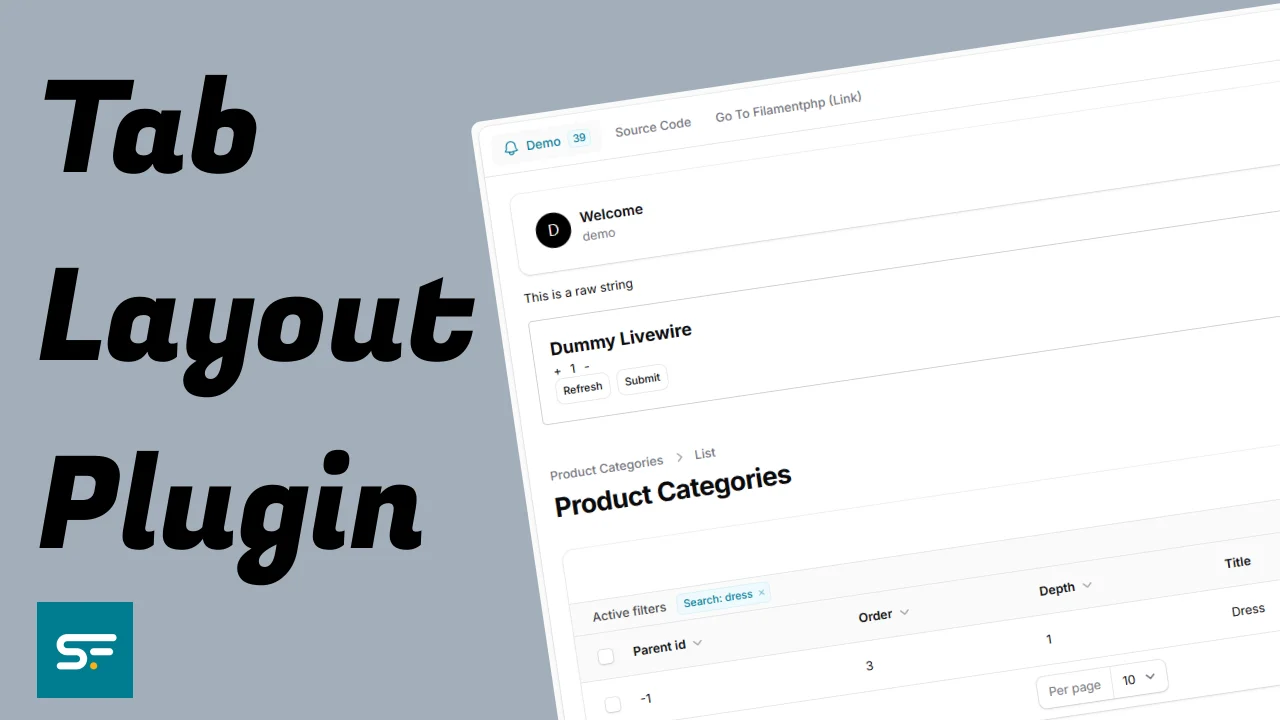
Tab Layout Plugin
This plugin provides a flexible tab layout system for Filament Admin panels, enabling you to organize content into clean, navigable tabbed interfaces.
Author:
Solution Forest

Translate Field
Filament Translate Field is a library for Filament CMS that simplifies managing multiple translatable fields in different languages.
Author:
Solution Forest

Inspire CMS
InspireCMS is a flexible, un-opinionated content engine for Laravel, built on Filament.
Author:
Solution Forest
Simple Lightbox
A simple and lightweight solution for implementing a lightbox feature in your Filament admin panel
Author:
Solution Forest
Featured Plugins
A selection of plugins curated by the Filament team

Noir Theme
A theme that gives panels a focused, refined look with near-black surfaces, crisp actions, and restrained color.
 Filament

Spotlight Pro
Browse your Filament Panel with ease. Filament Spotlight Pro adds a Spotlight like Command Palette to your Filament Panel.
 Dennis Koch

Advanced Tables (formerly Filter Sets)
Supercharge your tables with powerful features like user-customizable views, quick filters, multi-column sorting, advanced table searching, convenient view management, and more. Compatible with Resource Panel Tables, Relation Managers, Table Widgets, and Table Builder!
 Kenneth Sese
