
Firewall
Depends on akaunting/laravel-firewall, Manage Firewall under Filament Admin Panel.
 Author:
Solution Forest
Author:
Solution Forest
Documentation
- About Solution Forest
- Supported Filament versions
- Getting Started
- Usage
- Publishing translations
- Security Vulnerabilities
- License
- Credits
[!IMPORTANT] Please note that we will only be updating to version 4.x, excluding any bug fixes.
#About Solution Forest
Solution Forest Web development agency based in Hong Kong. We help customers to solve their problems. We Love Open Soruces.
We have built a collection of best-in-class products:
- InspireCMS: A full-featured Laravel CMS with everything you need out of the box. Build smarter, ship faster with our complete content management solution.
- Filaletter: Filaletter - Filament Newsletter Plugin
- Website CMS Management: A hands-on Filament CMS plugin for those who prefer more manual control over their website content management.


This package provides a whitelist and blacklist feature to restrict access to your Laravel application and Filament admin panel. For additional functionality, please refer to the Laravel Firewall package.
#Supported Filament versions
| Filament Version | Plugin Version |
|---|---|
| v2 | 1.x.x |
| v3 | 2.x.x |
| v4 | 3.x.x |
| v5 | 4.x.x |
#Getting Started
-
Install the package using the
composer requirecommand:composer require solution-forest/filament-firewall -
To publish the configuration files and migrations files for this plugin, as well as automatically run migration, enter the following command:
php artisan filament-firewall:install -
This package comes with
WhitelistRangeMiddleware. You need to register it in$middleware:For Laravel version 11.x and above:
// in bootstrap/app.php
->withMiddleware(function (Middleware $middleware) {
     $middleware->append(\SolutionForest\FilamentFirewall\Middleware\WhitelistRangeMiddleware::class);
})
For Laravel versions below 11.x:
// in app/Http/Kernel.php protected $middleware = [ ... \SolutionForest\FilamentFirewall\Middleware\WhitelistRangeMiddleware::class, ]; -
You can change the setting in the
config/filament-firewall.phpfile to skip the middlewareWhitelistRangeMiddlewarecheck. -
For additional configuration options, you can refer to the Laravel Firewall configuration file to customize more firewall settings. Some key configuration options include:
config('firewall.enabled')- Controls whether the firewall is enabled (default:true)config('firewall.middleware')- Middleware configuration settings
-
Register the plugin in your Panel provider:
Important: Register the plugin in your Panel provider after version 2.x
 use SolutionForest\FilamentFirewall\FilamentFirewallPlugin;

 public function panel(Panel $panel): Panel
 {
     return $panel
         ->plugin(FilamentFirewallPlugin::make());
 }
#Usage
- On the IP Firewall page, you have the ability to add IPs to either a whitelist or a blocklist. The
WhitelistRangeMiddlewaremiddleware will automatically handle whitelist IP access. If you need to block a range of IPs while allowing a specific IP, such as blocking 172.19.0.0/24 except for 172.19.0.1, you'll need to create a new Deny access record and specify the IP and prefix as '172.19.0.0' and '24'. Additionally, you'll need to add an Allow access record for the specific IP '172.19.0.1'.
-
Get whitelist / blacklist records
// whitelist \SolutionForest\FilamentFirewall\Facade\FilamentFirewall::getWhiteList(); // blacklist \SolutionForest\FilamentFirewall\Facade\FilamentFirewall::getBlackList(); -
Determine whether an IP address is included in a whitelist or blacklist
// whitelist
\SolutionForest\FilamentFirewall\Facade\FilamentFirewall::withinWhiteList($ip);

// blacklist
\SolutionForest\FilamentFirewall\Facade\FilamentFirewall::withinBlackList($ip);
#Publishing translations
php artisan vendor:publish --tag=filament-firewall-translations
#Security Vulnerabilities
If you discover any security related issues, please email info+package@solutionforest.net instead of using the issue tracker.
#License
Please see License File for more information.
#Credits
The author
From the same author
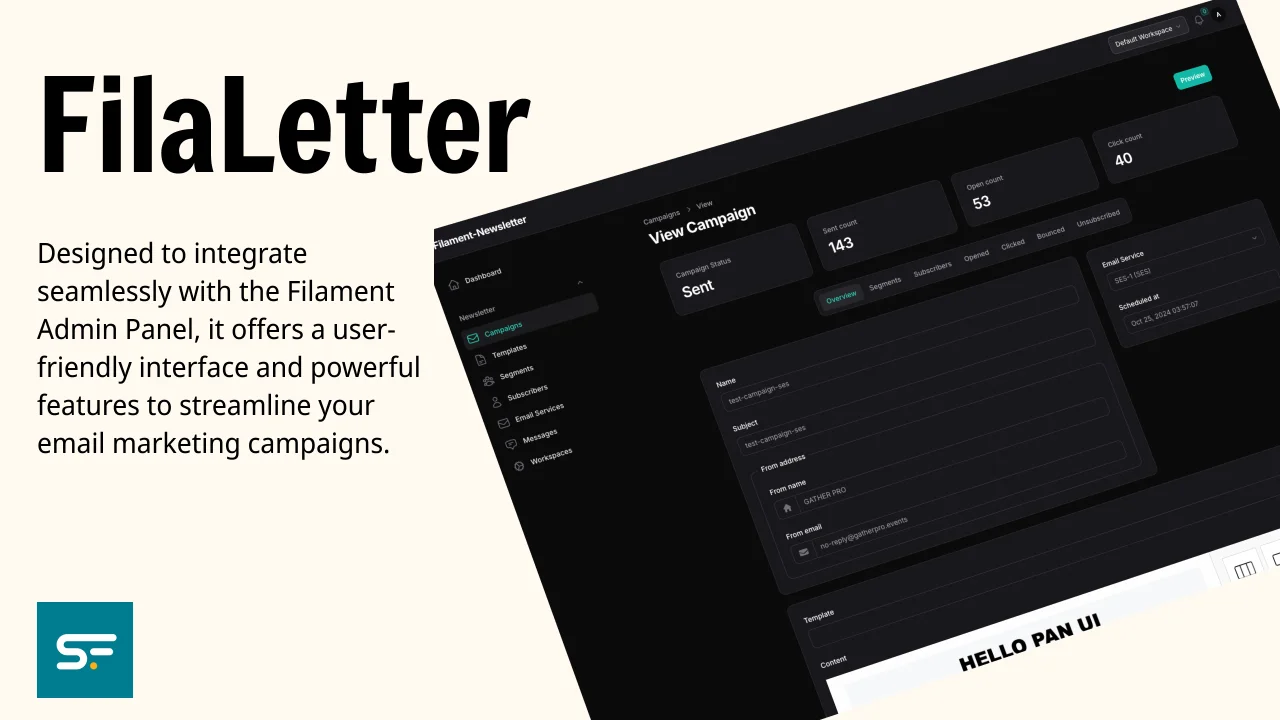
SolutionForest Filaletter
This is an email marketing plugin built specifically for Filament Admin Panel. It aims to bring the distribution of content by email into the admin panel, where we believe it should be, along with the same ethos of flexibility and user-friendliness that FilamentPHP provides. This package is based on the open-source project SendPortal Core.
Author:
Solution Forest

Translate Field
Filament Translate Field is a library for Filament CMS that simplifies managing multiple translatable fields in different languages.
Author:
Solution Forest

Inspire CMS Pro
InspireCMS is a flexible, un-opinionated content engine for Laravel, built on Filament.
Author:
Solution Forest

Simple Lightbox
A simple and lightweight solution for implementing a lightbox feature in your Filament admin panel
Author:
Solution Forest
Featured Plugins
A selection of plugins curated by the Filament team

Custom Dashboards
Let your users build and share their own dashboards with a drag-and-drop interface. Define your data sources in PHP and let them do the rest.
 Filament

Data Lens
Advanced Data Visualization for Laravel Filament - a premium reporting solution enabling custom column creation, sophisticated filtering, and enterprise-grade data insights within admin panels.
 Padmission

Spotlight Pro
Browse your Filament Panel with ease. Filament Spotlight Pro adds a Spotlight/Raycast like Command Palette to your Filament Panel.
 Dennis Koch

