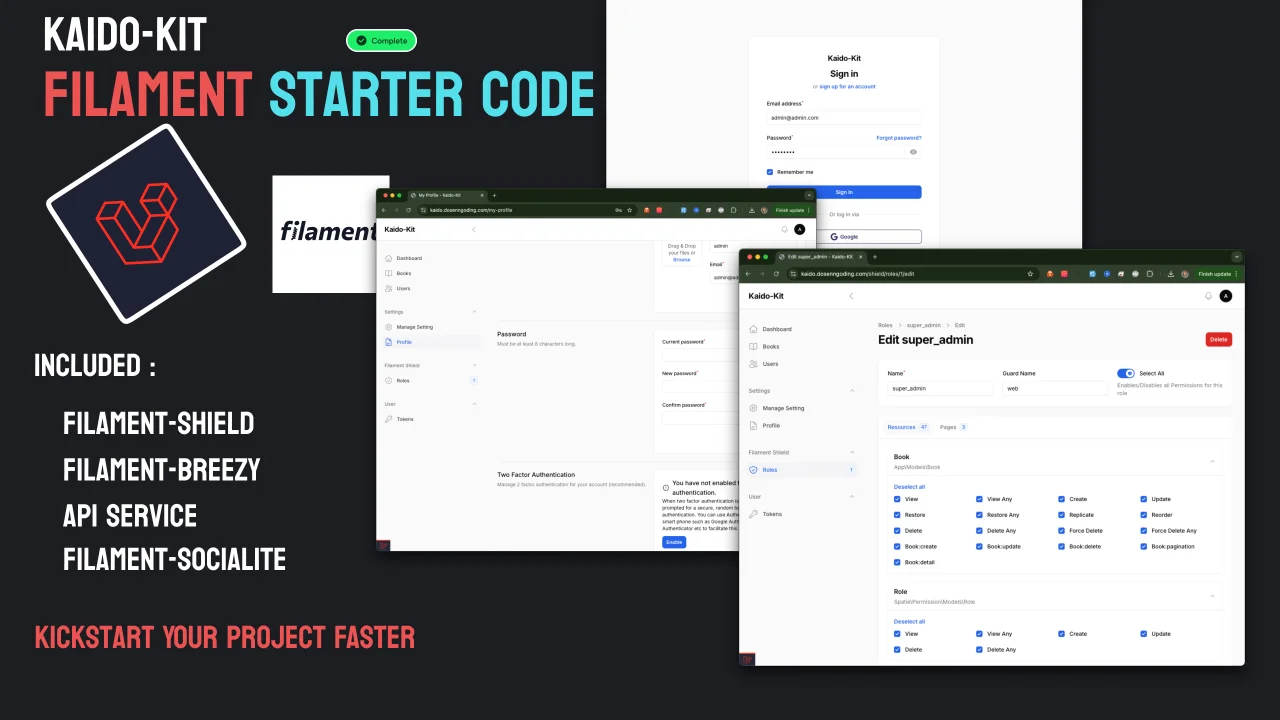
Kaido Kit Starter Kit
A powerful and opinionated FilamentPHP starter kit designed to accelerate your admin panel development. Kaido Kit provides a robust foundation with pre-configured plugins, configuration and best practices for building feature-rich admin interfaces.
 Author:
siubie
Author:
siubie
Documentation
- Introduction Video
- ✨ Features
- 🚀 Quick Start
- Running on Docker with Laravel Sail
- Security
- 🤝 Contributing
- 🙏 Acknowledgments
- 💬 Support
- ⭐ Show your support
- Star History
A powerful and opinionated FilamentPHP starter kit designed to accelerate your admin panel development. Kaido Kit provides a robust foundation with pre-configured plugins, configuration and best practices for building feature-rich admin interfaces.


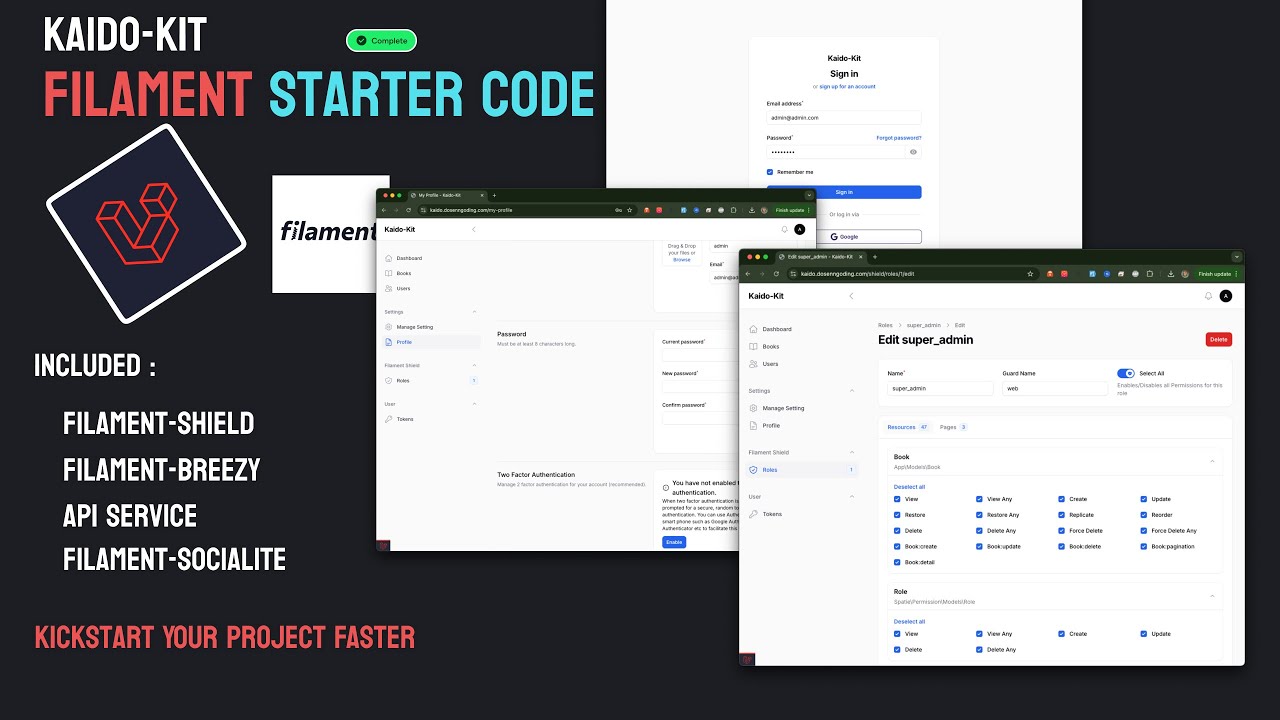
#Introduction Video
#✨ Features
#🛠️ Developer Experience
- ⚡ Quick CRUD generation with customized FilamentPHP stubs
- Optimized UX out of the box
- No need to modify generated resources
- 🔄 Auto reload on save for rapid development
- 📚 Easy API documentation using Scramble
- 📤 Built-in Export and Import examples in Filament resources
#🔐 Authentication & Authorization
- 🛡️ Role-Based Access Control (RBAC) using Filament Shield
- 🔑 Enhanced login page with custom design
- 🌐 Social login with Google via Filament Socialite
- 👤 User profile management with Filament Breezy
- 🔒 Instant 2-Factor Authentication capabilities
- 👥 Simple user-to-role assignment
- 🎭 User impersonation via Filament Impersonate
#📡 API & Integration
- 🚀 Full API support with Filament API Service
- Seamlessly integrated with Shield
- Ready-to-use API endpoints
- 📨 Email integration using Resend
- 📝 Auto-generated API documentation
#📁 Media & Content Management
- 🖼️ Integrated Filament Media Library
- Easy media handling process
- Spatie Media Library support
#⚙️ Configuration & Settings
- 🎛️ Dynamic plugin management via Filament Settings
- Enable/disable features on the fly
- Spatie Laravel Settings integration
#🚀 Quick Start
-
Create new project using composer
composer create-project siubie/kaido-kit -
Composer install
composer install -
Npm Install
npm install -
Copy .env
cp .env.example .env -
Generate App Key
php artisan key:generate -
Configure your database in .env
DB_CONNECTION=mysql DB_HOST=127.0.0.1 DB_PORT=3306 DB_DATABASE=kaido_kit DB_USERNAME=root DB_PASSWORD= -
Configure your google sign in cliend id and secret (optional)
#google auth GOOGLE_CLIENT_ID= GOOGLE_CLIENT_SECRET= GOOGLE_REDIRECT_URI=http://localhost:8000/admin/oauth/callback/google -
Configure your resend for email sending (optional)
#resend MAIL_MAILER=resend MAIL_HOST=127.0.0.1 MAIL_PORT=2525 MAIL_USERNAME=null MAIL_PASSWORD=null MAIL_ENCRYPTION=null RESEND_API_KEY= MAIL_FROM_ADDRESS="admin@domain.com" MAIL_FROM_NAME="${APP_NAME}" -
Migrate your database
php artisan migrate --seed -
Serve the Application
composer run dev -
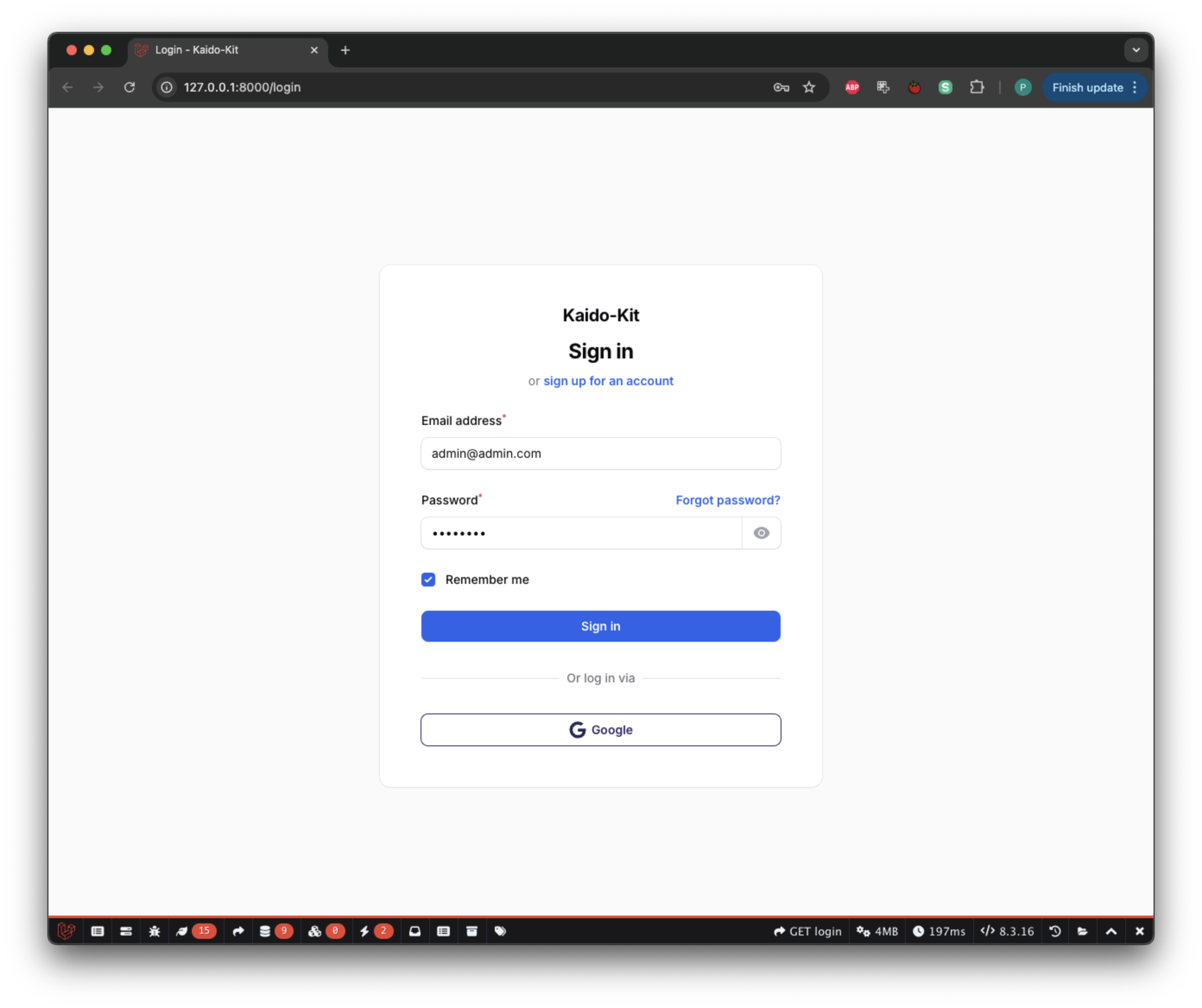
If run successfully you will get this login interface
-
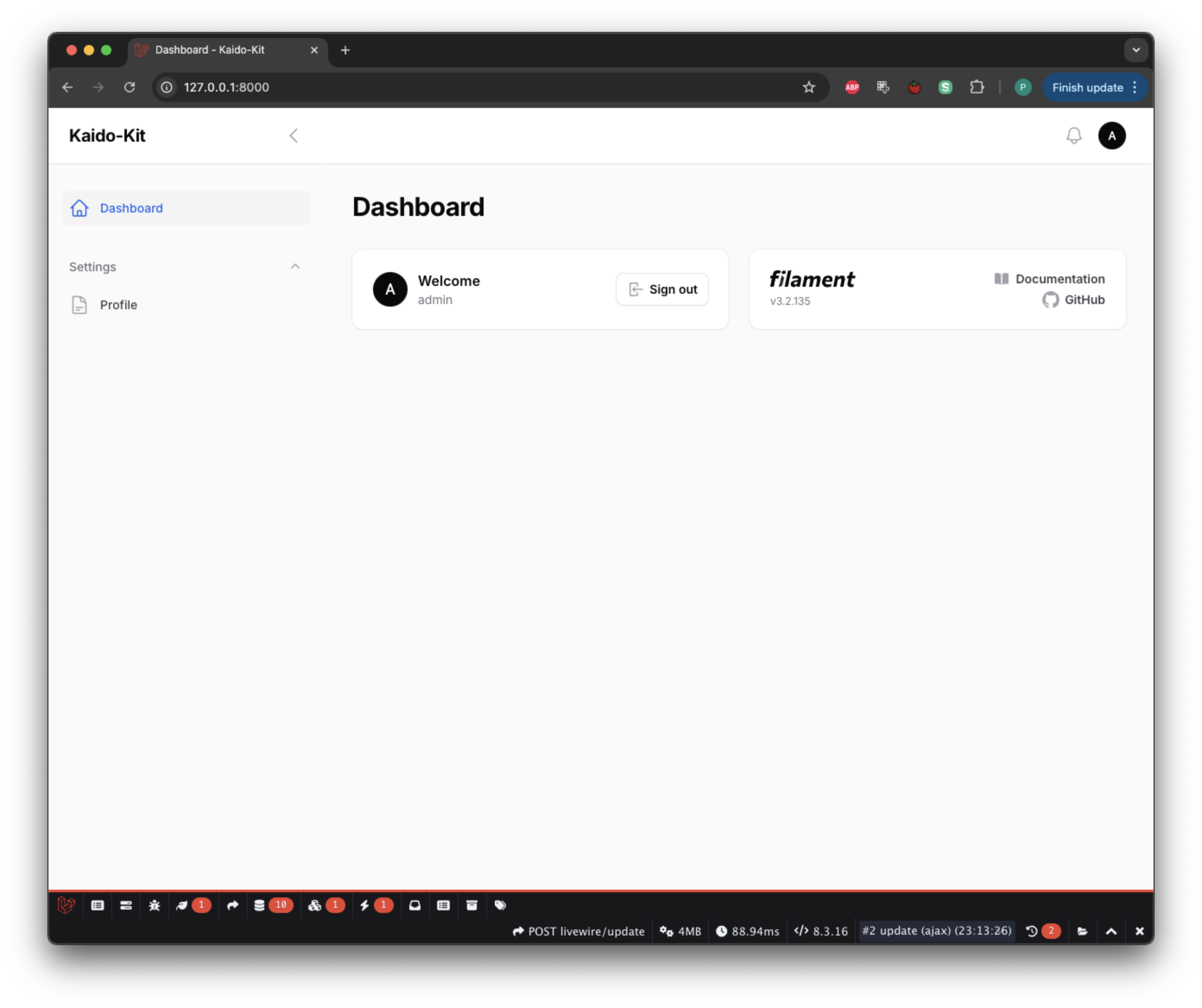
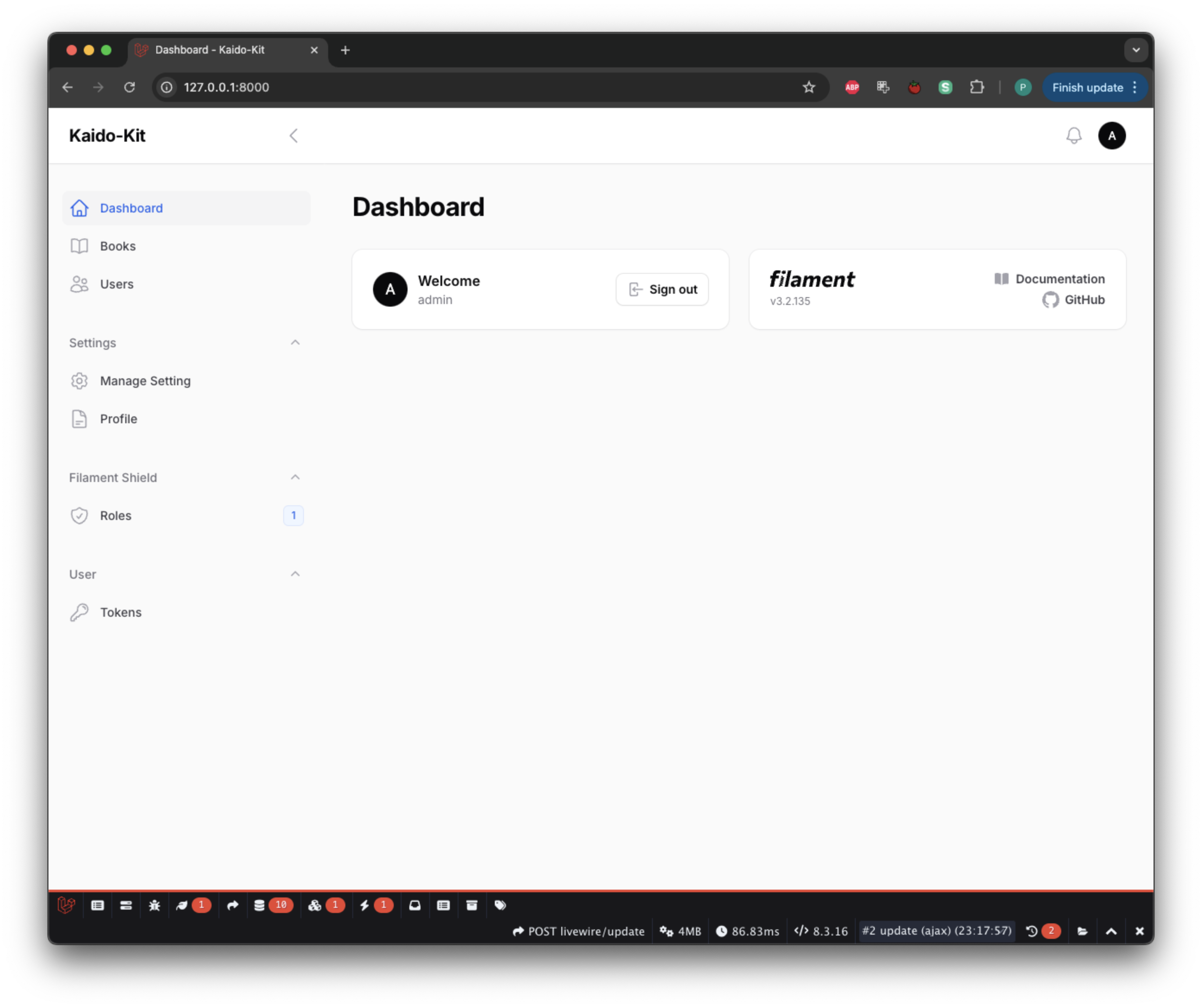
When signed in it will show this (not much yet but it getting there :) )
-
Next step is to setup the RBAC, first generate the role and permission
php artisan shield:generate --all -
It will ask which panel do you want to generate permission/policies for choose the admin panel.
-
Setup the super admin using this command
php artisan shield:super-admin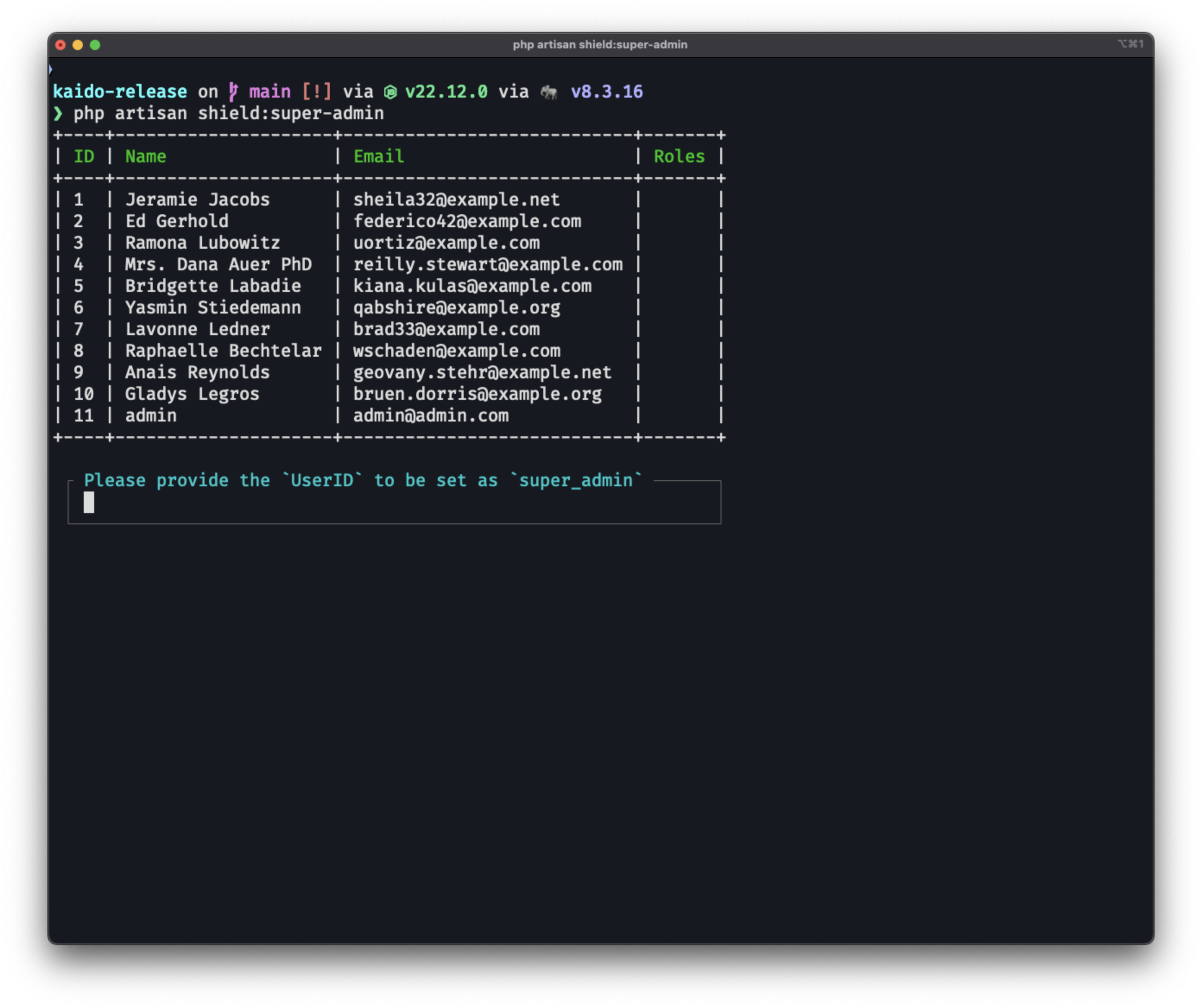
-
Choose your super admin user and login again.
#Running on Docker with Laravel Sail
- Clone the repository
git clone https://github.com/siubie/kaido-kit.git
- Copy .env.example to .env
cp .env.example .env
- Install dependencies
composer install
- Install Laravel Sail
composer require laravel/sail --dev
php artisan sail:install
- Run Sail
./vendor/bin/sail up -d
- Generate App Key
./vendor/bin/sail artisan key:generate
- Run migration
./vendor/bin/sail artisan migrate --seed
- Next step is to setup the RBAC, first generate the role and permission
./vendor/bin/sail artisan shield:generate --all
- Setup the super admin using this command
./vendor/bin/sail artisan shield:super-admin
- Serve the Application
./vendor/bin/sail composer run dev
#Security
Set your app Debug to false in .env file
APP_NAME="Kaido-Kit"
APP_ENV=local
APP_KEY=base64:gWUd7RPrCZm6iu7qFddY3039BQLroNHJ0nqKcBr8eeA=
APP_DEBUG=false
APP_TIMEZONE=UTC
APP_URL=https://localhost:8000
#🤝 Contributing
We welcome contributions! Please follow these steps:
- Fork the repository
- Create your feature branch (
git checkout -b feature/amazing-feature) - Commit your changes (
git commit -m 'Add some amazing feature') - Push to the branch (
git push origin feature/amazing-feature) - Open a Pull Request
#🙏 Acknowledgments
- FilamentPHP
- Laravel
- All our amazing contributors
#💬 Support
#⭐ Show your support
For Indonesian community you can get support and the recording course for how to create this kit here : https://www.dosenngoding.com/courses/8
Give a ⭐️ if this project helped you!
#Star History
The author
Putra Prima is a full-stack web developer from Indonesia. He's been developing and teaching web development for more than 10 years and enjoys working with Laravel. You can check out his YouTube channel here.
Featured Plugins
A selection of plugins curated by the Filament team

Custom Dashboards
Let your users build and share their own dashboards with a drag-and-drop interface. Define your data sources in PHP and let them do the rest.
 Filament

Data Lens
Advanced Data Visualization for Laravel Filament - a premium reporting solution enabling custom column creation, sophisticated filtering, and enterprise-grade data insights within admin panels.
 Padmission

Spotlight Pro
Browse your Filament Panel with ease. Filament Spotlight Pro adds a Spotlight/Raycast like Command Palette to your Filament Panel.
 Dennis Koch

