
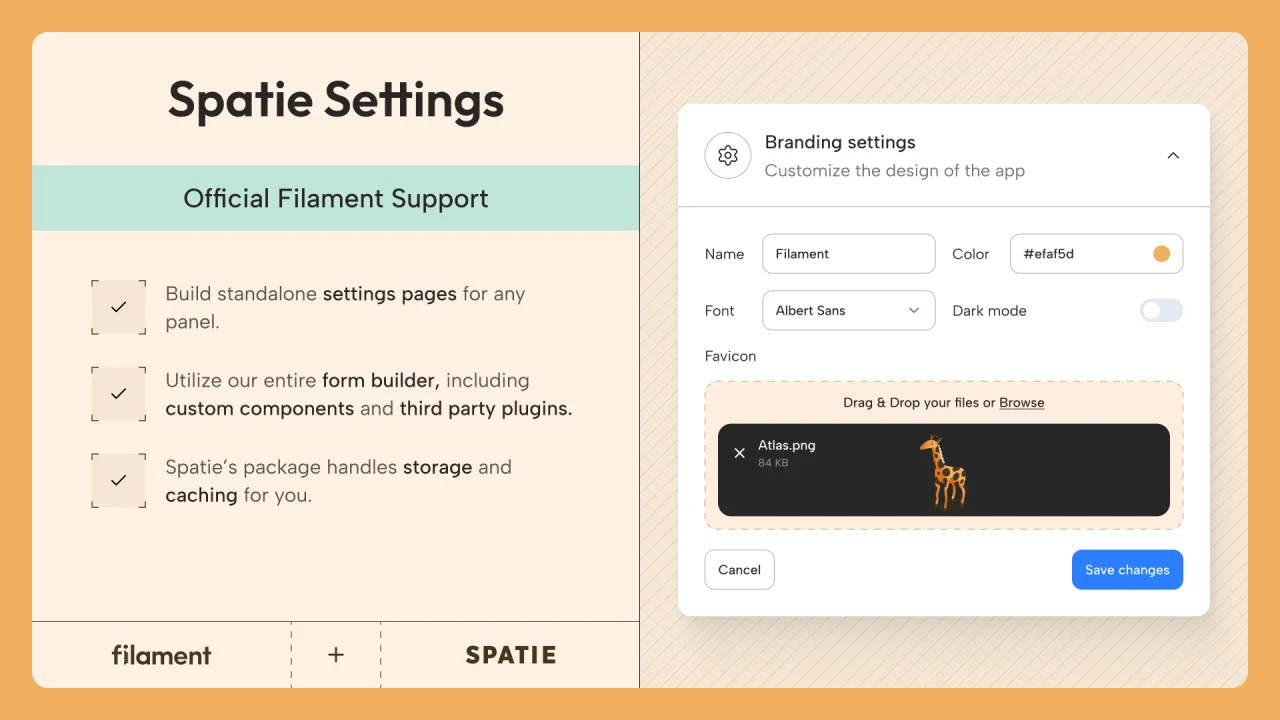
Spatie Settings
Featured OfficialFilament support for Spatie's Laravel Settings package.
 Author:
Filament
Author:
Filament
Package health
Automated checks of this plugin's Composer package
15 checks
- Passed: GitHub Actions pinned to SHA
- Skipped: GitLab CI includes pinned to SHA
- Passed: Open security advisories
- Passed: Dependabot PR responsiveness — No open Dependabot PRs.
- Skipped: Renovate MR responsiveness
- Passed: Dependabot or Renovate configured
- Passed: Dependency update cooldown configured
- Passed: Provides a security policy
- Passed: Abandoned or archived — No consulted source marks the package abandoned (packagist, github).
- Passed: Commit and release recency — Active: last commit 0 days ago; no release date available.
-
Passed:
composer.lock not committed by library
—
composer.lockis absent from the released dist archive. - Passed: Dist archive is lean
-
Passed:
Current Laravel version supported
—
Package dependencies resolve together with current Laravel
13.0. -
Passed:
Current PHP version supported
—
Constraint
^8.2supports current PHP8.5. - Skipped: Current Symfony version supported
Documentation
#Installation
Install the plugin with Composer:
composer require filament/spatie-laravel-settings-plugin:"^5.0" -W
#Preparing your page class
Settings pages are Filament pages that extend the Filament\Pages\SettingsPage class.
This package uses the spatie/laravel-settings package to store and retrieve settings via the database.
Before you start, create a settings class in your app/Settings directory, and a database migration for it. You can find out more about how to do this in the Spatie documentation.
Once you've created your settings class, you can create a settings page in Filament for it using the following command:
php artisan make:filament-settings-page ManageFooter FooterSettings
In this example, you have a FooterSettings class in your app/Settings directory.
In your new settings page class, generated in the app/Filament/Pages directory, you will see the static $settings property assigned to the settings class:
protected static string $settings = FooterSettings::class;
#Building a form
You must define a form schema to interact with your settings class inside the form() method.
Since the Form Builder is installed in the Panel Builder by default, you may use any form fields or layout components you like:
use Filament\Forms\Components\Repeater;
use Filament\Forms\Components\TextInput;
use Filament\Schemas\Schema;

public function form(Schema $schema): Schema
{
    return $schema
        ->components([
            TextInput::make('copyright')
                ->label('Copyright notice')
                ->required(),
            Repeater::make('links')
                ->schema([
                    TextInput::make('label')->required(),
                    TextInput::make('url')
                        ->url()
                        ->required(),
                ]),
        ]);
}
The name of each form field must correspond with the name of the property on your settings class.
The form will automatically be filled with settings from the database, and saved without any extra work.
#Authorization
By default, no users are restricted from accessing settings pages. To prevent a page from being accessed altogether, define a canAccess() method in the page class, and return true or false based on the user's permissions:
public static function canAccess(): bool
{
    return auth()->user()->isAdmin();
}
If the user has access to the page, you can also prevent them from editing the settings. This is useful if a user needs to be able to check the current state of the settings, but not change them. In this case, the settings form would be "disabled" and read-only. Define the canEdit() method in the page class, and return true or false based on the user's permissions:
public static function canEdit(): bool
{
    return auth()->user()->isAdmin();
}
Note:
canEdit()only gates saving — it does not prevent a user from loading the page and reading every field's current value. If the settings themselves are sensitive (API keys, internal flags, etc.), restrict viewing withcanAccess()(and/or route middleware) instead of relying oncanEdit().
#Publishing translations
If you wish to translate the package, you may publish the language files using:
php artisan vendor:publish --tag=filament-spatie-laravel-settings-plugin-translations
The author
Filament is a powerful open source UI framework for Laravel, built with Livewire to help you ship apps & admin panels fast.
It includes a collection of beautifully designed, fully extensible components that handle the hard parts, so you can focus on what matters.
From the same author
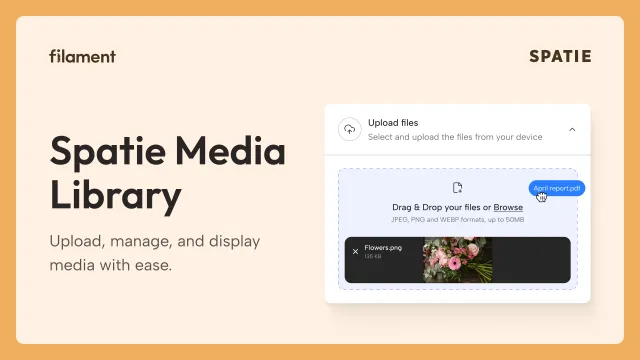
Spatie Media Library
Filament support for Spatie's Laravel Media Library package.
Author:
Filament

Spatie Google Fonts
Filament support for Spatie's Laravel Google Fonts package.
Author:
Filament

Blueprint
Filament Blueprint is a premium Laravel Boost extension that helps AI agents produce accurate, detailed implementation plans and security reports for Filament apps.
Author:
Filament

Soft Theme
A theme that gives panels a warm, approachable look with rounded shapes, gentle colors, and serif headings.
Author:
Filament
Featured Plugins
A selection of plugins curated by the Filament team

Noir Theme
A theme that gives panels a focused, refined look with near-black surfaces, crisp actions, and restrained color.
Filament

Spotlight Pro
Browse your Filament Panel with ease. Filament Spotlight Pro adds a Spotlight like Command Palette to your Filament Panel.
 Dennis Koch

Custom Fields
Eliminate custom field migrations forever. Let your users create and manage form fields directly in Filament admin panels with 20+ built-in field types, validation, and zero database changes.
 Relaticle
