

Translatable Fields by Outerweb
CommunityMakes all Filament fields translatable with a translatable macro.
 Author:
Outerweb
Author:
Outerweb
Package health
Automated checks of this plugin's Composer package
15 checks
- Skipped: GitHub Actions pinned to SHA
- Skipped: GitLab CI includes pinned to SHA
- Passed: Open security advisories
- Passed: Dependabot PR responsiveness — No open Dependabot PRs.
- Skipped: Renovate MR responsiveness
- Skipped: Dependabot or Renovate configured
- Skipped: Dependency update cooldown configured
- Failed: Provides a security policy — View details on Plumb
- Passed: Abandoned or archived — No consulted source marks the package abandoned (packagist).
- Warning: Commit and release recency — Low activity: no commit date available; last release 181 days ago.
-
Passed:
composer.lock not committed by library
—
composer.lockis absent from the released dist archive. - Passed: Dist archive is lean
-
Passed:
Current Laravel version supported
—
Package dependencies resolve together with current Laravel
13.0. -
Passed:
Current PHP version supported
—
Constraint
^8.4supports current PHP8.5. - Skipped: Current Symfony version supported
filament/
namespace. Review the source and install at your own risk. Found
malware or an unresolved security issue the author won't
address?
Report it
.
Documentation





This Filament plugin provides an integration for the spatie/laravel-translatable package.
It can easily be combined with the lara-zeus/translatable package as our package only provides the Form integration. To do so, simply remove all lara-zeus specific code from the Create and Edit pages of your Filament Resources.
Instead of rendering a dropdown to select the locale, it wraps the translatable fields in a Tabs component for a better user experience.
⚠️ Caution: V4 is a complete rewrite of the package and logic. Please take a look at the installation instructions below!
#Table of Contents
#Installation
You can install the package via composer:
composer require outerweb/filament-translatable-fields
Add the plugin to your panel:
use Outerweb\FilamentTranslatableFields\TranslatableFieldsPlugin;

public function panel(Panel $panel): Panel
{
    return $panel
        // ...
        ->plugins([
            // ...
            TranslatableFieldsPlugin::make(),
        ]);
}
#Configuration
#Supported locales
By default, the package will try to read out the supported locales from the config/app.php file. It will check for app.supported_locales first and then fallback to app.locales and app.fallback_locale.
You can manually configure the supported locales like this:
use Outerweb\FilamentTranslatableFields\TranslatableFieldsPlugin;

public function panel(Panel $panel): Panel
{
    return $panel
        // ...
        ->plugins([
            // ...
            TranslatableFieldsPlugin::make()
                ->supportedLocales(['en', 'de', 'fr']),
        ]);
}
If you want to provide custom labels for the locales, you can do it like this:
use Outerweb\FilamentTranslatableFields\TranslatableFieldsPlugin;

public function panel(Panel $panel): Panel
{
    return $panel
        // ...
        ->plugins([
            // ...
            TranslatableFieldsPlugin::make()
                ->supportedLocales([
                    'en' => 'English',
                    'de' => 'Deutsch',
                    'fr' => 'Français',
                ]),
        ]);
}
If you want to dynamically provide the supported locales, you can also pass a Closure to the supportedLocales() method:
use Outerweb\FilamentTranslatableFields\TranslatableFieldsPlugin;

public function panel(Panel $panel): Panel
{
    return $panel
        // ...
        ->plugins([
            // ...
            TranslatableFieldsPlugin::make()
                ->supportedLocales(fn () => getSupportedLocales()),
        ]);
}
#Default locale
By default, the active tab will be the one of the app's locale when rendering the form. You can change this behavior by setting a default locale:
use Outerweb\FilamentTranslatableFields\TranslatableFieldsPlugin;

public function panel(Panel $panel): Panel
{
    return $panel
        // ...
        ->plugins([
            // ...
            TranslatableFieldsPlugin::make()
                ->defaultLocale('de'),
        ]);
}
If you want to dynamically provide the default locale, you can also pass a Closure to the defaultLocale() method:
use Outerweb\FilamentTranslatableFields\TranslatableFieldsPlugin;

public function panel(Panel $panel): Panel
{
    return $panel
        // ...
        ->plugins([
            // ...
            TranslatableFieldsPlugin::make()
                ->defaultLocale(fn () => auth()->user()->preferred_locale),
        ]);
}
#Usage
#Marking single fields as translatable
To mark a single field as translatable, you can use the translatable() method on any Filament form field:
use Filament\Forms\Components\TextInput;

TextInput::make('name')
    ->translatable(),
This will wrap the field in a Tabs component with a tab for each supported locale.
Note: Make sure to place the
translatable()method at the end of the field definition to avoid any unexpected behavior.
#Modifying/Validating a field for a specific locale
All modifiers and validation rules applied before calling the translatable() method will be applied field for each locale. If you want to apply a modifier or validation rule for a specific locale only, you can use the modifyLocalizedFieldUsing parameter in the translatable() method:
use Filament\Forms\Components\TextInput;

TextInput::make('name')
    ->translatable(
        modifyLocalizedFieldUsing: function (TextInput $field, string $locale): TextInput {
            return match ($locale) {
                'en' => $field->required(),
                default => $field,
            };
        },
    ),
#Conditionally marking a field as translatable
You can also conditionally mark a field as translatable by passing a bool or Closure to the translatable() method:
use Filament\Forms\Components\TextInput;

// Using a bool
TextInput::make('name')
    ->translatable(false),

// Using a Closure
TextInput::make('name')
    ->translatable(fn () => someCondition()),
#Overriding the supported locales for a single field
You can override the supported locales for a single field by passing an array or Closure to the translatable() method:
use Filament\Forms\Components\TextInput;

// Using an array
TextInput::make('name')
    ->translatable(
        supportedLocales: ['en', 'de']
    ),

// Using a Closure
TextInput::make('name')
    ->translatable(
        supportedLocales: fn () => getSupportedLocales(),
    ),
#Overriding the default locale for a single field
You can override the default locale for a single field by passing a string or Closure to the translatable() method:
use Filament\Forms\Components\TextInput;

// Using a string
TextInput::make('name')
    ->translatable(
        defaultLocale: 'de'
    ),

// Using a Closure
TextInput::make('name')
    ->translatable(
        defaultLocale: fn () => auth()->user()->preferred_locale,
    ),
#Marking a group of fields as translatable
You can also mark a Layout component as translatable. This will make all fields inside the layout translatable:
use Filament\Schemas\Components\Section;

Section::make()
    ->schema([
        TextInput::make('name'),
        TextInput::make('description'),
    ])
    ->translatable(),
This will wrap all fields inside the layout in a Tabs component with a tab for each supported locale.
Note: Make sure to place the
translatable()method at the end of the component definition to avoid any unexpected behavior.
All the options described for single fields (modifying/validating a field for a specific locale, conditionally marking as translatable, overriding supported/default locales) are also available when marking a layout component as translatable.
For modifying/validating fields inside a layout component, the provided Closure will be called for each field inside the layout.
Example:
use Illuminate\Support\Str;
use Filament\Forms\Components\TextInput;
use Filament\Schemas\Components\Component;
use Filament\Schemas\Components\Section;

Section::make()
    ->schema([
        TextInput::make('name'),
        TextInput::make('description'),
    ])
    ->translatable(
        modifyLocalizedFieldUsing: function (Component $field, string $locale): Component {
            if ($field instanceof TextInput && Str::startsWith($field->getName(), 'name.')) {
                return match ($locale) {
                    'en' => $field->required(),
                    default => $field,
                };
            }

            return $field;
        },
    ),
#Changelog
Please see CHANGELOG for more information on what has changed recently.
#License
The MIT License (MIT). Please see License File for more information.
The author
From the same author
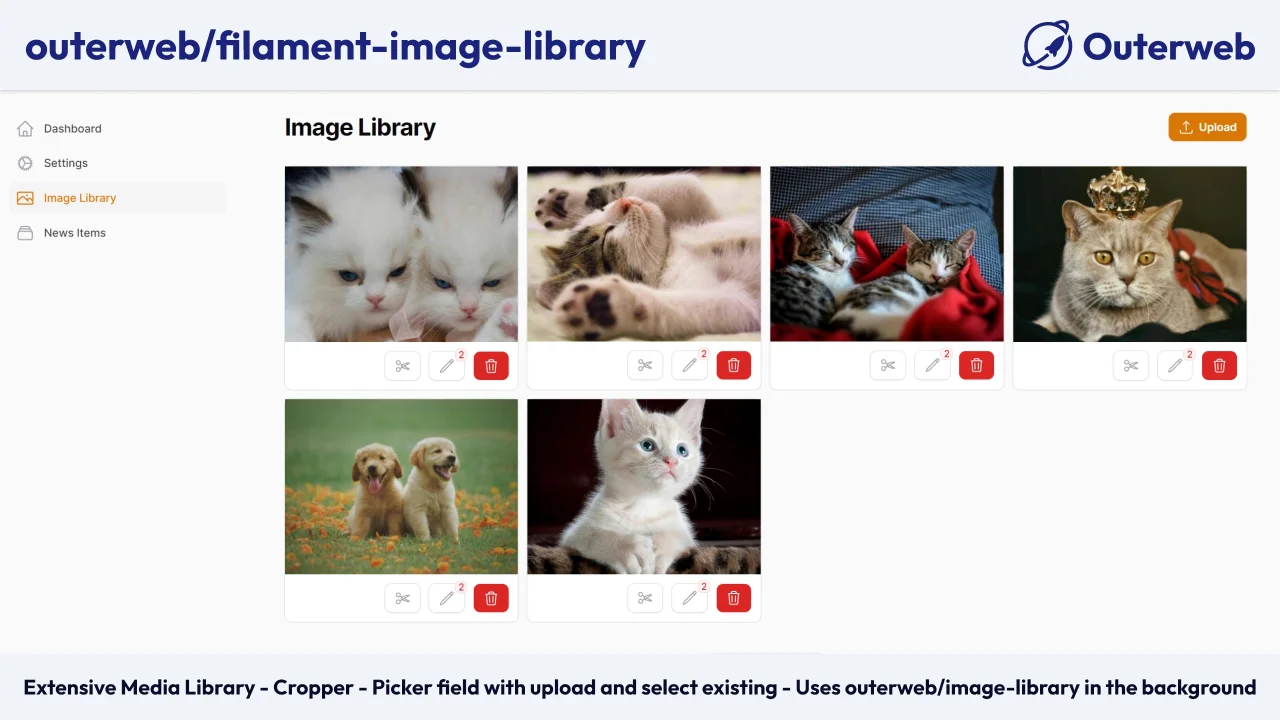
Image Library
Adds an image library page and Image picker form-field to Filament with the ability to upload, crop, and manage images.
Author:
Outerweb

Settings
Integrates Outerweb/Settings into Filament.
Author:
Outerweb
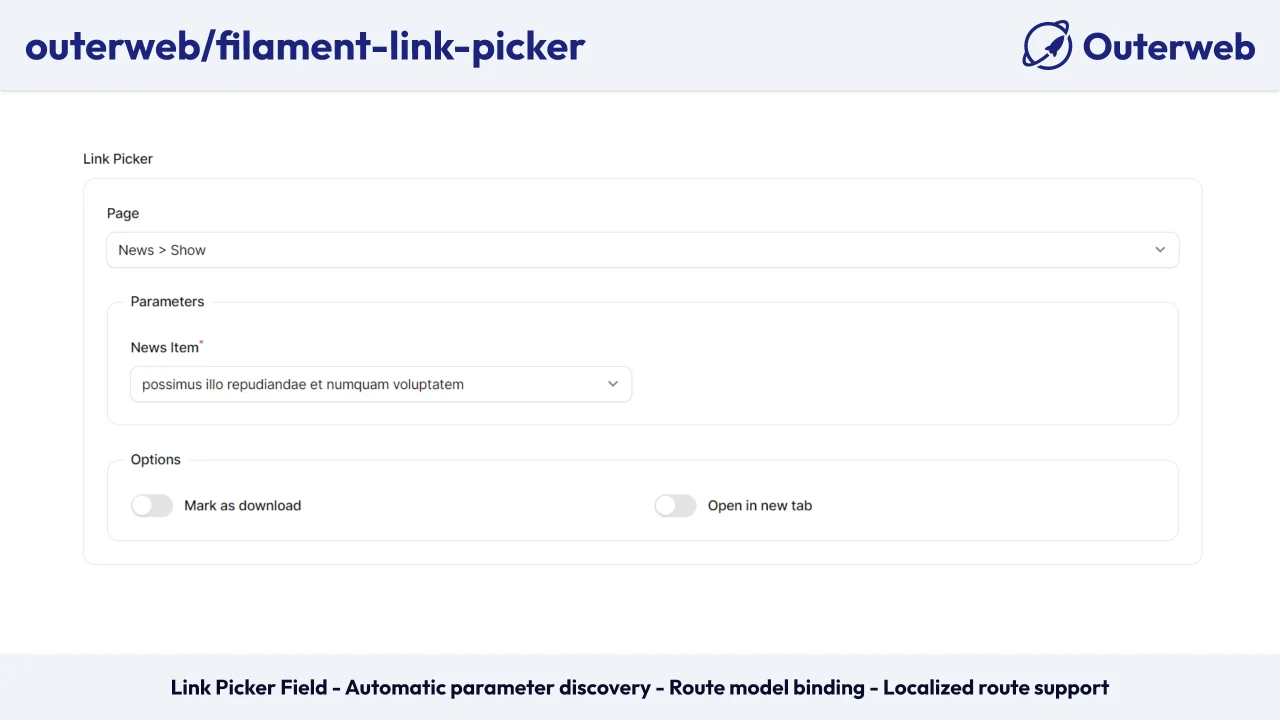
Link Picker Field
Adds a field to pick a link from your defined routes or external links.
Author:
Outerweb
Featured Plugins
A selection of plugins curated by the Filament team

Soft Theme
A theme that gives panels a warm, approachable look with rounded shapes, gentle colors, and serif headings.
 Filament

Custom Dashboards
Let your users build and share their own dashboards with a drag-and-drop interface. Define your data sources in PHP and let them do the rest.
Filament

Custom Fields
Eliminate custom field migrations forever. Let your users create and manage form fields directly in Filament admin panels with 20+ built-in field types, validation, and zero database changes.
 Relaticle

