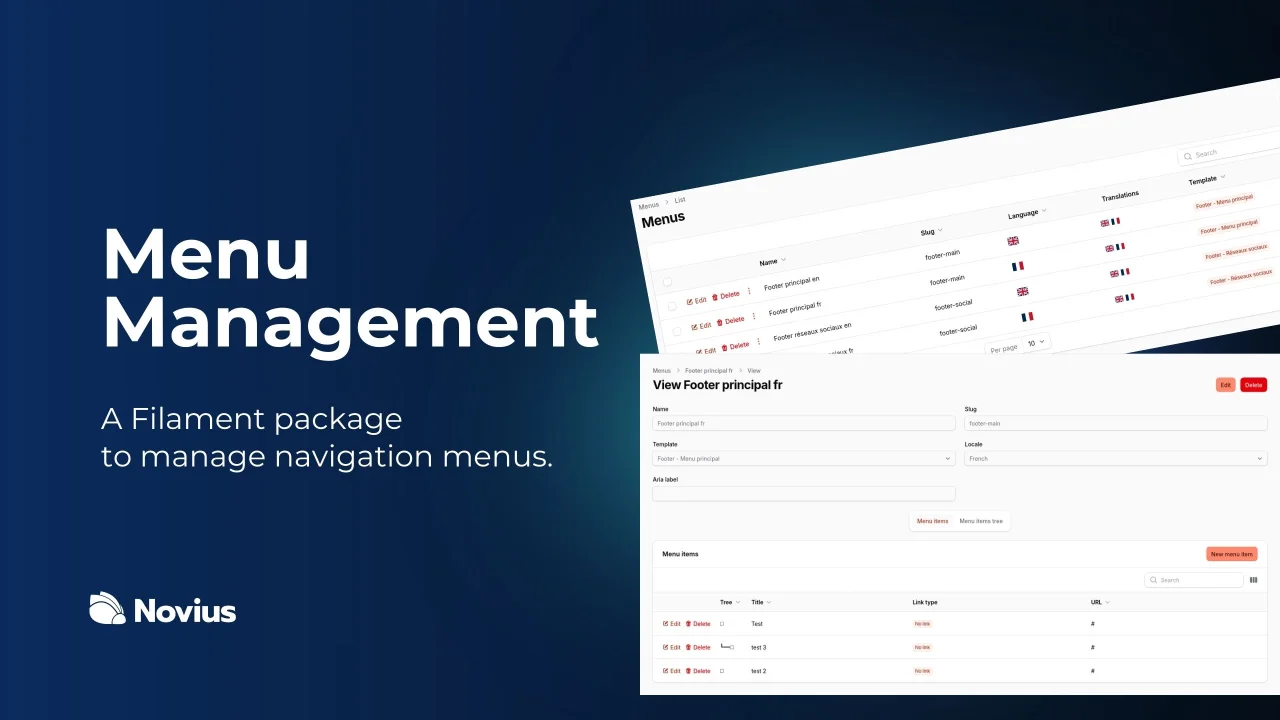
Menu
Tool to manage dynamic menus from the administration interface.
 Author:
Novius
Author:
Novius
Documentation



#Introduction
This Laravel Filament package allows you to manage menus in your Laravel Filament admin panel.
#Requirements
- PHP >= 8.2
- Laravel Filament >= 4
- Laravel Framework >= 11.0
#Installation
composer require novius/laravel-filament-menu
Publish the Filament assets:
php artisan filament:assets
Then run the migrations:
php artisan migrate
In your AdminFilamentPanelProvider, add the MenuManagerPlugin:
use Novius\LaravelFilamentMenu\Filament\MenuManagerPlugin;

class AdminFilamentPanelProvider extends PanelProvider
{
    public function panel(Panel $panel): Panel
    {
        return $panel
            // ...
            ->plugins([
                MenuManagerPlugin::make(),
            ])
            // ...
            ;
    }
}
#Configuration
Several options are available for you to override.
php artisan vendor:publish --provider="Novius\LaravelFilamentMenu\LaravelFilamentMenuServiceProvider" --tag="config"
#Usage
#Blade directive
You have two ways to manage the styles of your menus. Either you use the CSS classes defined in the package, or you fill in all the attributes you need.
#Classes CSS
You can display a menu with:
<x-laravel-filament-menu::menu
    menu-slug="slug-of-menu"
    locale="fr"
    title-tag="h3"
    item-empty-tag="span"
/>
menu-slug: required, the slug of your menu.locale: optional, defaults to the current locale.title-tag: optional,spanby default. Use it to change the title HTML tag if needed (useful for website footers).item-empty-tag: optional,spanby default. Use it to change the HTML tag of menu items that are neither links nor HTML blocks.
Here is a sample HTML structure with the CSS classes applied (with a menu slug of slug-of-menu):
<nav role="navigation" class="lfm-slug-of-menu"
    id="lfm-slug-of-menu"
    aria-label="Title of the menu">
    <span class="menu-title">Title of the menu</span>

    <ul class="lfm-items-container lfm--is-root" data-depth="0">
        <li class="lfm-item-li">
            <a href="https://example.com" class="lfm-item">First item</a>
        </li>

        <li class="lfm-item-li lfm--has-children" data-has-children="true">
            <a href="https://example.com/2" class="lfm-item">Second item</a>

            <ul class="lfm-items-container lfm--has-active-item" data-depth="1" data-active-items="true">
                <li class="lfm-item-li">
                    <a href="https://example.com/3" class="lfm-item">First sub item</a>
                </li>

                <li class="lfm-item-li">
                    <a href="https://example.com/4" class="lfm-item lfm--active" data-active="true">Second sub item</a>
                </li>

                <li class="lfm-item-li">
                    <a href="https://example.com/5" class="lfm-item">Third sub item</a>
                </li>
            </ul>
        </li>
    </ul>
</nav>
#Attributes CSS
<x-laravel-filament-menu::menu
    menu-slug="slug-of-menu"
    locale="fr"
    container-classes="p6"
    title-classes="font-bold"
    list-classes="flex flex-col gap-x-6"
    item-container-classes="p6"
    item-classes="p6"
    item-active-classes="active"
    item-contains-active-classes="open"
/>
locale: optional, will use the current locale by defaultcontainer-classes: optional,'lfm-'.$menuSlugby default. Css classes for the menu container (<nav>), can be a string, an array or a Closure taking the menu as single paramatertitle-classes: optional,lfm-titleby default. Css classes for the menu title (<div>), can be a string, an array or a Closure taking the menu as single paramaterlist-classes: optional,lfm-items-containerby default. Css classes for the menu container of a list of items (<ul>), can be a string, an array or a Closure taking the item menu as single paramateritem-container-classes:lfm-item-li, null by default. Css classes for the item menu container (<li>), can be a string, an array or a Closure taking the item menu as single paramateritem-classes: optional,lfm-itemby default. Css classes for the item menu (<a>or<div>), can be a string, an array or a Closure taking the item menu as single paramateritem-active-classes: optional, null by default. Css classes for the active item menu (<a>), must be a string.data-active="true"attribute will be added to the item menu if the item is active.item-contains-active-classes: optional, null by default. Css classes for item menu containers (<ul>) containing the active item (<a>), must be a string.data-active-items="true"attribute will be added to the item menu if the item is active.
Here the sample of the css classes implemenations in HTML :
<nav role="navigation"
     aria-label="Title of the menu"
     class="{-- container-classes --}"
>
  <span class="{-- title-classes --}">Title of the menu</span>
  <ul class="{-- list-classes --}">
    <li class="{-- item-container-classes --}">
      <a href="https://example.com/" class="{-- item-classes --}" >First item</a>
    </li>
    <li class="{-- container-item-classes --}">
      <a href="https://example.com/" class="{-- item-classes --}" >Second item</a>

      <ul class="{-- container-items-classes & item-contains-active-classes --}" data-open="true">
        <li class="{-- container-item-classes --}">
          <a href="https://example.com/" class="{-- item-classes --}" >First sub item</a>
        </li>
        <li class="{-- container-item-classes --}">
          <a href="https://example.com/"
             data-active="true"
             class="{-- item-classes & item-active-classes --}"
          >
            Second sub item
          </a>
        </li>
        <li class="{-- container-item-classes --}">
          <a href="https://example.com/" class="{-- item-classes --}" >Third sub item</a>
        </li>
      </ul>
    </li>
  </ul>
</nav>
#Write your own template
#Template class
namespace App\Menus\Templates;

use Novius\LaravelFilamentMenu\Concerns\IsMenuTemplate;
use Novius\LaravelFilamentMenu\Contracts\MenuTemplate;

class MyMenuTemplate implements MenuTemplate // Must implement the MenuTemplate interface
{
    use IsMenuTemplate; // This trait defines the required methods with default implementations

    public function key(): string
    {
        return 'my-template';
    }

    public function name(): string
    {
        return 'My template';
    }

    public function hasTitle(): bool
    {
        return true; // Indicates whether the menu needs a title displayed on the front end
    }

    public function maxDepth(): int
    {
        return 1; // Defines the maximum menu depth
    }

    public function fields(): array
    {
        return [
            \Filament\Forms\Components\DatePicker::make('extras.date'), // You can add additional fields to items; prefix names with `extras.` to store them in the extras field
        ];
    }

    public function casts(): array
    {
        return [
            'date' => 'date:Y-m-d', // Define casts for any additional item fields
        ];
    }

    public function view(): string
    {
        return 'menus.my-template'; // View used to render the menu
    }

    public function viewItem(): string
    {
        return 'menus.my-template-item'; // View used to render individual menu items
    }
}
#Template views
First, the view to display the menu:
@php
    use Novius\LaravelFilamentMenu\Models\Menu;

    /** @var Menu $menu */
@endphp

<nav role="navigation"
     id="menu-{{ $menu->slug }}"
     aria-label="{{ $menu->aria_label ?? $menu->title ?? $menu->name }}"
     @class($containerClasses)
>
    @if ($menu->template->hasTitle())
        <x-laravel-filament-menu::dynamic-tag :tag="$titleTag" @class($titleClasses)>
          {{ $menu->title ?? $menu->name }}
        </x-laravel-filament-menu::dynamic-tag>
    @endif
    <ul @class([...$listClasses(), ...$listRootClasses()]) data-depth="0">
        @foreach($items as $item)
            {!! $menu->template->renderItem(
                $menu,
                $item,
                $listClasses,
                $itemContainerClasses,
                $itemClasses,
                $itemEmptyTag,
                $itemActiveClasses,
                $itemContainsActiveClasses
            ) !!}
      @endforeach
    </ul>
</nav>
Then, the view to display an item of the menu:
@php
    use Novius\LaravelFilamentMenu\Enums\LinkType;
    use Novius\LaravelFilamentMenu\Models\Menu;
    use Novius\LaravelFilamentMenu\Models\MenuItem;

    /** @var Menu $menu */
    /** @var MenuItem $item */
@endphp
<li @class($itemContainerClasses) @if ($item->children->isNotEmpty()) data-has-children="true" @endif>
    @if ($item->link_type === LinkType::html)
        {!! $item->html !!}
    @elseif ($item->link_type !== LinkType::empty)
        <a href="{{ $item->href() }}"
             @class([
                 ...$itemClasses,
                 $menu->template->isActiveItem($item) ? $itemActiveClasses : '',
                $item->html_classes
            ])
            @if ($item->target_blank) target="_blank" rel="noopener noreferrer" @endif
            @if ($menu->template->isActiveItem($item)) data-active="true" @endif
        >
            {{ $item->title }}
        </a>
    @else
        <x-laravel-filament-menu::dynamic-tag :tag="$itemEmptyTag"
            @class([
                ...$itemClasses,
                $item->html_classes
            ])
        >
            {{ $item->title }}
        </x-laravel-filament-menu::dynamic-tag>
    @endif

    @if ($item->children->isNotEmpty())
        <ul
            data-depth="{{ $item->depth + 1 }}"
            @if ($menu->template->containsActiveItem($item)) data-active-items="true" @endif
            @class([
                ...$listClasses,
                $menu->template->containsActiveItem($item) ? $itemContainsActiveClasses : '',
            ])
        >
            @foreach($item->children as $item)
                {!! $menu->template->renderItem(
                    $menu,
                    $item
                    $listClasses,
                    $itemContainerClasses,
                    $itemClasses,
                    $itemEmptyTag,
                    $itemActiveClasses,
                    $itemContainsActiveClasses,
                ) !!}
            @endforeach
        </ul>
    @endif
</li>
#Manage internal links
Laravel Filament Menu uses Laravel Linkable to manage linkable routes and models. Refer to its documentation for detailed usage instructions.
#Seeder
You can use the \Novius\LaravelFilamentMenu\Database\Seeders\MenuSeeder to create menus.
Create a new seeder, extend the class, and define the menus() method. You can also override the postCreate() method to add custom logic.
namespace Database\Seeders;

use Novius\LaravelFilamentMenu\Templates\MenuTemplateWithoutTitle;
use Novius\LaravelFilamentMenu\Templates\MenuTemplateWithTitle;

class MenuSeeder extends \Novius\LaravelFilamentMenu\Database\Seeders\MenuSeeder
{
    protected function menus(): array
    {
        return [
            'header' => [
                'name' => 'Header',
                'template' => MenuTemplateWithoutTitle::class,
            ],
            'footer' => [
                'name' => 'Footer',
                'template' => MenuTemplateWithTitle::class,
            ],
        ];
    }

    protected function postCreate(array $config, LocaleData $locale, Menu $menu): void
    {
        // Add custom logic here
    }
}
#Lint
Run PHP-CS Fixer with:
composer run-script lint
#Contributing
Contributions are welcome! Leave an issue on GitHub, or create a Pull Request.
#License
This package is under GNU Affero General Public License v3 or (at your option) any later version.
The author
Novius is a French web agency specializing in the development of tailor-made web applications with Laravel.
We design robust, maintainable and business-oriented tools, with particular attention paid to the developer experience and the sustainability of projects. Our Filament plugins are used in production on customer projects and are designed to meet concrete needs, proven in the field.
From the same author
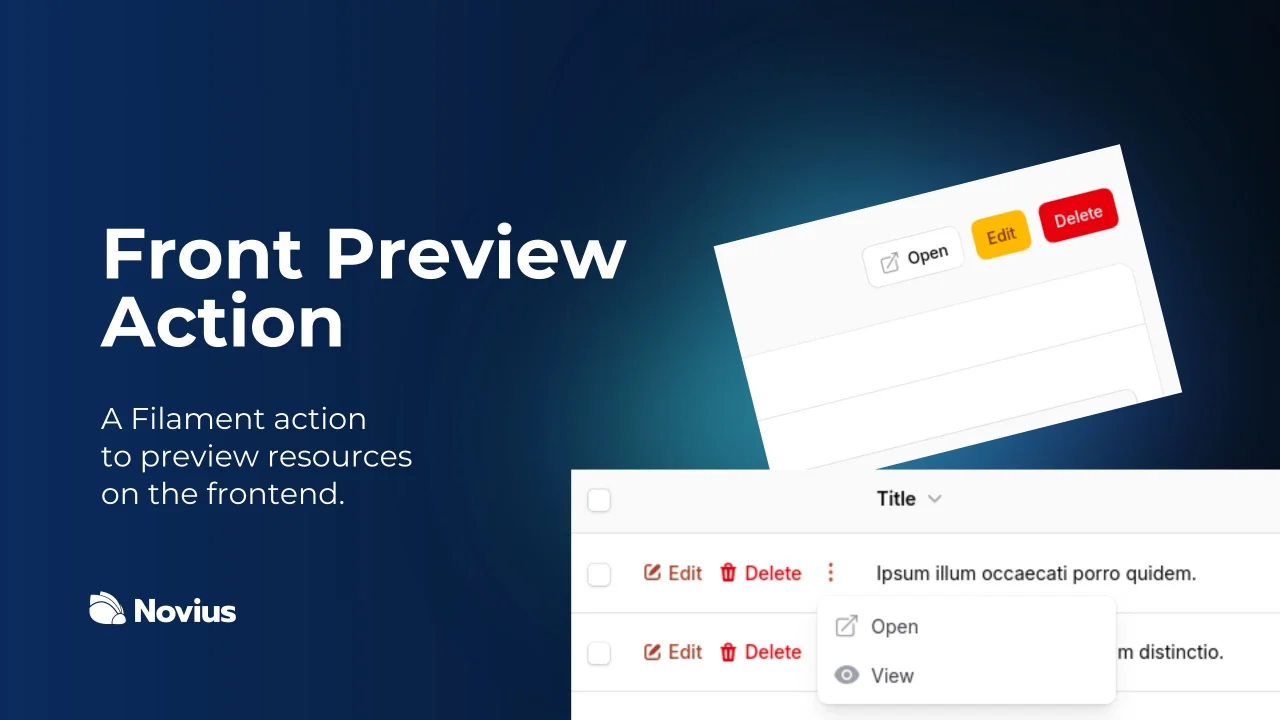
Action Preview
Action to preview a resource before saving or publishing it.
Author:
Novius
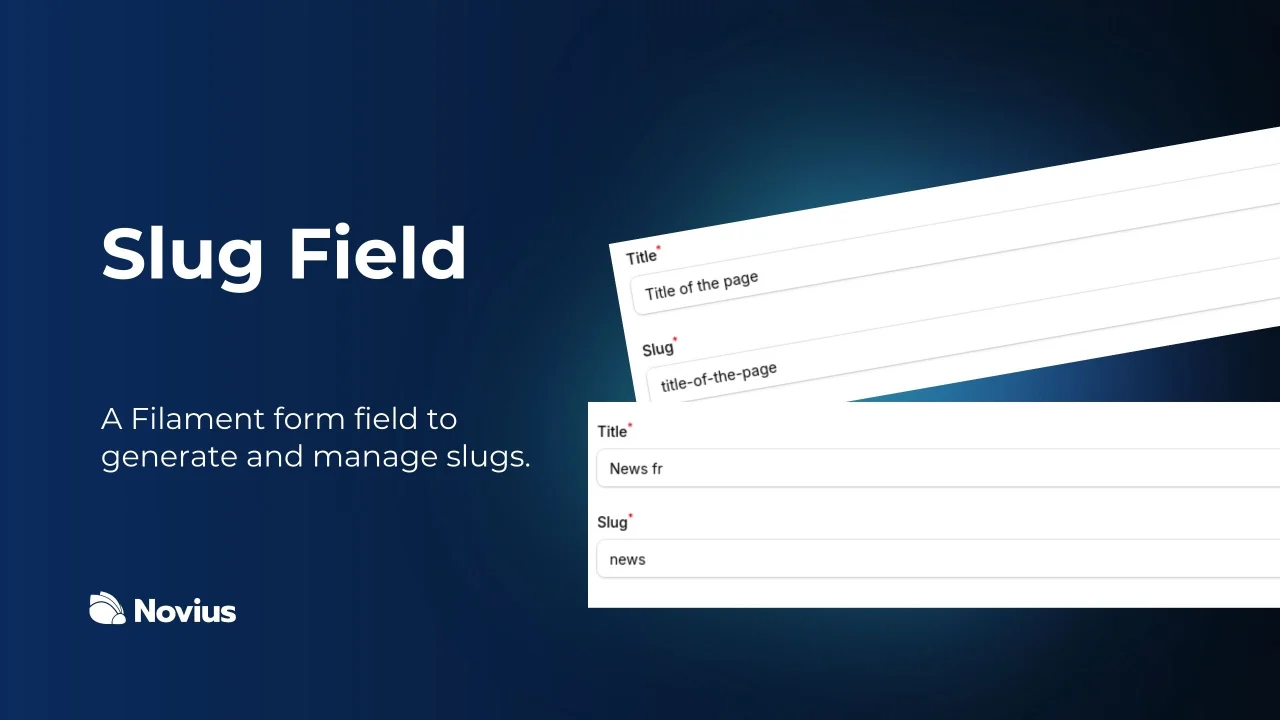
Slug
Plugin to generate and manage slugs automatically.
Author:
Novius
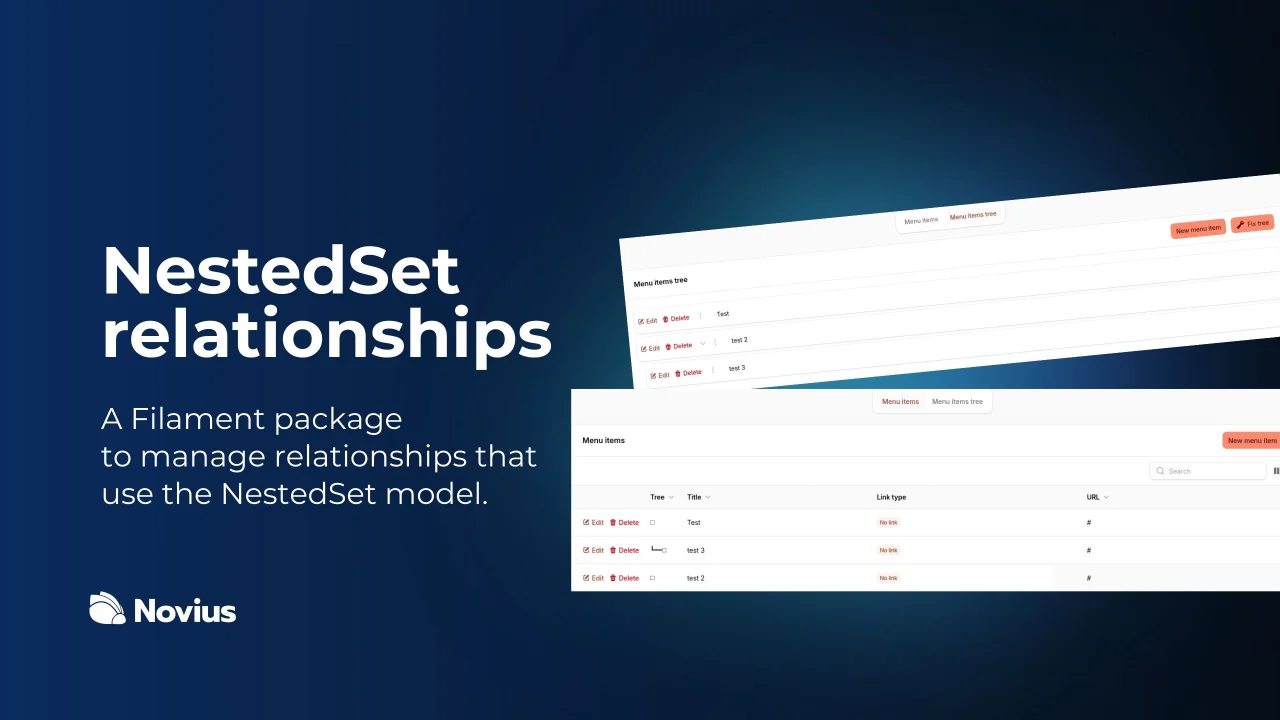
Relation Nested
Plugin to manage nested relationships using the Nested Set model.
Author:
Novius
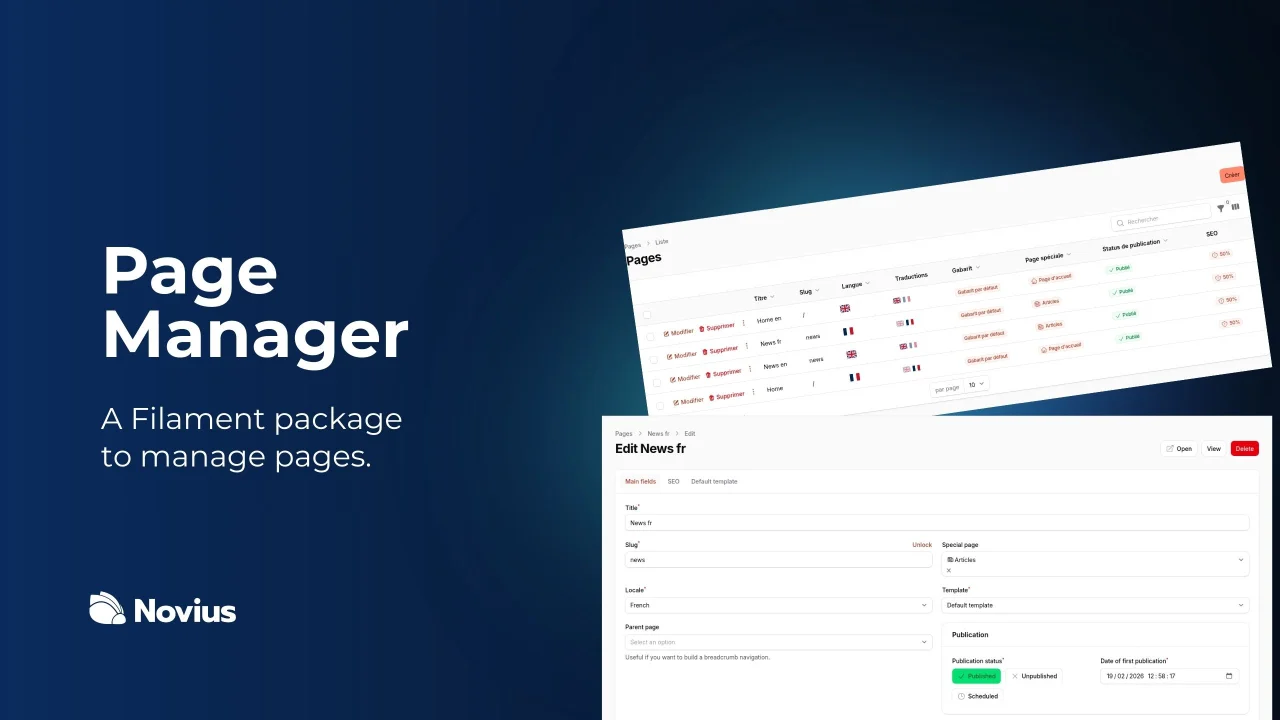
Page Manager
Plugin to manage pages and structured content from the admin panel.
Author:
Novius
Featured Plugins
A selection of plugins curated by the Filament team

Custom Dashboards
Let your users build and share their own dashboards with a drag-and-drop interface. Define your data sources in PHP and let them do the rest.
 Filament

Custom Fields
Eliminate custom field migrations forever. Let your users create and manage form fields directly in Filament admin panels with 20+ built-in field types, validation, and zero database changes.
 Relaticle

Advanced Tables (formerly Filter Sets)
Supercharge your tables with powerful features like user-customizable views, quick filters, multi-column sorting, advanced table searching, convenient view management, and more. Compatible with Resource Panel Tables, Relation Managers, Table Widgets, and Table Builder!
 Kenneth Sese

