
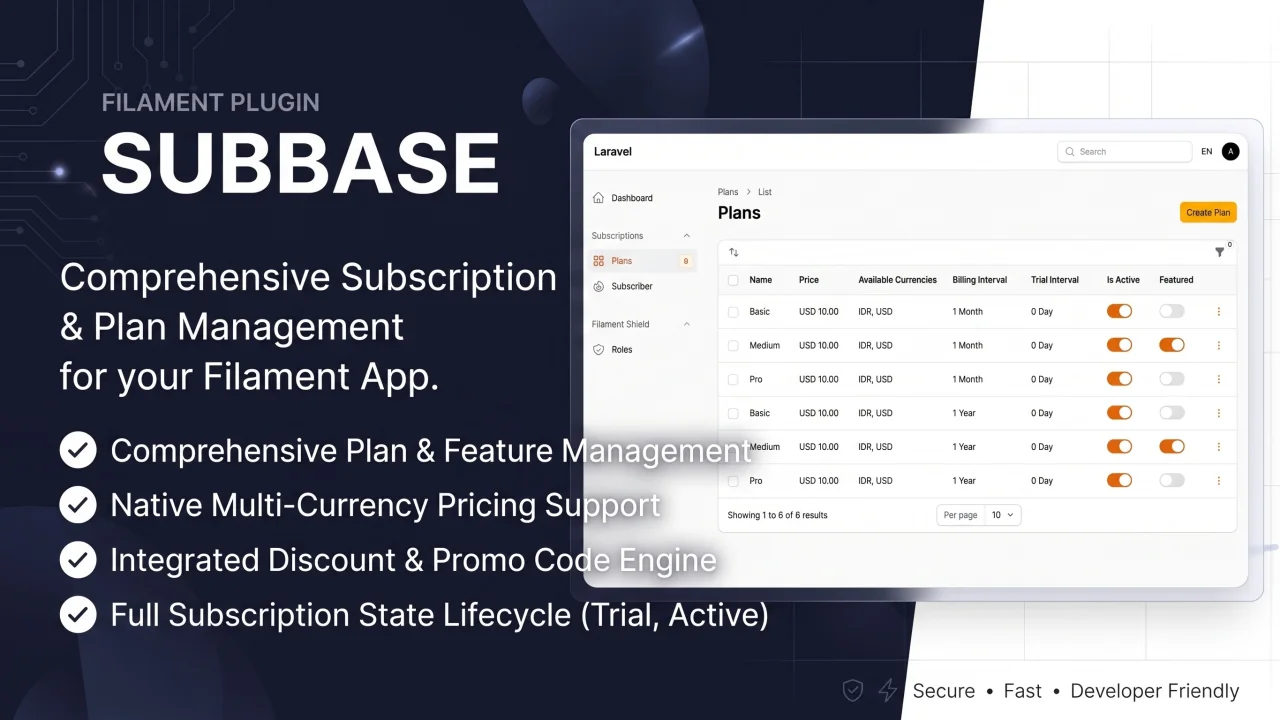
Subbase
CommunityAdvanced subscription management system for Laravel with Filament admin panel integration.
 Author:
Nafis Watsiq
Author:
Nafis Watsiq
Package health
BetaAutomated checks of this plugin's Composer package
15 checks
- Skipped: GitHub Actions pinned to SHA
- Skipped: GitLab CI includes pinned to SHA
- Passed: Open security advisories
- Passed: Dependabot PR responsiveness — No open Dependabot PRs.
- Skipped: Renovate MR responsiveness
- Passed: Dependabot or Renovate configured
-
Failed:
Dependency update cooldown configured
—
No cooldown configured in
.github/dependabot.yml. View details on Plumb - Passed: Provides a security policy
- Passed: Abandoned or archived — No consulted source marks the package abandoned (packagist, github).
- Passed: Commit and release recency — Active: last commit 0 days ago; last release 0 days ago.
-
Passed:
composer.lock not committed by library
—
composer.lockis absent from the released dist archive. - Passed: Dist archive is lean
-
Passed:
Current Laravel version supported
—
Package dependencies resolve together with current Laravel
13.0. -
Passed:
Current PHP version supported
—
Constraint
^8.2supports current PHP8.5. - Skipped: Current Symfony version supported
filament/
namespace. Review the source and install at your own risk. Found
malware or an unresolved security issue the author won't
address?
Report it
.
Documentation
- Features
- Requirements
- Installation
- Configuration
- Core Subscription Usage
- Feature Reference
- Pricing Component
- Optional Payment Integration
- Multi-Language Support
- Support
- License
- Credits
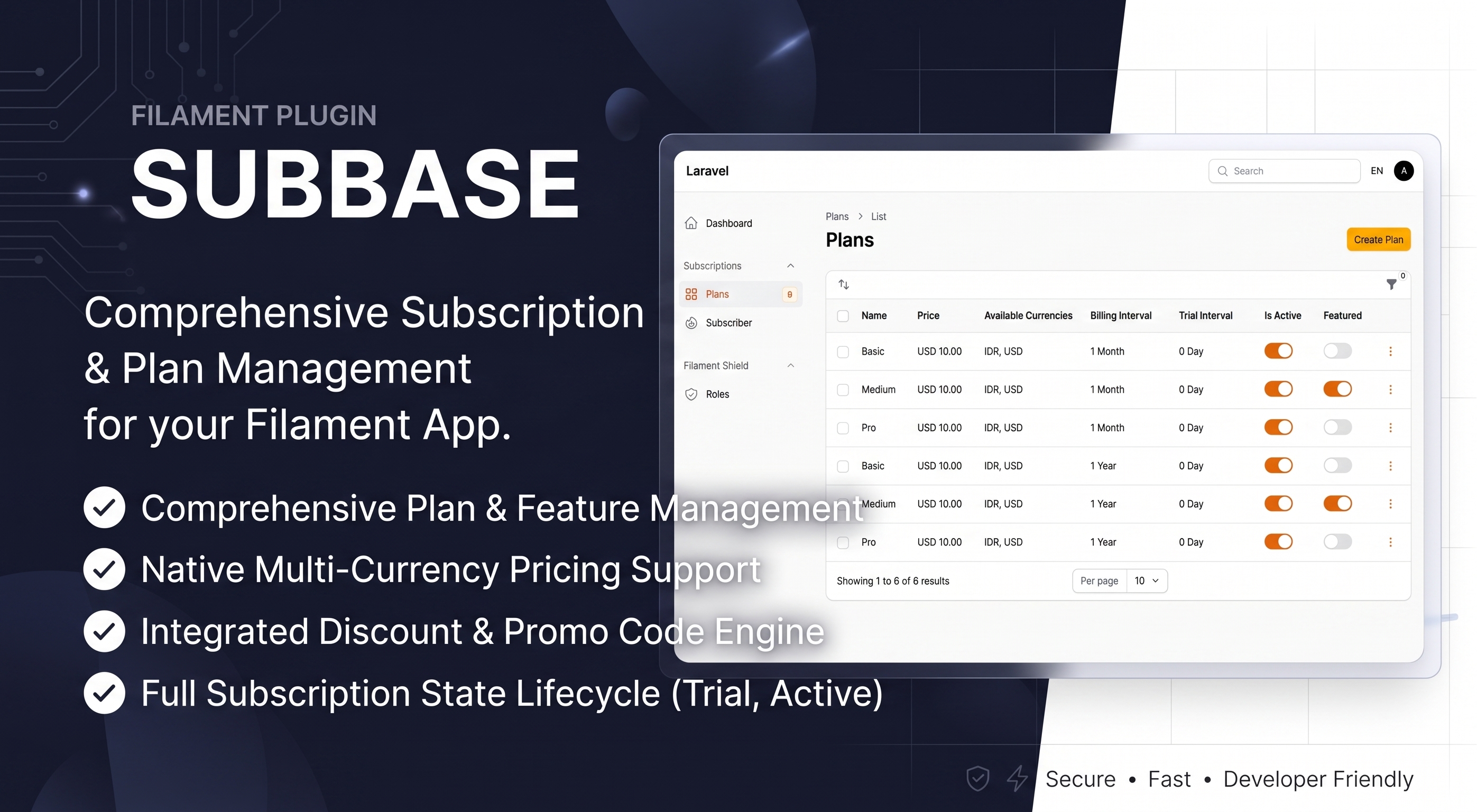



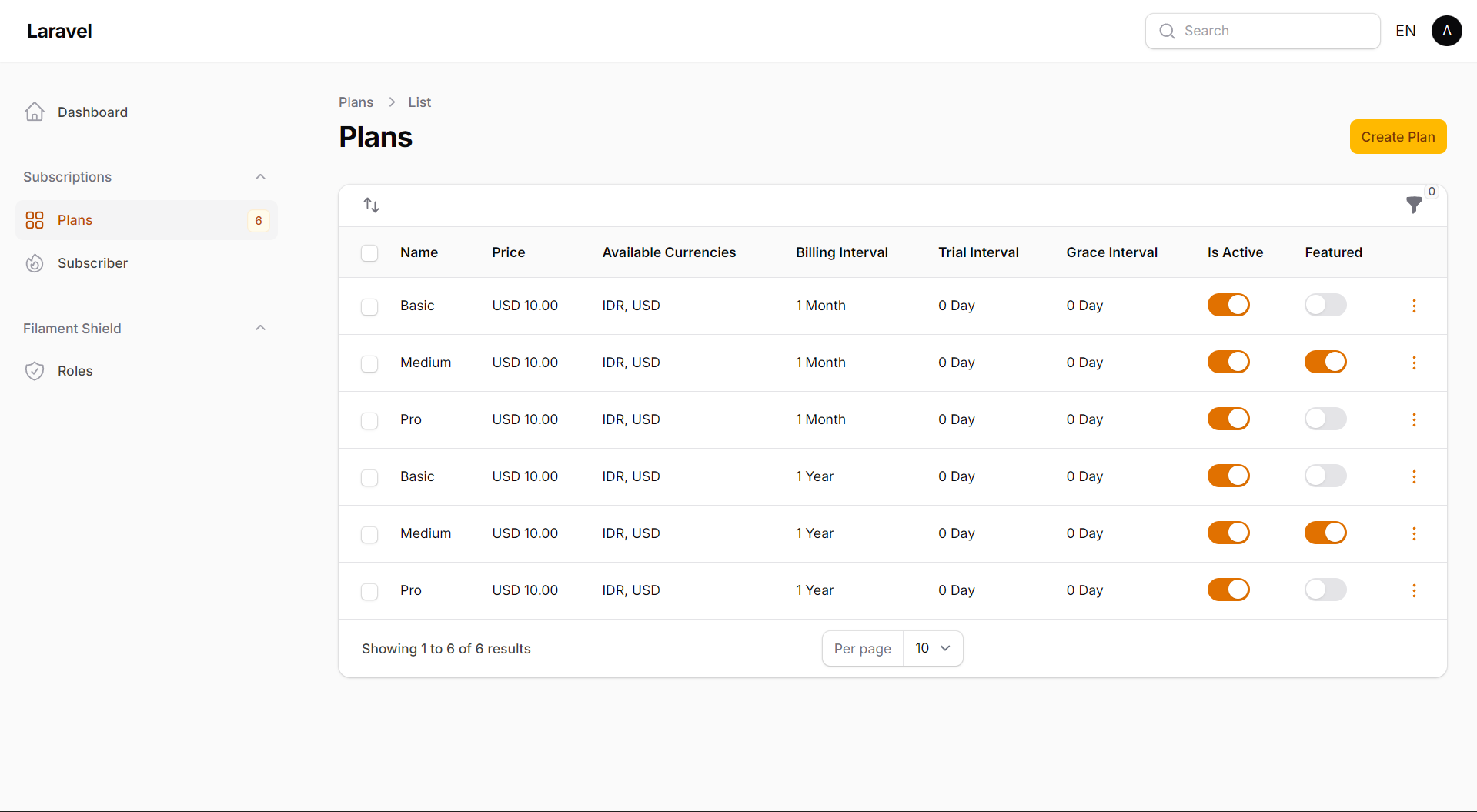
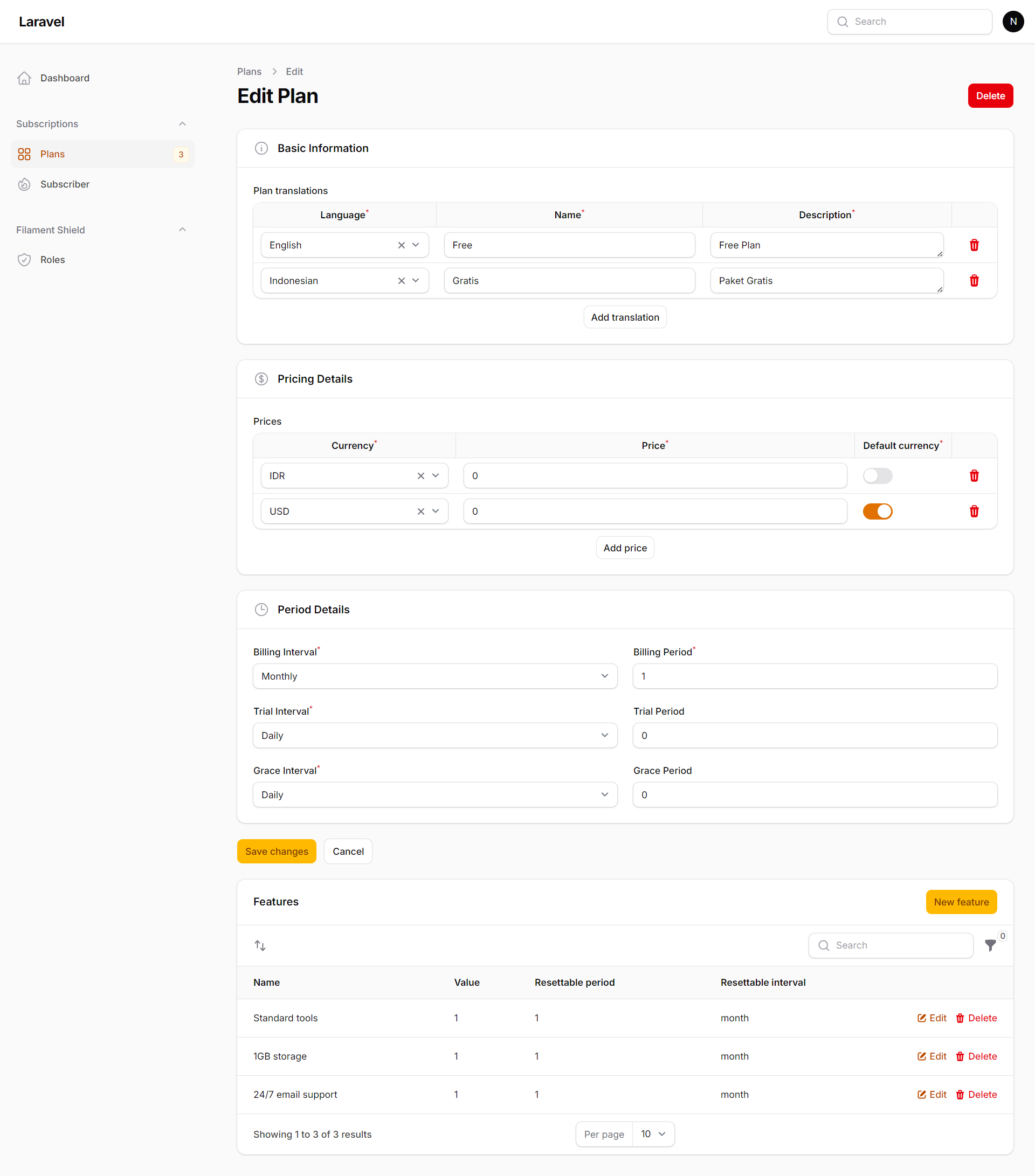
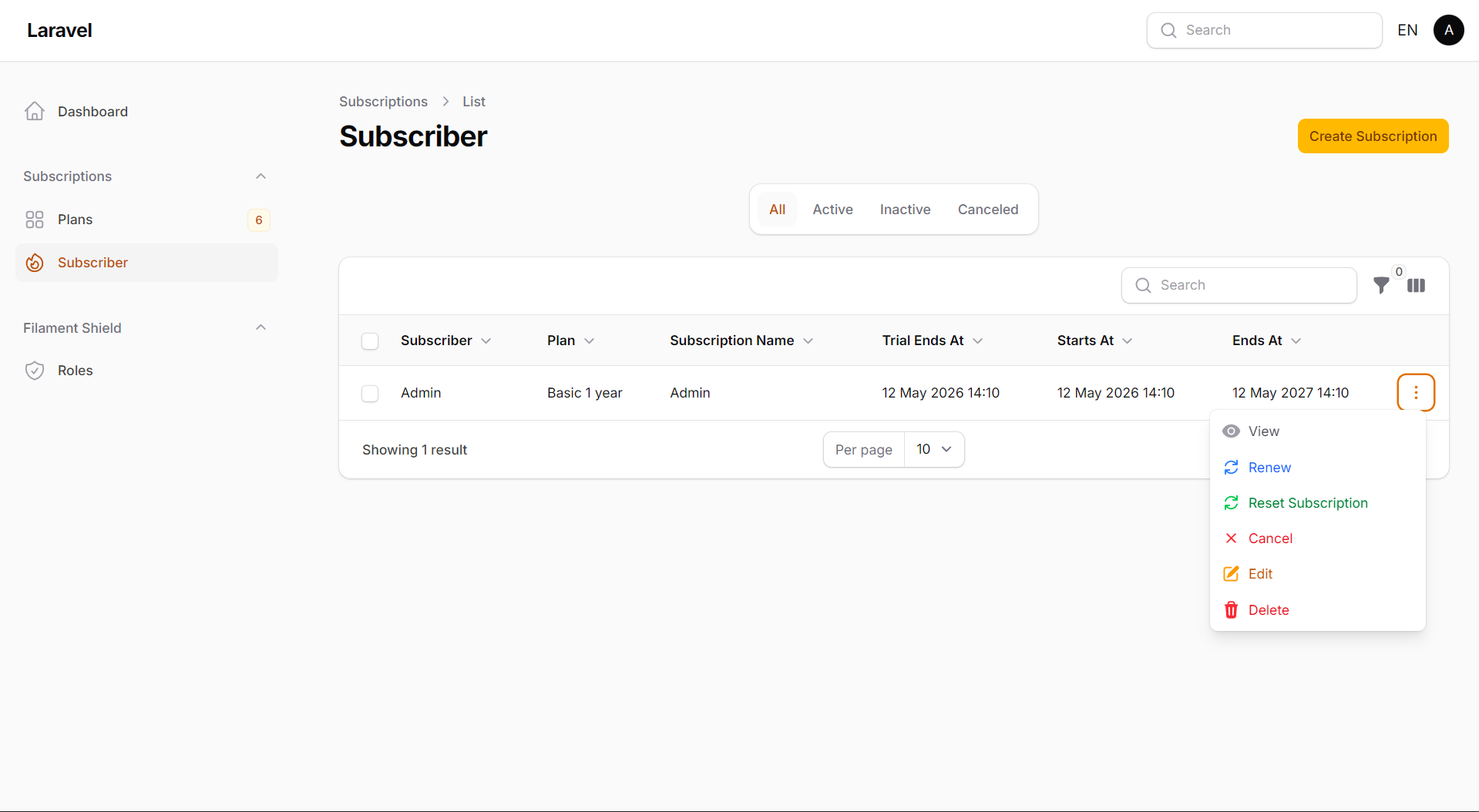
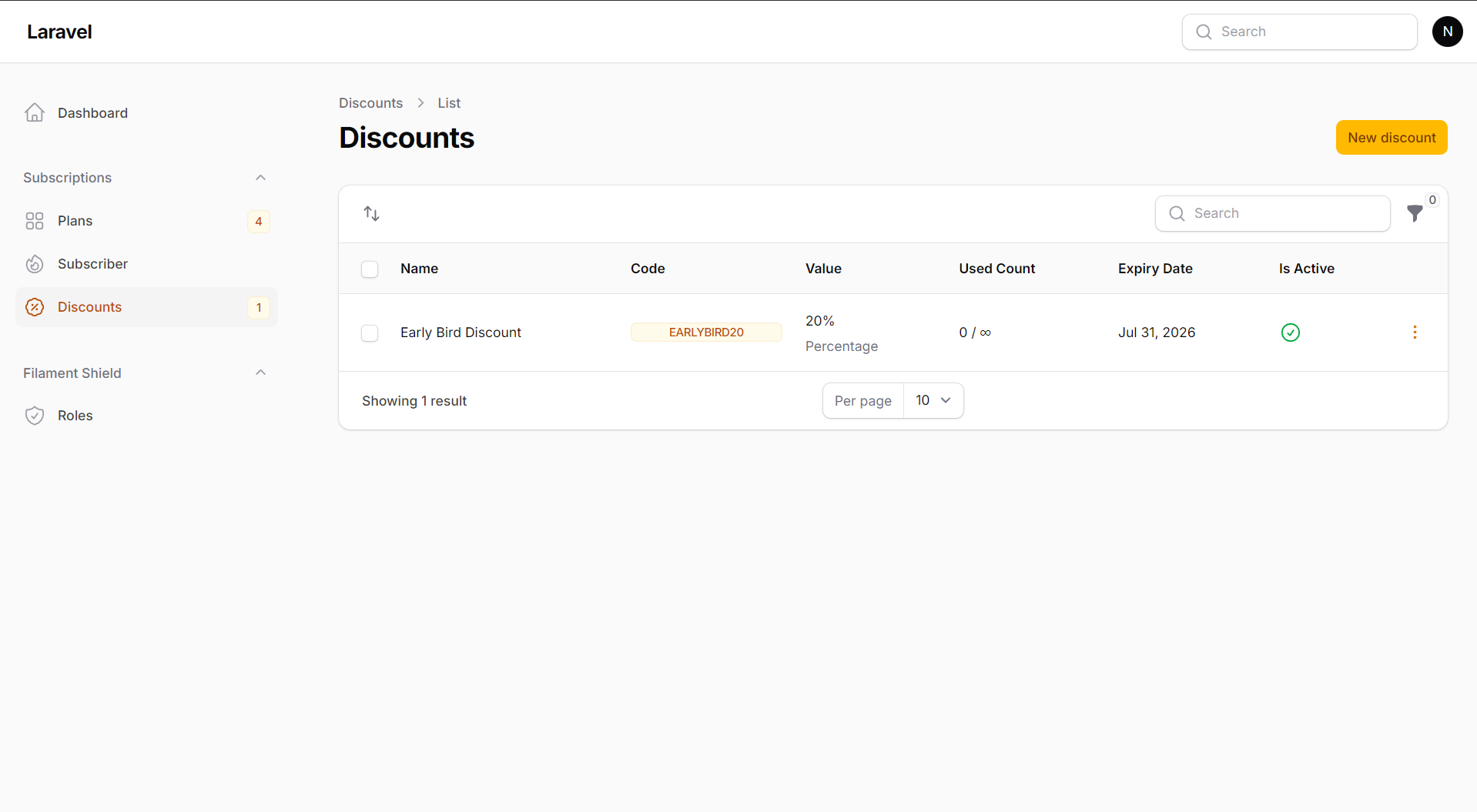
Subbase adds a Filament admin panel and flexible pricing tools to
laravelcm/laravel-subscriptions.
It supports multi-currency plans, discounts, translations, and custom models.
#Features
- 📋 Plan Management - Create and manage subscription plans with features
- 💰 Multi-Currency Pricing - Support for multiple currencies per plan
- 📅 Subscription Lifecycle - Full subscription state management (trial, active, canceled, expired)
- 🎯 Feature-Based Billing - Assign features to plans with usage tracking
- 💹 Discounts & Promo Codes - Percentage or fixed-amount discounts with validation, usage limits, and plan targeting
- 🌍 Multi-Language Support - Translatable plan names, descriptions, and features
- 🎨 Filament Integration - Beautiful admin interface with Filament v5
- ⚙️ Custom Models - Use your own models extending base subscription models
- 🔐 Optional Role Permission - Works with
spatie/laravel-permissionwhen installed, but still works without it
#Requirements
- PHP 8.2+
- Laravel 13.7+
- Filament 5.0+
- laravelcm/laravel-subscriptions 1.8+
#Installation
#1. Install the package
composer require nafiswatsiq/subbase
php artisan subbase:install
php artisan migrate
#2. Add subscriptions to your User model
Add the HasPlanSubscriptions trait:
namespace App\Models;

use Laravelcm\Subscriptions\Traits\HasPlanSubscriptions;
use Illuminate\Foundation\Auth\User as Authenticatable;

class User extends Authenticatable
{
    use HasPlanSubscriptions;
}
#3. Register the Filament plugin
Add SubbasePlugin to your panel provider:
use Nafiswatsiq\Subbase\SubbasePlugin;

class AdminPanelProvider extends PanelProvider
{
    public function panel(Panel $panel): Panel
    {
        return $panel
            ->plugin(SubbasePlugin::make())
            // ... rest of configuration
    }
}
The service provider is auto-discovered. If auto-discovery is disabled, add it
to bootstrap/providers.php:
Nafiswatsiq\Subbase\SubbaseServiceProvider::class,
#Upgrading
Use the upgrade command when updating an existing installation:
composer update nafiswatsiq/subbase
php artisan subbase:upgrade --migrations
php artisan migrate
Use php artisan subbase:upgrade --config, --views, or --force when you
need to republish those assets.
#Configuration
Publish the configuration when you need to customize defaults:
php artisan vendor:publish --tag="subbase-config"
The main options in config/subbase.php are default currency, locale
mapping, table names, model bindings, and permissions.
#Permissions
Spatie permission support is optional. When it is installed, configure resource permissions like this:
'permissions' => [
    'plan' => 'manage subbase plans',
    'subscription' => 'manage subbase subscriptions',
    'feature' => 'manage subbase features',
],
Behavior:
- With Spatie installed, resources use the configured permission names.
- Without Spatie, the plugin remains usable and permissions are ignored.
- Empty values use Shield-style names such as
ViewAny:Plan.
#Custom models
Override default models in config/subbase.php:
'models' => [
    'plan' => App\Models\CustomPlan::class,
    'feature' => App\Models\CustomFeature::class,
    'subscription' => App\Models\CustomSubscription::class,
    'subscription_usage' => App\Models\CustomSubscriptionUsage::class,
]
Ensure your custom models extend the base models from nafiswatsiq/subbase.
#Core Subscription Usage
Subbase uses laravelcm/laravel-subscriptions for subscribing, canceling,
feature checks, plan swaps, and other subscription operations. See the
upstream documentation
for the complete User model API.
#Feature Reference
#Multi-currency pricing
Plans can store prices for multiple ISO 4217 currencies. Use the Filament form or the Plan API:
use Nafiswatsiq\Subbase\Models\Plan;

$plan = Plan::first();
$priceInUSD = $plan->getPriceForCurrency('USD');
$priceForLocale = $plan->getPriceForLocale(app()->getLocale());
$plan->setPriceForCurrency('EUR', 15.99)->save();
#Discounts and promo codes
Manage discounts from the Filament resource at /admin/discounts. Discounts
can be percentage-based or fixed amounts, with optional dates, usage limits,
currency restrictions, and plan targeting.
use Nafiswatsiq\Subbase\Models\Discount;

$discount = Discount::findByCode('NEWYEAR50');
if ($discount->isValid()) {
    $discountedAmount = $discount->calculateDiscount(100.00);
}
$discount->markUsed();
#Featured plans
Mark a plan as featured to highlight it in the pricing component:
use Nafiswatsiq\Subbase\Models\Plan;

$plan = Plan::active()->first();
if ($plan->featured) {
    // Highlight this plan.
}
#Pricing Component
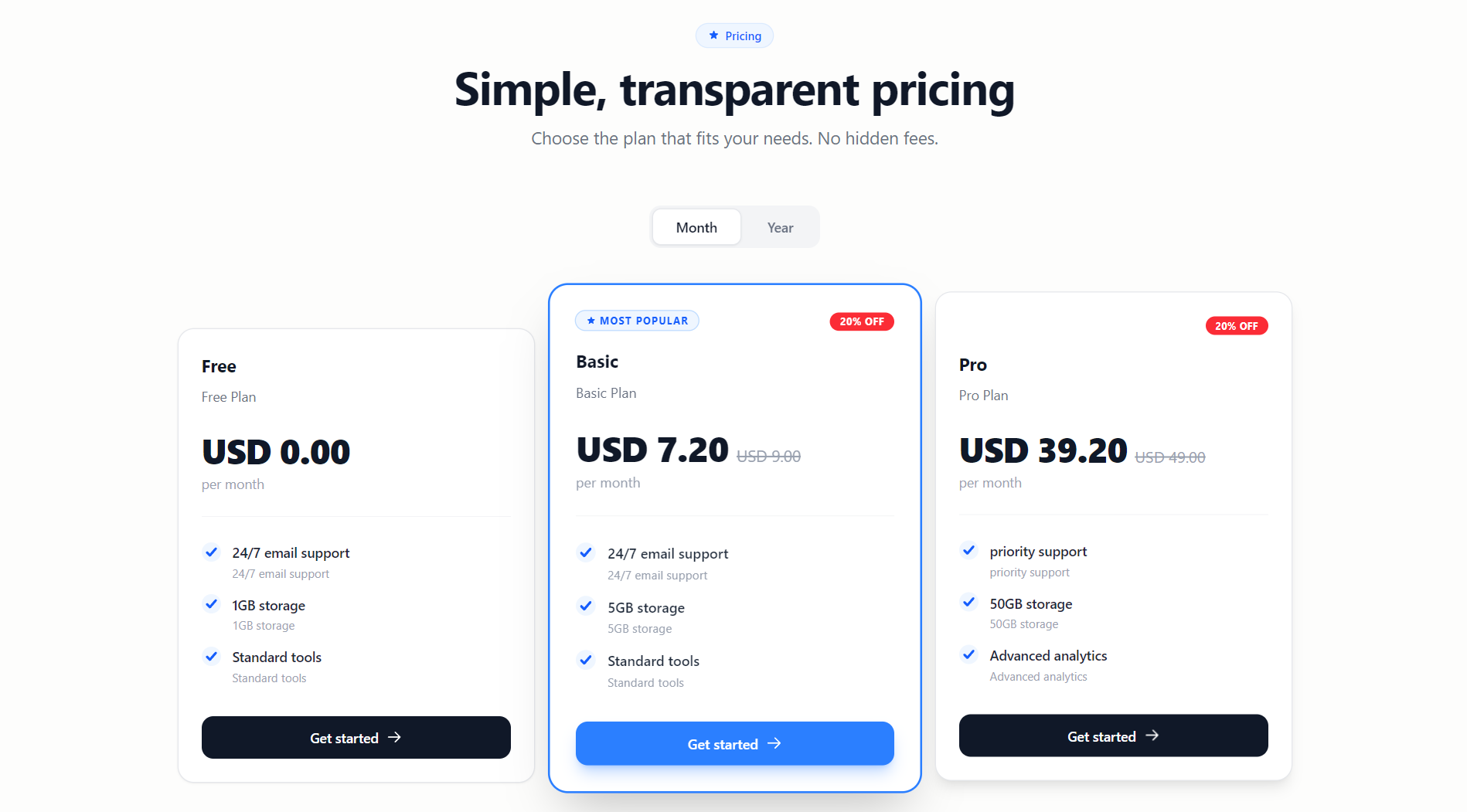
Use the reusable Blade component to display active plans and features:
To use the pricing table in any of your Blade views, simply include the component:
<x-subbase::plan-list />
When nafiswatsiq/subbase-payment is installed, the component automatically
uses its subbase-payment.checkout route. For a custom checkout flow, register
the route first and pass its name with subscribe-route.
To use your own checkout route, define it first and pass its route name:
Route::get('subscribe/{plan}', function ($plan) {
    return view('subscribe', compact('plan'));
})->name('your.custom.checkout.route');
<x-subbase::plan-list subscribe-route="your.custom.checkout.route" />
#Optional Payment Integration
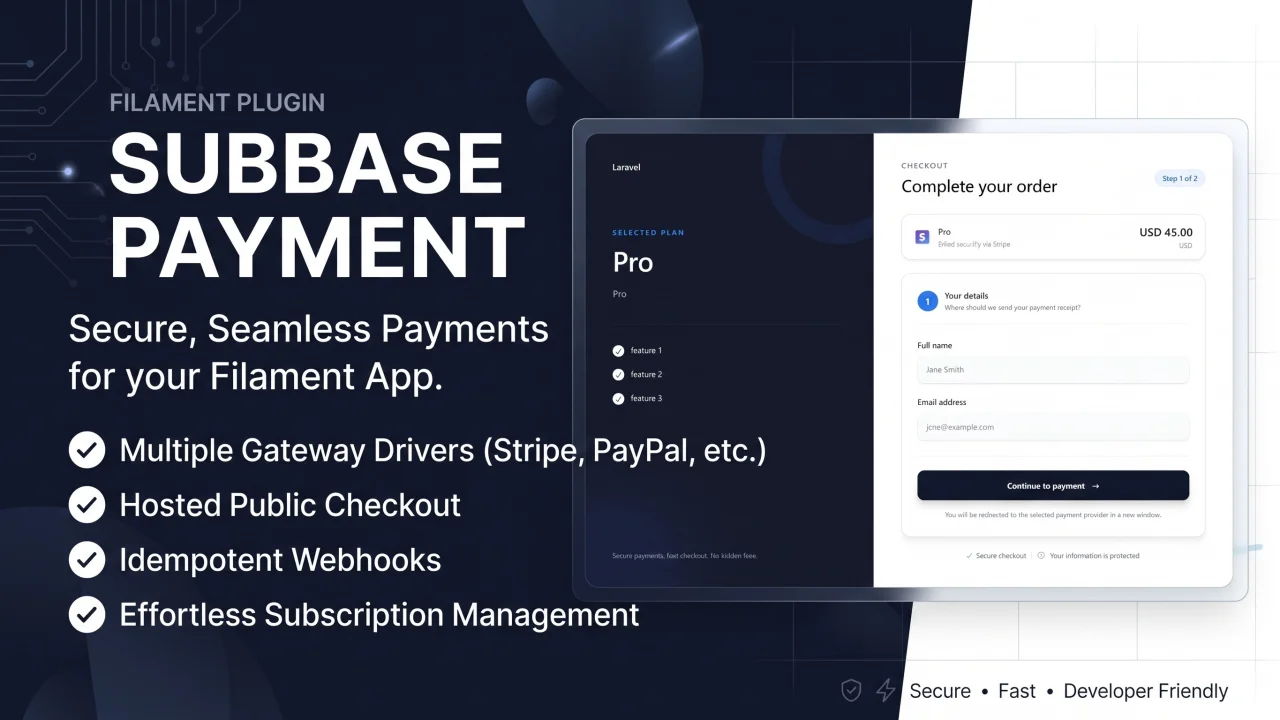
For hosted checkout and payment gateway support, install the companion
nafiswatsiq/subbase-payment
package. It integrates directly with Subbase plans and the plan-list component.
Read the Subbase Payment documentation
for gateway installation, checkout configuration, webhooks, and subscription
activation through PaymentReceived.
#Component Features
- Fetches active plans and features sorted by
sort_order. - Supports featured plans, locale-aware prices, and invoice interval tabs.
- Uses the payment checkout route automatically when
subbase-paymentis installed. - Supports custom checkout routes through
subscribe-route.
#Publishing the Component
If you need to customize the look and feel of the pricing table, you can publish the view file to your application. This will copy the Blade file to resources/views/vendor/subbase/components/plan-list.blade.php.
Run the following command:
php artisan vendor:publish --tag="subbase-views"
#Multi-Language Support
Translations are organized in resources/lang/{locale}/subbase/:
plan.php- Plan-related labelssubscription.php- Subscription-related labelsdiscount.php- Discount-related labels
Override by publishing translations:
php artisan vendor:publish --tag="subbase-translations"
#Support
- 📖 Documentation: GitHub Wiki
- 🐛 Issues: GitHub Issues
- 💬 Discussions: GitHub Discussions
#License
The MIT License (MIT). Please see License File for more information.
#Credits
- Built with Filament
- Powered by laravelcm/laravel-subscriptions
- Internationalization by Spatie Laravel Translatable
The author
From the same author
Featured Plugins
A selection of plugins curated by the Filament team

Custom Dashboards
Let your users build and share their own dashboards with a drag-and-drop interface. Define your data sources in PHP and let them do the rest.
 Filament

Noir Theme
A theme that gives panels a focused, refined look with near-black surfaces, crisp actions, and restrained color.
Filament

Spotlight Pro
Browse your Filament Panel with ease. Filament Spotlight Pro adds a Spotlight like Command Palette to your Filament Panel.
 Dennis Koch

