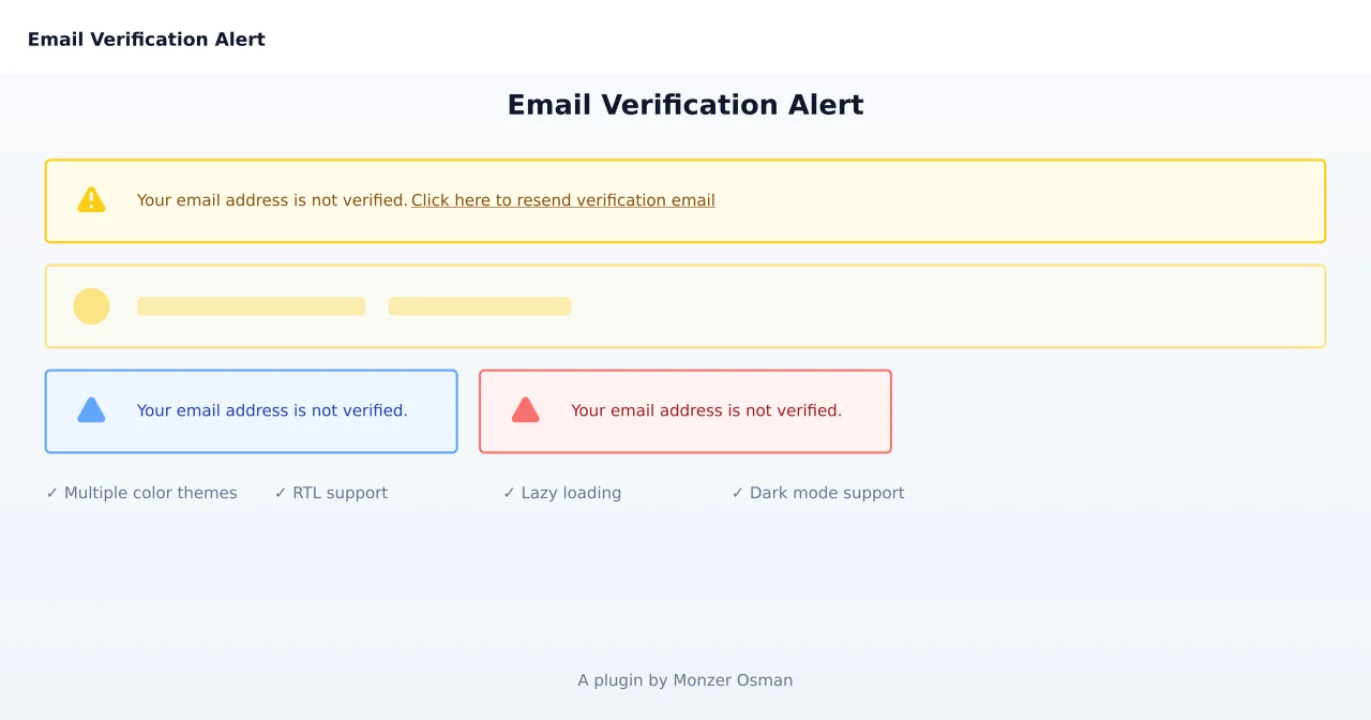
Email verification alert
CommunityA plugin that adds an email verification alert to your panels.
 Author:
Monzer Osman
Author:
Monzer Osman
Package health
BetaAutomated checks of this plugin's Composer package
15 checks
- Skipped: GitHub Actions pinned to SHA
- Skipped: GitLab CI includes pinned to SHA
- Passed: Open security advisories
- Passed: Dependabot PR responsiveness — No open Dependabot PRs.
- Skipped: Renovate MR responsiveness
- Skipped: Dependabot or Renovate configured
- Skipped: Dependency update cooldown configured
- Failed: Provides a security policy — View details on Plumb
- Passed: Abandoned or archived — No consulted source marks the package abandoned (packagist, github).
- Failed: Commit and release recency — Inactive: last commit 529 days ago; last release 529 days ago. View details on Plumb
-
Passed:
composer.lock not committed by library
—
composer.lockis absent from the released dist archive. - Passed: Dist archive is lean
-
Passed:
Current Laravel version supported
—
Package dependencies resolve together with current Laravel
13.0. - Passed: Current PHP version supported — No PHP constraint declared; package imposes no version restriction.
- Skipped: Current Symfony version supported
filament/
namespace. Review the source and install at your own risk. Found
malware or an unresolved security issue the author won't
address?
Report it
.
Documentation
A Filament plugin that adds an email verification alert to your admin panel. This plugin integrates seamlessly with Filament's design and provides an easy way to alert users about email verification.
#Features
- 🔔 Email verification alert for unverified users
- 🎨 Multiple color themes (yellow, blue, red)
- 🌐 RTL support
- ⚡ Lazy loading support
- 💪 Customizable verification handling
- 🔒 Session-based alert persistence
- ✖️ Optional close button
- 🔄 Configurable loading placeholder
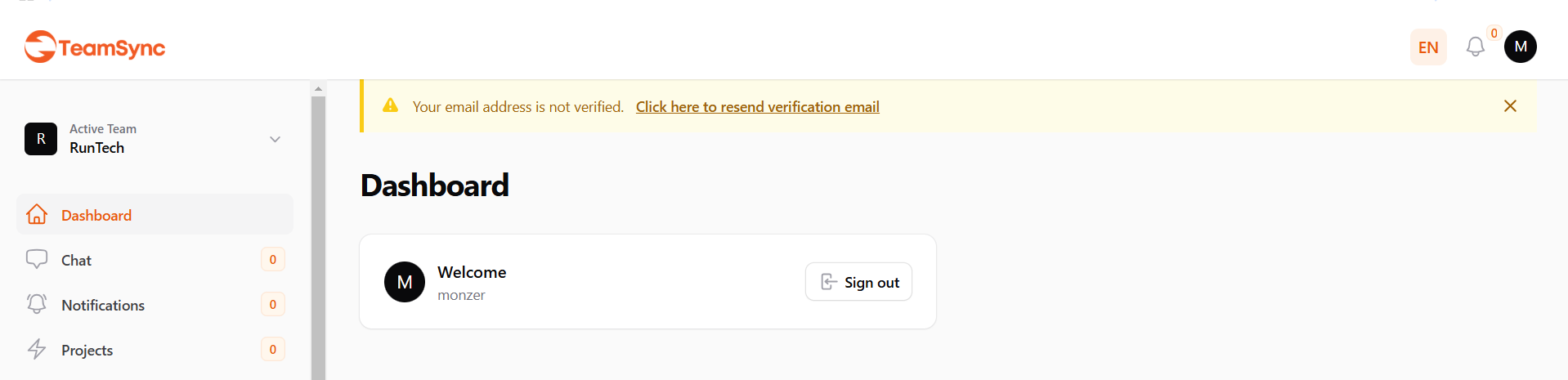
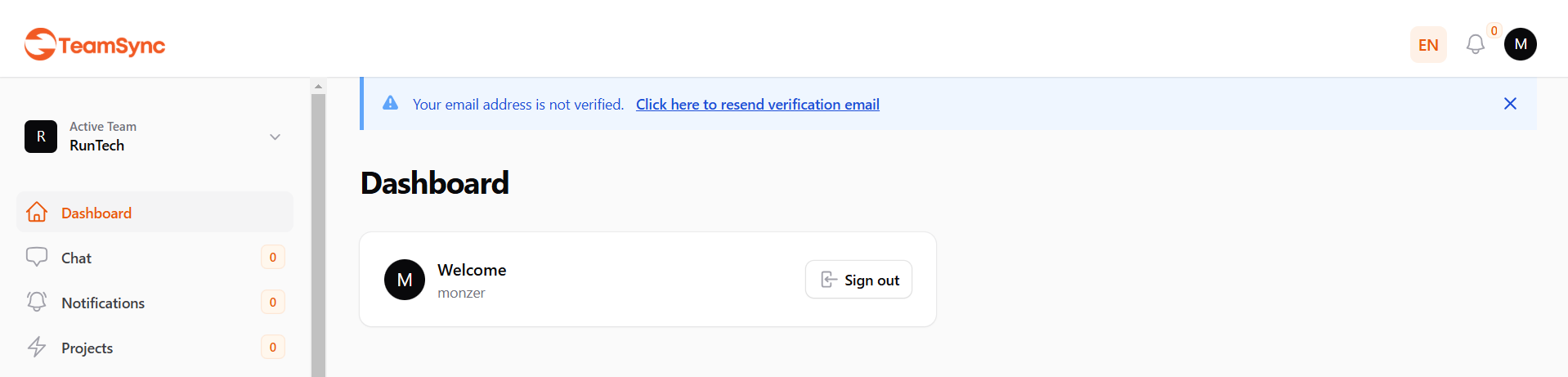
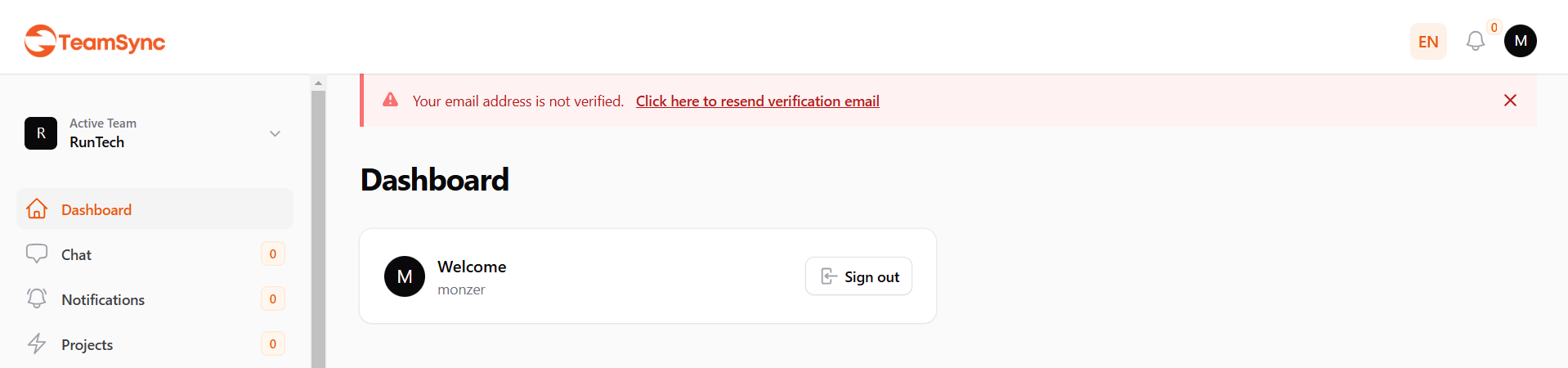
#Screenshots
#Installation
You can install the package via composer:
composer require monzer/filament-email-verification-alert
#Basic Usage
In your FilamentServiceProvider or any service provider where you configure your panel, add:
use Monzer\FilamentEmailVerificationAlert\EmailVerificationAlertPlugin;

public function panel(Panel $panel): Panel
{
    return $panel
        ->plugins([
            EmailVerificationAlertPlugin::make(),
        ]);
}
#Available Methods
#Basic Configuration
EmailVerificationAlertPlugin::make()
Creates a new instance of the plugin.
#Color Customization
->color('blue') // 'yellow', 'blue', or 'red'
Sets the color theme for the alert. Defaults to 'yellow'.
#Alert Persistence
->persistClosedState() // Alert will stay hidden after being closed until the session ends
By default, the alert will reappear if the page is refreshed after closing. Using persistClosedState() makes the closed state persist throughout the user's session.
#Alert Visibility Controls
#Closable Button
->closable(false) // Removes the close button, making the alert persistent
By default, the alert shows a close button. You can disable it to make the alert persistent.
#Placeholder Loading State
->placeholder(false) // Disables the loading placeholder
Control the visibility of the loading placeholder during lazy loading.
#Verification Handler
->verifyUsing(function($user) {
    // Custom verification logic
    $user->notify(new CustomVerificationNotification());

     Notification::make()
     ->title(trans('filament-email-verification-alert::messages.verification.success'))
     ->success()
     ->send();
})
Customizes how verification emails are sent.
#Position Customization
By default the panels::topbar.start hook is used to render the alert. But you can use any of the Render Hooks available in Filament using the renderHook() method as:
->renderHookName('panels::body.start')
#Scoping
->renderHookScopes([ListUsers::class])
Limits where the alert appears. By default, shows on all pages.
#Lazy Loading
->lazy(false) // Default is true
Controls whether the alert is lazy loaded.
#Complete Example
use Monzer\FilamentEmailVerificationAlert\EmailVerificationAlertPlugin;

public function panel(Panel $panel): Panel
{
    return $panel
        ->plugins([
            EmailVerificationAlertPlugin::make()
                ->color('blue')
                ->persistClosedState()
                ->closable(true)
                ->placeholder(true)
                ->renderHookName('panels::body.start')
                ->renderHookScopes([ListUsers::class])
                ->lazy(false)
                ->verifyUsing(function($user) {
                 // Custom verification logic
                  $user->notify(new CustomVerificationNotification());

                  Notification::make()
                  ->title(trans('filament-email-verification-alert::messages.verification.success'))
                  ->success()
                  ->send();
                }),
        ]);
}
#Method Chaining
All methods return the plugin instance, allowing for method chaining:
EmailVerificationAlertPlugin::make()
    ->color('blue')
    ->persistClosedState()
    ->closable(true)
    ->placeholder(true)
    ->lazy(false)
    ->renderHookName('panels::body.start');
#License
The MIT License (MIT). Please see License File for more information.
The author
From the same author
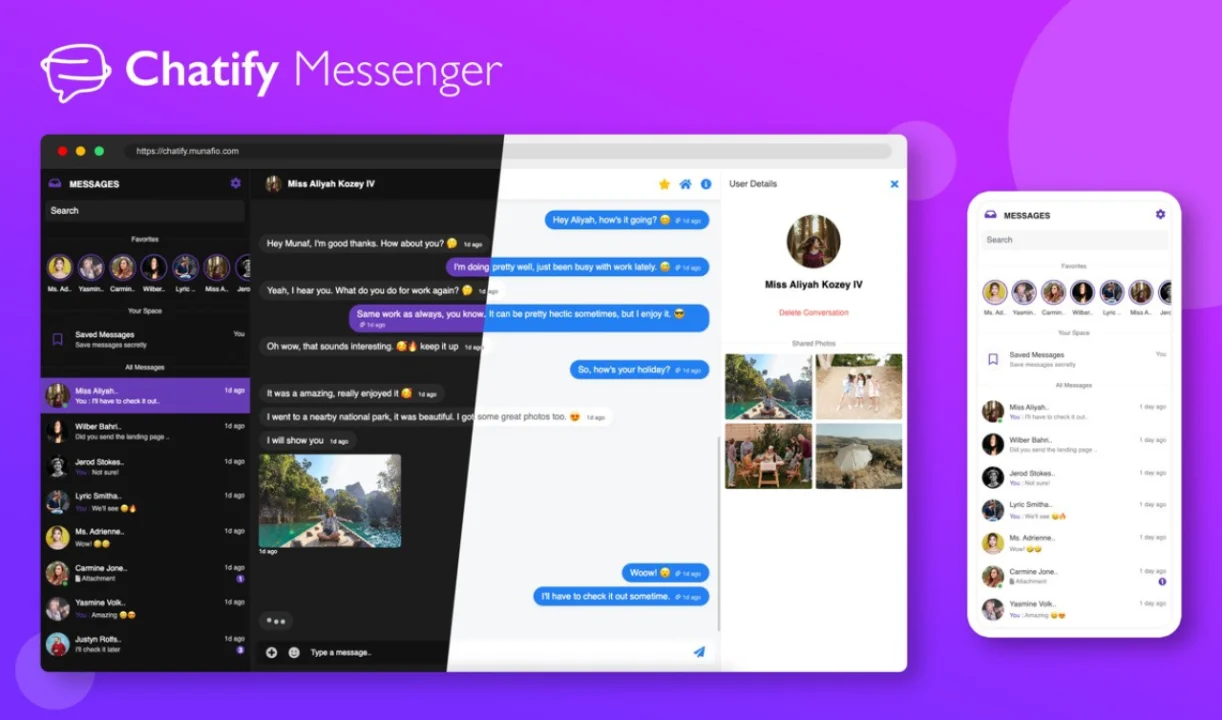
Chatify integration
Seamlessly integrate real-time messaging into your filament application.
Author:
Monzer Osman
Workflows
Automation made easy!
Author:
Monzer Osman
Featured Plugins
A selection of plugins curated by the Filament team

Blueprint
Filament Blueprint is a premium Laravel Boost extension that helps AI agents produce accurate, detailed implementation plans and security reports for Filament apps.
 Filament

Custom Fields
Eliminate custom field migrations forever. Let your users create and manage form fields directly in Filament admin panels with 20+ built-in field types, validation, and zero database changes.
 Relaticle

Spotlight Pro
Browse your Filament Panel with ease. Filament Spotlight Pro adds a Spotlight like Command Palette to your Filament Panel.
 Dennis Koch
