
Chatify integration
CommunitySeamlessly integrate real-time messaging into your filament application.
 Author:
Monzer Osman
Author:
Monzer Osman
Package health
BetaAutomated checks of this plugin's Composer package
15 checks
- Skipped: GitHub Actions pinned to SHA
- Skipped: GitLab CI includes pinned to SHA
- Passed: Open security advisories
- Passed: Dependabot PR responsiveness — No open Dependabot PRs.
- Skipped: Renovate MR responsiveness
- Skipped: Dependabot or Renovate configured
- Skipped: Dependency update cooldown configured
- Failed: Provides a security policy — View details on Plumb
- Passed: Abandoned or archived — No consulted source marks the package abandoned (packagist, github).
- Failed: Commit and release recency — Inactive: last commit 504 days ago; last release 504 days ago. View details on Plumb
-
Passed:
composer.lock not committed by library
—
composer.lockis absent from the released dist archive. - Passed: Dist archive is lean
-
Passed:
Current Laravel version supported
—
Package dependencies resolve together with current Laravel
13.0. -
Passed:
Current PHP version supported
—
Constraint
^8.1supports current PHP8.5. - Skipped: Current Symfony version supported
filament/
namespace. Review the source and install at your own risk. Found
malware or an unresolved security issue the author won't
address?
Report it
.
Documentation
Seamlessly integrate real-time messaging into your Filament dashboard using Chatify. This plugin provides a ready-to-use chat widget for Filament, allowing you to enhance user communication effortlessly.
#⚙️ Requirements
- PHP: 8.2+
- Laravel: 10+
- Filament: 3.x
#💅 Installation
Run the following command to install the package via Composer:
composer require monzer/filament-chatify-integration
Install command:
php artisan filament-chatify-integration:install
Run database migration:
php artisan migrate
Publish assets:
php artisan filament:assets
#Configuration
Please visit Chatify configuration section to complete the configuration.
#🚀 Usage
To enable the plugin in your Filament panel, register it as follows:
use Monzer\FilamentChatifyIntegration\ChatifyPlugin;

public function panel(Panel $panel): Panel
{
    return $panel
        ->plugin(ChatifyPlugin::make());
}
Once installed, the plugin automatically provides a floating chat widget for real-time communication.
#💎 Custom Chat Page Example
To customize the chat page:
#Step 1: Create a custom page and extend the base chat page
namespace App\Filament\Pages;

use Monzer\FilamentChatifyIntegration\Pages\Chatify as BaseChat;

class CustomChatifyPage extends BaseChat
{
    protected static ?string $slug = "chat";
    protected static ?string $navigationLabel = "Chat";
    protected static ?string $title = "Chat";
}
#Step 2: Register the custom page in the plugin
use Monzer\FilamentChatifyIntegration\ChatifyPlugin;
use App\Filament\Pages\CustomChatifyPage;

public function panel(Panel $panel): Panel
{
    return $panel
        ->plugin(ChatifyPlugin::make()->customPage(CustomChatifyPage::class)); // Also accepts a closure
}
#❌ Disabling the Floating Chat Widget
To disable the floating chat widget, use the following configuration:
use Monzer\FilamentChatifyIntegration\ChatifyPlugin;
use App\Filament\Pages\CustomChatifyPage;

public function panel(Panel $panel): Panel
{
    return $panel
        ->plugin(ChatifyPlugin::make()->disableFloatingChatWidget()); // Also accepts a closure
}
#🛠️ Further Customization
For more advanced customization options, please visit the official Chatify repository.
#🛠 Support & Issues
If you encounter any issues or need support, feel free to open an issue on GitHub.
#📝 License
This package is open-source and licensed under the MIT License.
#👤 Attribution
This package integrates Chatify, originally developed by Munafio. Full credit goes to the original author for building Chatify, which serves as the foundation for this integration.
The author
From the same author
Workflows
Automation made easy!
Author:
Monzer Osman
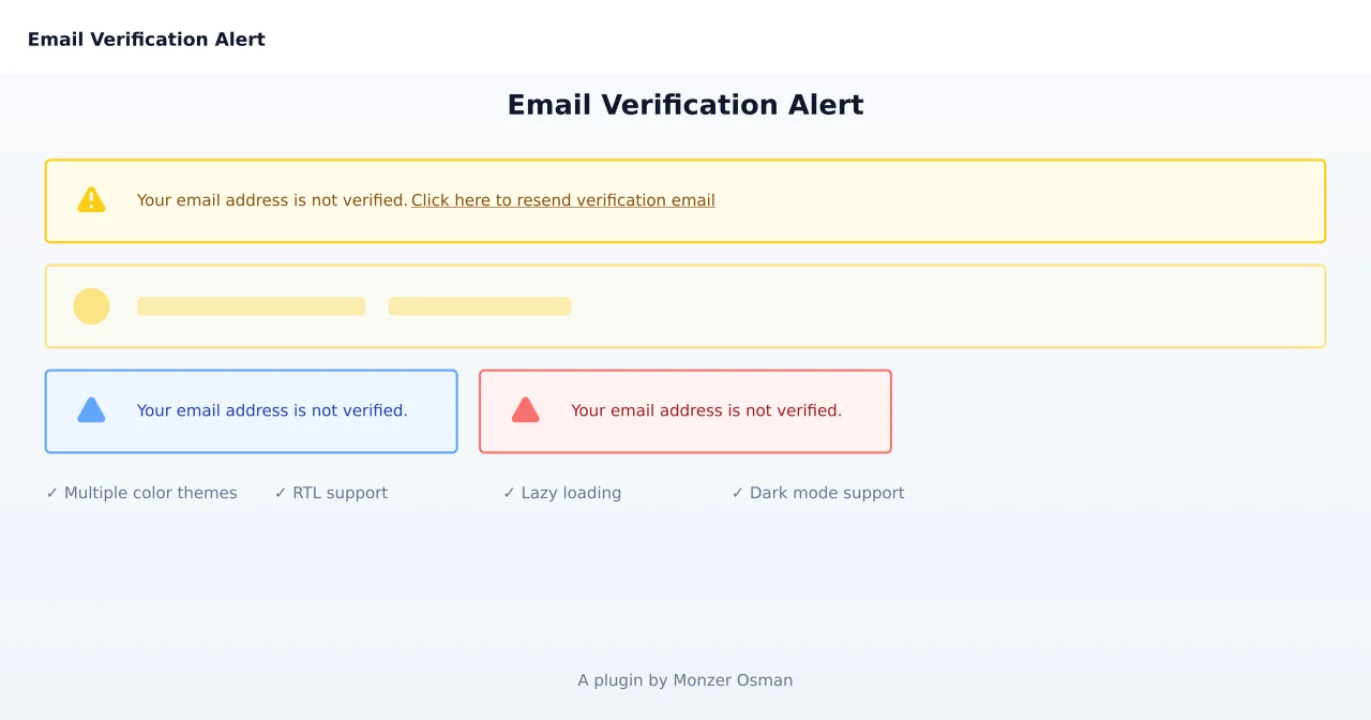
Email verification alert
A plugin that adds an email verification alert to your panels.
Author:
Monzer Osman
Featured Plugins
A selection of plugins curated by the Filament team

Blueprint
Filament Blueprint is a premium Laravel Boost extension that helps AI agents produce accurate, detailed implementation plans and security reports for Filament apps.
 Filament

Custom Dashboards
Let your users build and share their own dashboards with a drag-and-drop interface. Define your data sources in PHP and let them do the rest.
Filament

Custom Fields
Eliminate custom field migrations forever. Let your users create and manage form fields directly in Filament admin panels with 20+ built-in field types, validation, and zero database changes.
 Relaticle

