
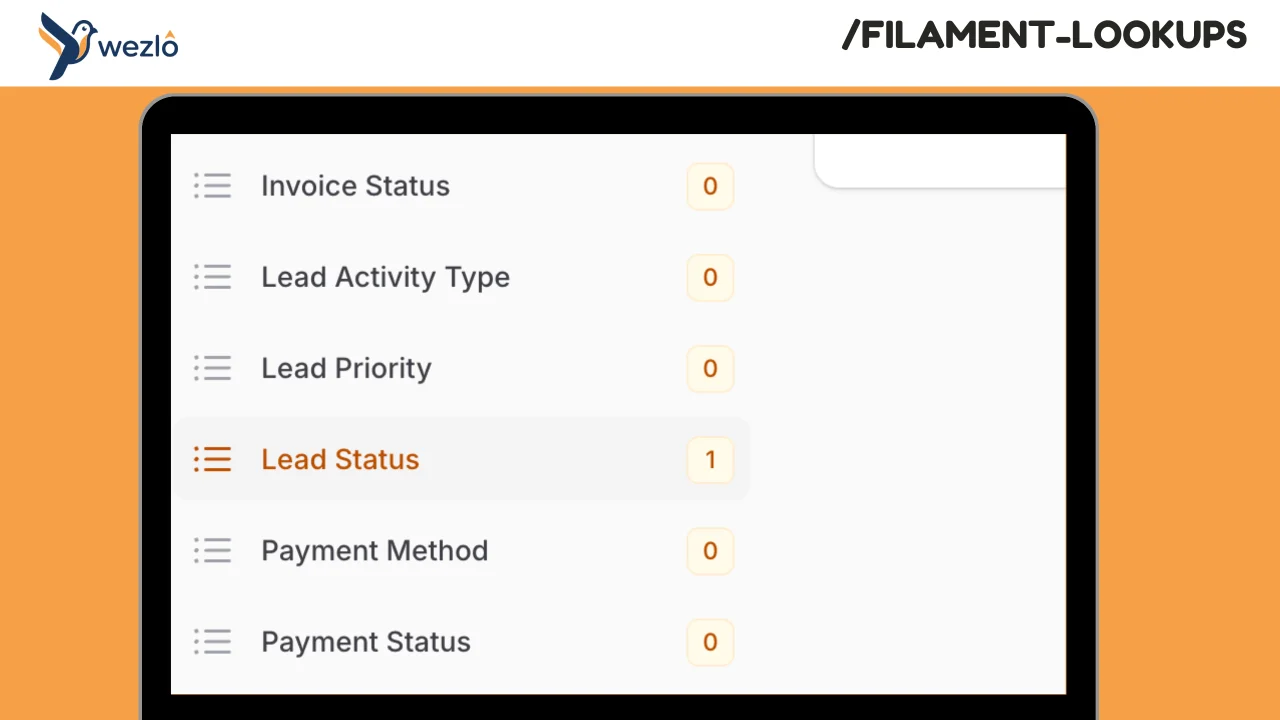
Lookups by Mustafa Khaled
CommunityHierarchical lookup management for Filament with configurable multi-tenant support. Manage lookup tables (countries, categories, regions, statuses, etc.) with optional parent-child hierarchies. Each lookup type is defined as a PHP class with full control over permissions and behavior.
 Author:
Mustafa Khaled
Author:
Mustafa Khaled
Package health
Automated checks of this plugin's Composer package
15 checks
- Skipped: GitHub Actions pinned to SHA
- Skipped: GitLab CI includes pinned to SHA
- Passed: Open security advisories
- Passed: Dependabot PR responsiveness — No open Dependabot PRs.
- Skipped: Renovate MR responsiveness
- Skipped: Dependabot or Renovate configured
- Skipped: Dependency update cooldown configured
- Failed: Provides a security policy — View details on Plumb
- Passed: Abandoned or archived — No consulted source marks the package abandoned (packagist, github).
- Passed: Commit and release recency — Active: last commit 101 days ago; last release 101 days ago.
-
Passed:
composer.lock not committed by library
—
composer.lockis absent from the released dist archive. - Passed: Dist archive is lean
-
Passed:
Current Laravel version supported
—
Package dependencies resolve together with current Laravel
13.0. -
Passed:
Current PHP version supported
—
Constraint
^8.2supports current PHP8.5. - Skipped: Current Symfony version supported
filament/
namespace. Review the source and install at your own risk. Found
malware or an unresolved security issue the author won't
address?
Report it
.
Documentation
- Installation
- Defining Lookup Types
- Available Lookup Methods
- Per-Record Permissions
- Using LookupSelect in Forms
- Using LookupService Programmatically
- Multi-Tenancy
- Configuration
- Plugin Configuration
- License
Hierarchical lookup management for Filament with configurable multi-tenant support.
Manage lookup tables (countries, categories, regions, statuses, etc.) with optional parent-child hierarchies. Each lookup type is defined as a PHP class with full control over permissions and behavior.
#Installation
composer require wezlo/filament-lookups
Run migrations:
php artisan migrate
Register the plugin in your panel provider:
use Wezlo\FilamentLookups\FilamentLookupsPlugin;

$panel
    ->plugin(FilamentLookupsPlugin::make()
        ->navigationGroup('Settings'));
#Defining Lookup Types
Each lookup type is a PHP class that extends Lookup. Create them with the artisan command and sync to the database.
#1. Create a Lookup class
php artisan make:lookup Countries
php artisan make:lookup ProductCategories
This creates a class in app/Lookups/:
namespace App\Lookups;

use Illuminate\Database\Eloquent\Model;
use Wezlo\FilamentLookups\Lookup;

class Countries extends Lookup
{
    public function name(): string
    {
        return 'Countries';
    }

    public function description(): ?string
    {
        return 'List of supported countries';
    }

    public function isHierarchical(): bool
    {
        return false;
    }

    public function canAdd(): bool
    {
        return true;
    }

    public function canEdit(?Model $record = null): bool
    {
        return true;
    }

    public function canDelete(?Model $record = null): bool
    {
        return false; // protect country values from deletion
    }
}
#2. Sync to database
php artisan lookups:sync
This command will:
- Create types for new Lookup classes
- Update existing types with any class changes
- Deactivate types whose class was removed
Run this during deployment or in your CI pipeline.
#3. Manage values in the panel
The plugin registers a Lookups page with a sidebar listing all synced types. Click a type to view and manage its values. The create/edit/delete actions respect the permissions defined in your Lookup class.
#Available Lookup Methods
| Method | Default | Description |
|---|---|---|
name() |
Class name as headline | Display name |
slug() |
Slugified name | URL-safe identifier |
description() |
null |
Optional description shown as subheading |
isHierarchical() |
false |
Enable parent-child values |
tenancyMode() |
'shared' |
'shared', 'tenant', or 'both' |
sortOrder() |
0 |
Navigation sort order |
canAdd() |
true |
Show/hide create button |
canEdit(?Model $record = null) |
true |
Show/hide edit action per record |
canDelete(?Model $record = null) |
true |
Show/hide delete action per record |
canView(?Model $record = null) |
true |
Show/hide lookup type visibility |
canReorder() |
true |
Enable drag-to-reorder |
#Per-Record Permissions
The canEdit(), canDelete(), and canView() methods receive the current record, allowing conditional logic per row:
use Illuminate\Database\Eloquent\Model;
use Wezlo\FilamentLookups\Lookup;

class OrderStatus extends Lookup
{
    public function canEdit(?Model $record = null): bool
    {
        // prevent editing system-defined statuses
        return ! $record?->metadata['is_system'];
    }

    public function canDelete(?Model $record = null): bool
    {
        // only allow deleting statuses that are not in use
        return $record?->orders()->doesntExist() ?? true;
    }
}
When called without a record (e.g. for navigation visibility), $record is null — the default true applies.
#Using LookupSelect in Forms
use Wezlo\FilamentLookups\Forms\Components\LookupSelect;

LookupSelect::make('country_id')
    ->lookupType('countries')
#Hierarchical display
LookupSelect::make('category_id')
    ->lookupType('product-categories')
    ->hierarchical()
#Dependent / cascading selects
LookupSelect::make('region_id')
    ->lookupType('regions')
    ->live(),

LookupSelect::make('city_id')
    ->lookupType('regions')
    ->dependsOn('region_id'),
#Using LookupService Programmatically
use Wezlo\FilamentLookups\Services\LookupService;

$service = app(LookupService::class);

$values = $service->getValuesForType('countries');
$roots = $service->getRootValues('product-categories');
$children = $service->getChildValues($parentId);
$options = $service->getOptionsForSelect('countries');
#Multi-Tenancy
Enable tenancy in config:
'tenancy' => [
    'enabled' => true,
    'tenant_model' => \App\Models\Company::class,
    'tenant_id_column' => 'tenant_id',
],
Set the tenancy mode per Lookup class:
public function tenancyMode(): string
{
    return 'both'; // 'shared', 'tenant', or 'both'
}
| Mode | Behavior |
|---|---|
| shared | Visible to all tenants |
| tenant | Only visible to the owning tenant |
| both | System defaults + tenant-specific values merged |
#HasLookups Trait
use Wezlo\FilamentLookups\Concerns\HasLookups;

class Company extends Model
{
    use HasLookups;
}

$company->getLookupValues('countries');
#Configuration
php artisan vendor:publish --tag="filament-lookups-config"
| Option | Description | Default |
|---|---|---|
lookups_path |
Directory containing Lookup classes | app_path('Lookups') |
lookups_namespace |
PSR-4 namespace for Lookup classes | App\Lookups |
tables.lookup_types |
Types table name | lookup_types |
tables.lookup_values |
Values table name | lookup_values |
tenancy.enabled |
Enable multi-tenancy | false |
tenancy.tenant_model |
Tenant model class | null |
tenancy.tenant_id_column |
Tenant foreign key | tenant_id |
navigation_group |
Panel navigation group | Settings |
register_resource |
Register the Filament page | true |
#Plugin Configuration
FilamentLookupsPlugin::make()
    ->navigationGroup('Admin')
    ->navigationIcon('heroicon-o-rectangle-stack')
    ->navigationSort(10)
    ->tenancy()
    ->tenantModel(\App\Models\Company::class)
#License
MIT
The author
From the same author
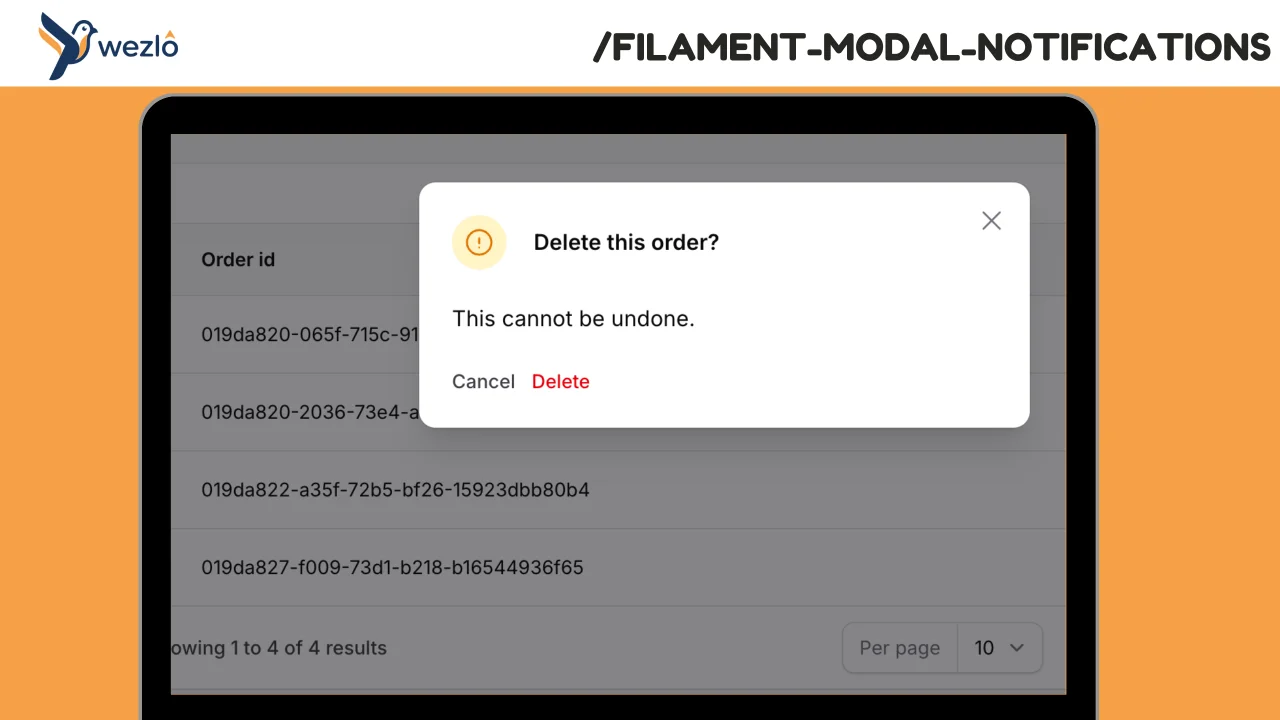
Modal Notifications
Render any Filament notification as a blocking modal by chaining one method: ->asModal(). Multiple modal notifications fired in the same request are queued one at a time — the user dismisses one and the next slides in, no stacking.
Author:
Mustafa Khaled
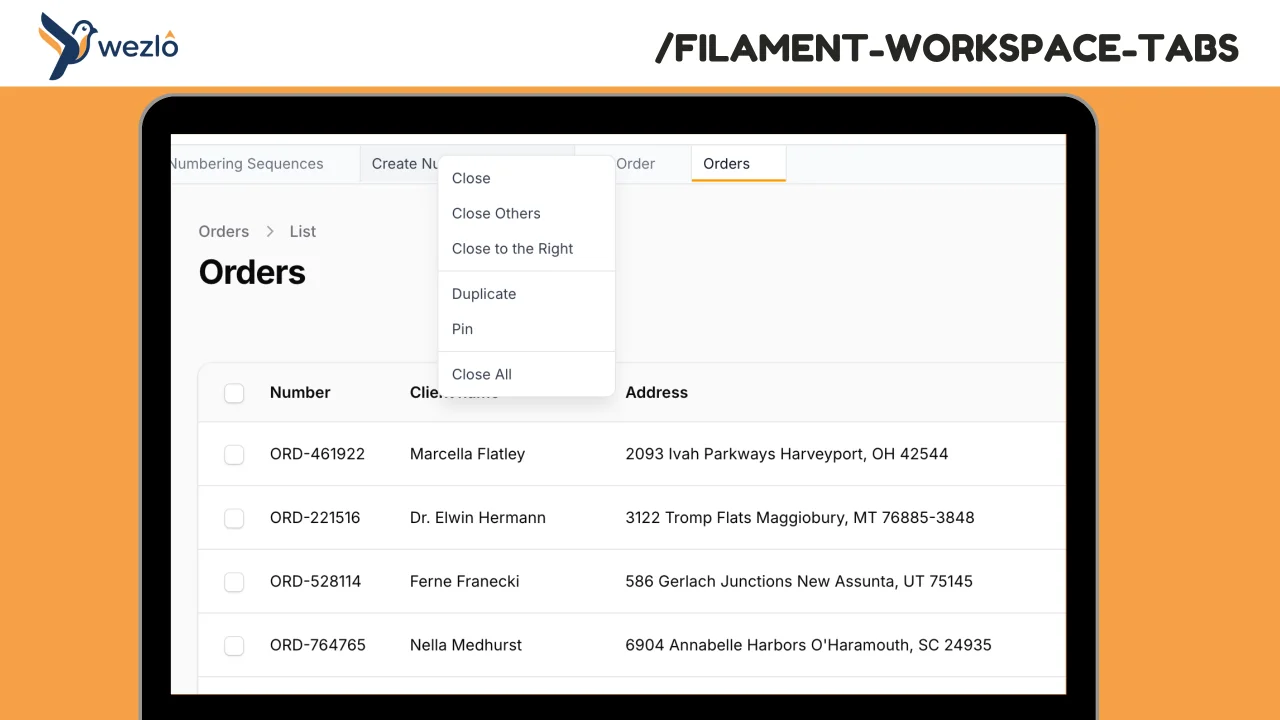
Workspace Tabs
Browser-like tabs for Filament panels. Open multiple pages in tabs without losing context, drag to reorder, pin frequently accessed pages, and right-click for quick actions.
Author:
Mustafa Khaled
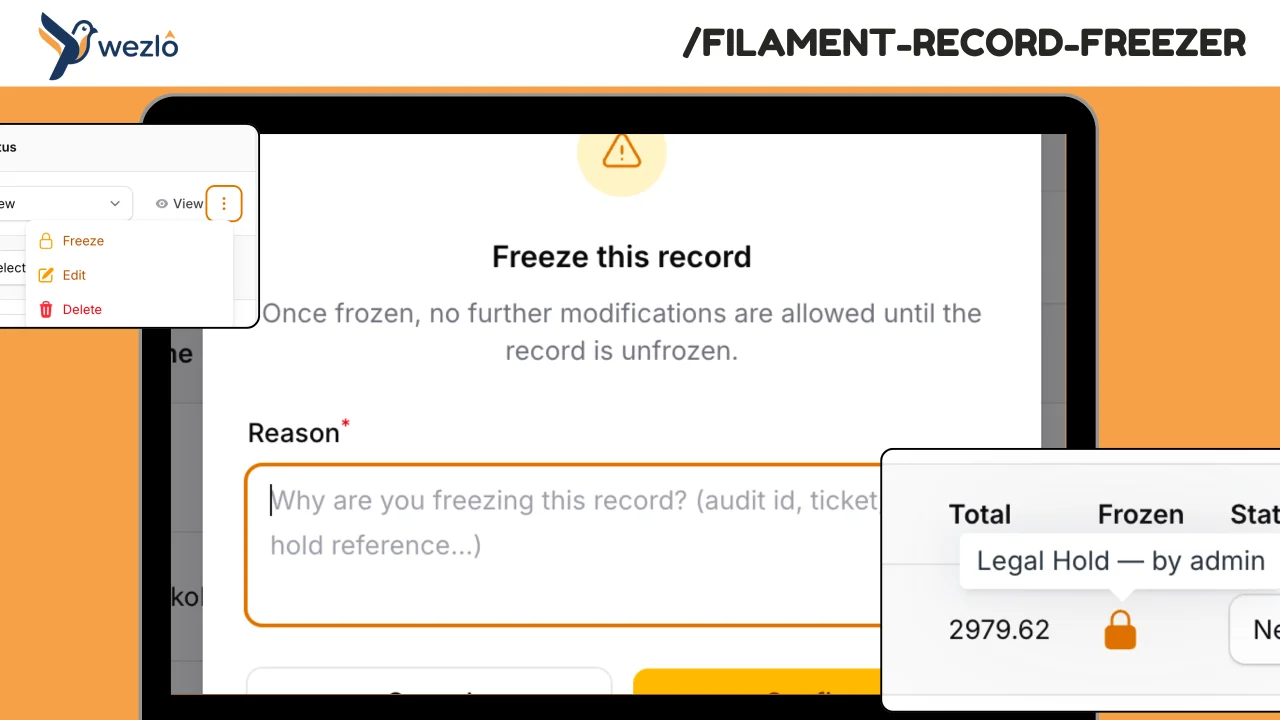
Record Freezer
Freeze individual Eloquent records against modification — finalised contracts, audited financial periods, legal holds
Author:
Mustafa Khaled
Record Watcher
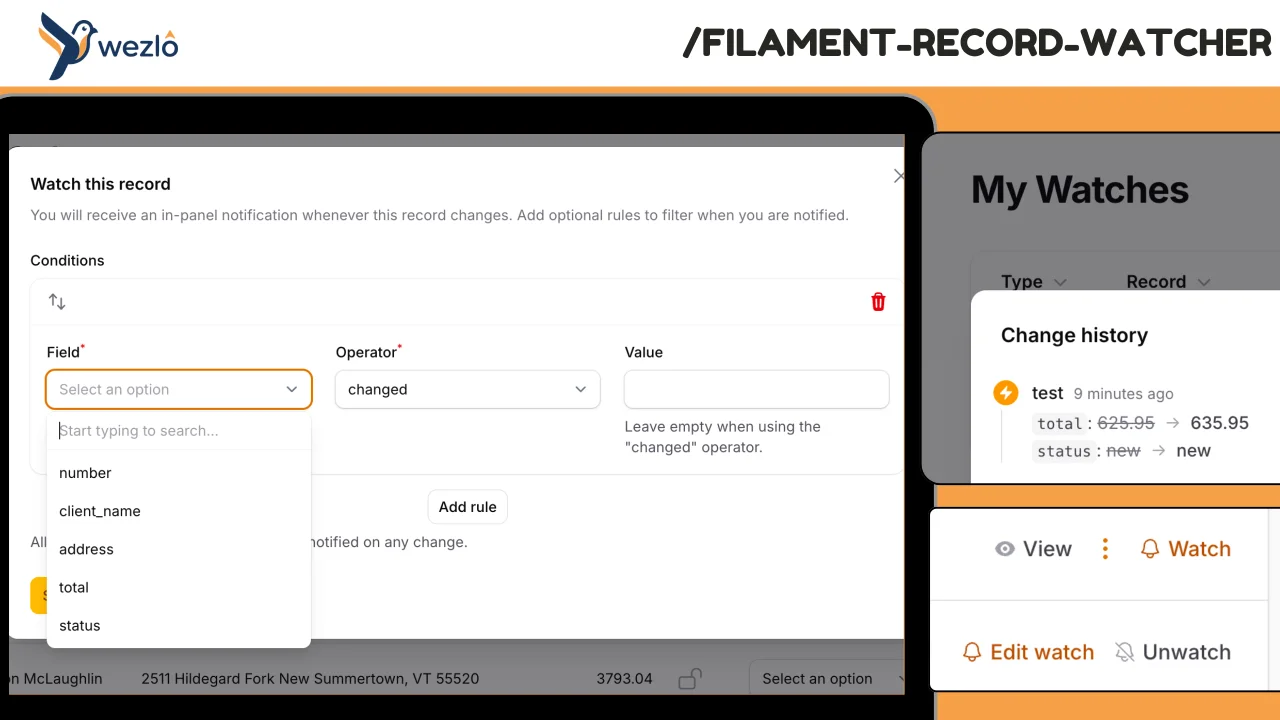
Subscribe to individual Eloquent records and receive in-panel Filament notifications whenever they change — with the actor (who) and a field-level diff (what). Watches can carry conditions ("only if status changes", "only if amount > 10K"), can be paused, and live on a personal **My Watches** page scoped to the authenticated user. Every fan-out is also persisted to a permanent event log, so users can review the full change history even after dismissing notifications.
Author:
Mustafa Khaled
Featured Plugins
A selection of plugins curated by the Filament team

Compact Theme
A theme that makes data-heavy panels easier to scan by fitting more useful information on each screen.
 Filament

Spotlight Pro
Browse your Filament Panel with ease. Filament Spotlight Pro adds a Spotlight like Command Palette to your Filament Panel.
 Dennis Koch

Blueprint
Filament Blueprint is a premium Laravel Boost extension that helps AI agents produce accurate, detailed implementation plans and security reports for Filament apps.
Filament

