
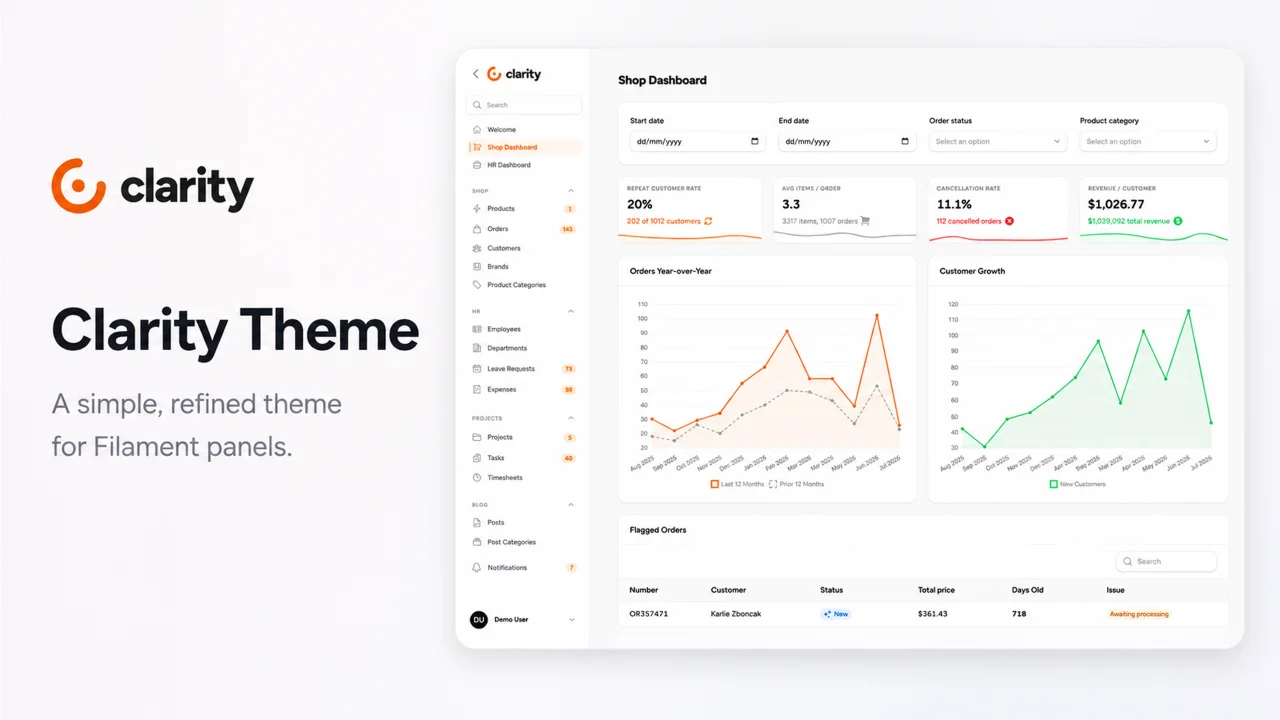
Clarity Theme by Leandro Ferreira
CommunityA simple, refined theme for Filament panels
filament/
namespace. Review the source and install at your own risk. Found
malware or an unresolved security issue the author won't
address?
Report it
.
 Author:
Leandro Ferreira
Author:
Leandro Ferreira
Documentation
A simple, refined theme for Filament panels.
Available for Filament 4 and Filament 5.
Buy a license · Watch the demo
#Compatibility
Clarity maintains dedicated release lines for each supported Filament major version.
Because the theme styles Filament's internal .fi-* markup, each major version is tested independently.
| Clarity | Branch | Filament | PHP |
|---|---|---|---|
^1.0 |
1.x |
^4.0 |
^8.2 |
^2.0 |
2.x |
^5.0 |
^8.4 |
Choose the release line matching the Filament major version used by your application.
Both Clarity 1.x and 2.x are included with your license.
#1. Install with Composer
After purchasing a license, configure Composer using the private repository credentials available in your account.
Then install the package:
For Filament 5:
composer require wiremodel/filament-clarity-theme:^2.0
For Filament 4:
composer require wiremodel/filament-clarity-theme:^1.0
Keep your Composer credentials outside version control.
#2. Register the plugin
Add ClarityThemePlugin to the Filament panel you want to customize:
use Wiremodel\\FilamentClarityTheme\\ClarityThemePlugin;

public function panel(Panel $panel): Panel
{
    return $panel
        ->plugin(ClarityThemePlugin::make());
}
Clarity is enabled per panel.
This means you can use Clarity in your admin panel while keeping another panel completely untouched.
#3. Publish the assets
After installing or updating Clarity, publish the Filament assets:
php artisan filament:assets
That's it.
No Node build, custom components, or business-view rewrites are required.
Clarity works with your existing Filament configuration, but the demo was designed using:
- Figtree
- No topbar
- Collapsible desktop sidebar
- A
270pxsidebar
These options are not required, but they provide the visual result shown in the Clarity demo.
use Wiremodel\\FilamentClarityTheme\\ClarityThemePlugin;

public function panel(Panel $panel): Panel
{
    return $panel
        ->plugin(ClarityThemePlugin::make())

        // Optional: remove the topbar.
        ->topbar(false)

        // Optional: allow the sidebar to collapse on desktop.
        ->sidebarCollapsibleOnDesktop()

        // Clarity was designed with Figtree.
        // Any font works, but screenshots will not match without it.
        //
        // This URL fetches the font from a third-party CDN.
        // Self-host the font if required by your privacy policy
        // or when running in an air-gapped environment.
        ->font(
            'Figtree',
            url: 'https://fonts.bunny.net/css?family=figtree:400,500,600,700,800&display=swap',
        )

        // Filament defaults to 20rem.
        // Clarity's spacing was tuned for a 270px sidebar.
        ->sidebarWidth('270px');
}
To self-host Figtree, serve the font files from your application and point url to your own stylesheet, or use Filament's LocalFontProvider.
Clarity is opt-in per panel.
For example, an application can use Clarity in its admin panel:
return $panel
    ->plugin(ClarityThemePlugin::make());
while leaving a customer or internal panel with Filament's default visual style.
Panels without ClarityThemePlugin remain untouched.
Clarity supports both light and dark mode.
Dark mode follows Filament's own theme toggle and derives its values from the panel's grey palette instead of relying on fixed colors.
This keeps Clarity consistent with the rest of your Filament application's theme configuration.
See both versions in the Clarity Theme gallery.
Clarity is commercial software and requires a license.
Two license options are available:
#Single project
US$29 — one-time purchase
For one production project under a primary domain.
#Unlimited projects
US$59 — one-time purchase
Designed for agencies, freelancers, and developers shipping multiple projects.
View pricing and buy a license
#Clarity Theme
Ship a Filament panel that feels considered.
One plugin. No component rewrites. Full dark mode support.
The author
Core team member at Filament. Founded the Filament Brazilian Community. Learn more at leandroferreira.dev.br.
From the same author
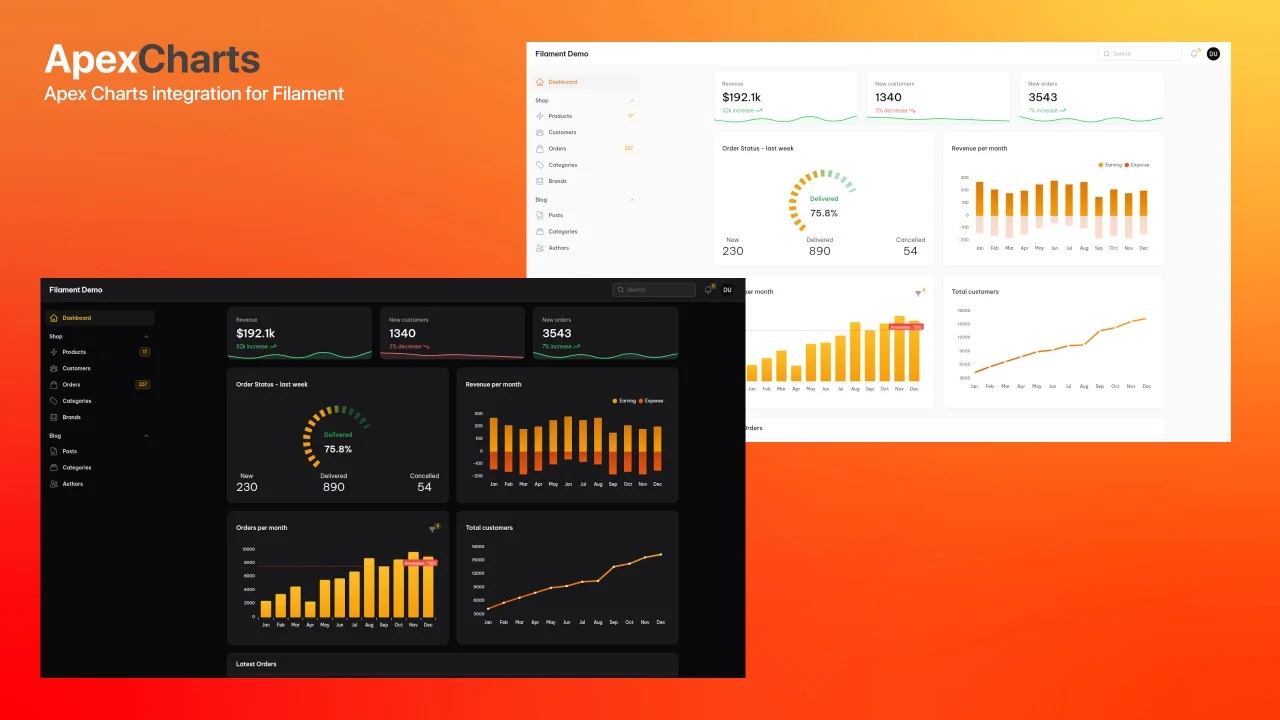
Apex Charts
Apex Charts integration for Filament.
Author:
Leandro Ferreira
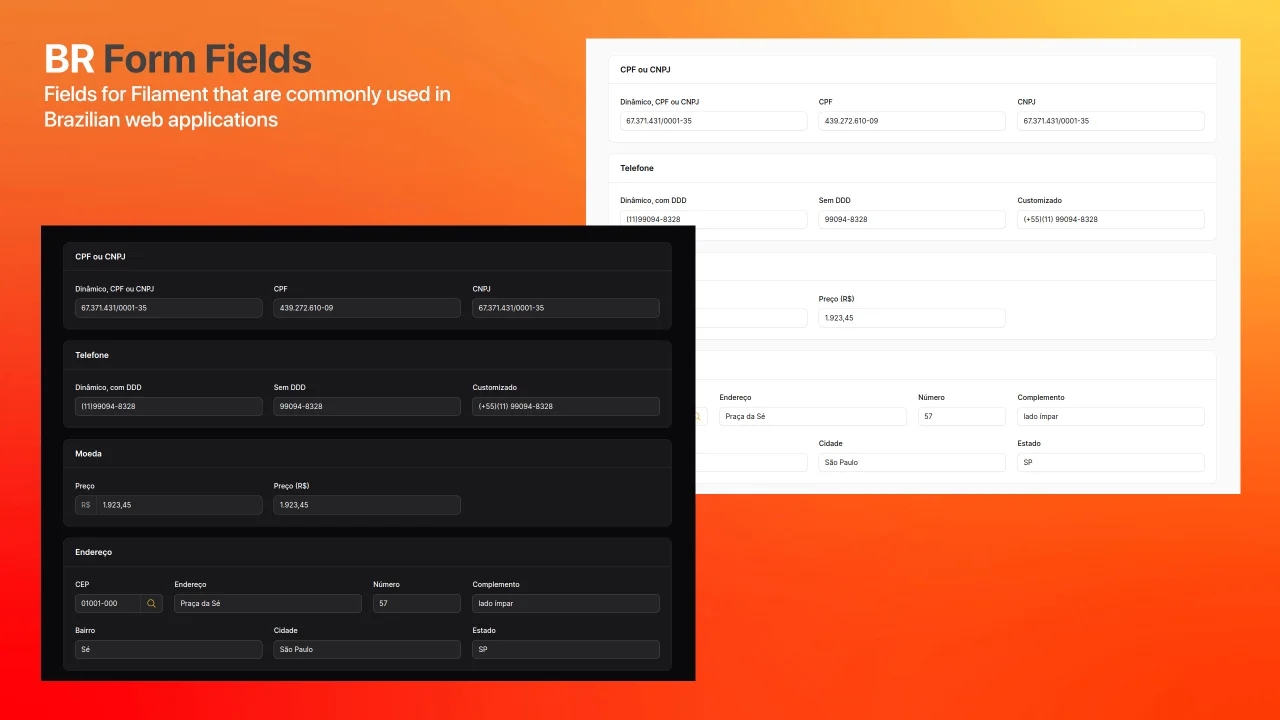
Brazilian Form Fields
This package provides custom form fields for Filament that are commonly used in Brazilian web applications.
Author:
Leandro Ferreira
Featured Plugins
A selection of plugins curated by the Filament team

Custom Dashboards
Let your users build and share their own dashboards with a drag-and-drop interface. Define your data sources in PHP and let them do the rest.
 Filament

Custom Fields
Eliminate custom field migrations forever. Let your users create and manage form fields directly in Filament admin panels with 20+ built-in field types, validation, and zero database changes.
 Relaticle

Spotlight Pro
Browse your Filament Panel with ease. Filament Spotlight Pro adds a Spotlight like Command Palette to your Filament Panel.
 Dennis Koch
