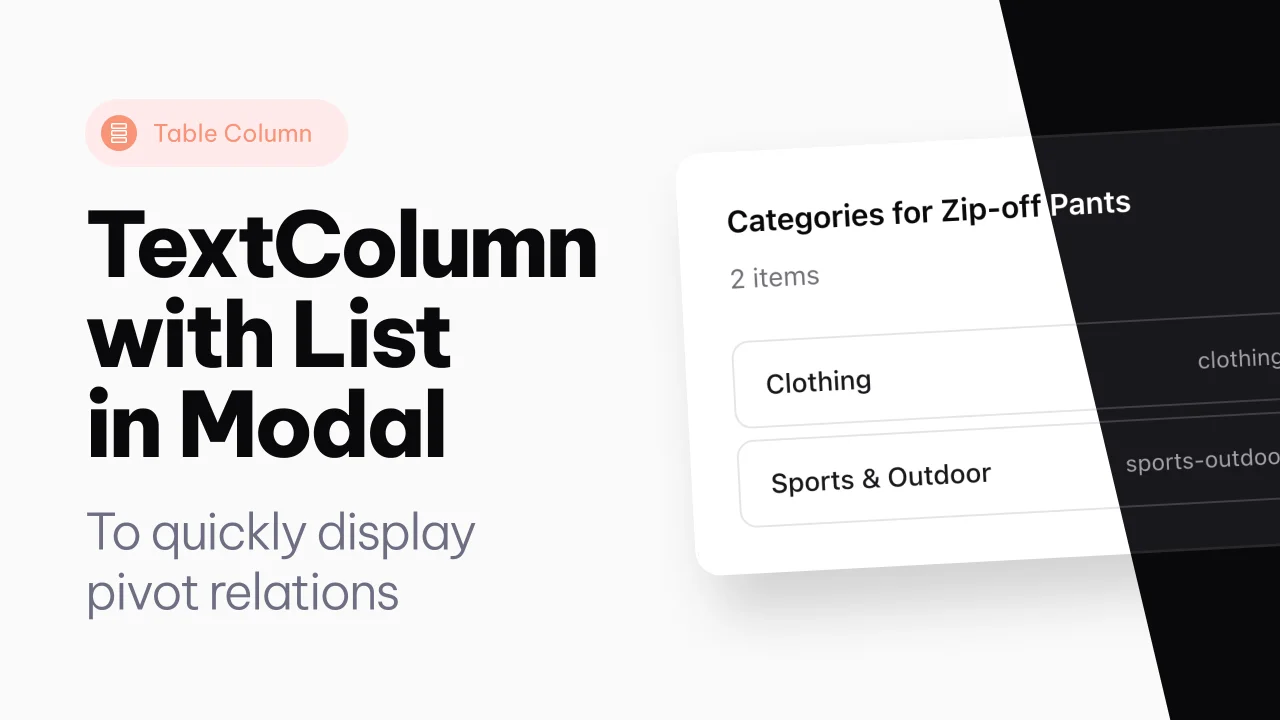
Text Column with List
An extension of the text column, to show pivot relations directly in a modal, from the table.
 Author:
Joost Meijerink
Author:
Joost Meijerink
Documentation
- Version Compatibility
- Installation
- Tailwind CSS Configuration
- Usage
- Item View Example
- Translations
- License
A Filament table column component that makes a textcolumn clickable to open a modal containing a list of items.
#Version Compatibility
- Filament 4: Use
v4branch or^4.0version - Filament 3: Use
v3branch or^3.0version
#Installation
This package is distributed via Anystack. To install it, you need to add the private repository to your composer.json file and authenticate with your license credentials.
#Step 1: Add the Private Repository
Add the following repository configuration to your composer.json:
{
  "repositories": [
    {
      "type": "composer",
      "url": "https://text-column-with-list.composer.sh"
    }
  ]
}
#Step 2: Install the Package
Install the package via composer based on your Filament version:
For Filament 4.x
composer require joost-meijerink/text-column-with-list:^4.0
For Filament 3.x
composer require joost-meijerink/text-column-with-list:^3.0
#Step 3: Authentication
When you run the composer require command, you will be prompted for authentication:
Loading composer repositories with package information
Authentication required (text-column-with-list.composer.sh):
Username: [licensee-email]
Password: [license-key]
Enter your credentials as follows:
- Username: Your email address associated with the license
- Password: Your license key
#License with Fingerprint
If your license requires a fingerprint, append it to your license key separated by a colon (:).
Example:
- Email:
user@example.com - License key:
8c21df8f-6273-4932-b4ba-8bcc723ef500 - Fingerprint:
example.com
Authentication:
Username: user@example.com
Password: 8c21df8f-6273-4932-b4ba-8bcc723ef500:example.com
#Unassigned License
If your license is not assigned to a specific licensee, you can use unlock as the username:
Username: unlock
Password: [license-key]
#Tailwind CSS Configuration
Important: This plugin uses Tailwind CSS classes including theme-specific classes like bg-primary-*. Your main project needs to scan the plugin's views to compile these classes.
#Add Plugin Views to Tailwind Config
For Tailwind v3 (tailwind.config.js):
module.exports = {
    content: [
        // ... your existing paths
        './vendor/joost-meijerink/text-column-with-list/resources/views/**/*.blade.php',
    ],
    // ... rest of your config
}
For Tailwind v4 (resources/css/app.css):
@import '../../vendor/filament/filament/resources/css/theme.css';

/* Content sources for Tailwind v4 */
@source '../views/**/*.blade.php';
@source '../../vendor/joost-meijerink/text-column-with-list/resources/views/**/*.blade.php';
/* ... other sources */
#Usage
use JoostMeijerink\TextColumnWithList\Tables\Columns\TextColumnWithList;
use Filament\Tables\Actions\Action;

TextColumnWithList::make('users_count')
    ->label('Users')
    ->alignCenter()
    ->badge()
    ->color(fn ($record) => $record->users()->count() > 0 ? 'primary' : 'gray')
    ->getStateUsing(fn ($record) => $record->users()->count())
    ->items(fn ($record) => $record->users)
    ->itemView('path.to.your.item-view')
    ->configureModalAction(fn (Action $action) => $action
        ->modalHeading(fn ($record) => 'Users in '.$record->name)
        ->modalWidth('md')
    );
#Available Methods
items(Closure $callback)- Define the items to display in the modalitemView(string|Closure|null $view)- Set the Blade view to render each itememptyStateMessage(string|Closure|null $message)- Set the message to display when there are no itemsshowCountInDescription(bool|Closure $show = true)- Show/hide the automatic item count in the modal description (default: true)navigateToItem(bool|Closure $navigate = true)- Enable navigation to items (requires items to have agetUrl()method)navigateToItemInNewTab(bool|Closure $newTab = true)- Open item links in a new tab (default: false)configureModalAction(Closure $callback)- Configure the Filament Action (modal heading, description, width, etc.)
#Automatic Item Count
By default, the modal description will automatically show the number of items (e.g., "5 items" or "1 item"). This feature:
- Is enabled by default
- Only shows when there are items to display
- Is automatically translated based on your app's locale
- Is ignored if you set a custom
modalDescriptioninconfigureModalAction
To disable this feature:
TextColumnWithList::make('users_count')
    ->items(fn ($record) => $record->users)
    ->showCountInDescription(false);
#Item Navigation
You can enable clickable items that navigate to a specific URL. This feature requires your item models to have a getUrl() method:
TextColumnWithList::make('users_count')
    ->items(fn ($record) => $record->users)
    ->navigateToItem() // Enable navigation
    ->navigateToItemInNewTab(); // Optional: open in new tab
When enabled:
- Items become clickable links with
cursor-pointerandhover:opacity-75styling - No text decoration is added to maintain clean aesthetics
- Only works if the item object has a
getUrl()method - Items without a URL will display normally (non-clickable)
Example model with getUrl() method:
class User extends Model
{
    public function getUrl(): string
    {
        return route('users.show', $this);
    }
}
#Item View Example
Create a Blade view for rendering individual items:
<!-- resources/views/tables/columns/items/user.blade.php -->
<div class="block p-3 px-4 rounded-lg ring-1 ring-gray-200 dark:ring-gray-700">
    <div class="flex items-center gap-3">
        <div class="text-sm font-medium text-gray-900 dark:text-white">
            {{ $item->name }}
        </div>
        @if($item->email)
            <span class="ml-auto text-xs text-gray-500 dark:text-gray-400">
                {{ $item->email }}
            </span>
        @endif
    </div>
</div>
#Translations
The package comes with English and Dutch translations out of the box. The following strings can be translated:
item- Singular form for one itemitems- Plural form for multiple itemsempty_state_message- Message shown when no items are found
To publish and customize translations:
php artisan vendor:publish --tag="text-column-with-list-translations"
Translation files will be published to lang/vendor/text-column-with-list/{locale}/text-column-with-list.php.
#License
The MIT License (MIT). Please see License File for more information.
The author
From the same author
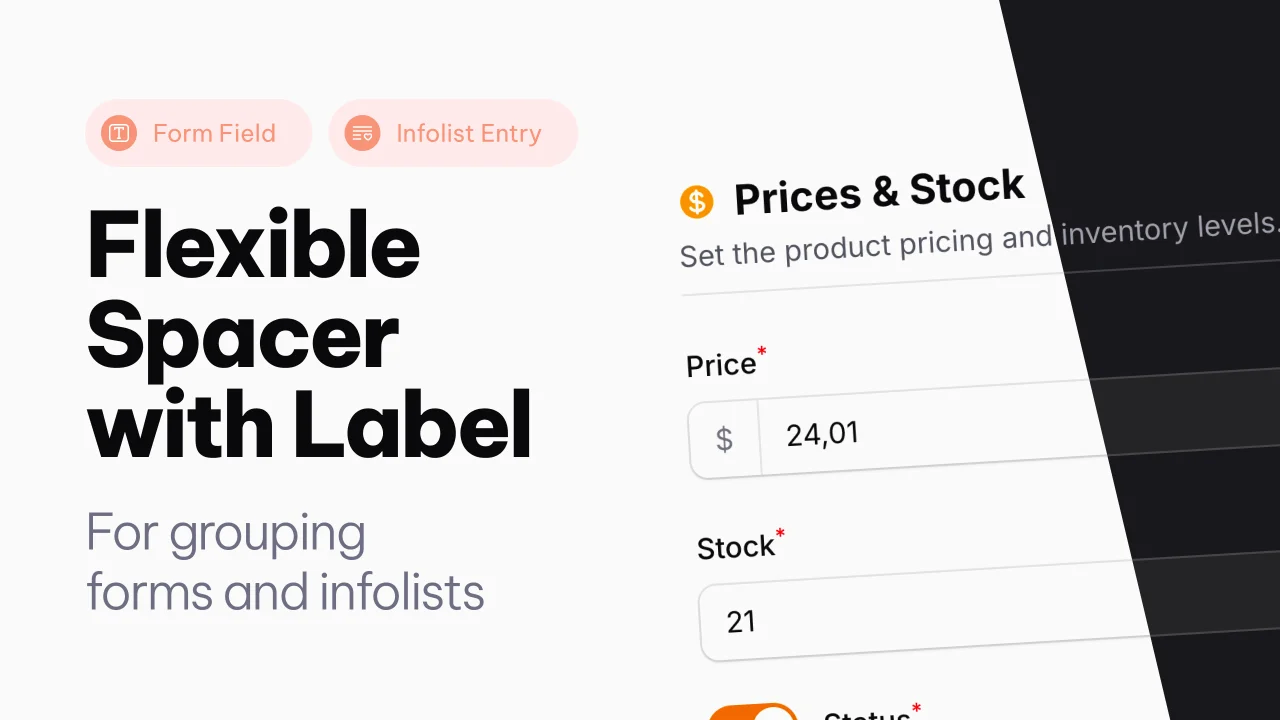
Spacer with Label
A Filament component that adds a flexible spacer with optional label, slots, and divider to Forms and Infolists.
Author:
Joost Meijerink
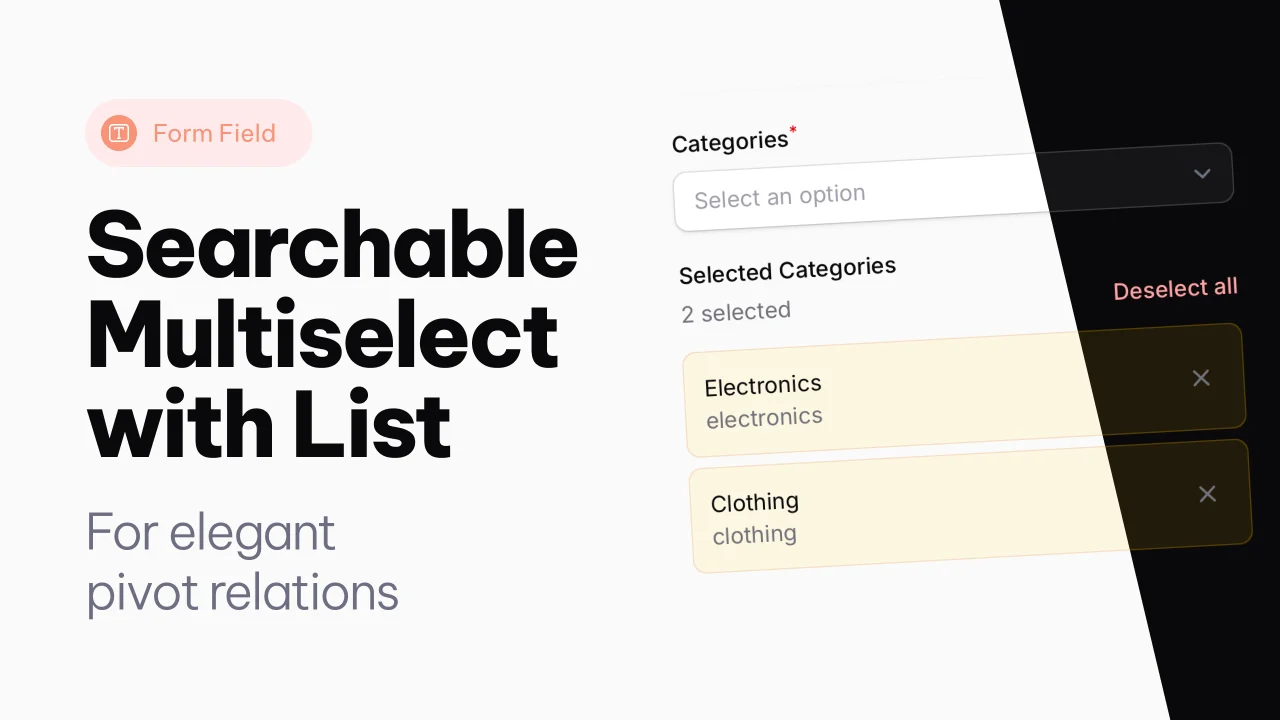
Searchable Multiselect with List
A searchable multiselect with list view for selected items.
Author:
Joost Meijerink
Featured Plugins
A selection of plugins curated by the Filament team

Custom Dashboards
Let your users build and share their own dashboards with a drag-and-drop interface. Define your data sources in PHP and let them do the rest.
 Filament

Data Lens
Advanced Data Visualization for Laravel Filament - a premium reporting solution enabling custom column creation, sophisticated filtering, and enterprise-grade data insights within admin panels.
 Padmission

Advanced Tables (formerly Filter Sets)
Supercharge your tables with powerful features like user-customizable views, quick filters, multi-column sorting, advanced table searching, convenient view management, and more. Compatible with Resource Panel Tables, Relation Managers, Table Widgets, and Table Builder!
 Kenneth Sese

