
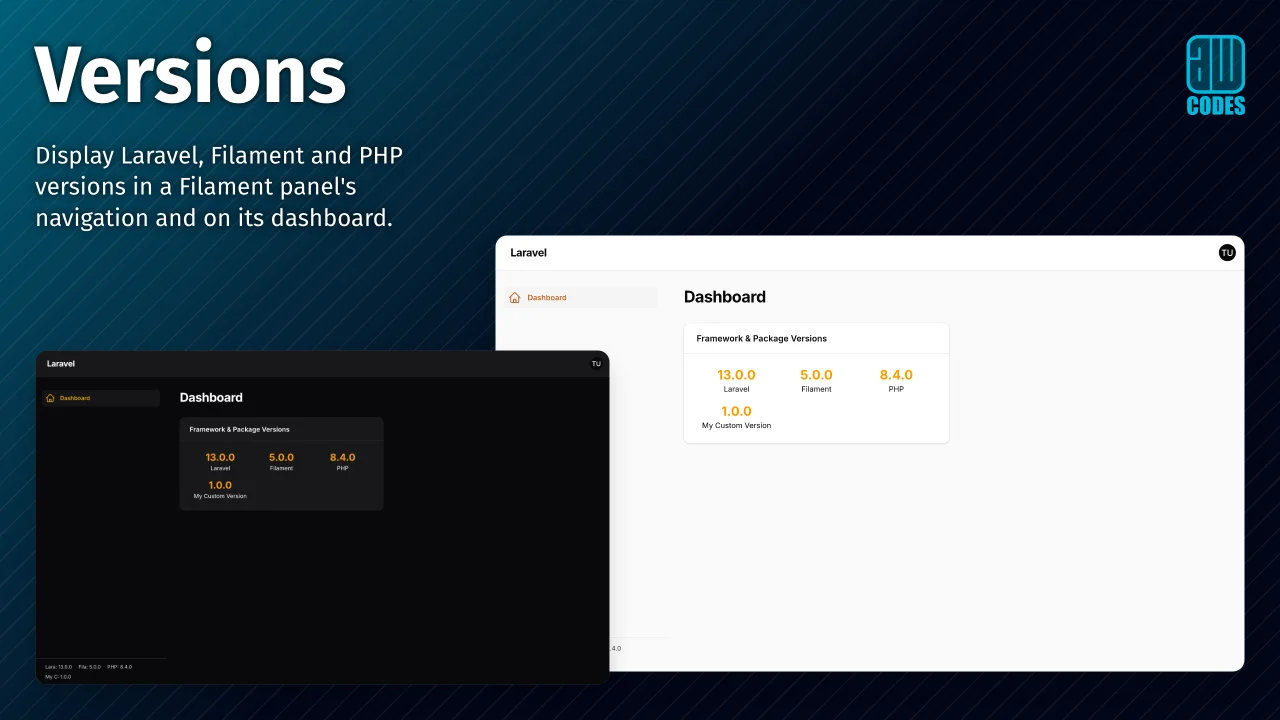
Versions by Adam Weston
CommunityA mostly useless package to display framework versions on Filament panels.
 Author:
Adam Weston
Author:
Adam Weston
Package health
Automated checks of this plugin's Composer package
15 checks
- Passed: GitHub Actions pinned to SHA
- Skipped: GitLab CI includes pinned to SHA
- Passed: Open security advisories
- Passed: Dependabot PR responsiveness — No open Dependabot PRs.
- Skipped: Renovate MR responsiveness
- Warning: Dependabot or Renovate configured — Updater does not cover the JavaScript ecosystem, which has a committed lockfile.
- Passed: Dependency update cooldown configured
- Passed: Provides a security policy
- Passed: Abandoned or archived — No consulted source marks the package abandoned (packagist, github).
- Passed: Commit and release recency — Active: last commit 0 days ago; last release 35 days ago.
-
Passed:
composer.lock not committed by library
—
composer.lockis absent from the released dist archive. - Passed: Dist archive is lean
-
Passed:
Current Laravel version supported
—
Package dependencies resolve together with current Laravel
13.0. -
Passed:
Current PHP version supported
—
Constraint
^8.2supports current PHP8.5. - Skipped: Current Symfony version supported
filament/
namespace. Review the source and install at your own risk. Found
malware or an unresolved security issue the author won't
address?
Report it
.
Documentation
Display Laravel, Filament and PHP versions in your Filament panel's navigation and on its dashboard, with room for your own entries.



#Documentation
The full documentation lives at docs.aw.codes/versions.
#Compatibility
| Filament version | Package version |
|---|---|
| 2.x | 1.x |
| 3.x | 2.x |
| 4.x | 3.x |
| 4.x & 5.x | 4.x |
#Installation
composer require awcodes/filament-versions
The plugin's views need to be added to your Tailwind theme, and the plugin registered on your panel. See Installation for those steps.
#Changelog
Please see the releases for what has changed recently.
#Contributing
Please see CONTRIBUTING for details.
#Security Vulnerabilities
Please review our security policy on how to report security vulnerabilities.
#Credits
#License
The MIT License (MIT). Please see License File for more information.
The author
Adam is a full-stack web developer (with a focus on Laravel) who has been coding for close to 20 years. He is a core Filament team member as well and has authored numerous plugins for Filament such as Curator, Tiptap Editor and Table Repeater, to name a few. You can learn more about Adam on his website.
From the same author

Table Repeater
A modified version of the Filament Forms Repeater to display it as a table.
Author:
Adam Weston
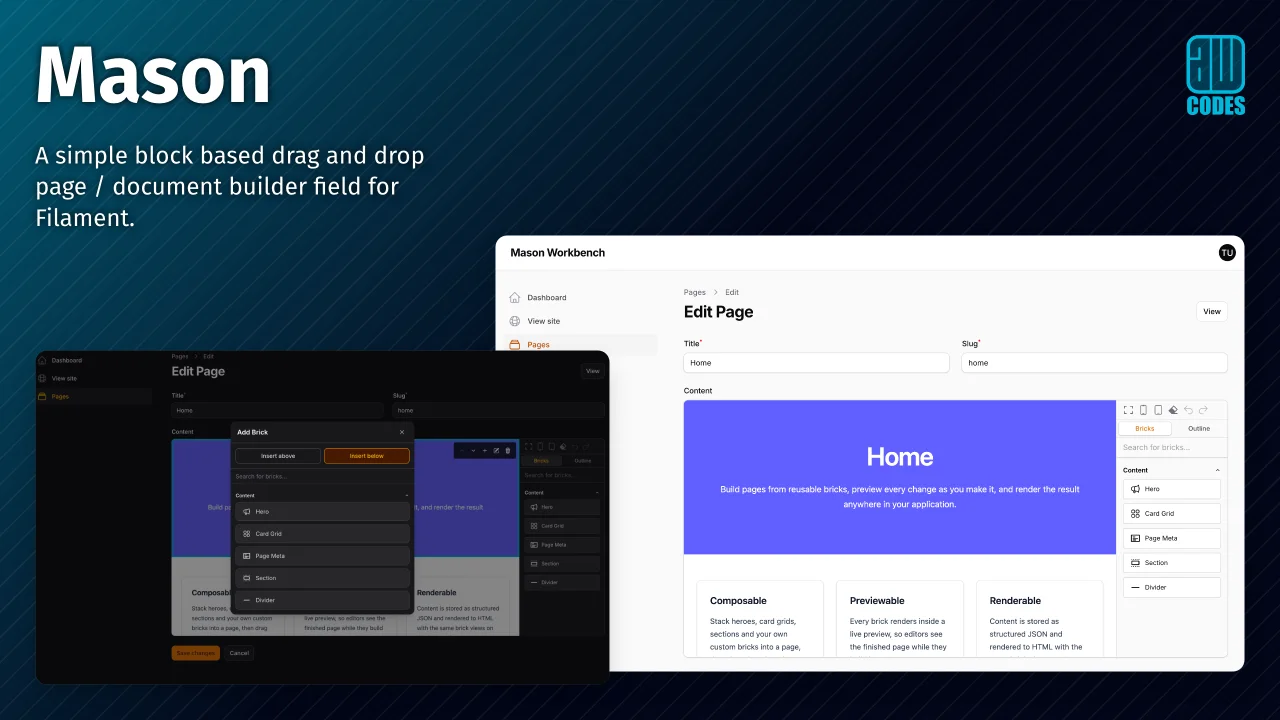
Mason
A simple block-based drag and drop page / document builder field for Filament.
Author:
Adam Weston
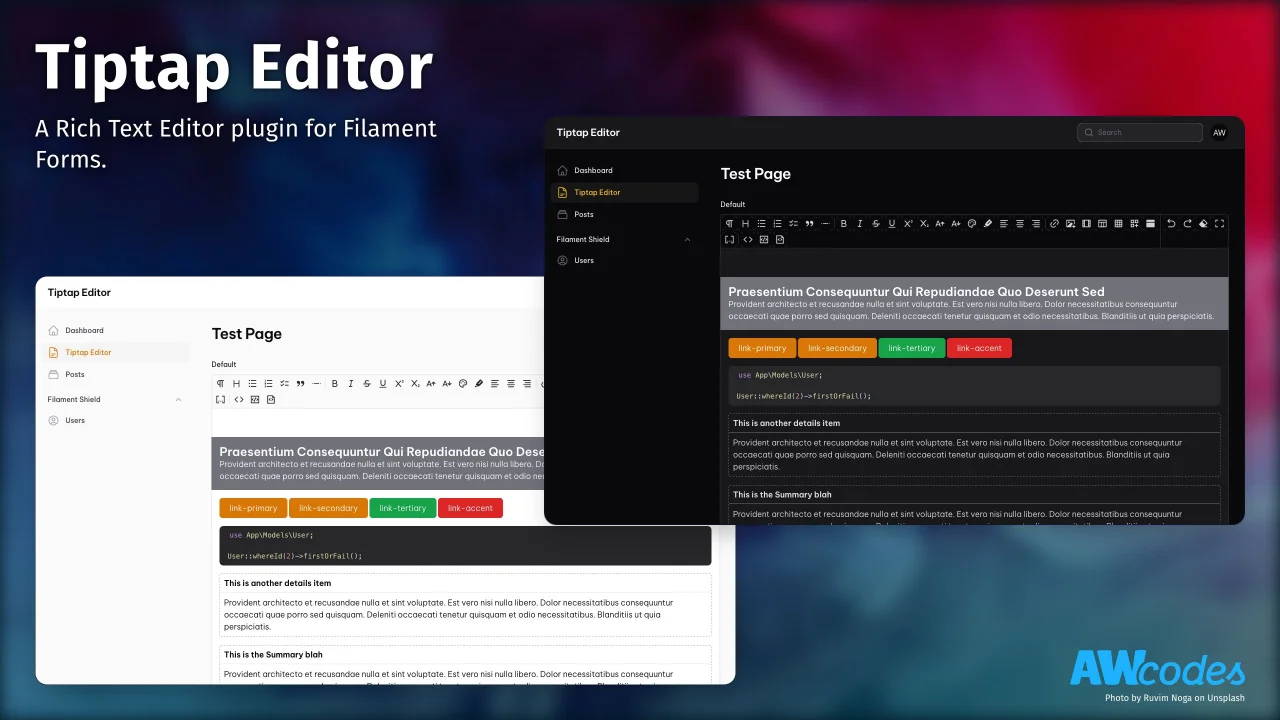
Tiptap Editor
A Rich Text Editor plugin for Filament Forms.
Author:
Adam Weston
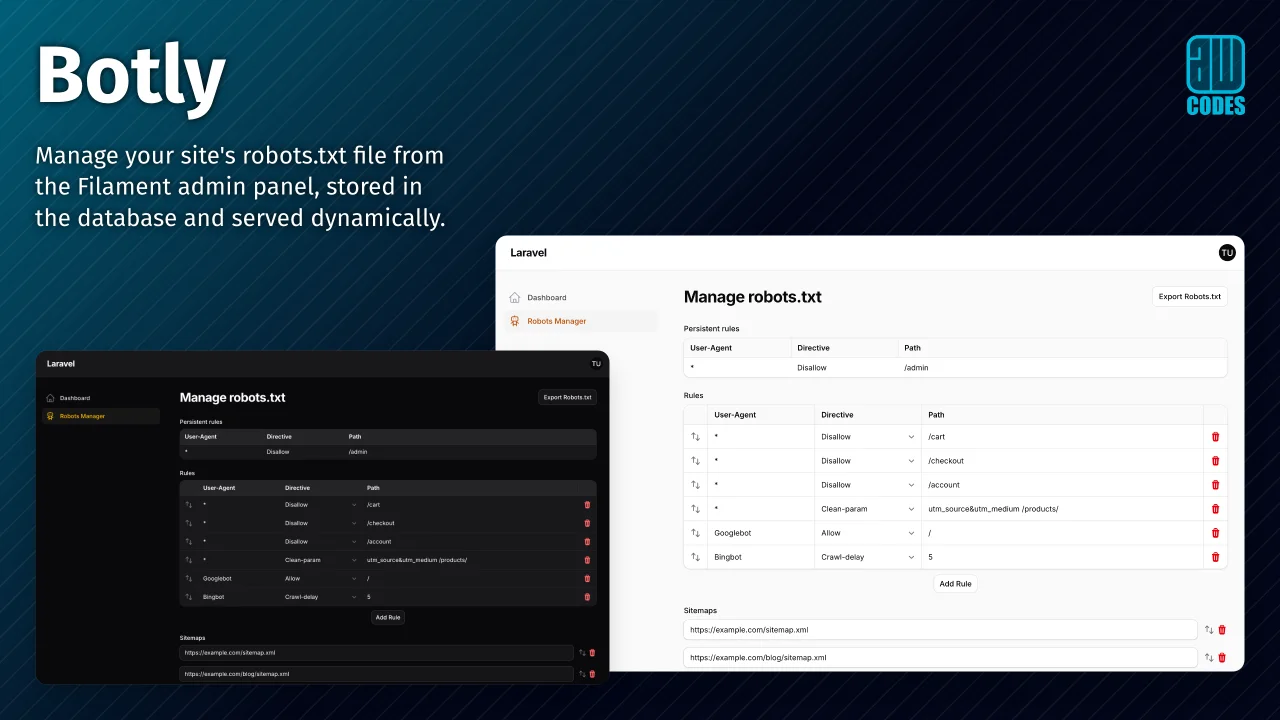
Botly
Botly is a Filament plugin to manage your site's robots.txt file directly from a Filament admin panel.
Author:
Adam Weston
Featured Plugins
A selection of plugins curated by the Filament team

Noir Theme
A theme that gives panels a focused, refined look with near-black surfaces, crisp actions, and restrained color.
 Filament

Soft Theme
A theme that gives panels a warm, approachable look with rounded shapes, gentle colors, and serif headings.
Filament

Custom Fields
Eliminate custom field migrations forever. Let your users create and manage form fields directly in Filament admin panels with 20+ built-in field types, validation, and zero database changes.
 Relaticle

