
Richer Editor
A collection of extensions and tools to enhance the Filament Rich Editor field.
 Author:
Adam Weston
Author:
Adam Weston
Documentation
- Compatibility
- Installation
- Editor Usage
- Rendering Usage
- Utilities
- Testing
- Contributing
- Security Vulnerabilities
- Credits
- License
A collection of extensions and tools to enhance the Filament Rich Editor field.


#Compatibility
| Package Version | Filament Version |
|---|---|
| 1.x | 4.x |
| 2.x | 5.x |
#Installation
You can install the package via composer:
composer require awcodes/richer-editor
[!IMPORTANT] If you have not set up a custom theme and are using Filament Panels, follow the instructions in the Filament Docs first.
After setting up a custom theme, add the plugin's CSS and views to your theme.css file or your app.css file if using the standalone packages.
@import '../../../../vendor/awcodes/richer-editor/resources/css/index.css';

@source '../../../../vendor/awcodes/richer-editor/resources/views/**/*.blade.php';
#Editor Usage
[!WARNING] The following plugins are experimental and should not be used at the moment. See their docblocks for more information.
- CodeBlockLowlightPlugin
- CodeBlockShikiPlugin
- FigurePlugin
- VideoPlugin
#Plugins
use Awcodes\RicherEditor\Plugins\DebugPlugin;
use Awcodes\RicherEditor\Plugins\EmbedPlugin;
use Awcodes\RicherEditor\Plugins\EmojiPlugin;
use Awcodes\RicherEditor\Plugins\FullScreenPlugin;
use Awcodes\RicherEditor\Plugins\IdPlugin;
use Awcodes\RicherEditor\Plugins\LinkPlugin;
use Awcodes\RicherEditor\Plugins\SourceCodePlugin;
use Awcodes\RicherEditor\Plugins\FakerPlugin;

RichEditor::make('content')
    ->plugins([
        DebugPlugin::make(), // only works in local environment
        EmbedPlugin::make(),
        EmojiPlugin::make(), // Doesn't have a toolbar button
        FullScreenPlugin::make(),
        IdPlugin::make(), // Doesn't have a toolbar button
        LinkPlugin::make(), // Requires IdPlugin
        SourceCodePlugin::make(),
        FakerPlugin::make(), // only works in local environment
    ])
    ->toolbarButtons([
        ['embed', 'sourceCode', 'fullscreen', 'debug', 'fakeHeading', 'fakeParagraphs', 'fakeBulletList', 'fakeNumberedList'],
    ])
#Max Height
use Filament\Forms\Components\RichEditor\RichEditorTool;

RichEditor::make('content')
    ->maxHeight('400px')
#Nested Tool Groups (Dropdowns)
use Awcodes\RicherEditor\Tools\ToolGroup;
use Filament\Forms\Components\RichEditor\RichEditorTool;

RichEditor::make('content')
    ->tools([
        ToolGroup::make('headingTools')
            ->label('Headings')
            ->icon(Heroicon::H1)
            ->displayAsLabel()
            ->items([
                'h1',
                'h2',
                'h3',
                RichEditorTool::make('h4')...
            ]),
        ToolGroup::make('devTools')
            ->label('Developer Tools')
            ->icon(Heroicon::Sparkles)
            ->displayAsLabel()
            ->items([
                'debug',
                'fakeHeading',
                'fakeParagraphs',
                'fakeBulletList',
                'fakeNumberedList'
            ]),
    ])
    ->toolbarButtons([
        ['headingTools', 'devTools'],
    ])
#Prebuilt Tools
- Heading Four
- Heading Five
- Heading Six
use Awcodes\RicherEditor\Tools\HeadingFourTool;
use Awcodes\RicherEditor\Tools\HeadingFiveTool;
use Awcodes\RicherEditor\Tools\HeadingSixTool;

RichEditor::make('content')
    ->tools([
        HeadingFourTool::make(),
        HeadingFiveTool::make(),
        HeadingSixTool::make(),
    ])
    ->toolbarButtons([
        ['h4', 'h5', 'h6'],
    ])
#Prebuilt Blocks
#Highlighted Code Block (Phiki)
use Awcodes\RicherEditor\Blocks\HighlightedCodeBlock;

RichEditor::make('content')
    ->blocks([
        HighlightedCodeBlock::class,
    ])

// when rendering the content, you can change the theme using any of Phiki's supported themes. See https://phiki.dev/multi-themes

use Awcodes\RicherEditor\Blocks\HighlightedCodeBlock;
use Phiki\Theme\Theme;

RichContentRenderer::make($content)
    ->customBlocks([
        HighlightedCodeBlock::class => [
            'light' => Theme::GithubLight,
            'dark' => Theme::GithubDark,
        ],
    ])
    ->toHtml()
#Rendering Usage
#Rendering Headings as links
use Filament\Forms\Components\RichEditor\RichContentRenderer;

RichContentRenderer::make($content)
    ->linkHeadings(level: 3, wrap: false)
    ->toHtml()
#Rendering as Markdown
This feature uses HTML To Markdown for PHP by thephpleague. Please see their documentation for available options.
use Filament\Forms\Components\RichEditor\RichContentRenderer;

RichContentRenderer::make($content)
    ->toMarkdown(options: [])
#Rendering native code blocks with Phiki syntax highlighting.
[!CAUTION] This should NOT be used globally as it will not work with Filament's rich content attributes when storing/reading content in the database when in a form context.
use Awcodes\RicherEditor\Support\RichContentRenderer;
use Awcodes\RicherEditor\Plugins\PhikiCodeBlockPlugin;

RichContentRenderer::make($content)
    ->plugins([
        PhikiCodeBlockPlugin::make(),
    ])
    ->phikiCodeBlocks()
    ->toHtml();
#Rendering Table of Contents
use Awcodes\RicherEditor\Support\TableOfContents;

TableOfContents::make($content)
    ->asHtml();

/** or as an array to handle the output yourself */

$toc = TableOfContents::make($content)
    ->asArray();
#Utilities
#Rich Content Faker
use Awcodes\RicherEditor\Support\RichContentFaker;

$richContent = RichContentFaker::make()
    ->heading(level: 2)
    ->paragraphs(
        count: 1,
        links: false,
        code: false,
        bold: false,
        italic: false,
        underline: false,
        strike: false,
        subscript: false,
        superscript: false,
        mergeTags: [],
        highlight: false
    )
    ->lead(pargraphs: 1, links: false)
    ->small(pargraphs: 1, links: false)
    ->list(count: 3, links: false, ordered: false)
    ->image(source: null, width: 1280, height: 720)
    ->details(open: false, links: false)
    ->code(className: 'language-php')
    ->codeBlock(language: 'sh', prefix: 'language-')
    ->blockquote()
    ->hr()
    ->br()
    ->table(cols: null)
    ->grid(cols: [1,1,1], breakpoint: 'md')
    ->customBlock(
        id: 'batman',
        config: [
            'name' => 'Batman',
            'color' => 'black',
            'side' => 'hero'
        ]
    )
    ->emptyParagraph()
    // rendering (only use one)
    ->asHtml()
    ->asJson()
    ->asText();
#Testing
composer test
#Contributing
Please see CONTRIBUTING for details.
#Security Vulnerabilities
Please review our security policy on how to report security vulnerabilities.
#Credits
#License
The MIT License (MIT). Please see License File for more information.
The author
Adam is a full-stack web developer (with a focus on Laravel) who has been coding for close to 20 years. He is a core Filament team member as well and has authored numerous plugins for Filament such as Curator, Tiptap Editor and Table Repeater, to name a few. You can learn more about Adam on his website.
From the same author
Botly
Botly is a Filament plugin to manage your site's robots.txt file directly from a Filament admin panel.
Author:
Adam Weston

Table Repeater
A modified version of the Filament Forms Repeater to display it as a table.
Author:
Adam Weston
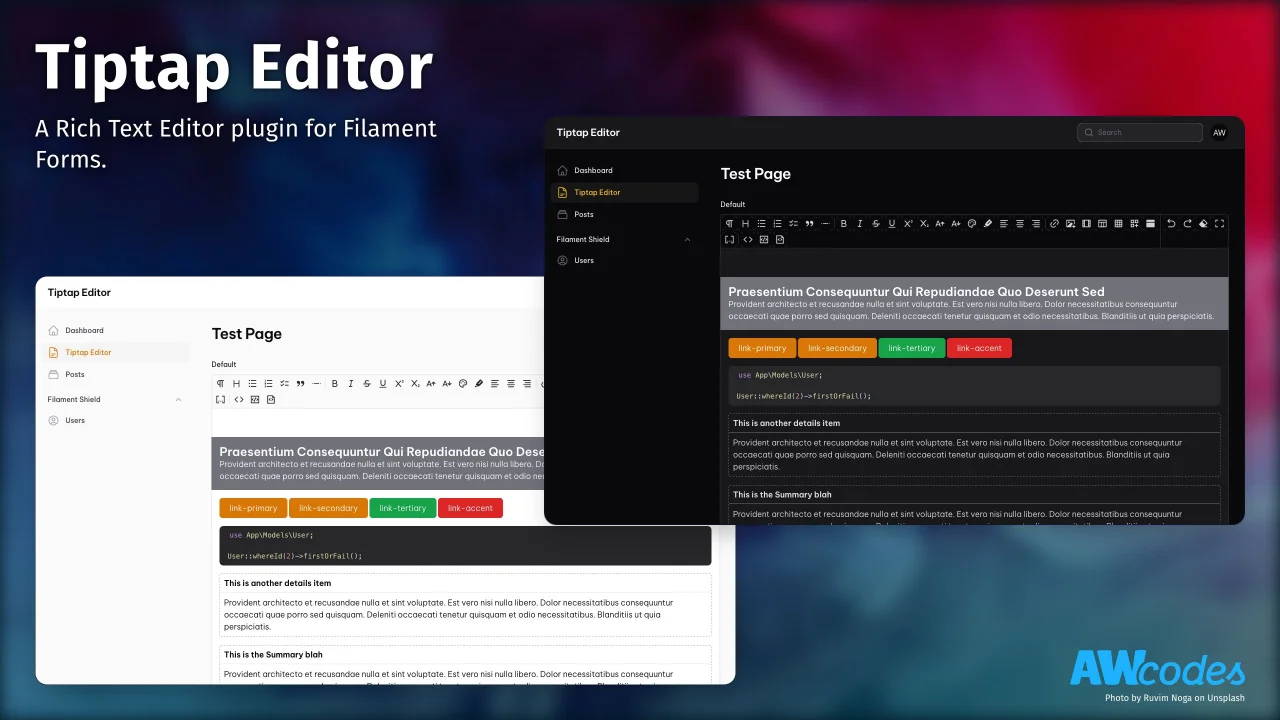
Tiptap Editor
A Rich Text Editor plugin for Filament Forms.
Author:
Adam Weston
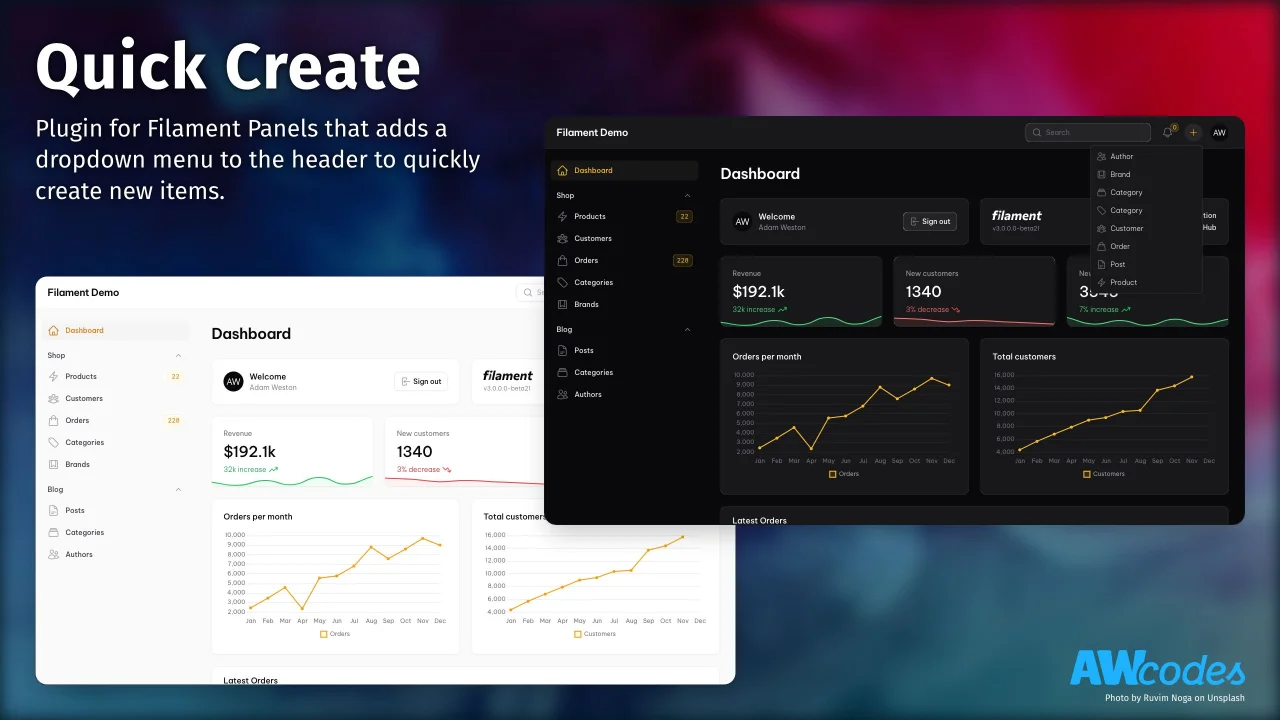
Quick Create
Plugin for Filament Panels that adds a dropdown menu to the header to quickly create new items.
Author:
Adam Weston
Featured Plugins
A selection of plugins curated by the Filament team

Custom Dashboards
Let your users build and share their own dashboards with a drag-and-drop interface. Define your data sources in PHP and let them do the rest.
 Filament
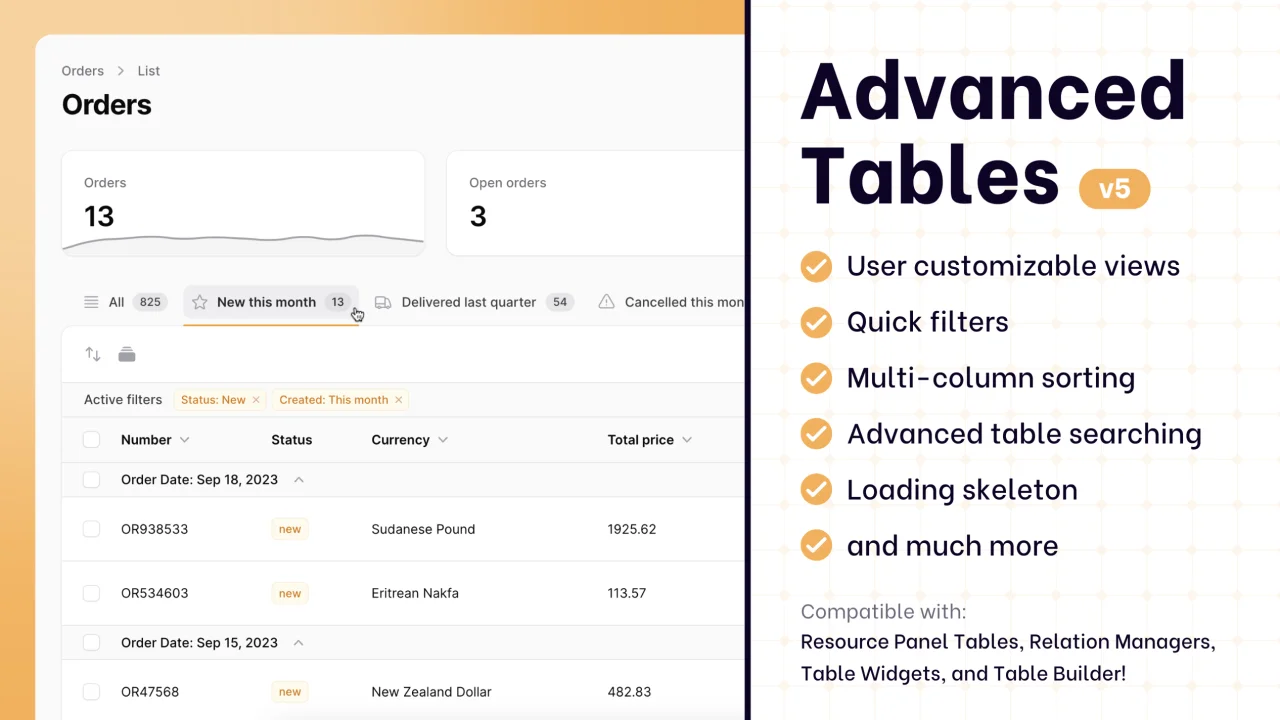
Advanced Tables (formerly Filter Sets)
Supercharge your tables with powerful features like user-customizable views, quick filters, multi-column sorting, advanced table searching, convenient view management, and more. Compatible with Resource Panel Tables, Relation Managers, Table Widgets, and Table Builder!
 Kenneth Sese

Data Lens
Advanced Data Visualization for Laravel Filament - a premium reporting solution enabling custom column creation, sophisticated filtering, and enterprise-grade data insights within admin panels.
 Padmission

