
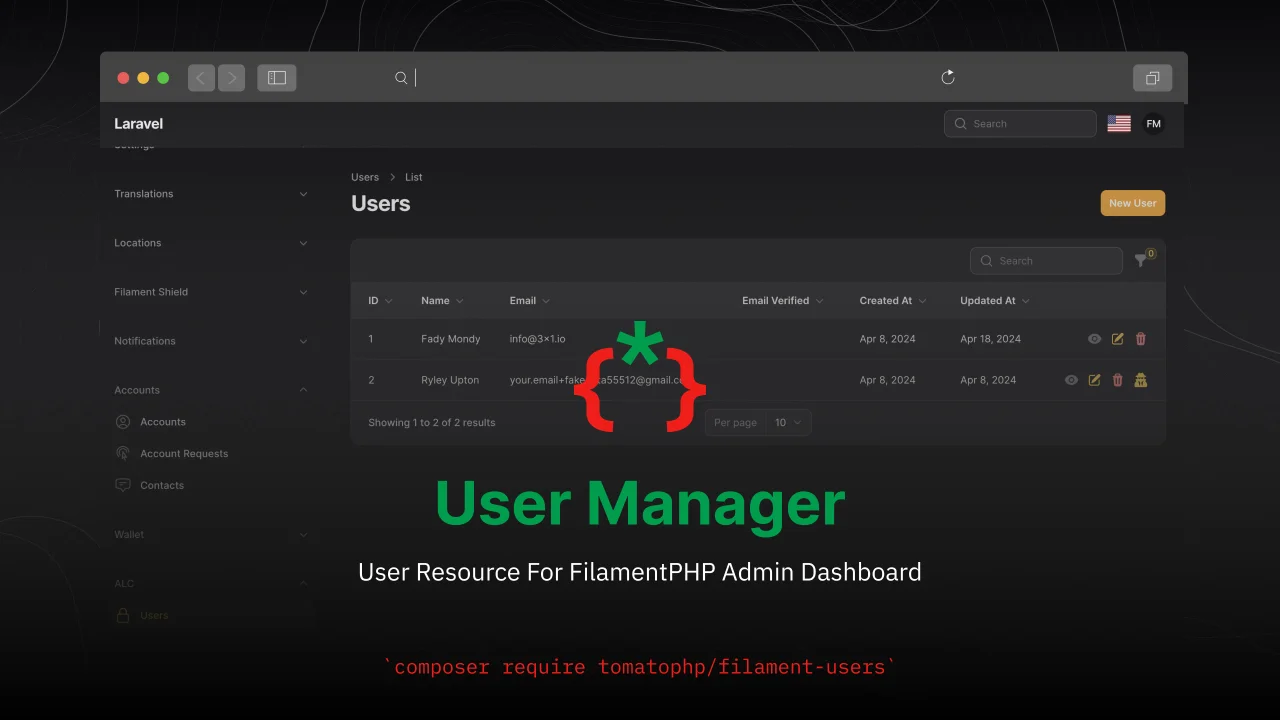
TomatoPHP User Manager
CommunityUser Resource For FilamentPHP Admin Dashboard
 Author:
Fady Mondy
Author:
Fady Mondy
Package health
BetaAutomated checks of this plugin's Composer package
15 checks
- Failed: GitHub Actions pinned to SHA — View details on Plumb
- Skipped: GitLab CI includes pinned to SHA
- Passed: Open security advisories
- Failed: Dependabot PR responsiveness — Stale Dependabot PRs: oldest general PR is 231 days old. View details on Plumb
- Skipped: Renovate MR responsiveness
- Warning: Dependabot or Renovate configured — Updater does not cover Composer, which has a committed lockfile.
-
Failed:
Dependency update cooldown configured
—
No cooldown configured in
.github/dependabot.yml. View details on Plumb - Passed: Provides a security policy
- Passed: Abandoned or archived — No consulted source marks the package abandoned (packagist, github).
- Passed: Commit and release recency — Active: last commit 0 days ago; last release 0 days ago.
-
Failed:
composer.lock not committed by library
—
composer.lockis present in the released dist archive. View details on Plumb - Warning: Dist archive is lean
-
Passed:
Current Laravel version supported
—
Package dependencies resolve together with current Laravel
13.0. -
Passed:
Current PHP version supported
—
Constraint
^8.2supports current PHP8.5. - Skipped: Current Symfony version supported
filament/
namespace. Review the source and install at your own risk. Found
malware or an unresolved security issue the author won't
address?
Report it
.
Documentation
- Features
- Screenshots
- Requirements
- Installation
- Use Filament Shield
- Use Filament Impersonate
- Use Laravel Jetstream Teams
- Publish Resource
- Register User Relation Manager
- User Users Resource Hooks
- Custom Resource Classes
- Use Simple User Resource
- Use User Avatar
- Publish Assets
- Testing
- Code Style
- PHPStan
- Other Filament Packages
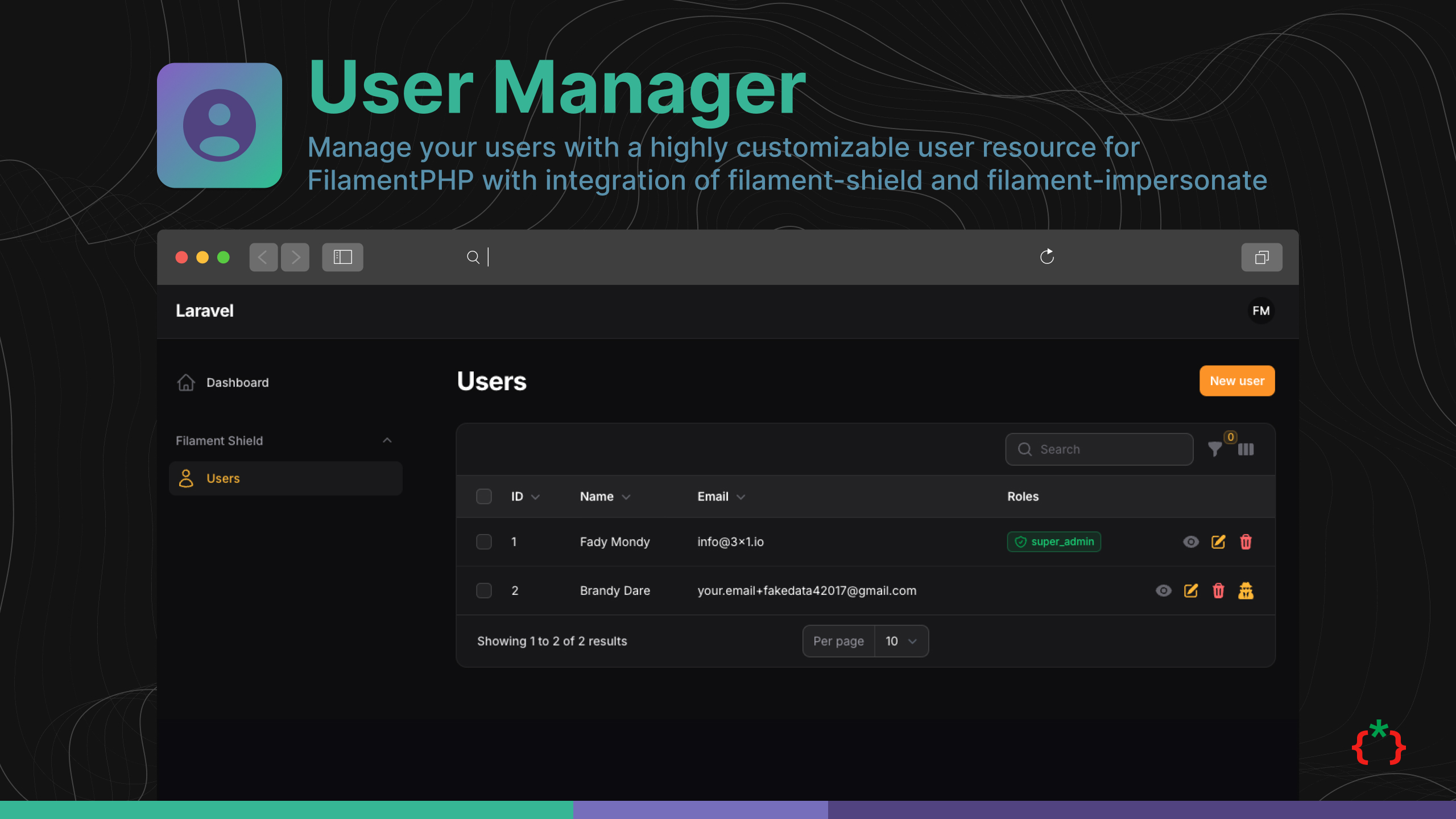



Manage your users with a highly customizable user resource for FilamentPHP with integration of filament-shield and filament-impersonate.
for filament v2 please use this repo
#Features
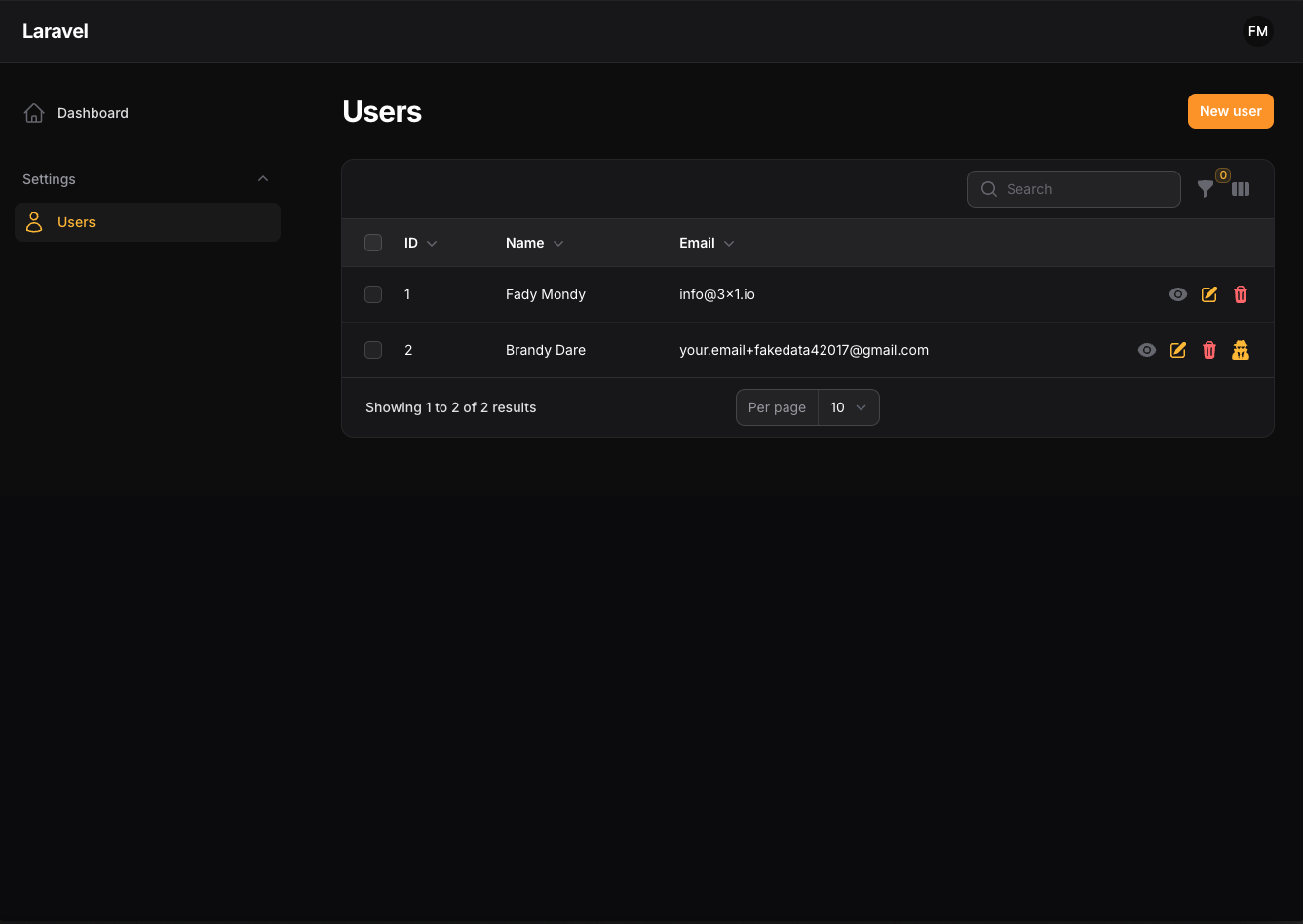
- Users Resource
- Allow To Publish User Resource
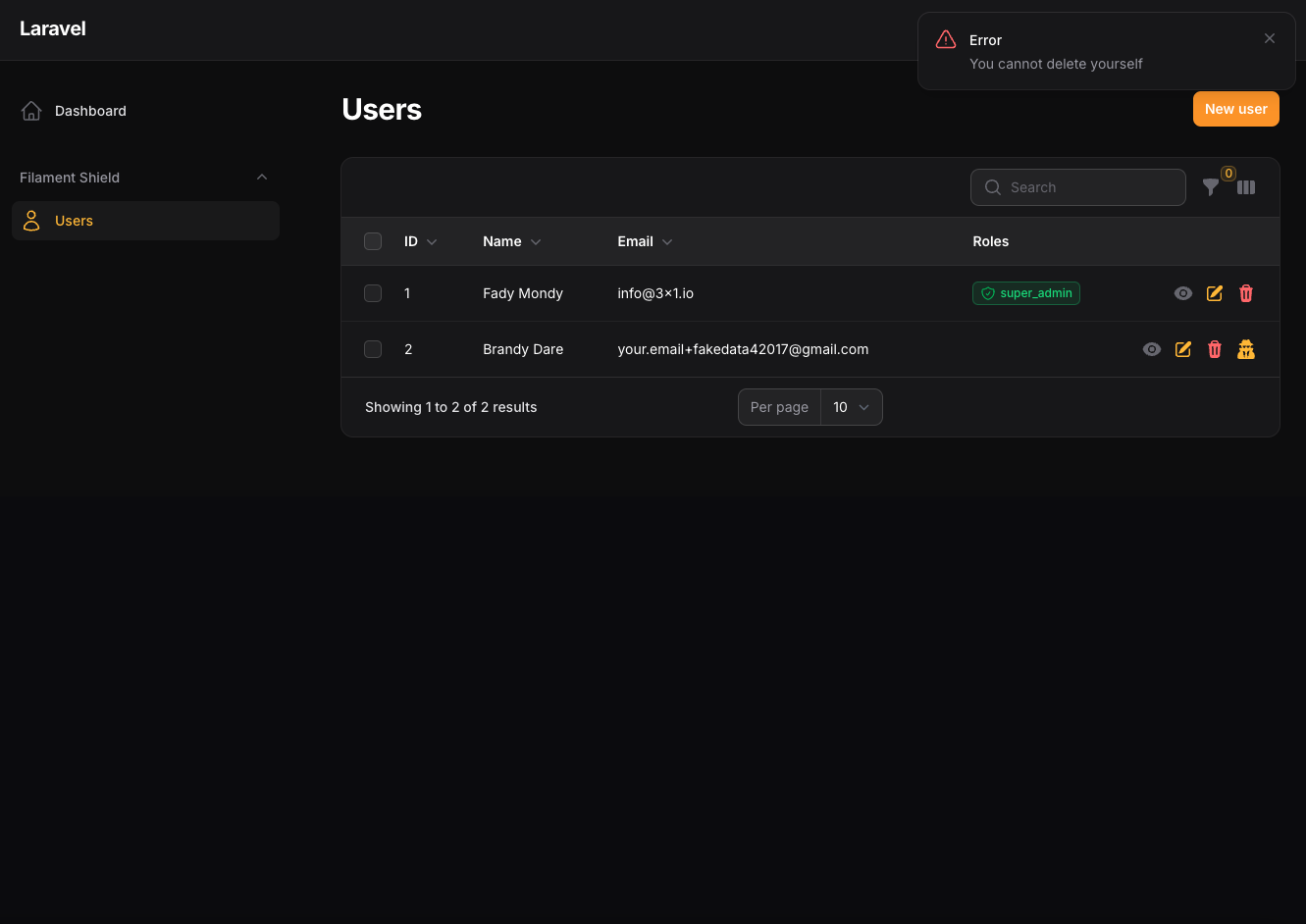
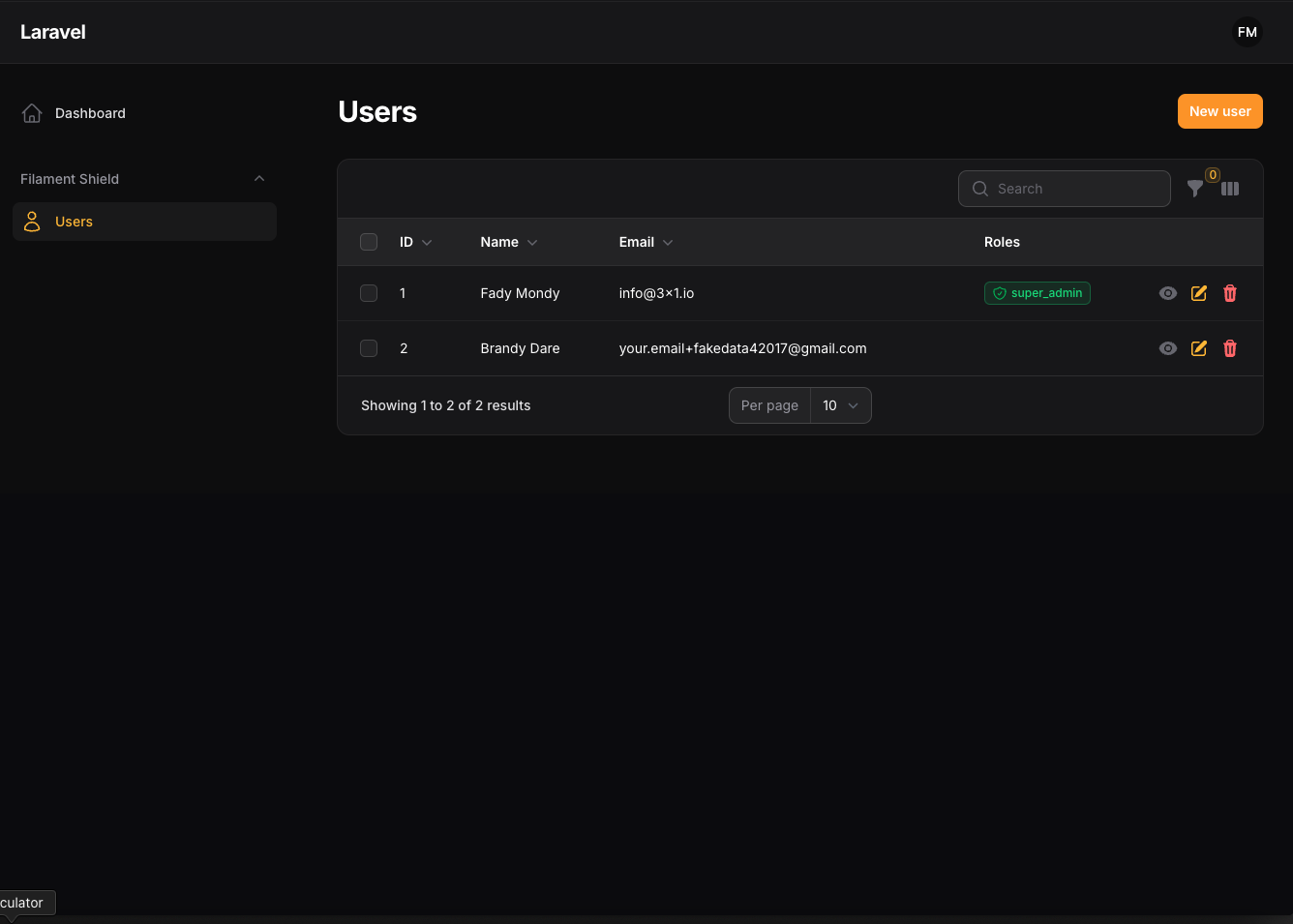
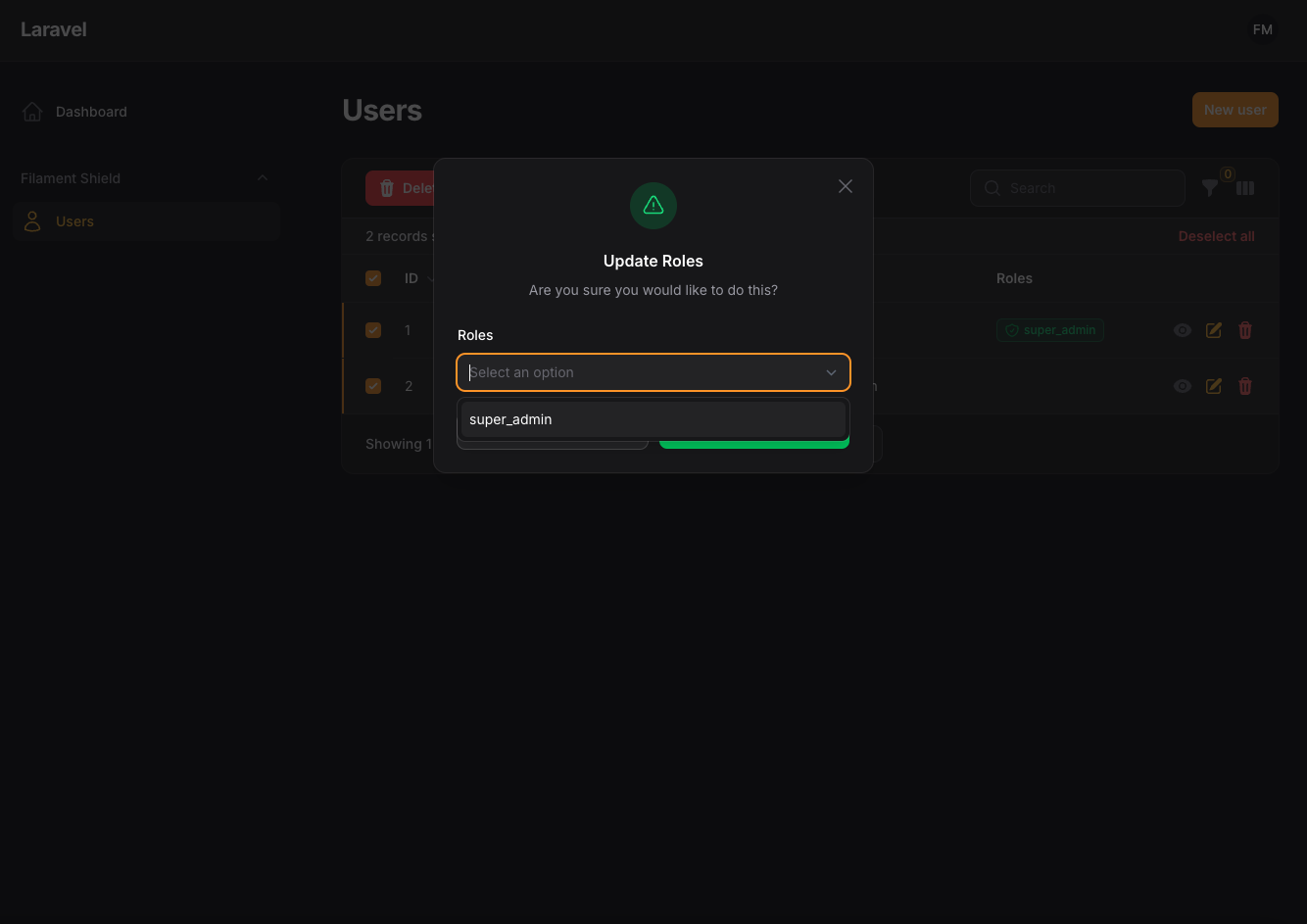
- Allow To Use Shield
- Allow To Use Impersonate
- Allow To Use Facade Class to custom the current user resource
- Integration with Laravel Jetstream teams
- custom User model from config file
- custom Team model from config file
- custom Role model from config file
- Allow User Avatars
- Laravel Jetsream user profile page
- Custom Register/Login Pages for Laravel Jetstream
- Add OTP Page to Register process
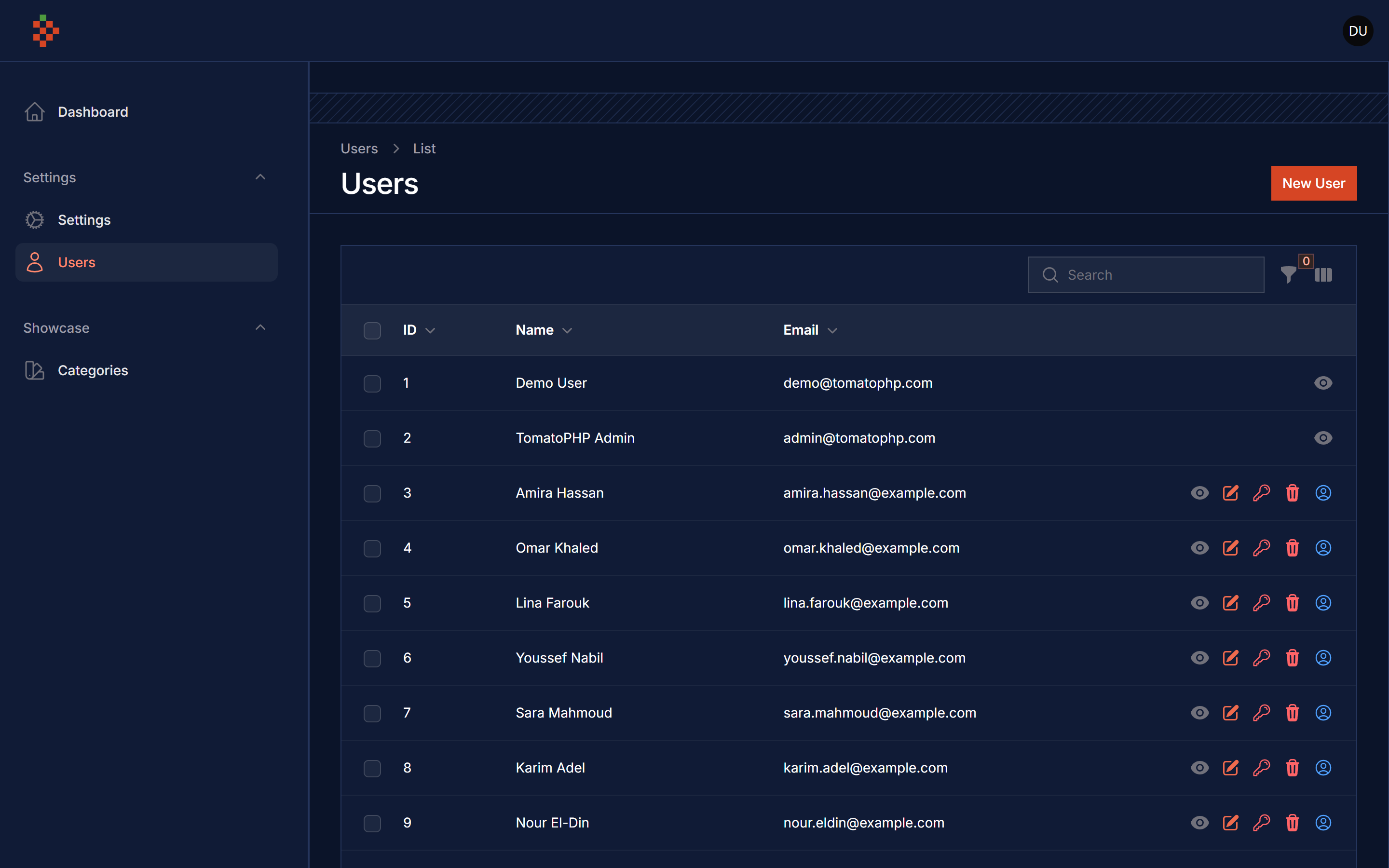
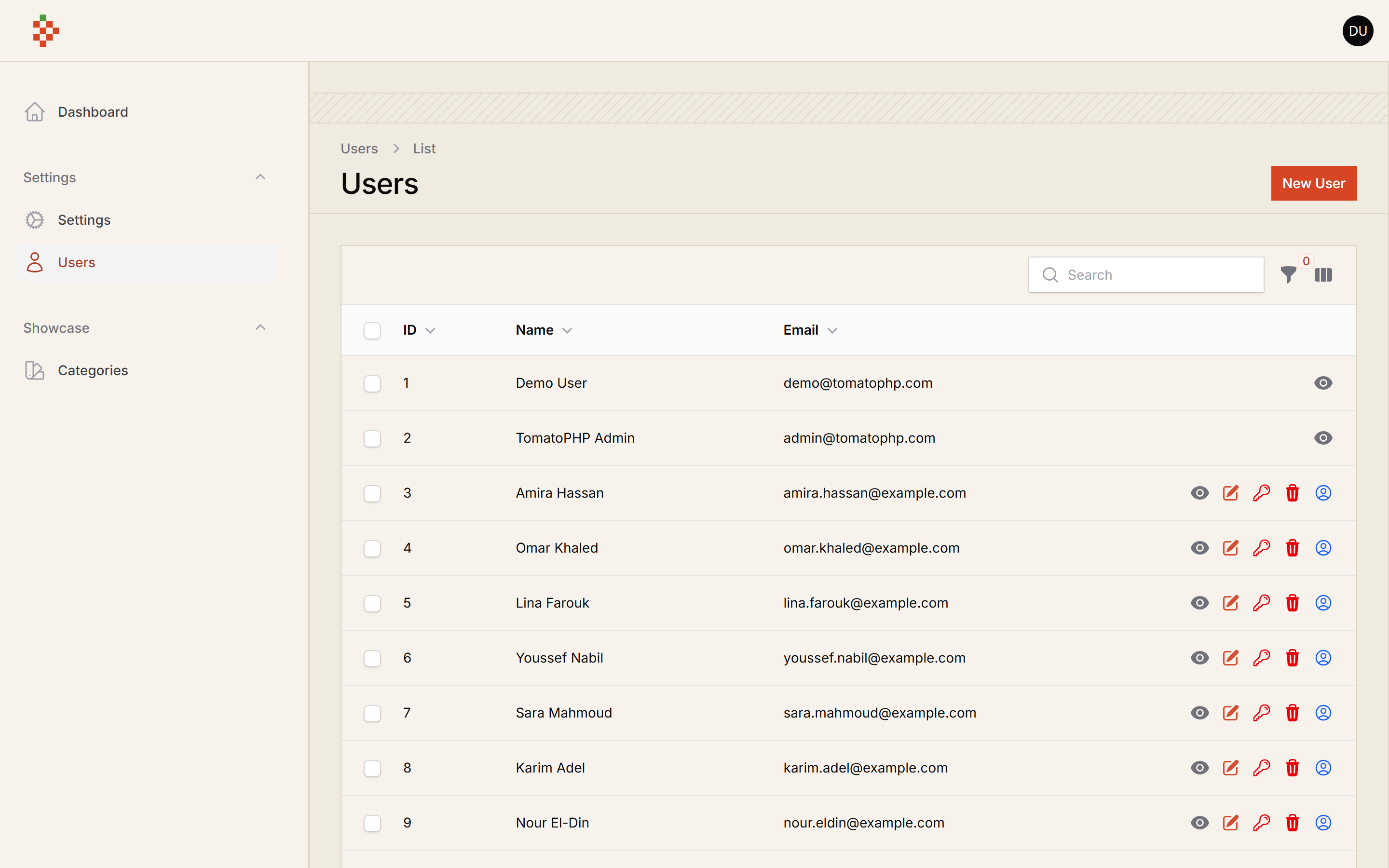
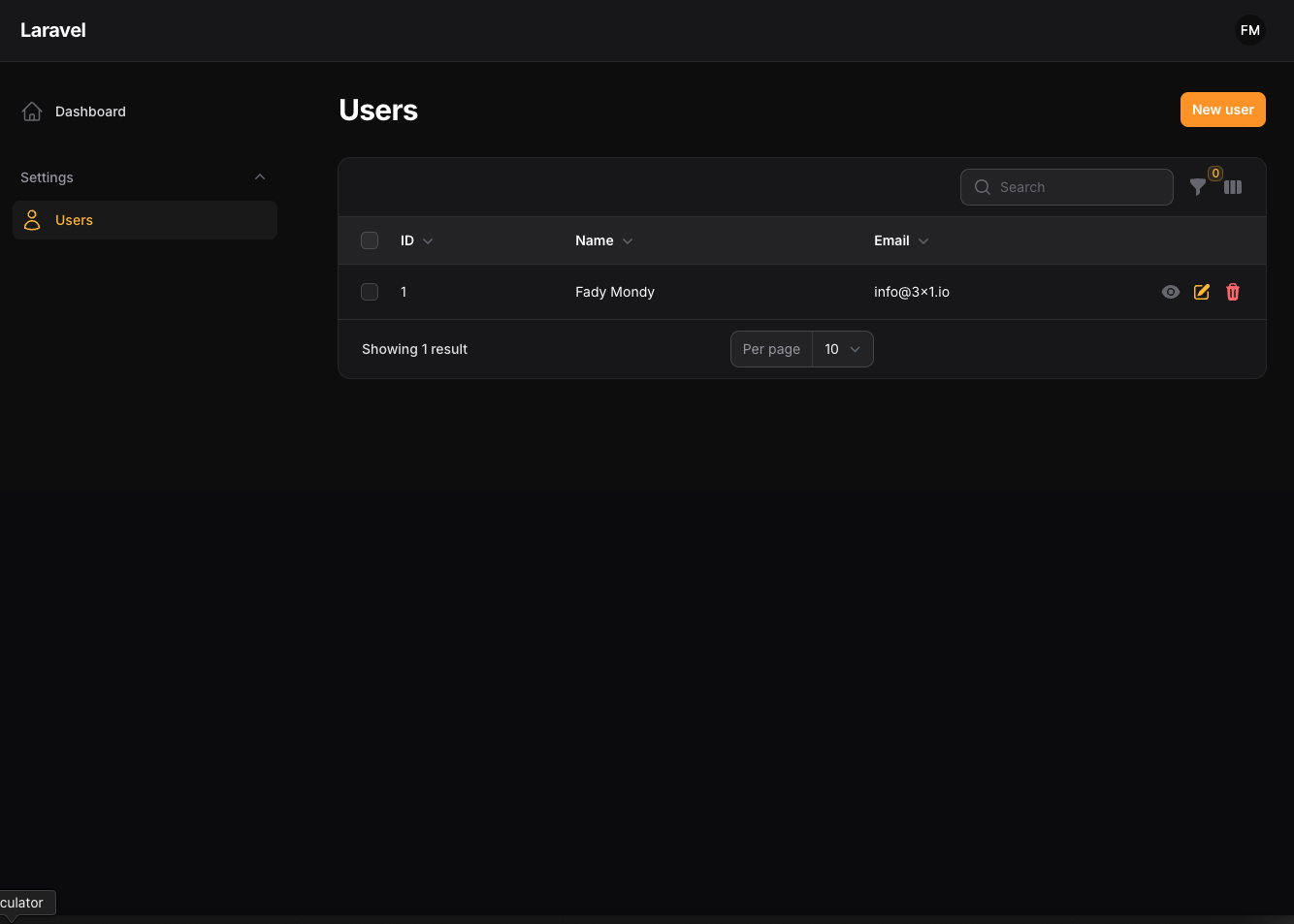
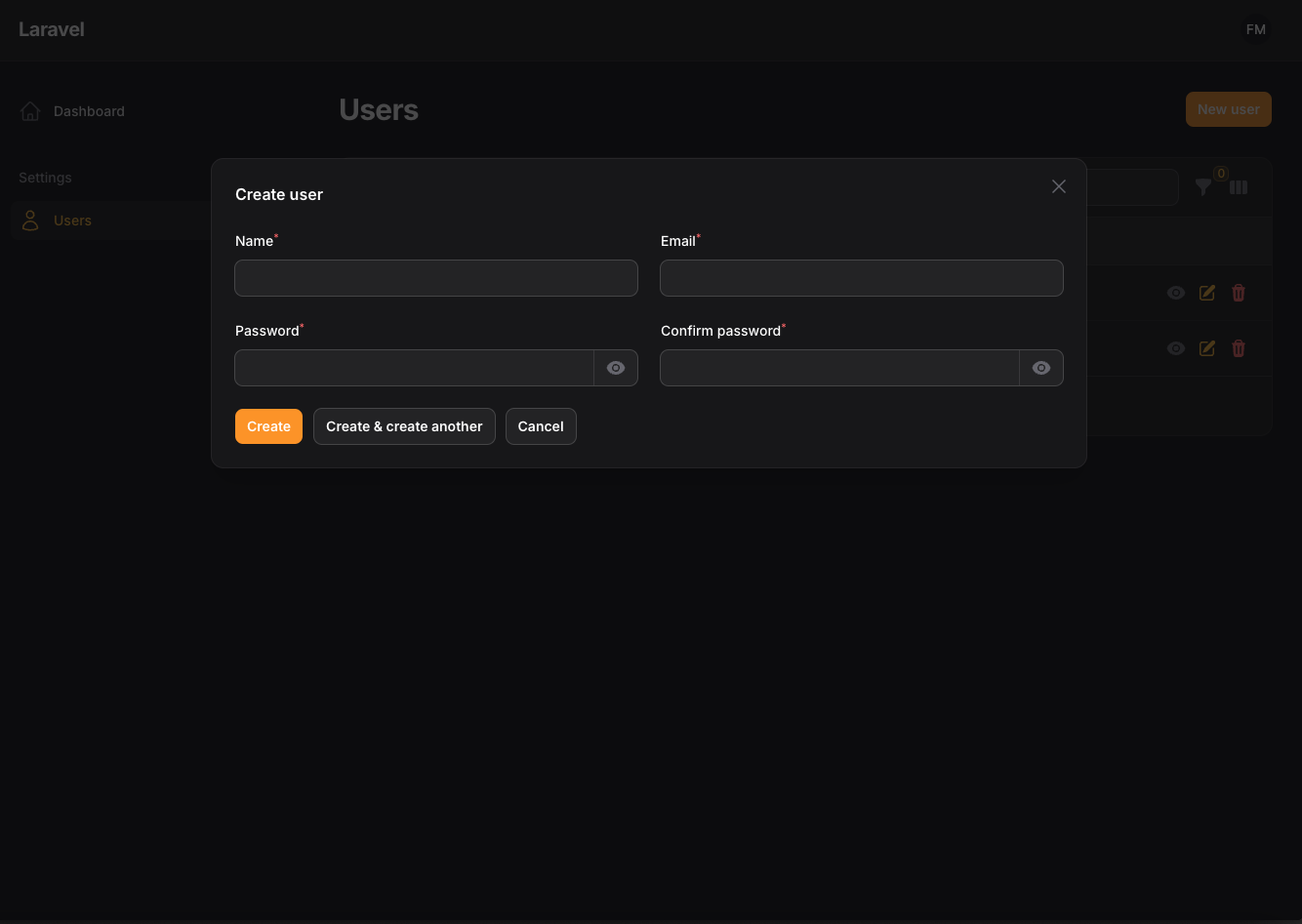
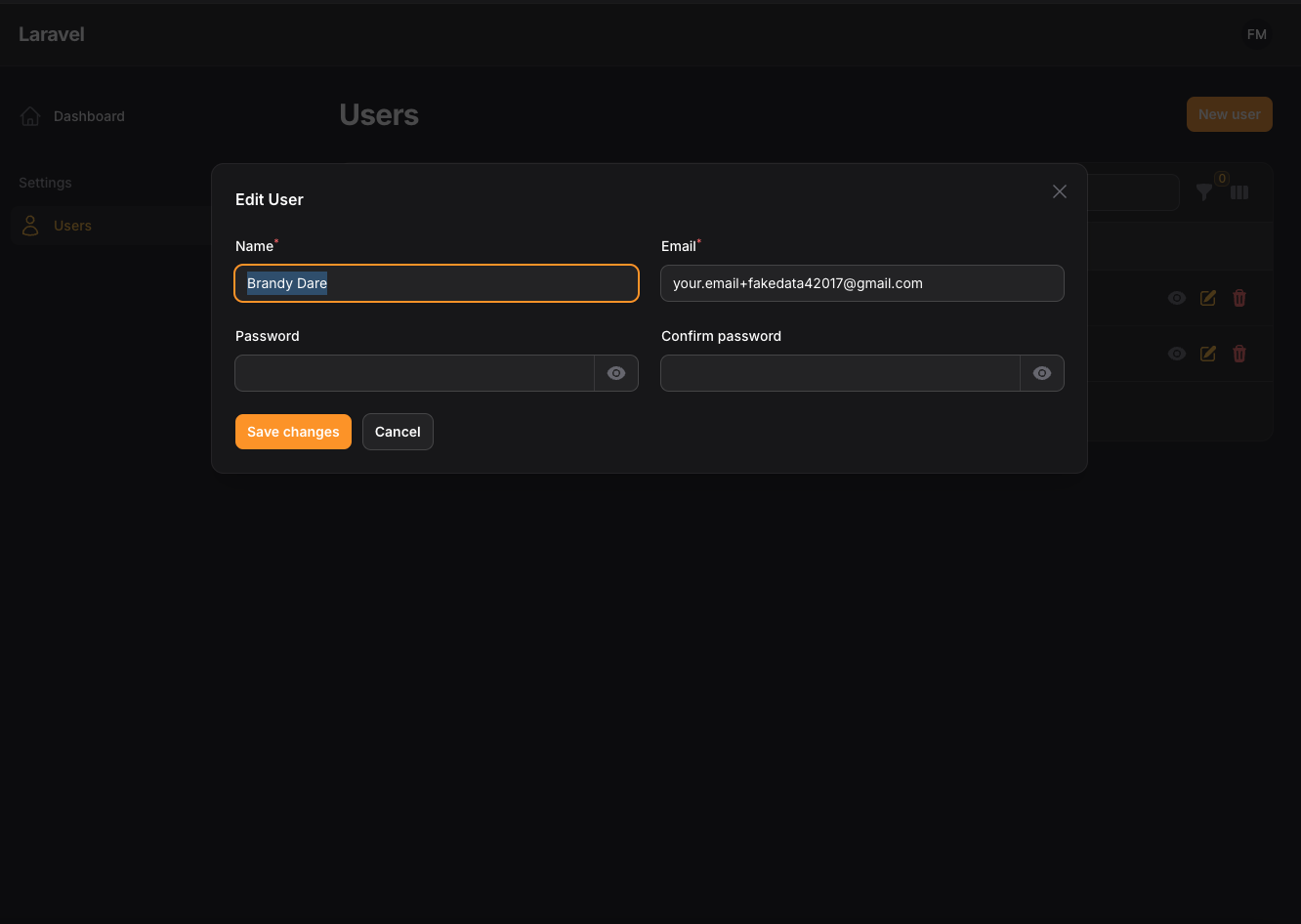
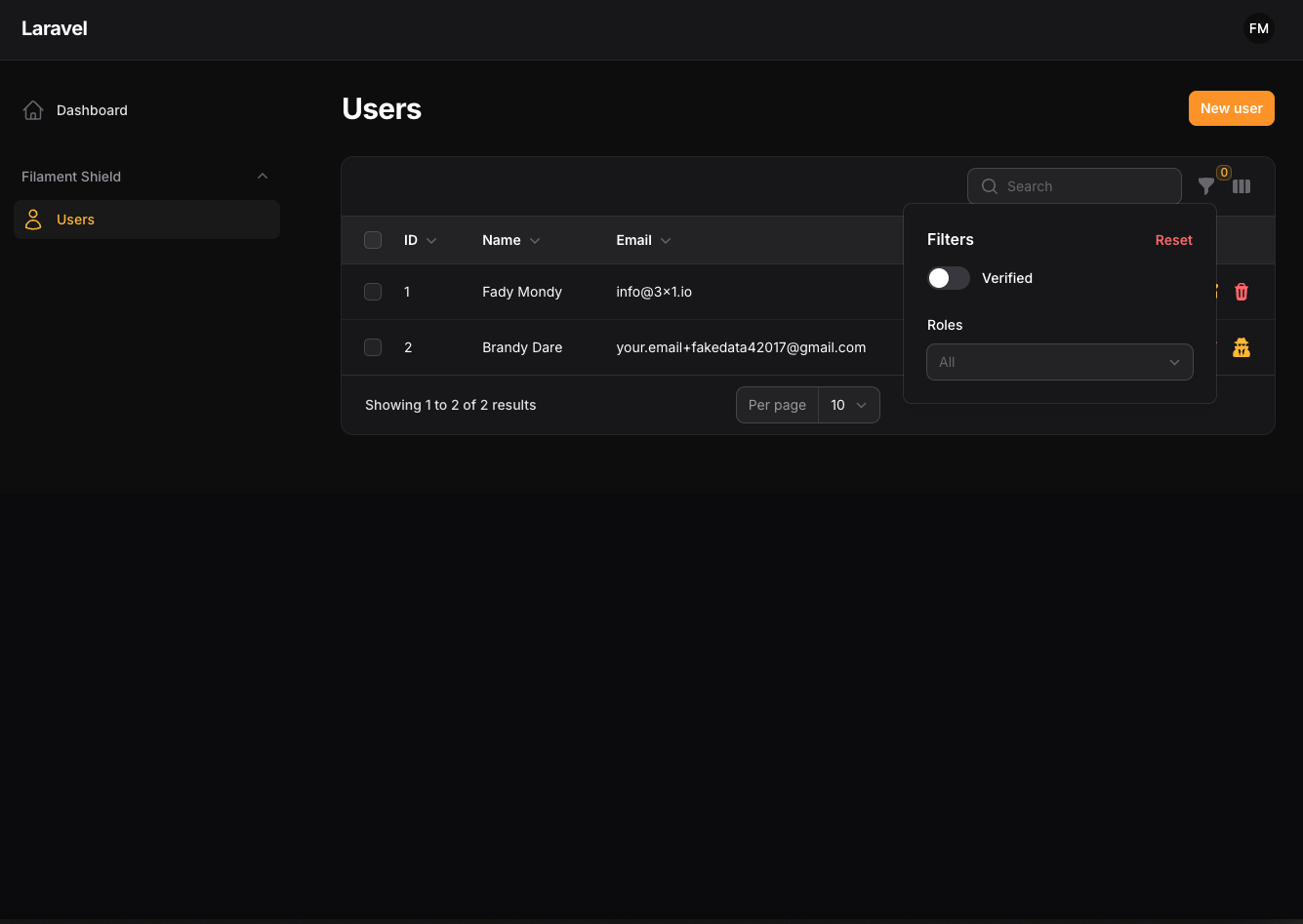
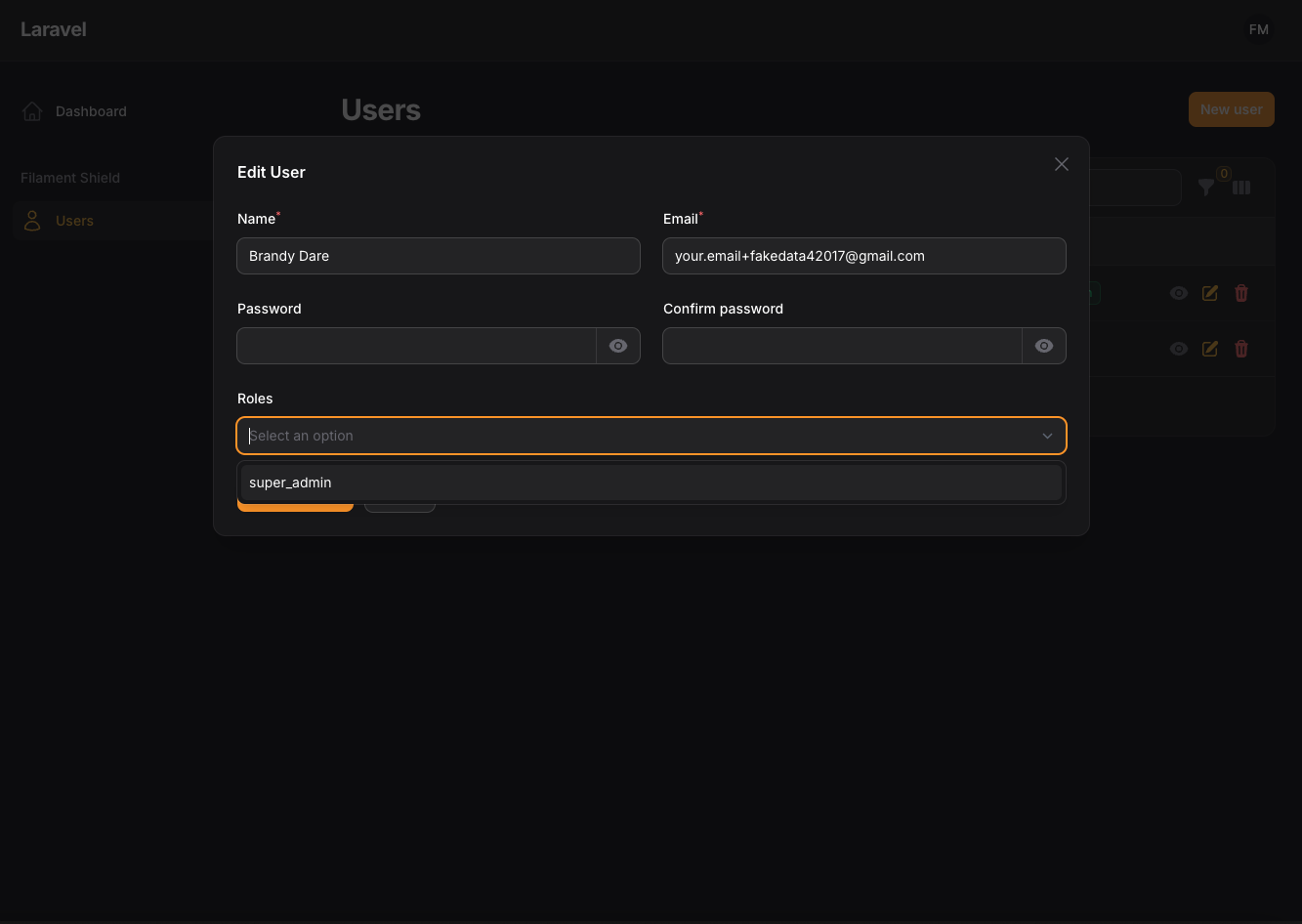
#Screenshots
Try it live on demo.tomatophp.com.
#Requirements
| Package version | Filament | Laravel | PHP |
|---|---|---|---|
| 5.x | 5.x | 12.x, 13.x | 8.2+ |
| 4.x | 4.x | 11.x, 12.x | 8.2+ |
#Installation
composer require tomatophp/filament-users
finally register the plugin on /app/Providers/Filament/AdminPanelProvider.php
->plugin(\TomatoPHP\FilamentUsers\FilamentUsersPlugin::make())
#Use Filament Shield
you can use the shield to protect your resource and allow user roles by install it first
composer require bezhansalleh/filament-shield
Add the Spatie\Permission\Traits\HasRoles trait to your User model(s):
use Illuminate\Foundation\Auth\User as Authenticatable;
use Spatie\Permission\Traits\HasRoles;

class User extends Authenticatable
{
    use HasRoles;

    // ...
}
Publish the config file then setup your configuration:
->plugin(\BezhanSalleh\FilamentShield\FilamentShieldPlugin::make())
Now run the following command to install shield:
php artisan shield:setup
php artisan shield:super_admin
Now we can publish the package assets.
php artisan vendor:publish --tag="filament-users-config"
now on your filament-users.php config allow shield
/*
 * User Filament Shield
 */
"shield" => true,
now clear your config
php artisan config:cache
php artisan optimize
for more information check the Filament Shield
#Use Filament Impersonate
now on your filament-users.php config allow shield
/*
 * User Filament Impersonate
 */
"impersonate" => [
    'enable' => true
],
now clear your config
php artisan config:cache
php artisan optimize
#Use Laravel Jetstream Teams
you can use the Laravel Jetstream Teams by install it first
composer require laravel/jetstream
after that just publish the migration and models
php artisan filament-users:teams
now you need to migrate the teams migration
php artisan migrate
now on your filament-users.php config allow shield
/*
 * User Filament Teams
 */
"teams" => true,
now clear your config
php artisan config:cache
php artisan optimize
#Publish Resource
you can custom the resource by just extend it and then make ->useUserResource(false) or ->useTeamsResource(false) to the plugin
#Register User Relation Manager
you can register the user relation manager to your project
use TomatoPHP\FilamentUsers\Facades\FilamentUser;

public function boot()
{
    FilamentUser::register([
        \Filament\Resources\RelationManagers\RelationManager::make() // Replace with your custom relation manager
    ]);
}
#User Users Resource Hooks
we have add a lot of hooks to make it easy to attach actions, columns, filters, etc
#Table Columns
use TomatoPHP\FilamentUsers\Filament\Resources\Users\Tables\UserTable;

public function boot()
{
    UsersTable::register([
        \Filament\Tables\Columns\TextColumn::make('something')
    ]);
}
#Table Actions
use TomatoPHP\FilamentUsers\Filament\Resources\Users\Tables\UserActions;

public function boot()
{
    UserActions::register([
        \Filament\Tables\Actions\ReplicateAction::make()
    ]);
}
#Table Filters
use TomatoPHP\FilamentUsers\Filament\Resources\Users\Tables\UserFilters;

public function boot()
{
    UserFilters::register([
        \Filament\Tables\Filters\SelectFilter::make('something')
    ]);
}
#Table Bulk Actions
use TomatoPHP\FilamentUsers\Filament\Resources\Users\Tables\UserBulkActions;

public function boot()
{
    UserBulkActions::register([
        \Filament\Tables\BulkActions\DeleteAction::make()
    ]);
}
#From Components
use TomatoPHP\FilamentUsers\Filament\Resources\Users\Schemas\UserForm;

public function boot()
{
    UserForm::register([
        \Filament\Forms\Components\TextInput::make('something')
    ]);
}
#Infolist Entries
use TomatoPHP\FilamentUsers\Filament\Resources\Users\Schemas\UserInfolist;

public function boot()
{
    UserInfolist::register([
       \Filament\Infolists\Components\TextEntry::make('something')
    ]);
}
#Custom Resource Classes
you can customize all resource classes to be any class you want with the same return from the config file
/**
 * ---------------------------------------------
 * Resource Building
 * ---------------------------------------------
 * if you want to use the resource custom class
 */
'resource' => [
    'table' => [
        'class' => \TomatoPHP\FilamentUsers\Resources\UserResource\Table\UserTable::class,
        'filters' => \TomatoPHP\FilamentUsers\Resources\UserResource\Table\UserFilters::class,
        'actions' => \TomatoPHP\FilamentUsers\Resources\UserResource\Table\UserActions::class,
        'bulkActions' => \TomatoPHP\FilamentUsers\Resources\UserResource\Table\UserBulkActions::class,
    ],
    'form' => [
        'class' => \TomatoPHP\FilamentUsers\Resources\UserResource\Schemas\UserForm::class
    ],
    'infolist' => [
        'class' => \TomatoPHP\FilamentUsers\Resources\UserResource\Schemas\UserInfolist::class
    ]
]
#Use Simple User Resource
you can use the simple user resource by change on config, on your filament-users.php config allow simple
/**
 * ---------------------------------------------
 * Use Simple Resource
 * ---------------------------------------------
 * change the resource from pages to modals by allow simple resource.
 */
'simple' => true,
#Use User Avatar
you can use User Avatar by just add ->useAvatar() to the plugin
#Publish Assets
you can publish config file by use this command
php artisan vendor:publish --tag="filament-users-config"
you can publish languages file by use this command
php artisan vendor:publish --tag="filament-users-lang"
#Testing
if you like to run PEST testing just use this command
composer test
#Code Style
if you like to fix the code style just use this command
composer format
#PHPStan
if you like to check the code by PHPStan just use this command
composer analyse
#Other Filament Packages
Checkout our Awesome TomatoPHP
The author
I Build AI Systems That Solve Real Business Problems AI engineering leader, technical partner and product builder for startups and growing businesses. I design and ship AI agents, automation, intelligent applications and private AI — and the scalable products around them, from strategy to production.
From the same author
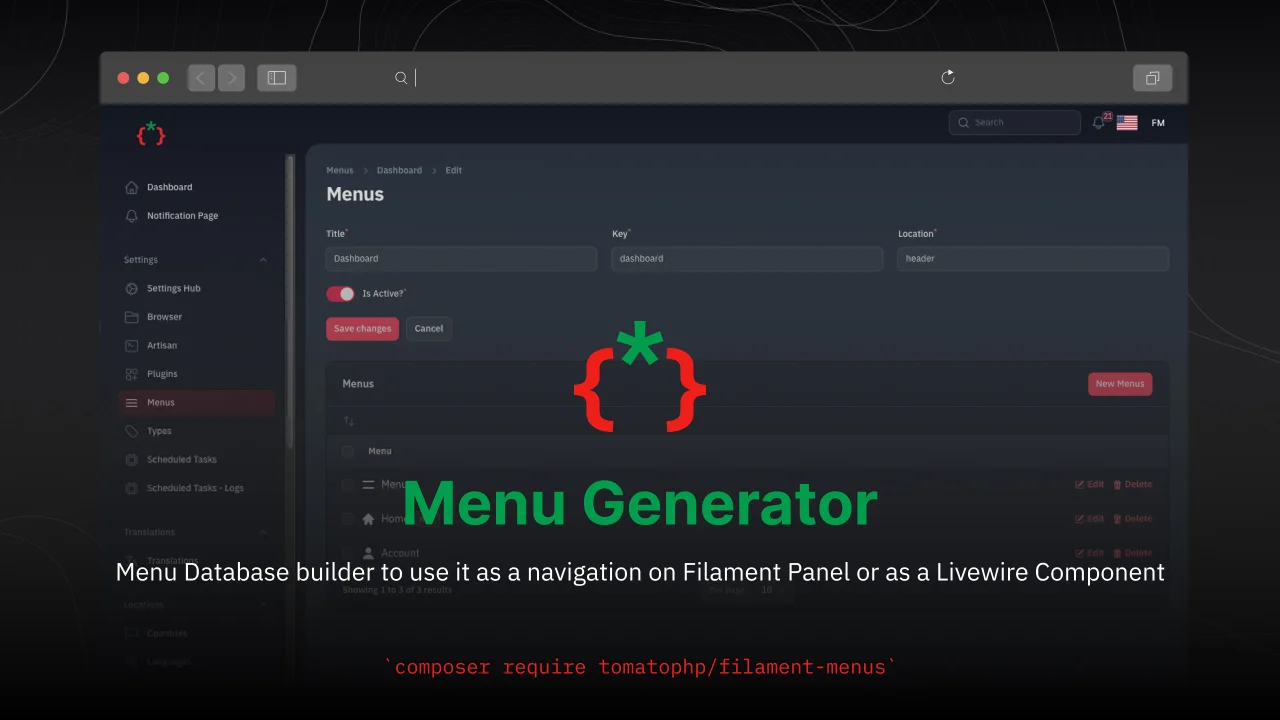
Menu Generator
Menu view generator using view component
Author:
Fady Mondy
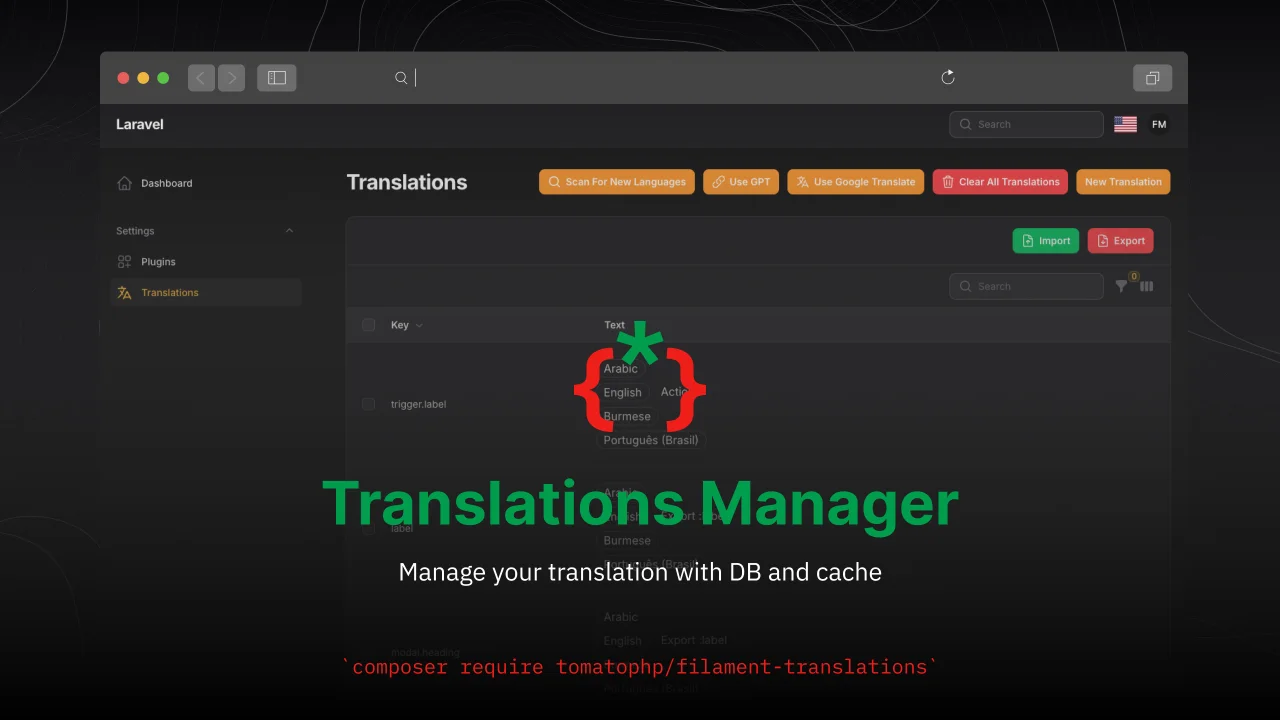
TomatoPHP Translations Manager
Manage your translation with DB and cache, you can scan an collect translation strings like `trans()` and `__()`, and translate them using UI
Author:
Fady Mondy
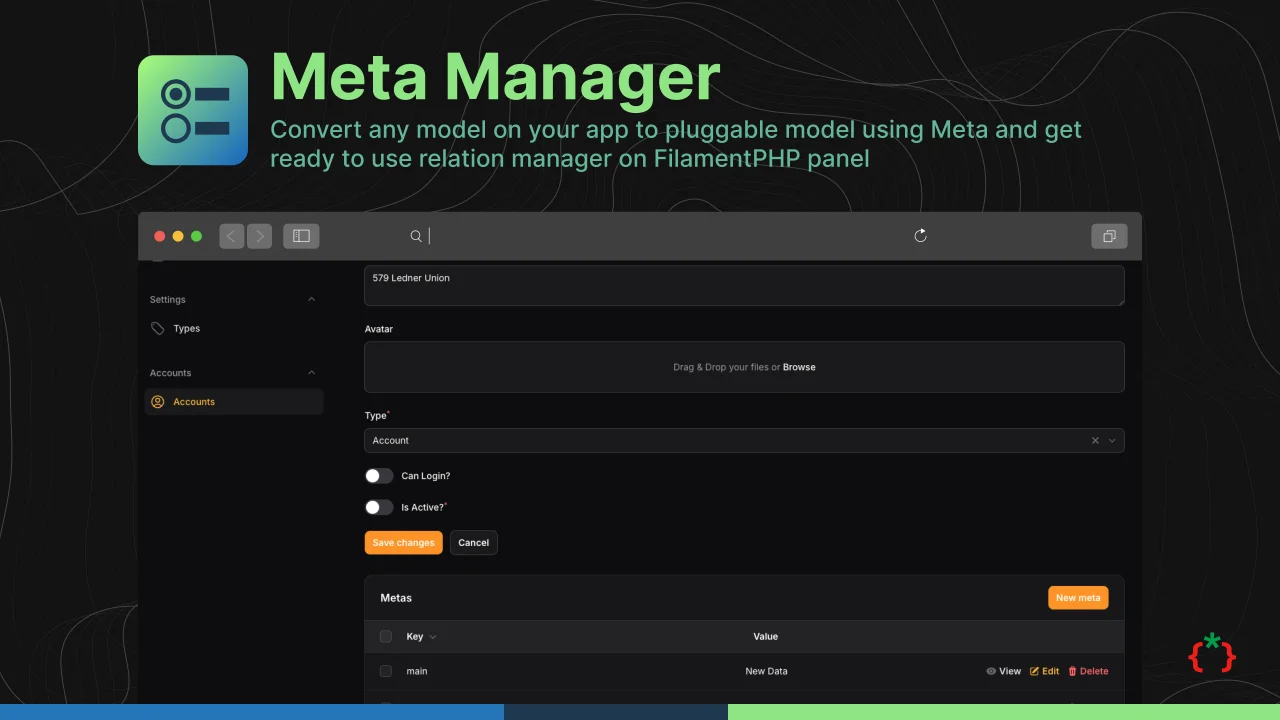
Meta Manager
Convert any model on your app to pluggable model using Meta and get ready to use relation manager on FilamentPHP panel
Author:
Fady Mondy
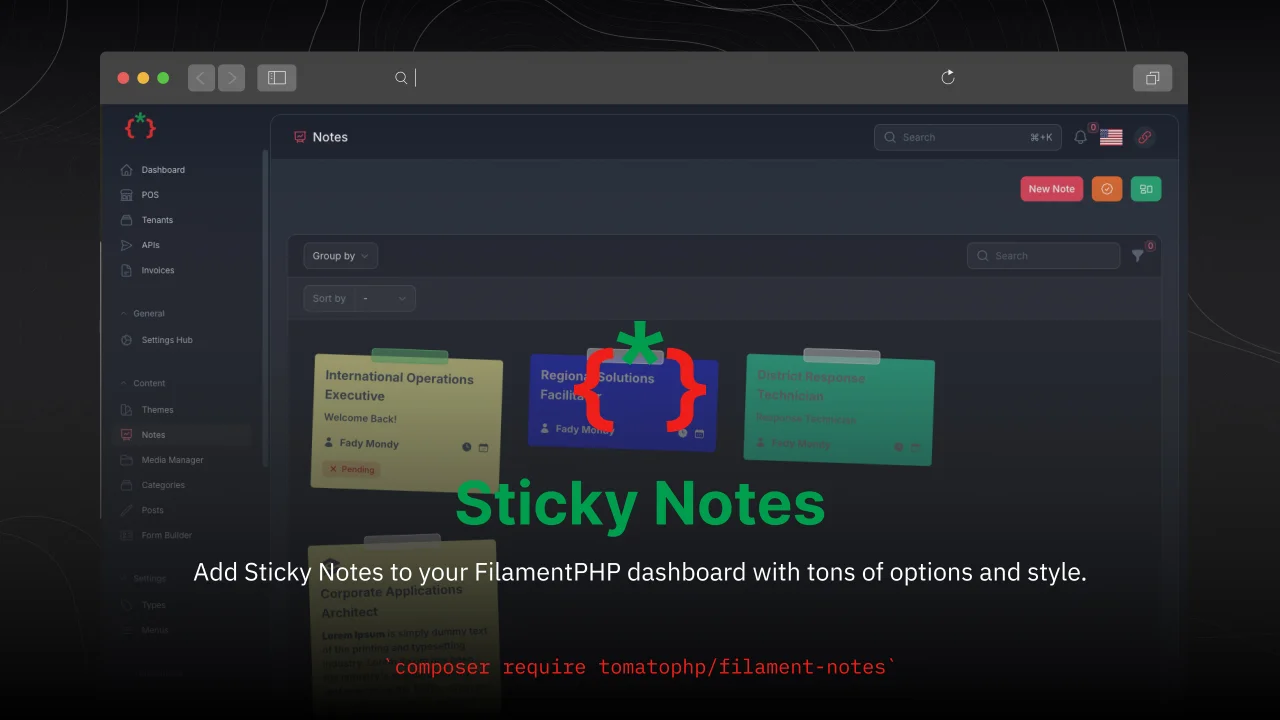
Sticky Notes
Add Sticky Notes to your dashboard with tons of options and style.
Author:
Fady Mondy
Featured Plugins
A selection of plugins curated by the Filament team

Soft Theme
A theme that gives panels a warm, approachable look with rounded shapes, gentle colors, and serif headings.
 Filament

Sharp Theme
A theme that gives panels a precise, technical look with square corners, strong borders, and clear contrast.
Filament

Advanced Tables (formerly Filter Sets)
Supercharge your tables with powerful features like user-customizable views, quick filters, multi-column sorting, advanced table searching, convenient view management, and more. Compatible with Resource Panel Tables, Relation Managers, Table Widgets, and Table Builder!
 Kenneth Sese

