
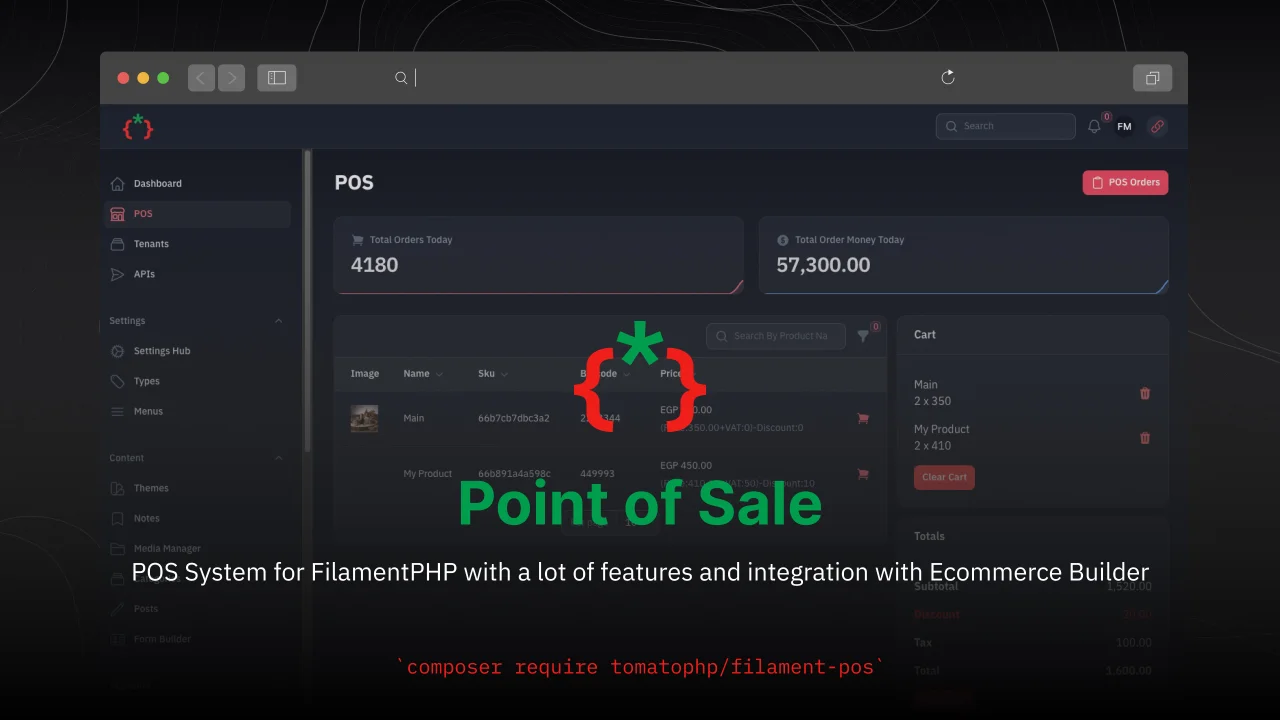
Point of Sale
CommunityPOS System for FilamentPHP with a lot of features and integration with Ecommerce Builder
 Author:
Fady Mondy
Author:
Fady Mondy
Package health
BetaAutomated checks of this plugin's Composer package
15 checks
- Failed: GitHub Actions pinned to SHA — View details on Plumb
- Skipped: GitLab CI includes pinned to SHA
- Passed: Open security advisories
- Passed: Dependabot PR responsiveness — No open Dependabot PRs.
- Skipped: Renovate MR responsiveness
- Failed: Dependabot or Renovate configured — No dependency updater configuration found. View details on Plumb
- Skipped: Dependency update cooldown configured
- Passed: Provides a security policy
- Passed: Abandoned or archived — No consulted source marks the package abandoned (packagist, github).
- Passed: Commit and release recency — Active: last commit 10 days ago; last release 725 days ago.
-
Passed:
composer.lock not committed by library
—
composer.lockis absent from the released dist archive. - Warning: Dist archive is lean
-
Passed:
Current Laravel version supported
—
Package dependencies resolve together with current Laravel
13.0. -
Passed:
Current PHP version supported
—
Constraint
^8.2supports current PHP8.5. - Skipped: Current Symfony version supported
filament/
namespace. Review the source and install at your own risk. Found
malware or an unresolved security issue the author won't
address?
Report it
.
Documentation
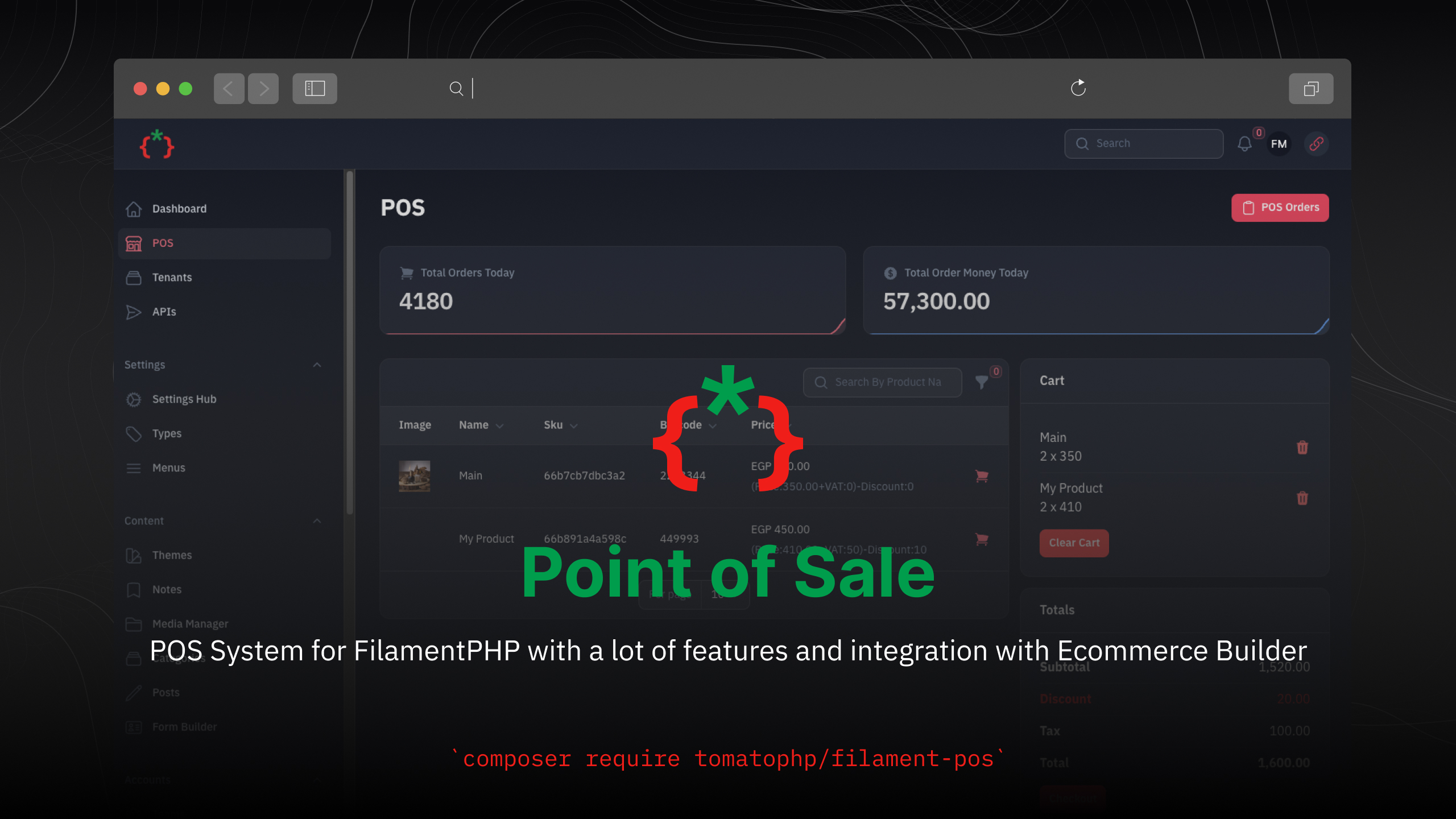



POS System for FilamentPHP with a lot of features and integration with Ecommerce Builder
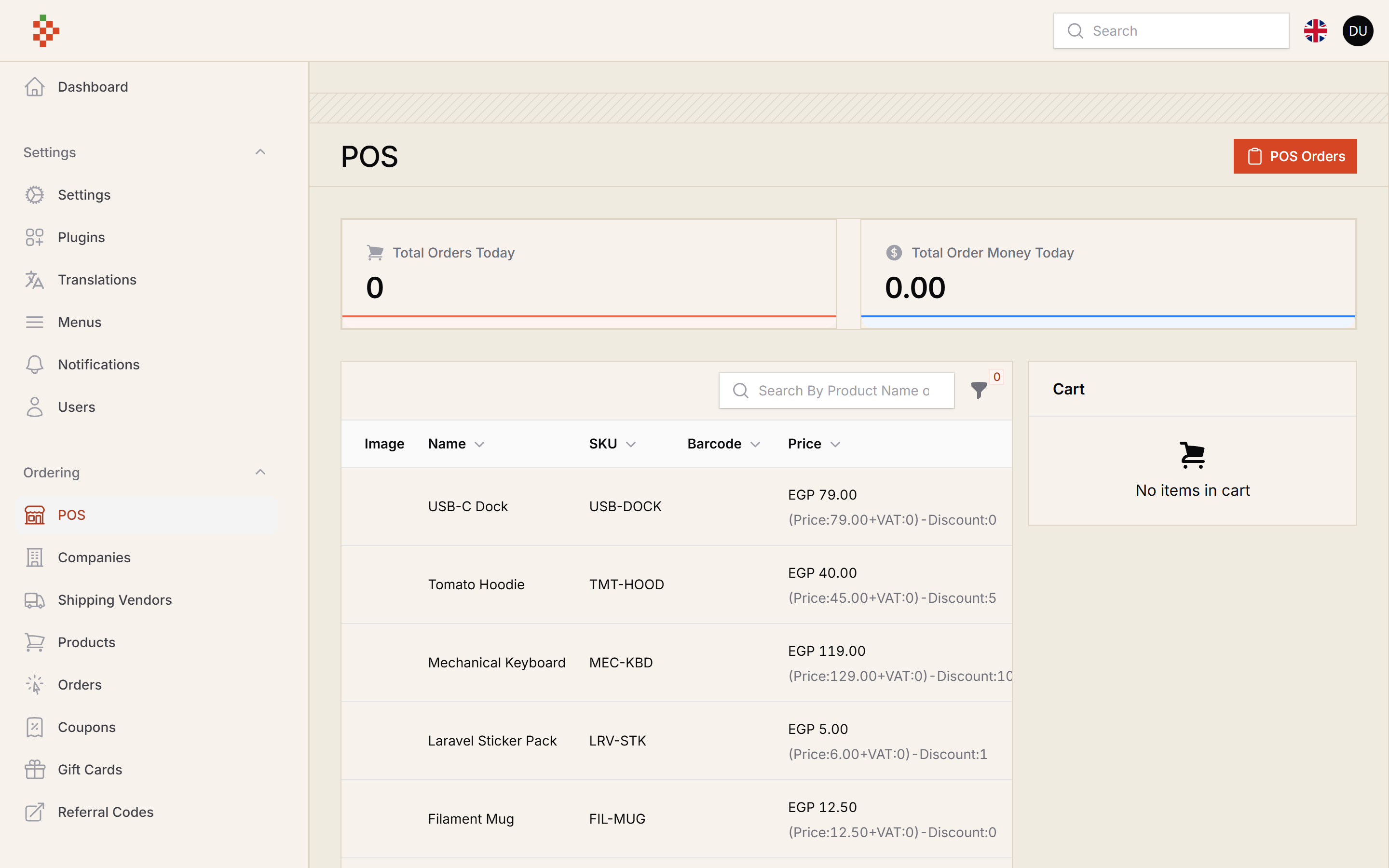
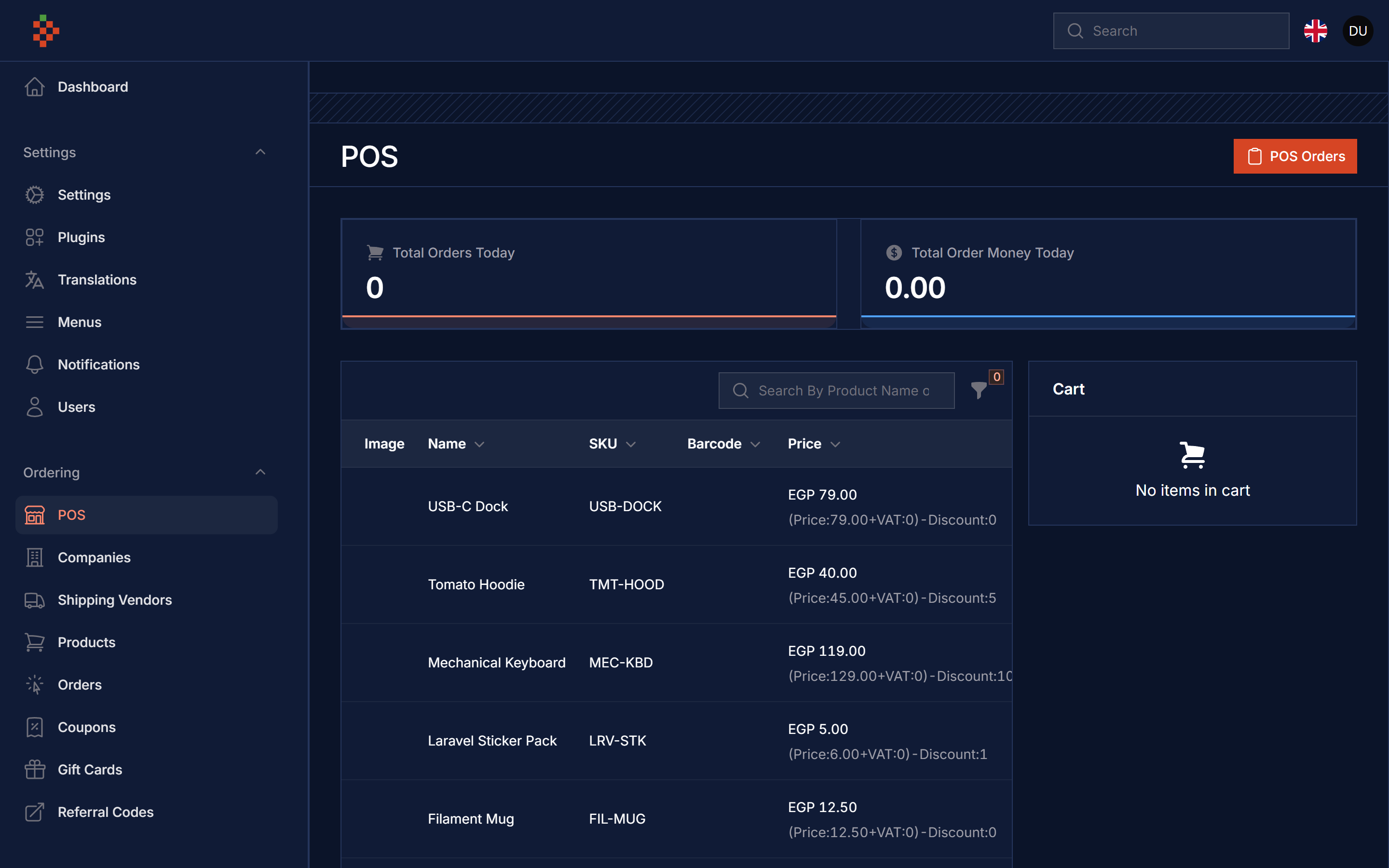
#Screenshots
#Compatibility
| Filament POS | Filament | Laravel | PHP |
|---|---|---|---|
| 5.x | 5.x | 12 / 13 | 8.2+ |
| 1.x (v3 branch) | 3.x | 10 / 11 | 8.1+ |
#Installation
composer require tomatophp/filament-pos
The POS page ships its own stylesheet, so publish the Filament assets after installing or updating the package
php artisan filament:assets
we need the Media Library plugin to be installed and migrated you can use this command to publish the migration
php artisan vendor:publish --provider="Spatie\MediaLibrary\MediaLibraryServiceProvider" --tag="medialibrary-migrations"
now you need to install the settings hub use these commands
php artisan vendor:publish --provider="Spatie\LaravelSettings\LaravelSettingsServiceProvider" --tag="migrations"
php artisan filament-settings-hub:install
after install your package please run this command
php artisan filament-pos:install
finally register the plugin on /app/Providers/Filament/AdminPanelProvider.php
->plugin(\TomatoPHP\FilamentPos\FilamentPOSPlugin::make())
The POS plugin registers FilamentEcommercePlugin and FilamentAccountsPlugin for you. If your panel already registers them (for example to enable coupons with FilamentEcommercePlugin::make()->useCoupon()), your configuration is kept.
The POS page is available at /admin/pos and uses the ordering settings of the Ecommerce package (company, direct branch and order code).
#Use Filament Shield
you can use the shield to protect your resource and allow user roles by install it first
composer require bezhansalleh/filament-shield
Add the Spatie\Permission\Traits\HasRoles trait to your User model(s):
use Illuminate\Foundation\Auth\User as Authenticatable;
use Spatie\Permission\Traits\HasRoles;

class User extends Authenticatable
{
    use HasRoles;

    // ...
}
Publish the config file then setup your configuration:
->plugin(\BezhanSalleh\FilamentShield\FilamentShieldPlugin::make())
Now run the following command to install shield:
php artisan shield:install
Now we can publish the package assets.
php artisan vendor:publish --tag="filament-users-config"
now you need to allow it on the plugin options
->plugin(\TomatoPHP\FilamentPos\FilamentPOSPlugin::make()->allowShield())
for more information check the Filament Shield
#Publish Assets
you can publish config file by use this command
php artisan vendor:publish --tag="filament-pos-config"
you can publish views file by use this command
php artisan vendor:publish --tag="filament-pos-views"
you can publish languages file by use this command
php artisan vendor:publish --tag="filament-pos-lang"
#Other Filament Packages
Checkout our Awesome TomatoPHP
The author
I Build AI Systems That Solve Real Business Problems AI engineering leader, technical partner and product builder for startups and growing businesses. I design and ship AI agents, automation, intelligent applications and private AI — and the scalable products around them, from strategy to production.
From the same author
Menu Generator
Menu view generator using view component
Author:
Fady Mondy
TomatoPHP Translations Manager
Manage your translation with DB and cache, you can scan an collect translation strings like `trans()` and `__()`, and translate them using UI
Author:
Fady Mondy
Meta Manager
Convert any model on your app to pluggable model using Meta and get ready to use relation manager on FilamentPHP panel
Author:
Fady Mondy
Sticky Notes
Add Sticky Notes to your dashboard with tons of options and style.
Author:
Fady Mondy
Featured Plugins
A selection of plugins curated by the Filament team

Blueprint
Filament Blueprint is a premium Laravel Boost extension that helps AI agents produce accurate, detailed implementation plans and security reports for Filament apps.
 Filament

Custom Fields
Eliminate custom field migrations forever. Let your users create and manage form fields directly in Filament admin panels with 20+ built-in field types, validation, and zero database changes.
 Relaticle

Soft Theme
A theme that gives panels a warm, approachable look with rounded shapes, gentle colors, and serif headings.
Filament

