Alerts Sender
Send notifications to users using notification templates and multi-notification channels
 Author:
Fady Mondy
Author:
Fady Mondy
Documentation
- Features
- Screenshots
- Drivers
- Installation
- Usage
- Use Email Settings
- Add Custom Driver
- Register Custom Type
- Register Custom Action
- Register Custom User Type
- User Alerts Resource Hooks
- Custom Resource Classes
- Publish Assets
- Testing
- Code Style
- PHPStan
- Other Filament Packages
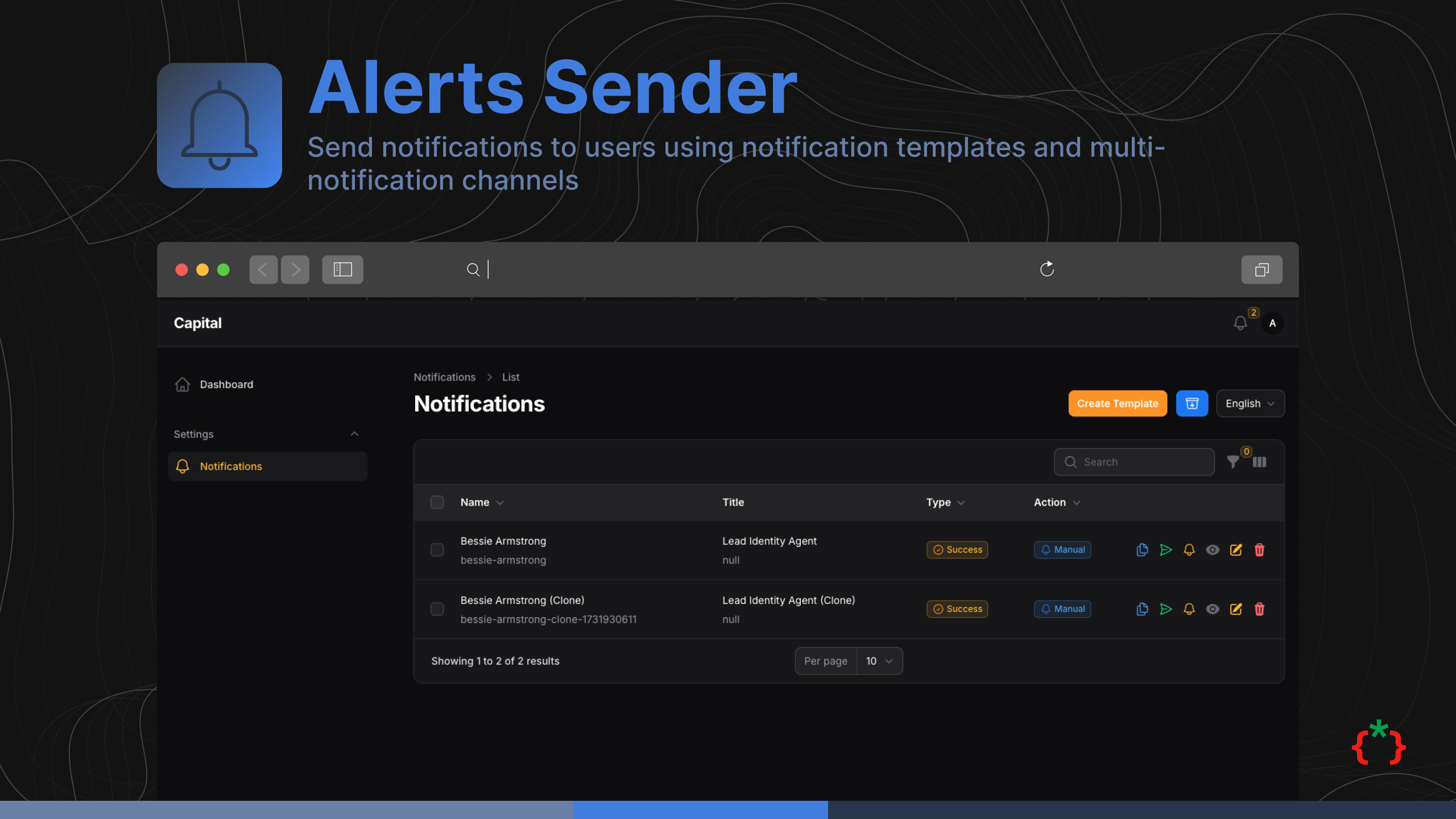



Send notification to users using notification templates and multi notification channels, it's support Filament Native Notification Service with macro, and a full integration to FCM service worker notifications
#Features
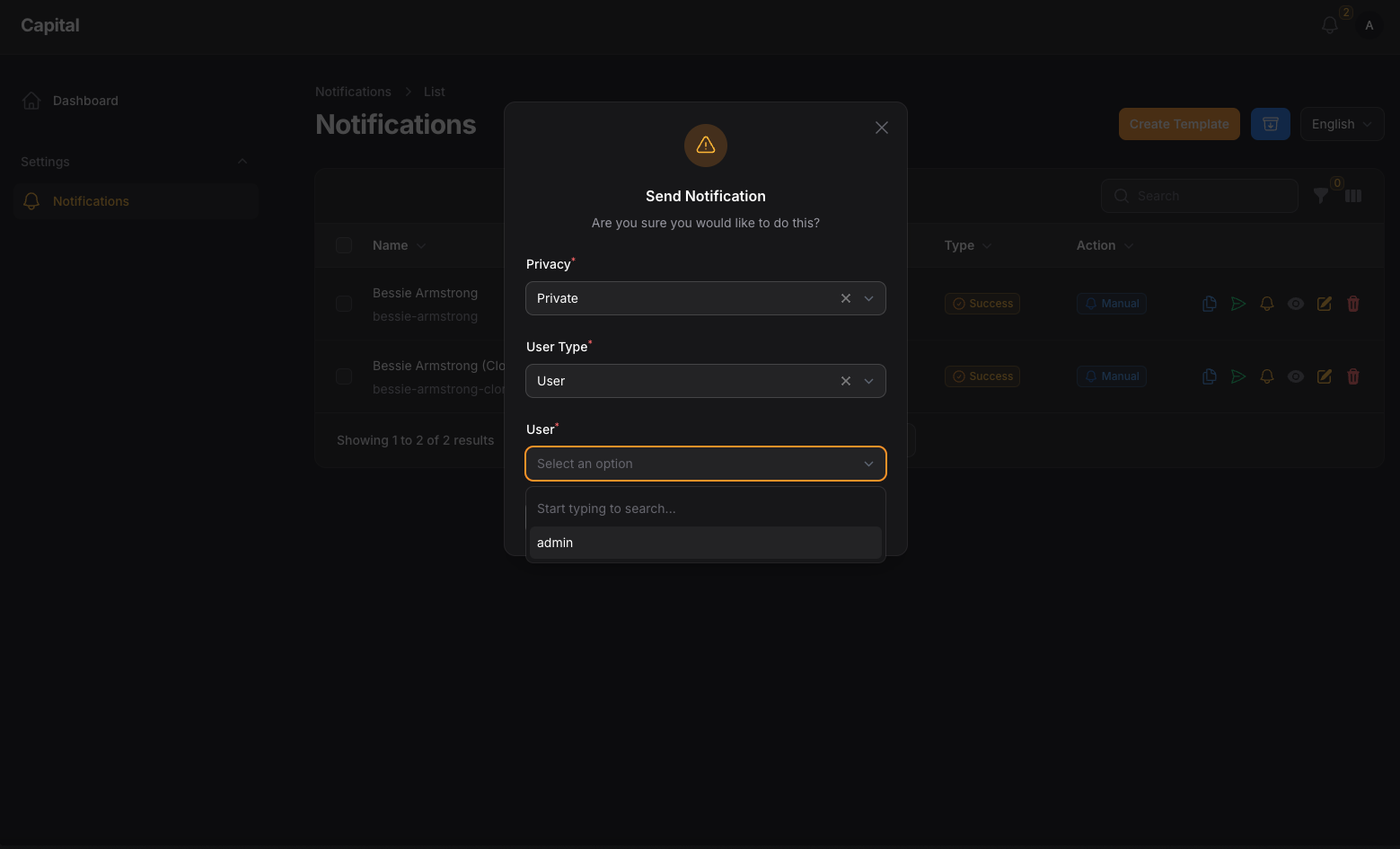
- Send Notification to users using drivers
- Use Filament Native Notification
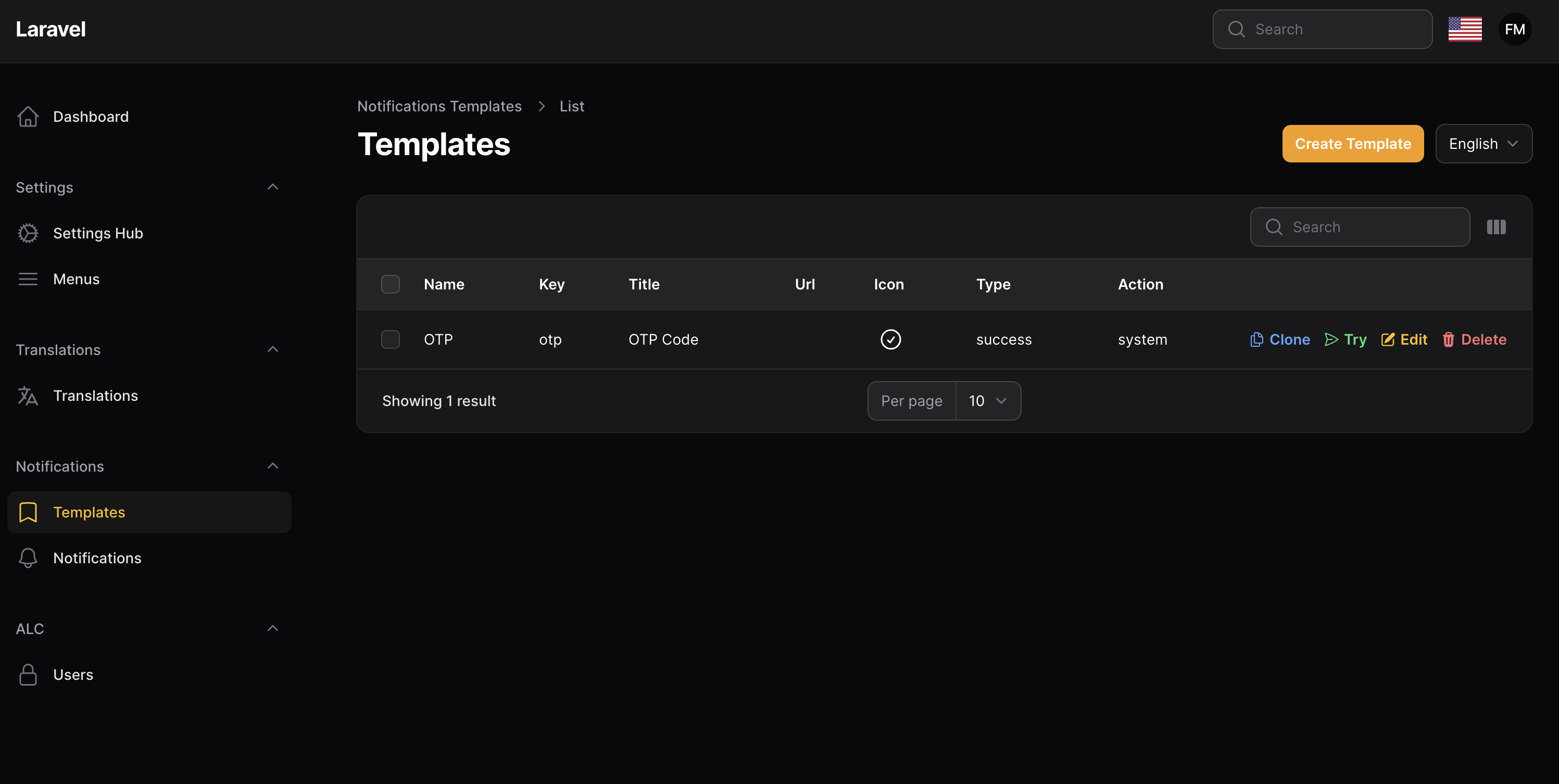
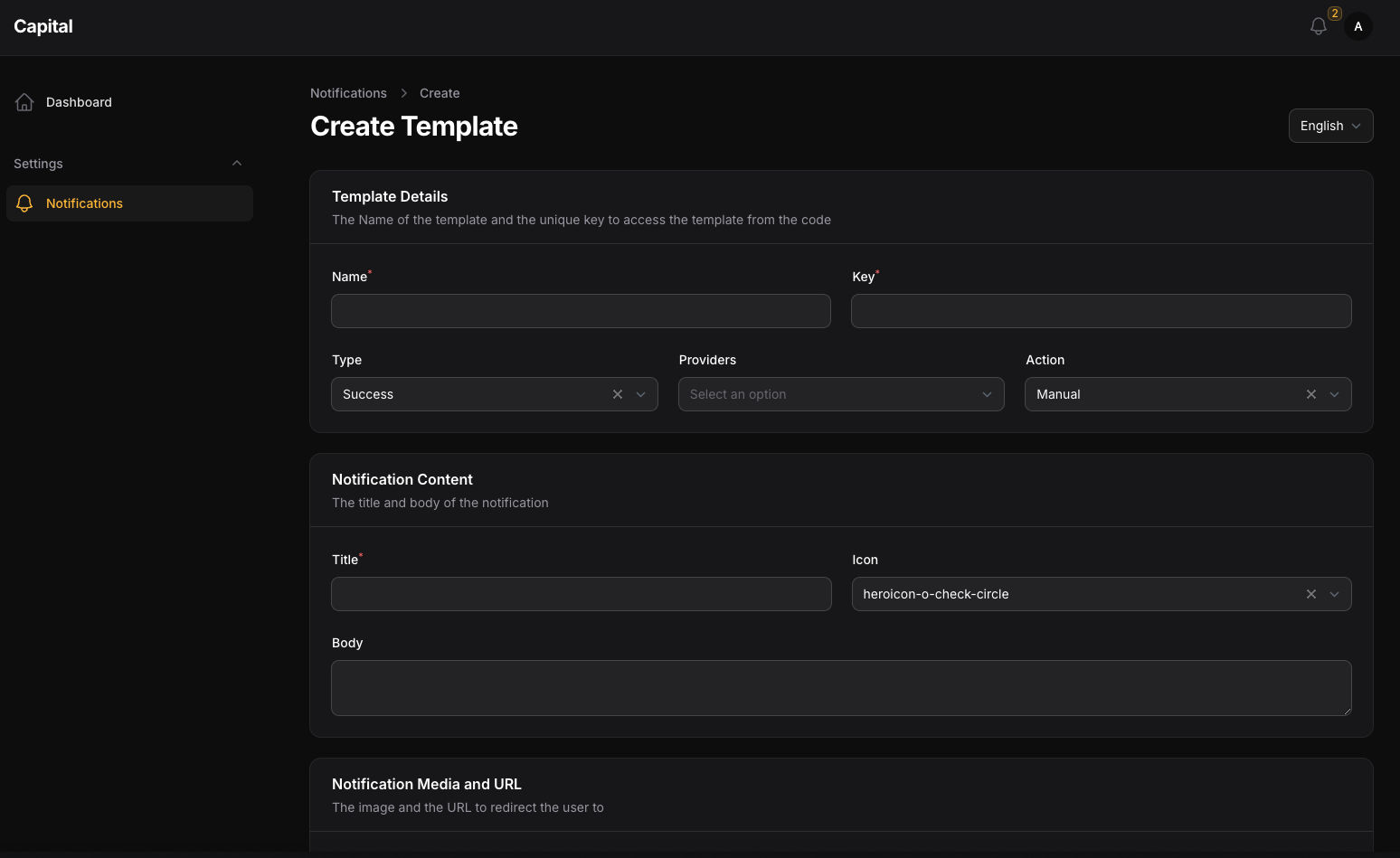
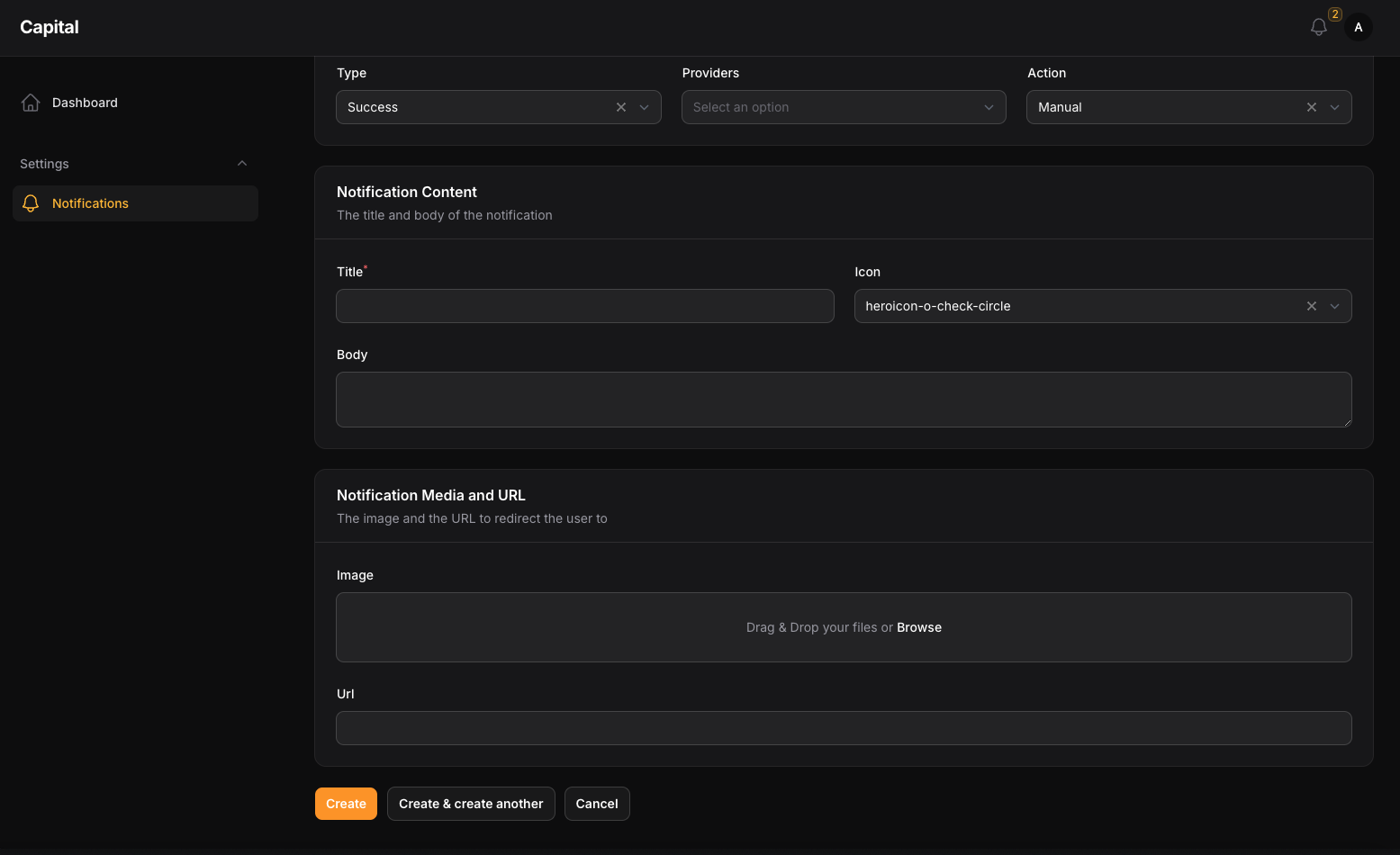
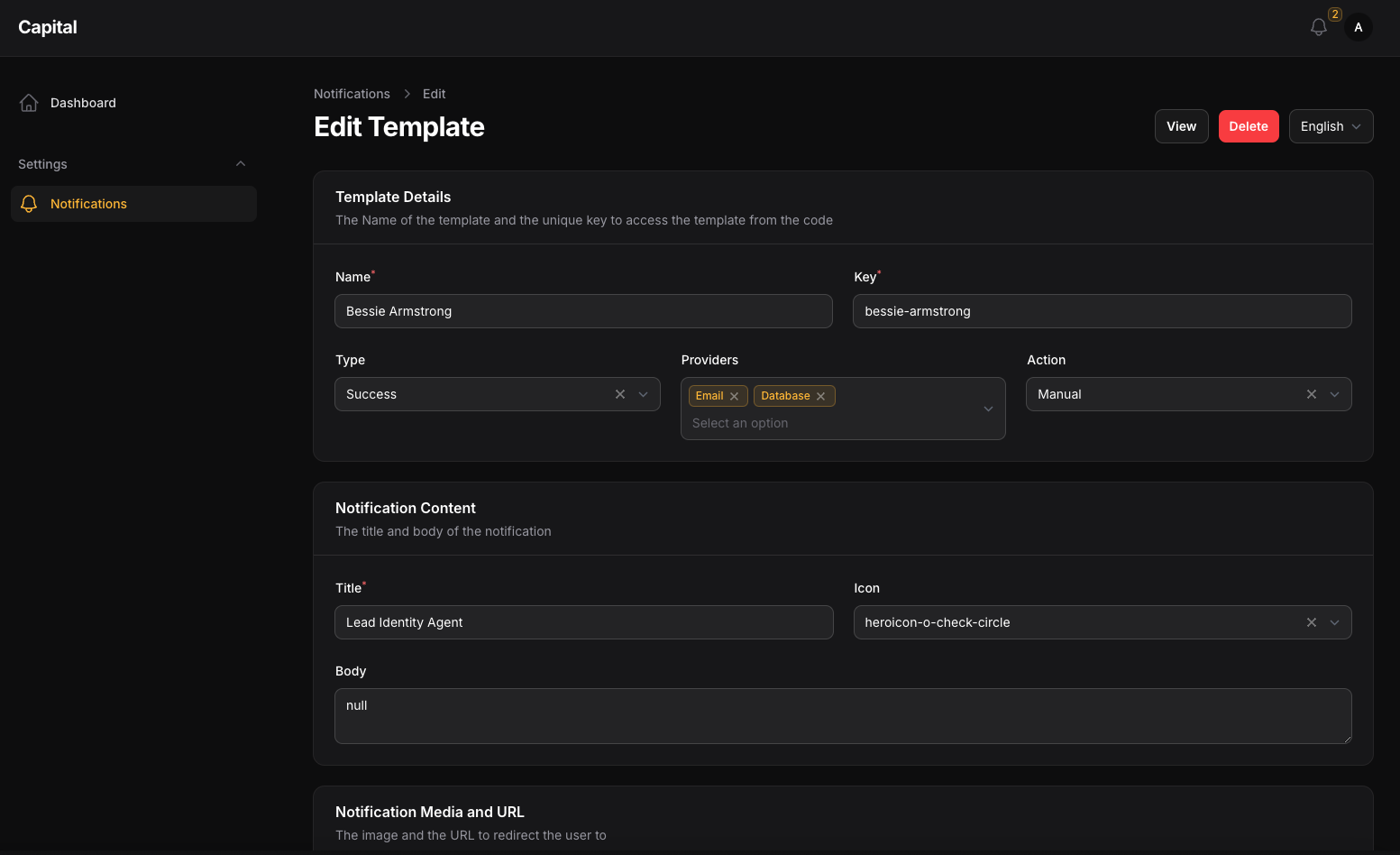
- Use Notification Templates
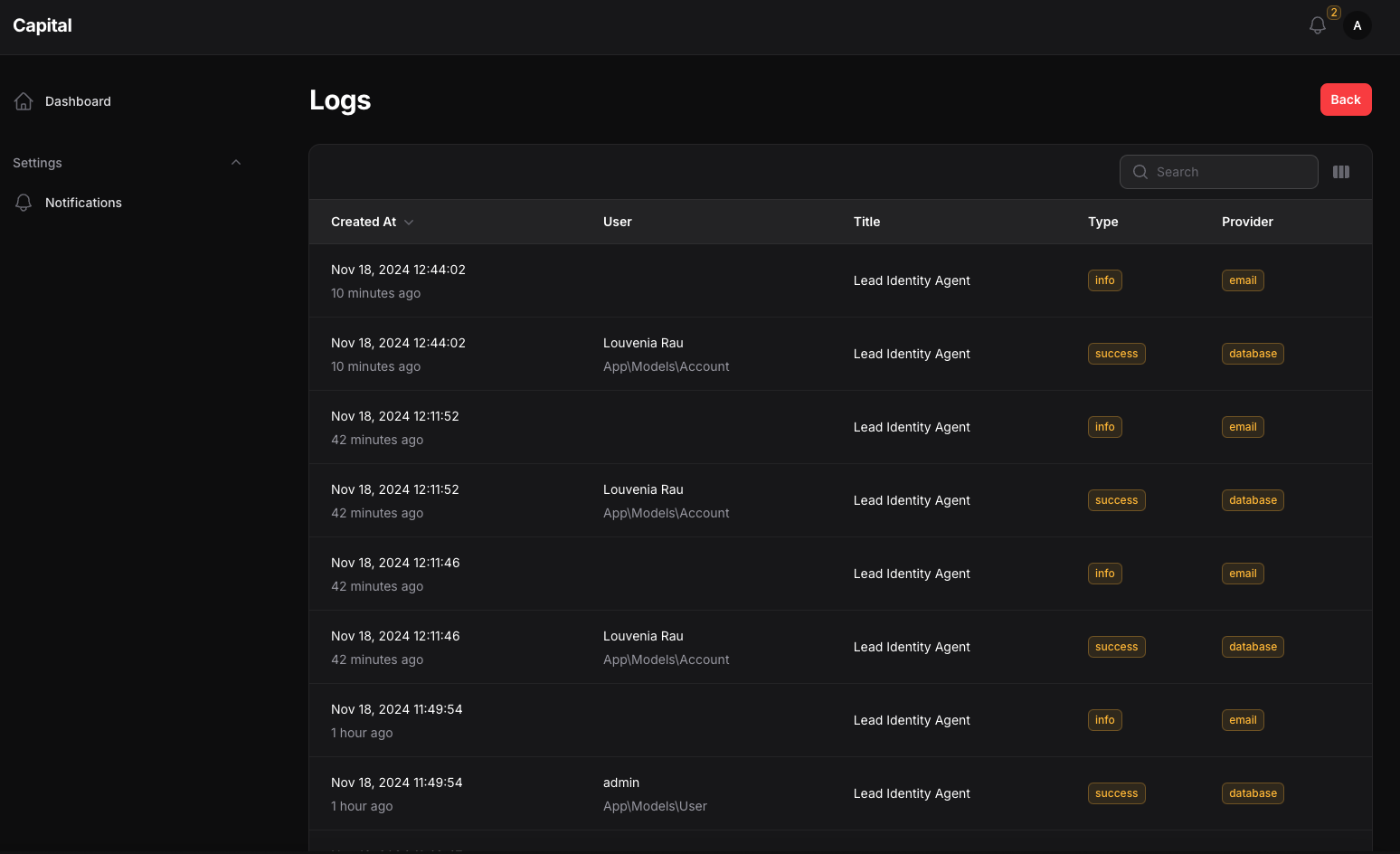
- Notification Logs
- Use Multiple Notification Channels
- Hide Notifications Resources
- Use Database Driver
- Use Email Driver
- Custom Driver Register
- Custom Type Register
- Custom Action Register
- Multi Users Register
- Register Notification Templates
#Screenshots
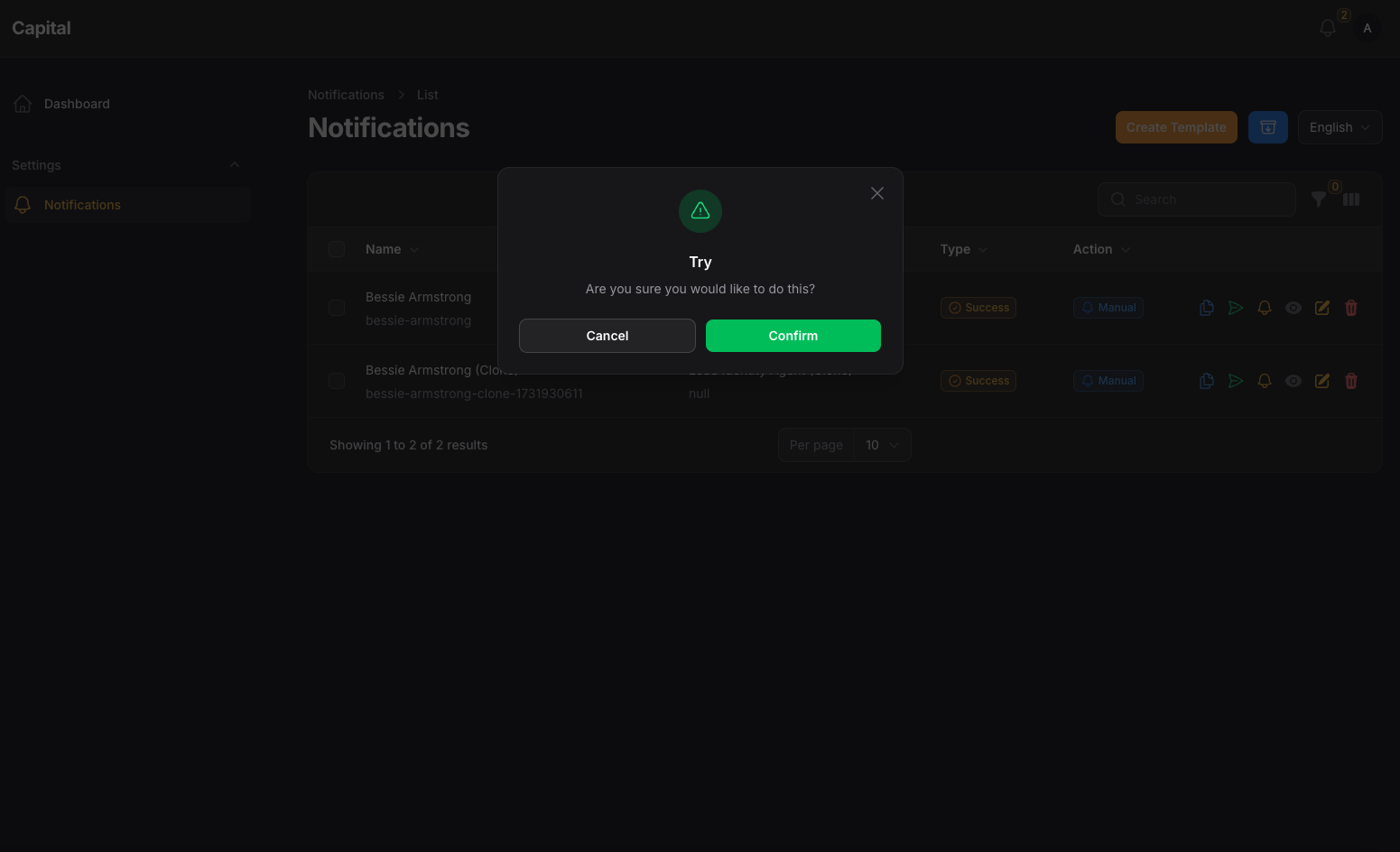
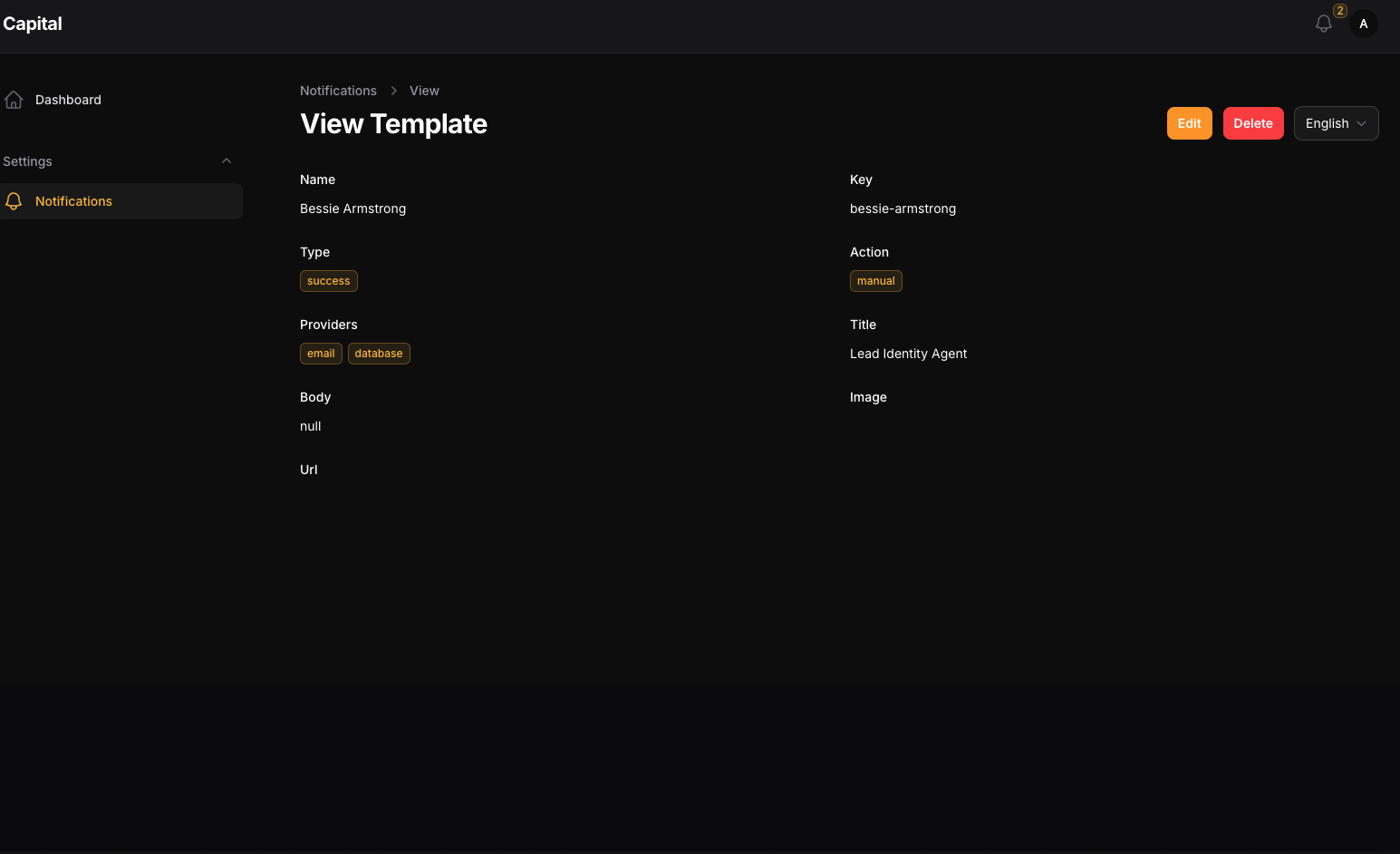
#Drivers
we have ready to use drivers for the Filament Alerts you can check
#Installation
composer require tomatophp/filament-alerts
after install your package please run this command
php artisan filament-alerts:install
if you are not using this package as a plugin please register the plugin on /app/Providers/Filament/AdminPanelProvider.php
->plugin(\TomatoPHP\FilamentAlerts\FilamentAlertsPlugin::make()
)
#Usage
to set up any model to get notifications you
<?php

namespace App\Models;

use Illuminate\Contracts\Auth\MustVerifyEmail;
use Illuminate\Database\Eloquent\Factories\HasFactory;
use Illuminate\Foundation\Auth\User as Authenticatable;
use Illuminate\Notifications\Notifiable;
use Laravel\Fortify\TwoFactorAuthenticatable;
use Laravel\Jetstream\HasProfilePhoto;
use Laravel\Sanctum\HasApiTokens;
use Spatie\Permission\Traits\HasRoles;
use TomatoPHP\FilamentAlerts\Traits\InteractsWithNotifications;

class User extends Authenticatable
{
    use HasApiTokens;
    use HasFactory;
    use HasProfilePhoto;
    use Notifiable;
    use TwoFactorAuthenticatable;
    use HasRoles;
    use InteractsWithNotifications;
    ...
#Queue
the notification is run on queue, so you must run the queue worker to send the notifications
php artisan queue:work
#Use Filament Native Notification
you can use the filament native notification and we add some macro for you
use Filament\Notifications\Notification;

Notification::make('send')
    ->title('Test Notifications')
    ->body('This is a test notification')
    ->icon('heroicon-o-bell')
    ->color('success')
    ->actions([
        \Filament\Notifications\Actions\Action::make('view')
            ->label('View')
            ->url('https://google.com')
            ->markAsRead()
    ])
    ->sendUse(auth()->user(), \TomatoPHP\FilamentAlerts\Services\Drivers\EmailDriver::class);
#Notification Service
to create a new template you can use template CRUD and make sure that the template key is unique because you will use it on every single notification.
#Send Notification
to send a notification you must use our helper SendNotification::class like
use TomatoPHP\FilamentAlerts\Facades\FilamentAlerts;

FilamentAlerts::notify(User::first())
    ->template($template->id)
    ->title([
        "find-text" => "change with this"
    ])
    ->body([
        "find-text" => "change with this"
    ])
    ->send();
where $template is selected of the template by key or id, and title, body use to select and replace string on the template with custom data
#Notification Channels
you can use multiple notification channels like
- Database
- Discord
- Firebase Cloud Messages
it can be working with direct user methods like
$user->notifyEmail(string $message, ?string $subject = null, ?string $url = null);
$user->notifyDB(string $message, ?string $title=null, ?string $url =null);
#Hide Notifications Resources
to hide the notification resources from the sidebar you can use the plugin method hideNotificationsResources like
->plugin(\TomatoPHP\FilamentAlerts\FilamentAlertsPlugin::make()
    ->hideNotificationsResources()
)
#Use Email Settings
we have build a Email settings to change your SMTP settings direct from GUI to allow this feature just add this method to the plugin
->plugin(\TomatoPHP\FilamentAlerts\FilamentAlertsPlugin::make()
    ->useSettingsHub()
)
#Add Custom Driver
you can add a custom driver follow up Driver abstract class like this
<?php

namespace TomatoPHP\FilamentAlerts\Services\Drivers;

use Filament\Notifications\Notification;
use TomatoPHP\FilamentAlerts\Jobs\NotifyDatabaseJob;

class DatabaseDriver extends Driver
{
    public function setup(): void
    {
        // TODO: Implement setup() method.
    }

    public function sendIt(
        string $title,
        string $model,
        int | string | null $modelId = null,
        ?string $body = null,
        ?string $url = null,
        ?string $icon = null,
        ?string $image = null,
        ?string $type = 'info',
        ?string $action = 'system',
        ?array $data = [],
        ?int $template_id = null,
        ?Notification $notification = null
    ): void {
        if ($modelId) {
            dispatch(new NotifyDatabaseJob([
                'model_type' => $model,
                'modelId' => $modelId,
                'title' => $title,
                'body' => $body,
                'url' => $url,
                'icon' => $icon,
                'type' => $type,
                'action' => $action,
                'data' => $data,
                'template_id' => $template_id,
            ]));
        } else {
            foreach ($model::all() as $user) {
                dispatch(new NotifyDatabaseJob([
                    'model_type' => $model,
                    'modelId' => $user->id,
                    'title' => $title,
                    'body' => $body,
                    'url' => $url,
                    'icon' => $icon,
                    'type' => $type,
                    'action' => $action,
                    'data' => $data,
                    'template_id' => $template_id,
                ]));
            }
        }

    }
}
then just use the facade service method in your service provider boot()
use TomatoPHP\FilamentAlerts\Facades\FilamentAlerts;

public function boot() {
    FilamentAlerts::register(
        \TomatoPHP\FilamentAlerts\Services\Concerns\NotificationDriver::make('database')
            ->label('Database')
            ->color('primary')
            ->icon('heroicon-o-bell')
            ->driver(\TomatoPHP\FilamentAlerts\Services\Drivers\DatabaseDriver::class)
    );
}
#Register Custom Type
you can add a custom type using facade service method in your service provider boot()
use TomatoPHP\FilamentAlerts\Facades\FilamentAlerts;

public function boot() {
    FilamentAlerts::register(
        \TomatoPHP\FilamentAlerts\Services\Concerns\NotificationType::make('system')
            ->label('System')
            ->color('primary')
            ->icon('heroicon-o-bell')
    );
}
#Register Custom Action
you can add a custom action using facade service method in your service provider boot()
use TomatoPHP\FilamentAlerts\Facades\FilamentAlerts;

public function boot() {
    FilamentAlerts::register(
        \TomatoPHP\FilamentAlerts\Services\Concerns\NotificationAction::make('system')
            ->label('System')
            ->color('primary')
            ->icon('heroicon-o-bell')
    );
}
#Register Custom User Type
you can add a custom user type using facade service method in your service provider boot()
use TomatoPHP\FilamentAlerts\Facades\FilamentAlerts;

public function boot() {
    FilamentAlerts::register(
        \TomatoPHP\FilamentAlerts\Services\Concerns\NotificationUser::make(User::class)
            ->label('User')
            ->color('primary')
            ->icon('heroicon-o-bell')
    );
}
#User Alerts Resource Hooks
we have add a lot of hooks to make it easy to attach actions, columns, filters, etc
#Table Columns
use TomatoPHP\FilamentAlerts\Filament\Resources\NotificationsTemplateResource\Table\NotificationsTemplateTable;

public function boot()
{
    NotificationsTemplateTable::register([
        \Filament\Tables\Columns\TextColumn::make('something')
    ]);
}
#Table Actions
use TomatoPHP\FilamentAlerts\Filament\Resources\NotificationsTemplateResource\Table\NotificationsTemplateActions;

public function boot()
{
    NotificationsTemplateActions::register([
        \Filament\Tables\Actions\ReplicateAction::make()
    ]);
}
#Table Filters
use TomatoPHP\FilamentAlerts\Filament\Resources\NotificationsTemplateResource\Table\NotificationsTemplateFilters;

public function boot()
{
    NotificationsTemplateFilters::register([
        \Filament\Tables\Filters\SelectFilter::make('something')
    ]);
}
#Table Bulk Actions
use TomatoPHP\FilamentAlerts\Filament\Resources\NotificationsTemplateResource\Table\NotificationsTemplateBulkActions;

public function boot()
{
    NotificationsTemplateBulkActions::register([
        \Filament\Tables\BulkActions\DeleteAction::make()
    ]);
}
#From Components
use TomatoPHP\FilamentAlerts\Filament\Resources\NotificationsTemplateResource\Form\NotificationsTemplateForm;

public function boot()
{
    NotificationsTemplateForm::register([
        \Filament\Forms\Components\TextInput::make('something')
    ]);
}
#Page Actions
use TomatoPHP\FilamentAlerts\Facades\FilamentAlerts;
use TomatoPHP\FilamentAlerts\Filament\Resources\NotificationsTemplateResource\Pages\ListNotificationsTemplates;

public function boot()
{
    FilamentAlerts::registerAction(action: [
        Filament\Actions\Action::make('action')
    ], page: ListNotificationsTemplates::class);
}
#Infolist Entries
use TomatoPHP\FilamentAlerts\Filament\Resources\NotificationsTemplateResource\Infolist\NotificationsTemplateInfoList;

public function boot()
{
    NotificationsTemplateInfoList::register([
       \Filament\Infolists\Components\TextEntry::make('something')
    ]);
}
#Custom Resource Classes
you can customize all resource classes to be any class you want with the same return from the config file
/**
 * ---------------------------------------------
 * Resource Building
 * ---------------------------------------------
 * if you want to use the resource custom class
 */
'resource' => [
    'table' => [
        'class' => \TomatoPHP\FilamentAlerts\Filament\Resources\NotificationsTemplateResource\Table\NotificationsTemplateTable::class,
        'filters' => \TomatoPHP\FilamentAlerts\Filament\Resources\NotificationsTemplateResource\Table\NotificationsTemplateFilters::class,
        'actions' => \TomatoPHP\FilamentAlerts\Filament\Resources\NotificationsTemplateResource\Table\NotificationsTemplateActions::class,
        'header-actions' => \TomatoPHP\FilamentAlerts\Filament\Resources\NotificationsTemplateResource\Table\NotificationsTemplateHeaderActions::class,
        'bulkActions' => \TomatoPHP\FilamentAlerts\Filament\Resources\NotificationsTemplateResource\Table\NotificationsTemplateBulkActions::class,
    ],
    'form' => [
        'class' => \TomatoPHP\FilamentAlerts\Filament\Resources\NotificationsTemplateResource\Form\NotificationsTemplateForm::class,
    ],
    'infolist' => [
        'class' => \TomatoPHP\FilamentAlerts\Filament\Resources\NotificationsTemplateResource\Infolist\NotificationsTemplateInfoList::class,
    ]
]
#Publish Assets
you can publish config file by use this command
php artisan vendor:publish --tag="filament-alerts-config"
you can publish views file by use this command
php artisan vendor:publish --tag="filament-alerts-views"
you can publish languages file by use this command
php artisan vendor:publish --tag="filament-alerts-lang"
you can publish migrations file by use this command
php artisan vendor:publish --tag="filament-alerts-migrations"
#Testing
if you like to run PEST testing just use this command
composer test
#Code Style
if you like to fix the code style just use this command
composer format
#PHPStan
if you like to check the code by PHPStan just use this command
composer analyse
#Other Filament Packages
Checkout our Awesome TomatoPHP
The author
Send notifications to users using notification templates and multi-notification channels
From the same author
Tenancy Multi-database
Tenancy multi-database integration for FilamentPHP
Author:
Fady Mondy
Menu Generator
Menu view generator using view component
Author:
Fady Mondy
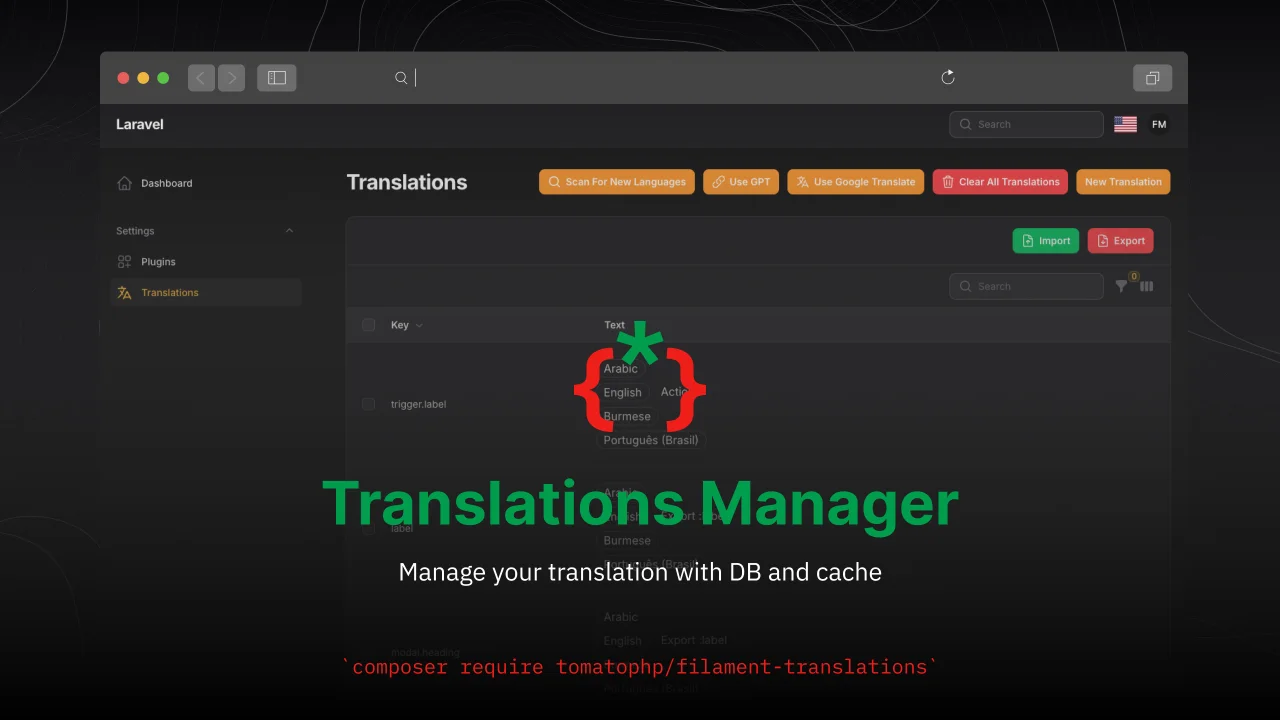
Translations Manager
Manage your translation with DB and cache, you can scan an collect translation strings like `trans()` and `__()`, and translate them using UI
Author:
Fady Mondy
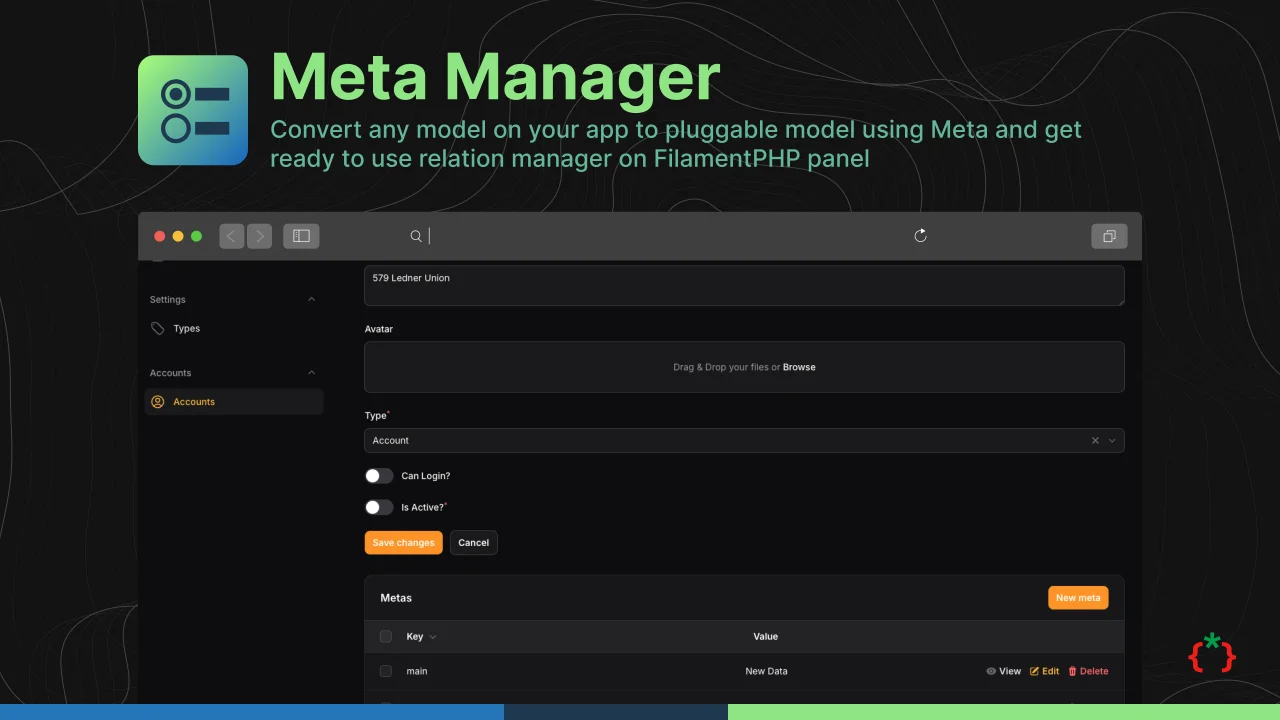
Meta Manager
Convert any model on your app to pluggable model using Meta and get ready to use relation manager on FilamentPHP panel
Author:
Fady Mondy
Featured Plugins
A selection of plugins curated by the Filament team

Custom Dashboards
Let your users build and share their own dashboards with a drag-and-drop interface. Define your data sources in PHP and let them do the rest.
 Filament

Advanced Tables (formerly Filter Sets)
Supercharge your tables with powerful features like user-customizable views, quick filters, multi-column sorting, advanced table searching, convenient view management, and more. Compatible with Resource Panel Tables, Relation Managers, Table Widgets, and Table Builder!
 Kenneth Sese

Spotlight Pro
Browse your Filament Panel with ease. Filament Spotlight Pro adds a Spotlight/Raycast like Command Palette to your Filament Panel.
 Dennis Koch

